Ohio Form Jfs 20127
Description

Get your form ready online
Our built-in tools help you complete, sign, share, and store your documents in one place.
Make edits, fill in missing information, and update formatting in US Legal Forms—just like you would in MS Word.
Download a copy, print it, send it by email, or mail it via USPS—whatever works best for your next step.
Sign and collect signatures with our SignNow integration. Send to multiple recipients, set reminders, and more. Go Premium to unlock E-Sign.
If this form requires notarization, complete it online through a secure video call—no need to meet a notary in person or wait for an appointment.
We protect your documents and personal data by following strict security and privacy standards.

Make edits, fill in missing information, and update formatting in US Legal Forms—just like you would in MS Word.

Download a copy, print it, send it by email, or mail it via USPS—whatever works best for your next step.

Sign and collect signatures with our SignNow integration. Send to multiple recipients, set reminders, and more. Go Premium to unlock E-Sign.

If this form requires notarization, complete it online through a secure video call—no need to meet a notary in person or wait for an appointment.

We protect your documents and personal data by following strict security and privacy standards.
Looking for another form?


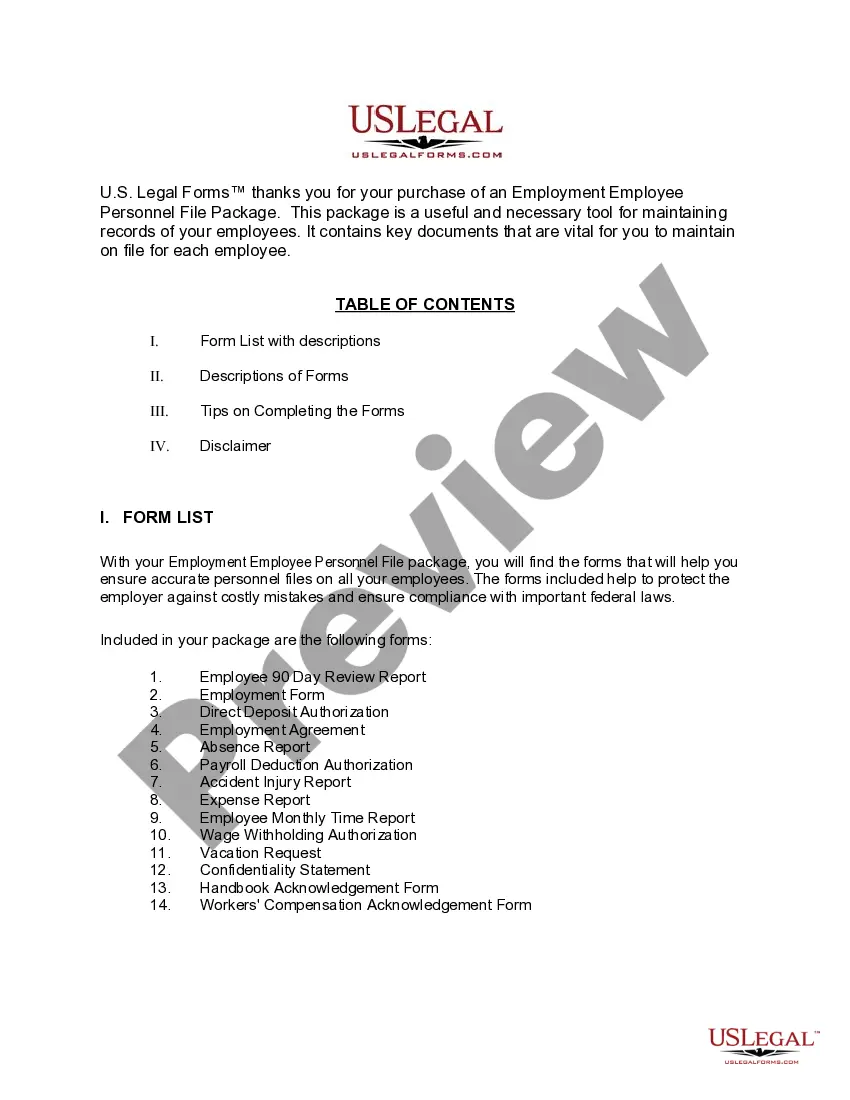
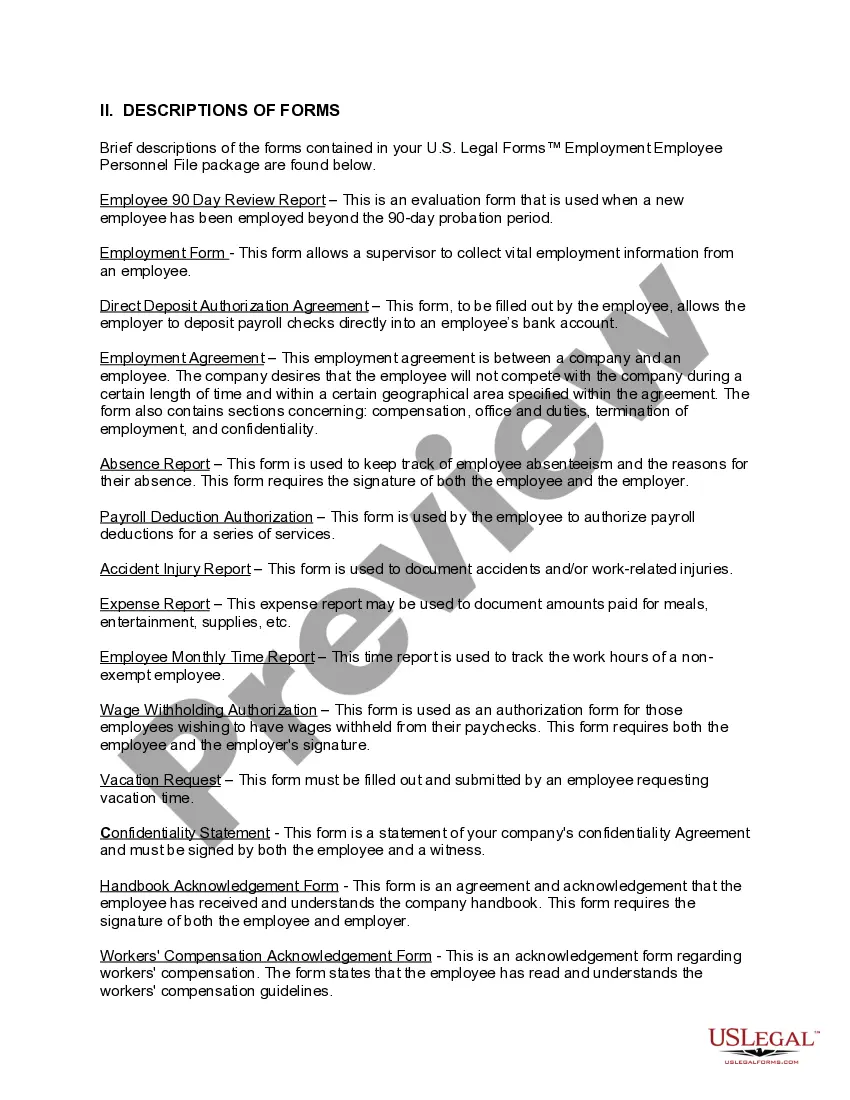
How to fill out Ohio Employment Employee Personnel File Package?
Handling legal documents and processes can be a labor-intensive addition to your schedule.
Ohio Form Jfs 20127 and similar forms frequently necessitate searching for them and figuring out the optimal way to fill them out correctly.
Therefore, if you are managing financial, legal, or personal issues, possessing a detailed and functional online directory of forms readily available will greatly assist you.
US Legal Forms is the premier online platform for legal templates, featuring over 85,000 state-specific forms and a variety of tools to help you complete your documents effortlessly.
Is this your first time utilizing US Legal Forms? Sign up and establish your account in a matter of minutes to access the form directory and Ohio Form Jfs 20127. Then, follow these instructions to fill out your form.
- Browse the collection of pertinent documents accessible with just one click.
- US Legal Forms provides you with state- and county-specific forms available for download at any moment.
- Protect your document management processes using a high-quality service that allows you to create any form within minutes without incurring extra or hidden fees.
- Just Log In to your account, locate Ohio Form Jfs 20127, and download it instantly in the My documents section.
- You can also retrieve forms that you previously downloaded.
Form popularity
FAQ
Applying online is the quickest way to start receiving unemployment benefits. To apply online, go to unemployment.ohio.gov and follow the steps listed in the ?Step-By-Step Guide? section below. If you don't have access to a computer, you can apply by phone by calling 877-644-6562.
When can benefit payments be denied? Voluntarily leaving work without good cause. ... Being discharged for misconduct connected with work. ... Not being able to work or available for work. ... Refusing an offer of suitable work. Knowingly making false statements to obtain benefit payments.
How to Upload Documents in the Ohio Benefits Self Service Portal YouTube Start of suggested clip End of suggested clip Click choose file to upload your document. And then click upload. If you have any questions onMoreClick choose file to upload your document. And then click upload. If you have any questions on navigating or using the SSP. Please call 1-844-640-ohio 6446.
Below are reasons why you may not be eligible for Unemployment benefits: You received benefits for 26 weeks during your current benefit year (your benefit year may not be the same as your calendar year) Your are on Family Medical Leave Act (FMLA) -- employees on FMLA through their employer are not unemployed.
When Should You Apply for Unemployment? File for unemployment as soon as you become unemployed. This is true even if you are subject to a waiting week or receiving severance pay from your employer.