Minnesota Name Change Instructions and Forms Package for an Adult
Note: This summary is not intended to be an all inclusive discussion of the law applicable to actions for change of name in Minnesota, but does include basic and other provisions.
Name Change Action Allowed: In Minnesota, a person may change their name by filing an action in the District Court with appropriate forms.
Who is an adult? A person who has attained the age of 18 years is considered an adult.
Who is a minor? A person who has not attained the age of 18 years is considered a minor.
Is there any reason why a person might not be allowed to change his or her name? Yes. The court will deny the petition if it determines that the application was filed with the intent to defraud or mislead. A person is not allowed to change their name in order to avoid judgments or legal actions against him or her, or to avoid debts and obligations. A person can not change their name to defraud any person.
Is there any reason why a petitioner might not be allowed to change the name of a minor? Yes. The court must find that the requested name change is consistent with the public interest. If an objection to the proposed name change is presented by a parent or guardian, the court may consider the objection and deny the application or grant the Petition if it is found to be in the best interest of the child. A person is not allowed to change the name of a minor in order to avoid judgments or legal actions against the minor, or to avoid the minor's debts and obligations. A person can not change the name of a minor to defraud any person.
Must the child agree to the name change? No, but the court may consider the wishes of a child old enough to express their wishes in considering whether to grant the Petition.
Must the parent(s) of the minor agree to the name change? No, but the parents, and legal guardian, if any, will have an opportunity to respond to the petition after they are given notice that it is pending. In fact, the minor's name may not be changed if the Court determines that notice to the parent(s) is practicable and notice is not given by the Petitioner.
Following receipt of the parent's response or upon expiration of the time for their response, the district court may conduct a hearing at which time all interested parties may present evidence for determination of whether the name change is in the best interest of the child. But, even if a parent or legal guardian object to the name change, the court may still grant the petition if it finds that the name change is in the best interest of the minor.
Requirements for Name Change Order: The request for change of name will be granted unless the court determines that there is an intent on the part of the Petitioner to defraud or mislead.
Is Publication of a Notice Required? No.
Can individuals object to my Petition for Name Change? Yes. Any reasonable objections made to the court providing information that would lead the court to find that the applicant filed the Petition with the intent to defraud or mislead would be heard by the Court.
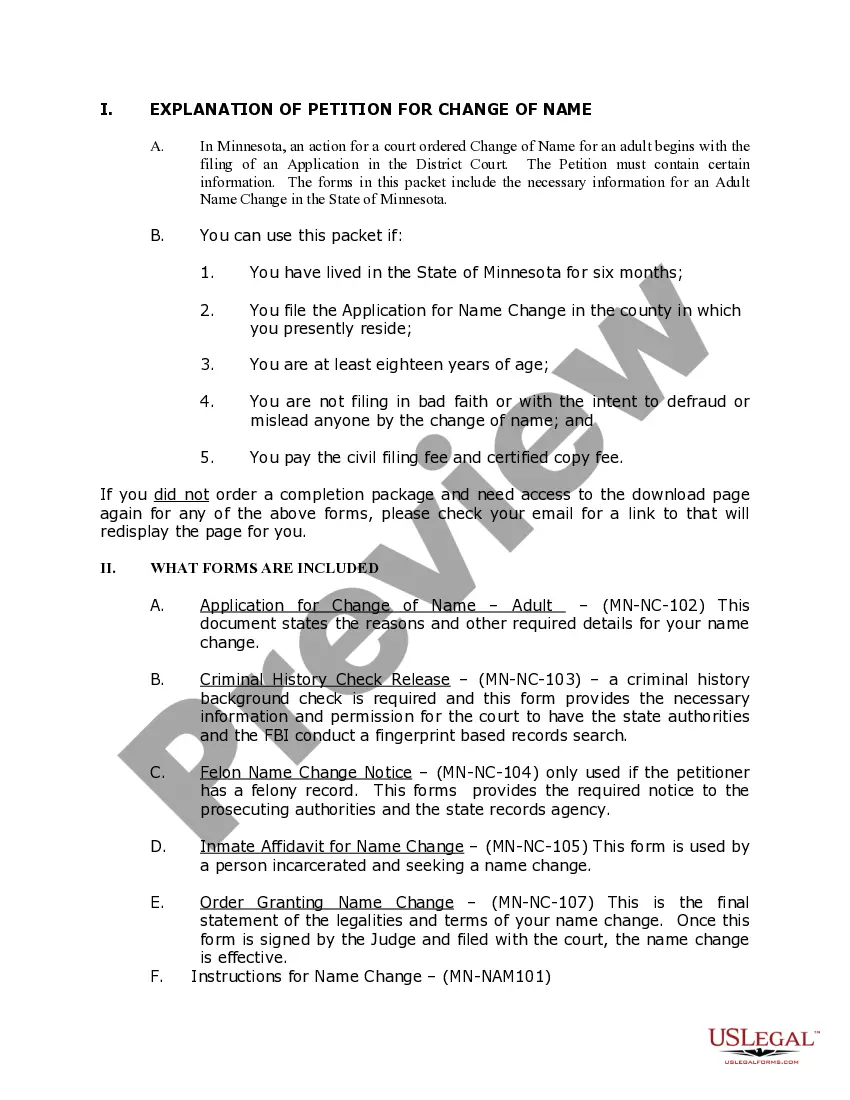
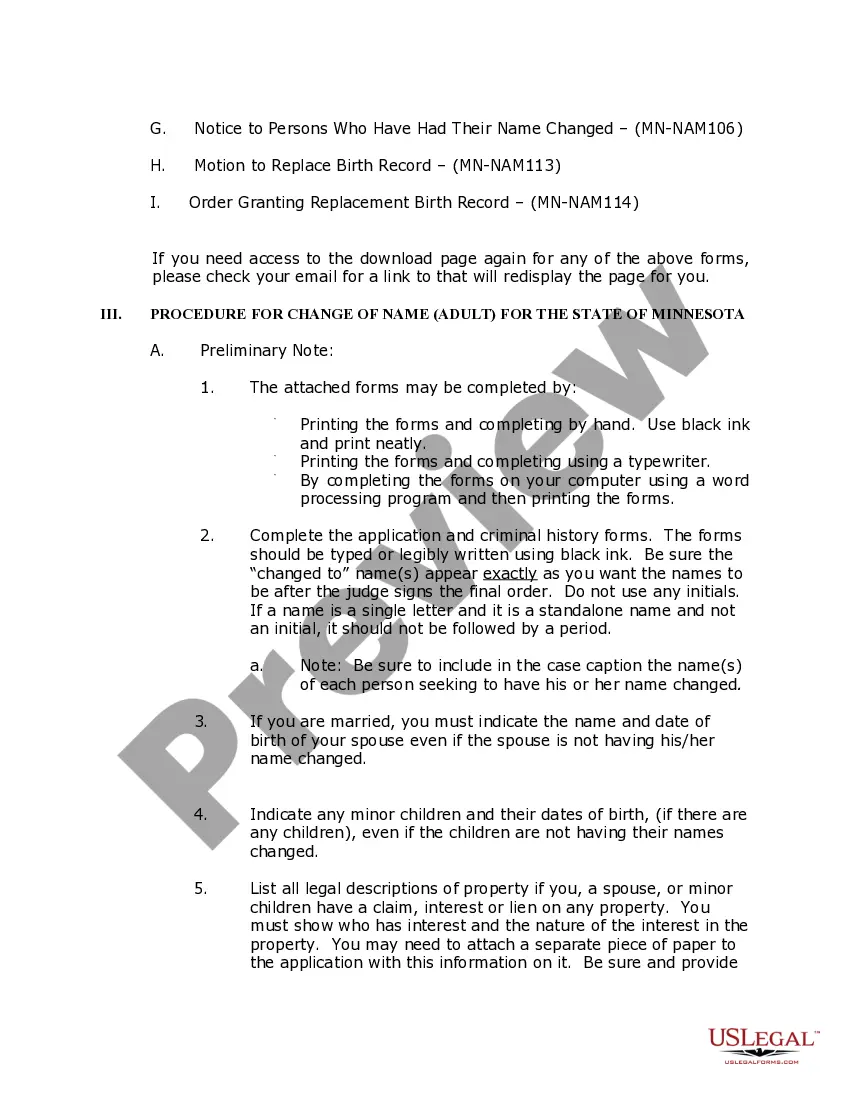
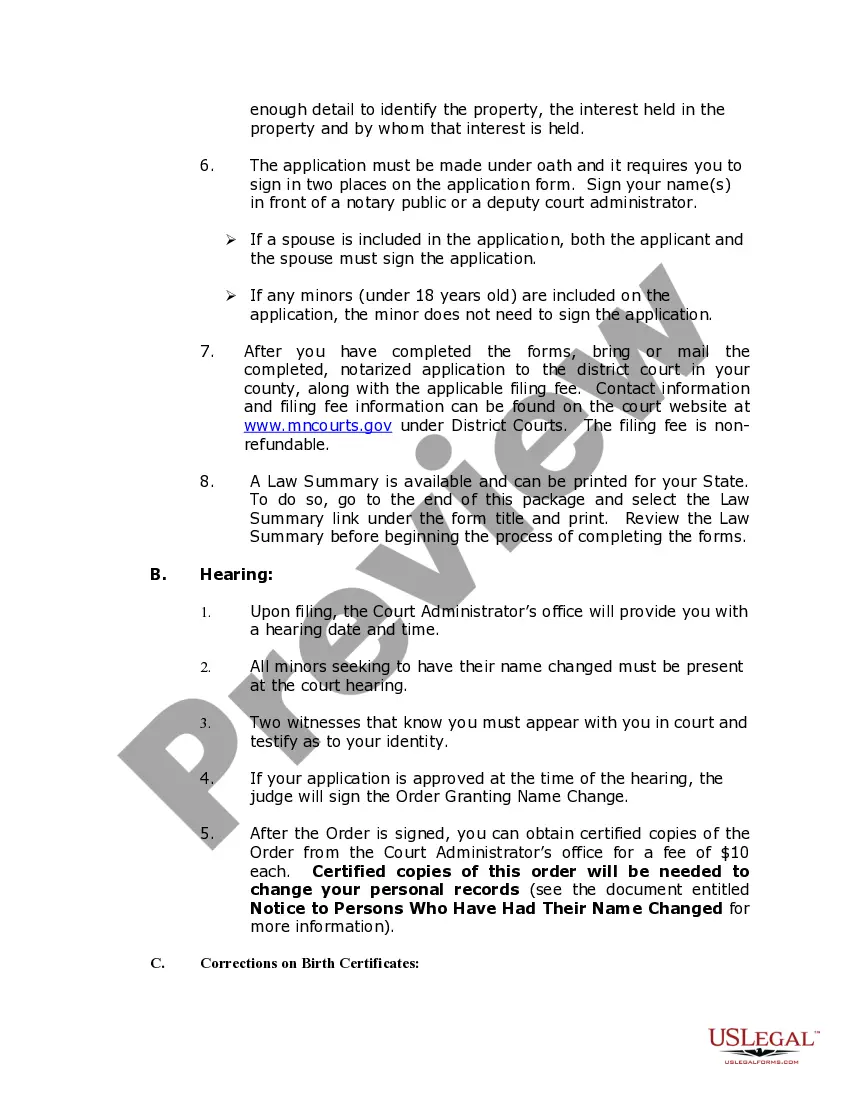
Procedures: The process for obtaining a name change for an adult in the State of Minnesota begins with the filing of a Petition with the District Court in the county in which Petitioner resides. The Petition informs the Court of the Petitioner's name, the name the Petitioner wishes to adopt, personal information required by statute, and the reasons for the requested change of name.
The Petition is granted by the court unless the court determines that the petition is filed with the intent to defraud or mislead.
Additional Information and Instructions
Statutes:
General requirements:
Subdivision 1. Procedure.
A person who shall have resided in this state for six months may apply to the district court in the county where the person resides to change the person's name, the names of minor children, if any, and the name of a spouse, if the spouse joins in the application, in the manner herein specified. The person shall state in the application the name and age of the spouse and each of the children, if any, and shall describe all lands in the state in or upon which the person, the children and the spouse if their names are also to be changed by the application, claim any interest or lien, and shall appear personally before the court and prove identity by at least two witnesses. If the person be a minor, the application shall be made by the person's guardian or next of kin. The court shall accept the certificate of dissolution prepared pursuant to section 518.148 as conclusive evidence of the facts recited in the certificate and may not require the person to provide the court a copy of the judgment and decree of dissolution. Every person who, with intent to defraud, shall make a false statement in any such application shall be guilty of a misdemeanor provided, however, that no minor child's name may be changed without both parents having notice of the pending of the application for change of name, whenever practicable, as determined by the court.
Subdivision 2. Witness and victim protection name changes; private data.
If the court determines that the name change for an individual is made in connection with the individual's participation in a witness and victim protection program, the court shall order that the court records of the name change are not accessible to the public; except that they may be released, upon request, to a law enforcement agency, probation officer, or corrections agent conducting a lawful investigation. The existence of an application for a name change described in this subdivision may not be disclosed except to a law enforcement agency conducting a lawful investigation. Minnesota Statutes, Public Welfare and Related Activities, Chapter 259 Change of Name, Adoption, Sec.259.10.
Order; filing copies:
(a) Upon meeting the requirements of section 259.10, the court shall grant the application unless: (1) it finds that there is an intent to defraud or mislead; (2) section 259.13 prohibits granting the name change; or (3) in the case of the change of a minor child's name, the court finds that such name change is not in the best interests of the child. The court shall set forth in the order the name and age of the applicant's spouse and each child of the applicant, if any, and shall state a description of the lands, if any, in which the applicant and the spouse and children, if any, claim to have an interest. The court administrator shall file such order, and record the same in the judgment book. If lands be described therein, a certified copy of the order shall be filed for record, by the applicant, with the county recorder of each county wherein any of the same are situated. Before doing so the court administrator shall present the same to the county auditor who shall enter the change of name in the auditor's official records and note upon the instrument, over an official signature, the words change of name recorded. Any such order shall not be filed, nor any certified copy thereof be issued, until the applicant shall have paid to the county recorder and court administrator the fee required by law. No application shall be denied on the basis of the marital status of the applicant.
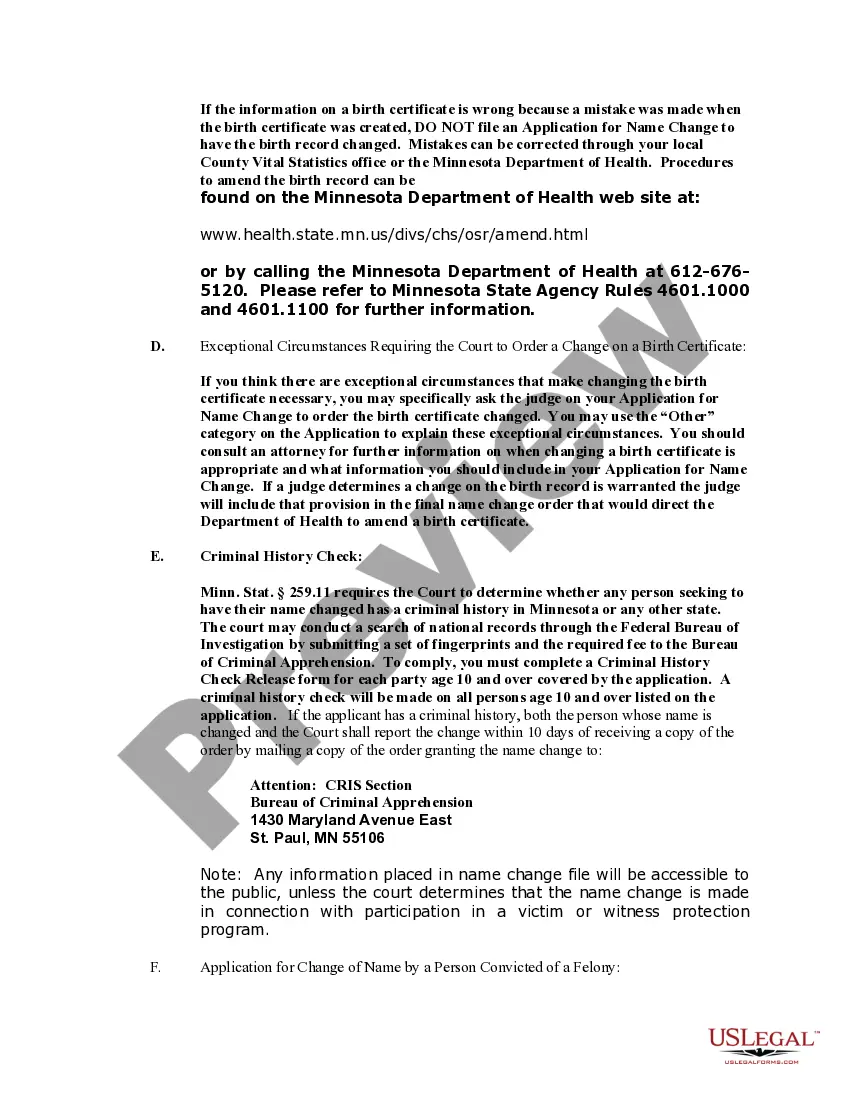
(b) When a person applies for a name change, the court shall determine whether the person has a criminal history in this or any other state. The court may conduct a search of national records through the Federal Bureau of Investigation by submitting a set of fingerprints and the appropriate fee to the Bureau of Criminal Apprehension. If it is determined that the person has a criminal history in this or any other state, the court shall, within ten days after the name change application is granted, report the name change to the Bureau of Criminal Apprehension. The person whose name is changed shall also report the change to the Bureau of Criminal Apprehension within ten days. The court granting the name change application must explain this reporting duty in its order. Any person required to report the person's name change to the Bureau of Criminal Apprehension who fails to report the name change as required under this paragraph is guilty of a gross misdemeanor.
(c) Paragraph (b) does not apply to either:
(1) a request for a name change as part of an application for a marriage license under section 517.08; or
(2) a request for a name change in conjunction with a marriage dissolution under section 518.27.
259.115 Criminal Penalties
A person who has a felony conviction under Minnesota law or the law of another state or federal jurisdiction and who does any of the following is guilty of a gross misdemeanor:
(1) upon marriage, uses a different surname from that used before marriage without complying with section 259.13;
(2) upon marriage dissolution or legal separation, uses a different surname from that used during marriage without complying with section 259.13; or
(3) with the intent to defraud or mislead, or to cause injury to or harass another, uses a different name without complying with section 259.13.
Correctional inmates; name changes; limited:
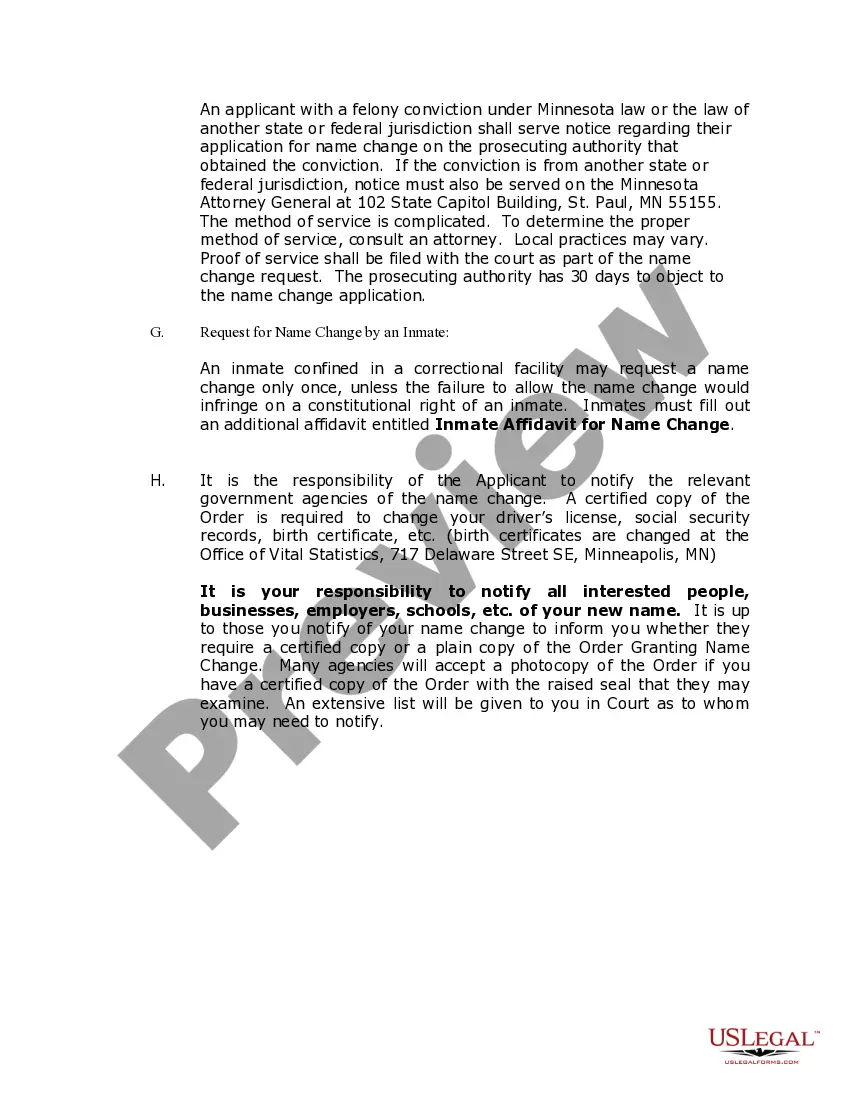
During an inmate's confinement in a correctional facility, as defined in section 241.021, subdivision 1, paragraph (f), an inmate may request a name change under section 259.10 only once and may proceed in forma pauperis only when the failure to allow the name change would infringe on a constitutional right of an inmate. Minnesota Statutes, Public Welfare and Related Activities, Chapter 259 Change of Name, Adoption, Sec.259.12.
259.13 Persons with felony conviction; name changes.
Subdivision 1. Procedure for seeking name change. (a) A person with a felony conviction under Minnesota law or the law of another state or federal jurisdiction shall serve a notice of application for a name change on the prosecuting authority that obtained the conviction against the person when seeking a name change through one of the following procedures:
(1) an application for a name change under section 259.10;
(2) a request for a name change as part of an application for a marriage license under section 517.08; or
(3) a request for a name change in conjunction with a marriage dissolution under section 518.27.
If the conviction is from another state or federal jurisdiction, notice of application must also be served on the attorney general.
(b) A person who seeks a name change under section 259.10 or 518.27 shall file proof of service with the court as part of the name change request. A person who seeks a name change under section 517.08 shall file proof of service with the county as part of the application for a marriage license.
(c) The name change request may not be granted during the 30-day period provided for in subdivision 2 or, if an objection is filed under subdivision 2, until satisfaction of the requirements in subdivision 3 or 4. Nothing in this section shall delay the granting of a marriage license under section 517.08, which may be granted without the name change.
Subd. 2. Objection by prosecuting authority. At any time within 30 days from the date of service of the notice of application for a name change under this section, the prosecuting authority or the attorney general may file an objection to the application for a name change. The objection may be made on the basis that the request aims to defraud or mislead, is not made in good faith, will cause injury to a person, or will compromise public safety. If an objection to the application for a name change is filed within this time period, the court may not grant the name change request, and the county may not allow the name change as part of a marriage license.
Subd. 3. Motion to grant name change request. A person who seeks a name change may contest the prosecuting authority's or attorney general's objection by filing a motion with the court for an order permitting the requested name change. Except as provided in subdivision 4, no name change shall be granted unless the person requesting it proves by clear and convincing evidence that the request is not based upon an intent to defraud or mislead, is made in good faith, will not cause injury to a person, and will not compromise public safety.
Subd. 4. Constitutional right to name change. The court shall grant a name change if failure to allow it would infringe on a constitutional right of the person.
Subd. 5. Costs. A person seeking a name change under this section may proceed in forma pauperis only when the failure to allow the name change would infringe upon a constitutional right.
Subd. 6. Criminal penalty. A person who knowingly violates this section is guilty of a gross misdemeanor.
Other Name Change References
Name of party:
Except as provided in section 259.13, in the final decree of dissolution or legal separation the court shall, if requested by a party, change the name of that party to another name as the party requests. The court shall grant a request unless it finds that there is an intent to defraud or mislead, unless the name change is subject to section 259.13, in which case the requirements of that section apply. The court shall notify the parties that use of a different surname after dissolution or legal separation without complying with section 259.13, if applicable, is a gross misdemeanor. The party's new name shall be so designated in the final decree. Minnesota Statutes, Domestic Relations, Chapter 518 Marriage, Dissolution, Sec.518.27.
Definitions, continued:
Subdivision 1. Application and scope.The terms defined in the following subdivisions shall have the meanings given them for the purpose of any statute or law of this state now in force, for the purposes of any statute or law hereinafter enacted unless a different meaning is specifically attached to the terms or the context clearly requires different meaning.
Subdivision 2.Minor.Minor means an individual under the age of 18.
Subdivision 3. Adult.Adult means an individual 18 years of age or older.
Subdivision 4.Minority.Minority means with respect to an individual the period of time during which the individual is a minor.
Subdivision 5.Majority.Majority means with respect to an individual the period of time after the individual reaches the age of 18.
Subdivision 6.Legal age or full age.Legal age or full age means 18 years of age or older. Minnesota Statutes, Statutes, Construction, Chapter 645 Interpretation of Statutes, Sec.645.451.