Certificate Insurance Form For Medicare
Description
Get your form ready online
Our built-in tools help you complete, sign, share, and store your documents in one place.
Make edits, fill in missing information, and update formatting in US Legal Forms—just like you would in MS Word.
Download a copy, print it, send it by email, or mail it via USPS—whatever works best for your next step.
Sign and collect signatures with our SignNow integration. Send to multiple recipients, set reminders, and more. Go Premium to unlock E-Sign.
If this form requires notarization, complete it online through a secure video call—no need to meet a notary in person or wait for an appointment.
We protect your documents and personal data by following strict security and privacy standards.

Make edits, fill in missing information, and update formatting in US Legal Forms—just like you would in MS Word.

Download a copy, print it, send it by email, or mail it via USPS—whatever works best for your next step.

Sign and collect signatures with our SignNow integration. Send to multiple recipients, set reminders, and more. Go Premium to unlock E-Sign.

If this form requires notarization, complete it online through a secure video call—no need to meet a notary in person or wait for an appointment.

We protect your documents and personal data by following strict security and privacy standards.
Looking for another form?


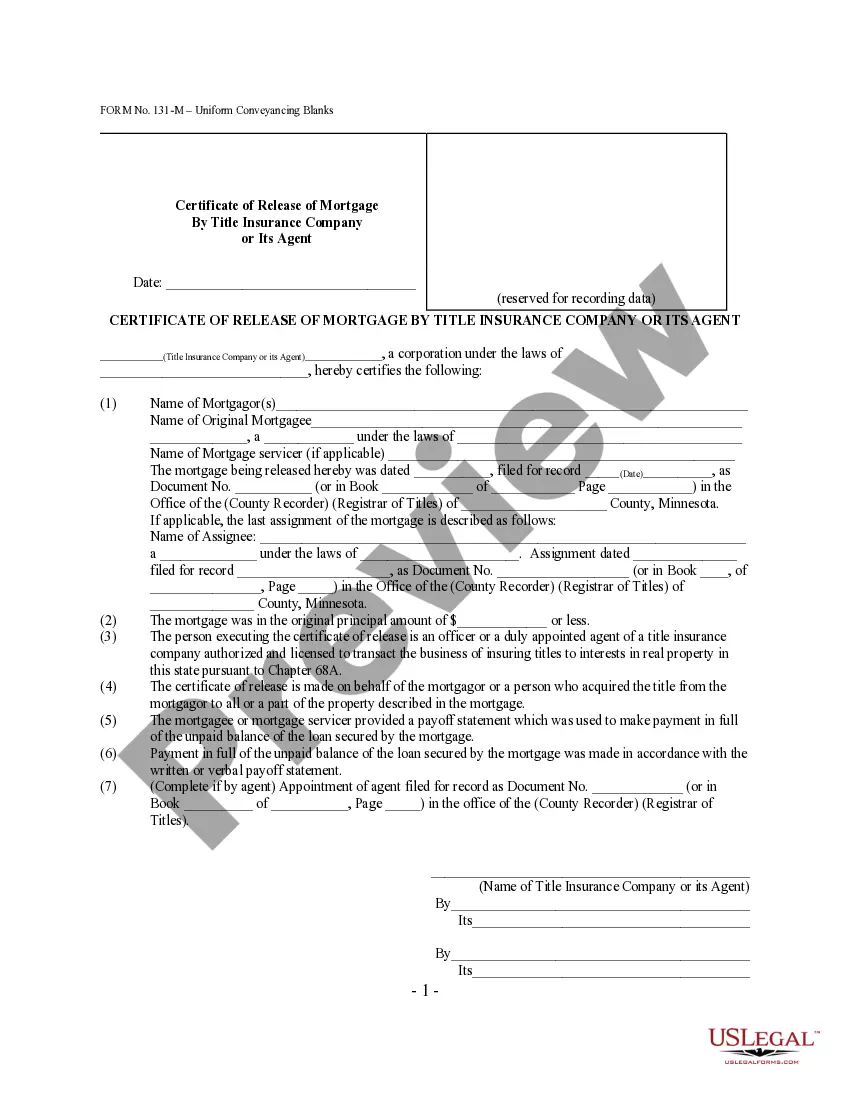
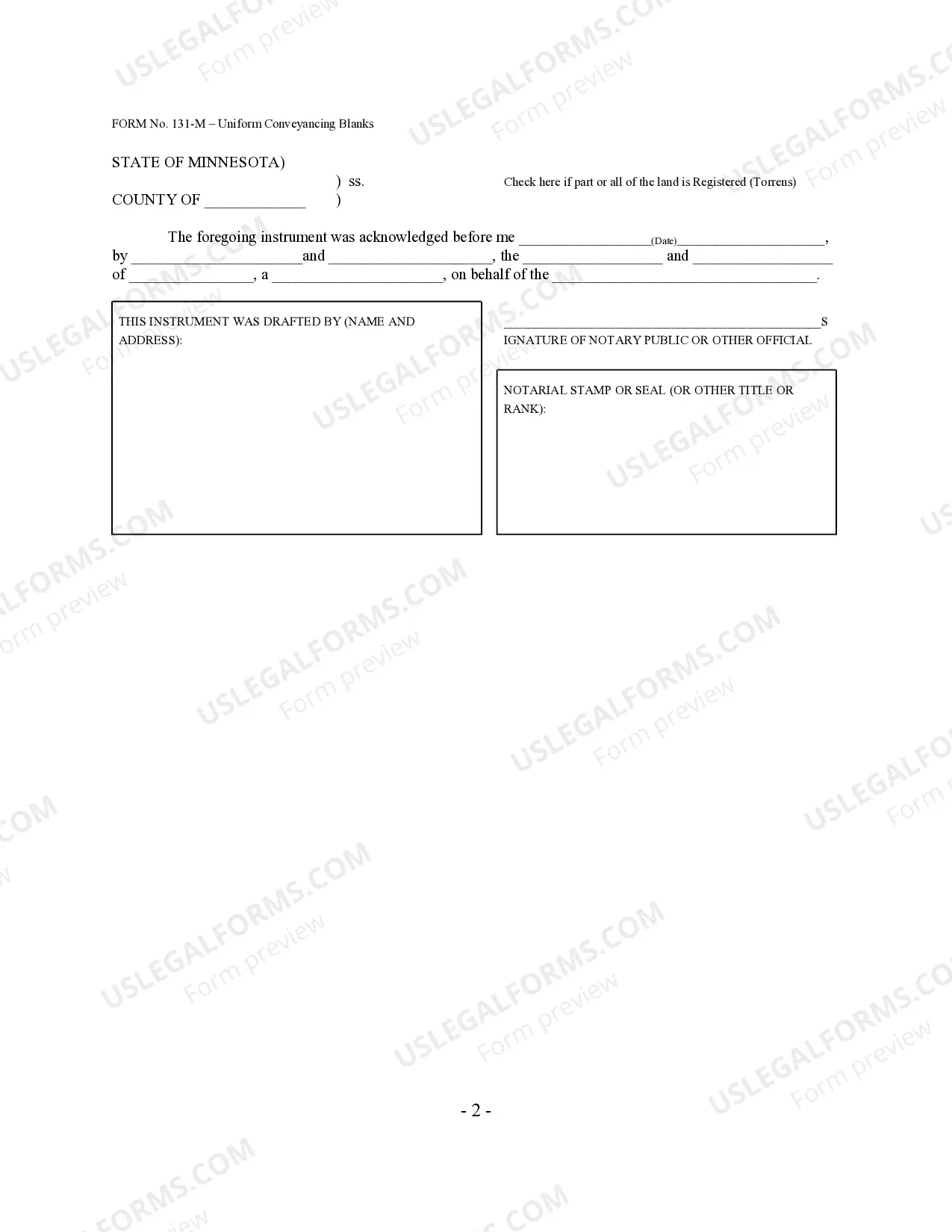
How to fill out Minnesota Certificate Of Full Release Of Mortgage By Title Insurance Company Or Its Agent - Minn. Stat. 507.401 - UCBC Form 20.7.1?
Regardless of whether it's for commercial objectives or personal matters, individuals must handle legal issues at some stage in their lives.
Filling out legal documents demands meticulous care, starting with selecting the suitable form template.
Once downloaded, you can fill out the form using editing software or print it out and complete it by hand. With a comprehensive US Legal Forms catalog available, you won't waste time searching for the correct template online. Make use of the library’s intuitive navigation to find the right form for any scenario.
- Acquire the template you require by using the search bar or catalog navigation.
- Review the form’s details to ensure it aligns with your circumstances, state, and county.
- Select the form’s preview to examine it.
- If it’s the wrong form, return to the search function to find the Certificate Insurance Form For Medicare template you need.
- Obtain the file once it fulfills your requirements.
- If you possess a US Legal Forms account, click Log in to access previously saved documents in My documents.
- In case you don’t have an account yet, you can retrieve the form by clicking Buy now.
- Select the appropriate payment option.
- Complete the account registration form.
- Choose your payment method: you can utilize a credit card or PayPal account.
- Select the document format you prefer and download the Certificate Insurance Form For Medicare.
Form popularity
FAQ
CLAIM FORM - PART B. TO BE FILLED IN BY THE HOSPITAL. ... (To be Filled in block letters) a) Name of the hospital: ... f) Registration No. with State Code: g) Phone No. ... b) IP Registration Number: c) Gender: Male. ... f) Date of Admission: D D. ... g) Time: H H. ... h) Date of Discharge: D D. ... j) Type of Admission: Emergency.
How to fill out a CMS-1500 form The type of insurance and the insured's ID number. The patient's full name. The patient's date of birth. The insured's full name, if applicable. The patient's address. The patient's relationship to the insured, if applicable. The insured's address, if applicable. Field reserved for NUCC use.
Table of Contents: Basic Details. Claim Intimation Number. Driver Details at the Time of Accident. Accident details. Vehicle Details. Declaration.
Fill in your name, relation with the insured person (in case of primary dependents like children etc.) Write your address and other relevant details (the details should match the information given in original policy documents). Enter the amount/tax ID etc.
GUIDANCE FOR FILLING CLAIM FORM ? PART A (To be filled in by the insured) DATA ELEMENT. DESCRIPTION. FORMAT. SECTION A - DETAILS OF PRIMARY INSURED. SECTION B - DETAILS OF INSURANCE HISTORY. SECTION C - DETAILS OF INSURED PERSON HOSPITALIZED. SECTION D - DETAILS OF HOSPITALIZATION.