Maryland Birth Certificate Correction Without Birth Certificate
Description
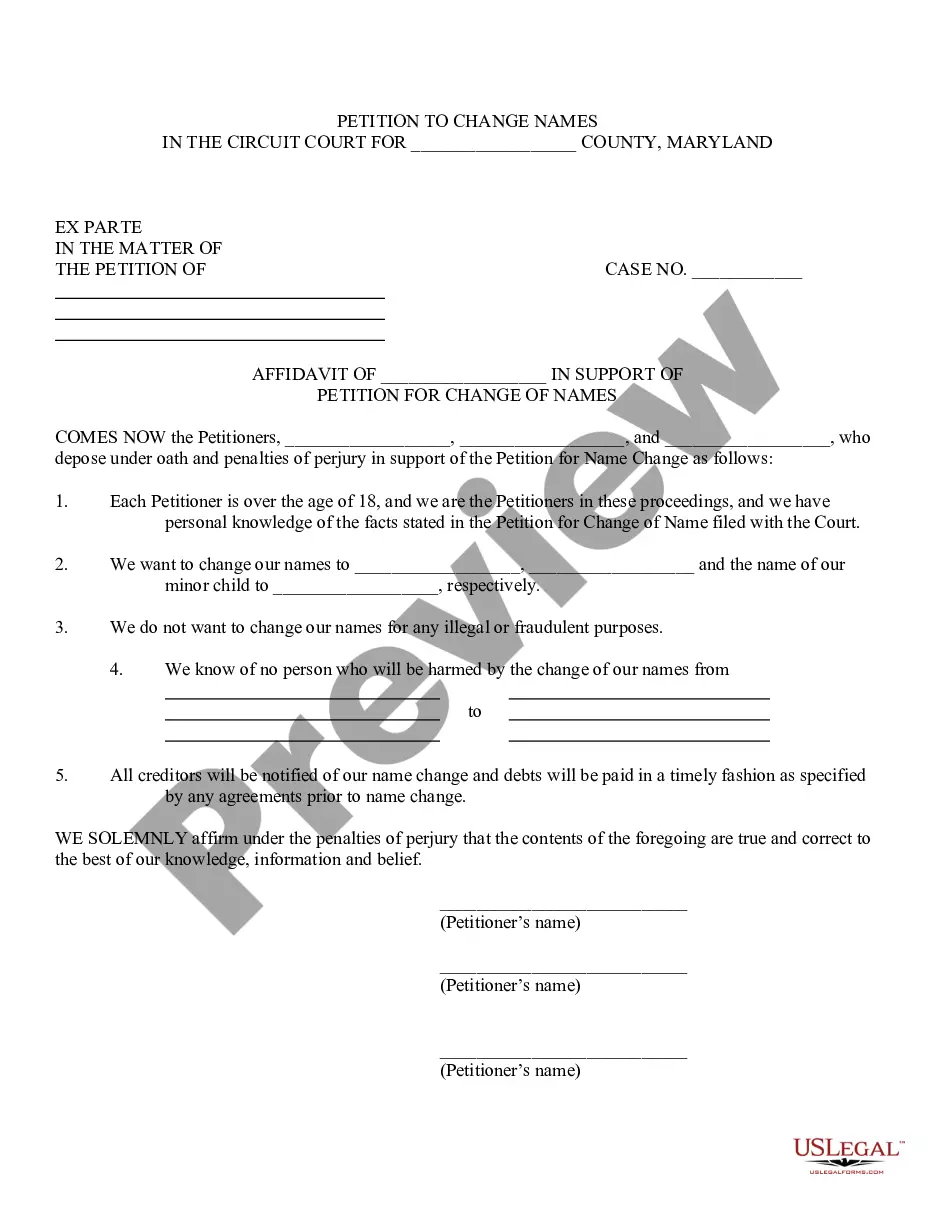
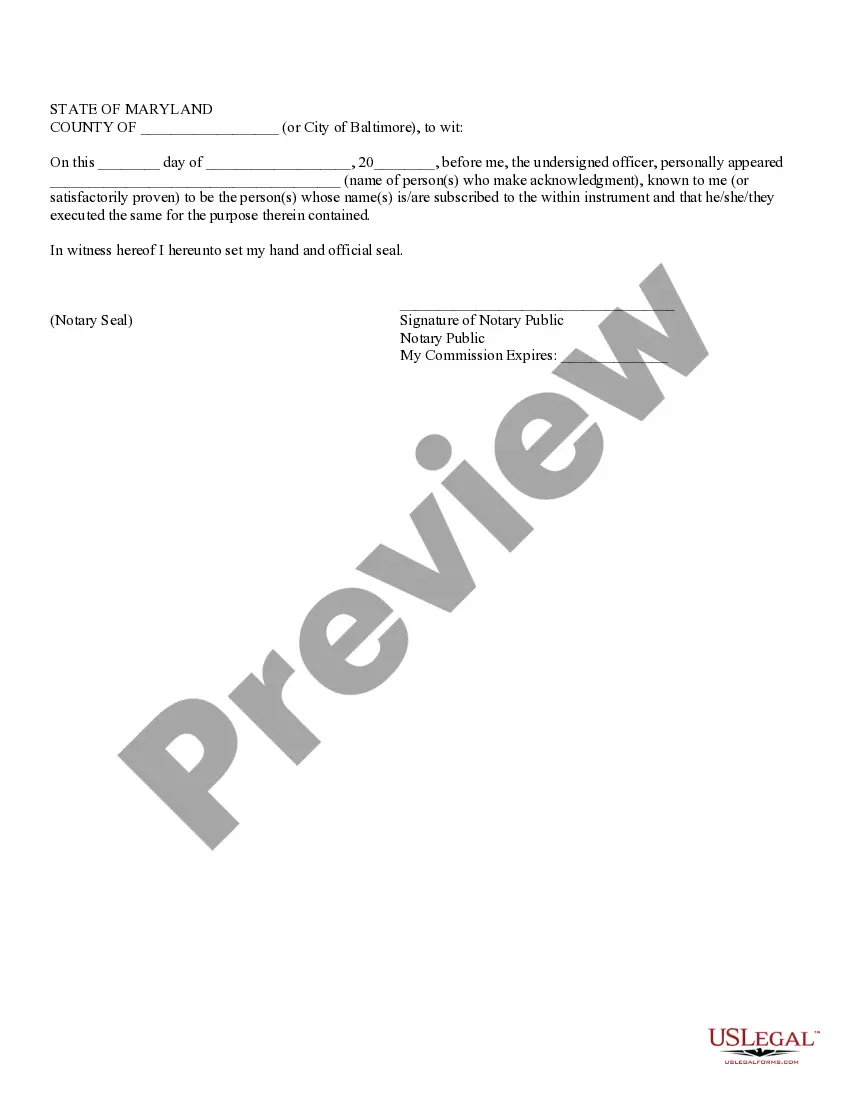
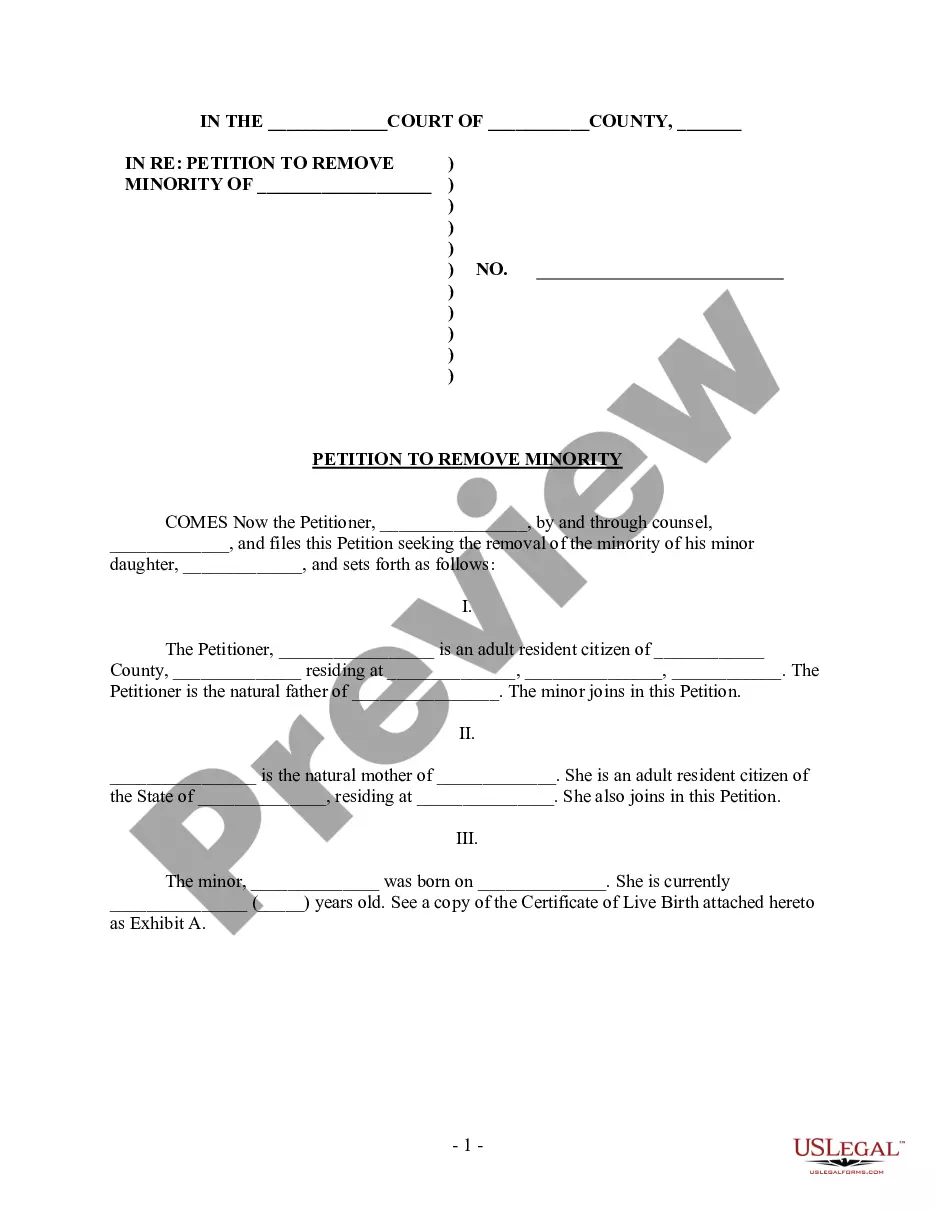
Get your form ready online
Our built-in tools help you complete, sign, share, and store your documents in one place.
Make edits, fill in missing information, and update formatting in US Legal Forms—just like you would in MS Word.
Download a copy, print it, send it by email, or mail it via USPS—whatever works best for your next step.
Sign and collect signatures with our SignNow integration. Send to multiple recipients, set reminders, and more. Go Premium to unlock E-Sign.
If this form requires notarization, complete it online through a secure video call—no need to meet a notary in person or wait for an appointment.
We protect your documents and personal data by following strict security and privacy standards.

Make edits, fill in missing information, and update formatting in US Legal Forms—just like you would in MS Word.

Download a copy, print it, send it by email, or mail it via USPS—whatever works best for your next step.

Sign and collect signatures with our SignNow integration. Send to multiple recipients, set reminders, and more. Go Premium to unlock E-Sign.

If this form requires notarization, complete it online through a secure video call—no need to meet a notary in person or wait for an appointment.

We protect your documents and personal data by following strict security and privacy standards.
Looking for another form?



How to fill out Maryland Affidavit In Support Of Petition For Change Of Names For Family?
Finding a reliable source to obtain the most up-to-date and suitable legal documents is half the battle when dealing with bureaucracy. Selecting the appropriate legal paperwork demands precision and meticulousness, which is why it is essential to acquire examples of Maryland Birth Certificate Amendment Without Birth Certificate solely from trustworthy providers, such as US Legal Forms. An incorrect document will squander your time and prolong your current situation. With US Legal Forms, you have minimal worries. You can view and access all the information regarding the document’s application and significance for your circumstance and in your state or locality.
Follow the outlined steps to complete your Maryland Birth Certificate Amendment Without Birth Certificate.
Once you have the form on your device, you can modify it using the editor or print it out and fill it in by hand. Eliminate the hassle associated with your legal paperwork. Browse the extensive US Legal Forms collection where you can locate legal templates, verify their applicability to your situation, and download them instantly.
- Utilize the catalog navigation or search bar to find your document.
- Review the form’s details to ensure it meets the requirements of your state and locality.
- View the form preview, if available, to confirm that the form is indeed the one you seek.
- Continue your search and find the correct document if the Maryland Birth Certificate Amendment Without Birth Certificate does not meet your needs.
- If you are confident about the form’s applicability, download it.
- If you are a registered user, click Log in to verify and access your selected documents in My documents.
- If you do not yet have an account, click Buy now to purchase the document.
- Select the pricing option that best fits your requirements.
- Proceed to registration to finalize your transaction.
- Complete your purchase by choosing a payment method (credit card or PayPal).
- Select the file format for downloading Maryland Birth Certificate Amendment Without Birth Certificate.
Form popularity
FAQ
To request a change to a birth certificate, you may email the affidavit and associated paperwork to dvr.corrections@maryland.gov and a representative will contact you directly regarding the request and payment options.
Affidavit of Parentage: This action will allow the father's name to be placed on the birth certificate. You can also take the form home with you, complete it and send it back to the Division of Vital Records. If you choose to take the form home, each parent must sign the Affidavit in the presence of a notary public.
Affidavit of Parentage: Right after your baby is born, you can encourage the father to start the paternity process by signing the Affidavit of Parentage while you are still in the hospital. This action will allow the father's name to be placed on the birth certificate.
Birth certificates for individuals with valid, government-issued photo identification who were born in Maryland are available for same day service at the Division of Vital Records in Baltimore located at 6764-B Reisterstown Road, Baltimore, Maryland 21215.
Rescission of the Affidavit will terminate the parentage of the individual who did not give birth to the child, but court action will be necessary to remove that individual's name from the birth certificate.