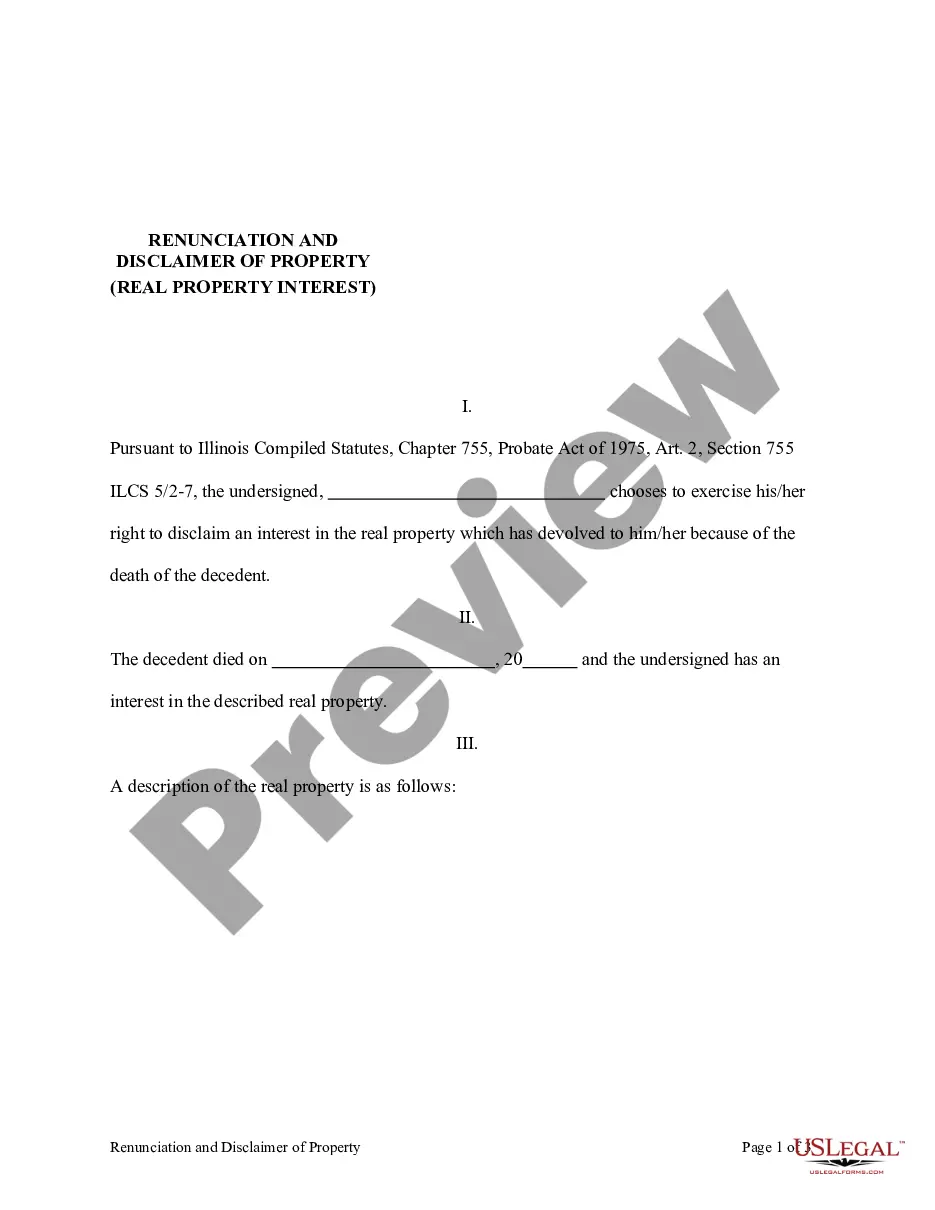
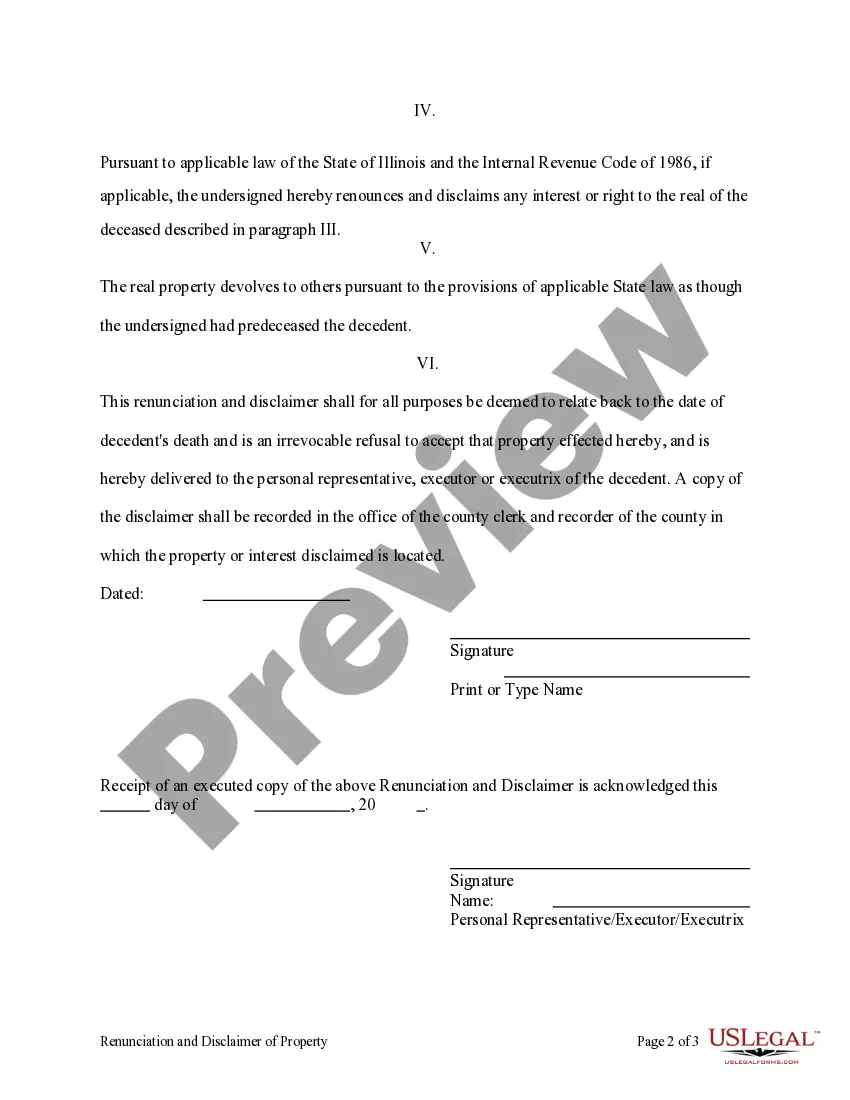
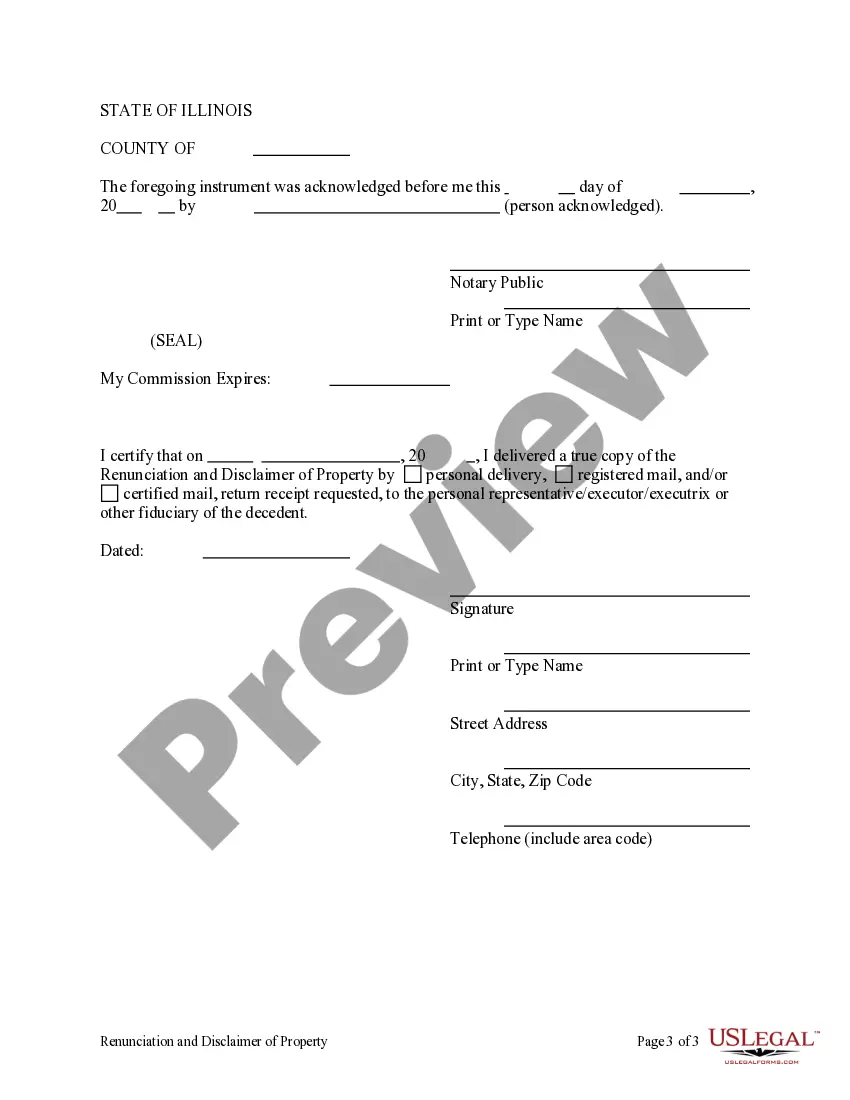
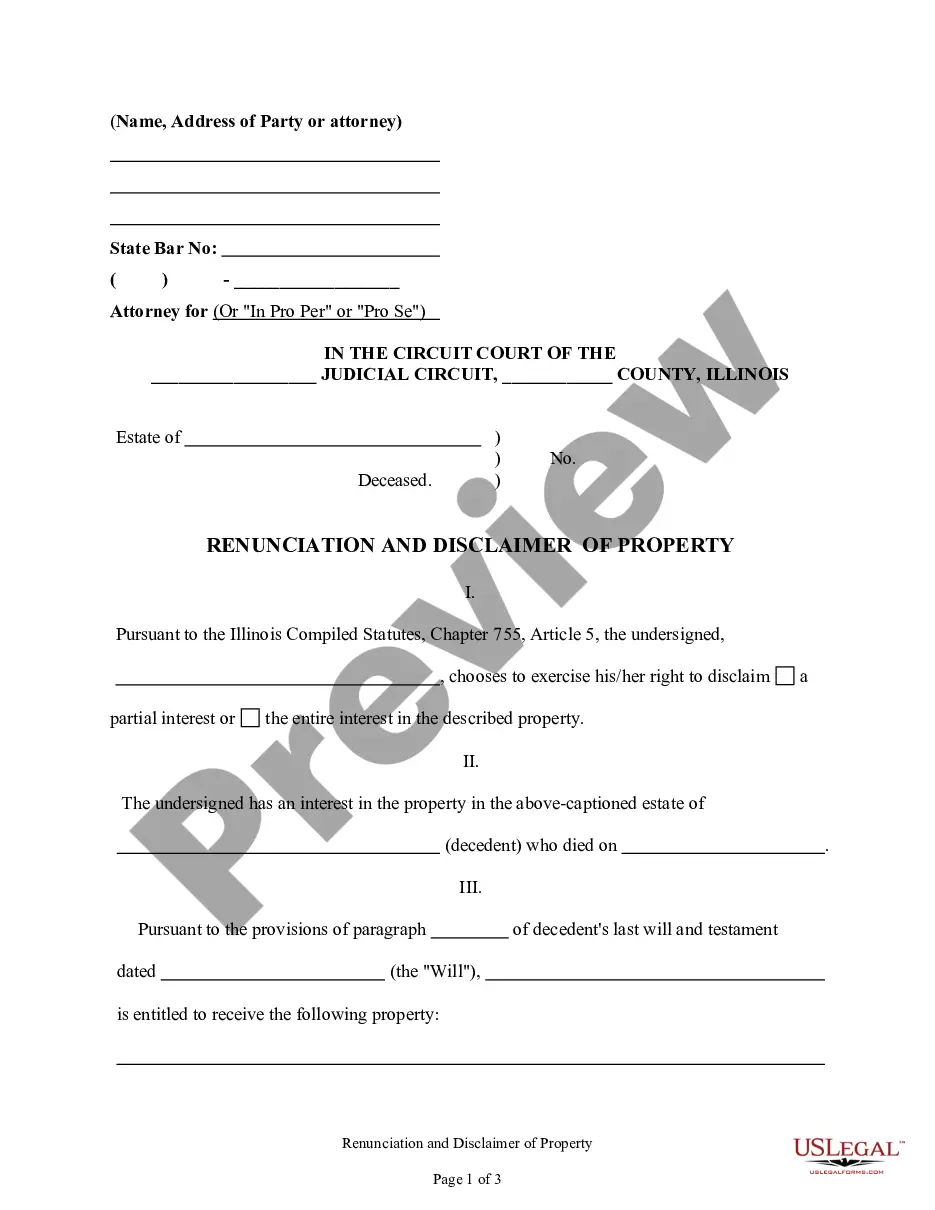
This form is a Renunciation and Disclaimer of a Real Property Interest by the beneficiary. The beneficiary has gained an interest in the described real property due to the death of the decedent. Pursuant to the Illinois Compiled Statutes, Chapter 75, Article 2, the beneficiary has chosen to disclaim his/her interest in the real property. The real property will devolve to others as though the beneficiary predeceased the decedent. The form also contains a state specific acknowledgment and a certificate to verify delivery.
755 X 5
68 downloads
Description
Free preview
Get your form ready online
Our built-in tools help you complete, sign, share, and store your documents in one place.
Built-in online Word editor
Make edits, fill in missing information, and update formatting in US Legal Forms—just like you would in MS Word.
Export easily
Download a copy, print it, send it by email, or mail it via USPS—whatever works best for your next step.
E-sign your document
Sign and collect signatures with our SignNow integration. Send to multiple recipients, set reminders, and more. Go Premium to unlock E-Sign.
Notarize online 24/7
If this form requires notarization, complete it online through a secure video call—no need to meet a notary in person or wait for an appointment.
Store your document securely
We protect your documents and personal data by following strict security and privacy standards.

Make edits, fill in missing information, and update formatting in US Legal Forms—just like you would in MS Word.

Download a copy, print it, send it by email, or mail it via USPS—whatever works best for your next step.

Sign and collect signatures with our SignNow integration. Send to multiple recipients, set reminders, and more. Go Premium to unlock E-Sign.

If this form requires notarization, complete it online through a secure video call—no need to meet a notary in person or wait for an appointment.

We protect your documents and personal data by following strict security and privacy standards.
Looking for another form?





How to fill out Illinois Renunciation And Disclaimer Of Real Property Interest?
- Log in to your US Legal Forms account, ensuring your subscription is current, or renew it as required.
- Preview the desired form and verify that it complies with your local jurisdiction to meet your requirements.
- If adjustments are needed, utilize the Search function to find a suitable template.
- Select the document by clicking the Buy Now button, then choose your subscription plan and create an account to access the forms.
- Process your payment using either your credit card or PayPal for a smooth transaction.
- Download your completed form and save it for future reference, accessible anytime under the My Forms section of your profile.
By following these straightforward steps, you can efficiently obtain the legal documents you need, ensuring they are accurate and tailored to your requirements.
With US Legal Forms, you're not just gaining access to forms; you're empowered to navigate legal requirements with confidence. Start today and make your legal processes simpler!
Form popularity
FAQ
The command chmod +x is used to add execute permissions to a file for all users, including the owner, group, and others. By using this command, you make it possible for anyone to run the script or program as a command. This is particularly useful for scripts on your server that need to be executed without compromising security.
To run chmod 755, open a terminal window and type 'chmod 755 filename', replacing 'filename' with the actual file or directory name. Press enter, and the permissions will be updated. This is a straightforward way to manage file access and ensure your server's security without extensive technical knowledge.
When viewing permissions, 755 will appear as 'drwxr-xr-x'. The 'd' signifies it is a directory, 'rwx' shows the owner's read, write, and execute permissions, and 'r-x' indicates that group and others have read and execute permissions only. This breakdown is essential for understanding who can do what with the file or directory.
To give 755 permissions to a file, use the command 'chmod 755 filename'. This is executed in the terminal, where 'filename' refers to the specific file you want to modify. By doing this, you ensure the owner has full control, while others can only read or execute, making it suitable for application deployment.
The difference lies in the level of access granted to users. Permissions set to 777 allow anyone (owner, group, and others) to read, write, and execute, creating a risk of unauthorized modifications. In contrast, 755 restricts writing access to only the owner, which enhances security for critical files while still maintaining necessary access for users.
A chmod 775 example would look like this: 'chmod 775 myfolder'. This command allows the owner and group to read, write, and execute the files within 'myfolder', while others can only read and execute. It’s a great option when you want to ensure that a team can edit shared files without compromising overall security.
The chmod 755 command is equivalent to setting a file's permissions to read, write, and execute for the owner, and read and execute for the group and others. This is often described as 7 for the owner (permissions 4+2+1), and 5 for group and others (permissions 4+1). Using 755 is a common practice for web directories, ensuring security while allowing necessary access.
An example of 755 permissions is when you set a directory to allow the owner to read, write, and execute, while allowing group members and others only to read and execute. This means the owner has full control, while others can only access the content without modifying it. This permission structure enhances security by preventing unwanted changes, making it ideal for shared resources.
The quotient of 750 divided by 5 is 150. You can reach this result by dividing the total number, 750, by the number you want to divide by, which is 5. This calculation shows how comprehending quotients can help in different mathematical applications, including tasks that involve similar figures like 755 x 5.
Performing division step by step requires a systematic approach. Start by determining how many times the divisor fits into segments of the dividend. For example, with 755 divided by 5, you would break down 755 by approaching it in smaller parts, identifying how 5 fits into 75, and then calculating the remainder before finalizing the result. This method ensures accuracy, especially in complex calculations.