Employee Onvio
Description

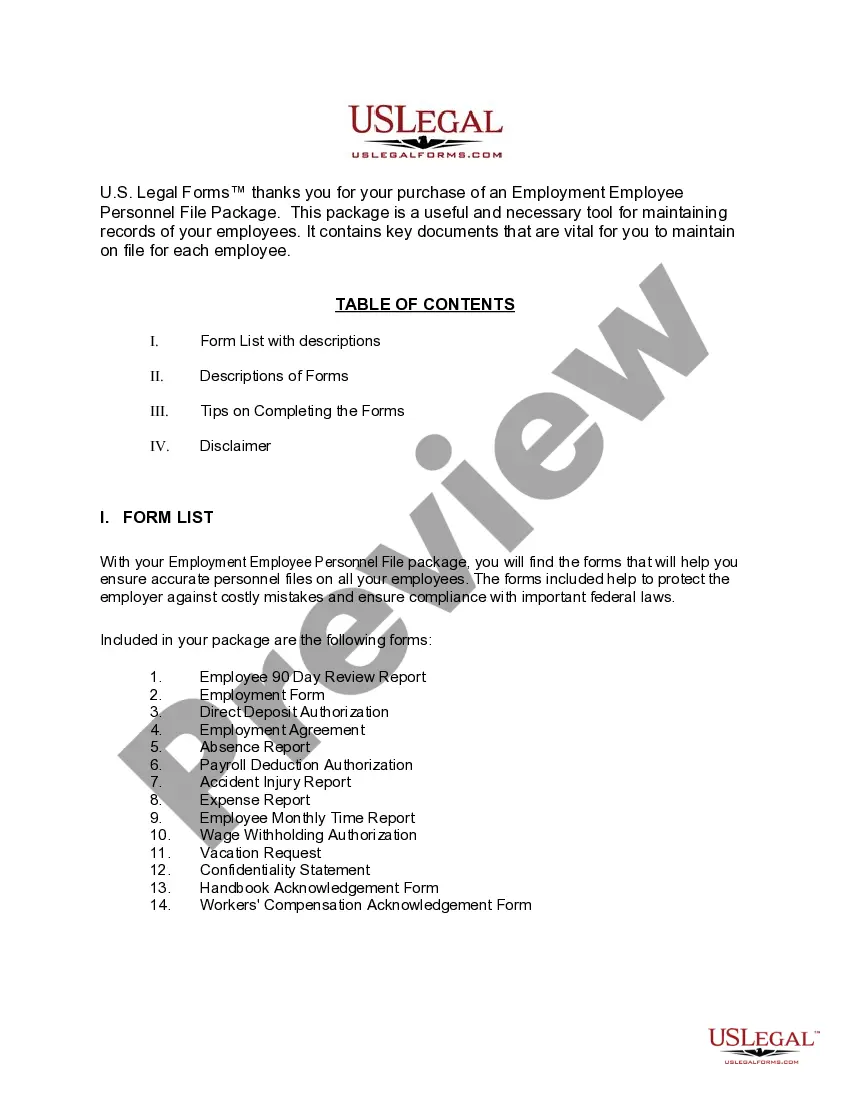
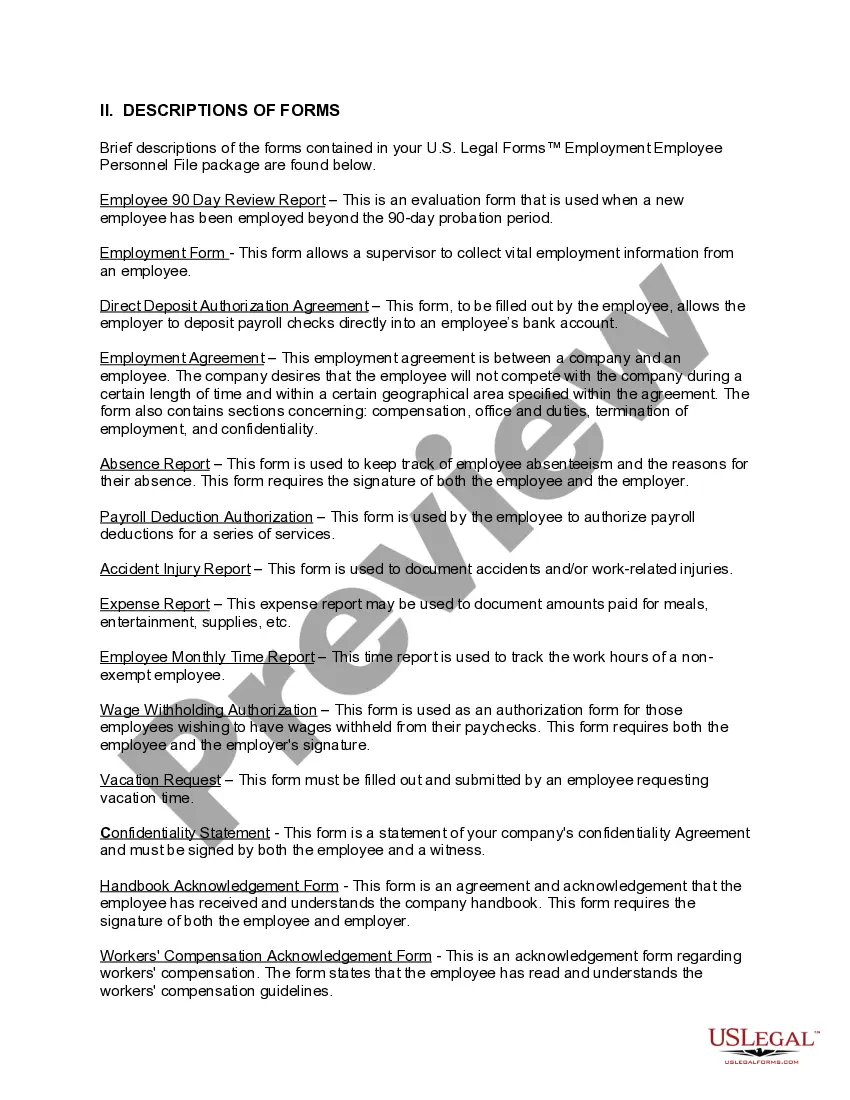
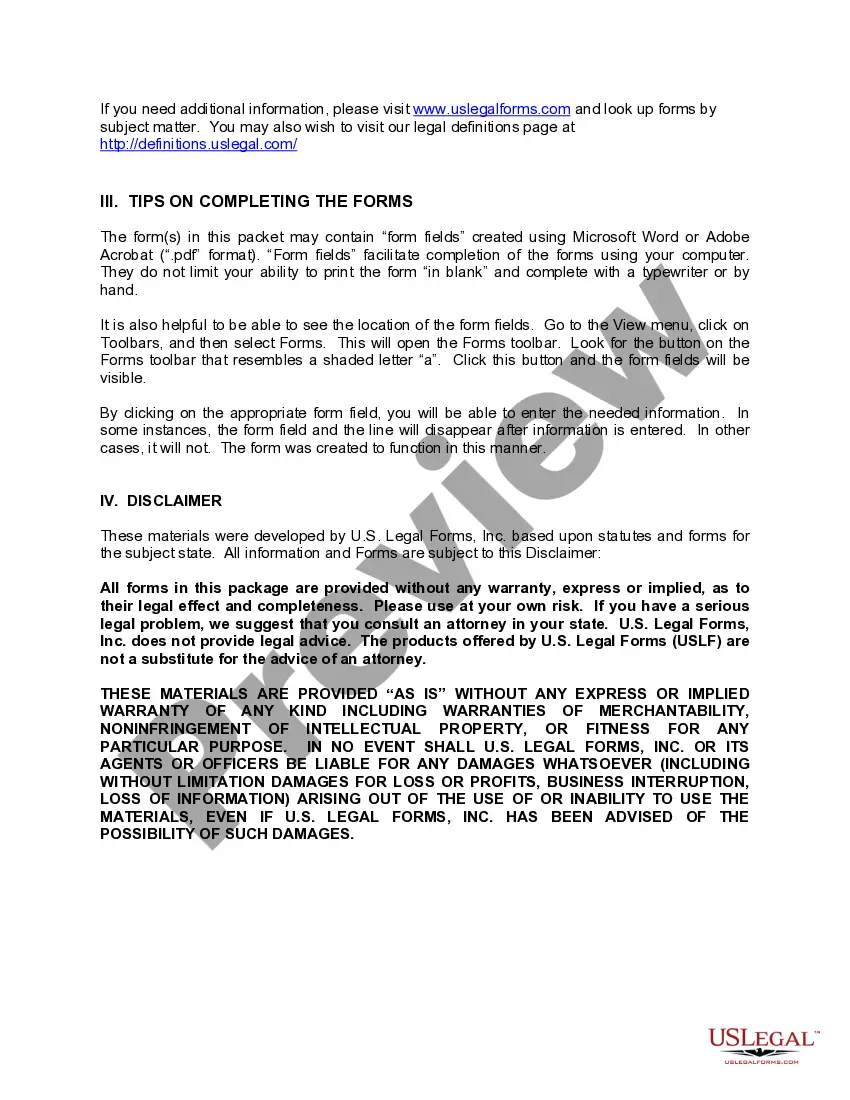
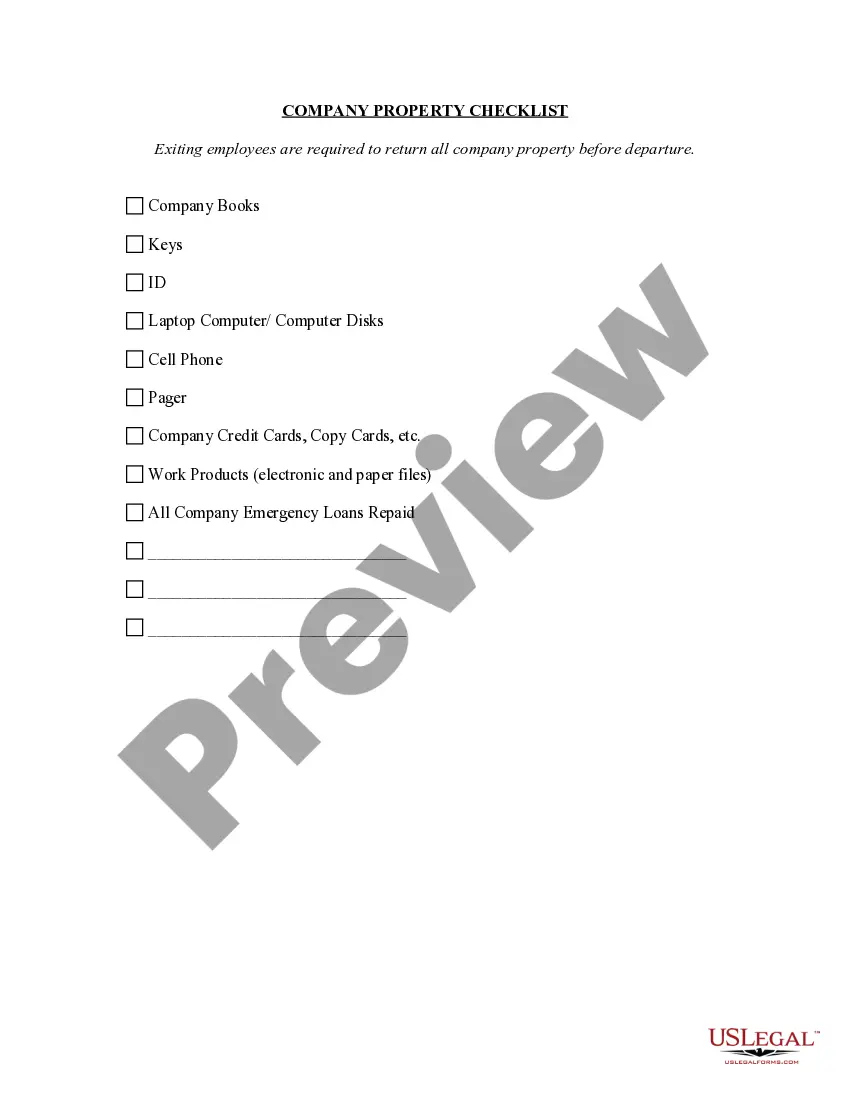
Get your form ready online
Our built-in tools help you complete, sign, share, and store your documents in one place.
Make edits, fill in missing information, and update formatting in US Legal Forms—just like you would in MS Word.
Download a copy, print it, send it by email, or mail it via USPS—whatever works best for your next step.
Sign and collect signatures with our SignNow integration. Send to multiple recipients, set reminders, and more. Go Premium to unlock E-Sign.
If this form requires notarization, complete it online through a secure video call—no need to meet a notary in person or wait for an appointment.
We protect your documents and personal data by following strict security and privacy standards.

Make edits, fill in missing information, and update formatting in US Legal Forms—just like you would in MS Word.

Download a copy, print it, send it by email, or mail it via USPS—whatever works best for your next step.

Sign and collect signatures with our SignNow integration. Send to multiple recipients, set reminders, and more. Go Premium to unlock E-Sign.

If this form requires notarization, complete it online through a secure video call—no need to meet a notary in person or wait for an appointment.

We protect your documents and personal data by following strict security and privacy standards.
Looking for another form?
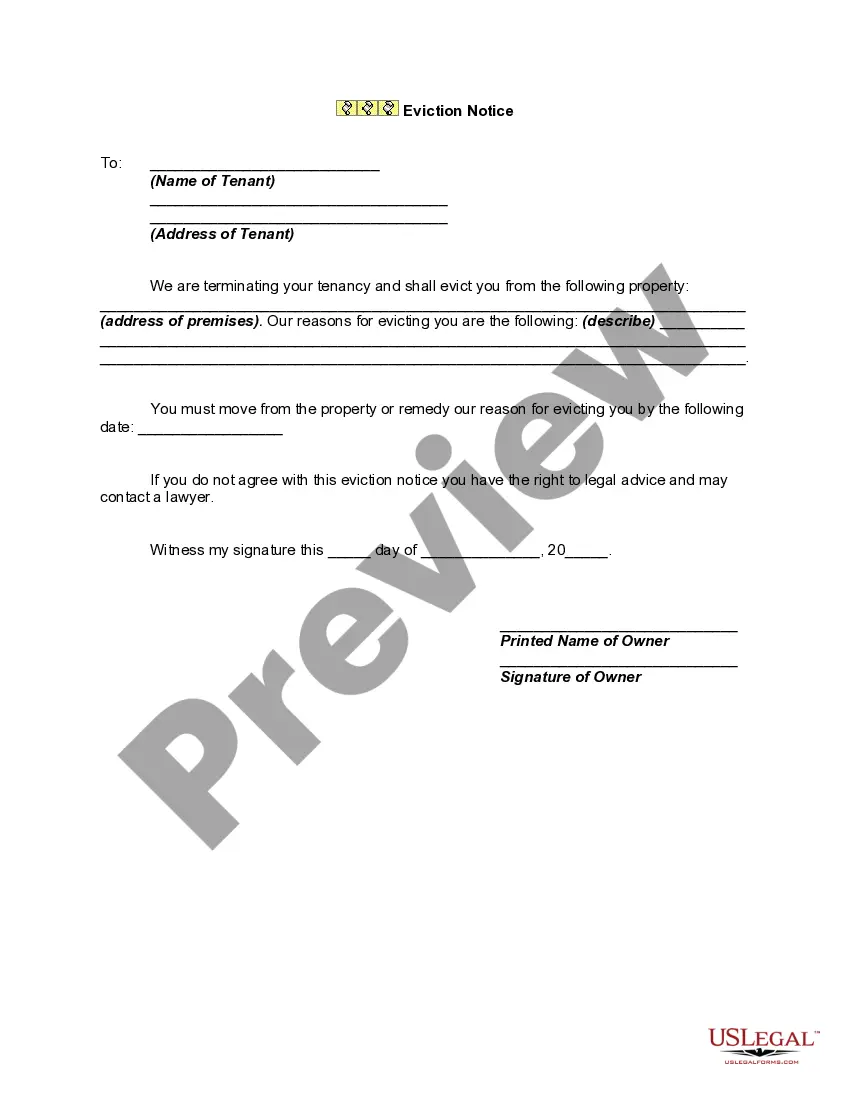
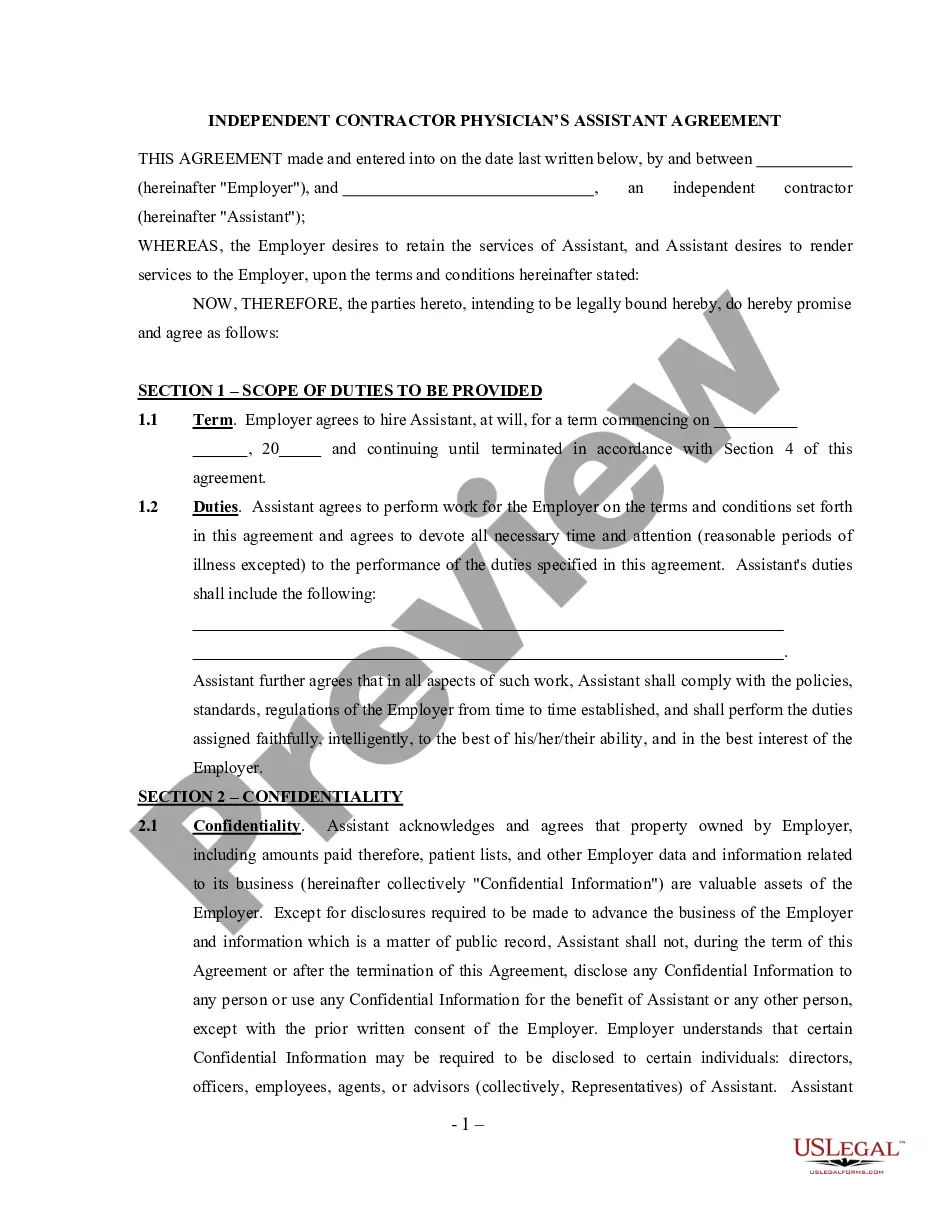
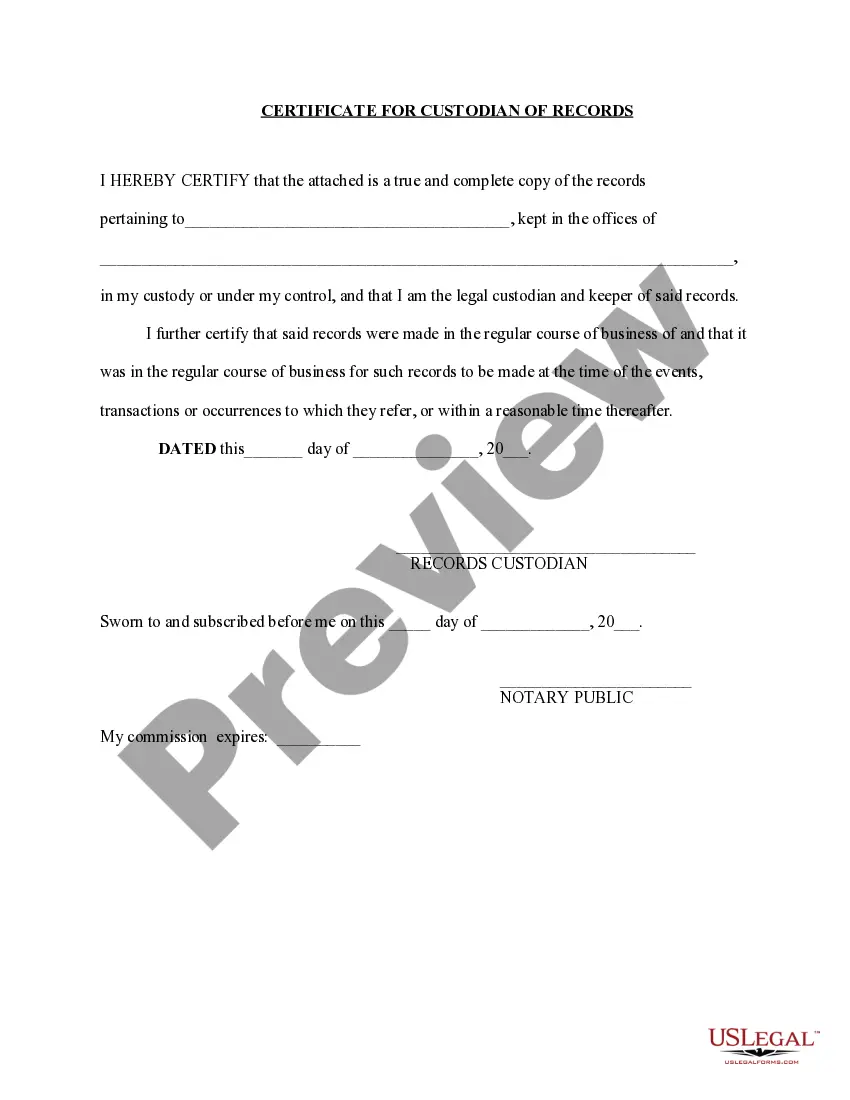


How to fill out Iowa Employment Employee Personnel File Package?
- If you already have an account, log in and navigate to the necessary form template, then click the Download button. Confirm your subscription is active; renew if necessary.
- For first-time users, start by reviewing the Preview mode and the form descriptions. Ensure you select the right form according to your local legal guidelines.
- If you need another type of template, utilize the Search tab located above to locate the correct one. After verifying it meets your needs, proceed to the next step.
- Click the Buy Now button to select your desired subscription plan. You will need to create an account for full access to the library.
- Complete your purchase by entering your credit card information or using your PayPal account to finalize the subscription.
- Download your form to your device. You can always find it later in the My Forms section of your account.
By following these straightforward steps, you can easily access a vast collection of over 85,000 legal forms tailored to meet various requirements.
Don't hesitate to access US Legal Forms today for expert assistance in creating precise and legally sound documents. Start simplifying your legal documentation process now!
Form popularity
FAQ
Onvio tax refers to tax software that simplifies the tax preparation process for businesses and individuals alike. With features like automated calculations and real-time collaboration, Employee Onvio users can file taxes efficiently and effectively. Leveraging this tool can help you avoid common pitfalls, streamline processes, and ensure regulatory compliance with ease.
An Onvio drive is a secure digital storage solution that allows users to manage and store critical business documents online. For Employee Onvio, this feature offers a centralized location to house employee files, ensuring quick access and secure sharing. You can improve your organization’s workflow with easy retrieval of important documents, minimizing delays and enhancing productivity.
Onvio refers to a suite of tools and services designed to streamline various business processes. Specifically for Employee Onvio, it revolutionizes how organizations manage employee information and resources. By integrating features that enhance efficiency, Onvio helps you track compliance and ensure accurate record-keeping, ultimately benefiting your workforce.
After completing the Employee's Withholding Allowance Certificate, submit it to your employer's payroll department. They will use this information to adjust the tax amounts withheld from your paycheck. Keeping a personal copy for your records is advisable. Utilizing Employee Onvio can enhance communication with your employer regarding your tax withholdings and ensure everything is correctly processed.
Filling out the Employee's Withholding Allowance Certificate is straightforward. Start by providing your personal information, including your name, address, and Social Security number. Next, follow the prompts to determine your withholding allowances based on your financial circumstances. Employee Onvio simplifies this process with user-friendly tools to ensure accuracy and ease.
Onvio is a comprehensive online platform designed to streamline various business processes, including employee management. With tools for tax preparation, document management, and compliance, Employee Onvio specifically aids users in managing withholding allowances and other payroll necessities seamlessly. Explore Onvio’s features to better organize your employee information and improve efficiency.
When determining your withholding allowance with Employee Onvio, consider your personal financial situation, including your income, expenses, and marital status. A higher allowance means less tax withheld from your paycheck, while a lower allowance could result in a tax refund when you file your return. Use the IRS withholding calculator for guidance to figure out the appropriate amount for you.
If you need legacy drivers, the best approach is to visit the manufacturer's website or consult your device's support page. You can often find the required drivers under a downloads or support section. Just as with Employee Onvio, where you ensure your software is up-to-date for better functionality, maintaining your drivers can enhance your device performance.
To use a v2ray client on Windows, first download a compatible client from a trusted source. Once installed, configure your settings to connect to your desired server. Remember that using v2ray can enhance your online experience, similar to how Employee Onvio streamlines your document management.
Opening an Employee Onvio link is straightforward. Simply click on the link, and it will redirect you to the Onvio platform. Make sure you are logged in to your account to access the document or feature the link leads to, ensuring a seamless experience.