Employee File Folders With Dividers
Description

Get your form ready online
Our built-in tools help you complete, sign, share, and store your documents in one place.
Make edits, fill in missing information, and update formatting in US Legal Forms—just like you would in MS Word.
Download a copy, print it, send it by email, or mail it via USPS—whatever works best for your next step.
Sign and collect signatures with our SignNow integration. Send to multiple recipients, set reminders, and more. Go Premium to unlock E-Sign.
If this form requires notarization, complete it online through a secure video call—no need to meet a notary in person or wait for an appointment.
We protect your documents and personal data by following strict security and privacy standards.

Make edits, fill in missing information, and update formatting in US Legal Forms—just like you would in MS Word.

Download a copy, print it, send it by email, or mail it via USPS—whatever works best for your next step.

Sign and collect signatures with our SignNow integration. Send to multiple recipients, set reminders, and more. Go Premium to unlock E-Sign.

If this form requires notarization, complete it online through a secure video call—no need to meet a notary in person or wait for an appointment.

We protect your documents and personal data by following strict security and privacy standards.
Looking for another form?







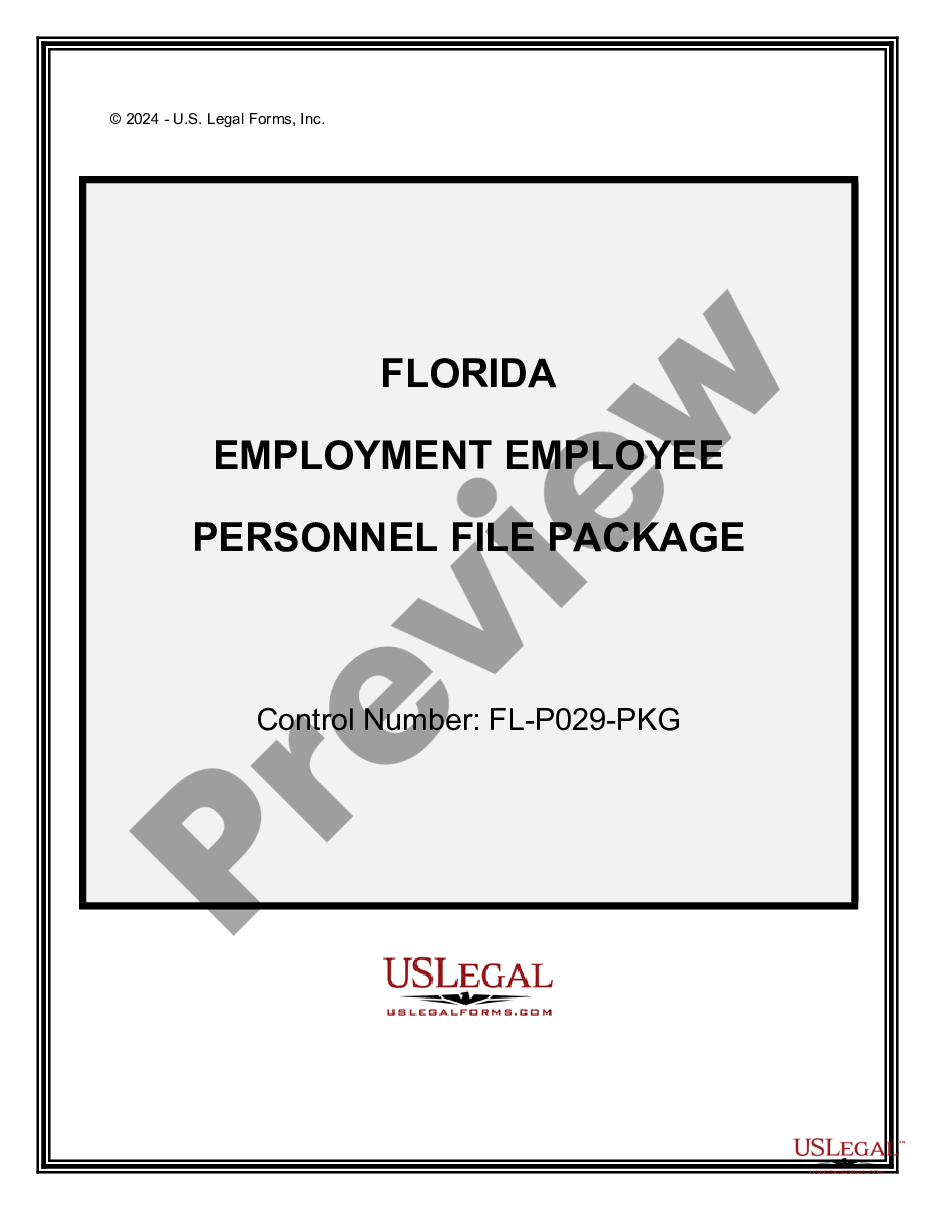
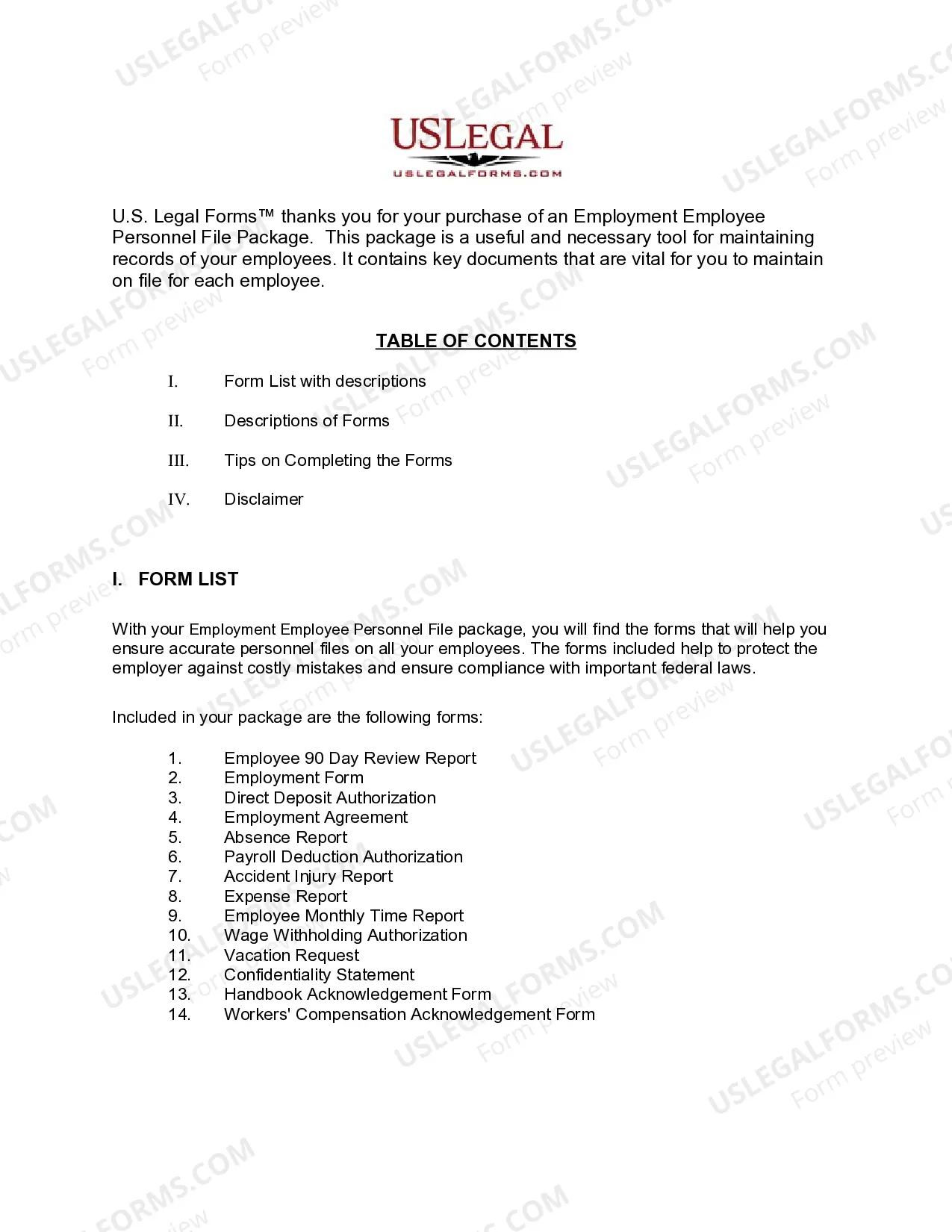
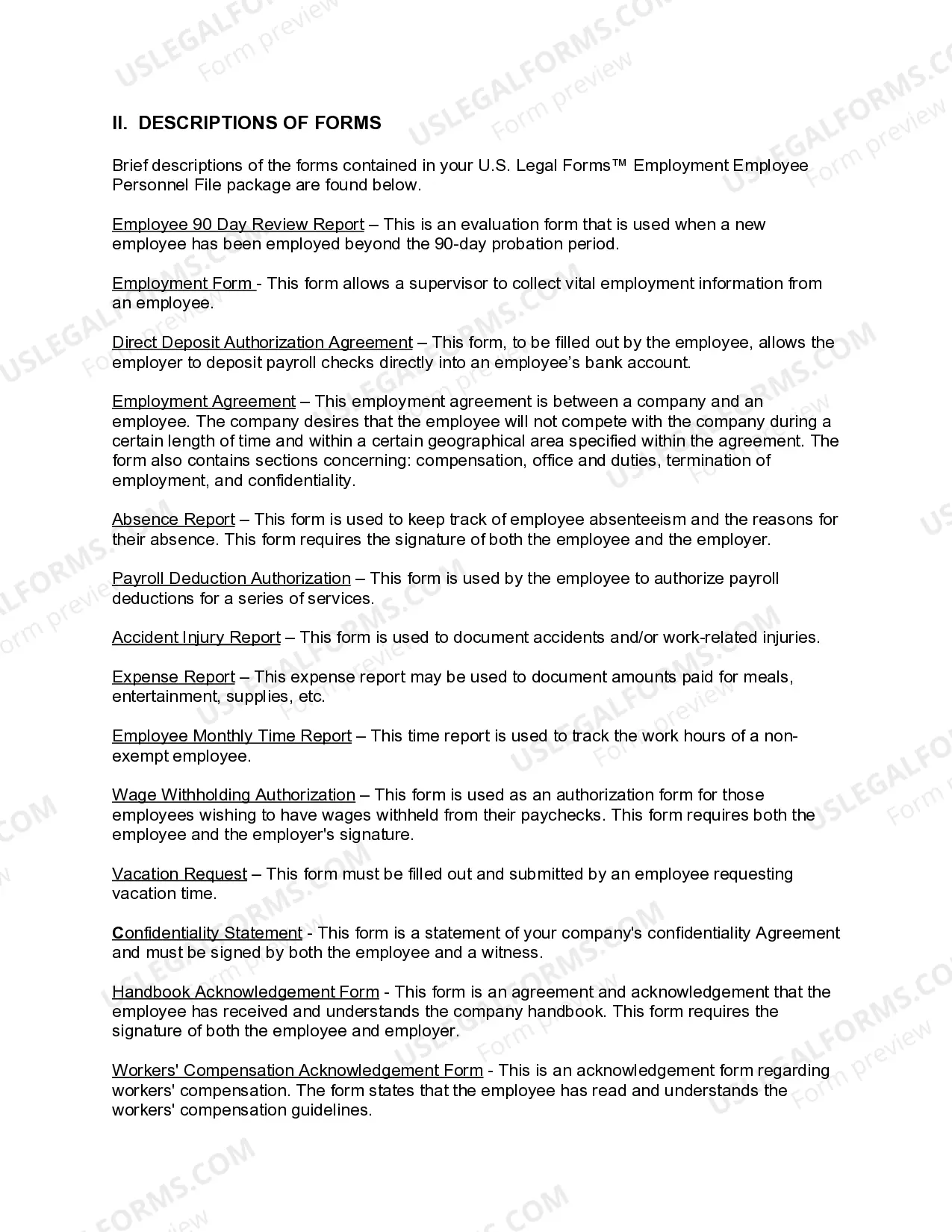
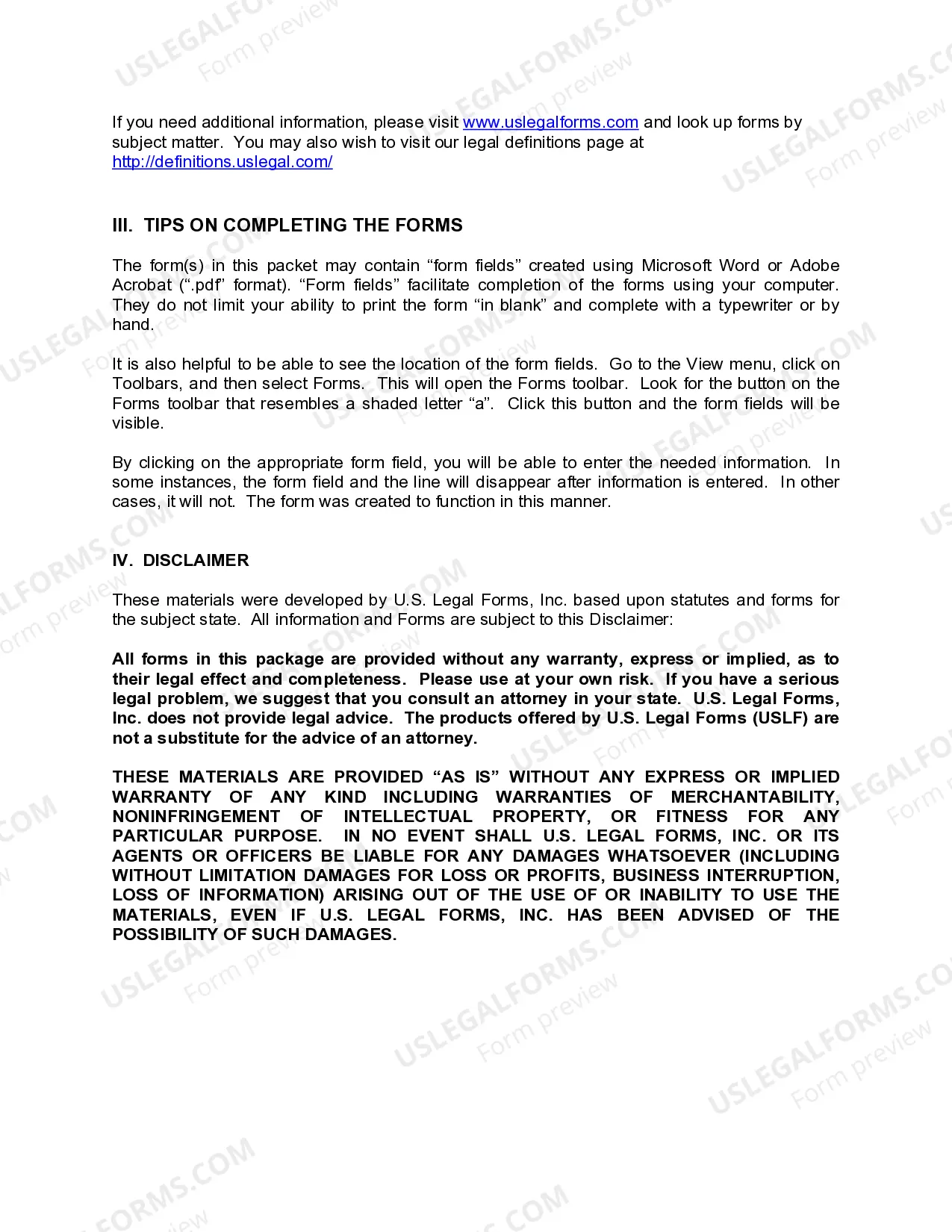
How to fill out Florida Employment Employee Personnel File Package?
It’s obvious that you can’t become a legal expert immediately, nor can you learn how to quickly prepare Employee File Folders With Dividers without having a specialized set of skills. Creating legal forms is a long process requiring a particular education and skills. So why not leave the preparation of the Employee File Folders With Dividers to the pros?
With US Legal Forms, one of the most comprehensive legal template libraries, you can access anything from court papers to templates for internal corporate communication. We know how important compliance and adherence to federal and local laws and regulations are. That’s why, on our platform, all forms are location specific and up to date.
Here’s how you can get started with our website and get the form you need in mere minutes:
- Discover the document you need with the search bar at the top of the page.
- Preview it (if this option available) and check the supporting description to figure out whether Employee File Folders With Dividers is what you’re looking for.
- Begin your search over if you need a different form.
- Set up a free account and choose a subscription plan to purchase the form.
- Choose Buy now. As soon as the payment is through, you can get the Employee File Folders With Dividers, complete it, print it, and send or mail it to the necessary people or organizations.
You can re-access your documents from the My Forms tab at any time. If you’re an existing client, you can simply log in, and find and download the template from the same tab.
No matter the purpose of your documents-whether it’s financial and legal, or personal-our website has you covered. Try US Legal Forms now!
Form popularity
FAQ
How to set up an HR document management system Step 1: Map your documents. ... Step 2: Define access needs. ... Step 3: Identify retention requirements and goals. ... Step 4: Determine security level. ... Step 5: Establish a storage and archiving plan. ... Step 6: Use software to implement your plan.
How to Organize Employee Files: 5 Tips Standardize your filing system. Use a document management system. Set up access permissions. Add forms and checklists to your HR workflow. Monitor document expiration dates.
How to Create a Personnel File Checklist in 7 Easy Steps Start With Employment Documentation and Relationship Statuses. ... Figure Out What Not to Include. ... Order Your Checklist Like a Table of Contents. ... Simplify as Much as Possible. ... Update for Policy Changes and New Material.
Employee personal files contain confidential information, so they must be kept secure and protected from damage. Store personnel files in a locked location where only people with permission can access them. This could be a file room or lockable filing cabinet in the HR department.
For example, each employee can have a folder with their name or employee number. Within that folder, you can have sub-folders labeled ?Onboarding,? ?Payroll,? ?Performance Reviews,? and so on. Then, put the same types of documents into each of these sub-folders for each employee.