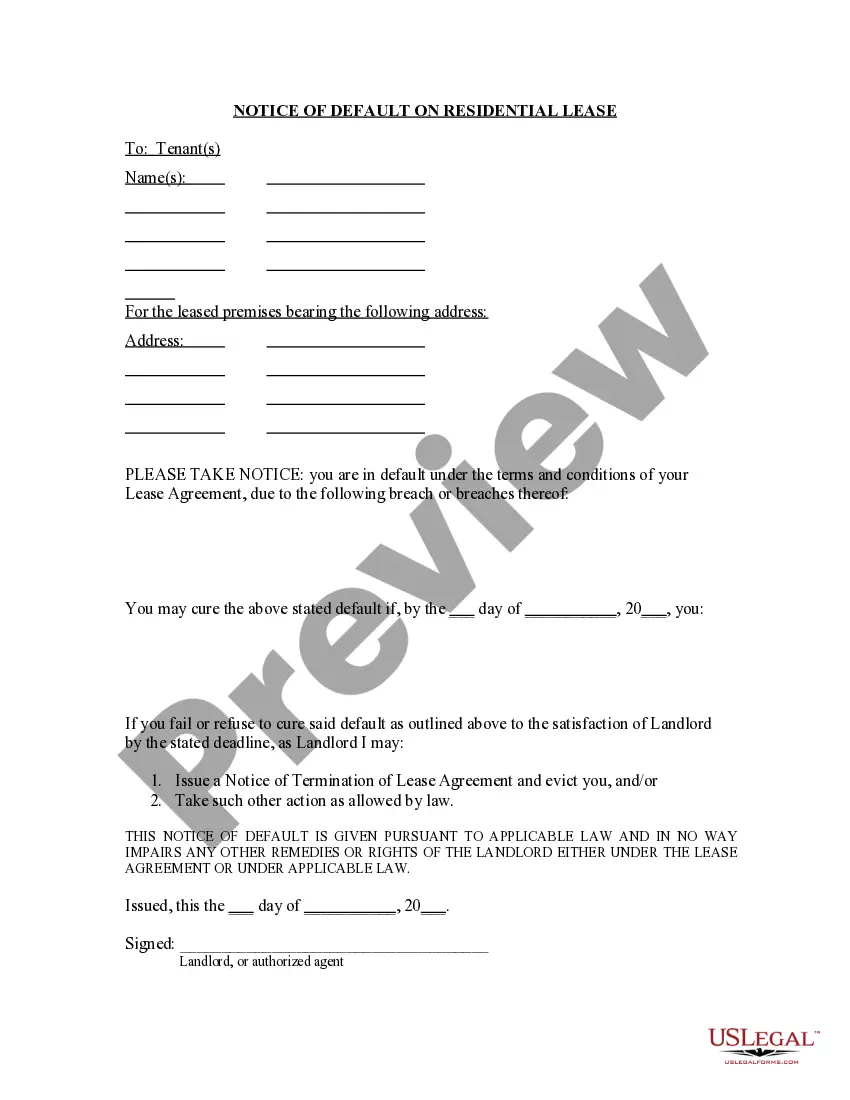
Default-lease-time
Description


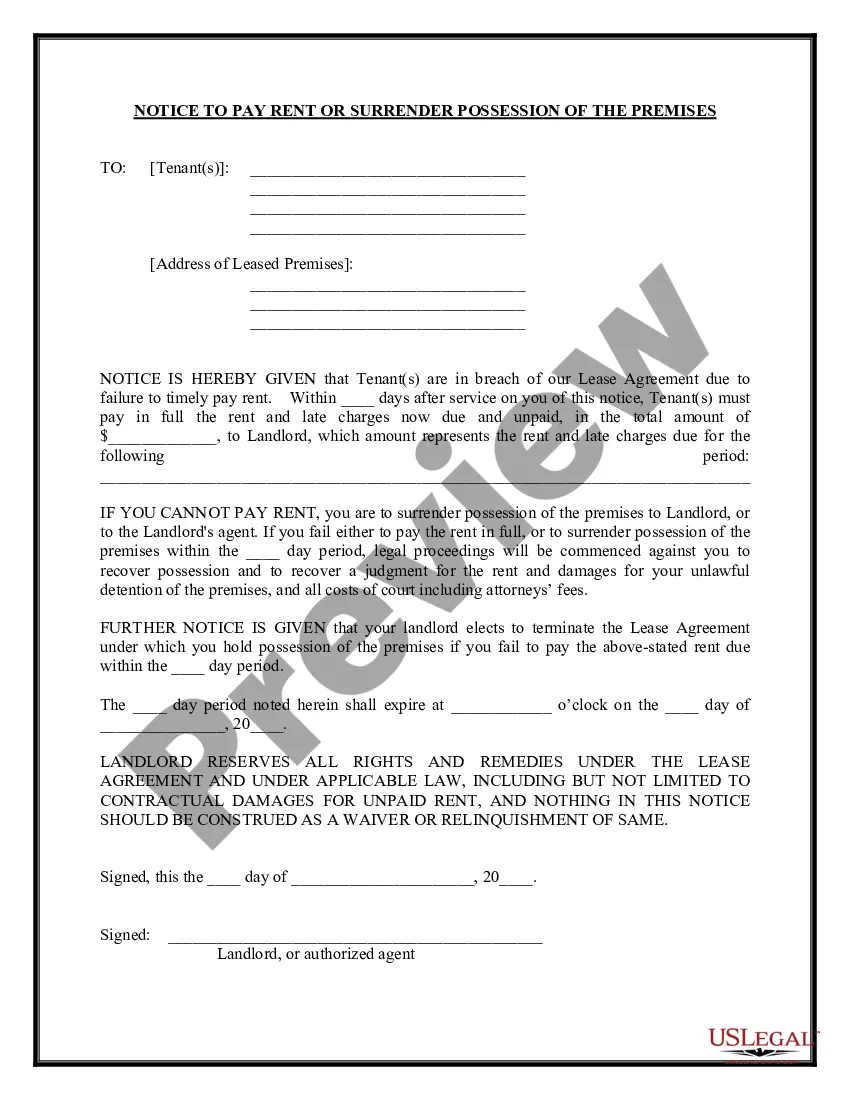
Get your form ready online
Our built-in tools help you complete, sign, share, and store your documents in one place.
Make edits, fill in missing information, and update formatting in US Legal Forms—just like you would in MS Word.
Download a copy, print it, send it by email, or mail it via USPS—whatever works best for your next step.
Sign and collect signatures with our SignNow integration. Send to multiple recipients, set reminders, and more. Go Premium to unlock E-Sign.
If this form requires notarization, complete it online through a secure video call—no need to meet a notary in person or wait for an appointment.
We protect your documents and personal data by following strict security and privacy standards.

Make edits, fill in missing information, and update formatting in US Legal Forms—just like you would in MS Word.

Download a copy, print it, send it by email, or mail it via USPS—whatever works best for your next step.

Sign and collect signatures with our SignNow integration. Send to multiple recipients, set reminders, and more. Go Premium to unlock E-Sign.

If this form requires notarization, complete it online through a secure video call—no need to meet a notary in person or wait for an appointment.

We protect your documents and personal data by following strict security and privacy standards.
Looking for another form?
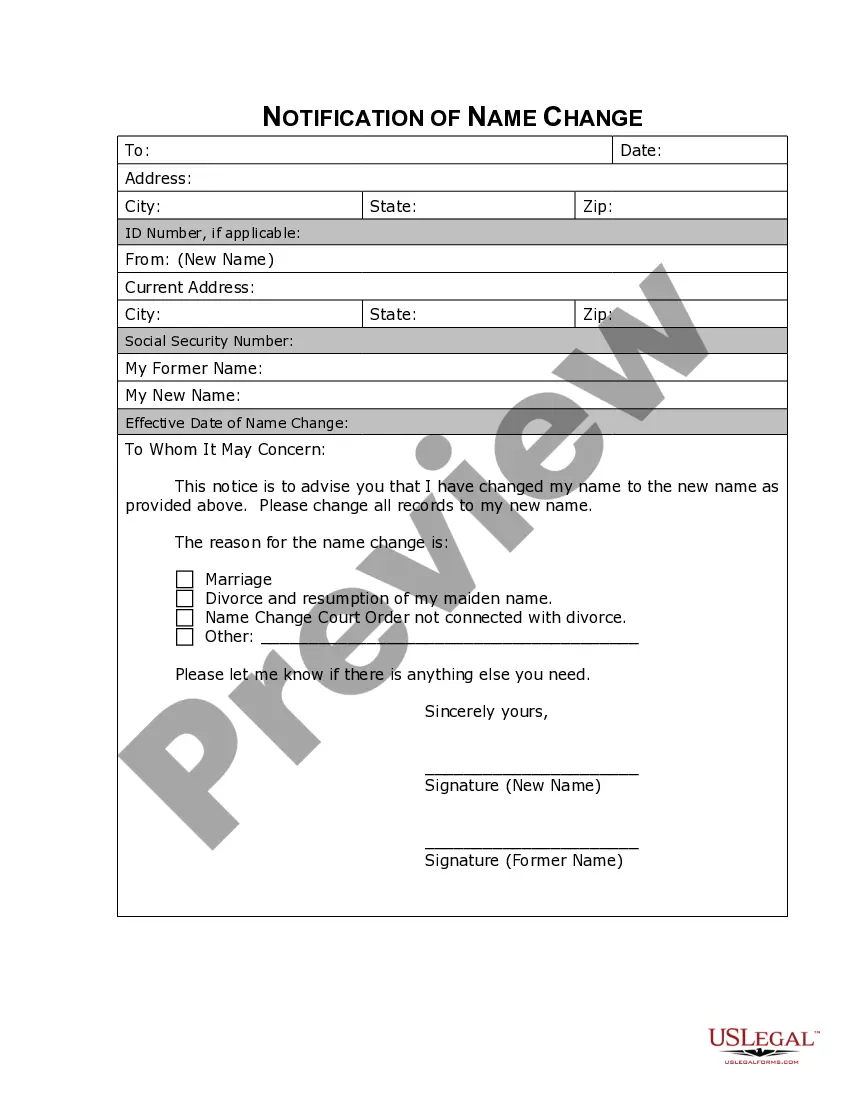
How to fill out Florida Notice Of Default On Residential Lease?
It’s clear that you cannot transform into a legal expert instantly, nor can you swiftly create Default-lease-time without possessing a specialized skill set.
Drafting legal documents is a lengthy process that demands specific training and expertise. So why not entrust the creation of the Default-lease-time to the professionals.
With US Legal Forms, one of the most comprehensive legal template collections, you can obtain anything from court forms to templates for internal communication.
You can re-access your forms from the My documents section at any time. If you’re a current client, you can simply Log In, and find and download the template from the same section.
No matter the purpose of your documents—whether financial, legal, or personal—our platform caters to all your needs. Try US Legal Forms today!
- Locate the form you need using the search bar at the top of the page.
- View it (if this option is available) and read the accompanying description to see if Default-lease-time is what you are looking for.
- Restart your search if you require a different form.
- Sign up for a free account and select a subscription plan to purchase the form.
- Click Buy now. Once the payment is completed, you can download the Default-lease-time, complete it, print it, and send or mail it to the intended recipients or organizations.
Form popularity
FAQ
Setting your DHCP lease time to forever is generally not advisable, as it can lead to IP address exhaustion. A default-lease-time that is too long may prevent new devices from connecting to your network when needed. Instead, opt for a reasonable lease time that allows for flexibility and efficient resource allocation. If you require more guidance, USLegalForms provides valuable information to help you make informed decisions.
Defaulting on a lease generally refers to failing to meet the terms of the lease agreement. In the context of DHCP, it may involve not renewing your lease before it expires. To avoid difficulties, stay aware of your lease expiration dates and ensure timely renewals. If you need assistance in managing your leases, USLegalForms offers resources to help you navigate these situations.
A good lease time for DHCP typically ranges from 1 hour to 24 hours, depending on your circumstances. For networks with many devices that frequently connect and disconnect, a shorter default-lease-time can help optimize IP address utilization. Conversely, if your devices remain connected for extended periods, a longer lease time may be more appropriate. Assess your network's behavior to determine what works best.
When setting your DHCP lease time, consider your network usage patterns. A default-lease-time of 24 hours is often a good starting point for most home networks, as it balances efficiency and resource management. For businesses with high device turnover, a shorter lease time might be beneficial. Ultimately, tailor your lease time to match your specific needs.
The max lease time is the longest period an IP address can be assigned to a device, while the default lease time is the standard duration set for the lease. In many cases, the default lease time is shorter than the maximum lease time, allowing for better network flexibility. Understanding these terms helps in effective network management. For further assistance with lease time configurations, explore the resources available on US Legal Forms.
The default lease time for DHCP is the period during which a device retains the assigned IP address. This time can vary based on the network configuration, with 24 hours being a frequent standard. It is essential to understand this concept to manage your network effectively. If you're looking for templates or forms to assist with DHCP configurations, US Legal Forms can provide valuable tools.
The default lease time refers to the duration an IP address is assigned to a device on a network before it must be renewed. Typically, this lease time varies based on the DHCP server configuration, but common values include 24 hours or 7200 seconds. Knowing the default lease time allows network administrators to optimize network performance. For those seeking more guidance, US Legal Forms offers resources to help you navigate these settings.
The default lease time for DHCP set at 7200 seconds translates to two hours. This means that a device can use an IP address for that duration before needing to renew the lease. Understanding the default lease time helps in managing network resources effectively. If you need assistance with DHCP settings, consider using US Legal Forms for streamlined solutions.