Defendant Interrogatories To Plaintiff Employment Discrimination
Description
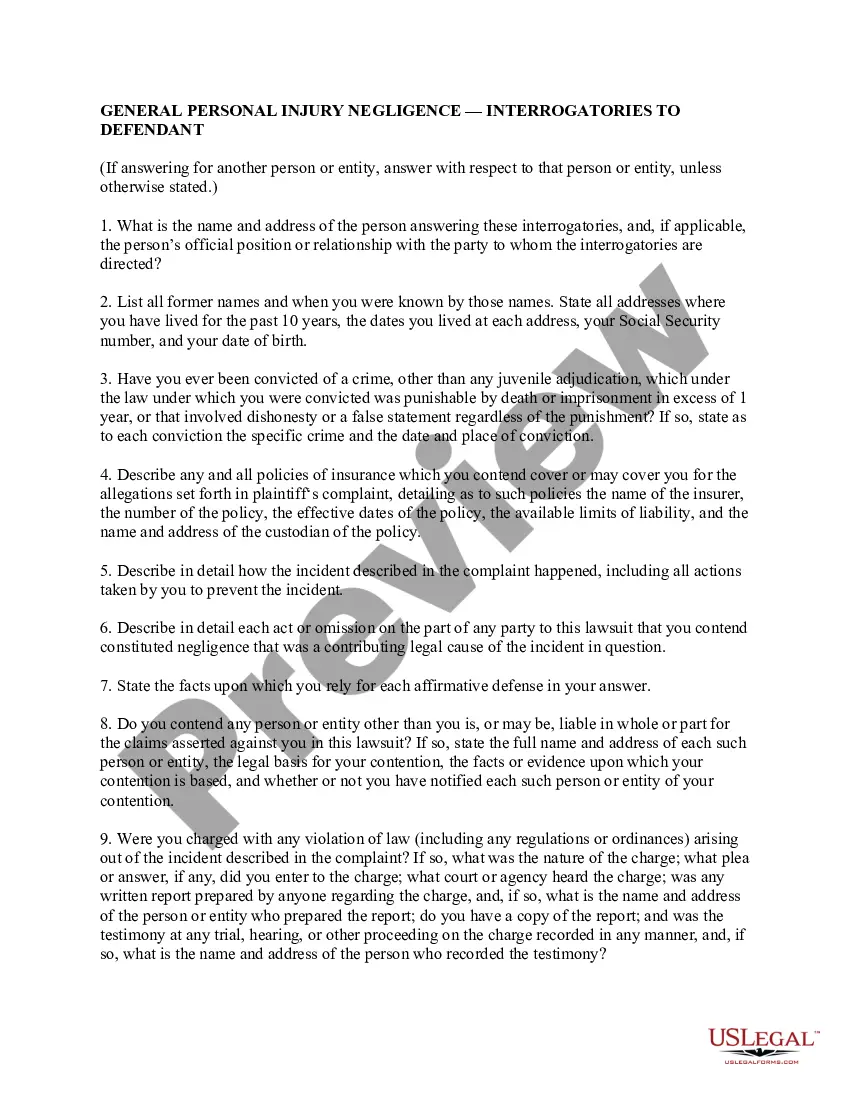
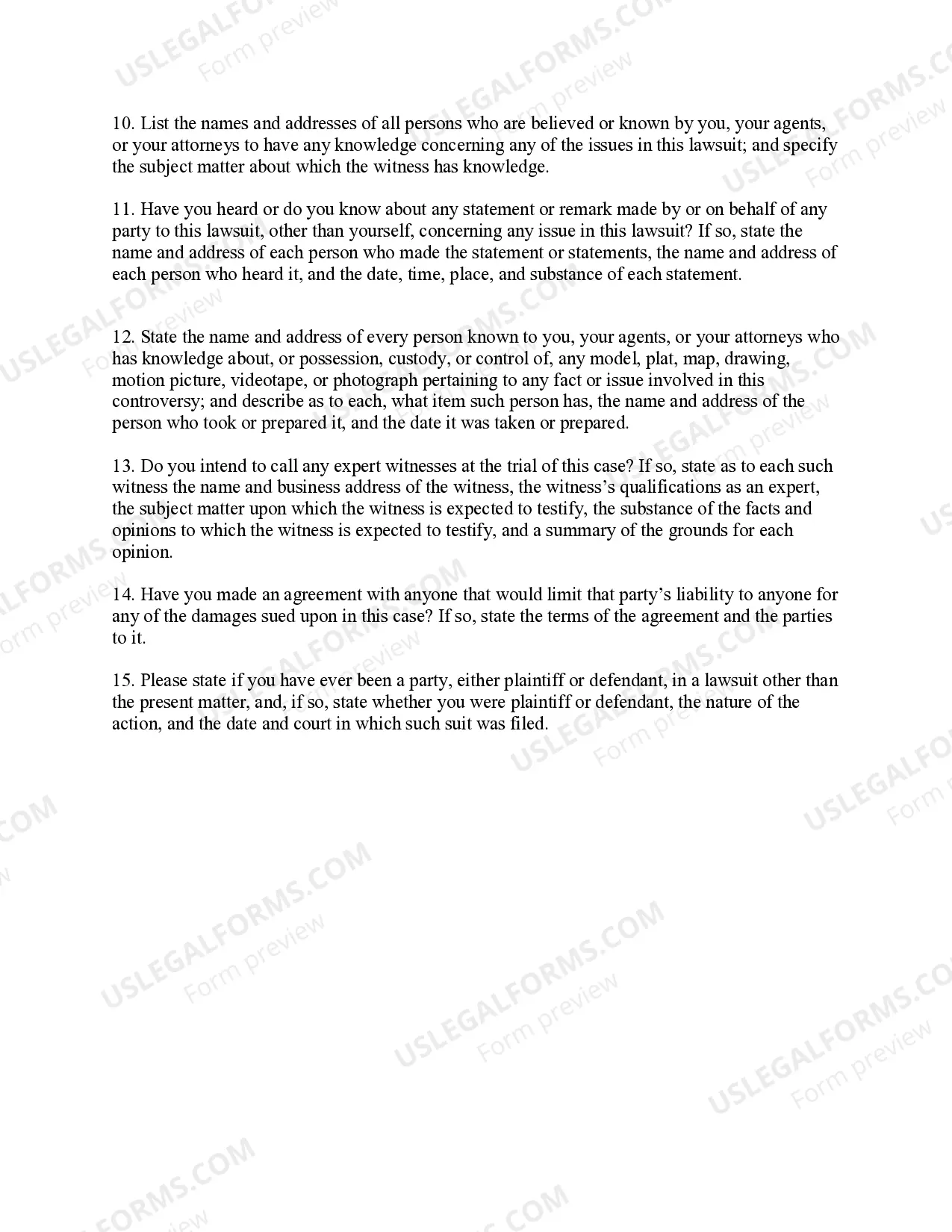
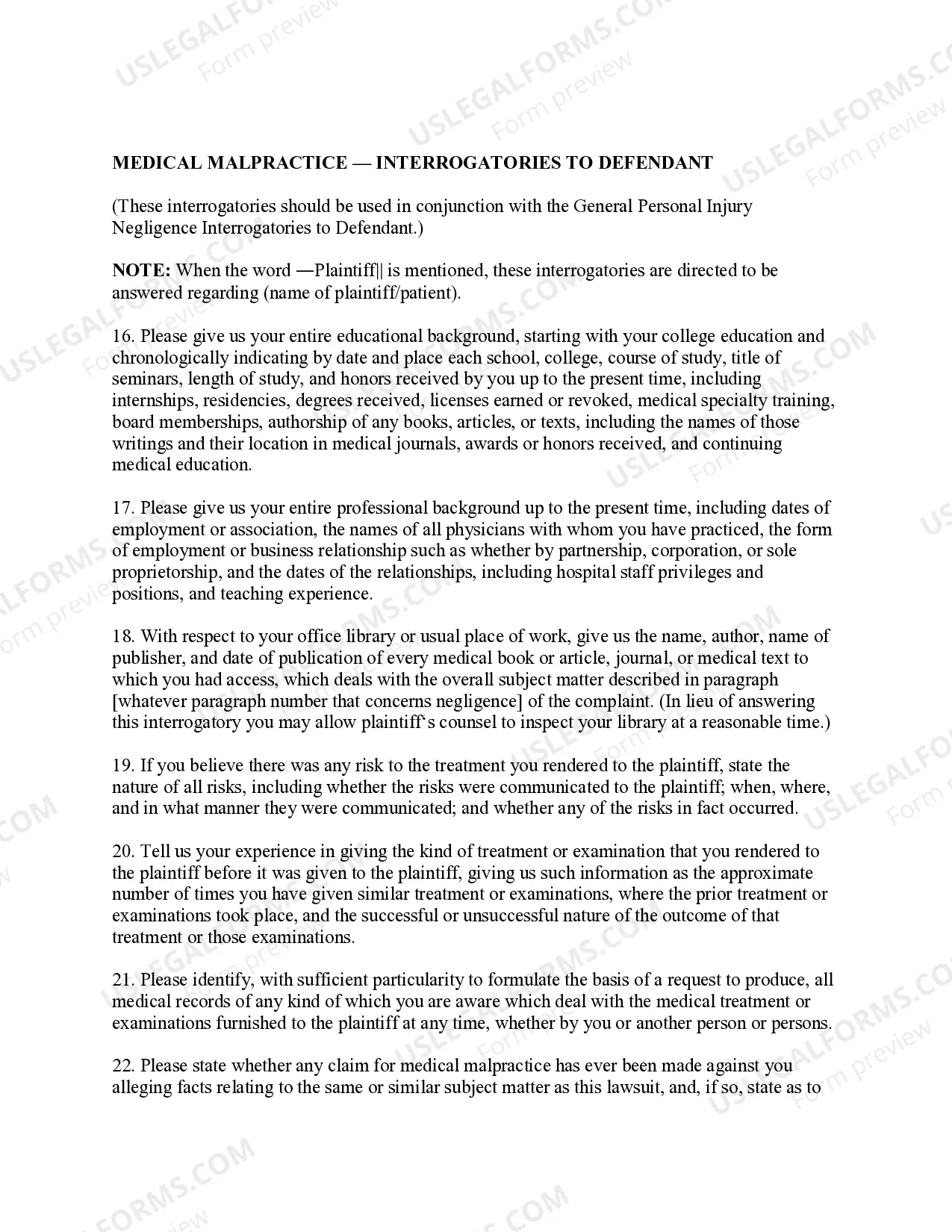
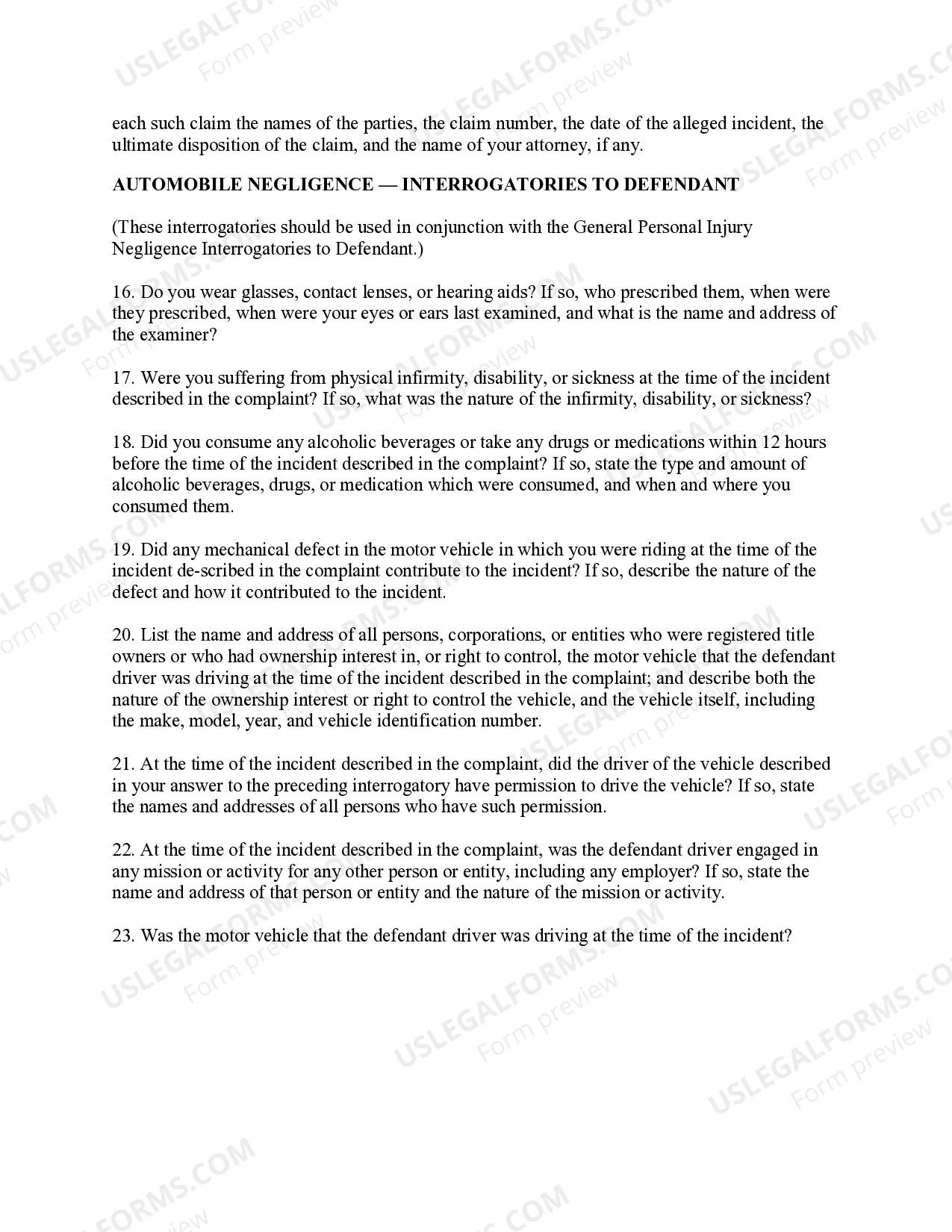
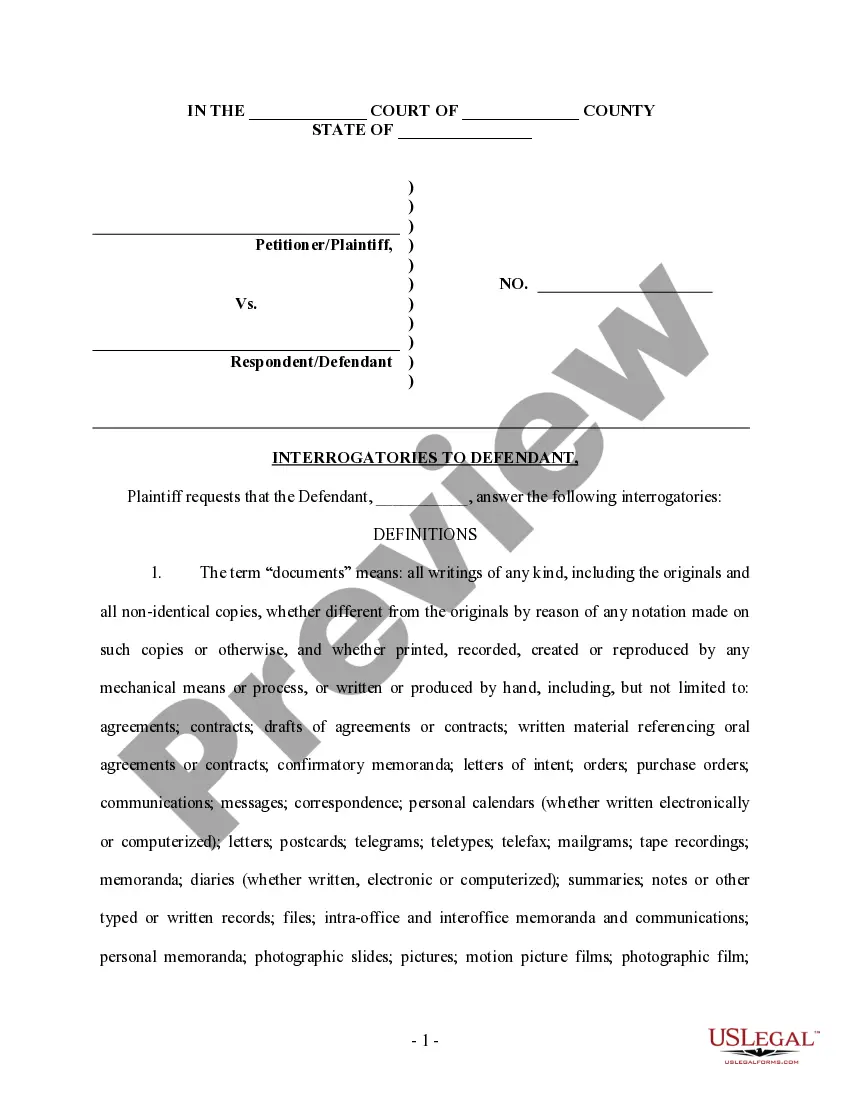
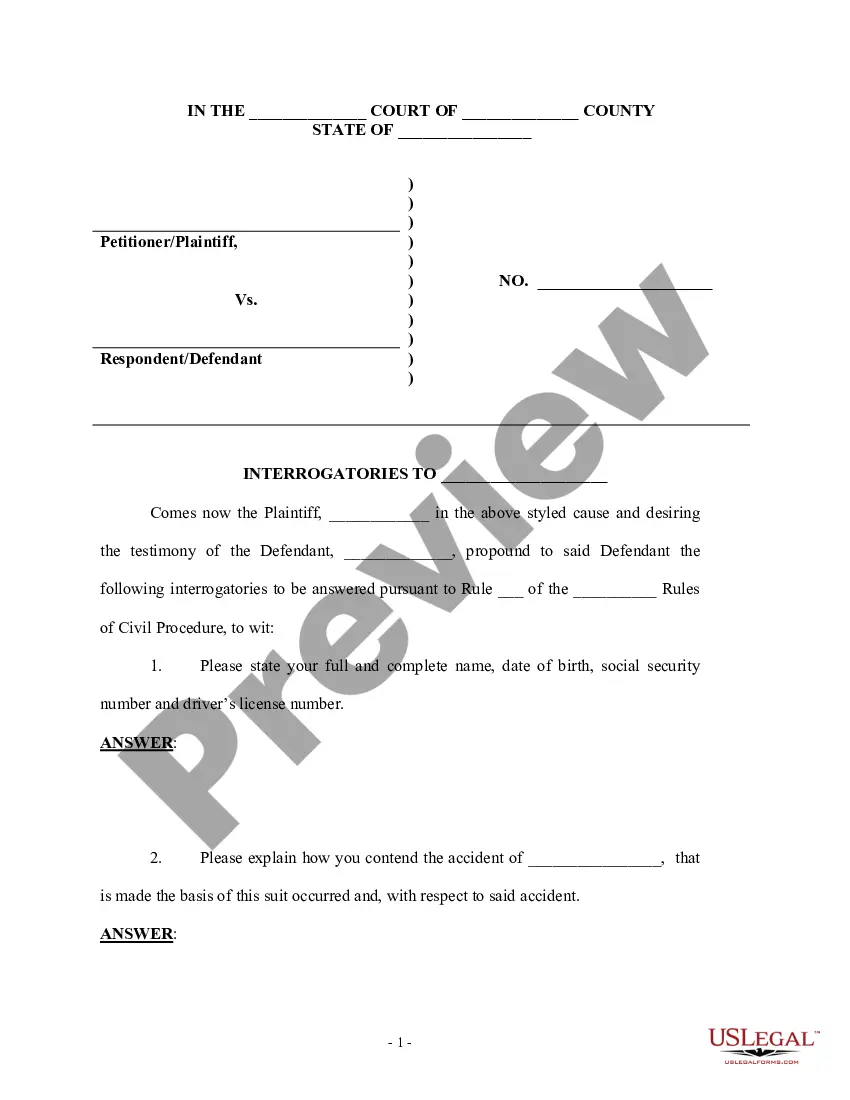
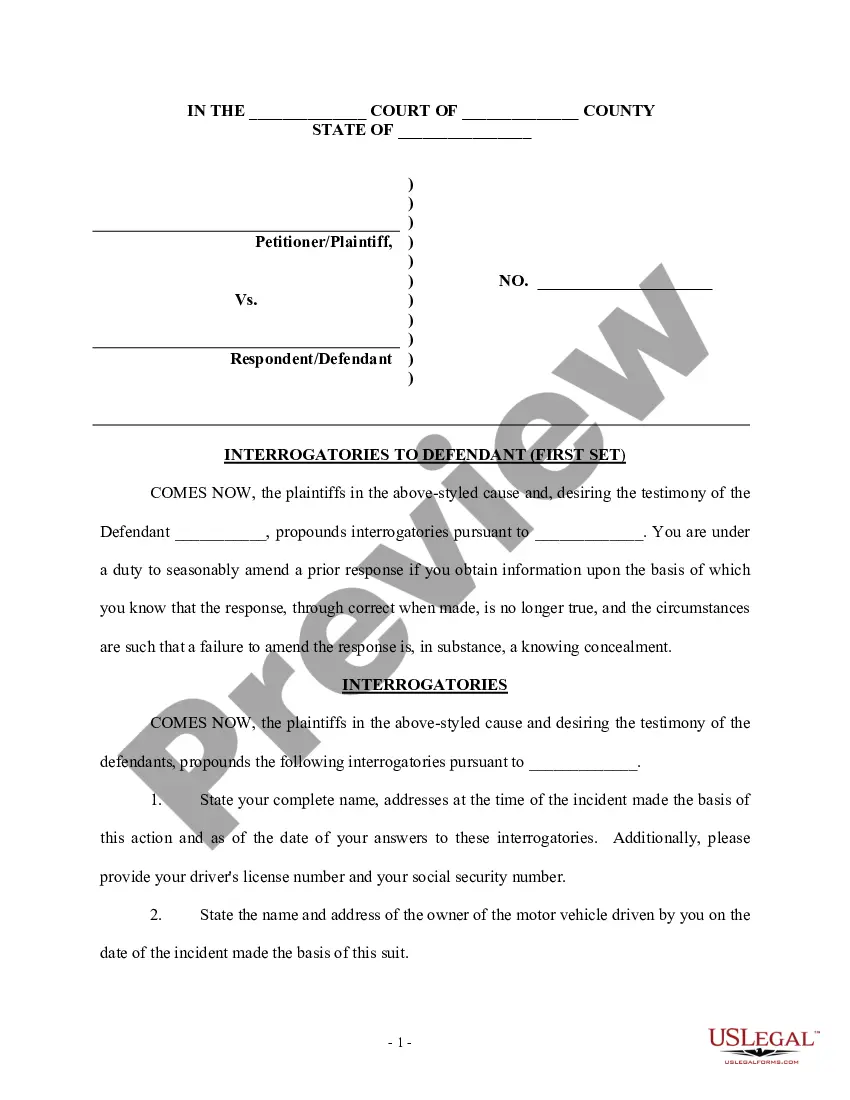
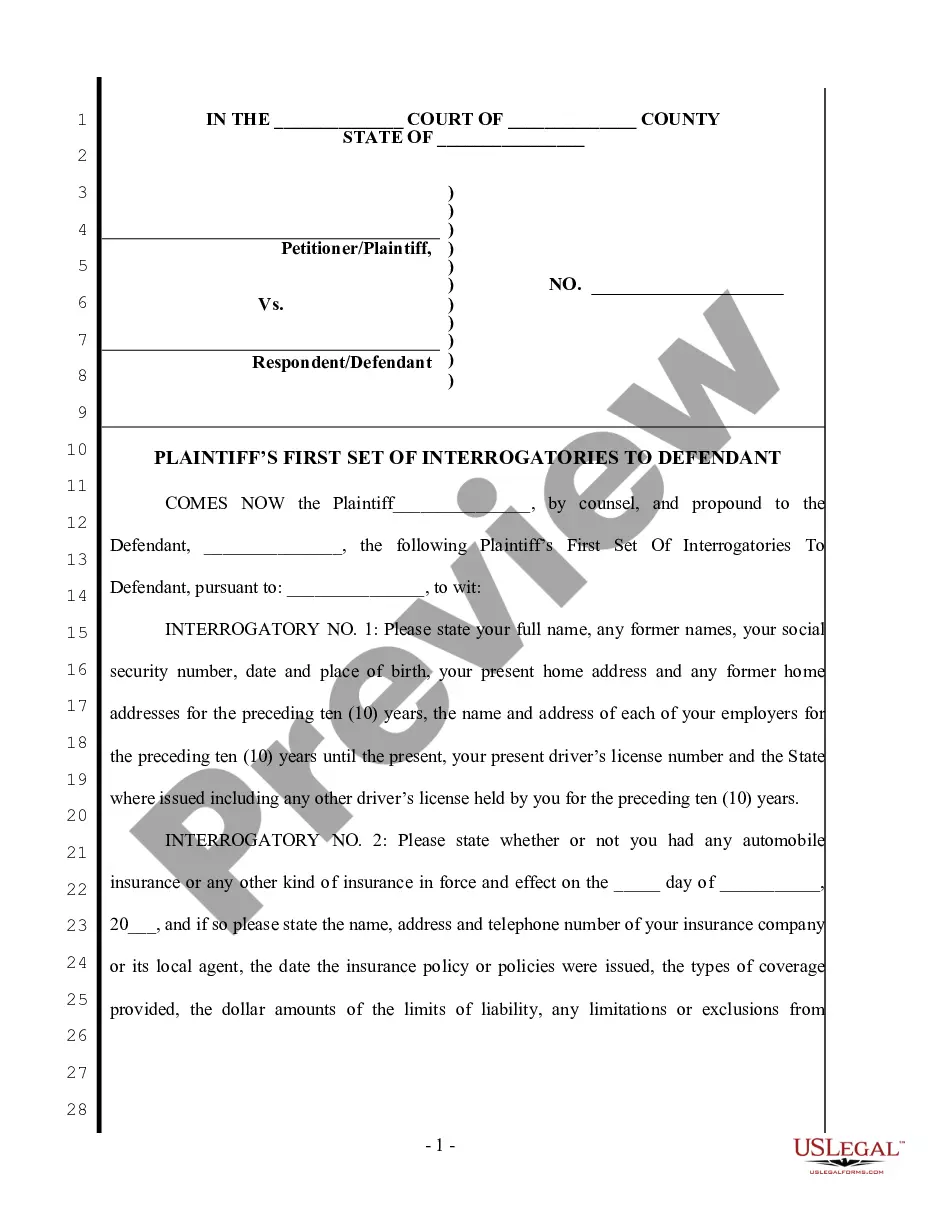
Get your form ready online
Our built-in tools help you complete, sign, share, and store your documents in one place.
Make edits, fill in missing information, and update formatting in US Legal Forms—just like you would in MS Word.
Download a copy, print it, send it by email, or mail it via USPS—whatever works best for your next step.
Sign and collect signatures with our SignNow integration. Send to multiple recipients, set reminders, and more. Go Premium to unlock E-Sign.
If this form requires notarization, complete it online through a secure video call—no need to meet a notary in person or wait for an appointment.
We protect your documents and personal data by following strict security and privacy standards.

Make edits, fill in missing information, and update formatting in US Legal Forms—just like you would in MS Word.

Download a copy, print it, send it by email, or mail it via USPS—whatever works best for your next step.

Sign and collect signatures with our SignNow integration. Send to multiple recipients, set reminders, and more. Go Premium to unlock E-Sign.

If this form requires notarization, complete it online through a secure video call—no need to meet a notary in person or wait for an appointment.

We protect your documents and personal data by following strict security and privacy standards.
Looking for another form?
How to fill out Florida Discovery Interrogatories From Defendant To Plaintiff - Personal Injury?
The Respondent Queries To Complainant Employment Bias you see on this page is a reusable legal template crafted by expert attorneys in accordance with federal and local laws.
For over 25 years, US Legal Forms has supplied individuals, organizations, and lawyers with more than 85,000 authenticated, state-specific documents for any business and personal circumstance. It’s the quickest, simplest, and most reliable method to acquire the paperwork you require, as the service guarantees bank-level data security and anti-malware safeguards.
Complete and sign the documents. Print out the template to finish it by hand. Alternatively, utilize an online multi-functional PDF editor to quickly and accurately fill out and sign your form with a valid signature. Download your documents again. Use the same document anytime needed. Open the My documents tab in your profile to redownload any previously saved forms. Register for US Legal Forms to have verified legal templates for all of life’s situations available to you.
- Explore the document you require and assess it.
- Examine the file you sought and preview it or review the form description to confirm it meets your requirements. If it doesn’t, use the search feature to discover the appropriate one. Click Buy Now once you’ve identified the template you need.
- Register and Log In.
- Select the pricing plan that fits you and create an account. Use PayPal or a credit card to make a swift payment. If you already possess an account, Log In and check your subscription to continue.
- Acquire the fillable template.
- Pick the format you desire for your Respondent Queries To Complainant Employment Bias (PDF, Word, RTF) and save the document on your device.
Form popularity
FAQ
There is no form for your answer, but you typically have to respond in a specified format, using paper with numbers down the left-hand side, with your name and address at the top left, the name of the court and of the case, and the case number.
Your answers to the interrogatories should usually be short, clear, and direct and should answer only the question that is being asked. This is not the time to set out your entire case or defense to the other side. Take the time to make sure your answers are correct and truthful.
How to Write Draft Interrogatories Brainstorm questions to ask the non-party related to the issues in the case. Identify relevant documents, witnesses, or other evidence that will be needed to answer the interrogatories. Draft the interrogatories in written form. Ensure the interrogatories are clear, concise and specific.
You can use interrogatories to find out facts about a case but they cannot be used for questions that draw a legal conclusion.