Reopened
Description
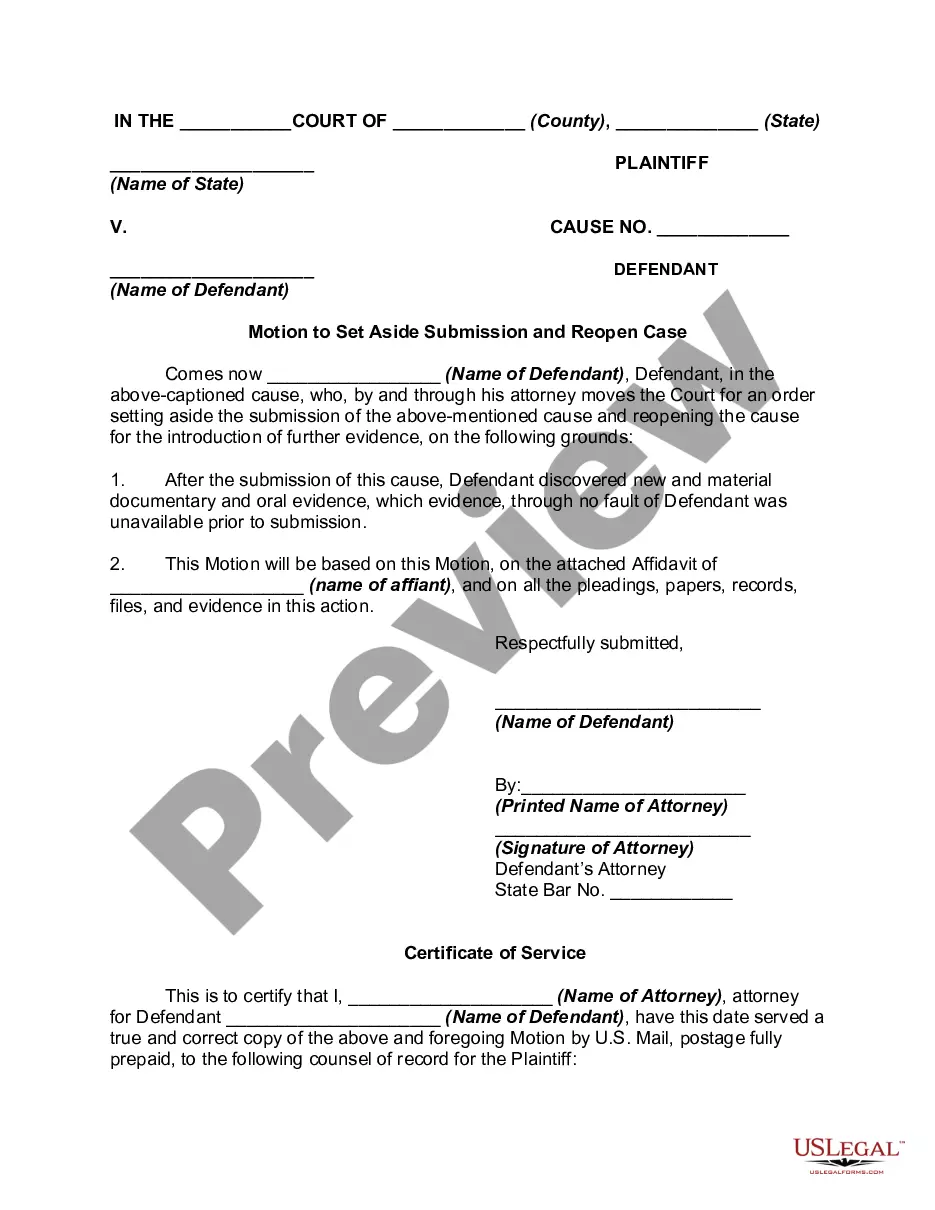
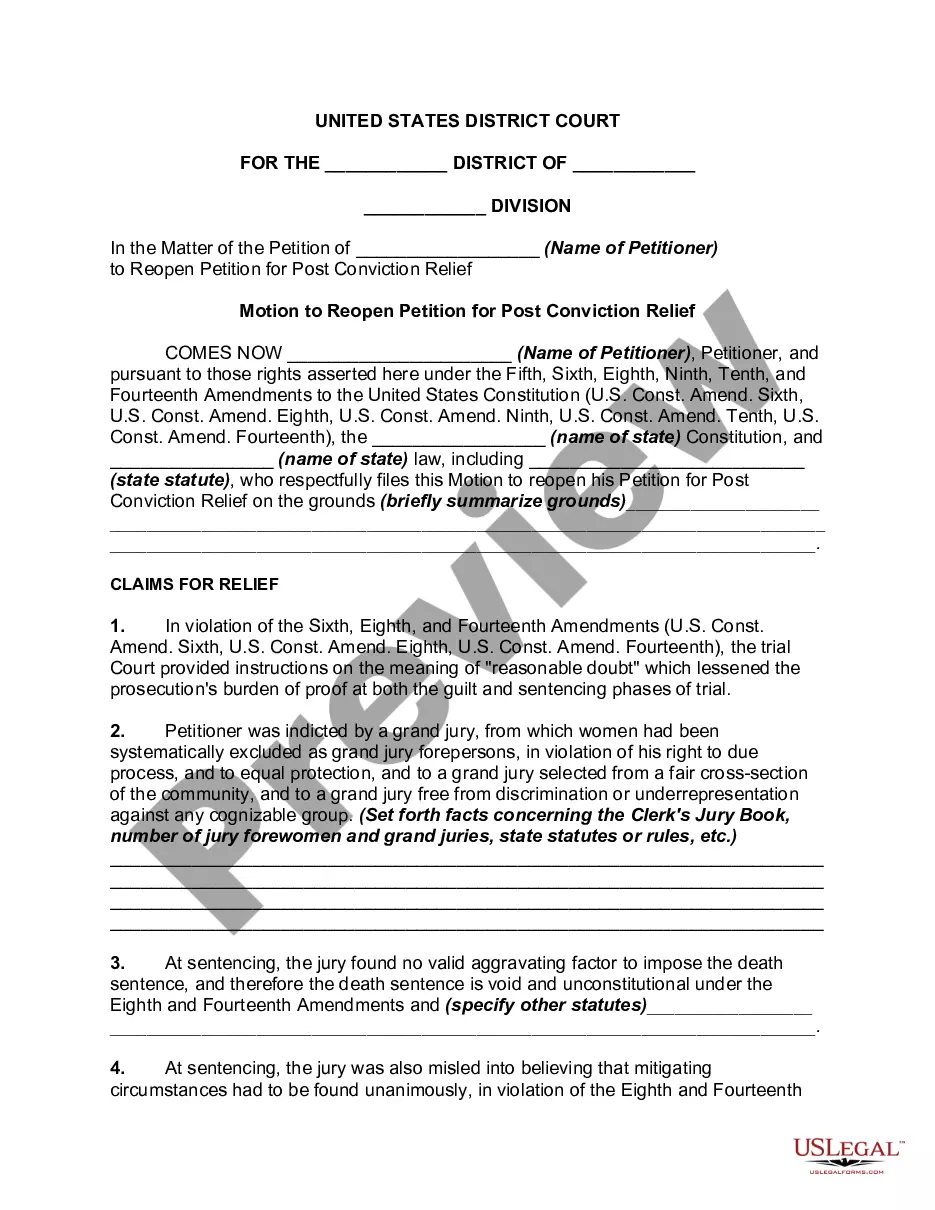
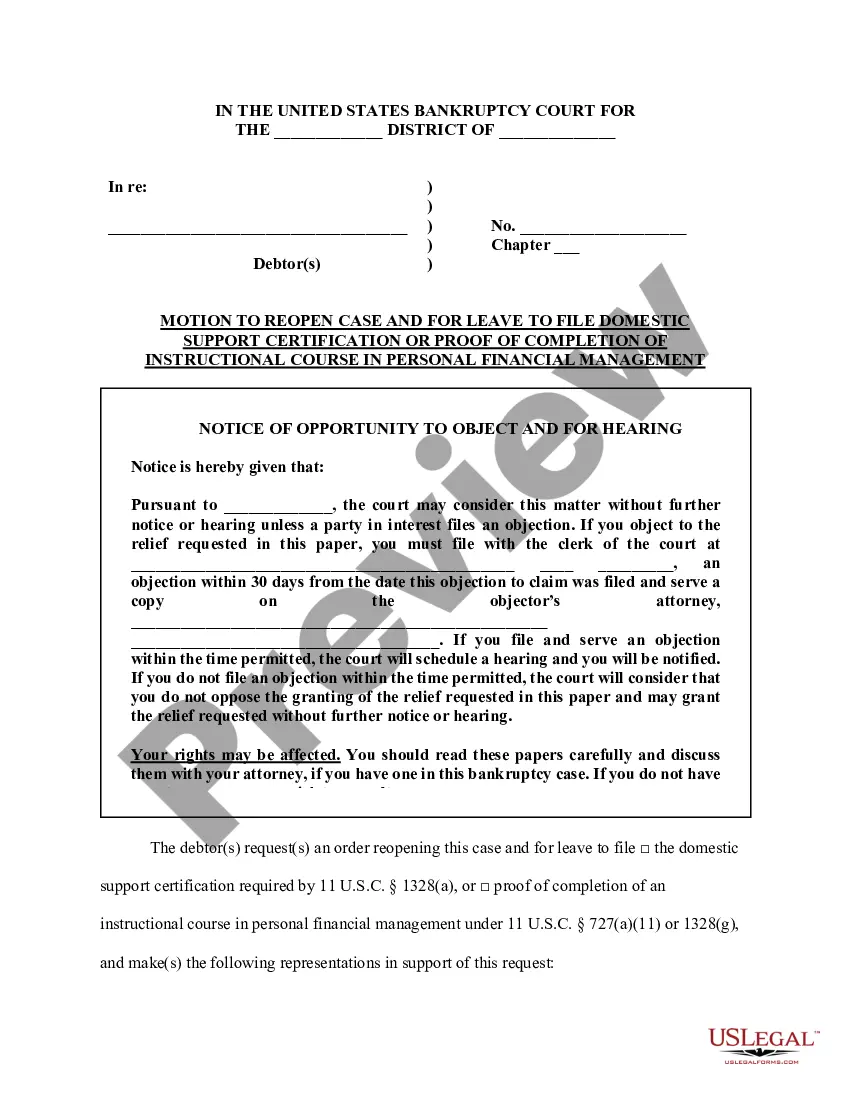
Get your form ready online
Our built-in tools help you complete, sign, share, and store your documents in one place.
Make edits, fill in missing information, and update formatting in US Legal Forms—just like you would in MS Word.
Download a copy, print it, send it by email, or mail it via USPS—whatever works best for your next step.
Sign and collect signatures with our SignNow integration. Send to multiple recipients, set reminders, and more. Go Premium to unlock E-Sign.
If this form requires notarization, complete it online through a secure video call—no need to meet a notary in person or wait for an appointment.
We protect your documents and personal data by following strict security and privacy standards.

Make edits, fill in missing information, and update formatting in US Legal Forms—just like you would in MS Word.

Download a copy, print it, send it by email, or mail it via USPS—whatever works best for your next step.

Sign and collect signatures with our SignNow integration. Send to multiple recipients, set reminders, and more. Go Premium to unlock E-Sign.

If this form requires notarization, complete it online through a secure video call—no need to meet a notary in person or wait for an appointment.

We protect your documents and personal data by following strict security and privacy standards.
Looking for another form?





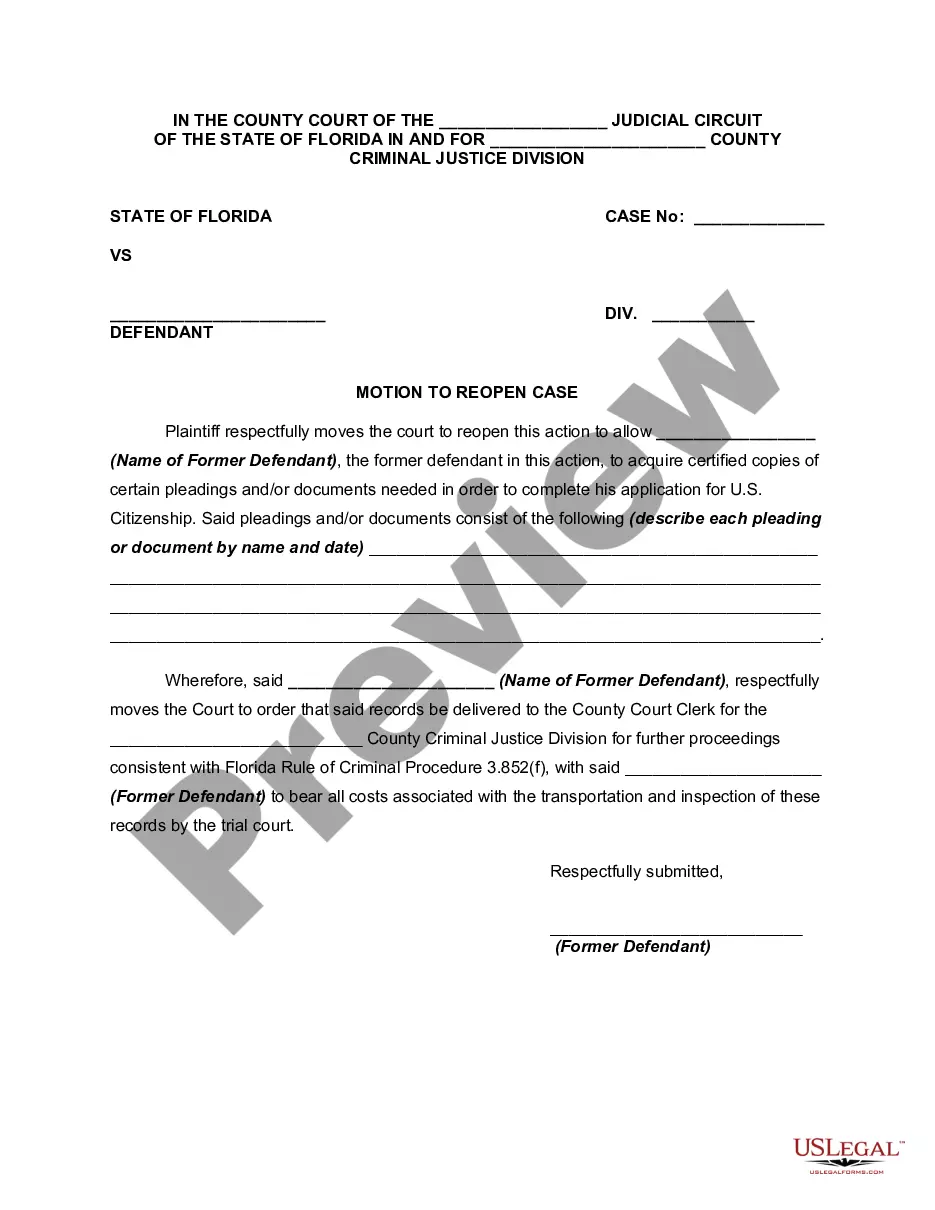
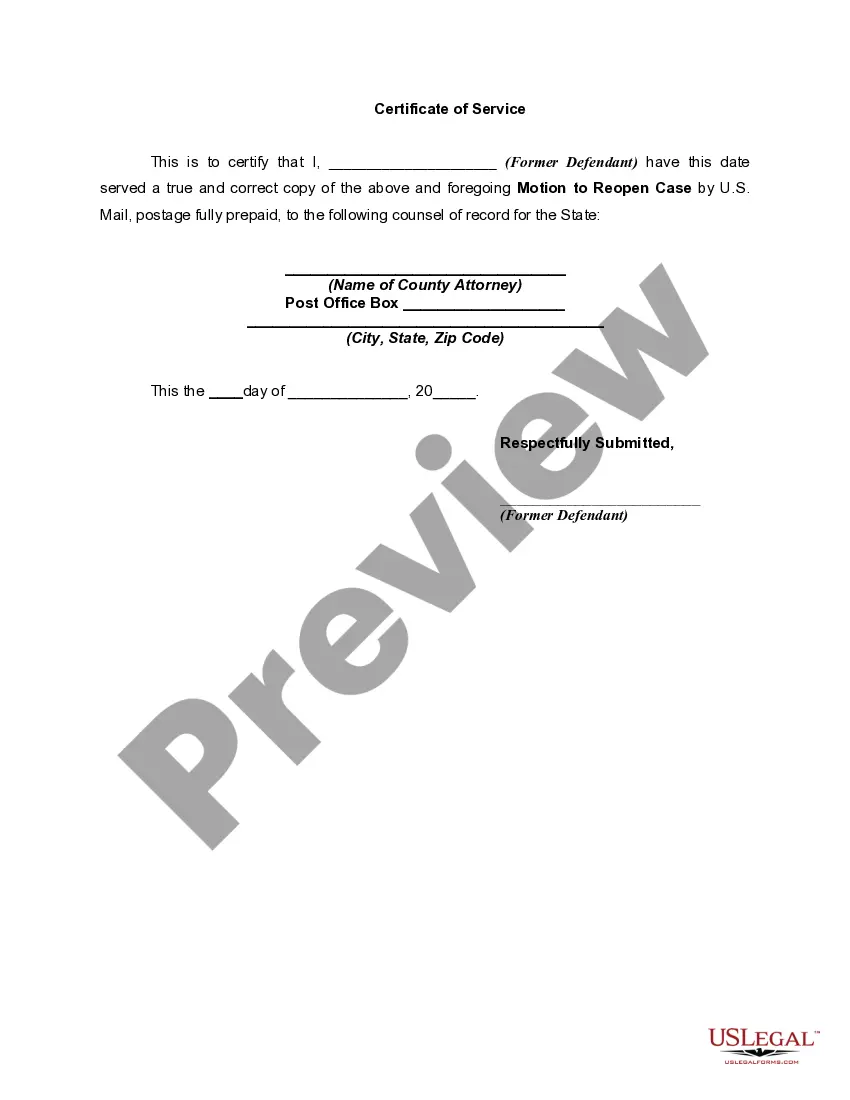
How to fill out Florida Motion To Reopen Case In Order To Acquire Copies Of Pleadings?
- If you're a returning user, log in to your account and download your desired form template. Ensure that your subscription is active; if it’s expired, consider renewing it.
- For first-time users, begin by checking the form description and preview mode to confirm the document aligns with your specific needs and jurisdiction requirements.
- Search for additional templates if necessary. Utilize the Search tab if you encounter any inconsistencies to find the most suitable document.
- Once you find the right form, click the Buy Now button and select your preferred subscription plan. You will need to create an account to access all resources.
- Complete your purchase by entering your payment details, whether via credit card or PayPal.
- Finally, download the form to your device. You can find it later in the My documents section of your profile for easy access.
Utilizing US Legal Forms empowers you to tackle legal matters efficiently. With robust resources and expert support, you can be assured that your documents are accurate and ready for use.
Don’t wait any longer! Start navigating the legal landscape with confidence by accessing US Legal Forms today.
Form popularity
FAQ
Recovering deleted items in Jira can be managed through the project’s issue navigator, if the items were removed recently. However, if they are permanently deleted, you may need to consult your backups or discuss recovery options with your Jira administrator. Regularly backing up your data can help prevent future losses.
Writing 'reopening' involves clearly stating the context under which an issue is being reopened. Ensure that the reasoning is documented so that team members understand the necessity behind this action. This clarity prevents confusion and fosters collaboration when addressing reopened tasks.
To get a count of issues in Jira, you can utilize JQL or the dashboard reporting tools. By specifying your parameters, you can obtain a precise count of all open, closed, or reopened issues. This information is vital for project tracking and resource allocation.
The Jira reopening counter tracks the number of times issues have been reopened. This metric is crucial for understanding the quality of completed tasks and the effectiveness of resolution efforts. Monitoring this counter can guide process improvements and ensure higher standards of work.
Using the reopen feature in Jira is straightforward. When an issue requires further attention, you can transition it back to the Reopened status from the workflow. This action alerts the team to investigate and resolve the issue effectively, fostering better project management.
To get the reopened count in Jira, you can use JQL (Jira Query Language) to filter issues that have been reopened. Simply input a query like 'status changed to Reopened' to pull a list of relevant issues. This count provides insight into recurring problems and helps teams focus on critical areas needing attention.
To reset the failed login count in Jira, navigate to the admin settings. From there, you can locate the user management section. It allows you to clear failed login attempts, ensuring that users can retry without any disruption. Always verify the user's credentials before resetting to maintain security.
To reopen a closed immigration case, you need to file a motion to reopen with supporting evidence that justifies your request. Start by gathering all relevant documents and clearly outlining the reasons for your request. USLegalForms can simplify this process by providing useful templates and resources to help ensure your motion is comprehensive and professionally formatted. Be thorough in your approach to increase the chances of a successful outcome.
USCIS typically takes several months to process a request to reopen a case, often ranging from 4 to 12 months. The timeframe can depend on the complexity of your case and the current caseload at USCIS. You should regularly check your case status online to keep up to date on any progress. Being proactive can help you manage your expectations during this waiting period.
You can file a motion to reopen multiple times, but each request must be justified with new information or evidence not previously available. It's important to note that the success of your motions depends on the strength of your arguments and the specifics of your case. Repeated motions may not be viewed favorably if they do not provide substantial new insights. Therefore, always ensure your submissions are well-supported.