Fence Contract Example With Explanation
Description
Get your form ready online
Our built-in tools help you complete, sign, share, and store your documents in one place.
Make edits, fill in missing information, and update formatting in US Legal Forms—just like you would in MS Word.
Download a copy, print it, send it by email, or mail it via USPS—whatever works best for your next step.
Sign and collect signatures with our SignNow integration. Send to multiple recipients, set reminders, and more. Go Premium to unlock E-Sign.
If this form requires notarization, complete it online through a secure video call—no need to meet a notary in person or wait for an appointment.
We protect your documents and personal data by following strict security and privacy standards.

Make edits, fill in missing information, and update formatting in US Legal Forms—just like you would in MS Word.

Download a copy, print it, send it by email, or mail it via USPS—whatever works best for your next step.

Sign and collect signatures with our SignNow integration. Send to multiple recipients, set reminders, and more. Go Premium to unlock E-Sign.

If this form requires notarization, complete it online through a secure video call—no need to meet a notary in person or wait for an appointment.

We protect your documents and personal data by following strict security and privacy standards.
Looking for another form?
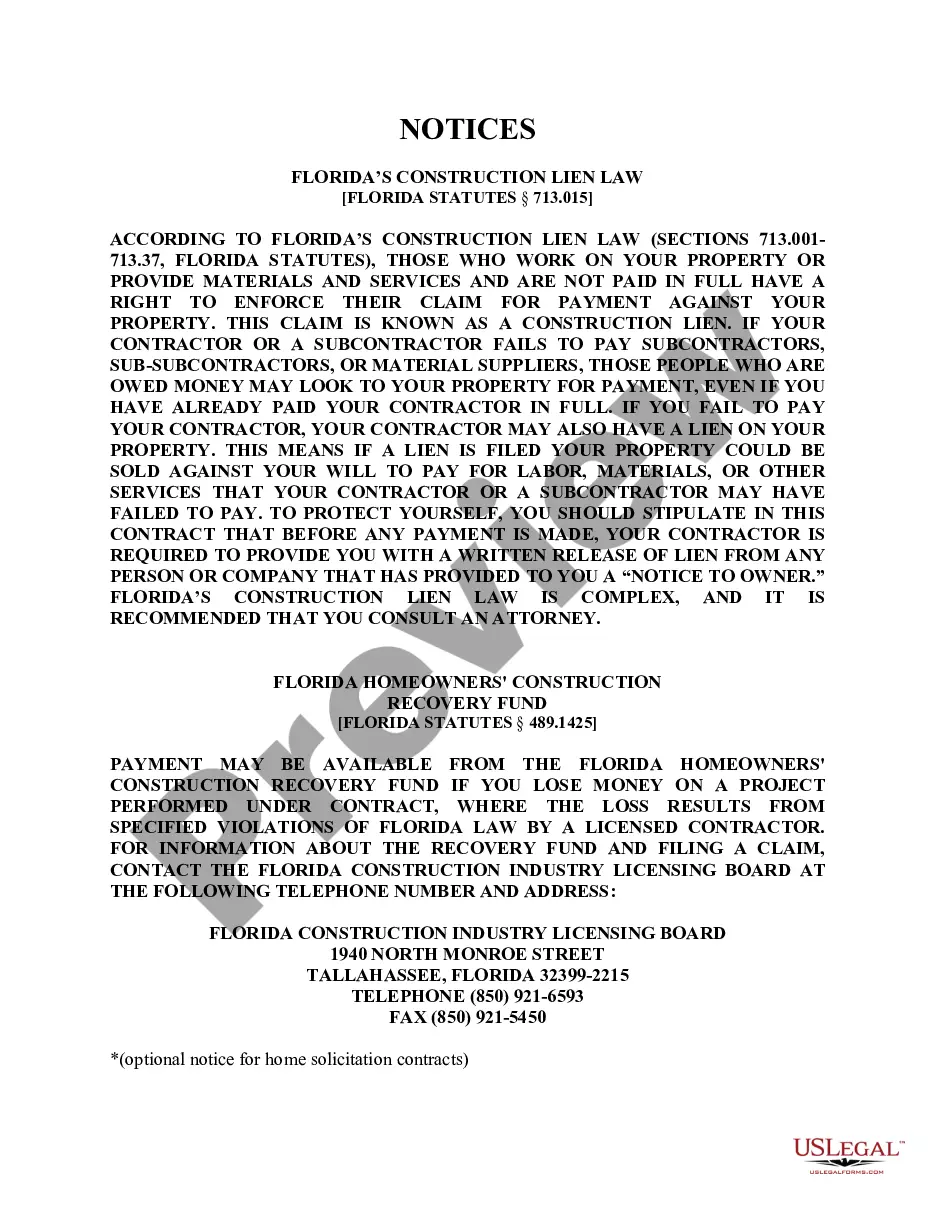
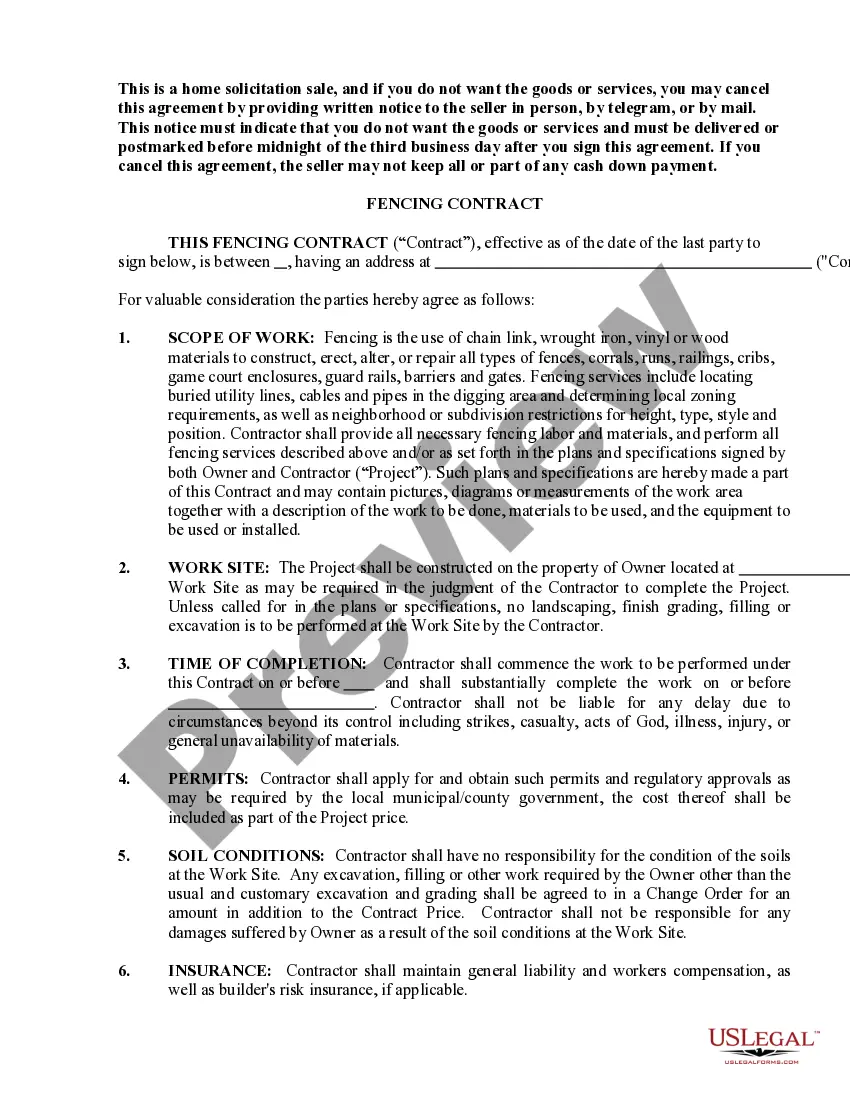
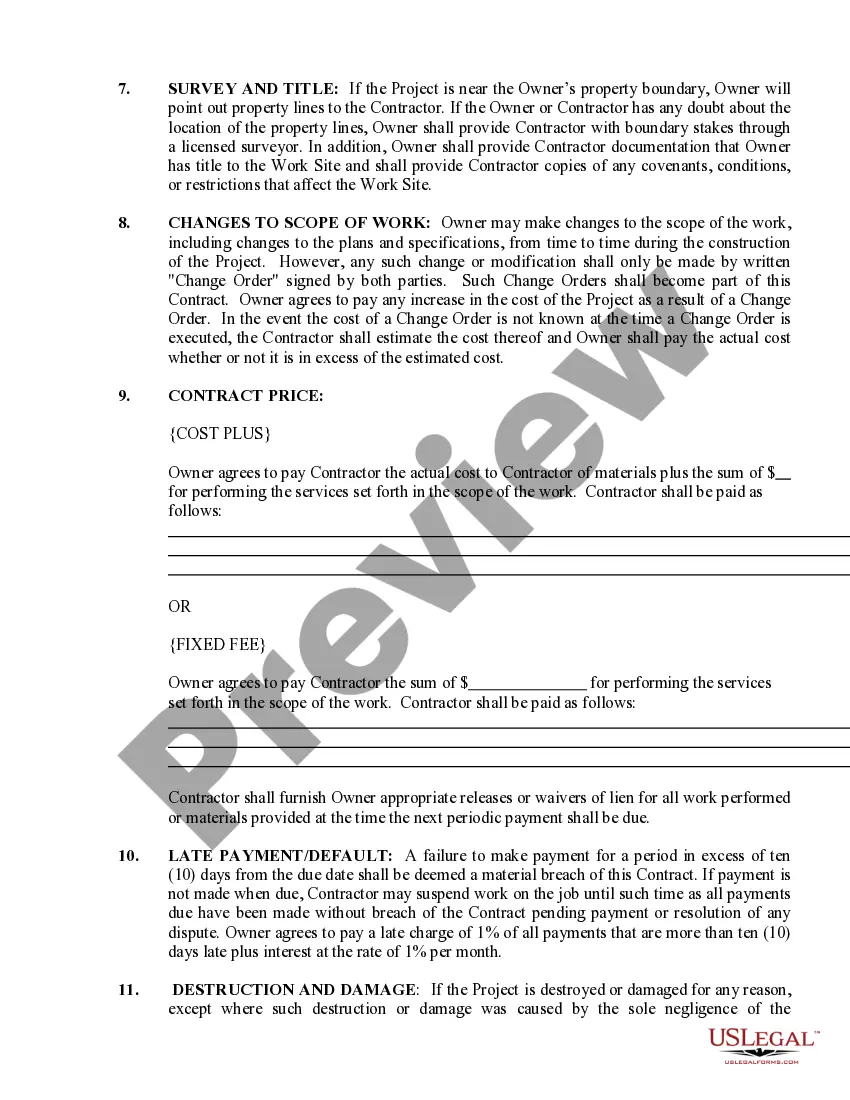
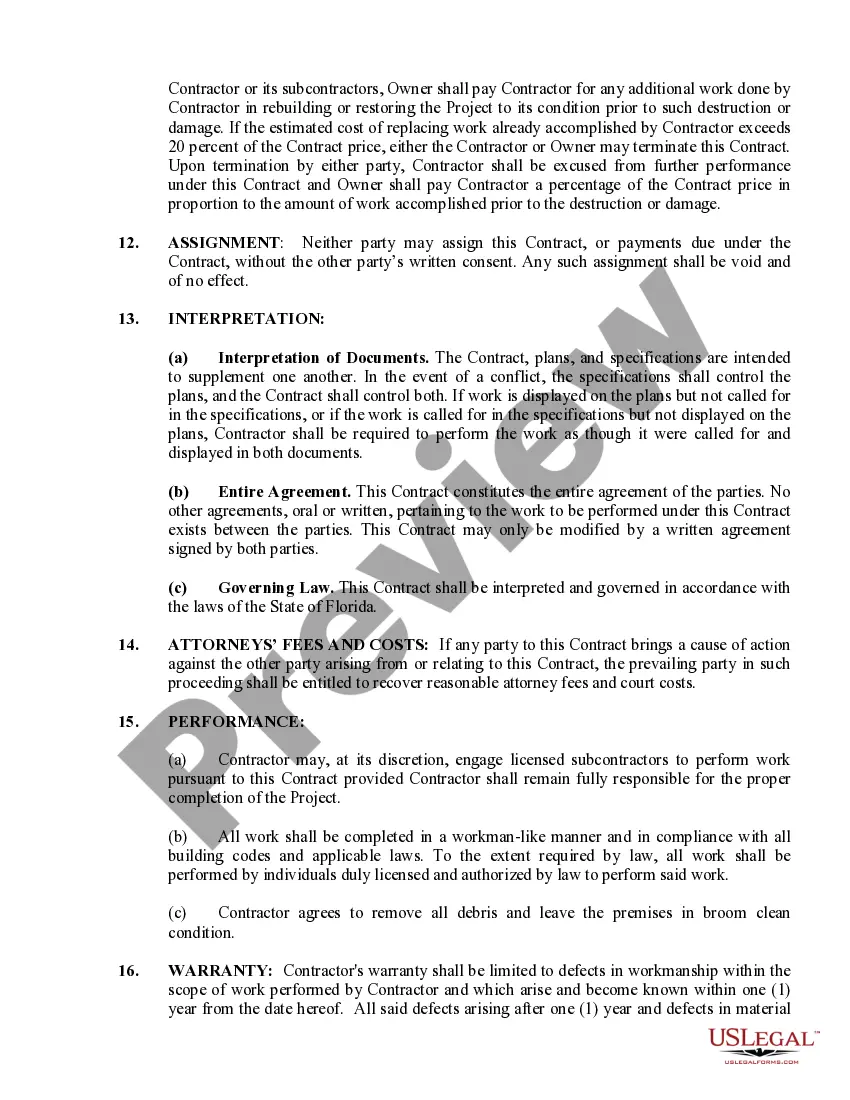
How to fill out Florida Fencing Contract For Contractor?
Legal document organization can be daunting, even for seasoned experts.
When you are looking for a Fence Contract Example With Explanation and don’t have the opportunity to invest time in searching for the correct and current version, the process can be overwhelming.
With US Legal Forms, you can.
Access state- or county-specific legal and business documents. US Legal Forms addresses any requirements you may have, from personal to corporate paperwork, all in one location.
Here are the steps to follow after locating the form you need: Verify it is the correct form by previewing it and reviewing its details. Ensure that the sample is recognized in your state or county. Click Buy Now when you are ready. Choose a monthly subscription plan. Select the format you need, and Download, complete, sign, print, and send your document. Take advantage of the US Legal Forms online library, supported by 25 years of experience and trustworthiness. Transform your daily document management into a seamless and intuitive process today.
- Access a database of articles, guides, handbooks, and resources pertinent to your situation and needs.
- Save time and effort searching for the forms you require, and use US Legal Forms’ advanced search and Review feature to find Fence Contract Example With Explanation and download it.
- If you have a subscription, Log In to your US Legal Forms account, search for the form, and download it.
- Check your My documents tab to view the documents you have previously saved and to manage your folders as you see fit.
- If this is your first experience with US Legal Forms, create a free account and gain unlimited access to all the benefits of the library.
- A strong online form repository could be transformative for anyone seeking to manage these circumstances effectively.
- US Legal Forms stands as a frontrunner in digital legal forms, with over 85,000 state-specific legal documents accessible at any time.
- Utilize cutting-edge tools to complete and manage your Fence Contract Example With Explanation.
Form popularity
FAQ
Write the contract in six steps Start with a contract template. ... Open with the basic information. ... Describe in detail what you have agreed to. ... Include a description of how the contract will be ended. ... Write into the contract which laws apply and how disputes will be resolved. ... Include space for signatures.
Breadth of the rectangular park = 125 m. Perimeter of park = 2×(length + breadth). = 2×(175 + 125). = 2×300 = 600 m. Therefore, the cost of fencing the rectangular park of perimeter 600 m = 12×600 = ? 7,200.
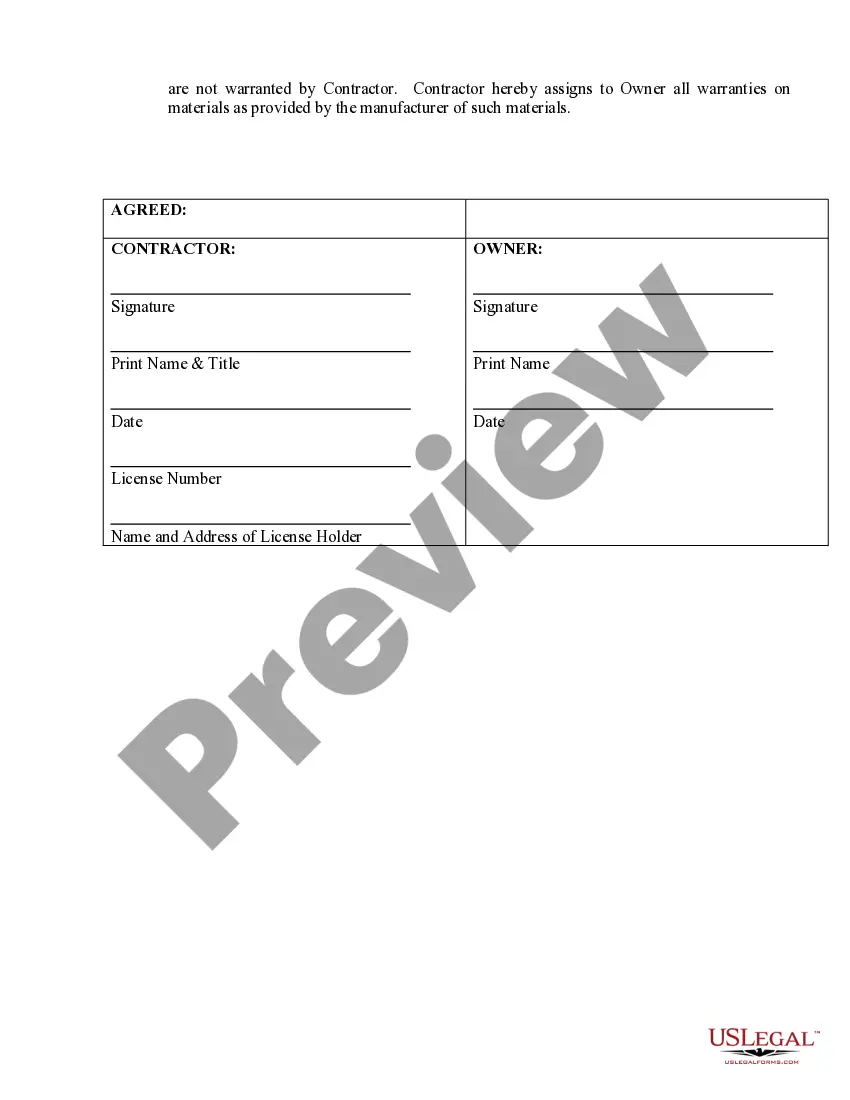
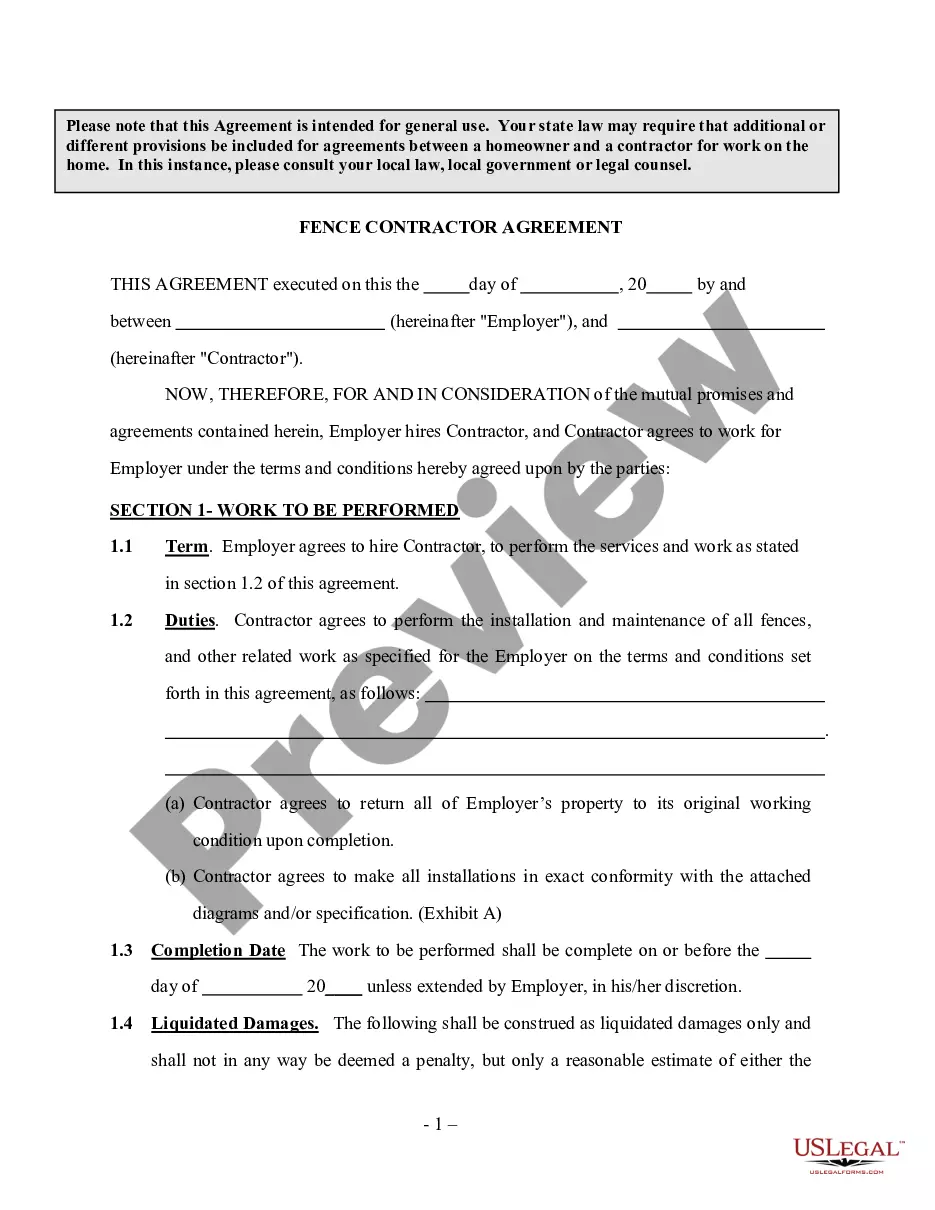
Fencing Contracts Contractor's business name and all contact information (phone number, address, supervisor name, etc.) Description of the project, including expected start and completion dates. Details such as location, perimeter, fence height. Material use ? brand, supplier, specific amount, cost, etc.
How to draft a contract between two parties: A step-by-step checklist Check out the parties. ... Come to an agreement on the terms. ... Specify the length of the contract. ... Spell out the consequences. ... Determine how you would resolve any disputes. ... Think about confidentiality. ... Check the contract's legality. ... Open it up to negotiation.
If you're installing the fence in a particularly rocky or hilly area, labor costs may be higher. Some contractors charge by the hour. Most charge $30 to $80 (CAD 40 to CAD 107) per hour. A 150-linear-foot fence will take about 20 hours to complete.