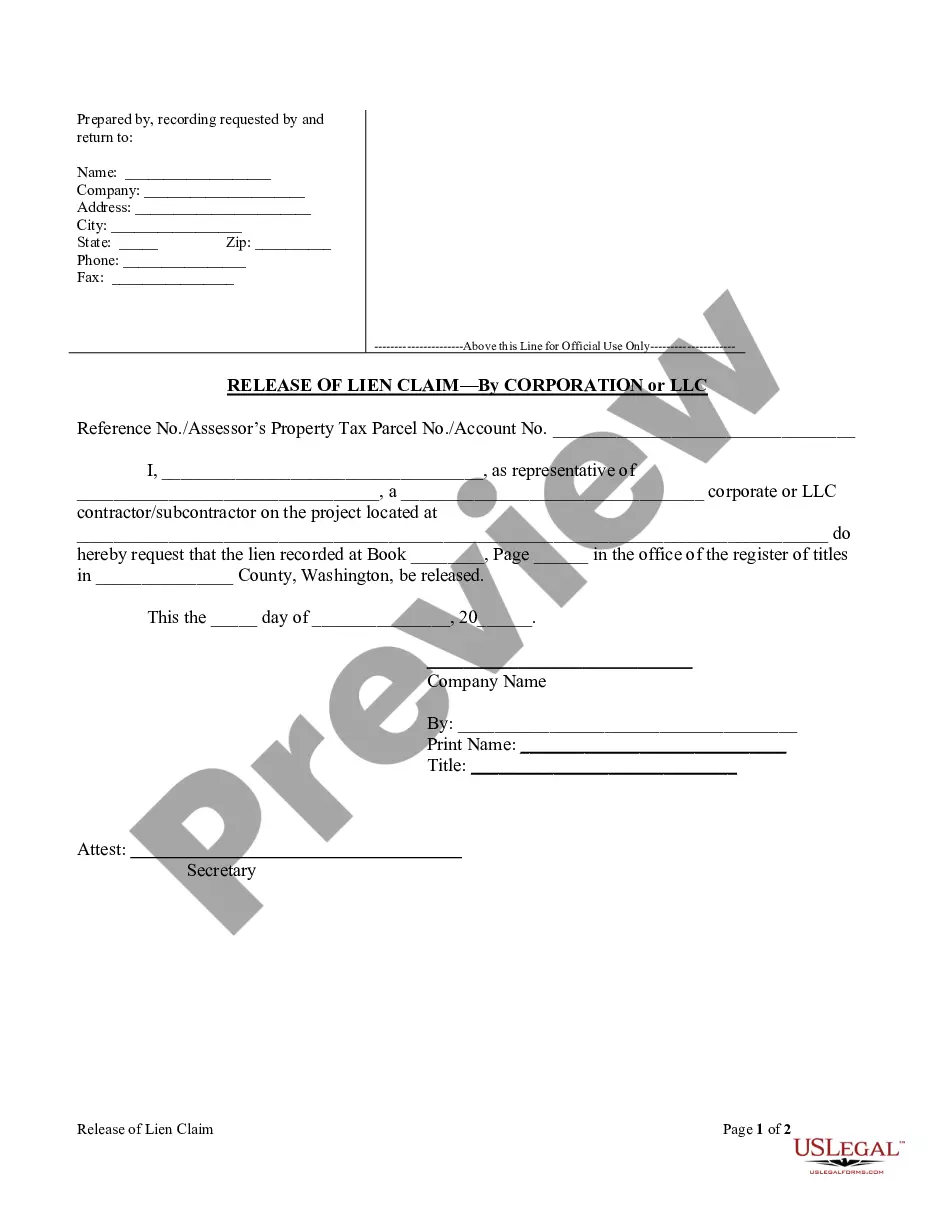
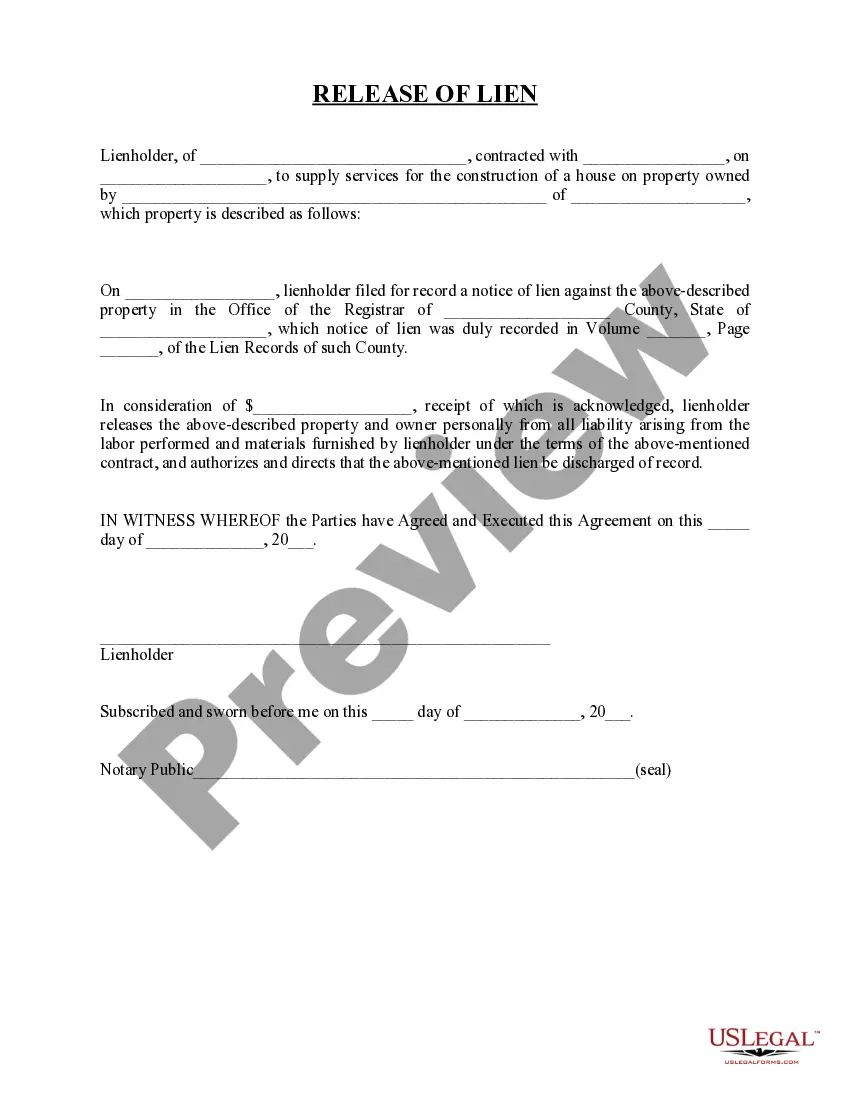
Ct Release Of Mechanics Lien Form
Description
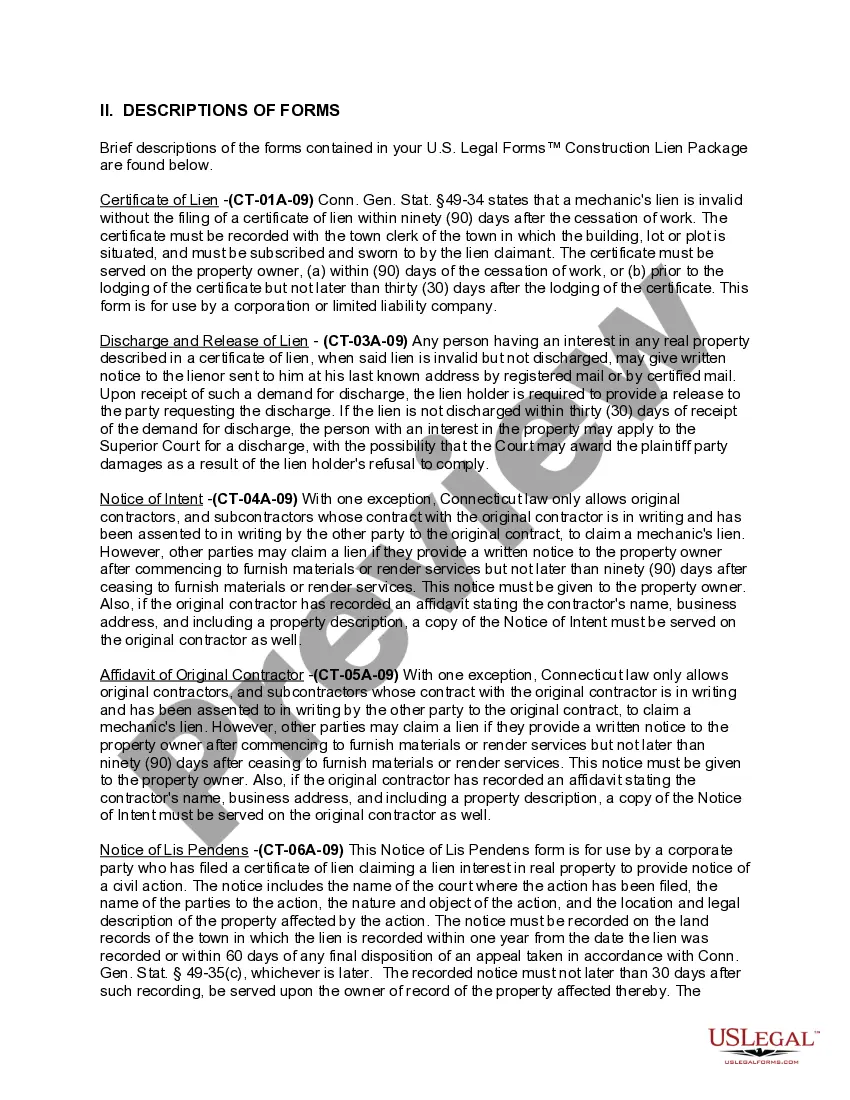

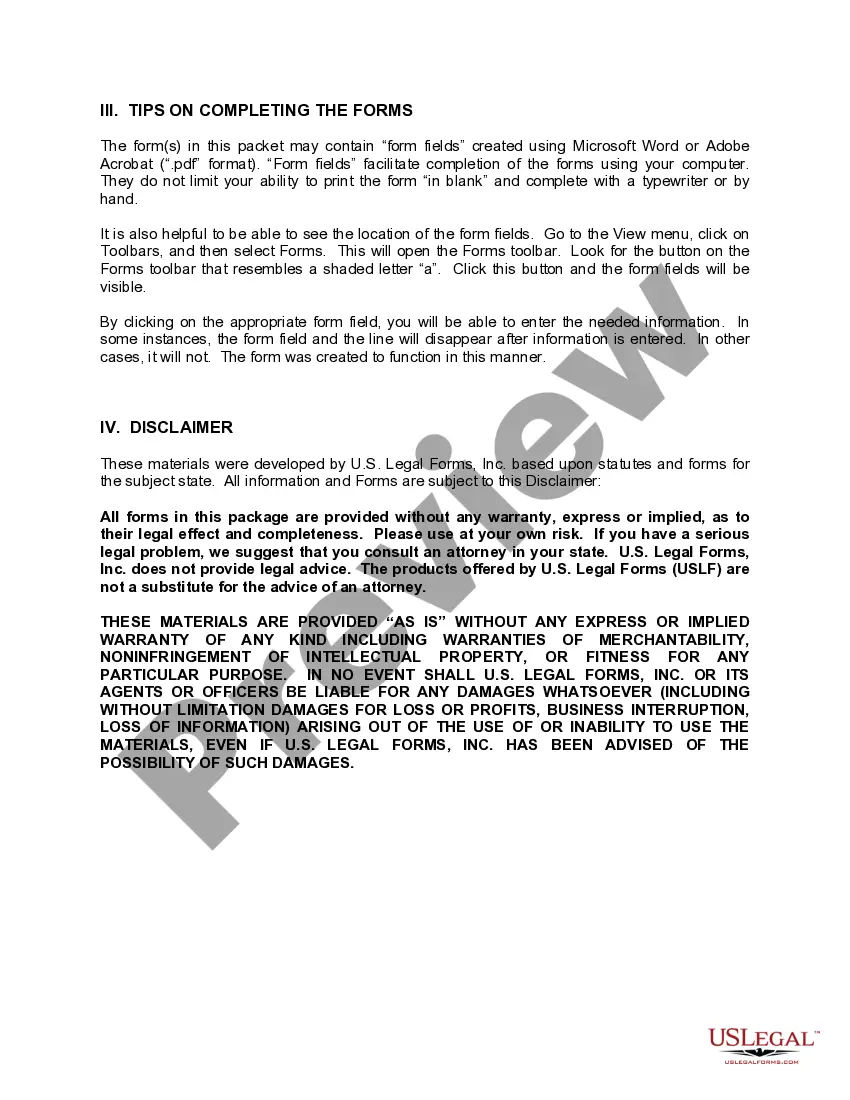
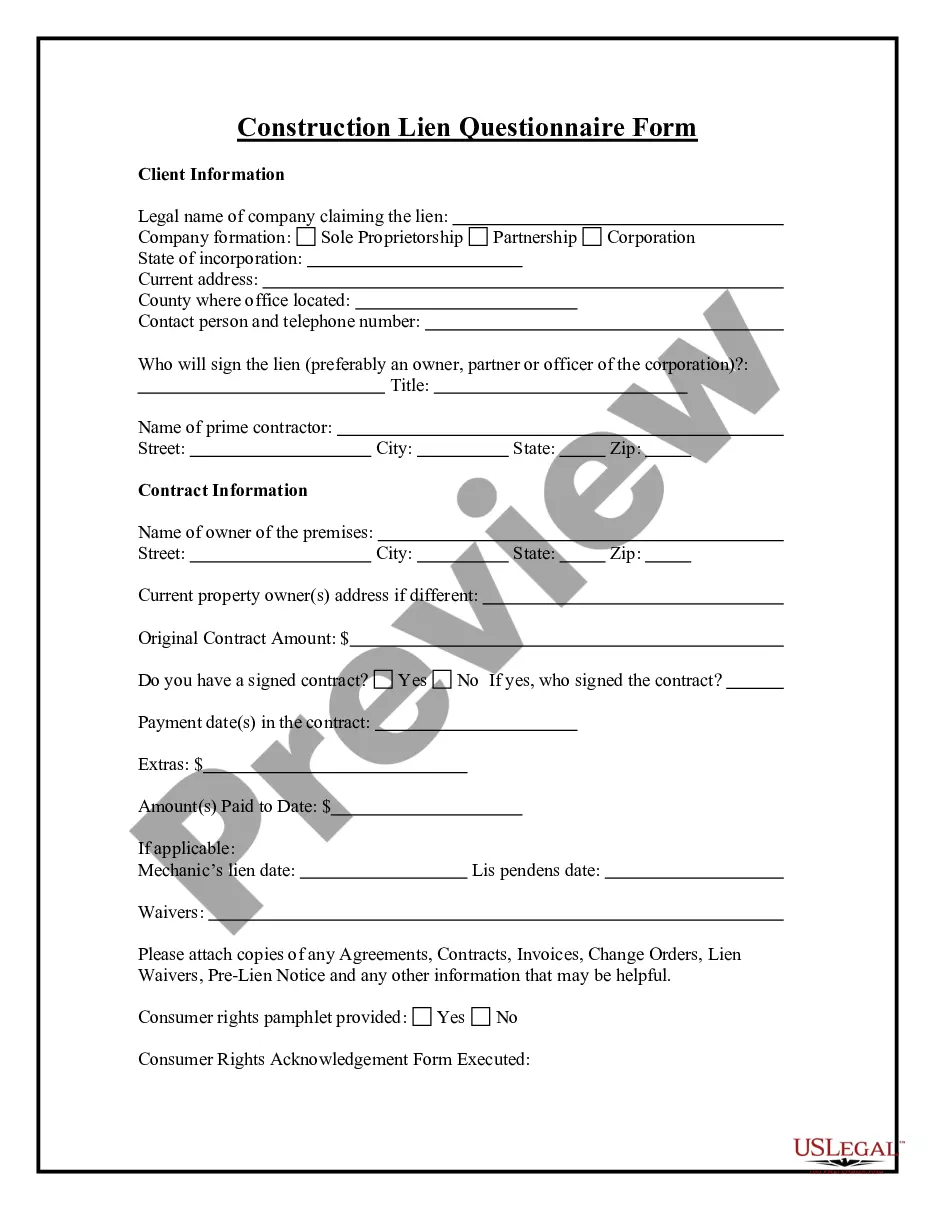
Get your form ready online
Our built-in tools help you complete, sign, share, and store your documents in one place.
Make edits, fill in missing information, and update formatting in US Legal Forms—just like you would in MS Word.
Download a copy, print it, send it by email, or mail it via USPS—whatever works best for your next step.
Sign and collect signatures with our SignNow integration. Send to multiple recipients, set reminders, and more. Go Premium to unlock E-Sign.
If this form requires notarization, complete it online through a secure video call—no need to meet a notary in person or wait for an appointment.
We protect your documents and personal data by following strict security and privacy standards.

Make edits, fill in missing information, and update formatting in US Legal Forms—just like you would in MS Word.

Download a copy, print it, send it by email, or mail it via USPS—whatever works best for your next step.

Sign and collect signatures with our SignNow integration. Send to multiple recipients, set reminders, and more. Go Premium to unlock E-Sign.

If this form requires notarization, complete it online through a secure video call—no need to meet a notary in person or wait for an appointment.

We protect your documents and personal data by following strict security and privacy standards.
Looking for another form?
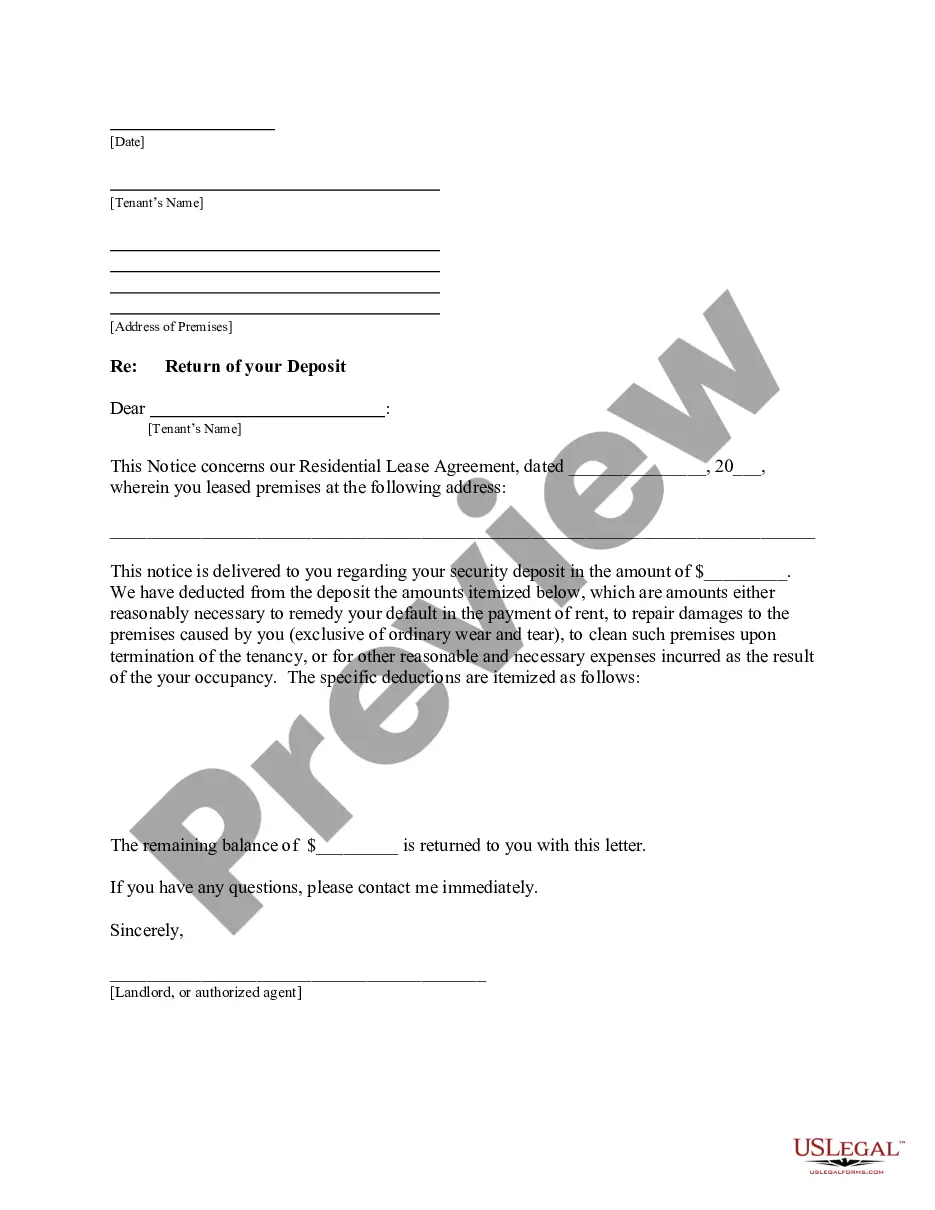


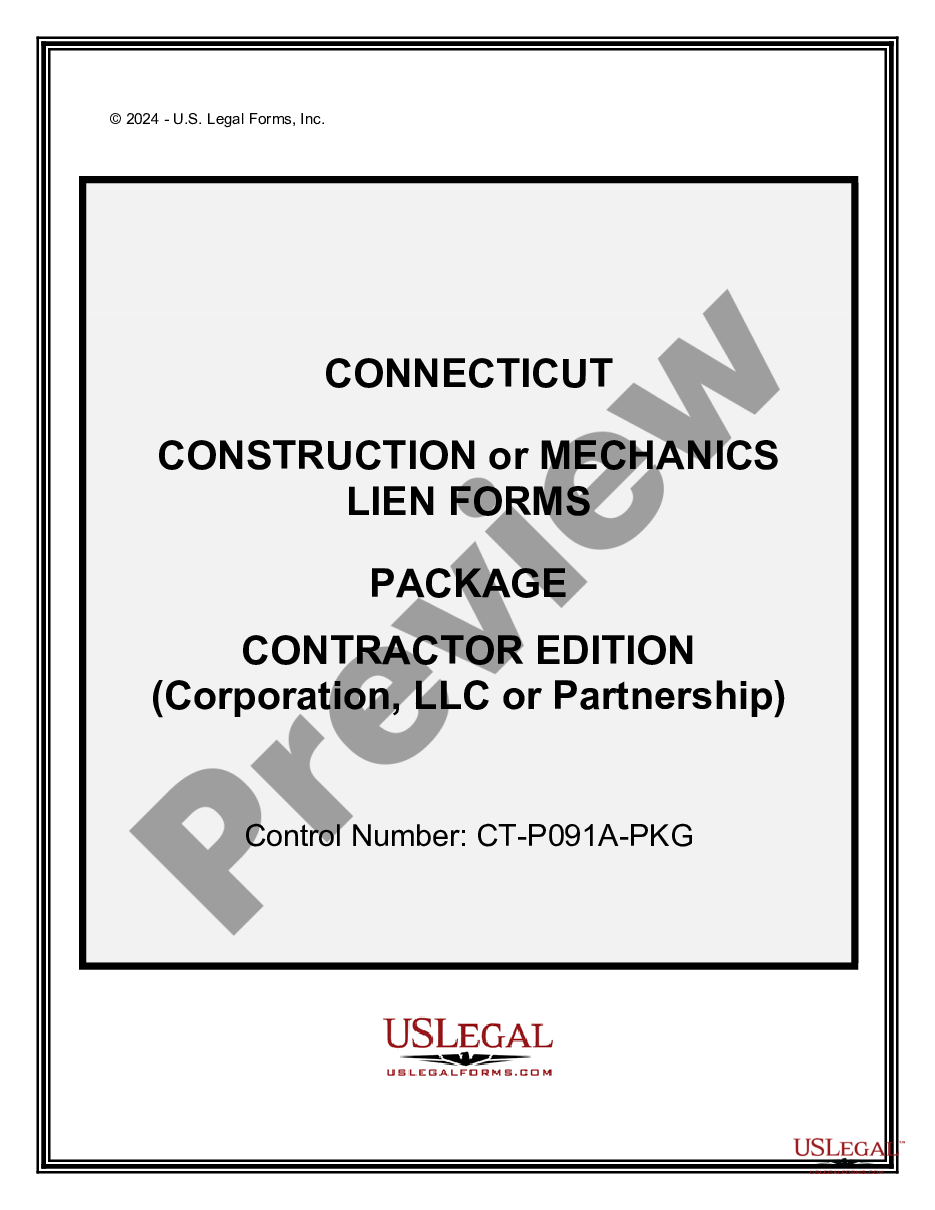
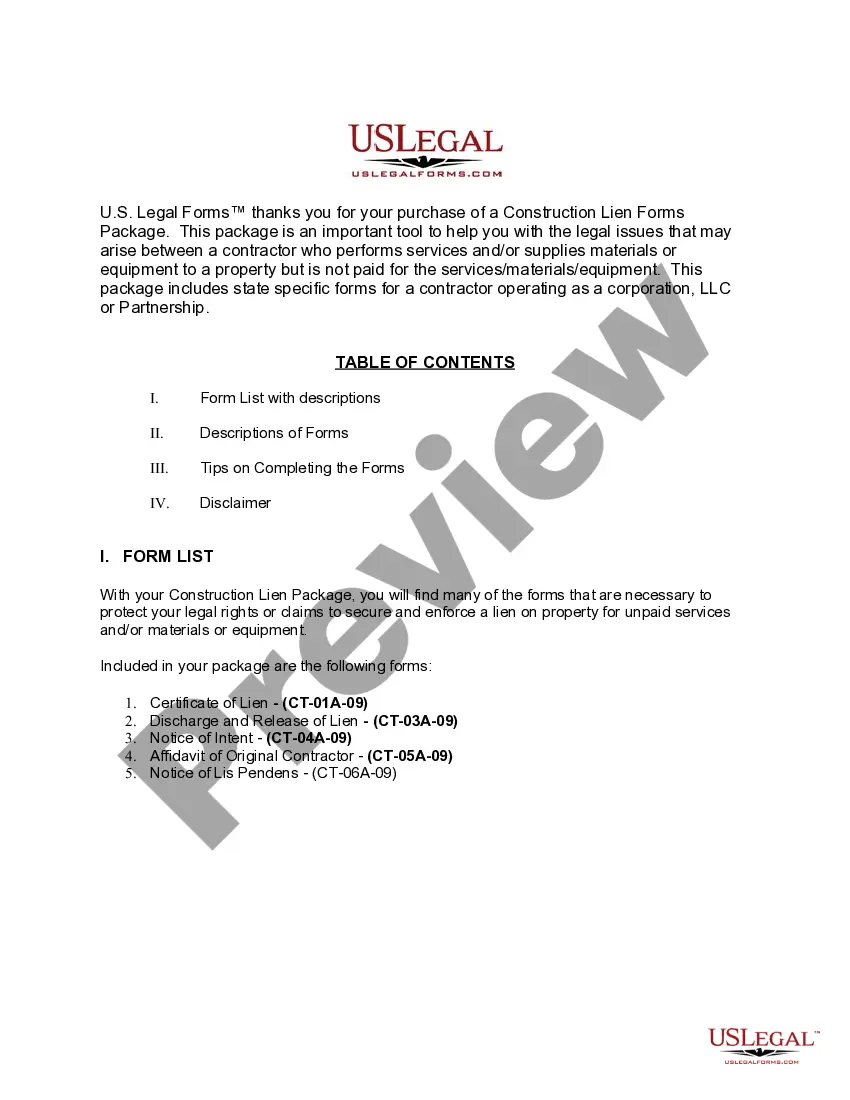
How to fill out Connecticut Construction Or Mechanics Lien Package - Corporation?
Individuals often link legal documentation with complexity that only a professional can manage.
In a sense, this is accurate, as preparing the Ct Release Of Mechanics Lien Form requires significant knowledge of relevant criteria, including state and local laws.
Nonetheless, with the US Legal Forms platform, the process has become simpler: ready-to-use legal templates for all personal and business situations tailored to state regulations are compiled into a single online repository and are now accessible to all.
You can print your document or upload it to an online editor for quicker completion. All templates in our collection are reusable: once purchased, they remain stored in your profile. You can access them anytime through the My documents tab. Discover all the benefits of using the US Legal Forms platform. Sign up today!
- US Legal Forms provides over 85,000 current forms categorized by state and purpose, making it easy to search for the Ct Release Of Mechanics Lien Form or any other specific template in just minutes.
- Users who have previously registered and hold an active subscription must Log In to their account and select Download to retrieve the form.
- New users must first register for an account and subscribe before they can download any documentation.
- Here’s a step-by-step guide on how to obtain the Ct Release Of Mechanics Lien Form.
- Examine the page content carefully to ensure it meets your requirements.
- Review the form description or evaluate it using the Preview feature.
- If the previous sample isn't suitable, search for another one using the Search field in the header.
- Once you find the correct Ct Release Of Mechanics Lien Form, click Buy Now.
- Select a subscription plan that aligns with your needs and budget.
- Create an account or login to continue to the payment page.
- Make your payment using PayPal or a credit card.
- Choose the format for your sample and click Download.
Form popularity
FAQ
Go to the Town Clerk's Office and tell them you wish to file a lien. Give them the name and address of the debtor and their house. For a listing of Connecticut Town Clerks see the Resources Section. Sign the lien or have your lawyer sign the lien.
4 steps to file a mechanics lien in ConnecticutPrepare the lien form. First, make sure you are using a lien form that meets the statutory requirements in Connecticut.Sign & notarize the form.Deliver the lien to the town clerk.Serve a copy on the property owner.
A mechanics lien in Connecticut is valid for 1 year from the recording date.
Recording requirementsThe completed mechanics lien form must be filed with the recorder's office in the Connecticut county where the property is located. A mechanics lien can be delivered in person, by mail, or by FedEx.
Mechanic's liens in Connecticut must be served on the property owner and recorded on land records within 90 days of the last date substantial work was done. Once a mechanic's lien is recorded on the land records, it starts a one year clock to foreclose the lien.