Ct Unemployment File Format
Description


Get your form ready online
Our built-in tools help you complete, sign, share, and store your documents in one place.
Make edits, fill in missing information, and update formatting in US Legal Forms—just like you would in MS Word.
Download a copy, print it, send it by email, or mail it via USPS—whatever works best for your next step.
Sign and collect signatures with our SignNow integration. Send to multiple recipients, set reminders, and more. Go Premium to unlock E-Sign.
If this form requires notarization, complete it online through a secure video call—no need to meet a notary in person or wait for an appointment.
We protect your documents and personal data by following strict security and privacy standards.

Make edits, fill in missing information, and update formatting in US Legal Forms—just like you would in MS Word.

Download a copy, print it, send it by email, or mail it via USPS—whatever works best for your next step.

Sign and collect signatures with our SignNow integration. Send to multiple recipients, set reminders, and more. Go Premium to unlock E-Sign.

If this form requires notarization, complete it online through a secure video call—no need to meet a notary in person or wait for an appointment.

We protect your documents and personal data by following strict security and privacy standards.
Looking for another form?




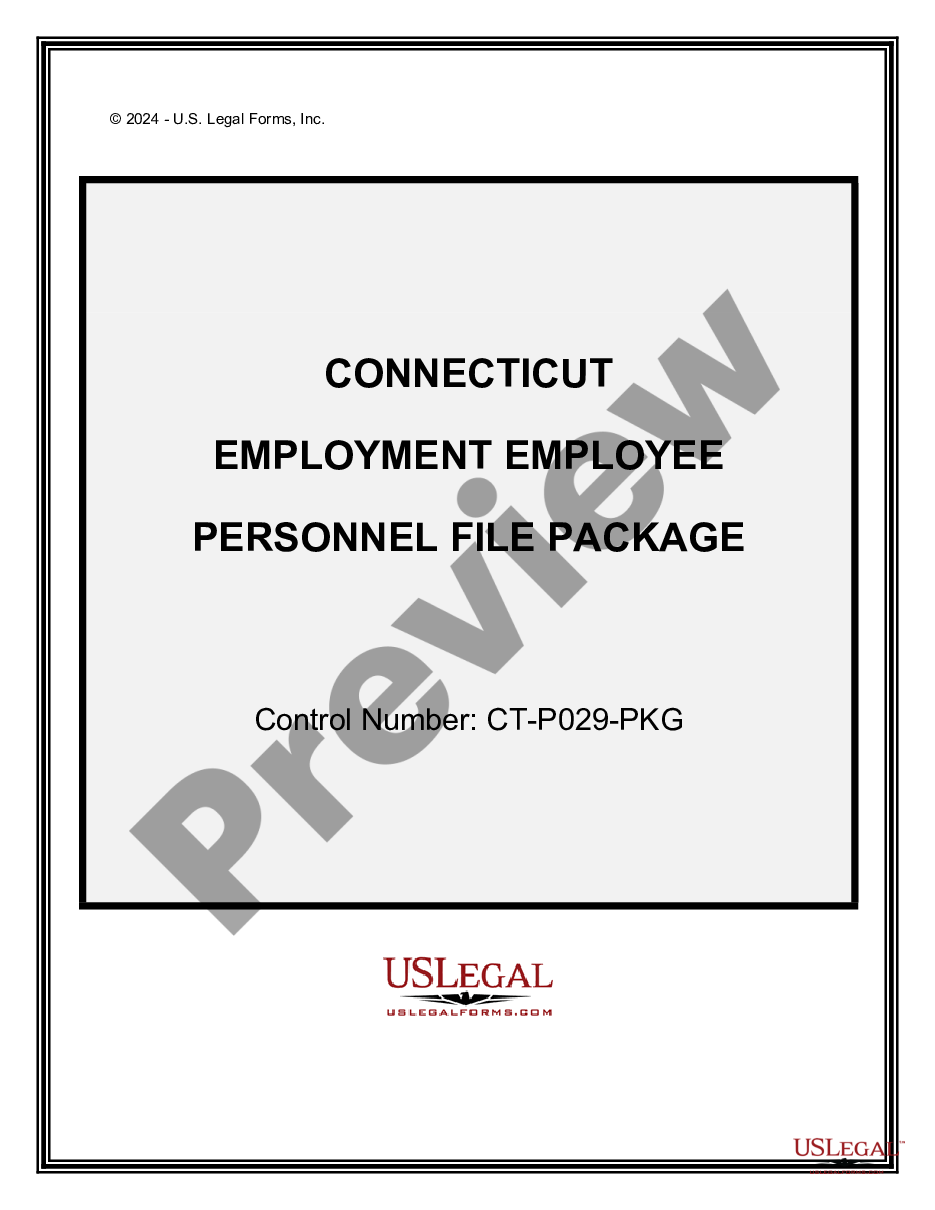
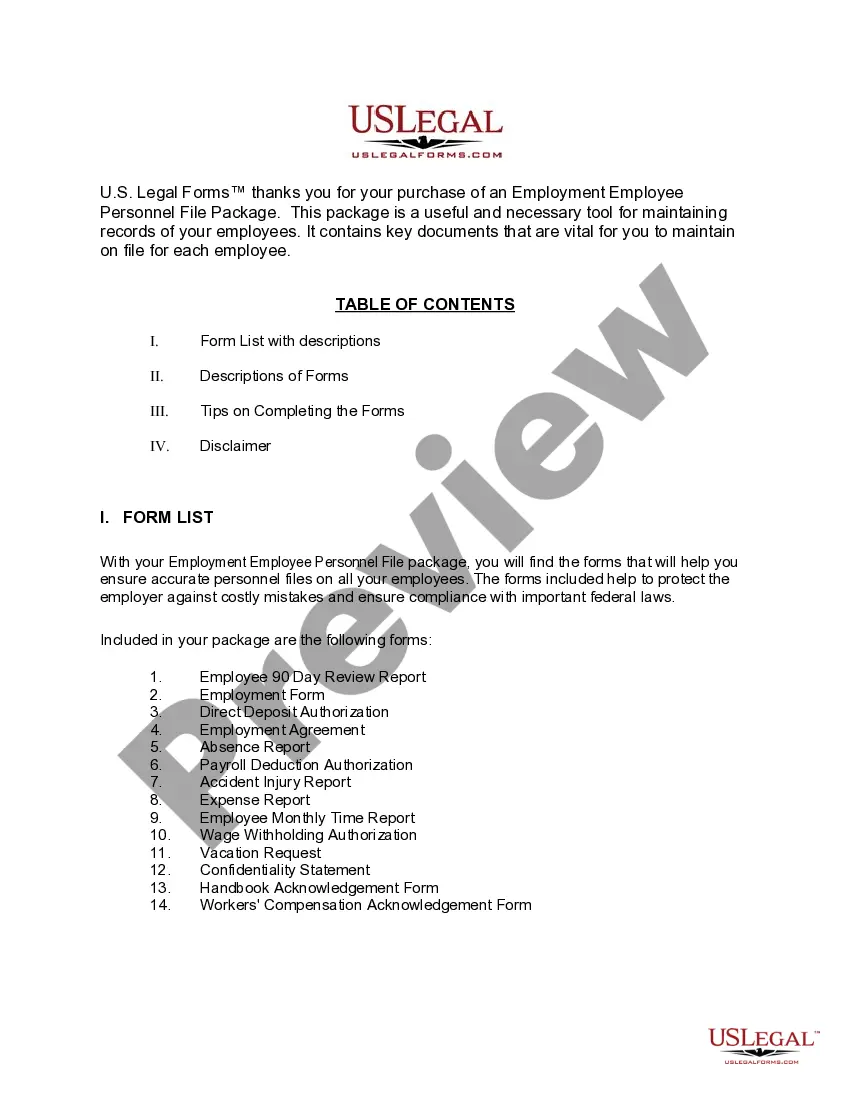
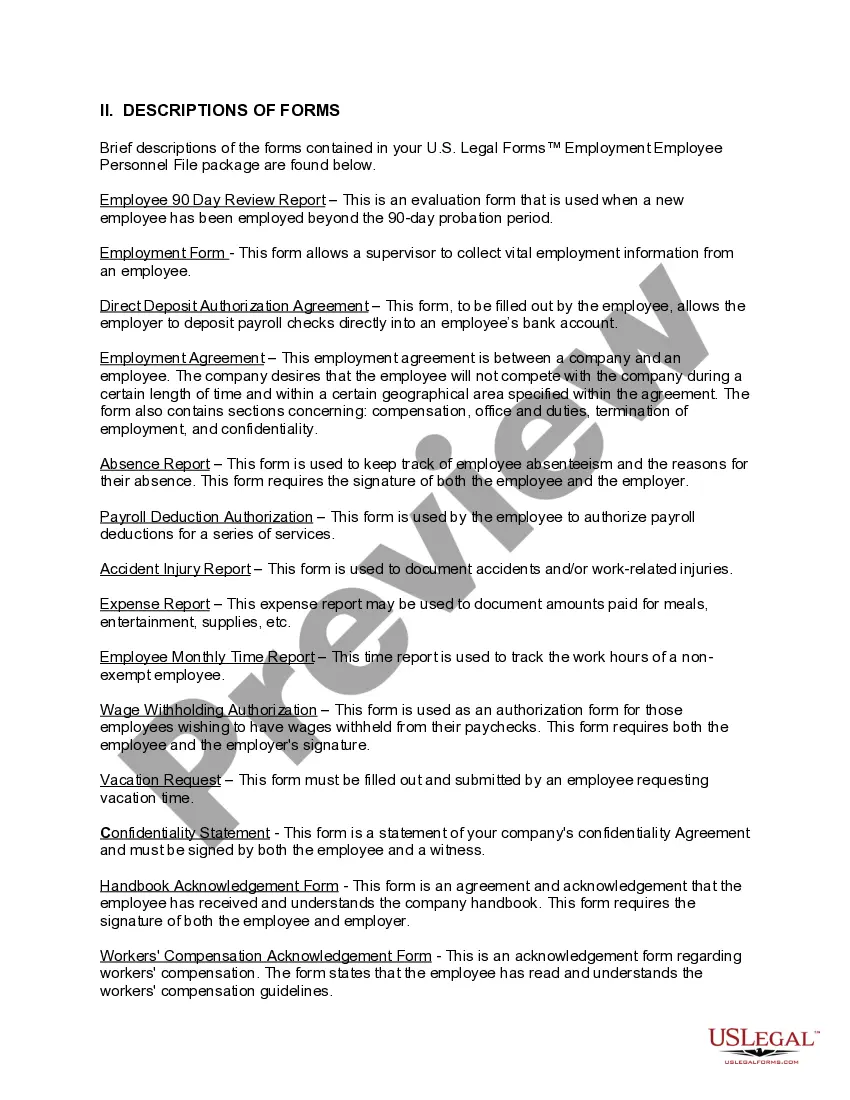
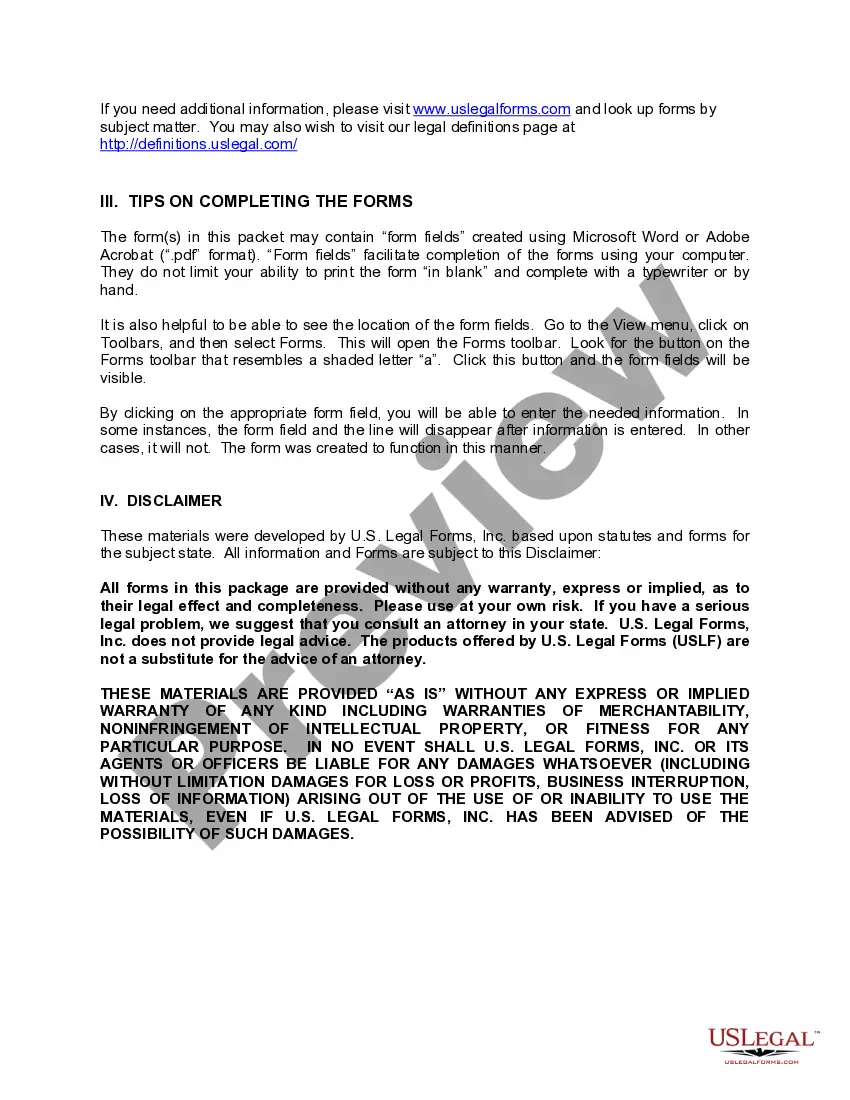
How to fill out Connecticut Employment Employee Personnel File Package?
Legal administration might be daunting, even for the most proficient professionals.
When you are searching for a Ct Unemployment File Format and don't have the opportunity to dedicate time to find the suitable and up-to-date version, the procedures can be anxiety-inducing.
Access state- or county-specific legal and business templates.
US Legal Forms addresses any requirements you may have, from personal to commercial documents, all in one place.
If this is your first experience with US Legal Forms, create an account and gain unlimited access to all the benefits of the library. Here are the steps to follow after obtaining the desired form: Verify that it is the correct form by previewing it and reviewing its details. Ensure that the template is valid in your state or county. Click Buy Now when you are prepared. Choose a subscription plan. Locate the file format you need, and Download, complete, sign, print, and submit your document. Take advantage of the US Legal Forms online library, supported by 25 years of experience and reliability. Improve your daily document management into a seamless and intuitive process today.
- Utilize advanced tools to complete and manage your Ct Unemployment File Format.
- Tap into a valuable resource library of articles, guides, and materials pertinent to your situation and requirements.
- Save time and effort searching for the documents you need, and use US Legal Forms’ sophisticated search and Review feature to locate Ct Unemployment File Format and download it.
- If you possess a subscription, Log In to your US Legal Forms account, search for the form, and download it.
- Visit the My documents tab to view the documents you have previously downloaded and to organize your folders as needed.
- A comprehensive online form repository can be transformative for anyone looking to manage these issues efficiently.
- US Legal Forms is a leading provider of digital legal documents, offering over 85,000 state-specific legal forms accessible at any time.
- With US Legal Forms, you can.
Form popularity
FAQ
If you made $800 a week in CT, your unemployment benefits will depend on your previous earnings and specific eligibility criteria. Generally, Connecticut calculates benefits based on your highest earnings during a specific base period. To maximize your benefits, ensure you are familiar with the CT unemployment file format when filing your claim.
To file your unemployment taxes, you will need to report any unemployment benefits received on your federal tax return. The Connecticut Department of Labor provides a 1099-G form, which details your benefits. Familiarizing yourself with the CT unemployment file format can simplify the tax filing process.
You can file for unemployment in CT as soon as you become unemployed or experience a reduction in hours. It's important to file your claim immediately to avoid delays in receiving benefits. Understanding the CT unemployment file format is essential to ensure a smooth filing process.
In Connecticut, you must file weekly claims to receive unemployment benefits. This means submitting your claim every week to report your income and job search activities. Adhering to the CT unemployment file format ensures you meet all requirements and receive timely payments.
To file weekly unemployment claims in CT, you need to log into the Connecticut Department of Labor's online portal. You will provide necessary information regarding your employment status and earnings for that week. It's crucial to ensure that you understand the CT unemployment file format to avoid any issues during submission.
Yes, you can file for CT unemployment over the phone. The Connecticut Department of Labor provides a dedicated line for this purpose. However, keep in mind that using the online system may be faster and more efficient, especially when dealing with the CT unemployment file format.
Connecticut calculates unemployment benefits based on your highest earning quarter during your base period. This calculation considers your total earnings and the number of dependents you have, which can influence your benefit amount. Understanding the CT unemployment file format will help you organize your earnings data accurately. Use USLegalForms to find resources that can guide you through this calculation process.
In Connecticut, individuals who have lost their job through no fault of their own may file for unemployment. This includes those who have been laid off or had their hours reduced. To successfully file, you must meet the state’s eligibility requirements, which often involve proving your work history and earnings. A clear understanding of the CT unemployment file format will help you gather the necessary information for your application.