Estate Form Information With Other Employees
Description
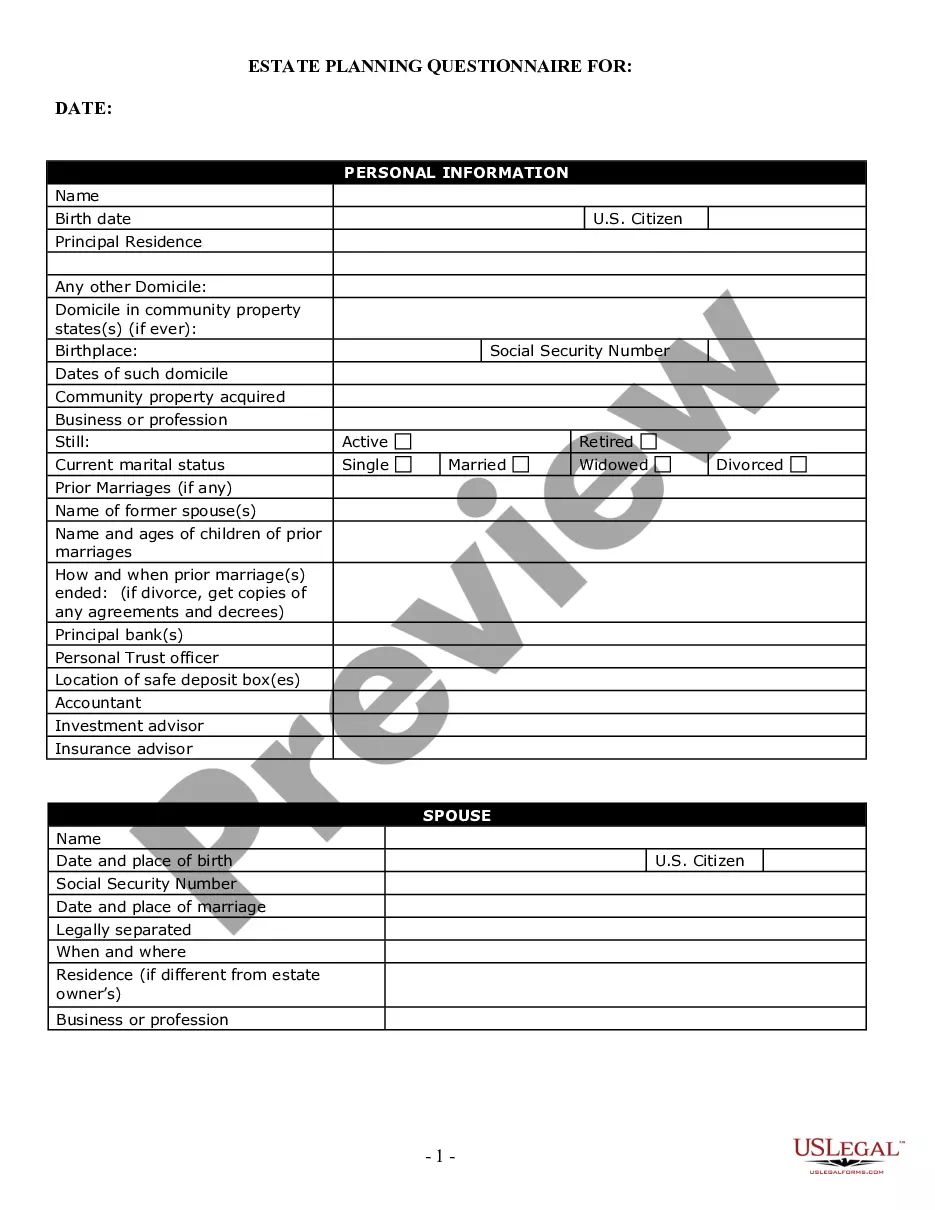
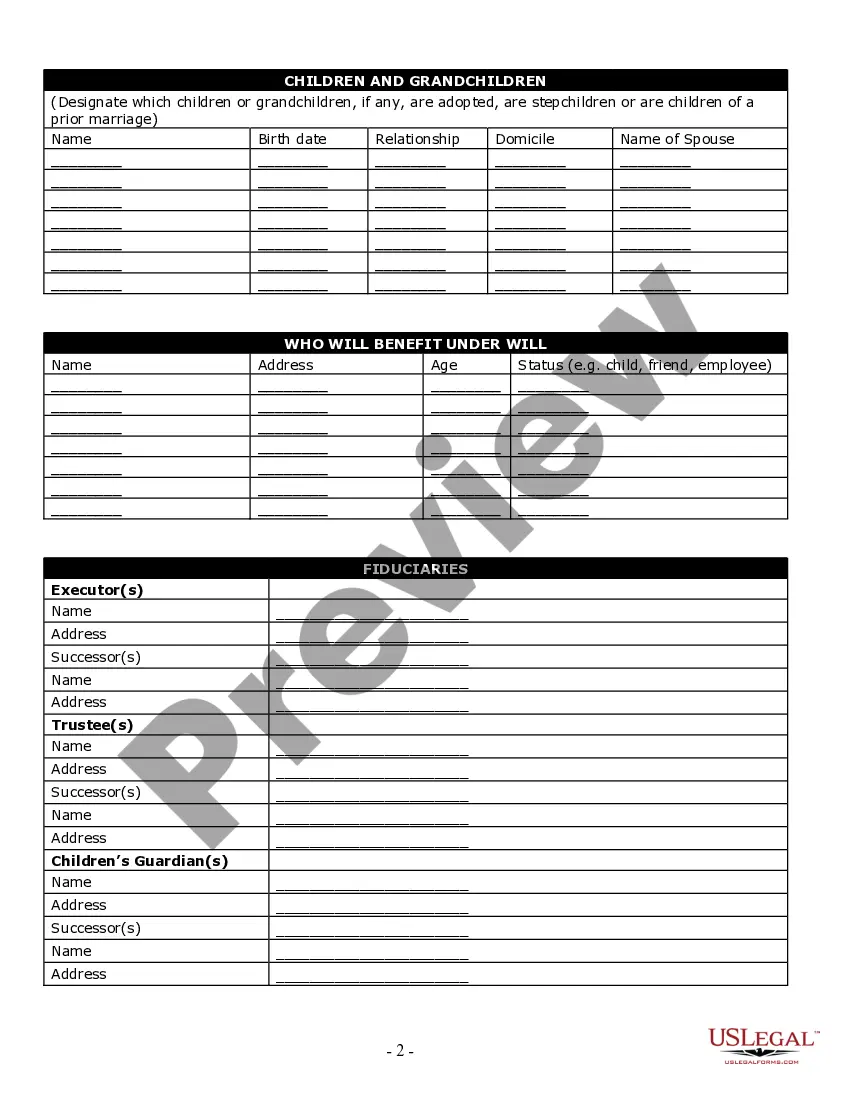
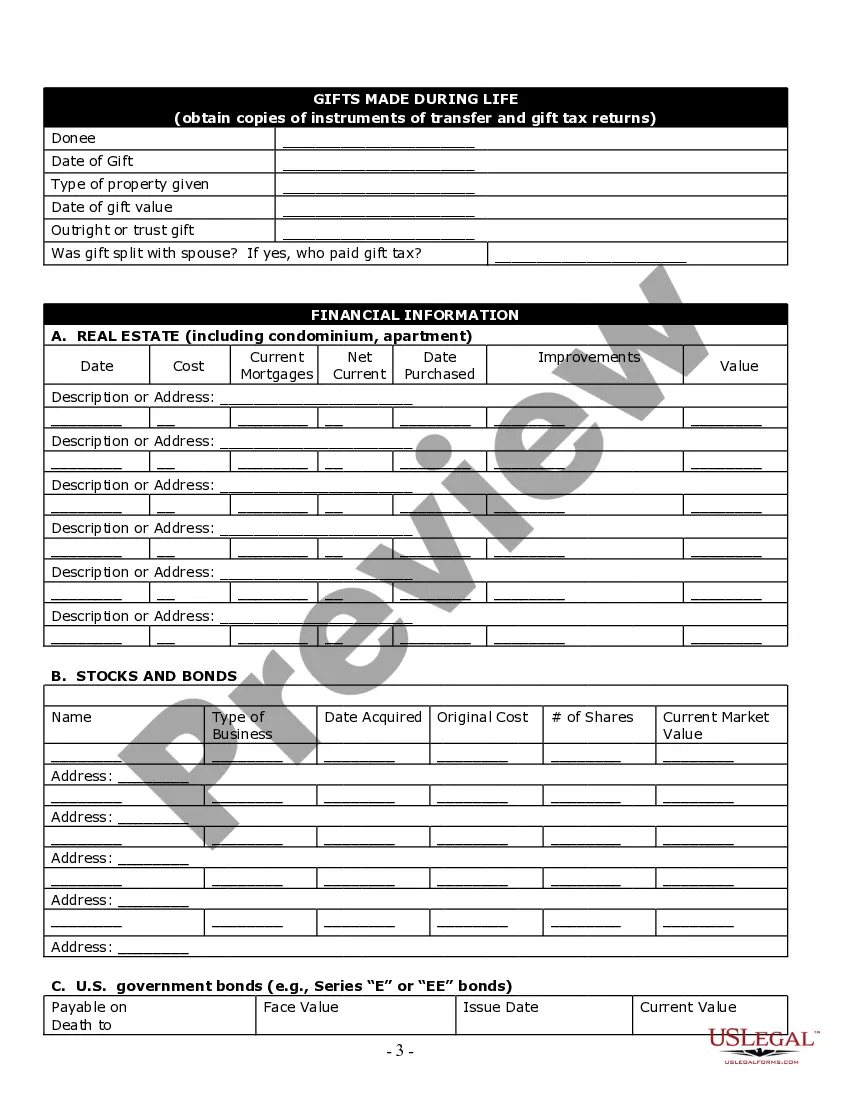
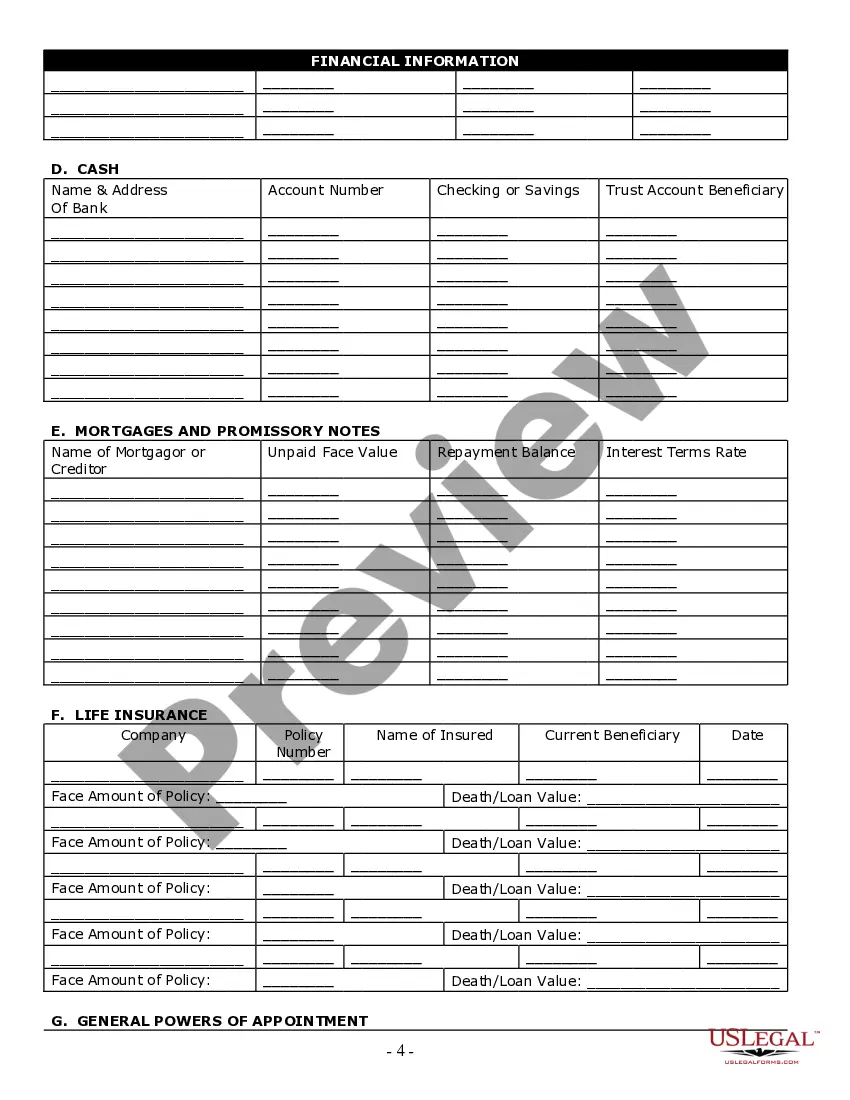
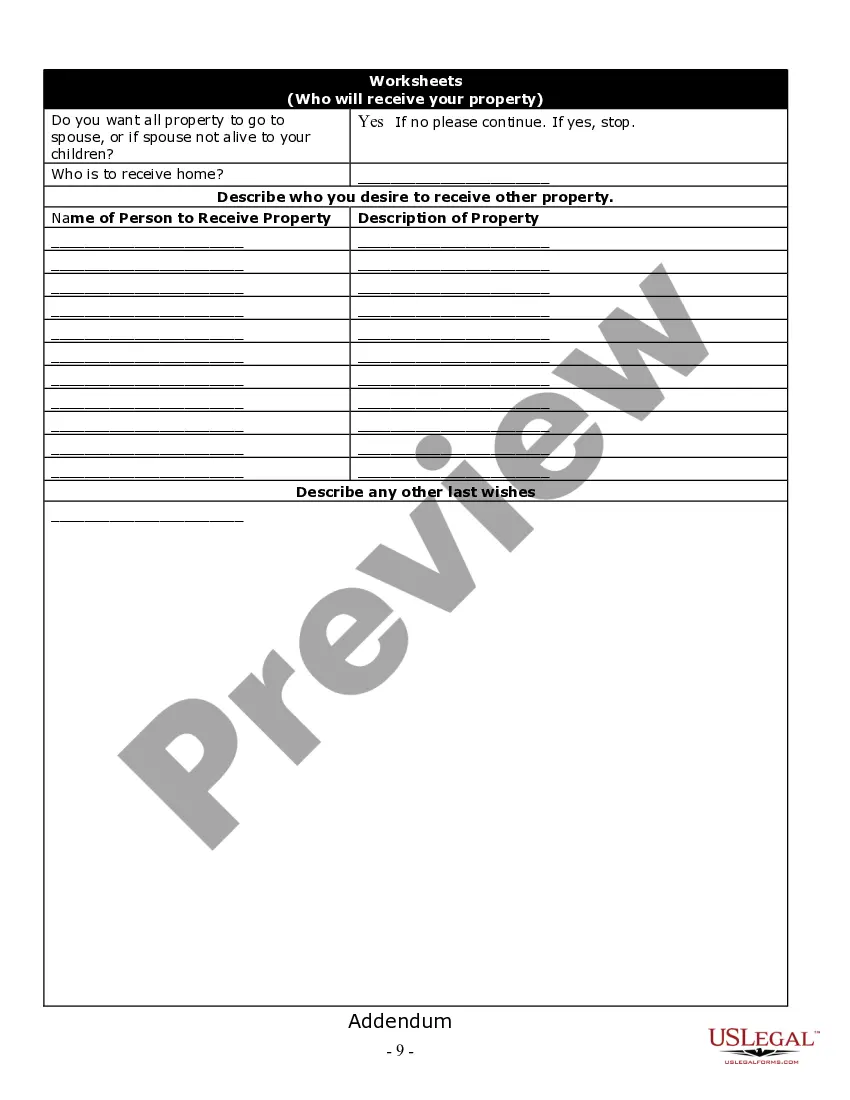

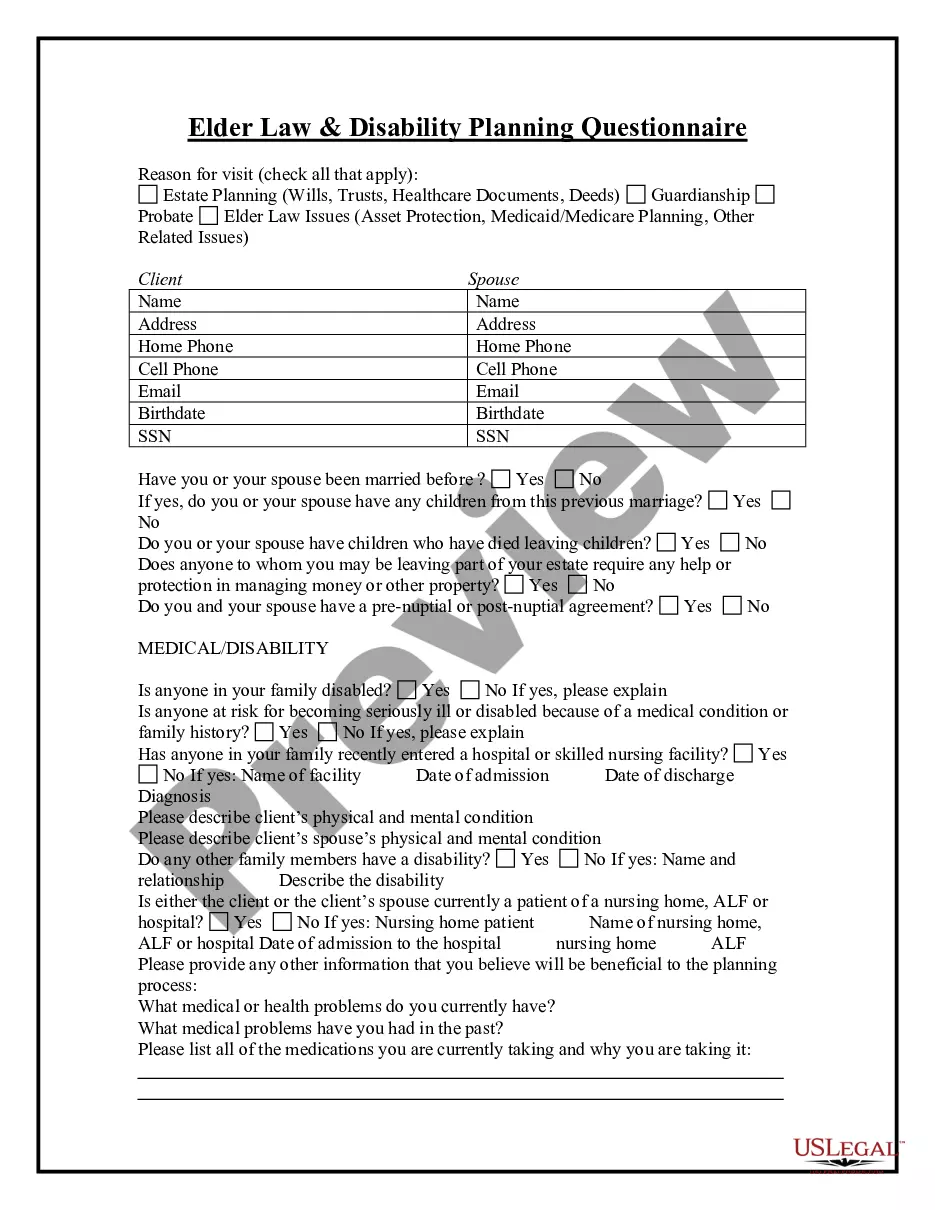
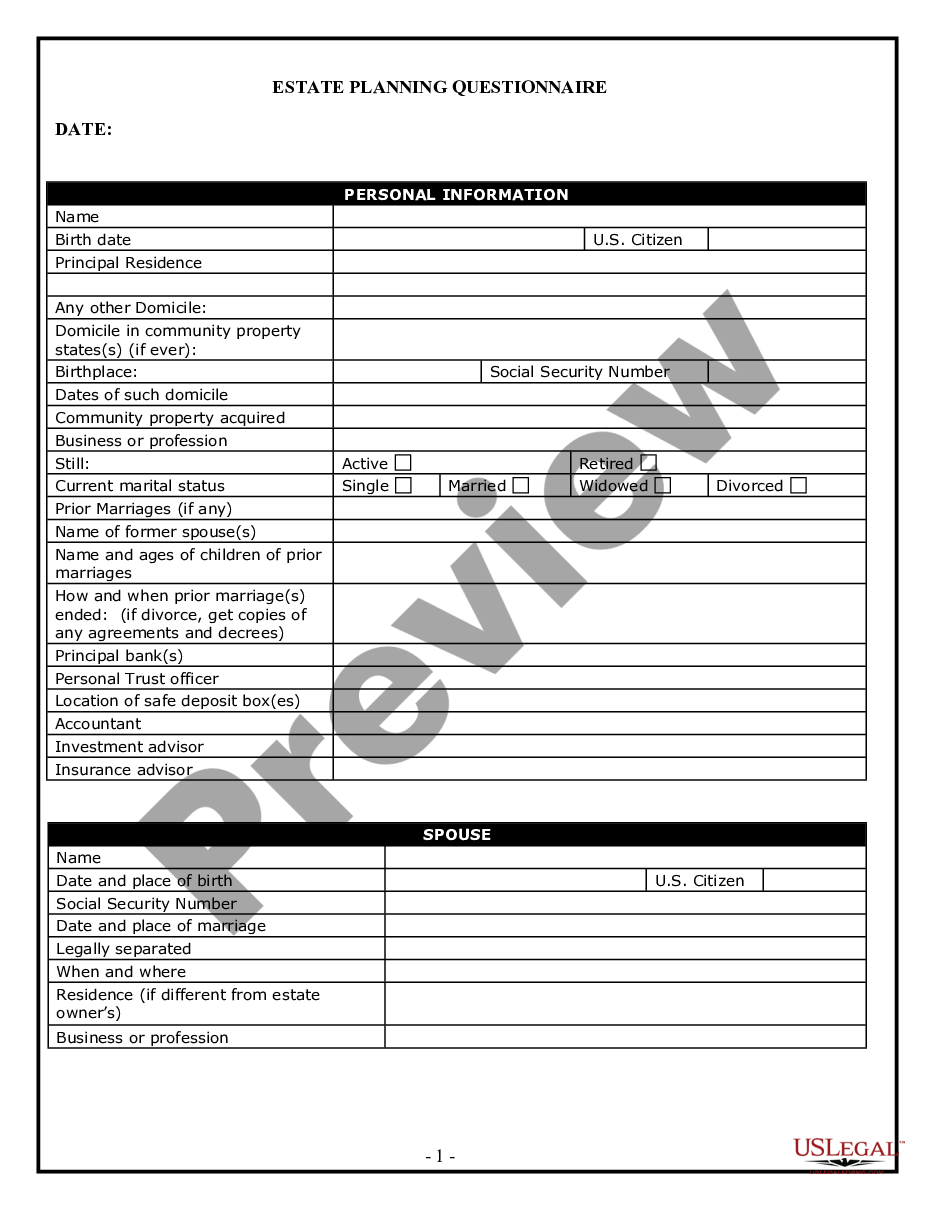
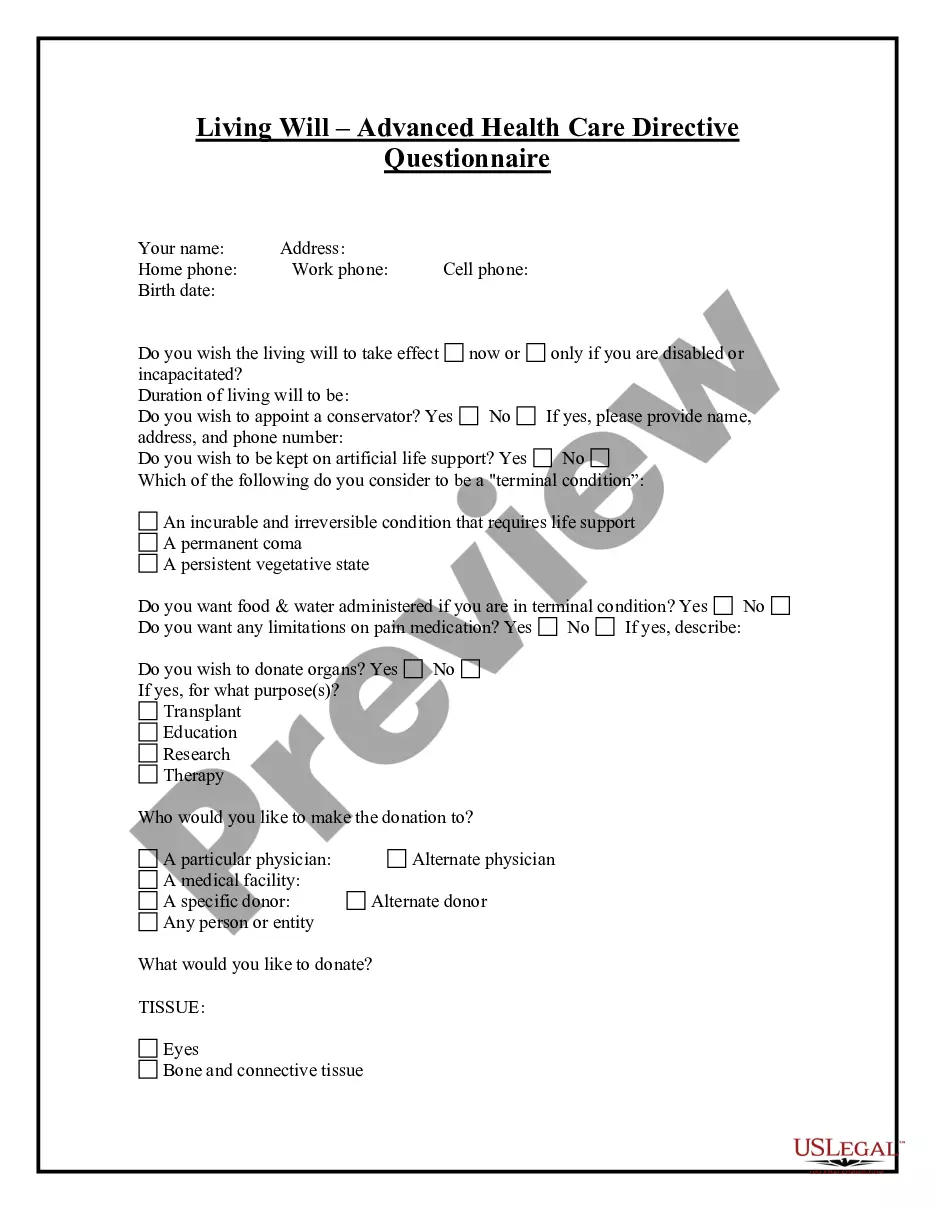
Get your form ready online
Our built-in tools help you complete, sign, share, and store your documents in one place.
Make edits, fill in missing information, and update formatting in US Legal Forms—just like you would in MS Word.
Download a copy, print it, send it by email, or mail it via USPS—whatever works best for your next step.
Sign and collect signatures with our SignNow integration. Send to multiple recipients, set reminders, and more. Go Premium to unlock E-Sign.
If this form requires notarization, complete it online through a secure video call—no need to meet a notary in person or wait for an appointment.
We protect your documents and personal data by following strict security and privacy standards.

Make edits, fill in missing information, and update formatting in US Legal Forms—just like you would in MS Word.

Download a copy, print it, send it by email, or mail it via USPS—whatever works best for your next step.

Sign and collect signatures with our SignNow integration. Send to multiple recipients, set reminders, and more. Go Premium to unlock E-Sign.

If this form requires notarization, complete it online through a secure video call—no need to meet a notary in person or wait for an appointment.

We protect your documents and personal data by following strict security and privacy standards.
Looking for another form?


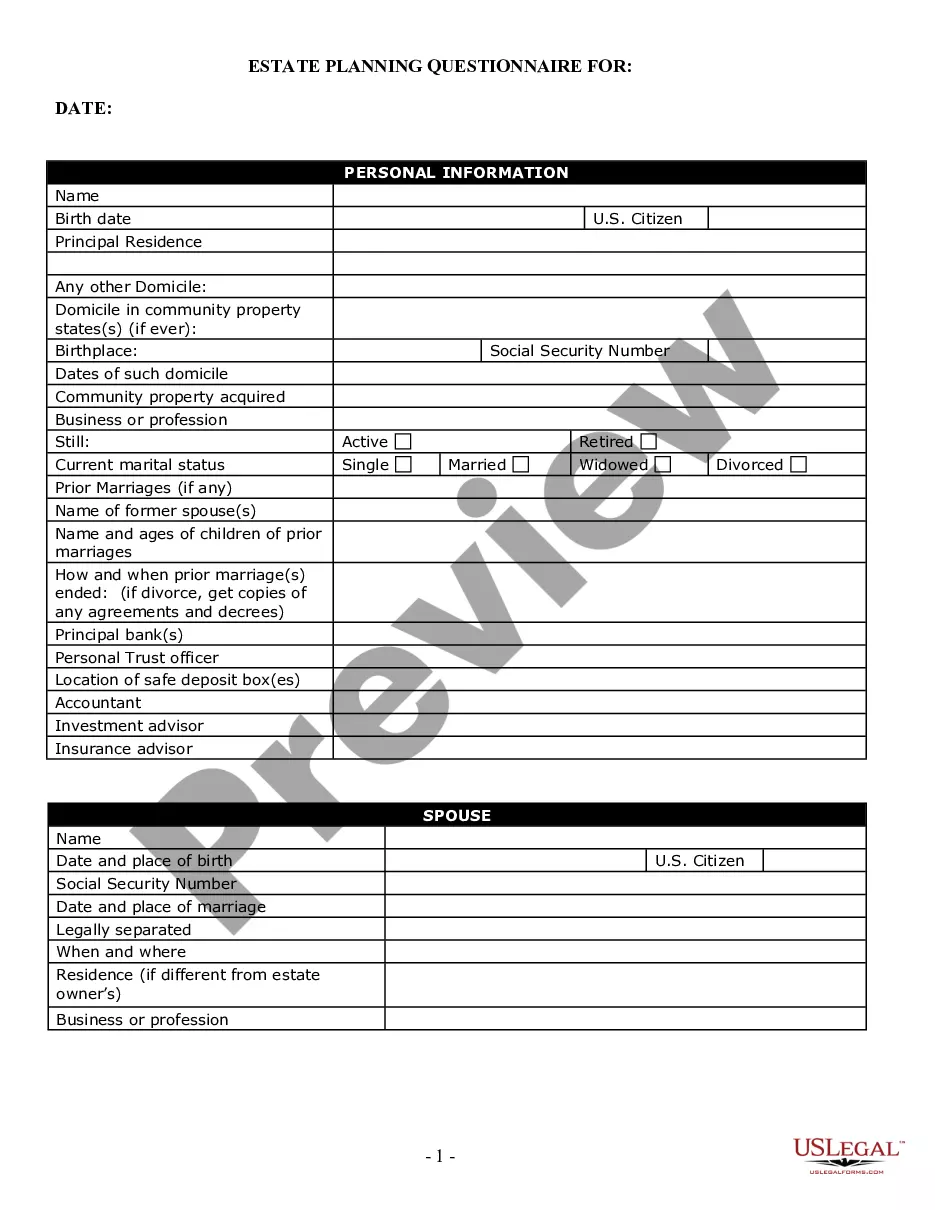
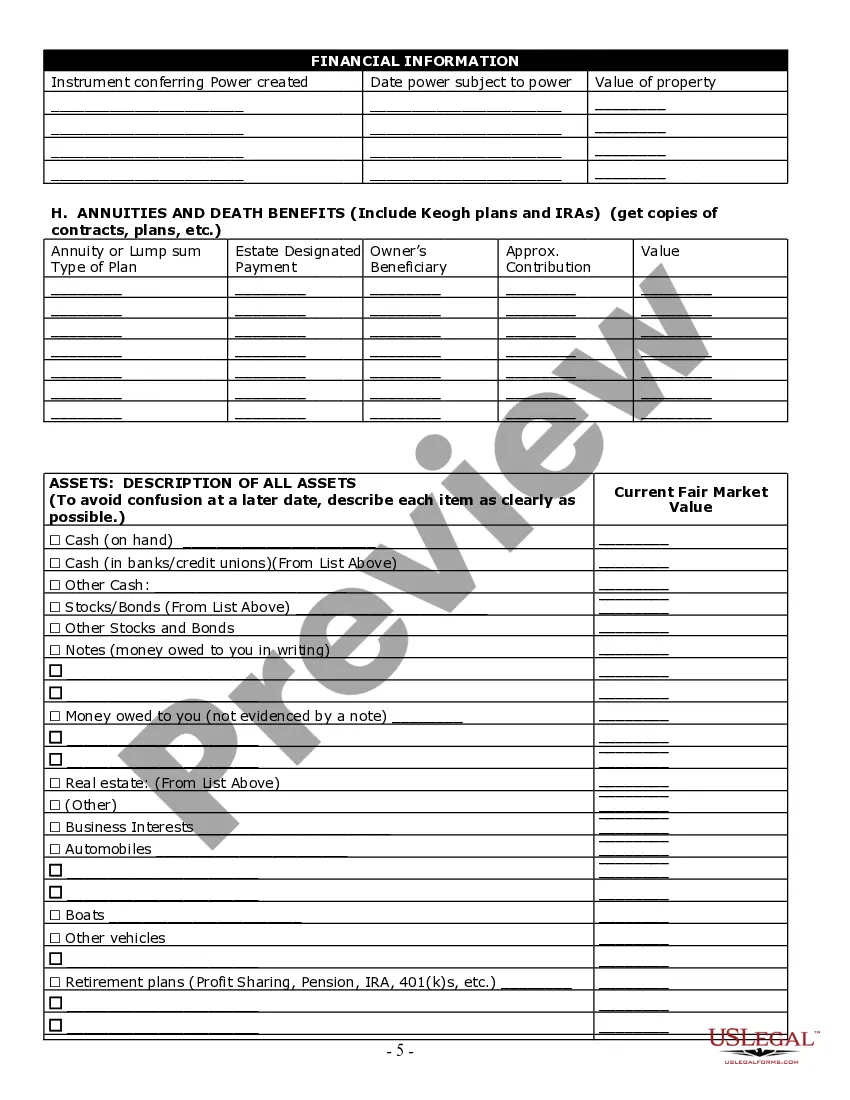
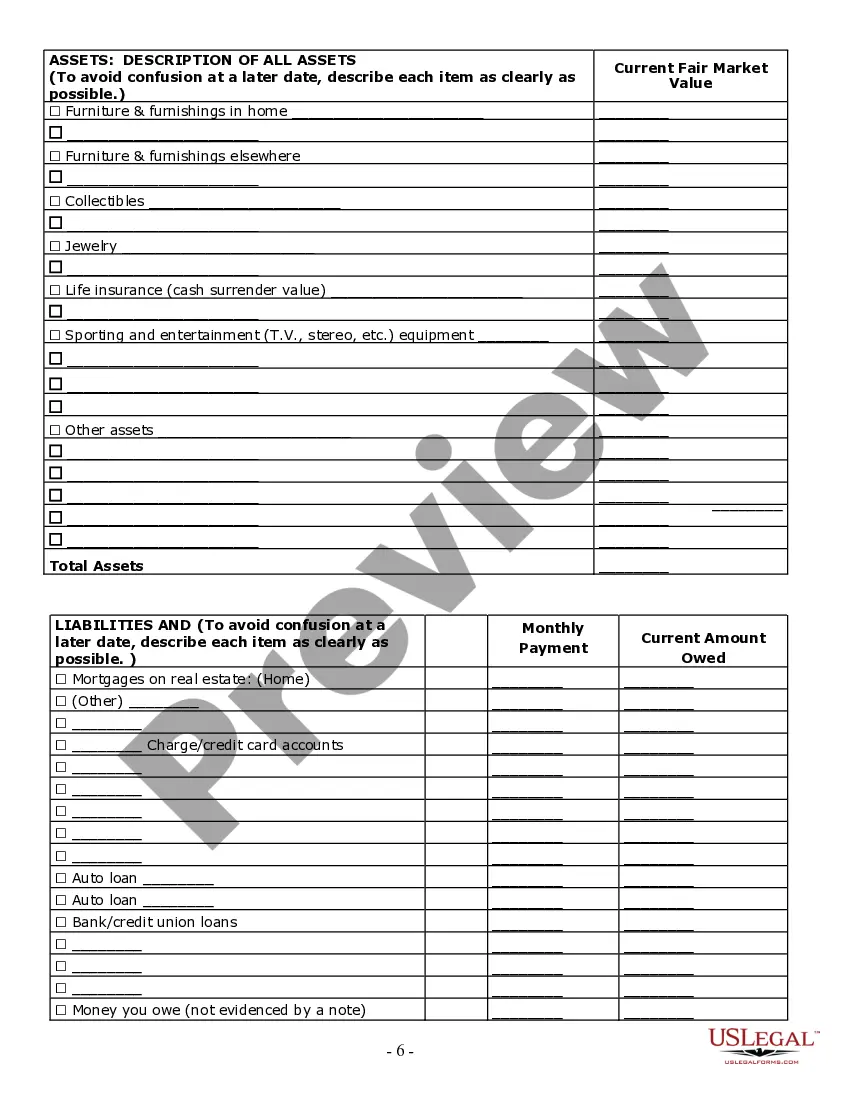
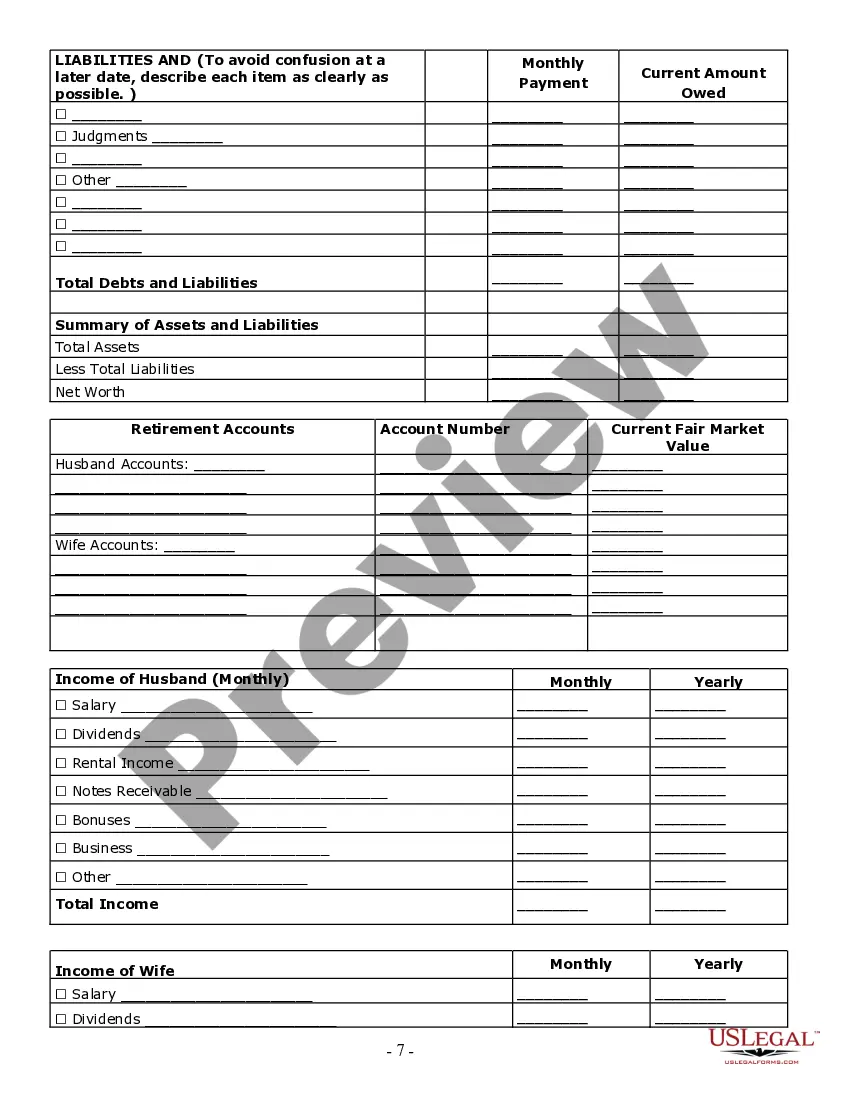
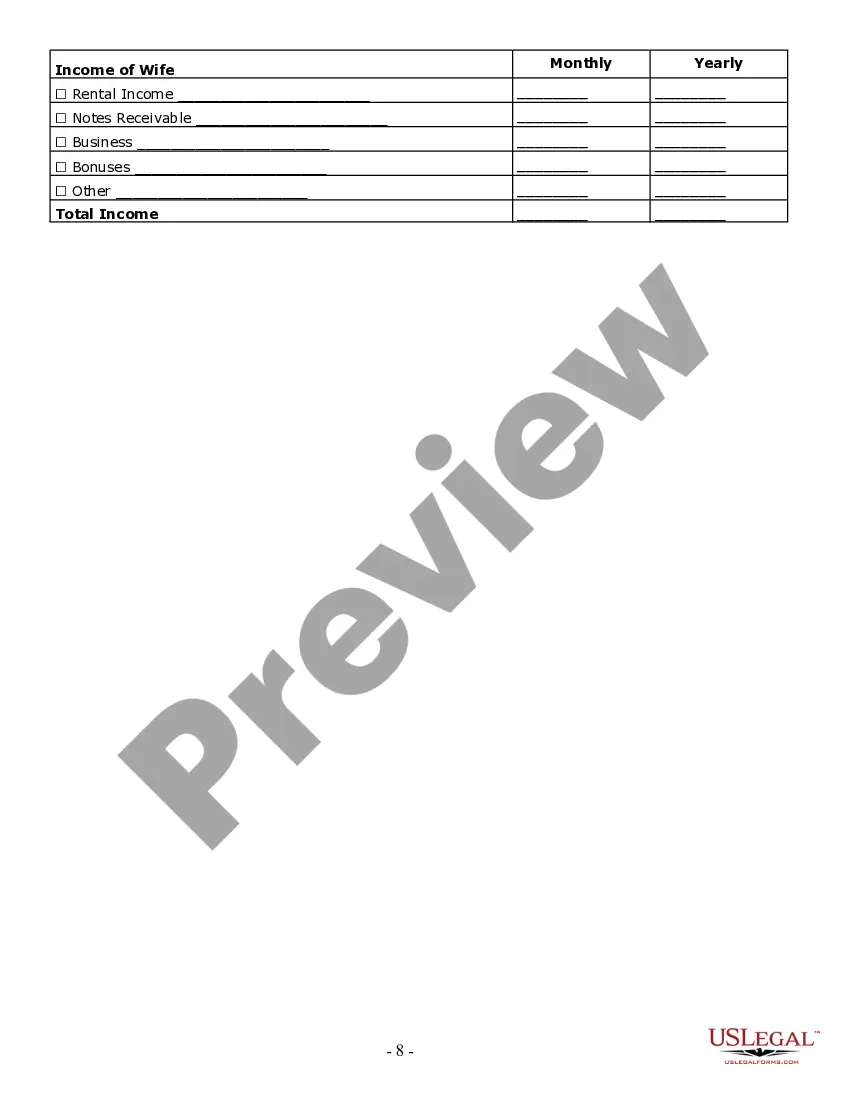
How to fill out California Estate Planning Questionnaire And Worksheets?
Dealing with legal documents and processes can be a lengthy addition to your schedule.
Estate Form Information With Other Employees and similar documents often require you to search for them and comprehend the way to fill them out efficiently.
Thus, if you are managing financial, legal, or personal issues, utilizing a detailed and accessible online repository of forms at your disposal will be greatly beneficial.
US Legal Forms is the premier online platform for legal templates, featuring over 85,000 state-specific documents and various tools to assist you in completing your paperwork seamlessly.
Is this your first time using US Legal Forms? Register and create a free account in just a few minutes, and you'll gain access to the form library and Estate Form Information With Other Employees. After that, follow the instructions below to fill out your document: Ensure you have the correct form by utilizing the Review feature and examining the form information. Select Buy Now when ready, and choose the monthly subscription plan that suits your requirements. Click Download and then fill out, sign, and print the document. US Legal Forms has 25 years of experience assisting users with their legal paperwork. Obtain the form you need today and simplify any task without difficulty.
- Explore the collection of relevant documents available with just a single click.
- US Legal Forms provides you with state- and county-specific forms accessible at any time for download.
- Safeguard your document management processes with a top-notch service that enables you to compile any form in minutes without additional or concealed charges.
- Simply Log In to your account, find Estate Form Information With Other Employees, and obtain it immediately from the My documents section.
- You can also access previously saved forms.
Form popularity
FAQ
Not everyone is required to file an estate tax return. The obligation to file depends on the total value of the estate and specific state laws. To navigate this complex area, you can refer to estate form information with other employees, which helps clarify eligibility and requirements. Understanding when a return is necessary can save you time and potential penalties.
The responsible party for applying for an estate in the EIN is typically the executor or administrator of the estate. This individual manages the estate's affairs and ensures all necessary paperwork is completed. When you access estate form information with other employees, you can find guidance on this process. It's essential to designate someone reliable to handle these responsibilities properly.
Common mistakes when filing Form 706 include failing to report all assets, miscalculating debts, and overlooking deductions. Inaccurate valuations of properties can also lead to issues. These errors can result in penalties or delays in the estate settlement process. Utilizing estate form information with other employees can help prevent these mistakes and ensure accurate filings.
To apply for an Employer Identification Number (EIN) for an estate, you will need the decedent's name, date of death, and the estate's address. Additionally, you must provide the name and address of the executor or administrator of the estate. This EIN is crucial for managing the estate's financial affairs and fulfilling tax obligations. Gathering this estate form information with other employees can streamline the EIN application process.
Form 706 and Form 709 serve distinct purposes in estate planning. Form 706, known as the United States Estate (and Generation-Skipping Transfer) Tax Return, is used to report a deceased person's estate and calculate any estate taxes owed. Conversely, Form 709, the United States Gift (and Generation-Skipping Transfer) Tax Return, is used to report gifts made during a person's lifetime that exceed the annual exclusion limit. Understanding these differences is essential for accurate estate form information with other employees.
Income recognized by a trust or estate may come from the revenue earned by the assets held in the entity or from the sale or exchange of these assets. Income may also be in the form of income in respect of a decedent (IRD). This is income earned by the decedent during life but paid after death.
Any income earned after the person's death goes to their estate instead. For instance, if someone passes away before their last payday, the money from their final paycheck will be transferred to their estate. This is income that needs to be reported on Form 1041.
If paper-filed, write ?Deceased,? the taxpayer's name, and the taxpayer's date of death across the top of the final return. If e-filed, follow the directions provided by the tax software and be sure to indicate the taxpayer is deceased and the date of death.
Once the executor of the estate has divided up the assets and distributed them to the beneficiaries, the inheritance tax can come into play. The amount of tax is calculated separately for each individual beneficiary, and the beneficiary has to pay the tax.
Generally, beneficiaries do not pay income tax on money or property that they inherit, but there are exceptions for retirement accounts, life insurance proceeds, and savings bond interest.