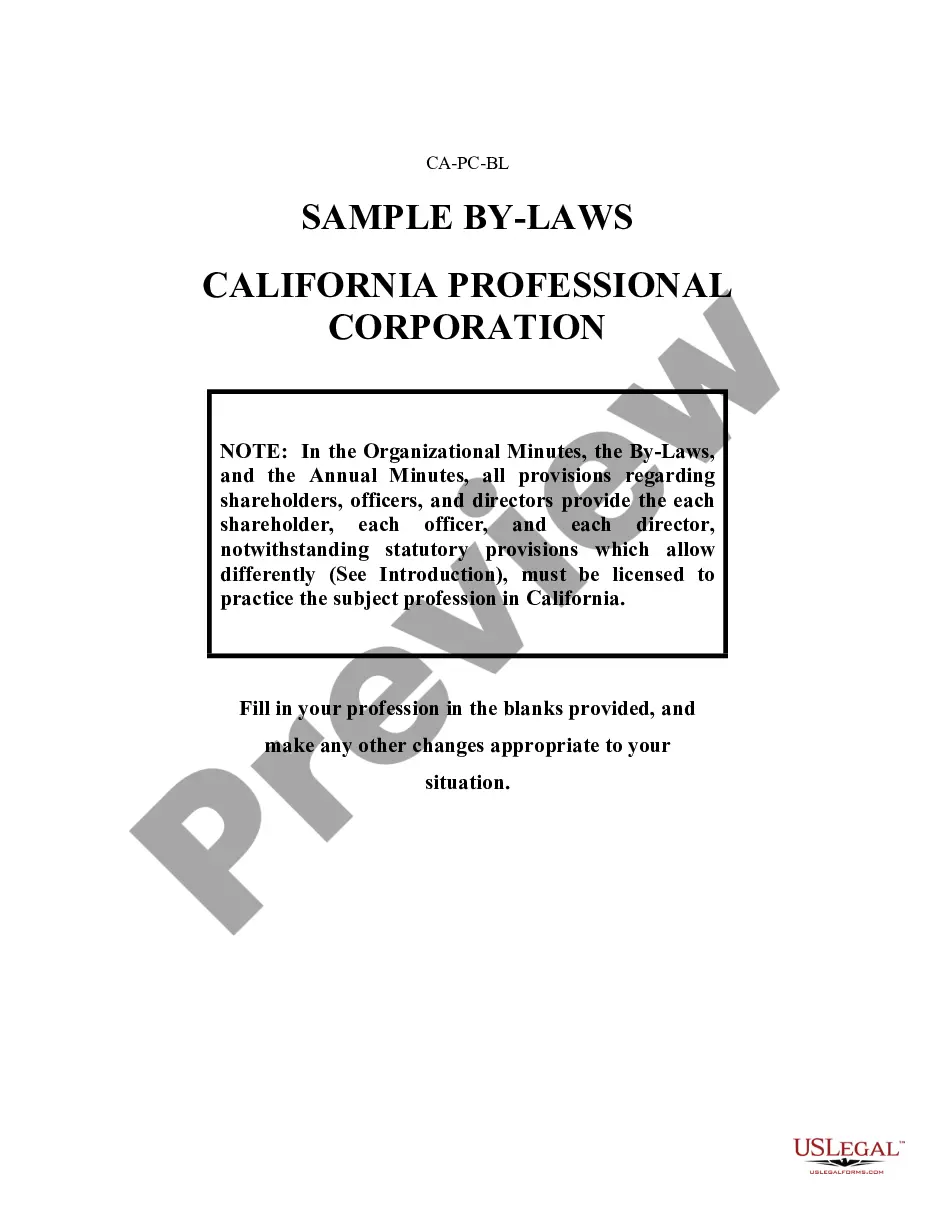
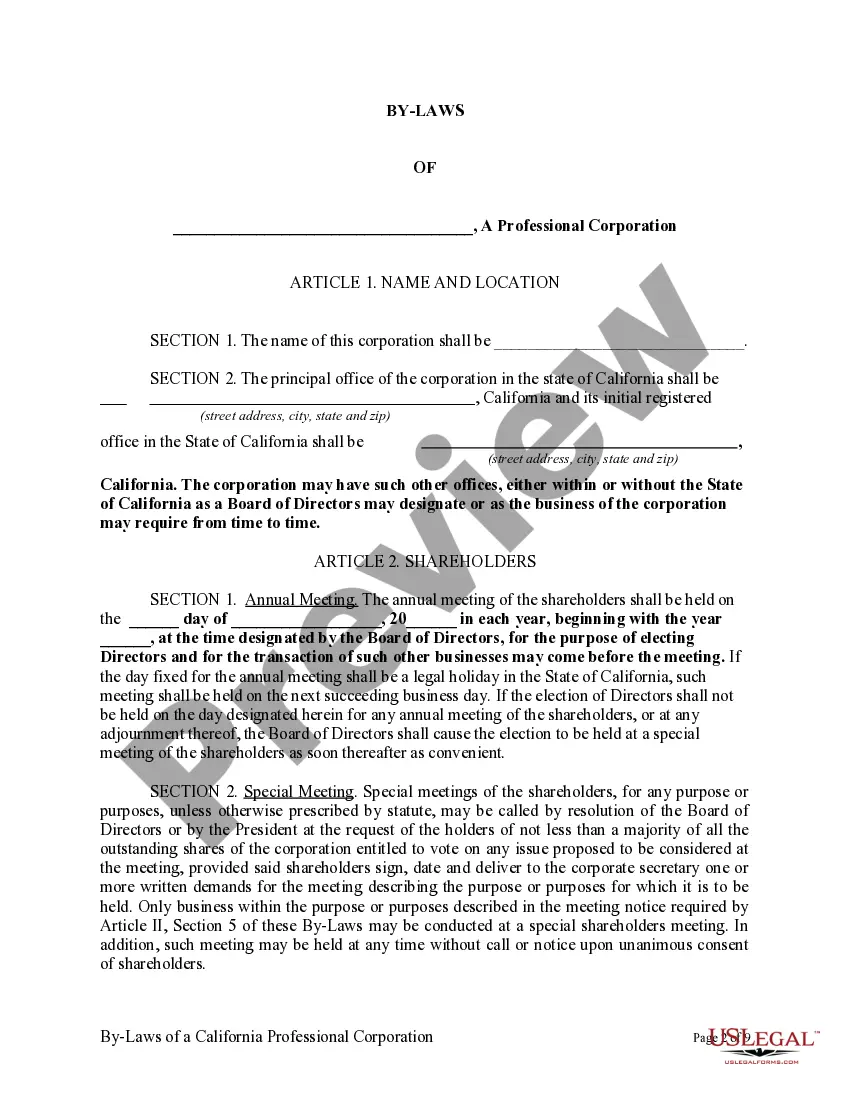
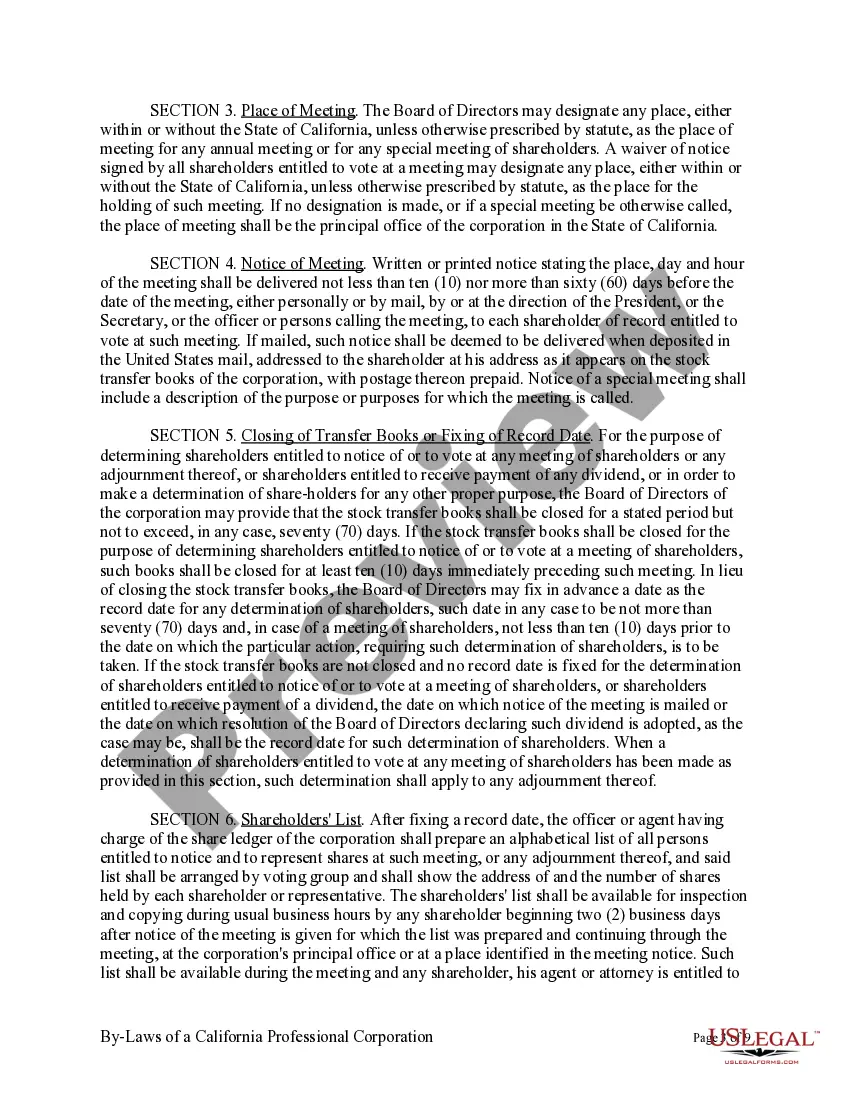
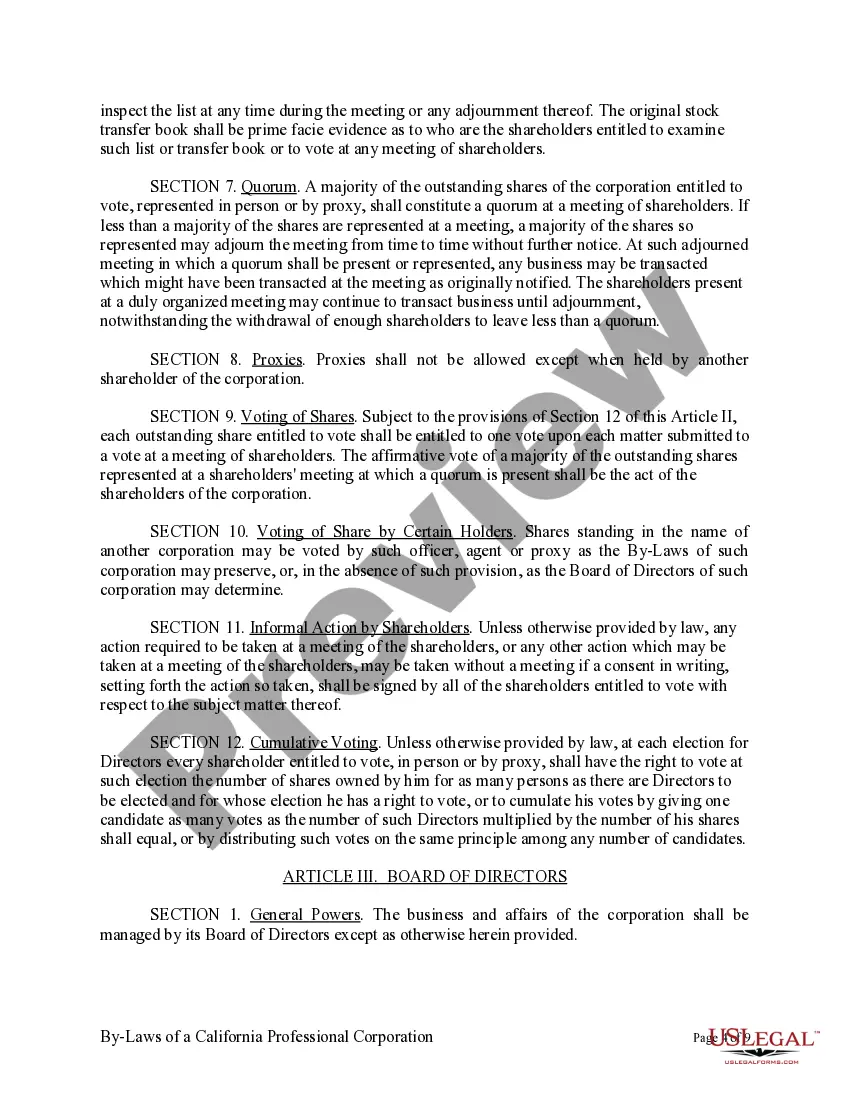
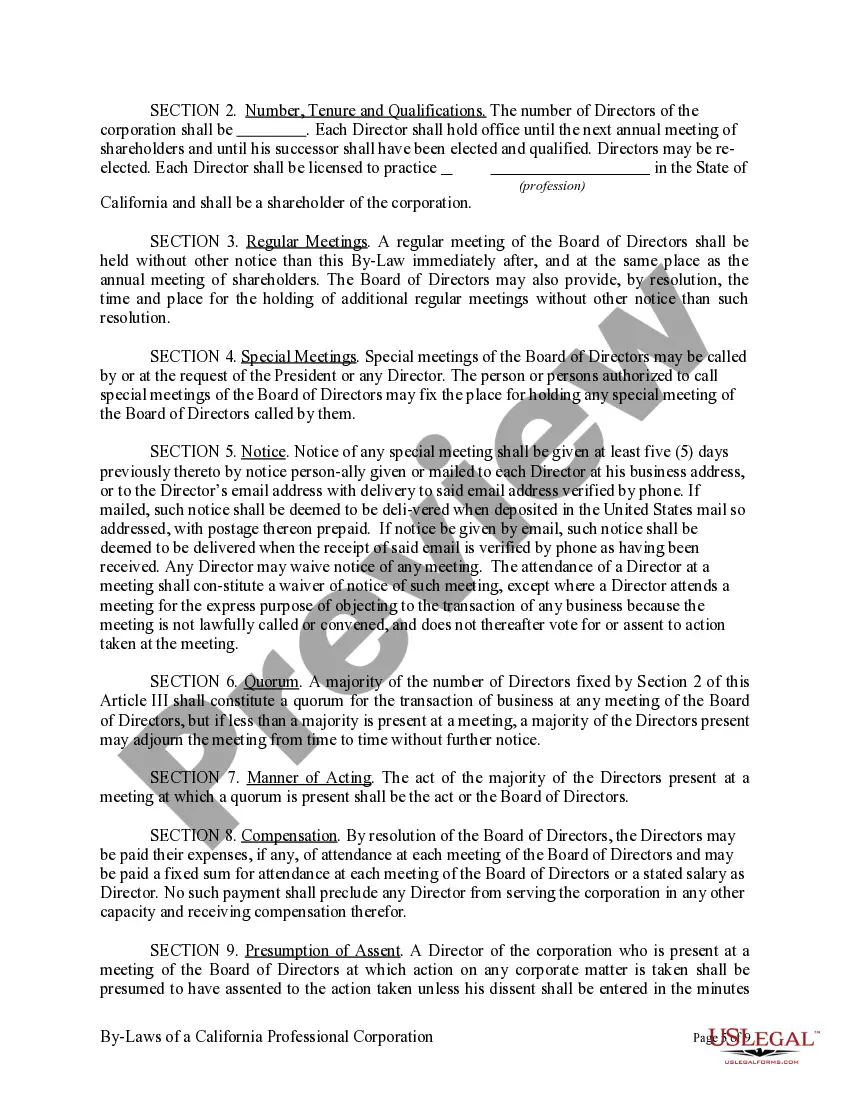
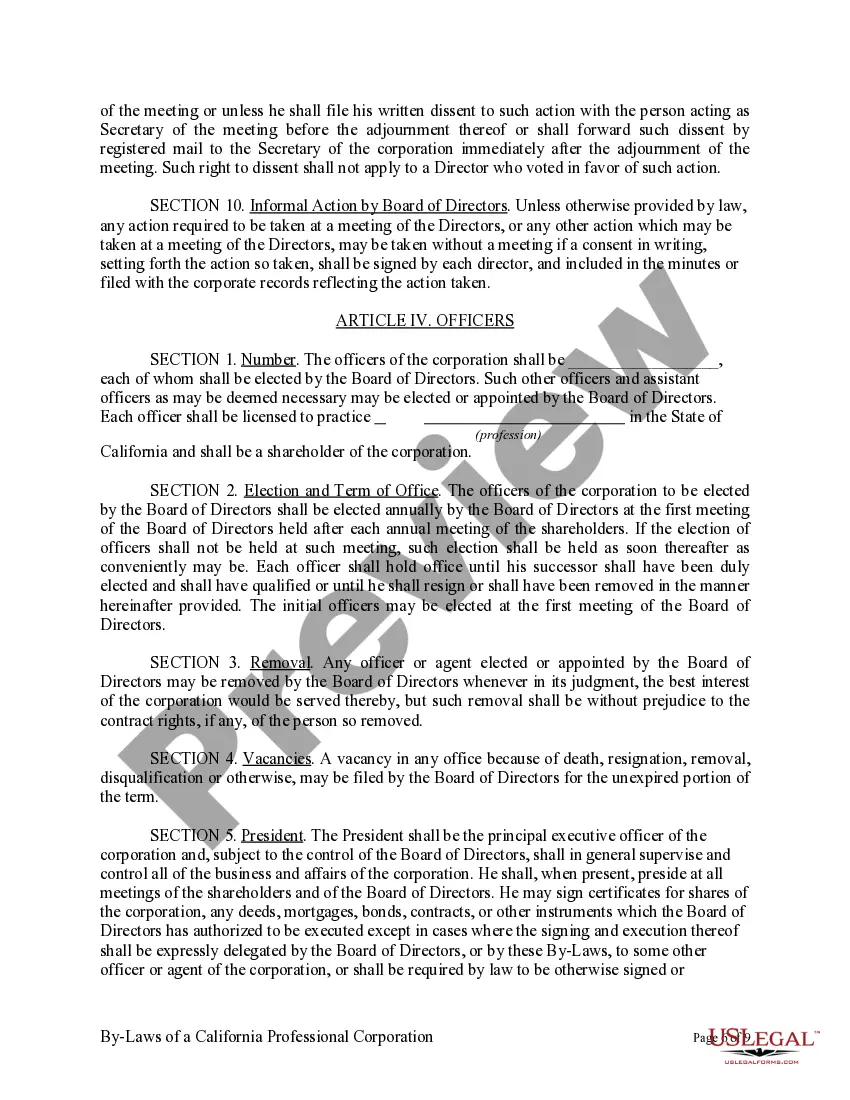
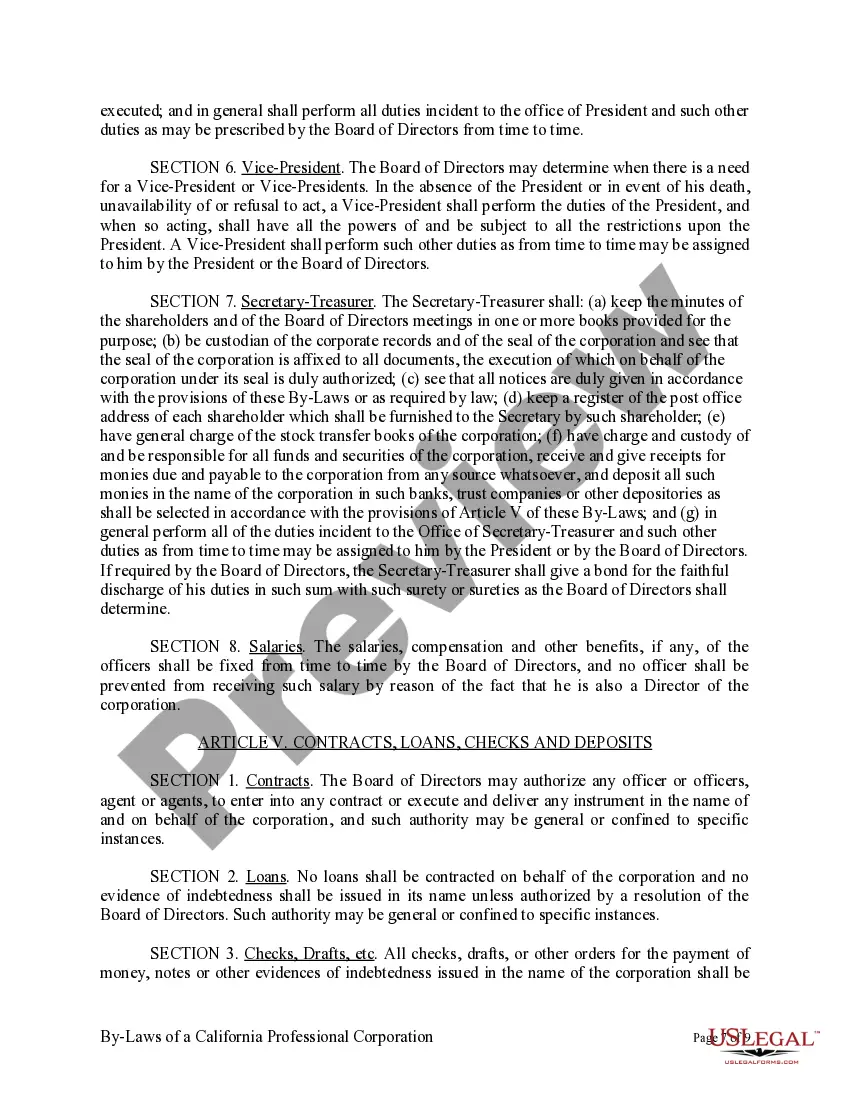
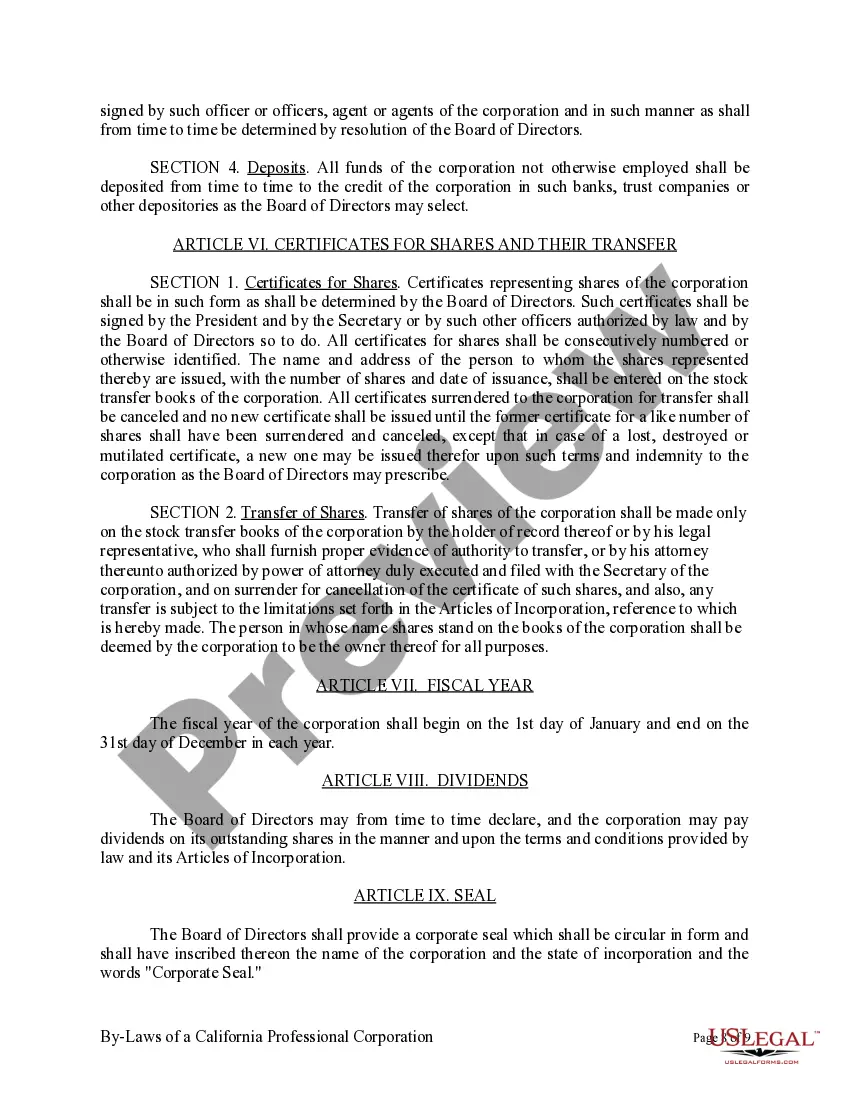
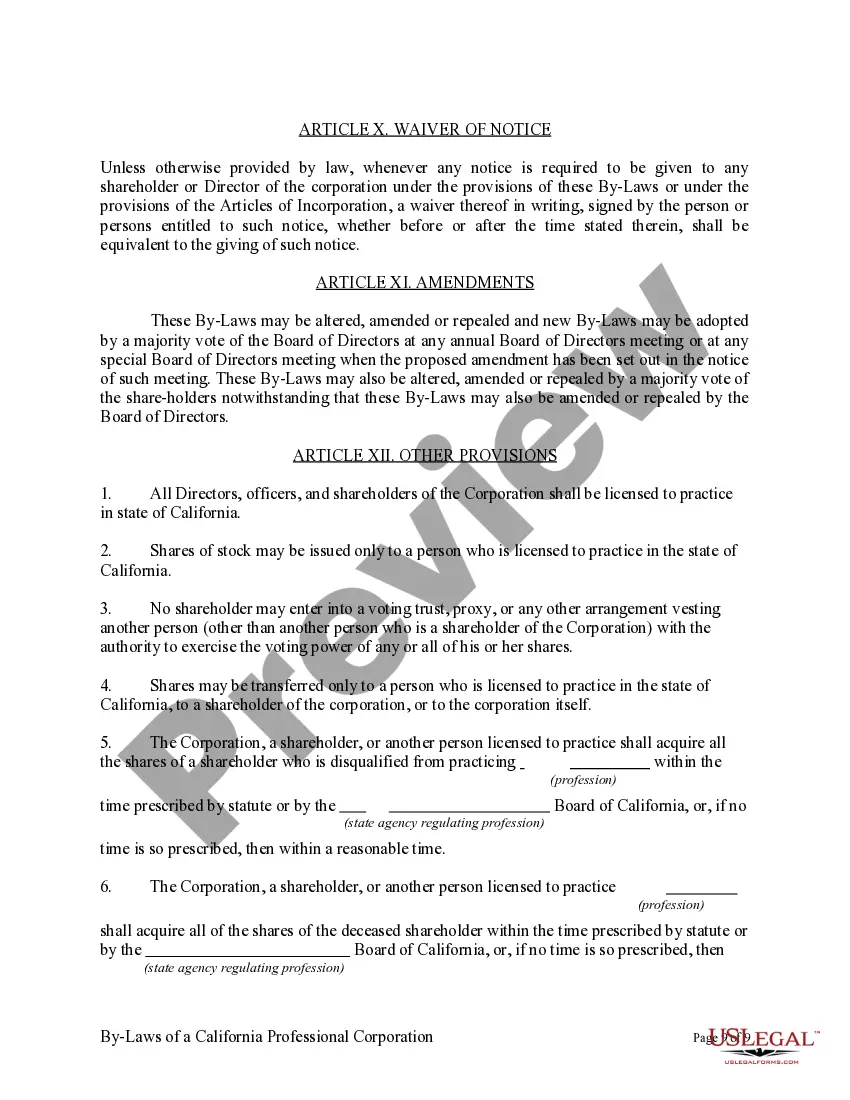
California Professional Corporation Bylaws Template With Multiple Members
Description
Get your form ready online
Our built-in tools help you complete, sign, share, and store your documents in one place.
Make edits, fill in missing information, and update formatting in US Legal Forms—just like you would in MS Word.
Download a copy, print it, send it by email, or mail it via USPS—whatever works best for your next step.
Sign and collect signatures with our SignNow integration. Send to multiple recipients, set reminders, and more. Go Premium to unlock E-Sign.
If this form requires notarization, complete it online through a secure video call—no need to meet a notary in person or wait for an appointment.
We protect your documents and personal data by following strict security and privacy standards.

Make edits, fill in missing information, and update formatting in US Legal Forms—just like you would in MS Word.

Download a copy, print it, send it by email, or mail it via USPS—whatever works best for your next step.

Sign and collect signatures with our SignNow integration. Send to multiple recipients, set reminders, and more. Go Premium to unlock E-Sign.

If this form requires notarization, complete it online through a secure video call—no need to meet a notary in person or wait for an appointment.

We protect your documents and personal data by following strict security and privacy standards.
Looking for another form?


How to fill out Sample Bylaws For A California Professional Corporation?
Handling legal documents and activities can be a lengthy addition to your whole day.
California Professional Corporation Bylaws Template With Multiple Members and similar forms usually require that you look for them and comprehend how to fill them out efficiently.
Therefore, if you are managing financial, legal, or personal issues, having a comprehensive and user-friendly online collection of forms readily available will be very beneficial.
US Legal Forms is the leading online resource for legal templates, featuring over 85,000 state-specific documents and various tools that will enable you to finalize your paperwork effortlessly.
Simply Log In to your account, locate California Professional Corporation Bylaws Template With Multiple Members, and obtain it instantly from the My documents section. You can also retrieve previously saved forms.
- Explore the library of relevant documents accessible with just a single click.
- US Legal Forms provides you with state- and county-specific forms available at any time for download.
- Protect your document management processes by utilizing a premium service that allows you to prepare any form in minutes without extra or concealed fees.
Form popularity
FAQ
General (Financial) Power of Attorney ? This form is similar to the durable form because it allows the individual to appoint a representative to represent them with their financial affairs, however, this appointment ends if the person making the appointment is deemed incapable of making his or her own decisions.
You can write a POA in two forms: general or limited. A general power of attorney allows the agent to make a wide range of decisions. This is your best option if you want to maximize the person's freedom to handle your assets and manage your care.
In order to make your South Carolina Health Care Power of Attorney legal, you must sign and date it or acknowledge your signature in the presence of two witnesses.
General Power of Attorney: This allows someone to act on your behalf in a wide range of areas, including insurance, real estate, finance and banking. That person, for example, would be able to pay your taxes and your bills.
Power of Attorney in a Marriage Many people assume that a spouse automatically has these rights. But this isn't always the case. You and your spouse may have a joint checking account, but you and your spouse may be limited in the decisions that can be made relative to that account.
How much might I normally pay for an attorney to help me get a Power of Attorney form in South Carolina? The cost of finding and working with a conventional lawyer to write a Power of Attorney could be anywhere between $200 and $500, based on your location.
Steps for Making a Financial Power of Attorney in South Carolina Create the POA Using Software or an Attorney. ... Sign the POA in the Presence of Two Witnesses and Get It Notarized. ... File a Copy With the Land Records Office. ... Store the Original POA in a Safe Place. ... Give a Copy to Your Agent or Attorney-in-Fact.
If you want your agent to be able to use your POA once you are incapacitated, you'll need to file it with the land records office (called the register of deeds in South Carolina) in the county where you live. Again, South Carolina is unique from other states in this respect.