California Notice To Employee
Description
Get your form ready online
Our built-in tools help you complete, sign, share, and store your documents in one place.
Make edits, fill in missing information, and update formatting in US Legal Forms—just like you would in MS Word.
Download a copy, print it, send it by email, or mail it via USPS—whatever works best for your next step.
Sign and collect signatures with our SignNow integration. Send to multiple recipients, set reminders, and more. Go Premium to unlock E-Sign.
If this form requires notarization, complete it online through a secure video call—no need to meet a notary in person or wait for an appointment.
We protect your documents and personal data by following strict security and privacy standards.

Make edits, fill in missing information, and update formatting in US Legal Forms—just like you would in MS Word.

Download a copy, print it, send it by email, or mail it via USPS—whatever works best for your next step.

Sign and collect signatures with our SignNow integration. Send to multiple recipients, set reminders, and more. Go Premium to unlock E-Sign.

If this form requires notarization, complete it online through a secure video call—no need to meet a notary in person or wait for an appointment.

We protect your documents and personal data by following strict security and privacy standards.
Looking for another form?


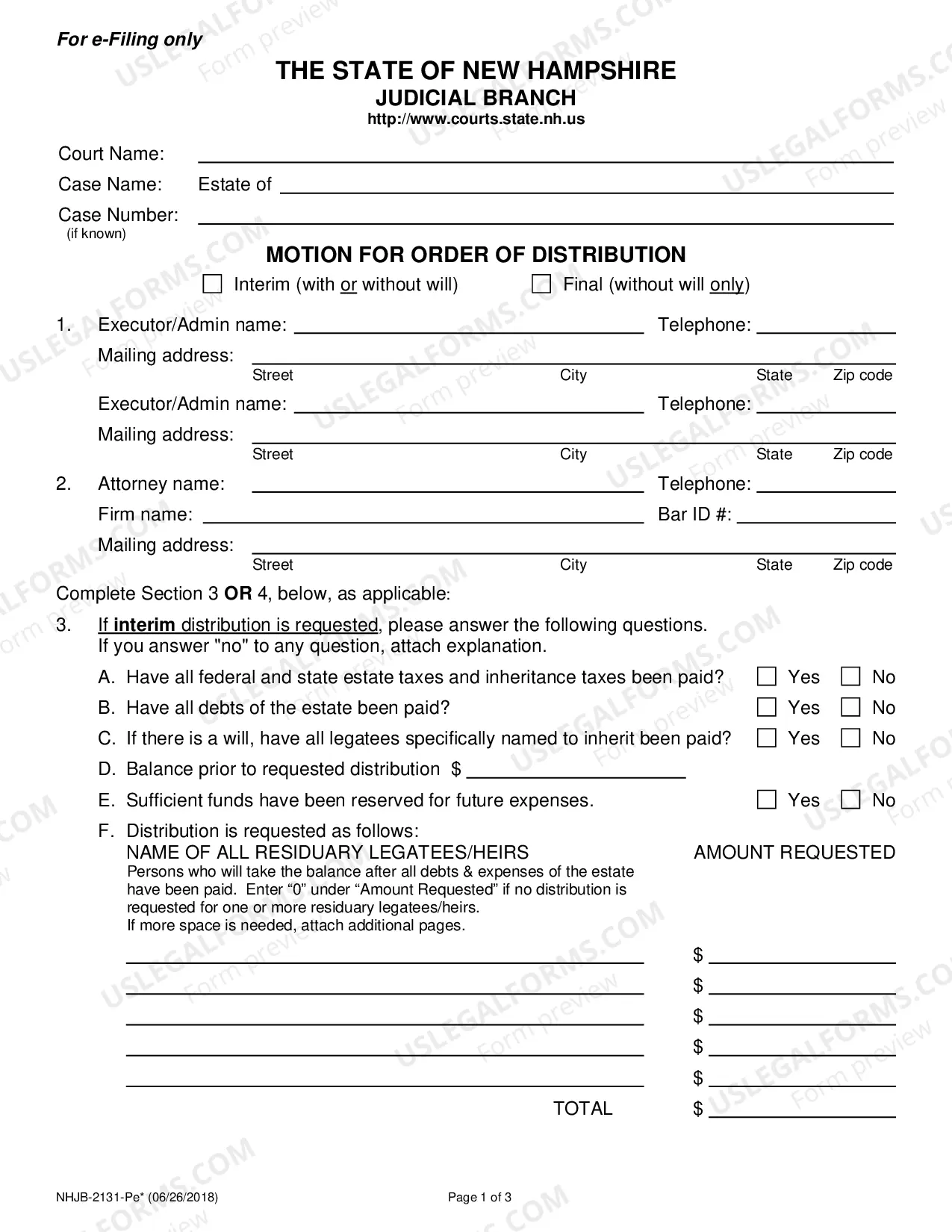
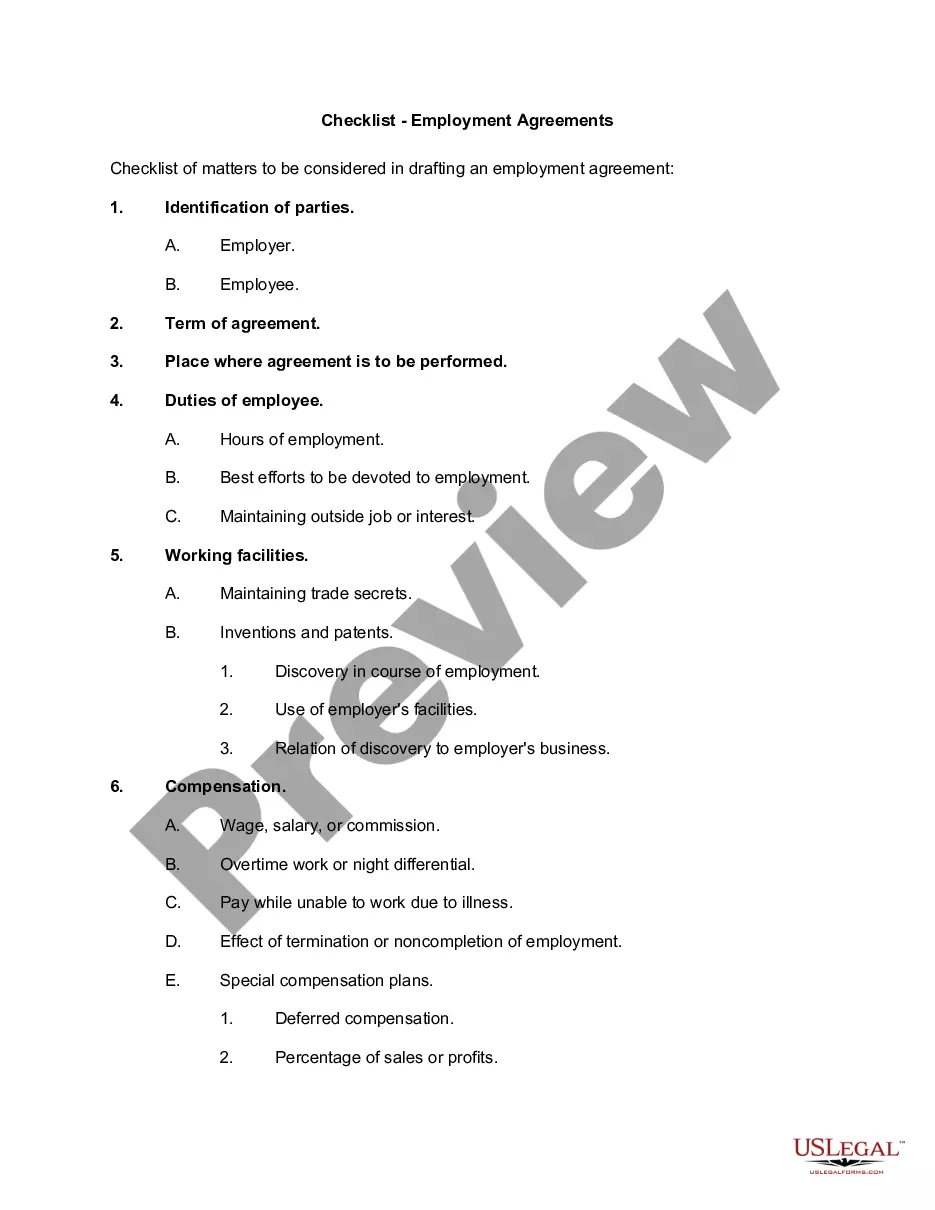

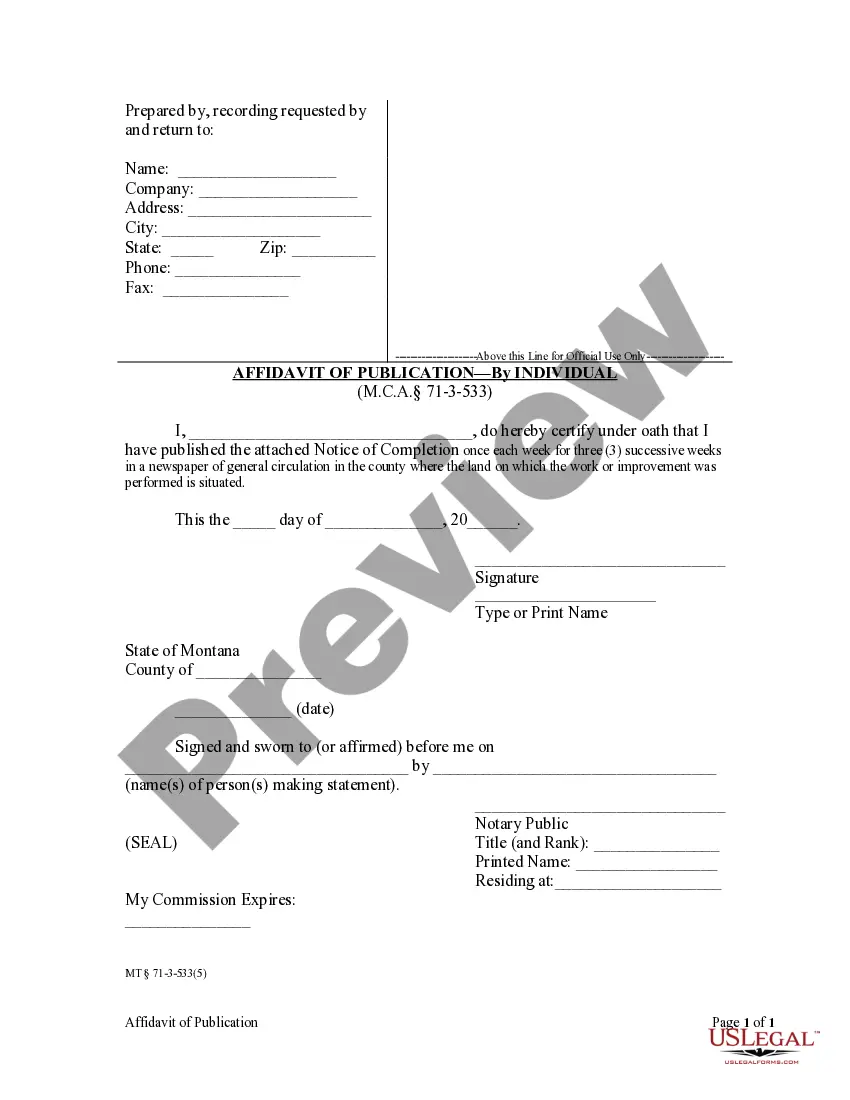
How to fill out California Company Notice To Employee To Gather Confidential COVID-19 Coronavirus Information?
Finding a reliable place to access the latest and most pertinent legal templates is a significant part of navigating bureaucratic processes.
Identifying the appropriate legal documents requires precision and meticulousness, highlighting the necessity of obtaining California Notice To Employee samples exclusively from trustworthy sources, such as US Legal Forms. A flawed template can lead to wasted time and hinder your current situation. With US Legal Forms, most of your worries can be alleviated. You can view and review all the information related to the document's purpose and applicability for your circumstance as well as in your state or county.
Eliminate the hassle that comes with your legal documentation. Explore the vast US Legal Forms catalog where you'll find legal templates, assess their suitability for your situation, and download them instantly.
- Utilize the catalog navigation or search bar to locate your template.
- Examine the form's description to determine if it meets your state and regional stipulations.
- Check the form preview, if available, to confirm it matches what you are seeking.
- Return to the search and locate the suitable document if the California Notice To Employee does not satisfy your criteria.
- If you are certain about the form's applicability, proceed to download it.
- If you are already a registered user, click Log in to verify your identity and access your selected templates in My documents.
- If you haven’t created an account yet, click Buy now to purchase the template.
- Select the pricing plan that suits your requirements.
- Advance to the registration process to finalize your purchase.
- Complete your purchase by selecting a payment method (credit card or PayPal).
- Choose the document format for downloading the California Notice To Employee.
- Once the form is stored on your device, you may edit it using the editor or print and complete it manually.
Form popularity
FAQ
Specifically, new Section 2810.5 of the Labor Code requires that employers provide notice to employees of their rate(s) of pay, designated pay day, the employer's intent to claim allowances (meal or lodging allowances) as part of the minimum wage, and the basis of wage payment (whether paying by hour, shift, day, week, ...
Workplace Postings PostingWho Must PostPayday noticeAll employersSafety and health protection on the jobAll employersEmergency phone numbersAll employersAccess to medical and exposure recordsAll employers using hazardous or toxic substances14 more rows
An employee who quits must be given their final paycheck within 72 hours of providing notice. If an employee gives notice more than 72 hours prior to their final shift, they must receive their paycheck on that day. If no notice is provided, the paycheck must be sent within 72 hours of their last day.
Specifically, new Section 2810.5 of the Labor Code requires that employers provide notice to employees of their rate(s) of pay, designated pay day, the employer's intent to claim allowances (meal or lodging allowances) as part of the minimum wage, and the basis of wage payment (whether paying by hour, shift, day, week, ...
Labor Code section 2810.5(b) requires that the employer notify you in writing of any changes to the information set forth in this Notice within seven calendar days after the time of the changes, unless one of the following applies: (a) All changes are reflected on a timely wage statement furnished in ance with ...
