California Vehicle Accident With Tesla
Description
Get your form ready online
Our built-in tools help you complete, sign, share, and store your documents in one place.
Make edits, fill in missing information, and update formatting in US Legal Forms—just like you would in MS Word.
Download a copy, print it, send it by email, or mail it via USPS—whatever works best for your next step.
Sign and collect signatures with our SignNow integration. Send to multiple recipients, set reminders, and more. Go Premium to unlock E-Sign.
If this form requires notarization, complete it online through a secure video call—no need to meet a notary in person or wait for an appointment.
We protect your documents and personal data by following strict security and privacy standards.

Make edits, fill in missing information, and update formatting in US Legal Forms—just like you would in MS Word.

Download a copy, print it, send it by email, or mail it via USPS—whatever works best for your next step.

Sign and collect signatures with our SignNow integration. Send to multiple recipients, set reminders, and more. Go Premium to unlock E-Sign.

If this form requires notarization, complete it online through a secure video call—no need to meet a notary in person or wait for an appointment.

We protect your documents and personal data by following strict security and privacy standards.
Looking for another form?
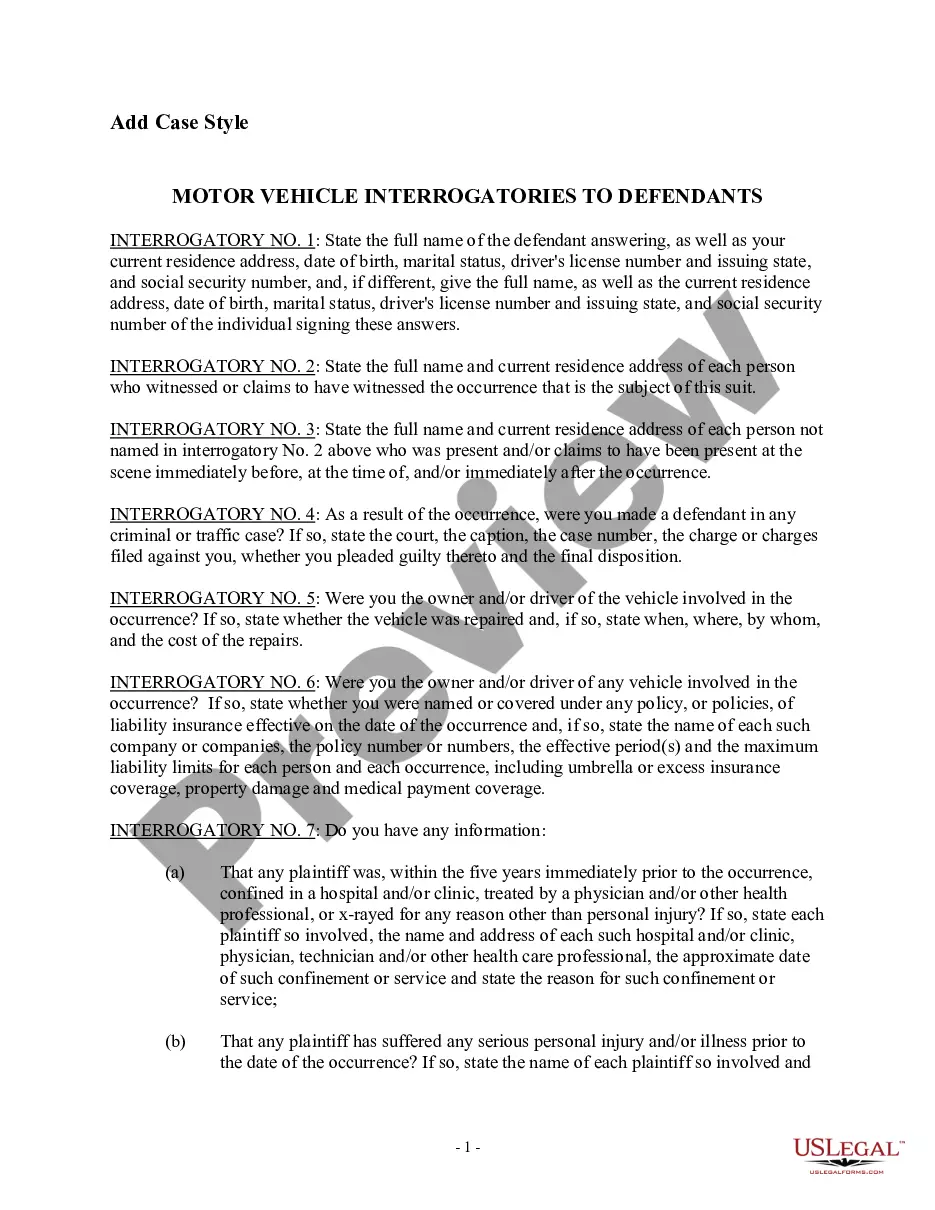
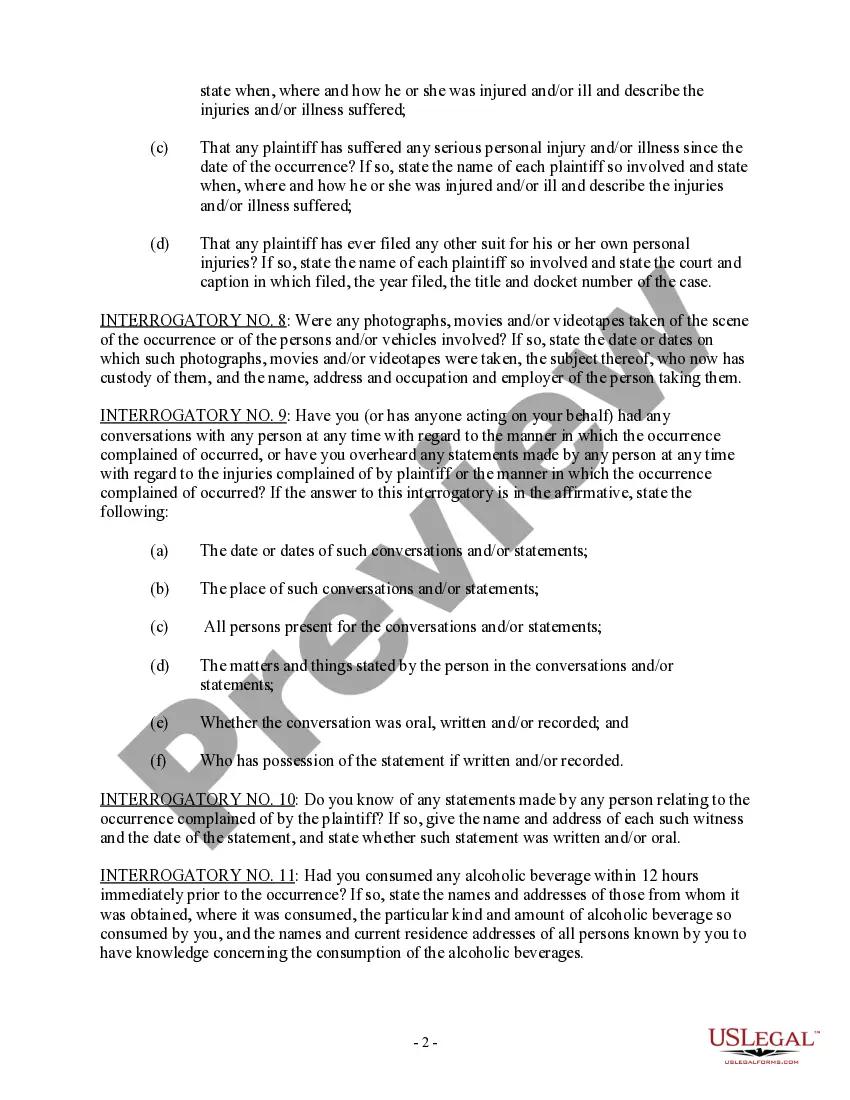
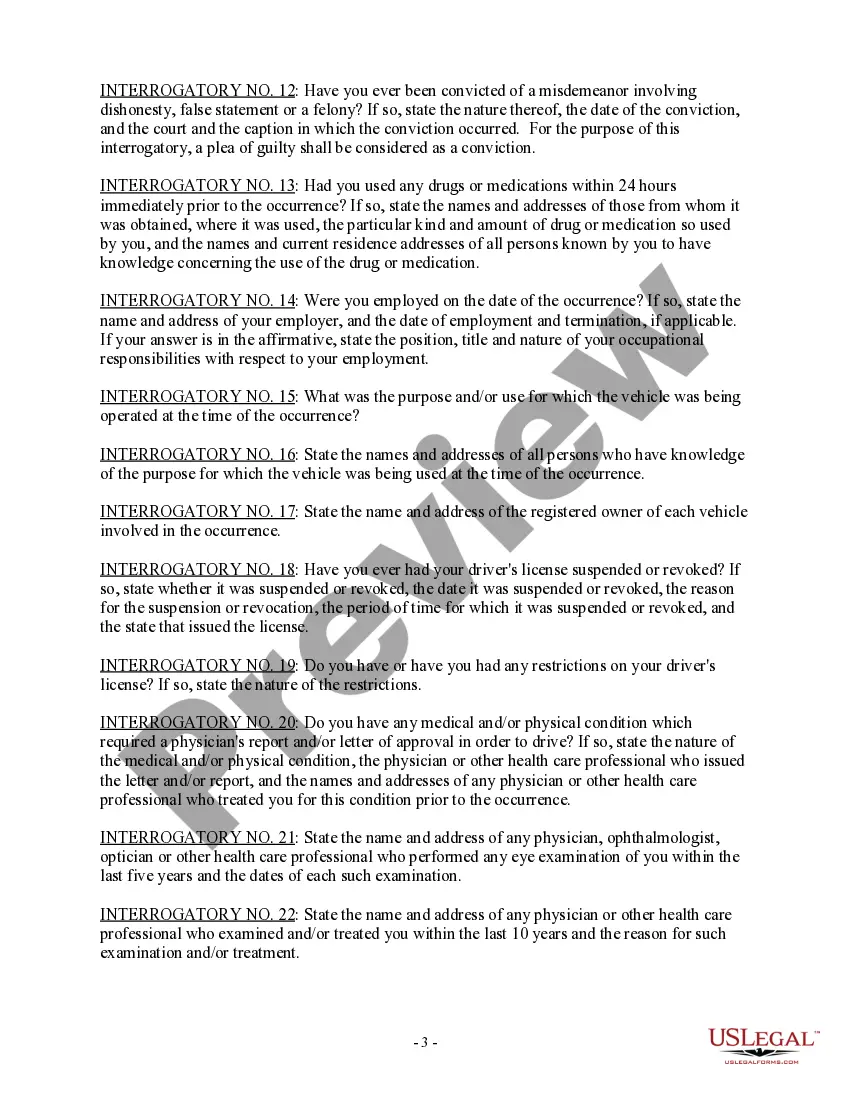
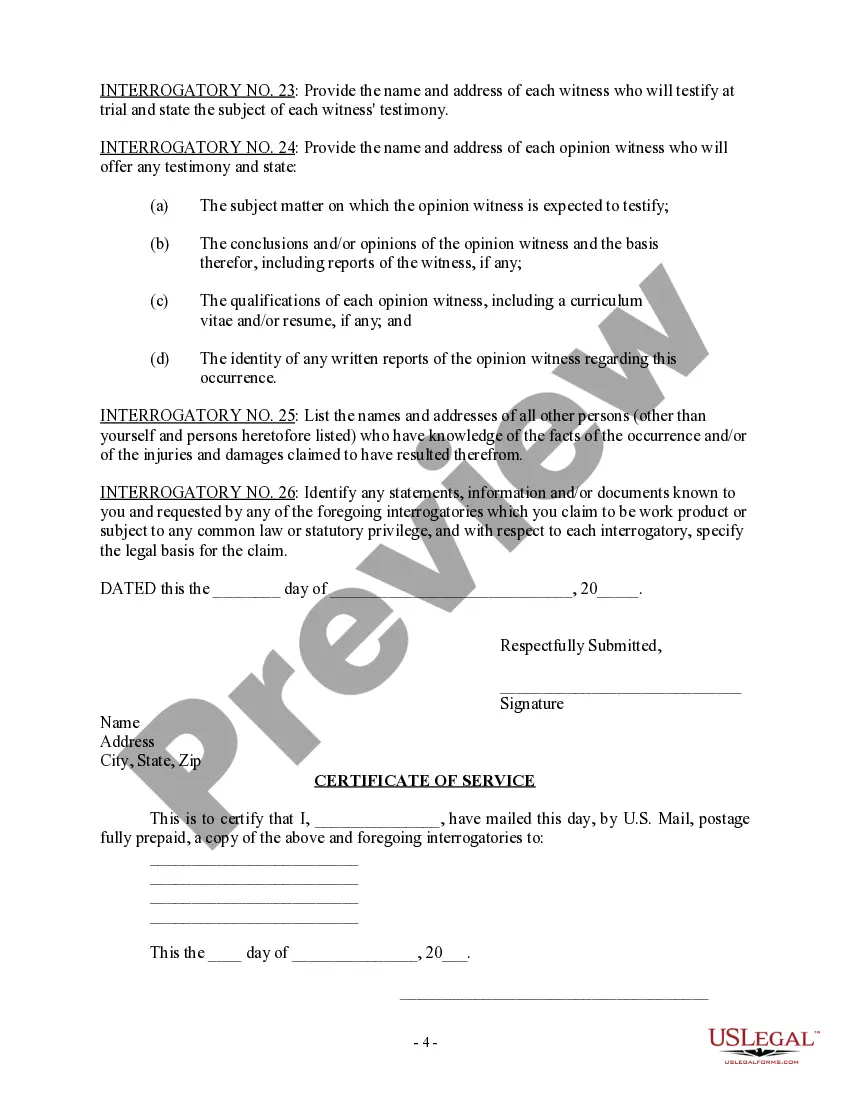
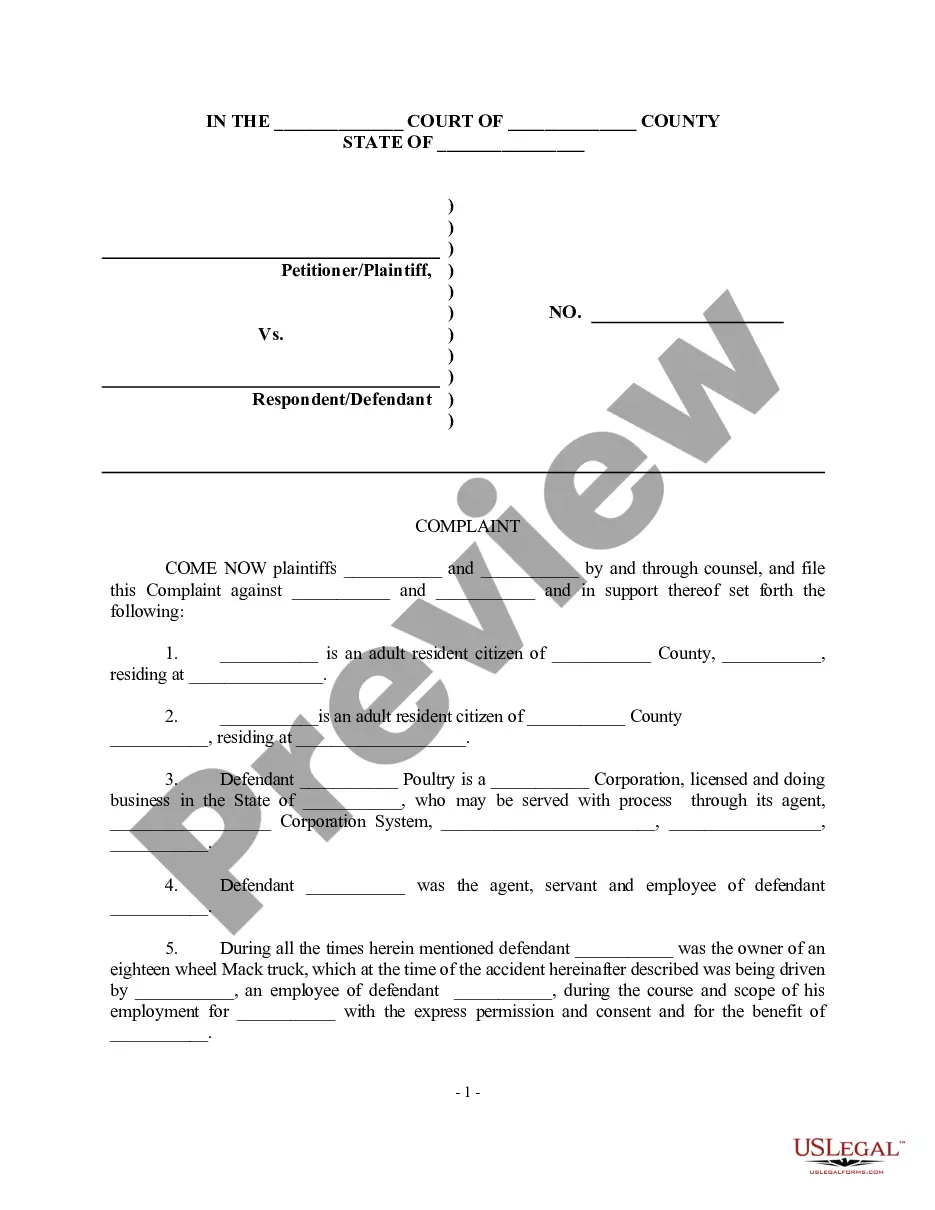
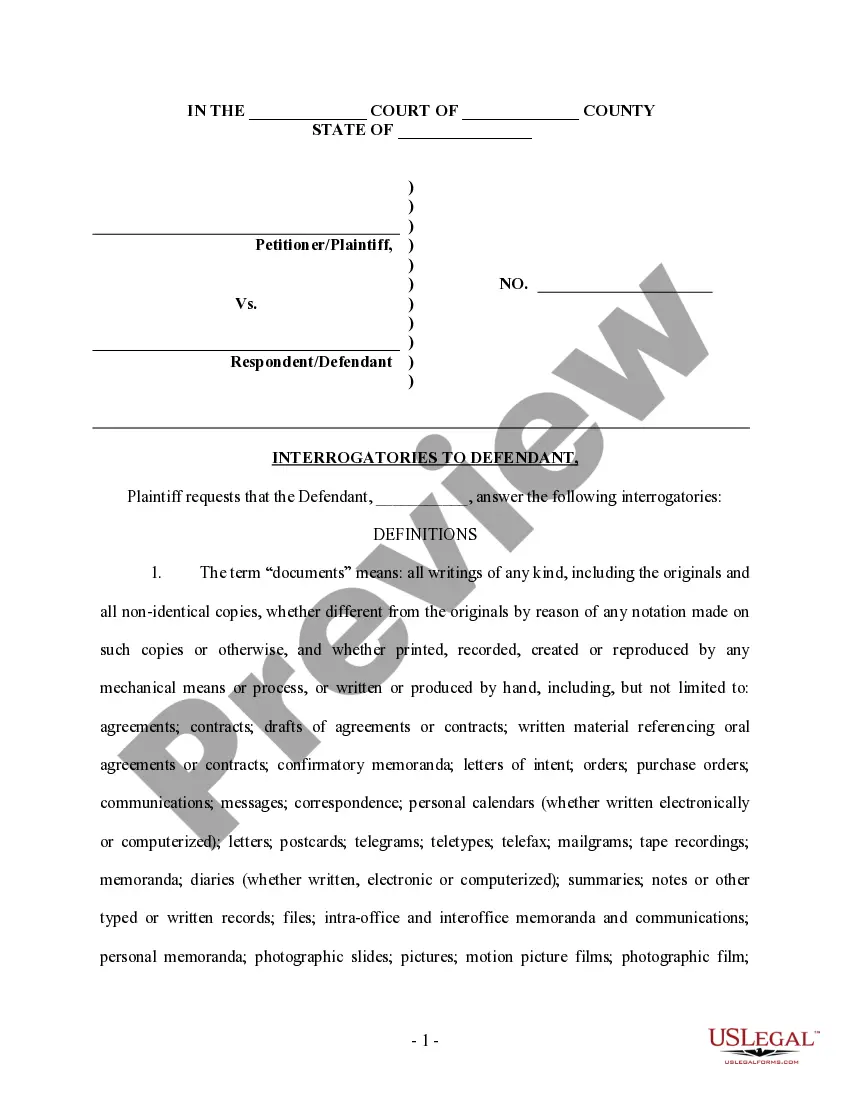
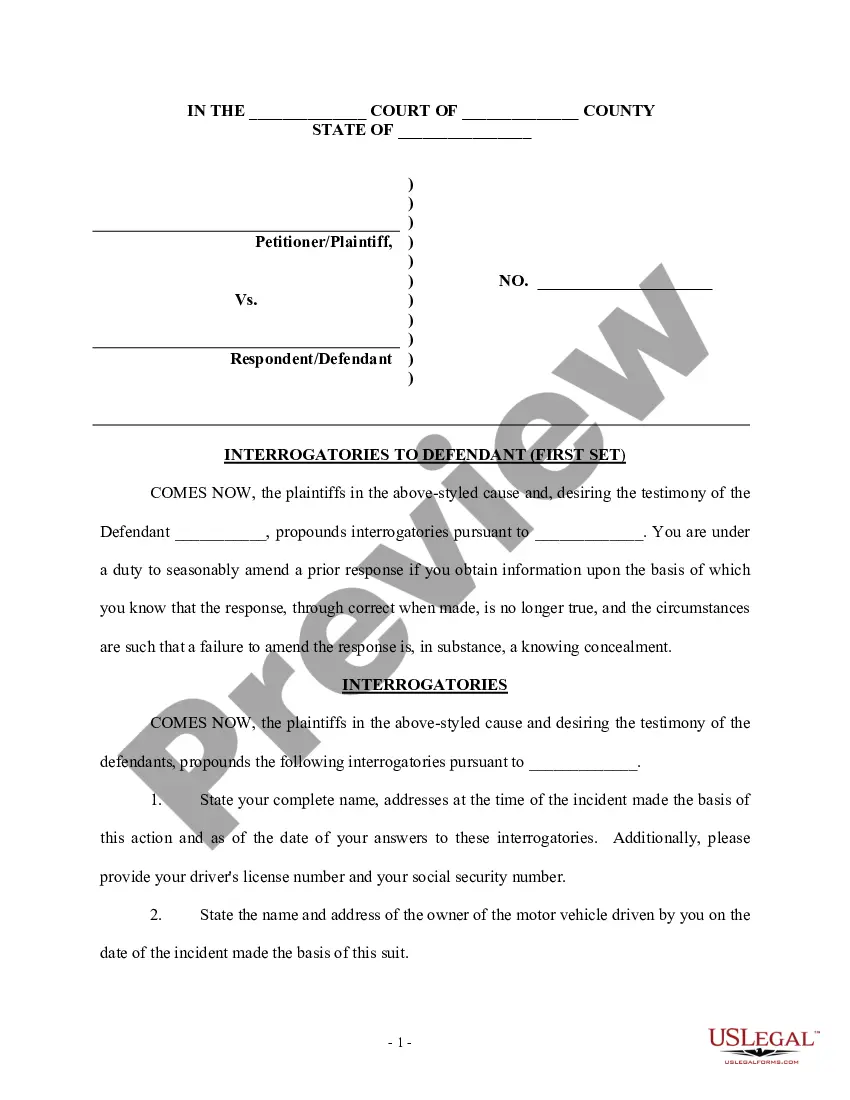
How to fill out California Interrogatories To Defendant For Motor Vehicle Accident?
Whether for professional reasons or personal matters, everyone must confront legal situations at some stage in their lives.
Filling out legal documents requires meticulous care, starting from selecting the correct form template.
Select the document format you wish and download the California Vehicle Accident With Tesla. Once downloaded, you can fill out the form using editing software or print it and fill it out by hand. With an extensive US Legal Forms catalog available, you never have to waste time searching for the correct template online. Utilize the library's straightforward navigation to find the appropriate template for any circumstance.
- For instance, if you choose an incorrect version of the California Vehicle Accident With Tesla, it will be denied once submitted.
- Thus, it's crucial to obtain a trustworthy source of legal forms like US Legal Forms.
- If you need a California Vehicle Accident With Tesla template, adhere to these straightforward steps.
- Obtain the template you require using the search bar or catalog browsing.
- Review the form's details to confirm it aligns with your case, region, and county.
- Click on the form's preview to examine it.
- If it is not the correct form, return to the search function to locate the California Vehicle Accident With Tesla sample you need.
- Acquire the document if it fulfills your needs.
- If you already possess a US Legal Forms account, simply click Log in to access previously saved documents in My documents.
- If you do not yet have an account, you can download the form by clicking Buy now.
- Select the suitable payment plan.
- Complete the account registration form.
- Choose your method of payment: you can utilize a credit card or PayPal account.
Form popularity
FAQ
If you experience a California vehicle accident with Tesla, first ensure everyone's safety and call emergency services if needed. Next, document the scene by taking photos and gathering information from other parties involved. Afterward, report the accident to Tesla insurance and utilize resources like USLegalForms for guidance on filing claims and handling the aftermath.
Reporting a California vehicle accident with Tesla involves using the Tesla app or calling their customer service. In the app, locate the 'Report Accident' feature and fill in the necessary details. If you prefer speaking with someone, calling customer service can also expedite the reporting process.
To send a report to Tesla regarding a California vehicle accident with Tesla, you can use the Tesla app or contact their customer service directly. Provide all relevant information, including accident details and any supporting documentation. This will ensure that your report receives prompt attention and resolution.
Yes, Tesla insurance does cover California. The coverage includes liability, personal injury protection, and comprehensive options specifically tailored for Tesla vehicles. If you experience a California vehicle accident with Tesla, you can rely on their insurance policies to assist you through the claims process.
Recording a California vehicle accident with Tesla is straightforward. Use the Tesla app or your vehicle's touchscreen to access the dashcam feature, which can capture video of the incident. After the accident, review the footage and save it for your records, as it may be useful for insurance purposes.
To report a California vehicle accident with Tesla to Tesla insurance, you need to access the Tesla app on your phone. Within the app, navigate to the 'Insurance' section and follow the prompts to submit your accident details. Ensure you provide accurate and complete information for a smooth claims process.
If no Tesla locations are available, Tesla recommends taking your vehicle to one of our Tesla-Approved Collision Centers in your area. Find a Tesla location for collision support. The Tesla app will guide you through the information you need to report an incident and file a claim.
You or your insurance agent, broker, or legal representative must complete an SR-1 report and send it to DMV within 10 days if someone is injured (no matter how minor the injury) or killed, or property damage is over $1000.
Your driving privilege will be suspended if you do not complete an SR-1 report or did not have the proper insurance coverage at the time of the vehicle collision. Every vehicle collision reported to DMV by law enforcement will show on your driver's record unless the reporting officer says another person was at fault.
Tesla Insurance provides an efficient and seamless claims submission process from the Tesla app in the event of an accident, collision, glass damage and more. File and manage your claim and if a repair is needed, review repair estimates and schedule an appointment directly in the Tesla app.