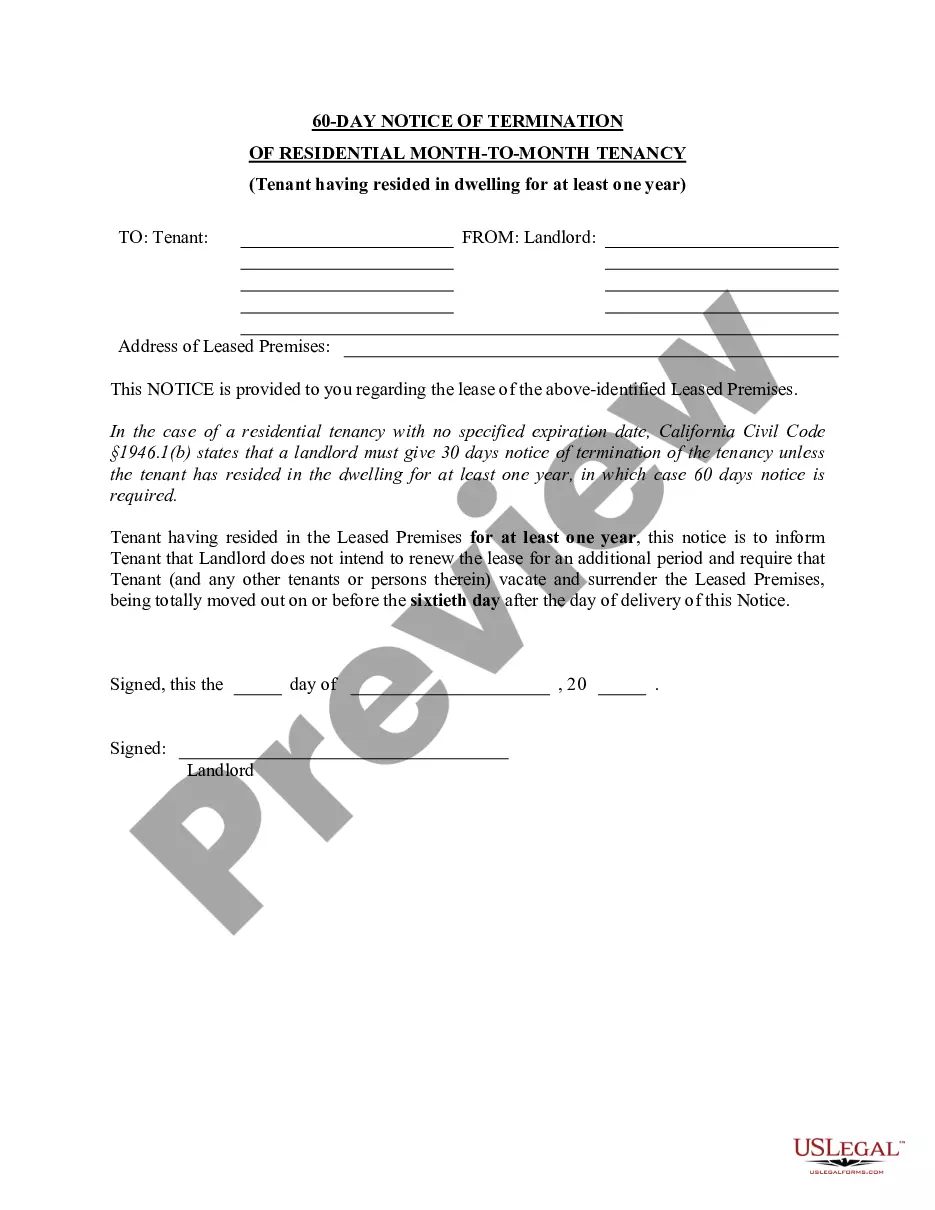
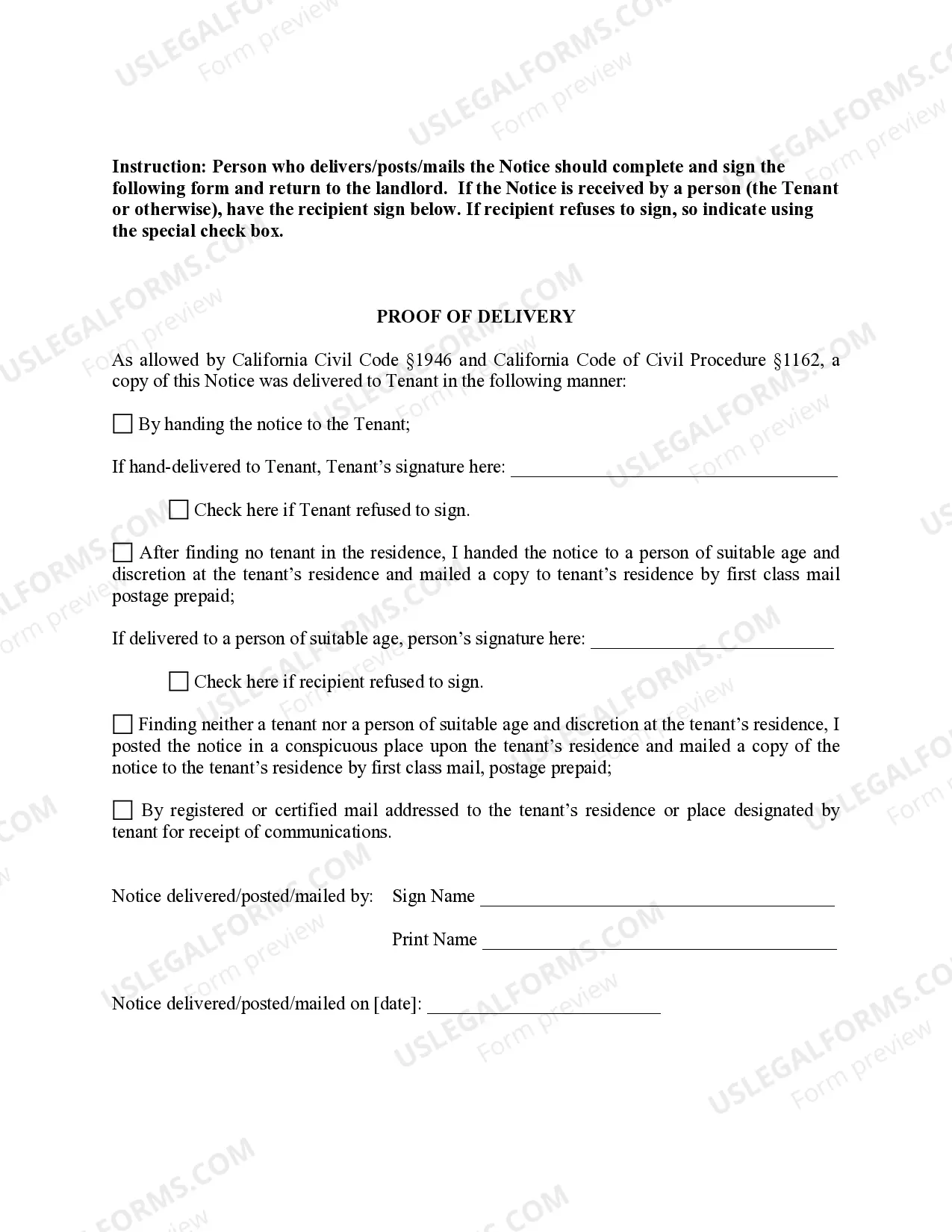
60 Day Notice Form California With Spanish
Description

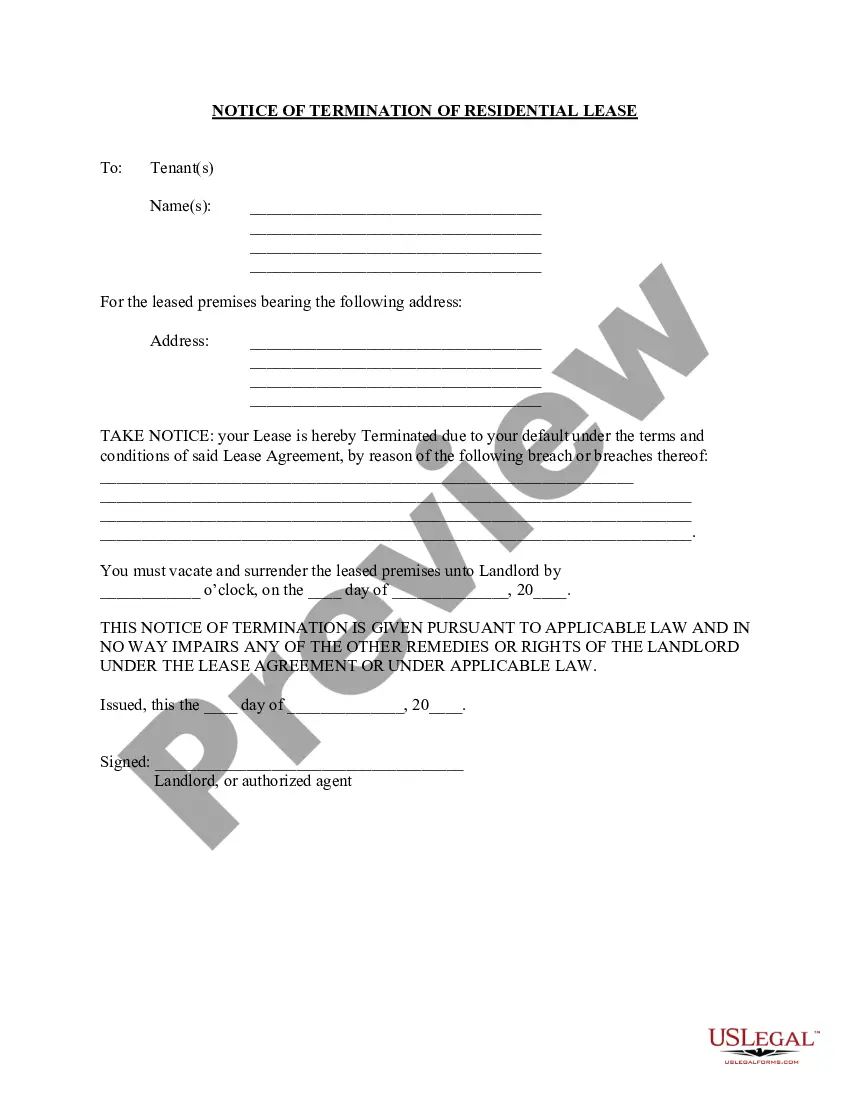
Get your form ready online
Our built-in tools help you complete, sign, share, and store your documents in one place.
Make edits, fill in missing information, and update formatting in US Legal Forms—just like you would in MS Word.
Download a copy, print it, send it by email, or mail it via USPS—whatever works best for your next step.
Sign and collect signatures with our SignNow integration. Send to multiple recipients, set reminders, and more. Go Premium to unlock E-Sign.
If this form requires notarization, complete it online through a secure video call—no need to meet a notary in person or wait for an appointment.
We protect your documents and personal data by following strict security and privacy standards.

Make edits, fill in missing information, and update formatting in US Legal Forms—just like you would in MS Word.

Download a copy, print it, send it by email, or mail it via USPS—whatever works best for your next step.

Sign and collect signatures with our SignNow integration. Send to multiple recipients, set reminders, and more. Go Premium to unlock E-Sign.

If this form requires notarization, complete it online through a secure video call—no need to meet a notary in person or wait for an appointment.

We protect your documents and personal data by following strict security and privacy standards.
Looking for another form?
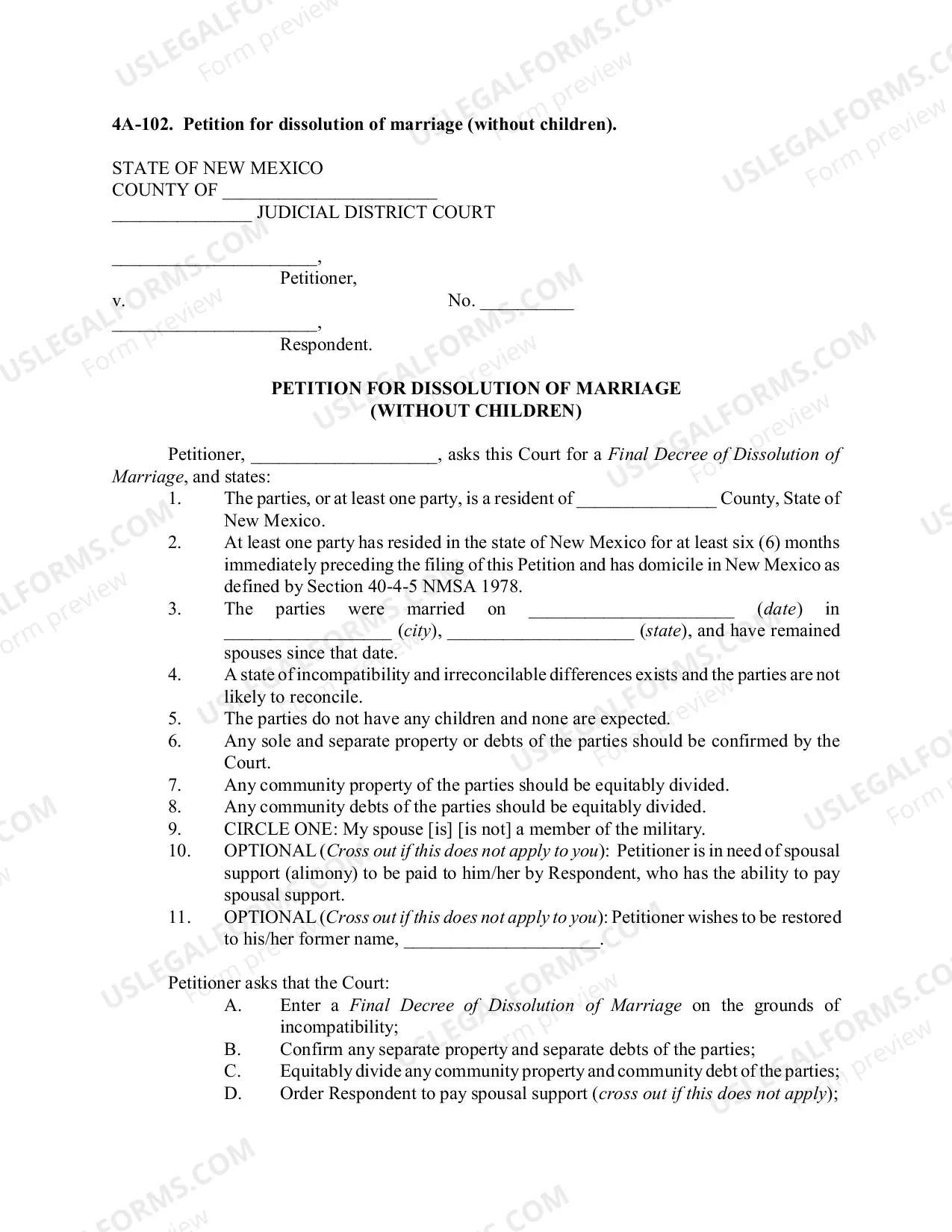
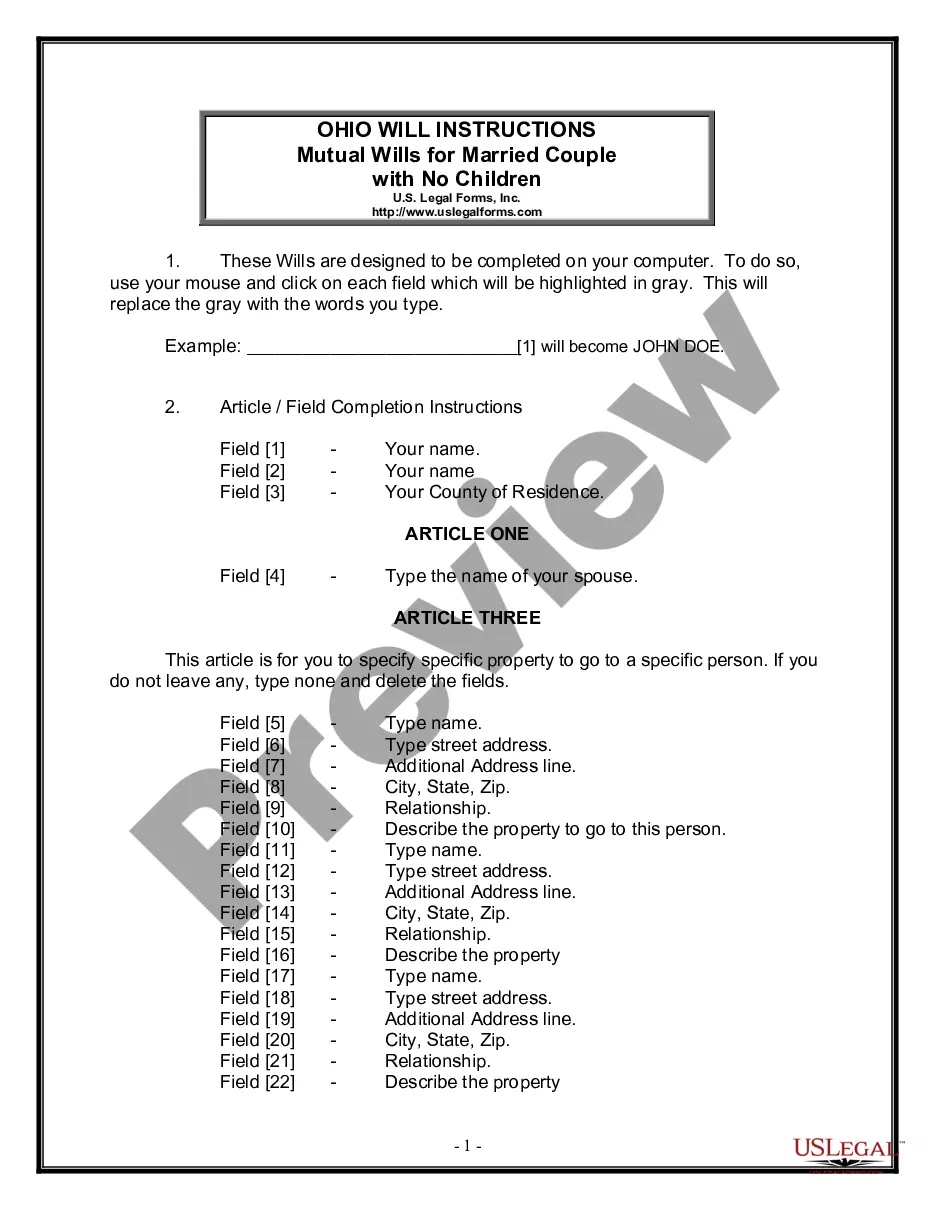

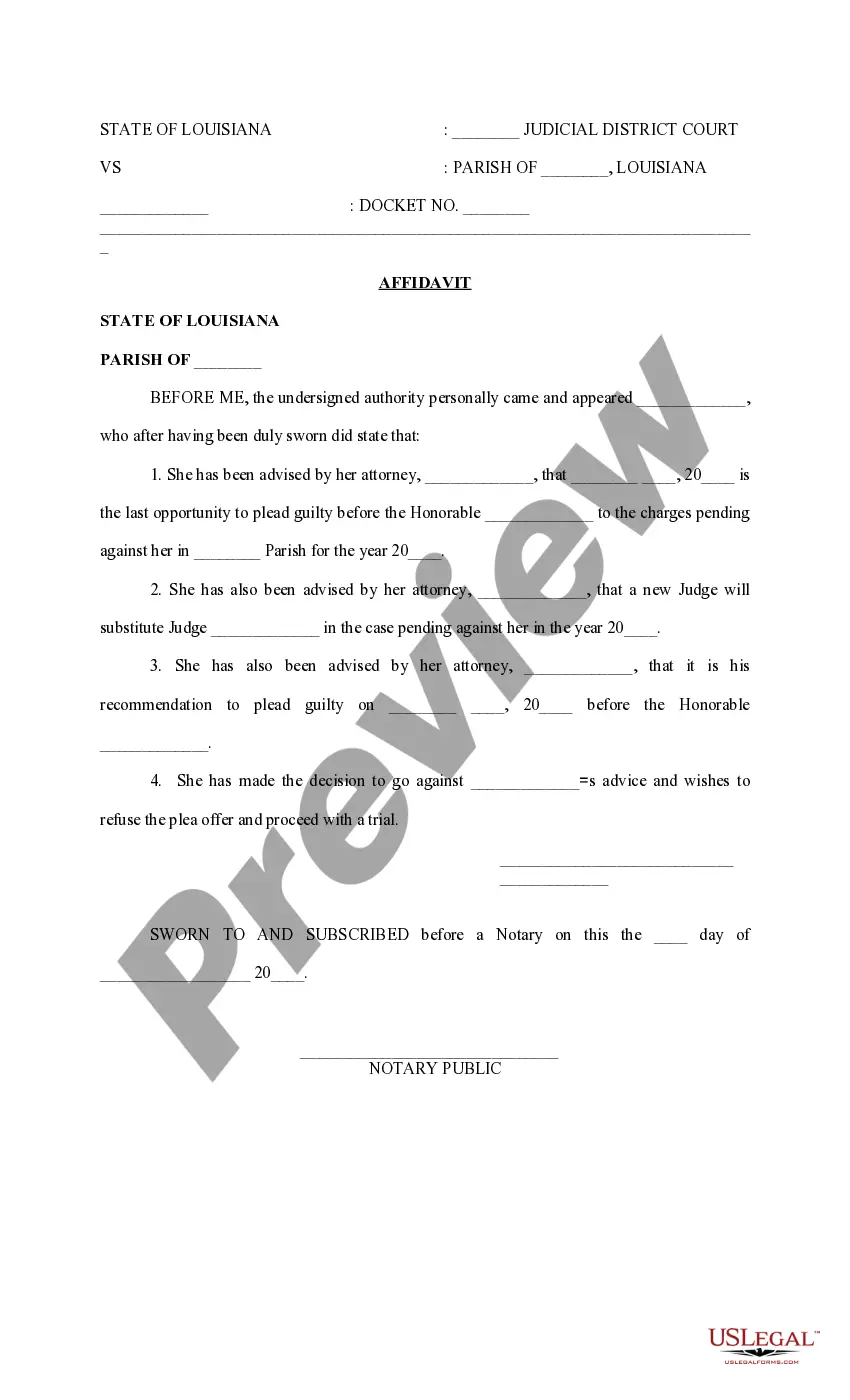

How to fill out California 60 Day Notice Of Termination - Residential Month-to-Month Tenancy?
Handling legal documentation and processes can be an exhaustive addition to your entire day.
60 Day Notice Form California With Spanish and similar forms typically require you to search for them and comprehend how to fill them out properly.
Therefore, if you are managing financial, legal, or personal affairs, utilizing a comprehensive and user-friendly online catalog of forms at your disposal will be very beneficial.
US Legal Forms is the leading online platform for legal templates, featuring over 85,000 state-specific forms and a wide range of resources to assist you in completing your documentation with ease.
- Explore the collection of relevant documents available with a single click.
- US Legal Forms provides state- and county-specific forms available for download at any time.
- Safeguard your paperwork management by using a premium service that enables you to prepare any document in just a few minutes, free of extra or concealed fees.
- Simply sign in to your account, locate 60 Day Notice Form California With Spanish, and download it instantly in the My documents section.
- You can also retrieve previously downloaded forms.
Form popularity
FAQ
Writing a 60 day notice requires you to be clear and concise. Begin with your address and the date, followed by the landlord's contact details. Clearly state your intent to terminate the lease and include that you are providing a 60 day notice form California with Spanish options, if applicable. It’s crucial to state the exact date you plan to vacate the property.
Possibly the key difference between a will and a trust is that a trust does not pass through probate. Wills must pass through the costly, time-consuming probate process. Because probate is a public, judicial process, wills become part of the public record, while trusts remain private.
When you make a living trust that can manage your assets during your lifetime and afterward, the law calls you the ?settlor.? Whether your living trust is typed or handwritten, you, as the settlor, must sign the document. You do not need witnesses, and the paper does not have to be notarized.
In Indiana, the cost for comprehensive estate plan drafting can range from $1,150 to $4,250 or more, depending on the complexity of your estate and the attorney's experience. The cost of creating a will in Indiana can range from roughly $350 to $850. A Indiana trust typically costs anywhere between $1,150 and $2,950.
How to Write ( Fill Out ) a Living Trust Form Step 1: Fill out the grantor information. ... Step 2: Indicate the purpose of the trust. ... Step 3: Include trustee information. ... Step 4: List beneficiaries and make specific gifts. ... Step 5: Sign and notarize the completed document.
How to Get a Copy of a Trust Make a written demand for a copy of the Trust and its amendments, if any; Wait 60 days; and. If you do not receive a copy of the Trust within 60 days of making your written demand, file a petition with the probate court.
Creating a living trust in Indiana is simple. There is no specific form required and your trust document must simply be clear in its terms. You sign the document in front of a notary and then fund the trust by placing ownership of assets in its name. A living trust provides many benefits that can be very appealing.
Indiana law does not explicitly require a trust to be notarized; however, notarizing a trust provides extra protection for the signor if the signature is ever contested. To read and review the requirements of a Trust, you can visit Indiana Code § 30-4-2-1.