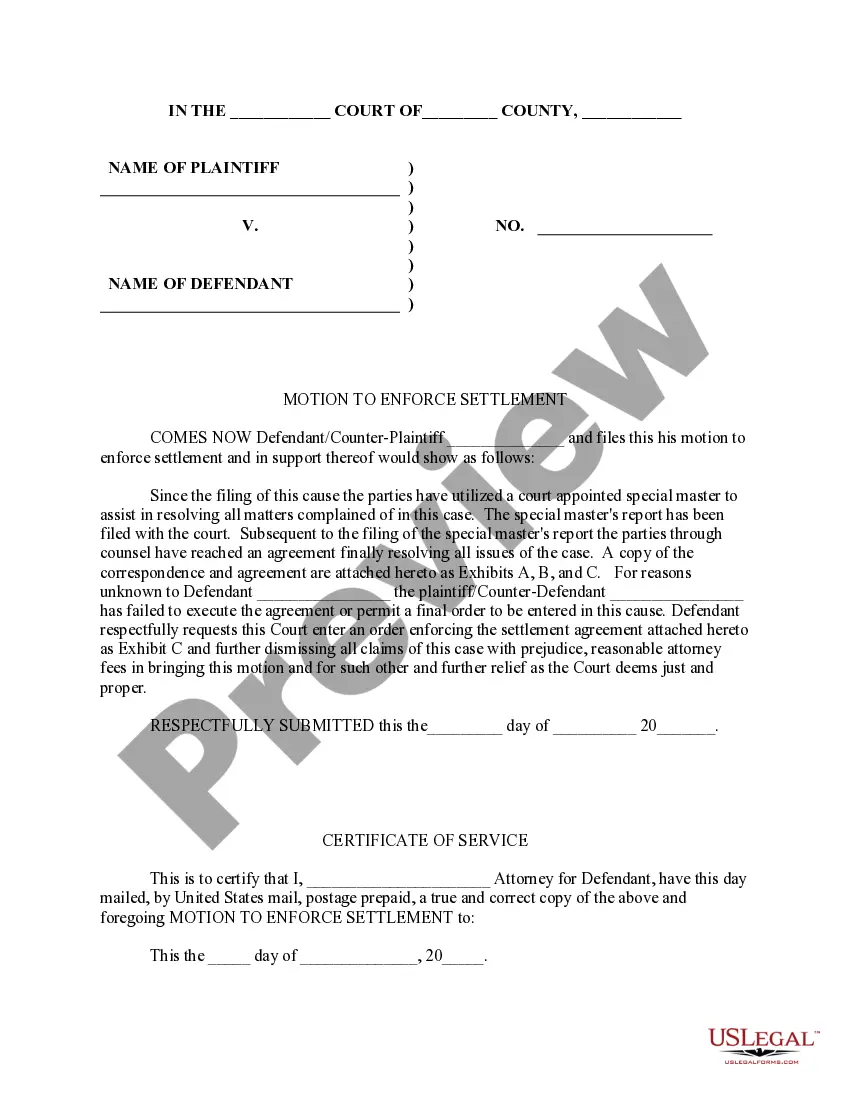
Motion To Enforce Settlement Florida Sample Without Cause
Description
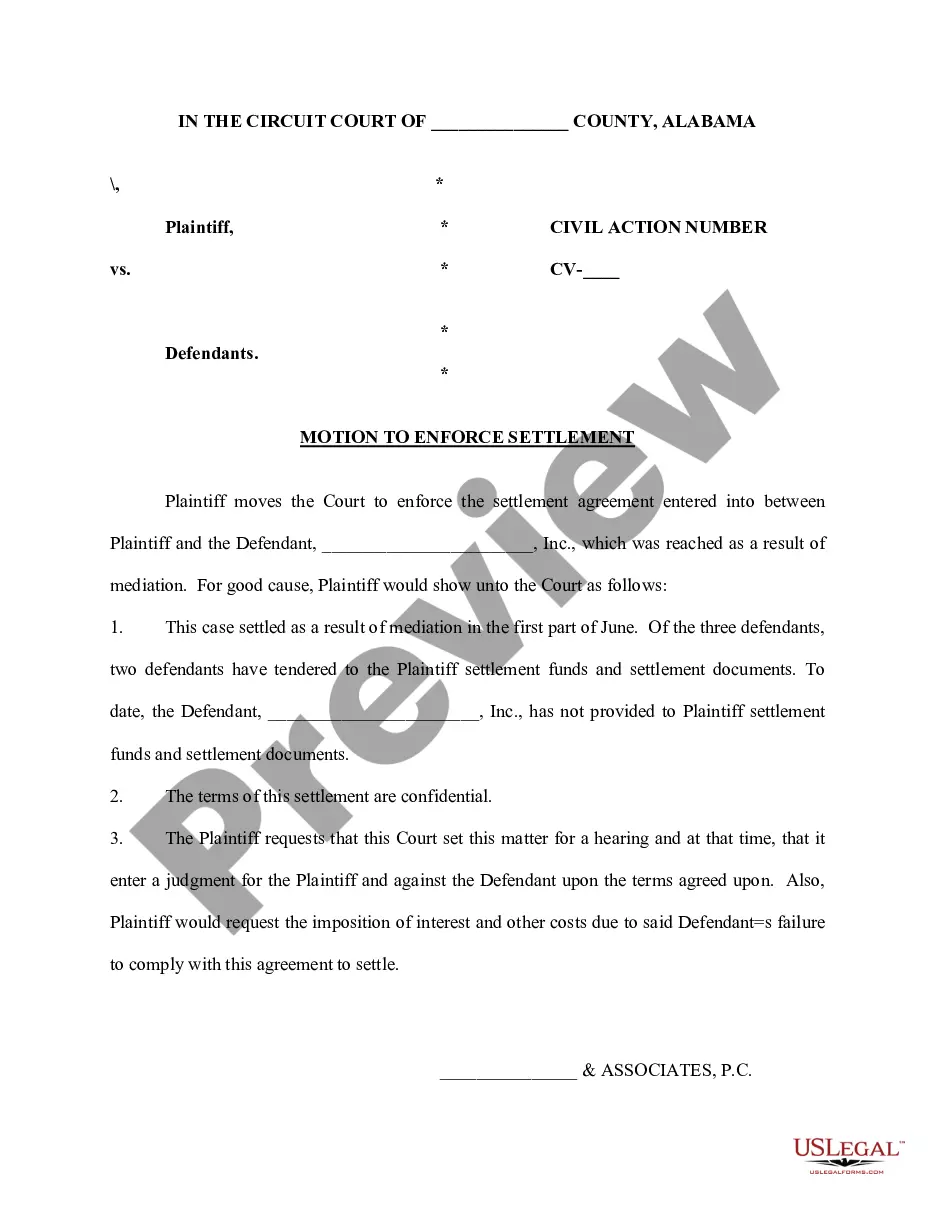
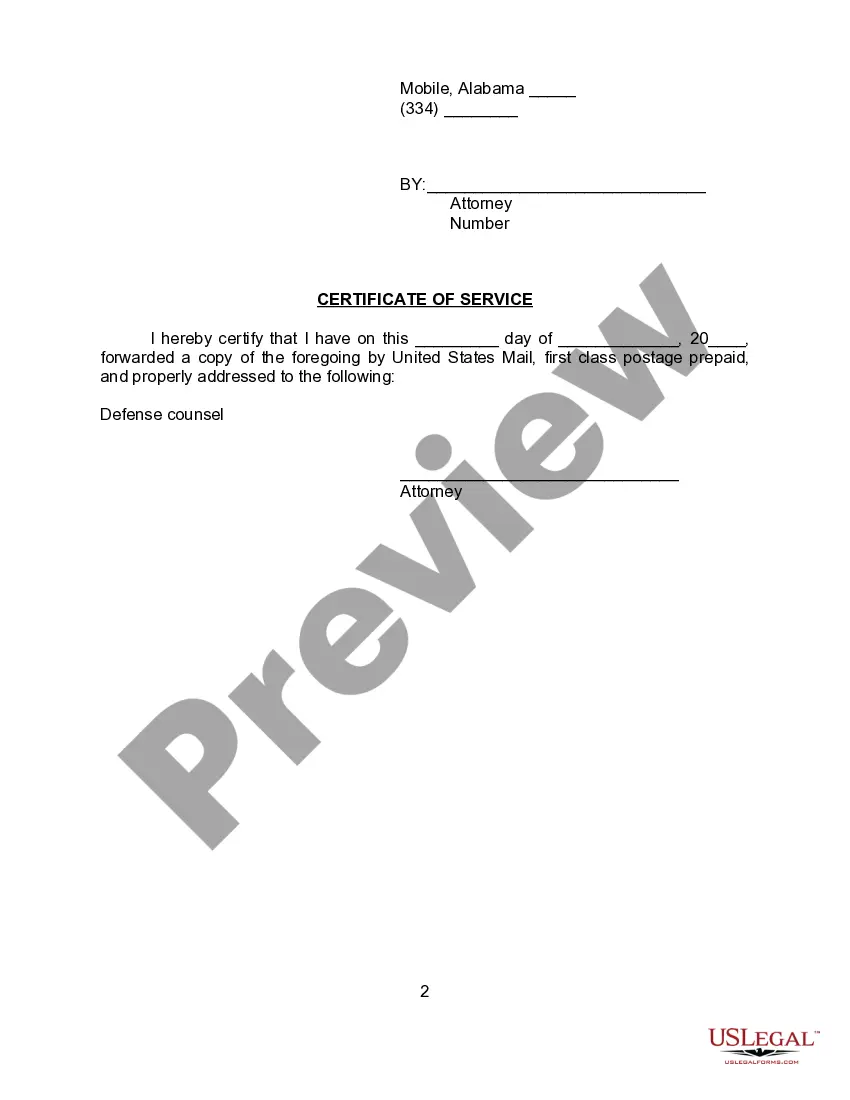
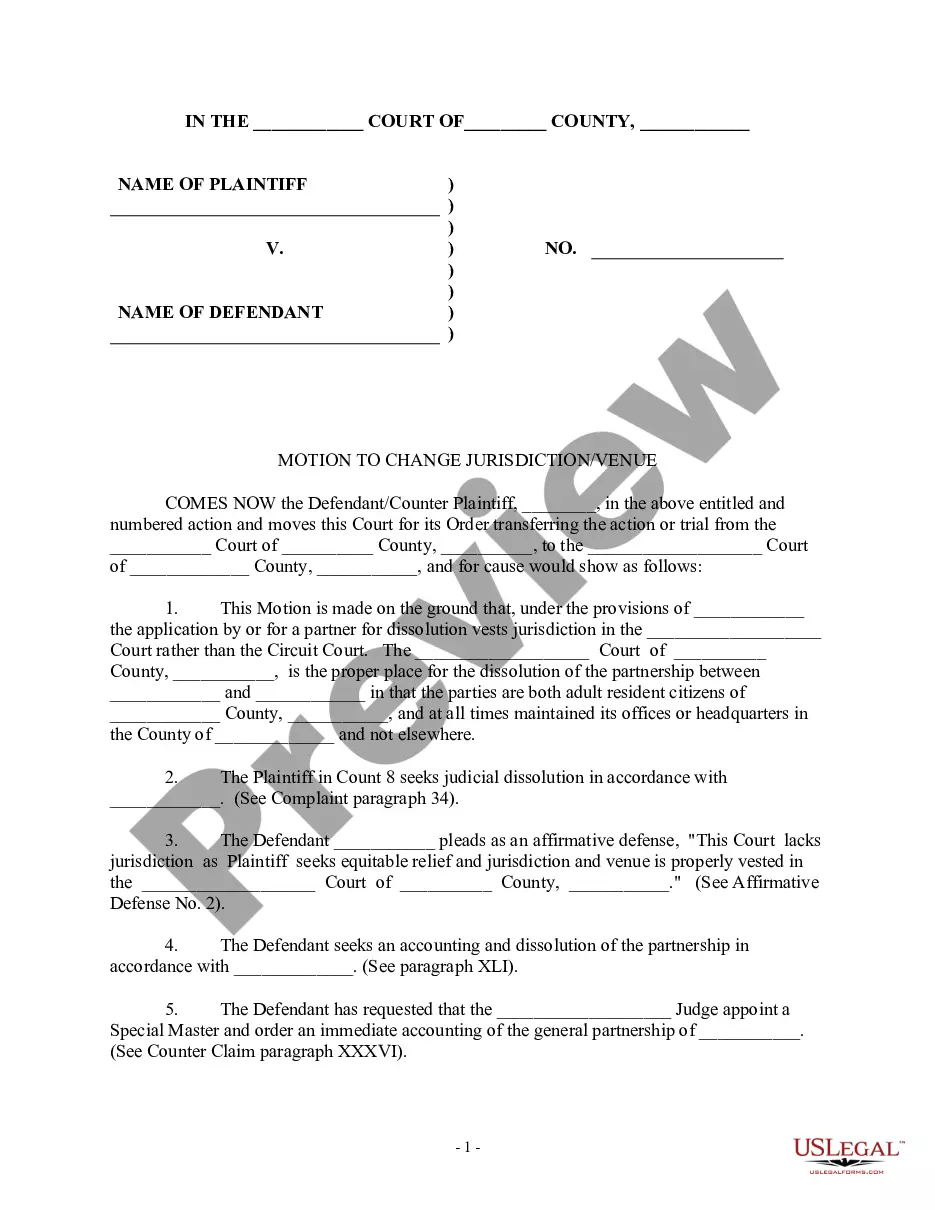
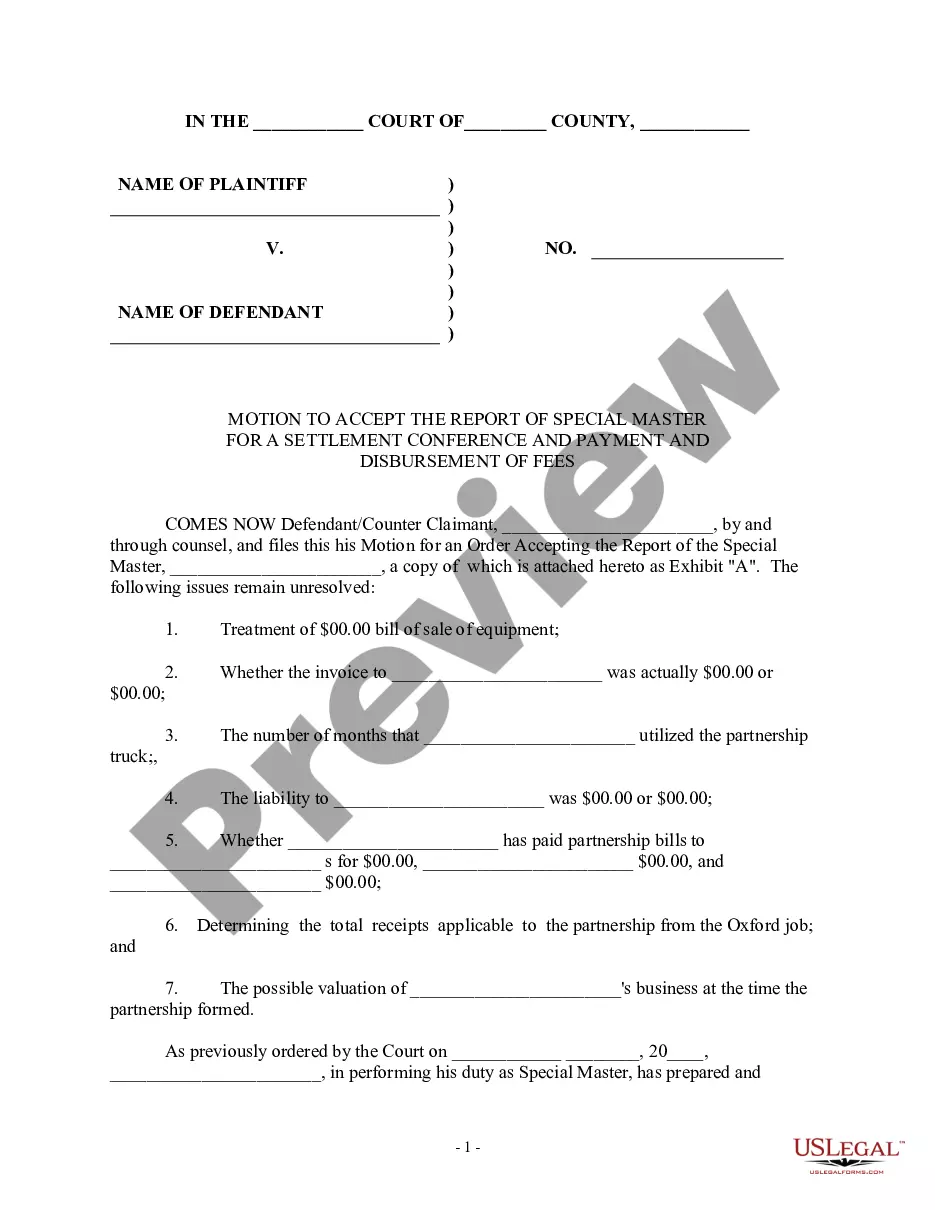
Get your form ready online
Our built-in tools help you complete, sign, share, and store your documents in one place.
Make edits, fill in missing information, and update formatting in US Legal Forms—just like you would in MS Word.
Download a copy, print it, send it by email, or mail it via USPS—whatever works best for your next step.
Sign and collect signatures with our SignNow integration. Send to multiple recipients, set reminders, and more. Go Premium to unlock E-Sign.
If this form requires notarization, complete it online through a secure video call—no need to meet a notary in person or wait for an appointment.
We protect your documents and personal data by following strict security and privacy standards.

Make edits, fill in missing information, and update formatting in US Legal Forms—just like you would in MS Word.

Download a copy, print it, send it by email, or mail it via USPS—whatever works best for your next step.

Sign and collect signatures with our SignNow integration. Send to multiple recipients, set reminders, and more. Go Premium to unlock E-Sign.

If this form requires notarization, complete it online through a secure video call—no need to meet a notary in person or wait for an appointment.

We protect your documents and personal data by following strict security and privacy standards.
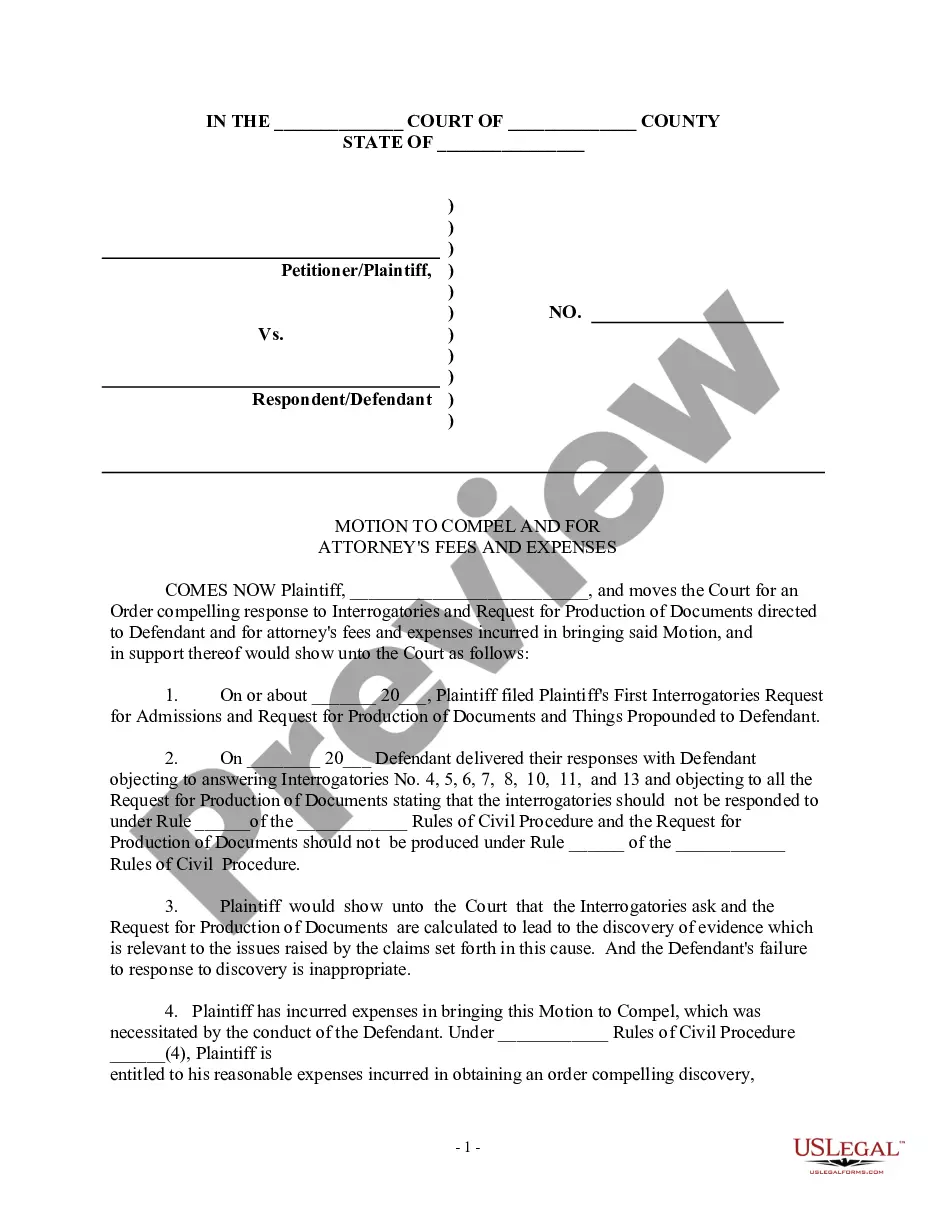
Looking for another form?







How to fill out Alabama Motion To Enforce Settlement?
Creating legal documentation from the beginning can frequently be somewhat daunting.
Certain situations may require extensive research and significant financial expenditure.
If you’re looking for a simpler and more economical method of drafting Motion To Enforce Settlement Florida Sample Without Cause or other documents without unnecessary complications, US Legal Forms is always available to you.
Our online repository of over 85,000 current legal templates encompasses nearly every aspect of your financial, legal, and personal concerns.
Examine the form preview and descriptions to confirm that you have located the form you need. Ensure that the template you select meets the criteria of your state and county. Choose the correct subscription plan to purchase the Motion To Enforce Settlement Florida Sample Without Cause. Download the document, then fill it out, sign it, and print it.
- With a few clicks, you can quickly access state- and county-compliant forms meticulously assembled for you by our legal experts.
- Utilize our website whenever you require dependable and trustworthy services that allow you to effortlessly locate and download the Motion To Enforce Settlement Florida Sample Without Cause.
- If you’re already familiar with our services and have previously registered an account with us, simply Log In to your account, find the template, and download it or retrieve it at any moment through the My documents section.
- Not registered yet? No worries. Setting up an account and exploring the catalog is quick and straightforward.
- However, before diving straight into downloading Motion To Enforce Settlement Florida Sample Without Cause, consider these suggestions.
Form popularity
FAQ
One possible solution is to convert the mediation settlement agreement into an arbitral award on agreed terms, enforceable under the Arbitration and Conciliation Act, 1996 [hereinafter ?the Act?]. However, this option raises several legal and practical issues that need to be addressed.
Motions to Enforce Then, if one party is not complying with the settlement agreement, the other party may file a motion to enforce the agreement. In the motion, the party asks the court to enter a judgment pursuant to the settlement's terms. This applies when the settlement agreement is reached in pending litigation.
1. Amendment or supplementation of the pleadings to allege the settlement agreement as an executory ; 2. Initiation of a separate action for breach of the settlement agreement; and 3. A motion to enforce settlement.
In the absence of a consent to judgment or a dispute resolution clause, if you've settled a dispute in the context of litigation, you can bring a motion to enforce the settlement under Rule 37 of the Ontario Rules of Civil Procedure.
A plaintiff can also file a motion to enforce settlement when the responsible party agrees to pay a settlement for the injuries their negligence caused but then they either change their mind or they are taking a really long time to pay the settlement amount.