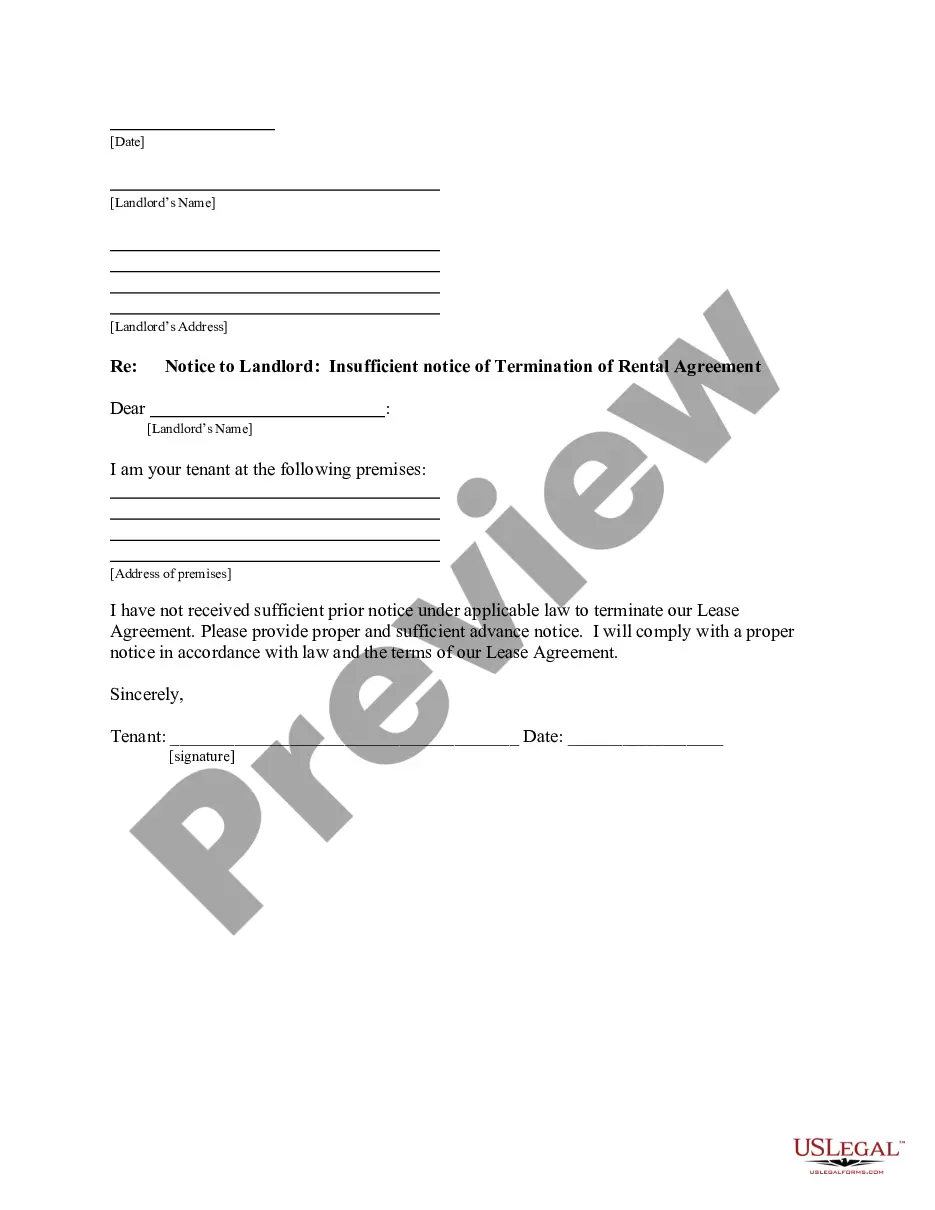
Mississippi Certificate of Trust by Individual
About this form
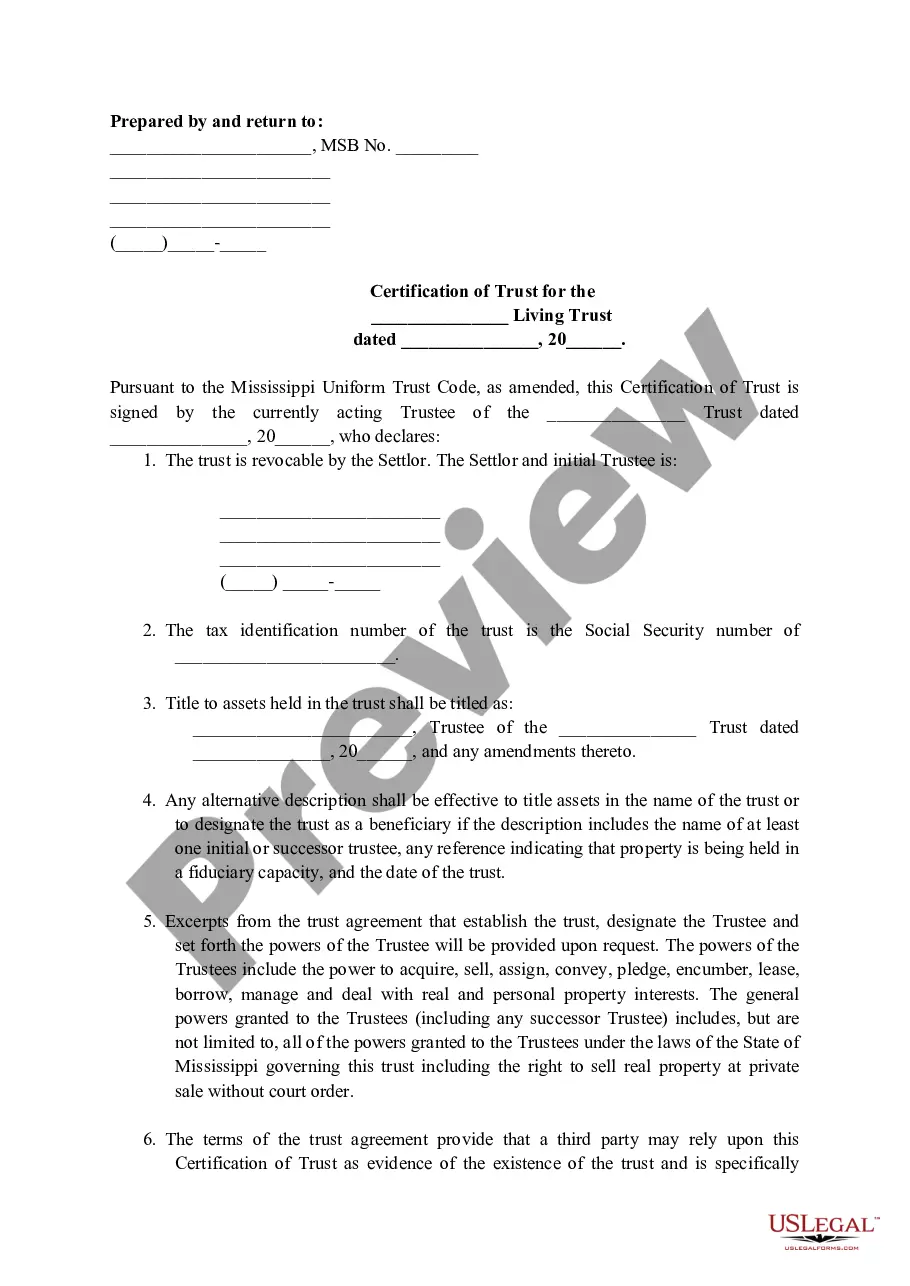
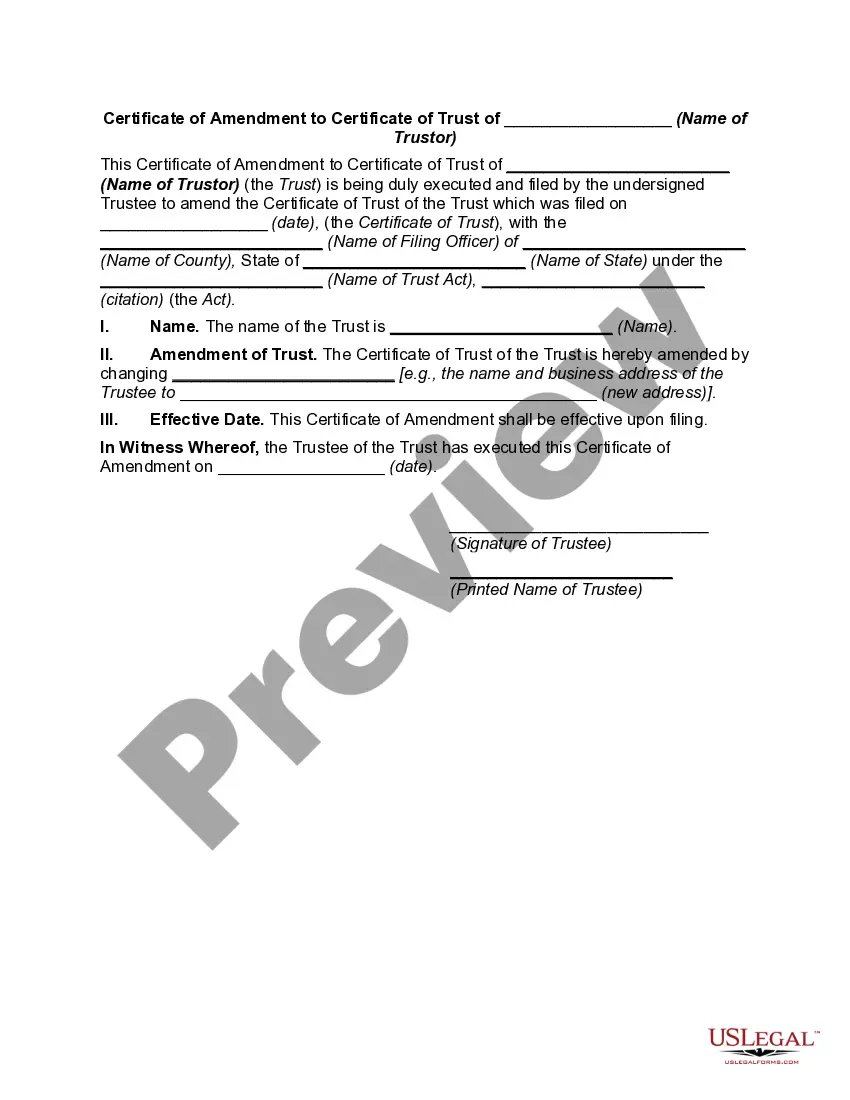
The Mississippi Certificate of Trust by Individual is a formal document that provides evidence of the existence of a trust without requiring the entire trust document to be filed or shared. This certificate allows the individual trustee to present it to third parties to confirm the terms and existence of the trust, streamlining the process of trust management and transactions.
What’s included in this form
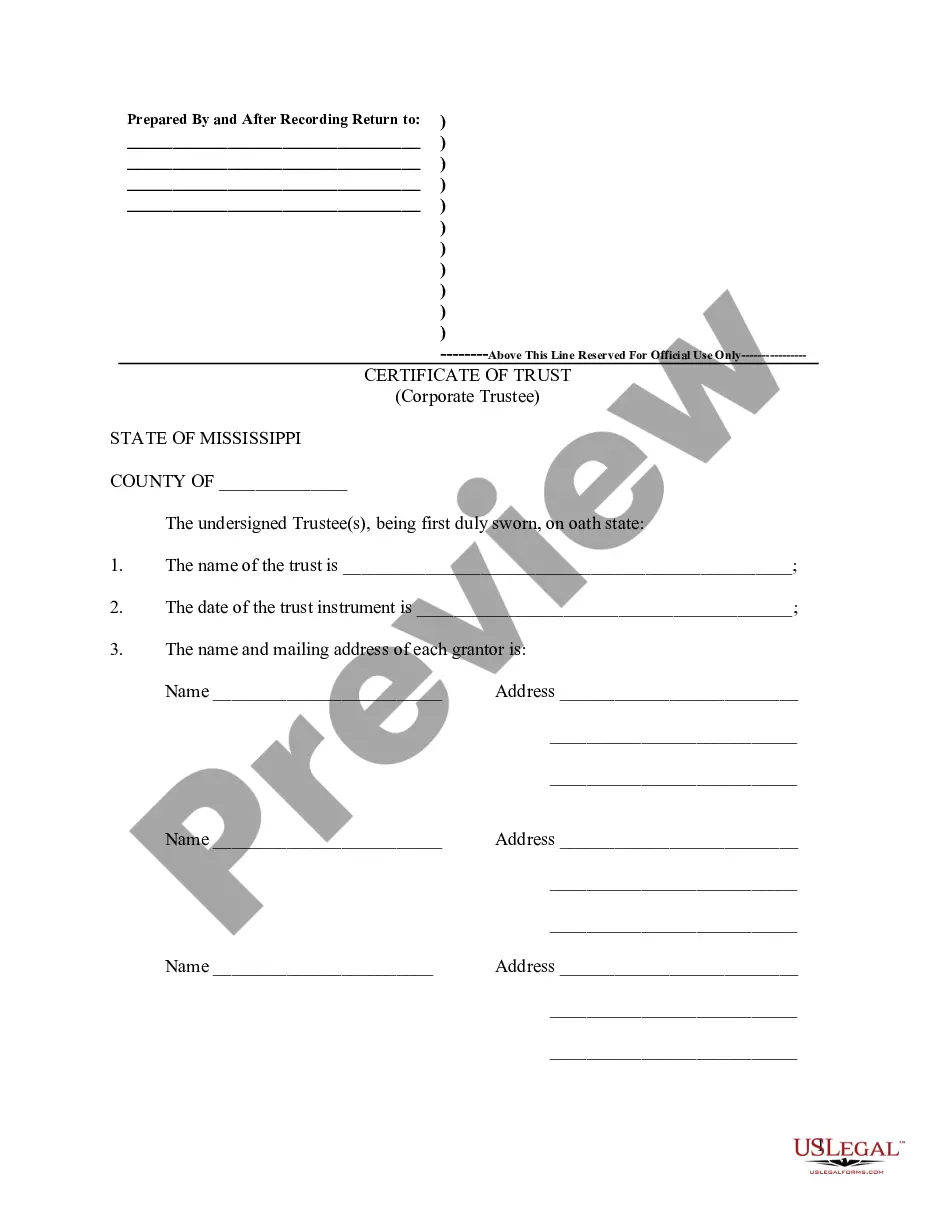
- Name of the trust
- Date of the trust instrument
- Name and mailing address of each grantor
- Name and mailing address of each trustee
- Legal descriptions of interests in real property related to the trust
- General powers of the trustee(s)
When this form is needed
This certificate is used when a trustee needs to verify the existence and provisions of a trust without disclosing the complete trust details. It is particularly useful in real estate transactions, financial dealings, or when dealing with other parties who require assurance regarding the trust's authority to manage or transfer assets.
Who can use this document
- Individuals acting as trustees of a trust
- Grantors who want to provide evidence of the trust without revealing private information
- Financial institutions or entities verifying trust details from a trustee
Completing this form step by step
- Identify and enter the name of the trust at the top of the form.
- Provide the date when the trust instrument was created.
- List the names and addresses of each grantor and trustee involved in the trust.
- Detail the legal descriptions of any real property owned by or conveyed to the trust.
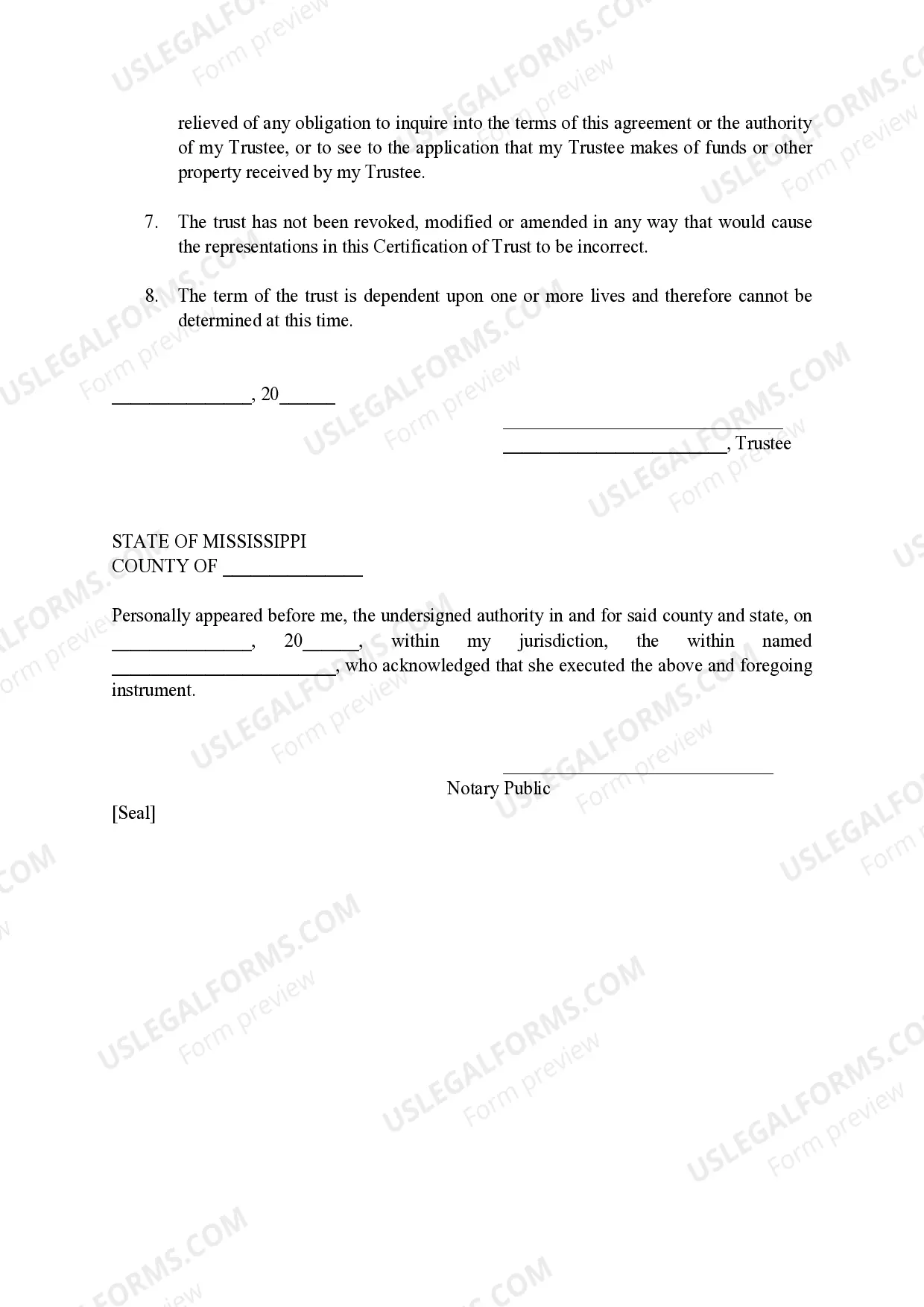
- Sign and date the form in the appropriate sections, ensuring it is notarized if required.
Is notarization required?
Yes, this form must be notarized to be legally valid. Notarization confirms the identity of the person signing the certificate and the authenticity of the document. US Legal Forms offers integrated online notarization services, ensuring a secure video call with a licensed notary available 24/7.
Get your form ready online
Our built-in tools help you complete, sign, share, and store your documents in one place.
Make edits, fill in missing information, and update formatting in US Legal Forms—just like you would in MS Word.
Download a copy, print it, send it by email, or mail it via USPS—whatever works best for your next step.
Sign and collect signatures with our SignNow integration. Send to multiple recipients, set reminders, and more. Go Premium to unlock E-Sign.
If this form requires notarization, complete it online through a secure video call—no need to meet a notary in person or wait for an appointment.
We protect your documents and personal data by following strict security and privacy standards.

Make edits, fill in missing information, and update formatting in US Legal Forms—just like you would in MS Word.

Download a copy, print it, send it by email, or mail it via USPS—whatever works best for your next step.

Sign and collect signatures with our SignNow integration. Send to multiple recipients, set reminders, and more. Go Premium to unlock E-Sign.

If this form requires notarization, complete it online through a secure video call—no need to meet a notary in person or wait for an appointment.

We protect your documents and personal data by following strict security and privacy standards.
Typical mistakes to avoid
- Failing to include all required names and addresses of grantors and trustees.
- Leaving out the legal description of real property.
- Not providing the date of the trust instrument.
- Neglecting to have the certificate notarized if necessary.
Advantages of online completion
- Easy access to templates that can be downloaded and completed at your convenience.
- Edit and customize the form to fit your specific needs before printing.
- Guaranteed reliability of the legal information as it is drafted by licensed attorneys.
What to keep in mind
- The Mississippi Certificate of Trust simplifies transactions involving trusts.
- It allows trustees to certify the trust's existence without exposing the full document.
- Accuracy in detail is vital to prevent errors or disputes later.
Looking for another form?
Form popularity
FAQ
To create a certificate trust list (CTL), you first need to configure each domain with a list of Certificate Authorities (CAs) the domain trusts, to let the domain's users request certificates.You also need an Administrator certificate or an explicit Trust Signing certificate.
A certificate authority that verifies the website and issues the digital certificate. A digital signature that proves the SSL certificate was issued by the trusted certificate authority. A public key that your browser uses to encrypt data sent to the website.
Expand the Computer Configuration section and open Windows Settings\\Security Settings\\Public Key. Right-click Trusted Root Certification Authorities and select Import. Follow the prompts in the wizard to import the root certificate (for example, rootCA. cer) and click OK.
The SSL/TLS internet security standard is based on a trust relationship model, also called "certificate chain of trust." x. 509 digital certificates validate the identity of a website, organization, or server and provide a trusty platform for the user to connect and share information securely.