Motion to Seal Records and Documents
What this document covers
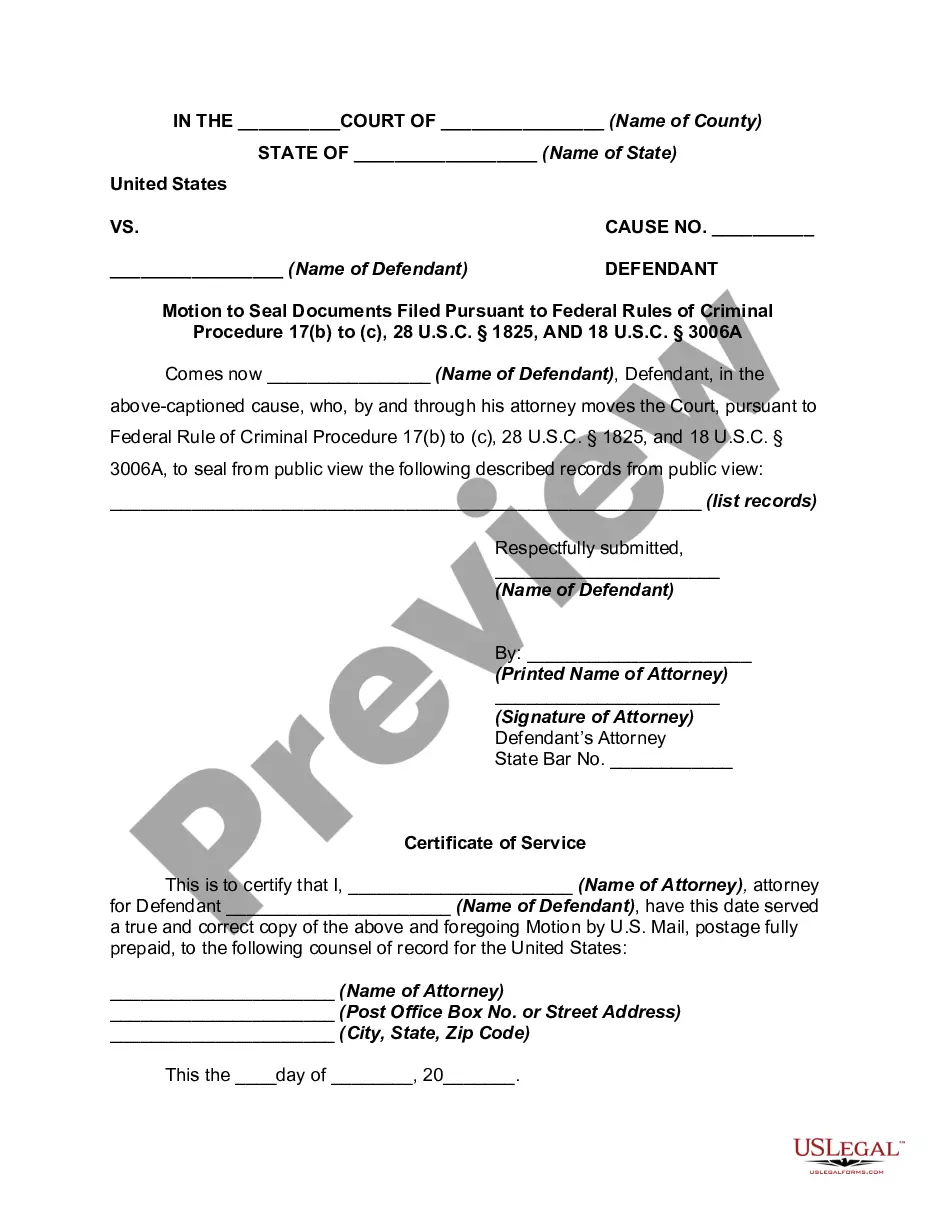
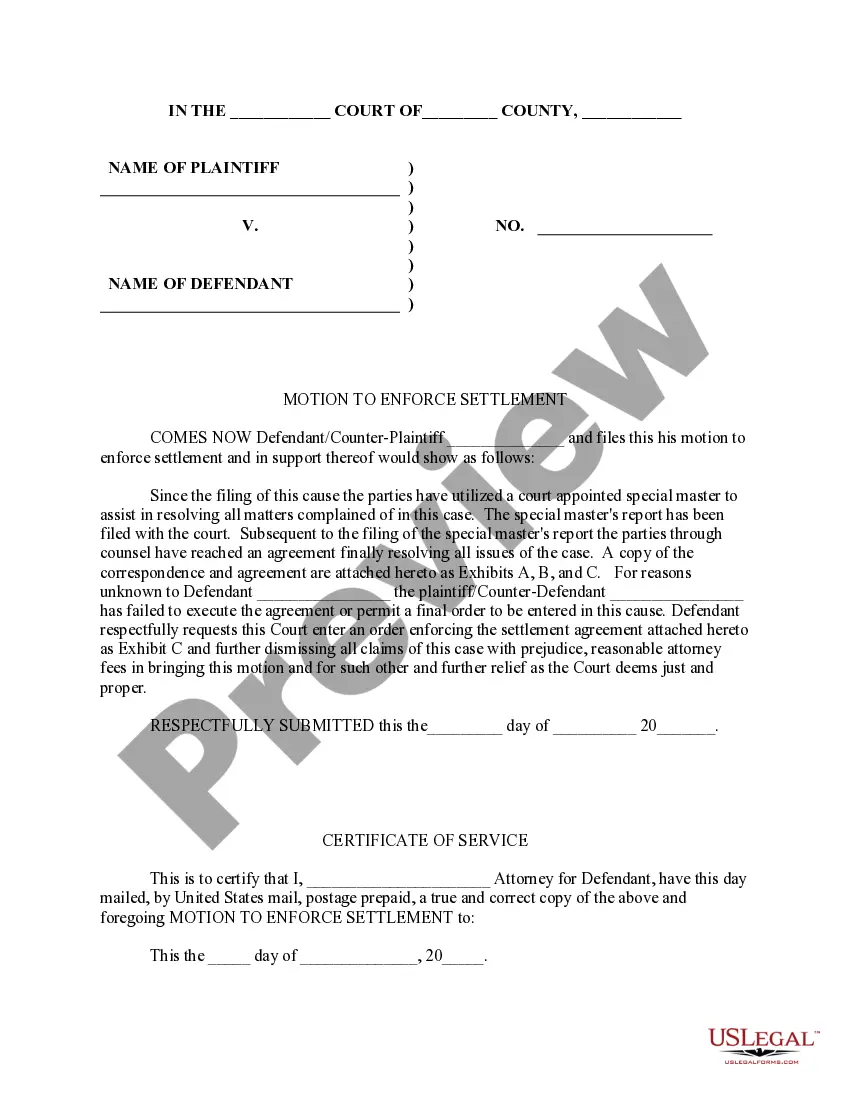
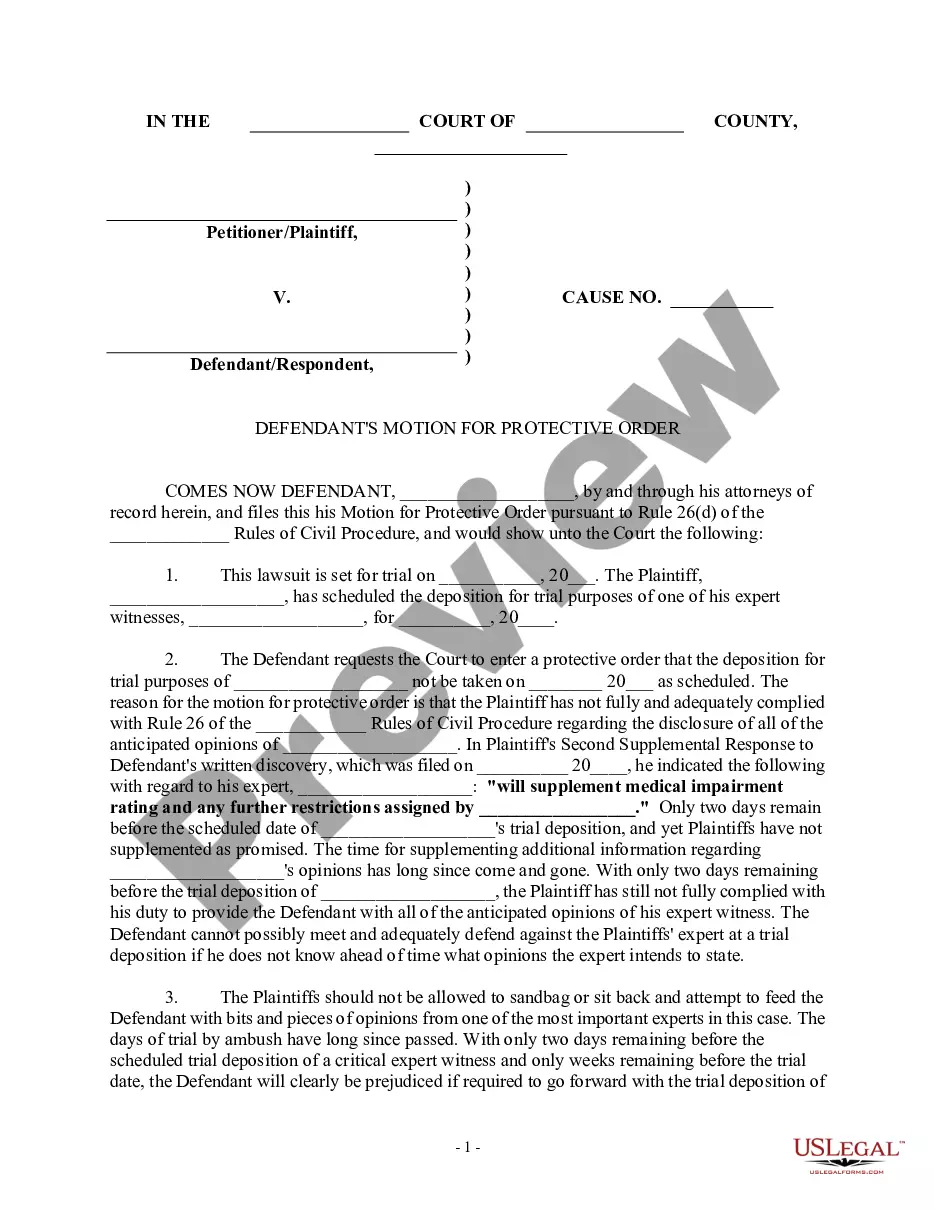
A motion to seal records and documents is a formal request submitted to the court to restrict public access to specific evidence and transcripts related to a particular court case. This legal form is essential for protecting sensitive information, especially when the welfare of minors may be at risk. Unlike other legal motions, a motion to seal focuses specifically on confidentiality, making it a critical tool for individuals seeking privacy in legal matters.
Main sections of this form
- Case caption, including the name of the state, court, and parties involved.
- Identification of the defendant and representation by attorney.
- Specific legal basis for the motion to seal, citing relevant statutes.
- Detailed list of records and documents to be sealed.
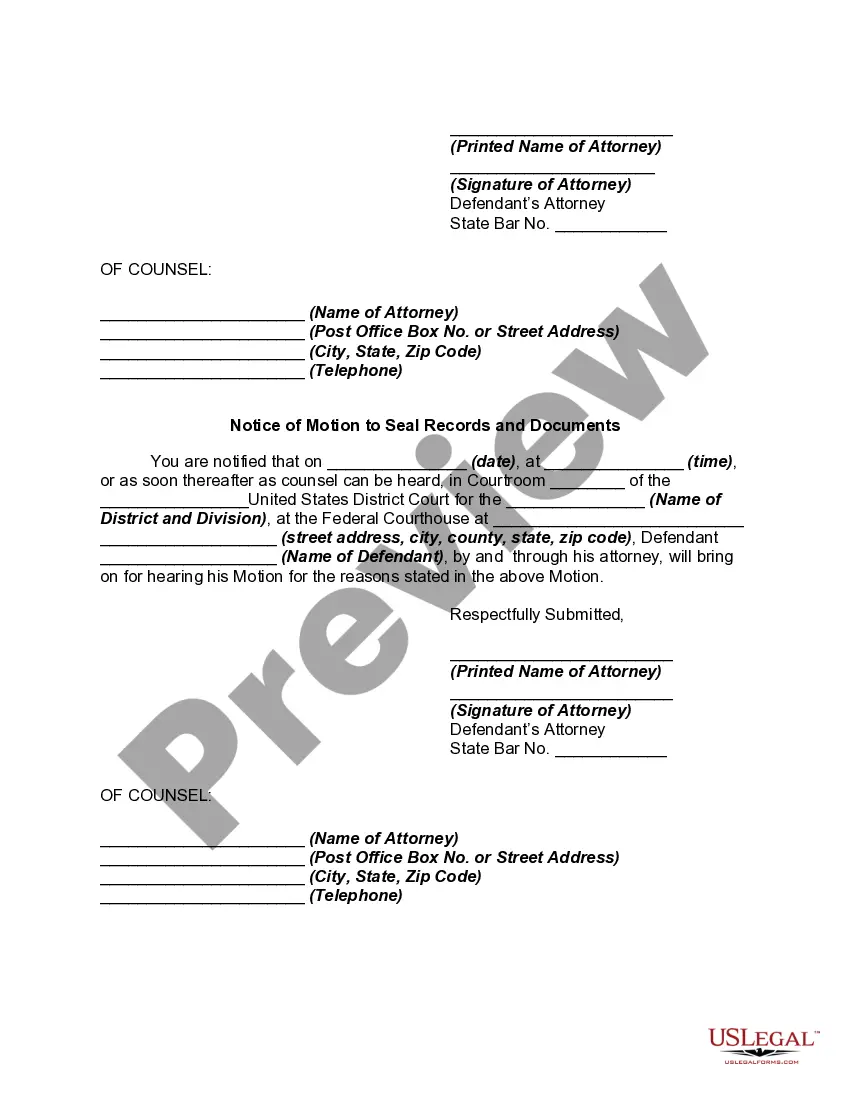
- Certificate of service confirming notice to all parties involved.
- Notification section stating the scheduled hearing date and time.
When this form is needed
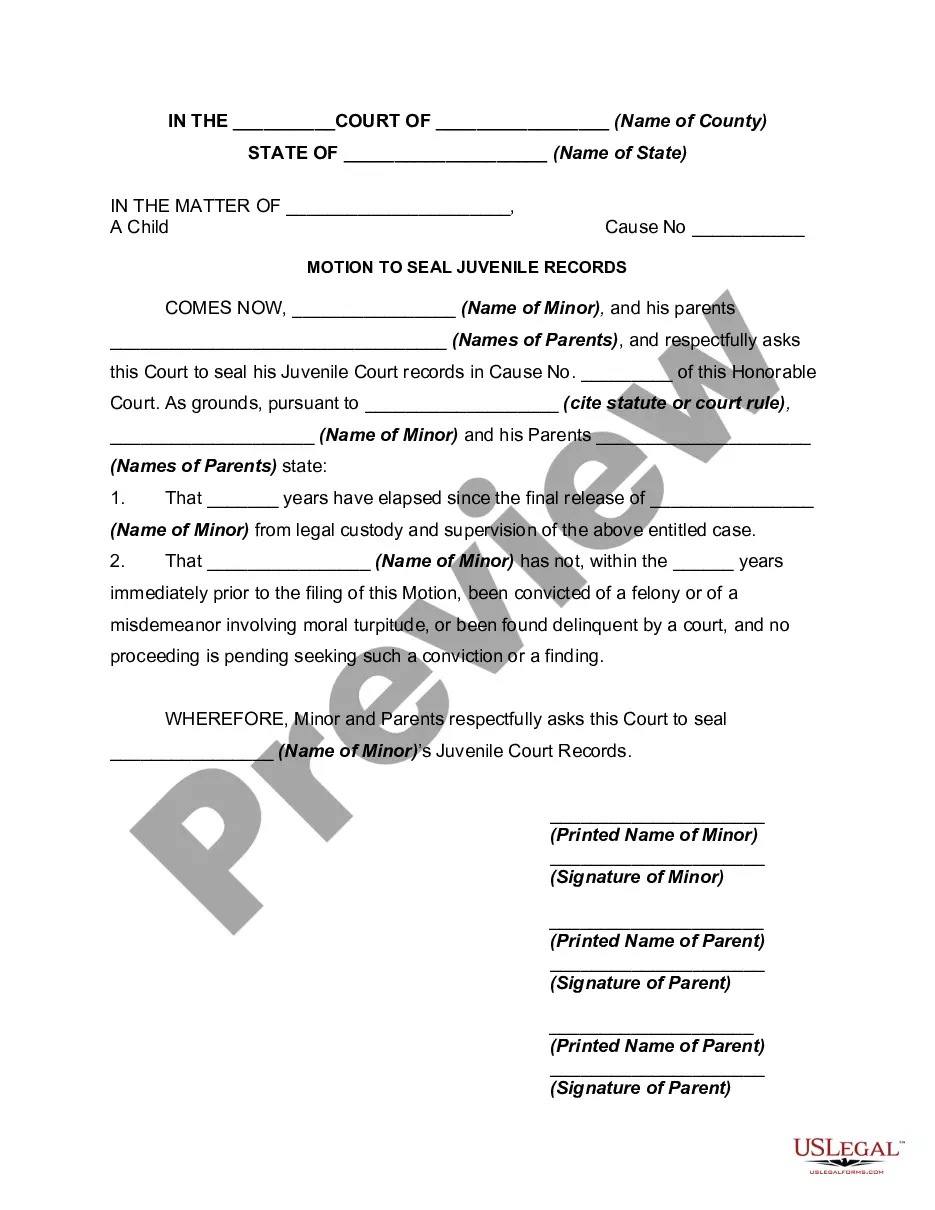
This form is typically used when a party involved in a court case seeks to protect sensitive information from public disclosure. Common situations include cases involving minors, information that could jeopardize safety, or any other situation where confidentiality is paramount. If privacy is a concern in your legal matter, filing this motion becomes crucial to safeguarding personal details.
Who should use this form
The following individuals or entities should consider using this form:
- Defendants involved in criminal cases where sensitive information may be revealed.
- Attorneys representing clients seeking to protect confidential information.
- Private citizens wishing to file a motion without legal representation, depending on local court rules.
How to complete this form
- Identify the case caption, including the state, court, and names of the parties involved.
- Clearly list the specific records and documents you wish to seal.
- Provide the legal basis for your motion, citing relevant statutes or court rules.
- Fill out the certificate of service to confirm that all parties have been notified.
- Schedule a date for the hearing, as required, and include it in the notification section.
- Sign the motion and have it submitted to the court clerk in accordance with local procedures.
Notarization requirements for this form
This form does not typically require notarization to be legally valid. However, some jurisdictions or document types may still require it. US Legal Forms provides secure online notarization powered by Notarize, available 24/7 for added convenience.
Get your form ready online
Our built-in tools help you complete, sign, share, and store your documents in one place.
Make edits, fill in missing information, and update formatting in US Legal Forms—just like you would in MS Word.
Download a copy, print it, send it by email, or mail it via USPS—whatever works best for your next step.
Sign and collect signatures with our SignNow integration. Send to multiple recipients, set reminders, and more. Go Premium to unlock E-Sign.
If this form requires notarization, complete it online through a secure video call—no need to meet a notary in person or wait for an appointment.
We protect your documents and personal data by following strict security and privacy standards.

Make edits, fill in missing information, and update formatting in US Legal Forms—just like you would in MS Word.

Download a copy, print it, send it by email, or mail it via USPS—whatever works best for your next step.

Sign and collect signatures with our SignNow integration. Send to multiple recipients, set reminders, and more. Go Premium to unlock E-Sign.

If this form requires notarization, complete it online through a secure video call—no need to meet a notary in person or wait for an appointment.

We protect your documents and personal data by following strict security and privacy standards.
Common mistakes
- Failing to properly identify all the records to be sealed.
- Not including a valid legal basis for the motion.
- Submitting the form without confirming service to all affected parties.
- Missing the deadline for filing the motion after the case resolution.
Benefits of using this form online
- Easy access to professionally drafted templates to ensure legal accuracy.
- The ability to download and customize the form to meet your specific needs.
- Convenience of filling out the form at your own pace, without a need for a lawyer initially.
- Secured documentation that aligns with legal standards.
Looking for another form?
Form popularity
FAQ
A Court order that restricts access to or disclosure of any record or document filed in a proceeding. Also known as an order of confidentiality or secrecy order. Court files which involve children such as child protection proceedings; and.
A motion to seal is a formal request that is submitted to the court to prevent evidence and transcripts related to a specific court case from being available to the general public.In contrast, the motion to seal has to do with sealing court records once a case has been decided.
Motion to Seal Criminal Conviction Records (JDF 612). Enter the Defendant's name in the case caption. if there is a corresponding FBI record. obtain this information from the arresting agency and the Court Clerk's office. cases to be sealed, a separate filing fee for each case is required.
Launch Word and open the document you wish to seal. Click the cursor into the place where you want the sign and seal line to appear. For a new Word document, click the blank document button on the main screen. Click the Insert tab, then click the Signature Line menu option in the Text section of the ribbon.
Expungement vs. Record Sealing. The key difference between expunging a person's criminal record and sealing it is that a sealed record still exists in both a legal and physical sense, while expungement results in the deletion of any record that an arrest or criminal charge ever occurred.
There are two ways to seal criminal recordsby mail or in court. Most criminal records can be sealed by mail after a waiting period. Some cases can be sealed by in court, without a waiting period or by mail.
Record sealing is the practice of sealing or, in some cases, destroying court records that would otherwise be publicly accessible as public records. The term is derived from the tradition of placing a seal on specified files or documents that prevents anyone from reviewing the files without receiving a court order.
Have each party sign their names on the appropriate lines on the legal document. Include a section in the signatures area that reads "Per: __ (Seal)".