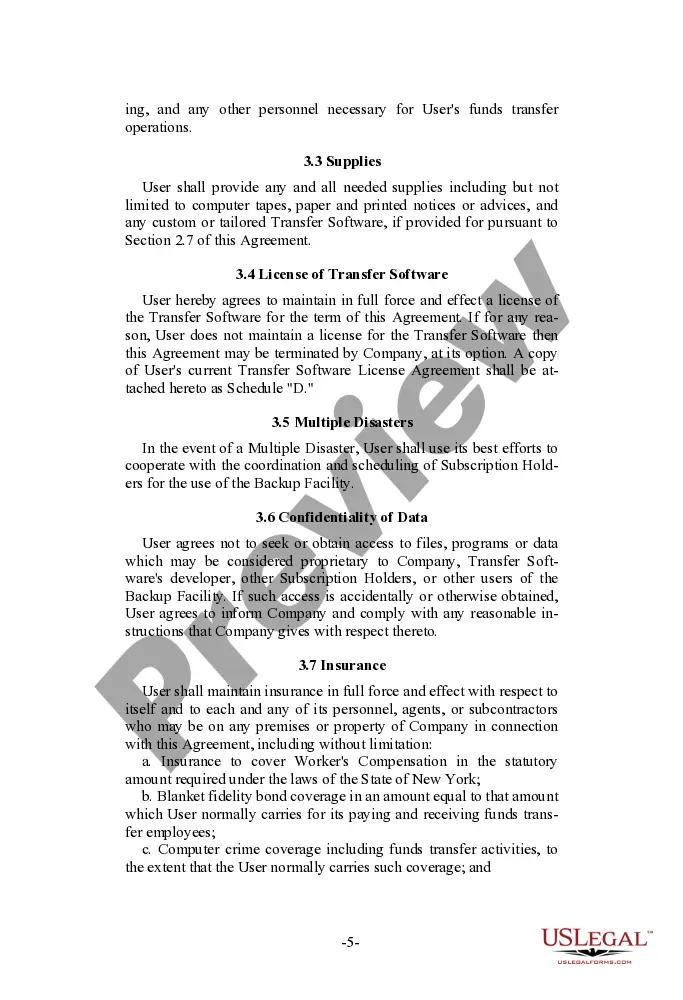
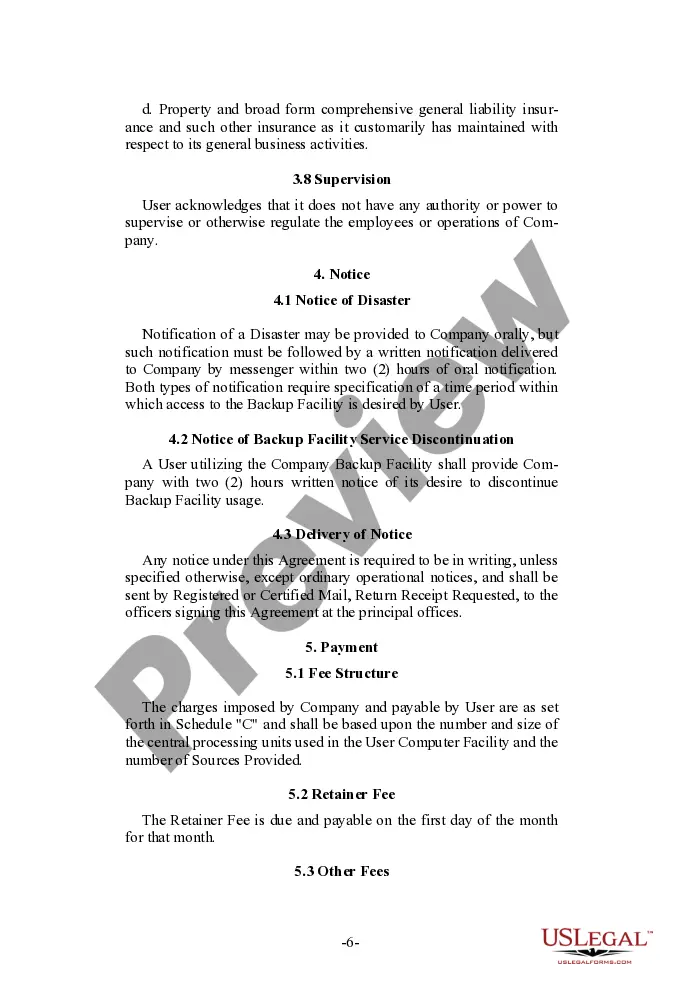
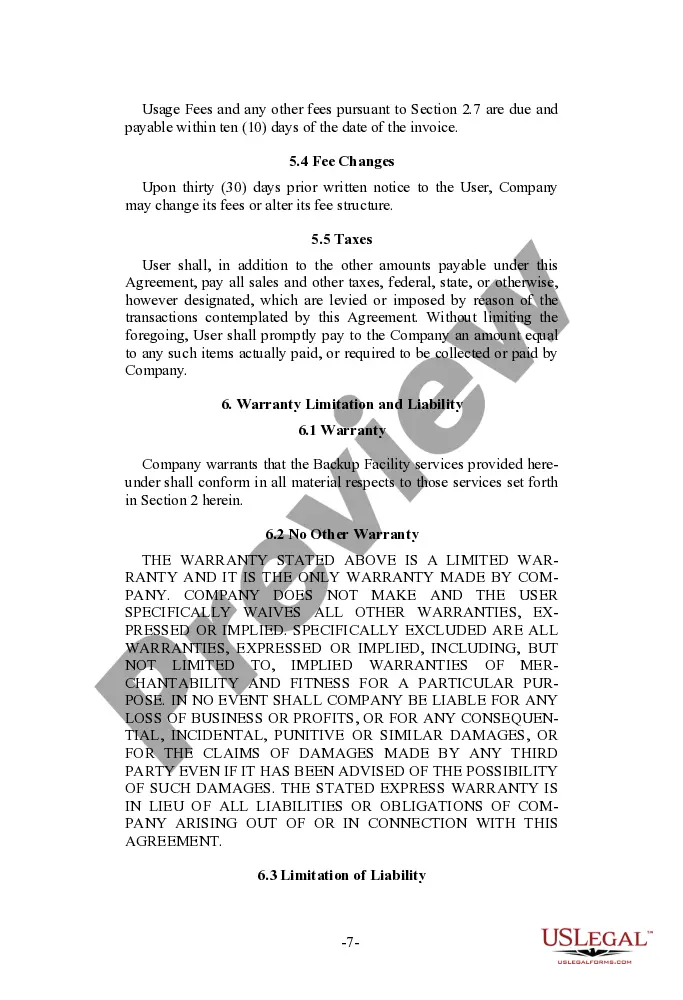
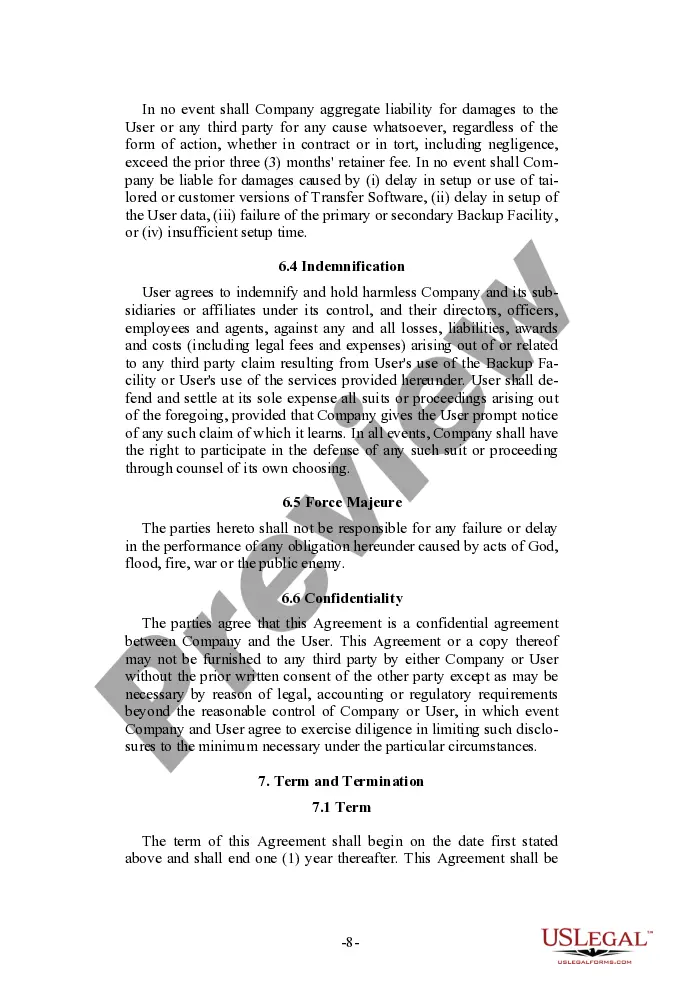
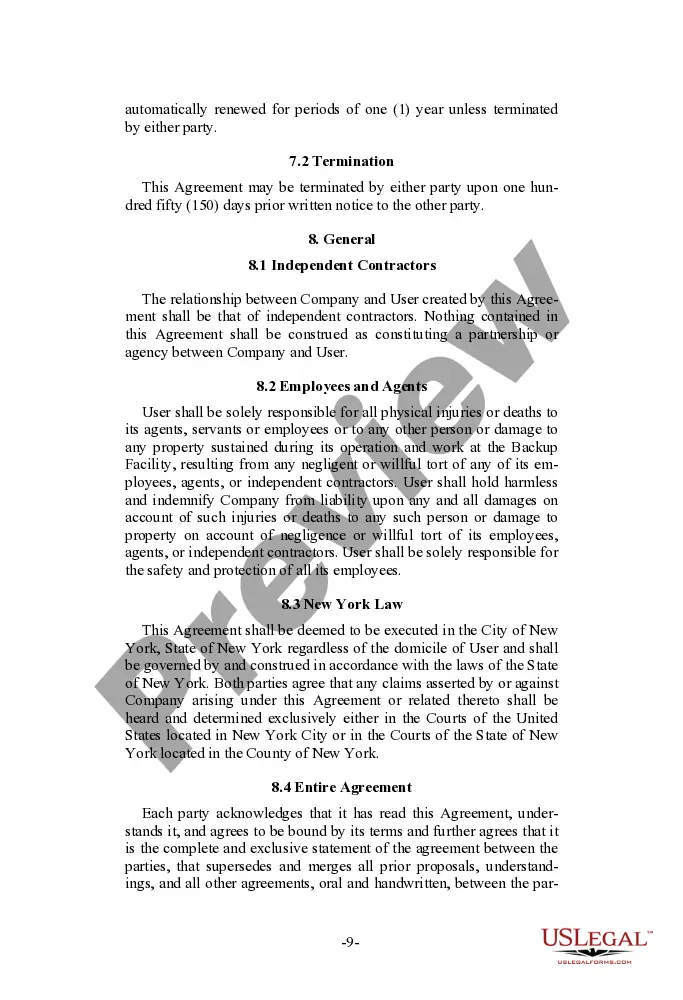
Queens New York Emergency Backup Service Agreement
Description
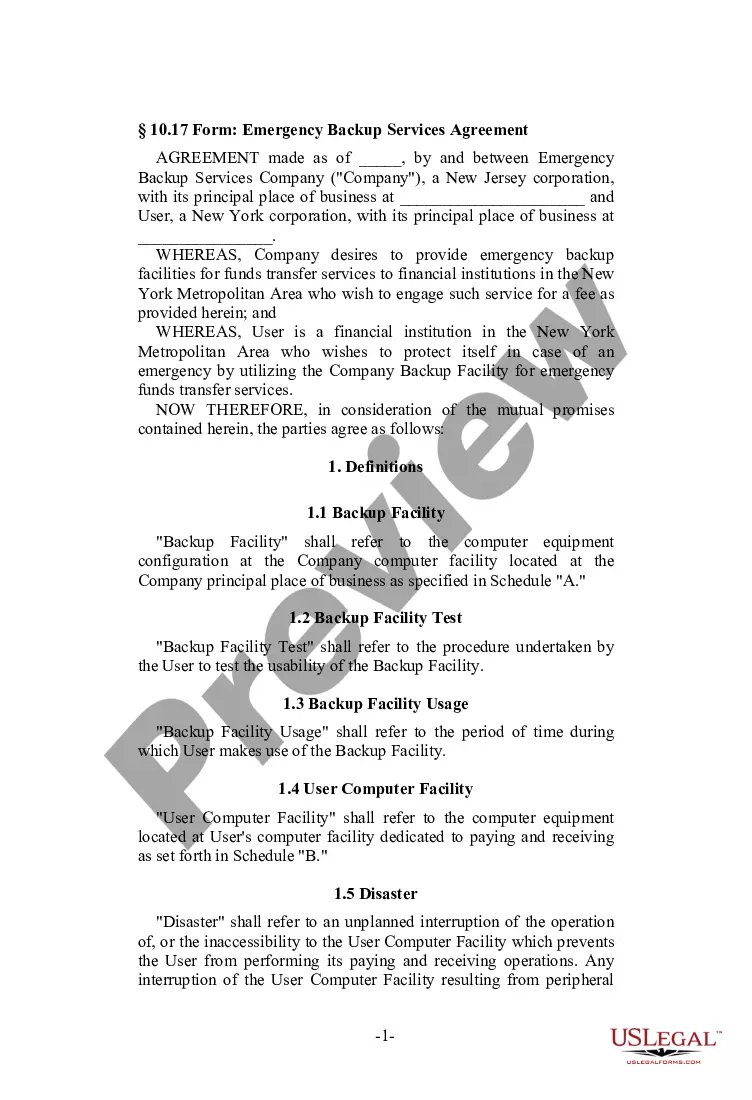
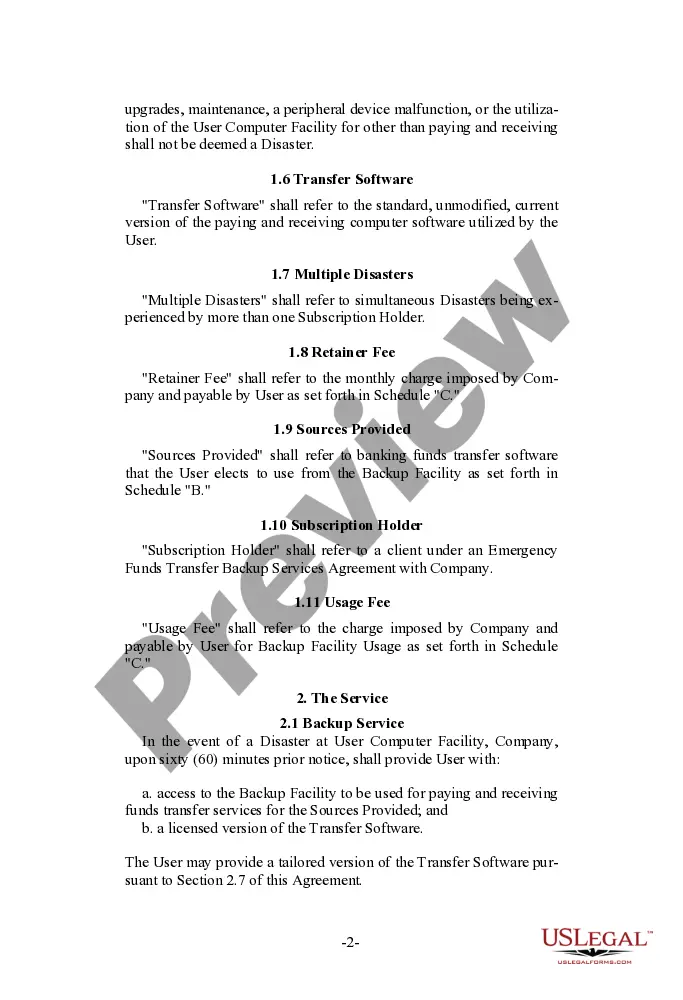
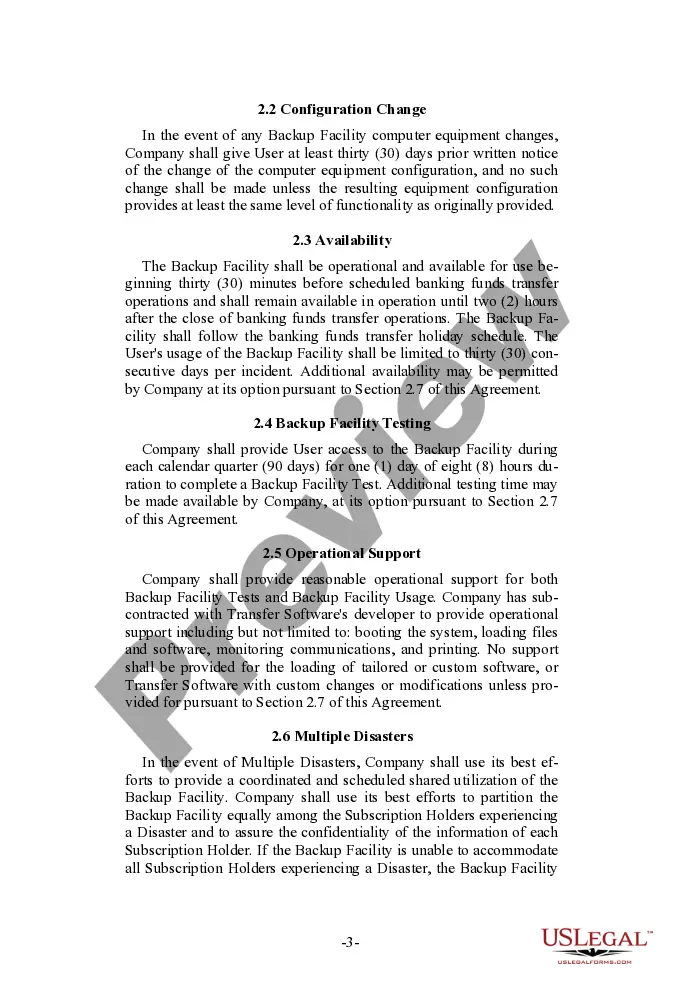
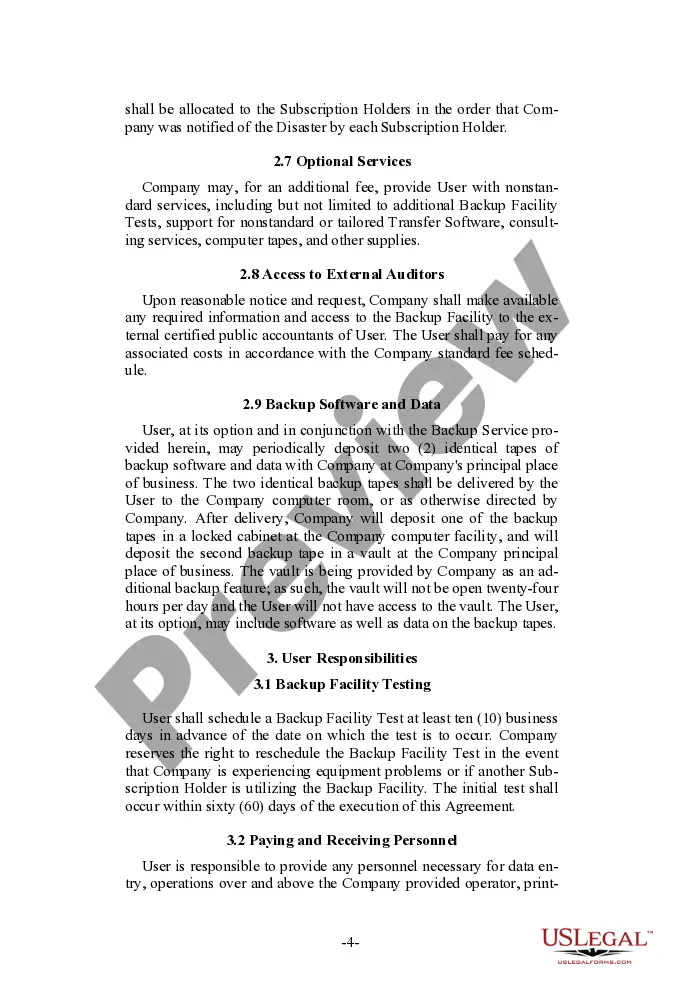
Get your form ready online
Our built-in tools help you complete, sign, share, and store your documents in one place.
Make edits, fill in missing information, and update formatting in US Legal Forms—just like you would in MS Word.
Download a copy, print it, send it by email, or mail it via USPS—whatever works best for your next step.
Sign and collect signatures with our SignNow integration. Send to multiple recipients, set reminders, and more. Go Premium to unlock E-Sign.
If this form requires notarization, complete it online through a secure video call—no need to meet a notary in person or wait for an appointment.
We protect your documents and personal data by following strict security and privacy standards.

Make edits, fill in missing information, and update formatting in US Legal Forms—just like you would in MS Word.

Download a copy, print it, send it by email, or mail it via USPS—whatever works best for your next step.

Sign and collect signatures with our SignNow integration. Send to multiple recipients, set reminders, and more. Go Premium to unlock E-Sign.

If this form requires notarization, complete it online through a secure video call—no need to meet a notary in person or wait for an appointment.

We protect your documents and personal data by following strict security and privacy standards.
Looking for another form?
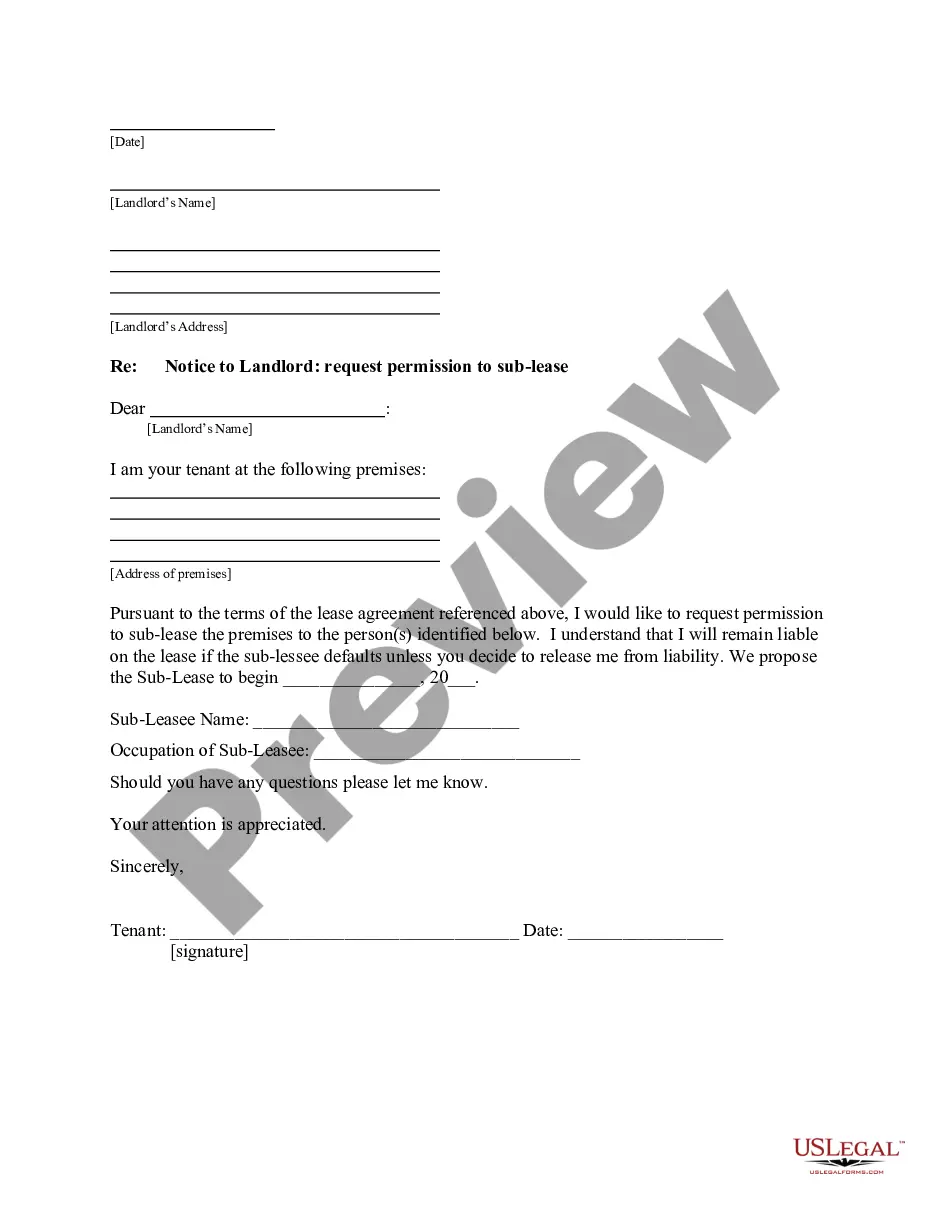
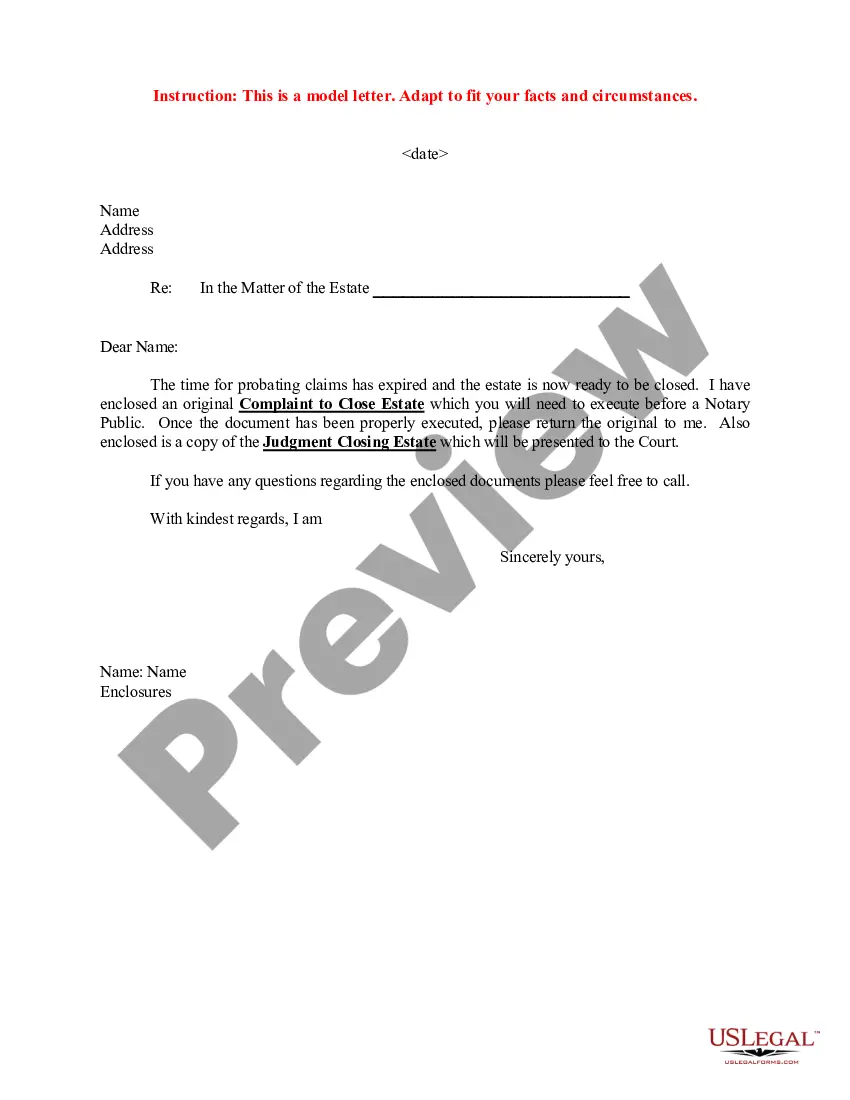
How to fill out Emergency Backup Service Agreement?
Drafting legal documents can be tedious.
Moreover, if you choose to hire an attorney to create a business contract, documents for asset transfer, prenuptial agreement, divorce documentation, or the Queens Emergency Backup Service Agreement, it might cost you a significant amount of money. So, what is the optimal method to conserve time and finances while producing valid documents that fully comply with your state and local laws and regulations? US Legal Forms is an excellent option, whether you're looking for templates for personal or business purposes.
US Legal Forms allows you to use all the paperwork you have previously obtained multiple times - you can find your templates in the My documents tab in your profile. Give it a try now!
- US Legal Forms is the largest online repository of state-specific legal forms, offering users the latest and professionally verified templates for any situation consolidated all in one location.
- As a result, if you need the latest edition of the Queens Emergency Backup Service Agreement, you can effortlessly locate it on our site.
- Acquiring the documents takes minimal time.
- Those who already possess an account should confirm their subscription is active, Log In, and choose the sample by clicking on the Download button.
- If you haven't subscribed yet, here's how you can obtain the Queens Emergency Backup Service Agreement.
- Browse through the page and ensure there is a sample for your region.
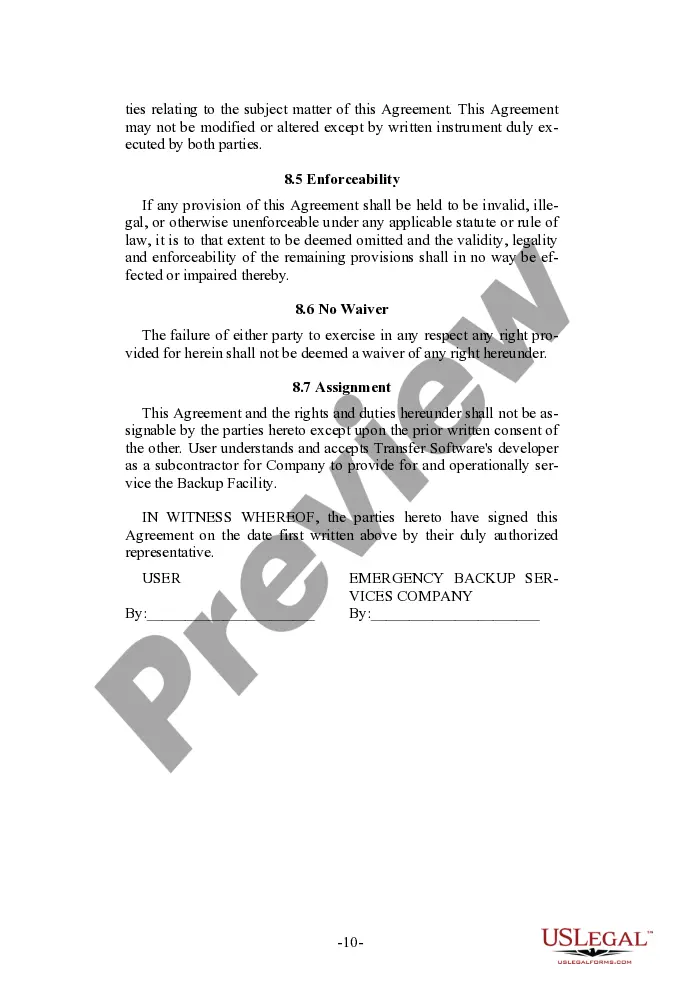
- Review the form description and use the Preview option, if available, to verify it's the sample you require.
- Don't fret if the form does not meet your needs - search for the appropriate one in the header.
- Click Buy Now when you find the necessary sample and choose the most suitable subscription.
- Log in or create an account to acquire your subscription.
- Complete the payment with a credit card or via PayPal.
- Select the file format for your Queens Emergency Backup Service Agreement and save it.
- Once done, you can print it out and fill it out on paper or upload the samples to an online editor for quicker and more convenient completion.