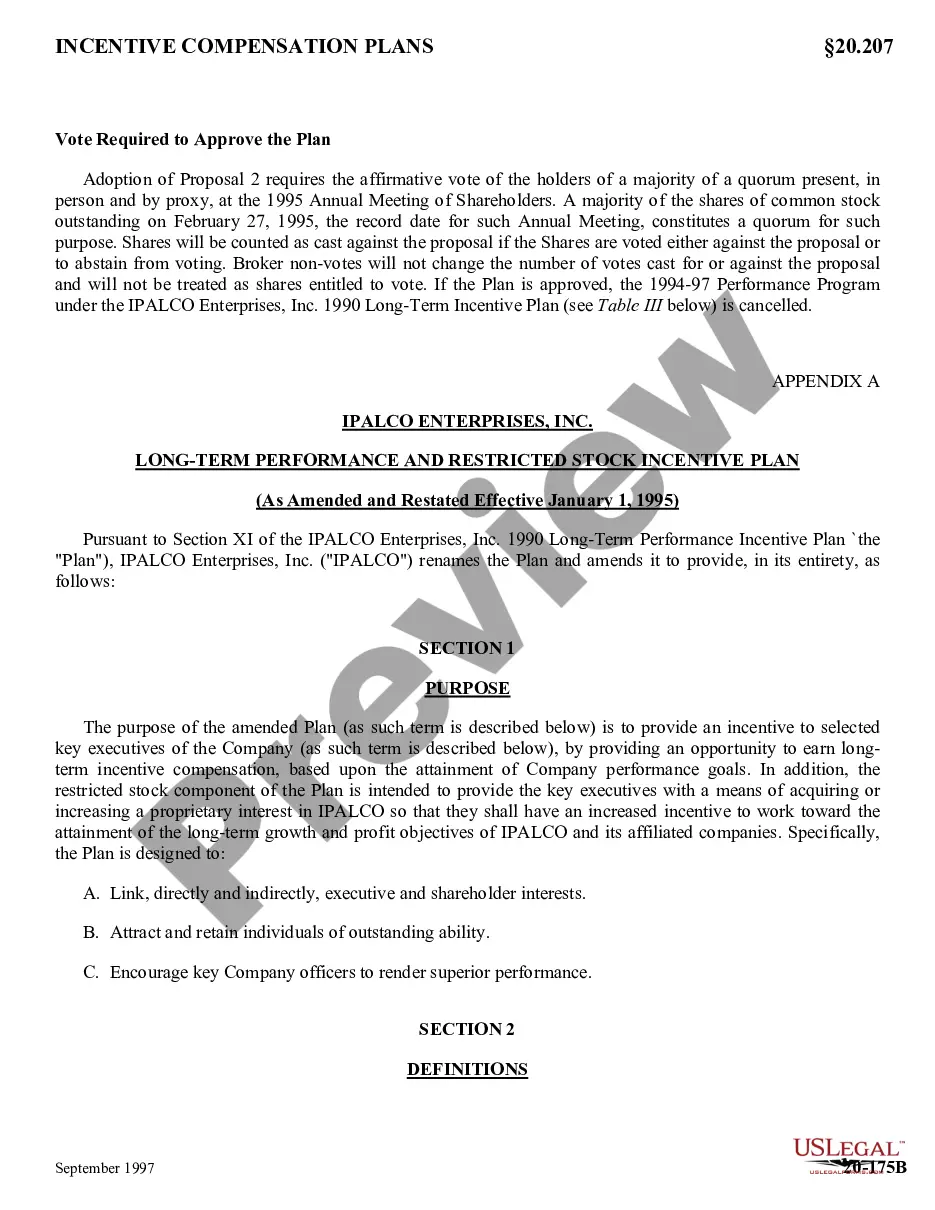
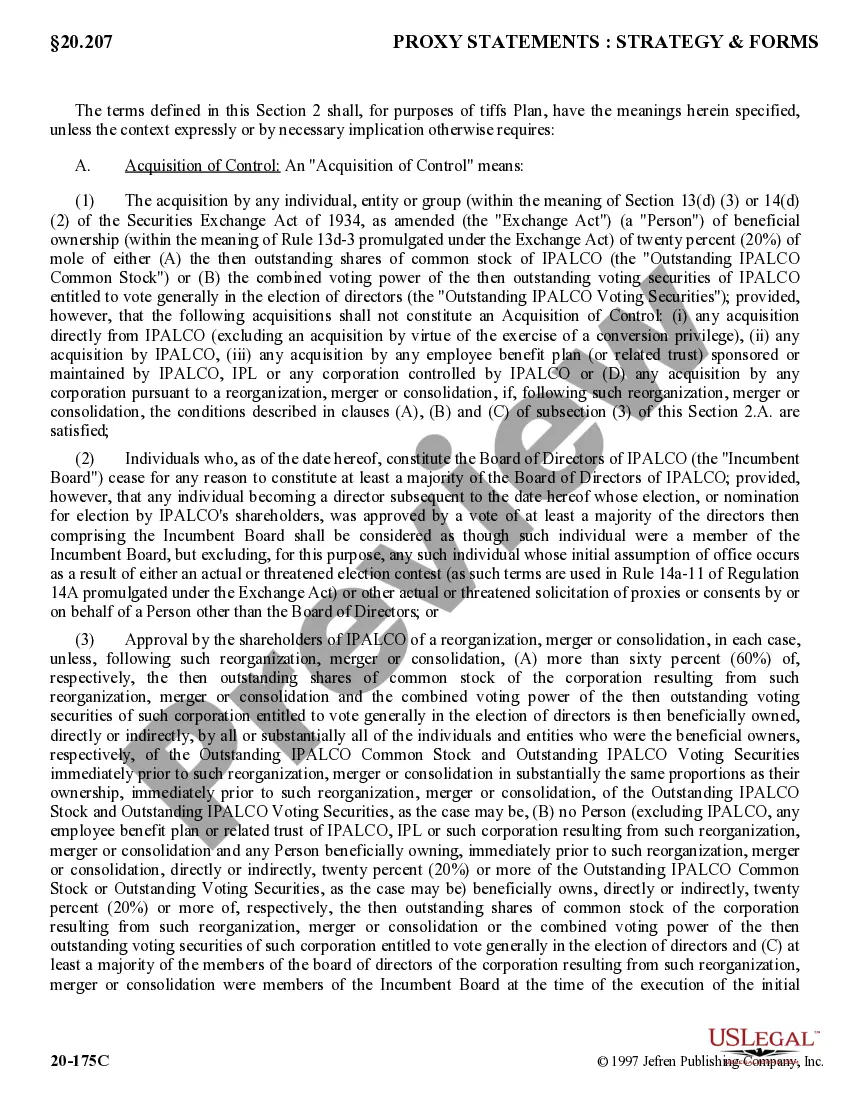
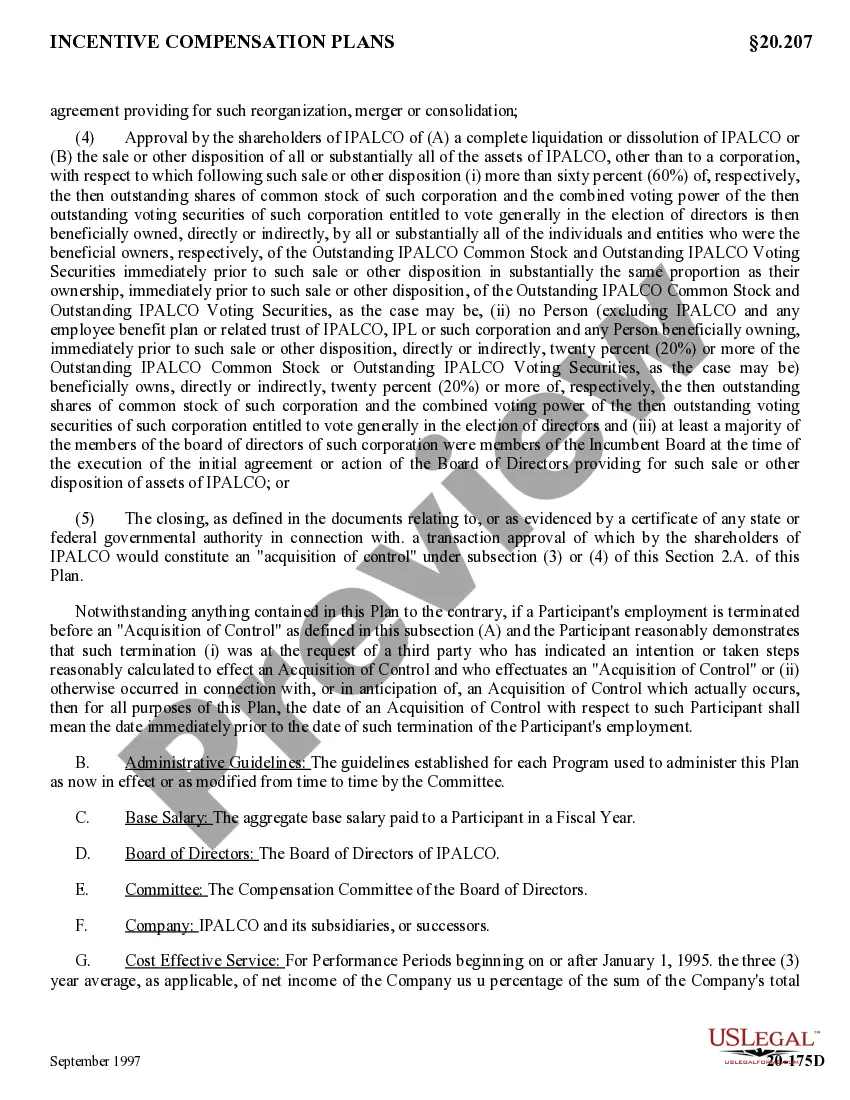
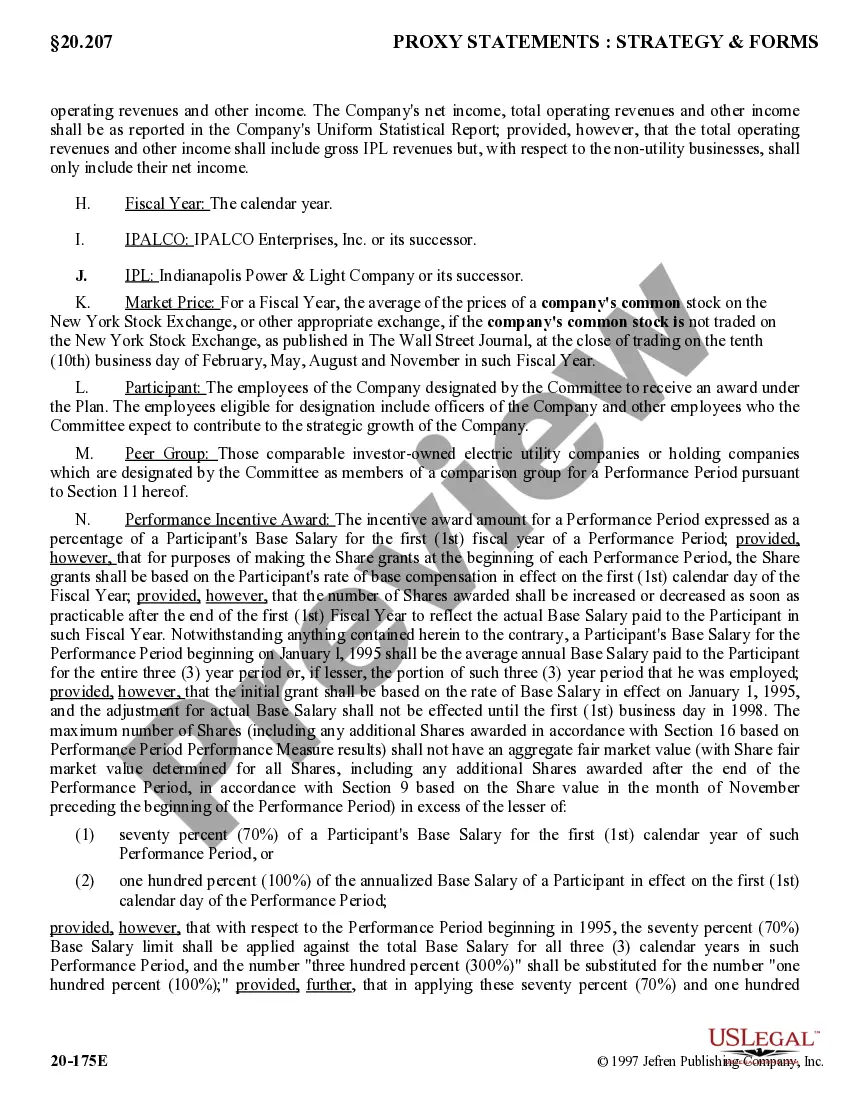
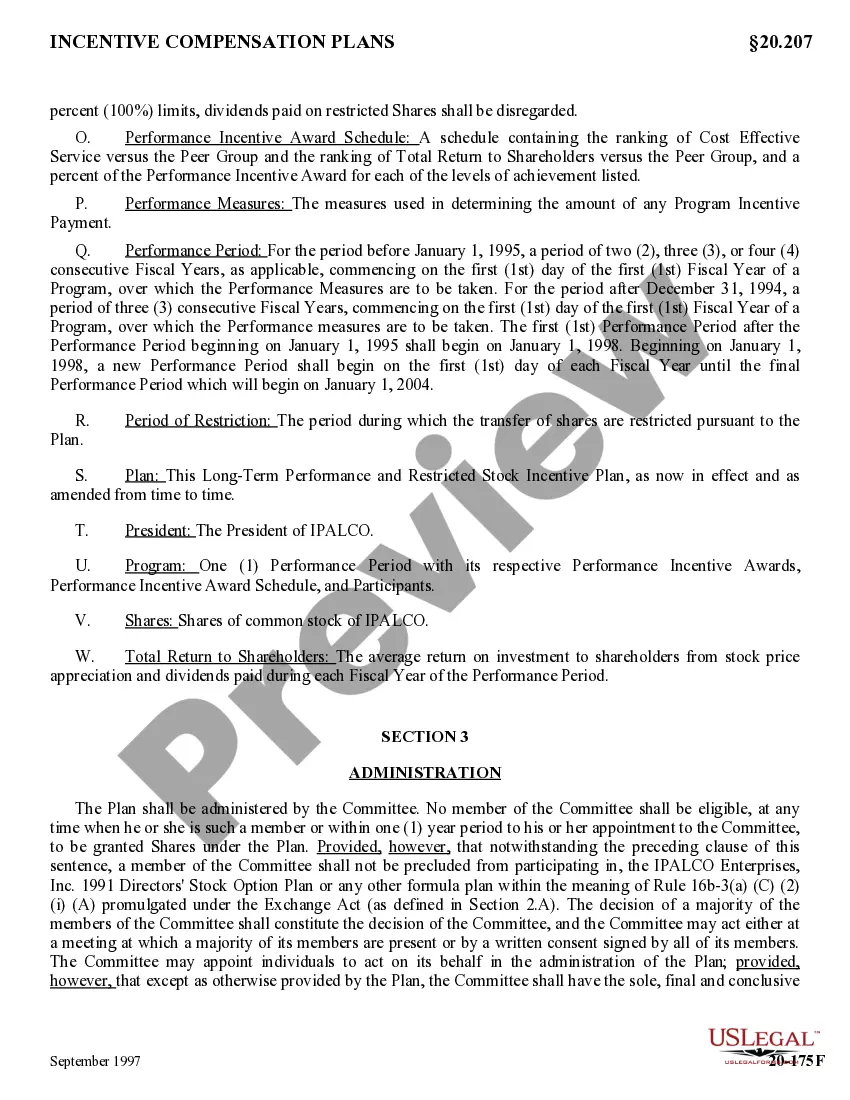
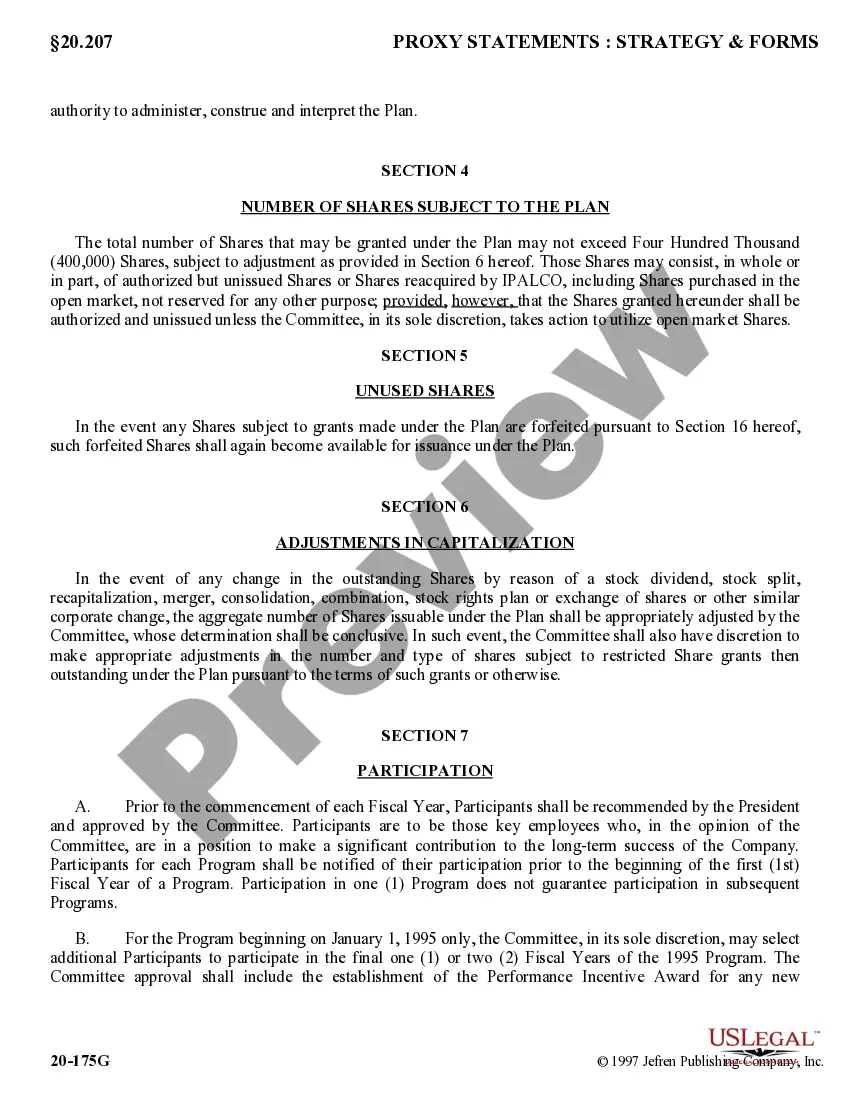
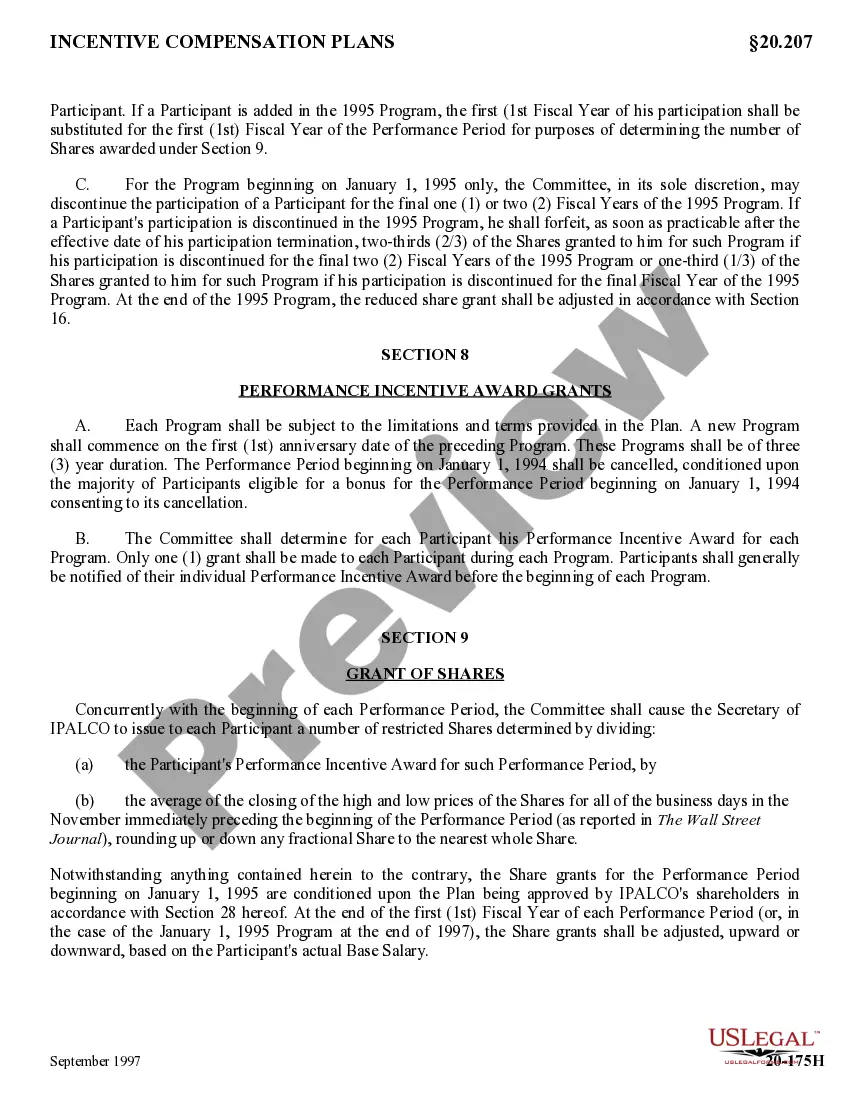
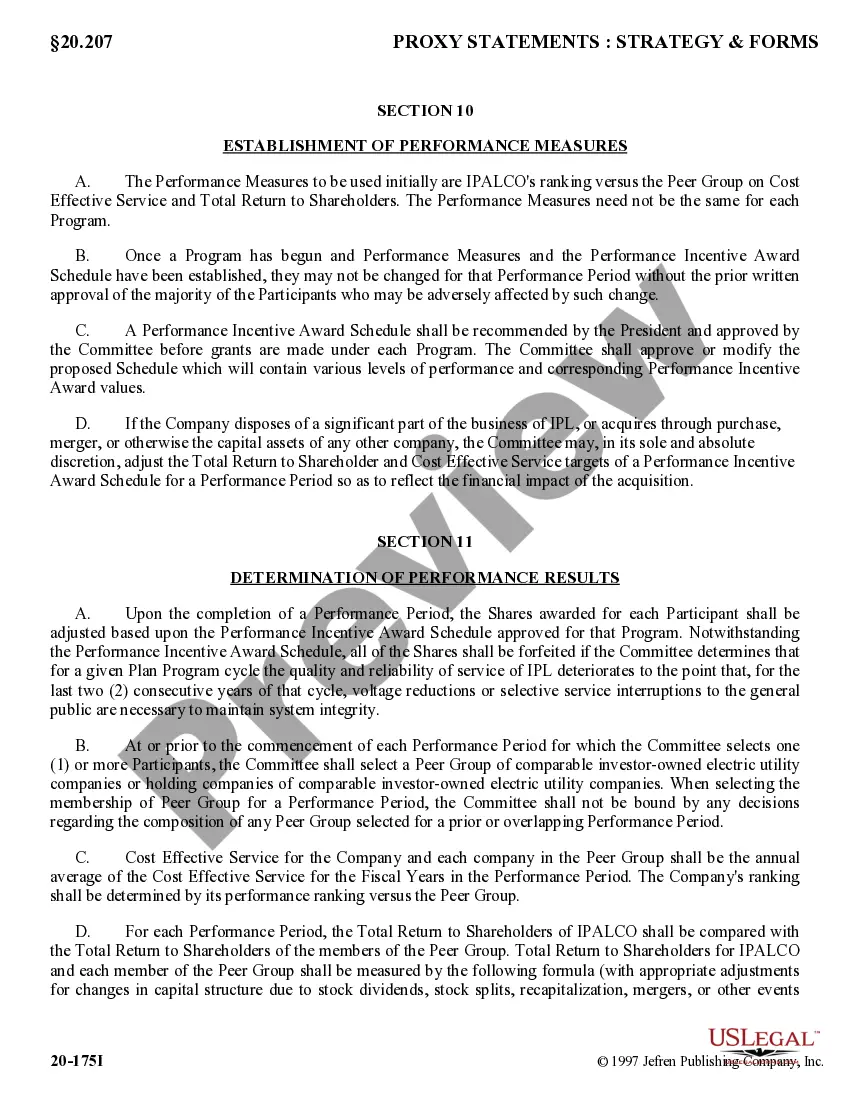
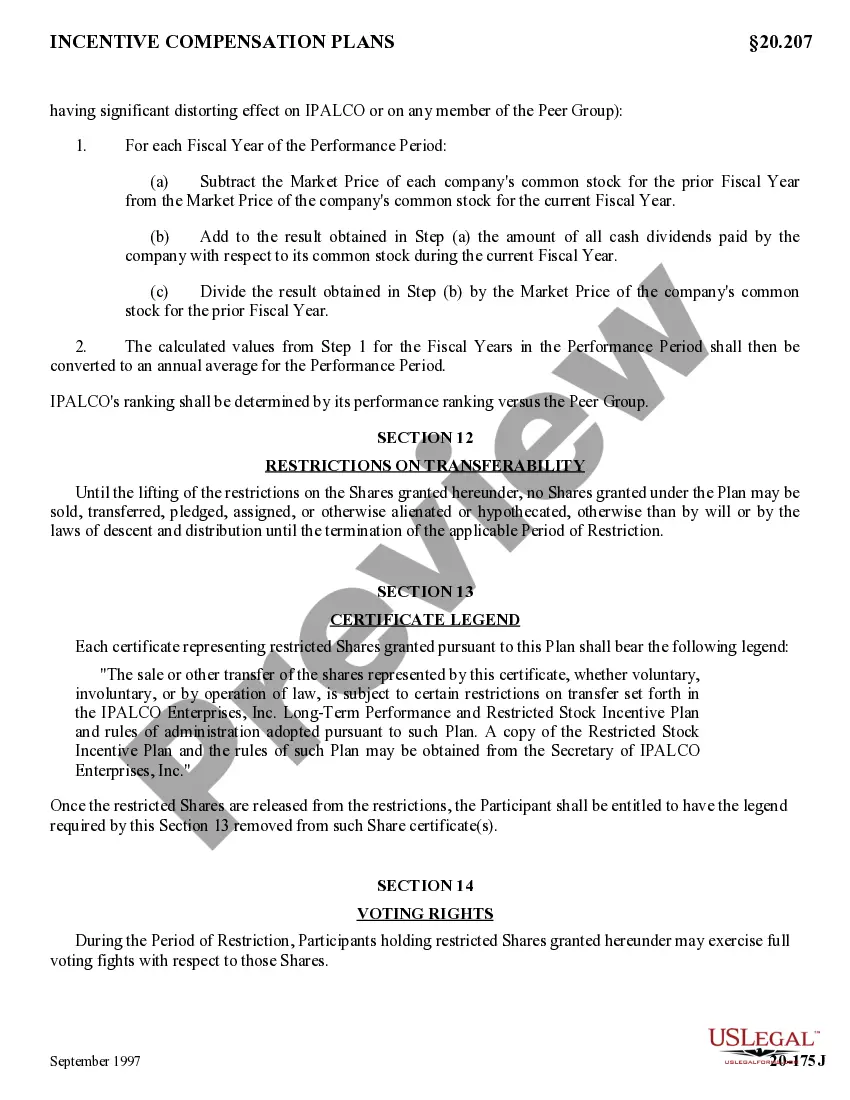
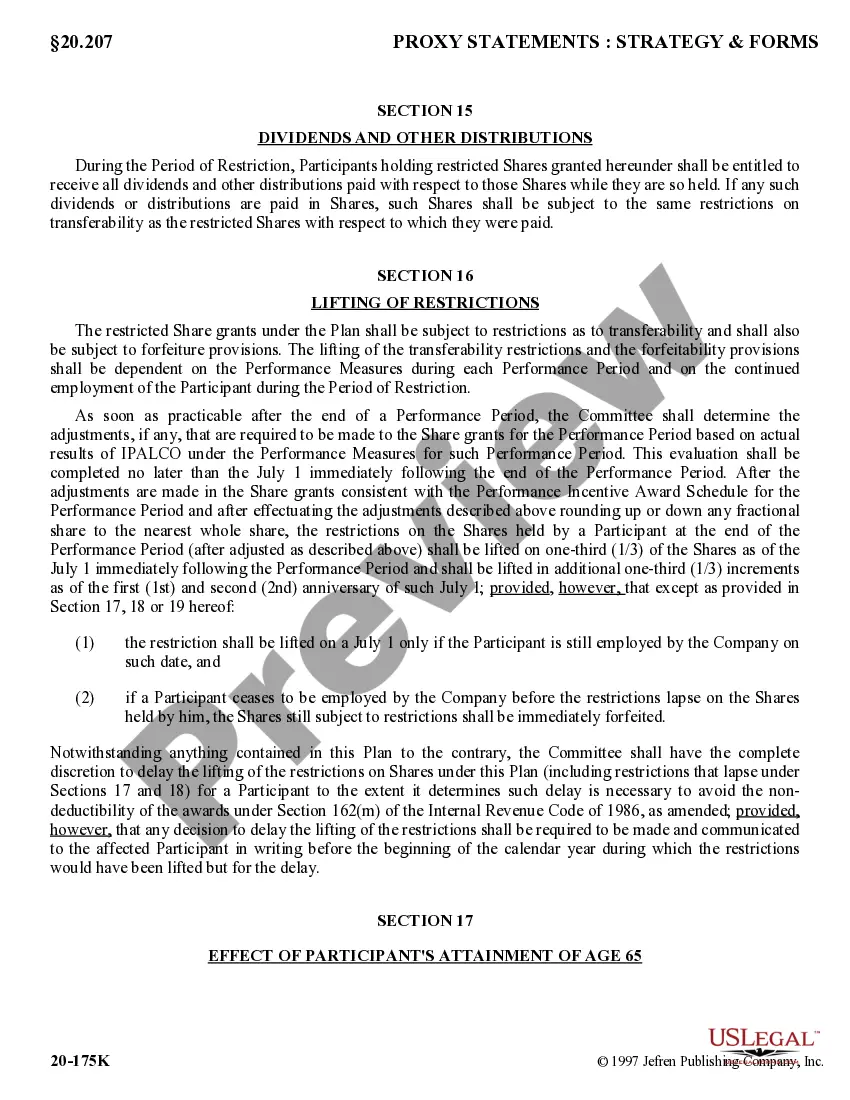
20-174D 20-174D . . . Restricted Stock Incentive Plan under which Compensation Committee selects participants, determines number of shares of common stock covered by each grant, establishes appropriate performance measures, and chooses appropriate corporation peer group. The number of shares granted is equal to a percentage of participant's base salary for first calendar year of each three-year program. The base salary percentage target of first three-year grants range from 10% to 35%; maximum base salary grant permitted by Plan may not exceed 70% of participant's base salary. After end of a Performance Period, Committee determines adjustments, if any, that are required to be made to share grants for Performance Period based on actual results under Performance Measures (performance of corporation versus its peer group) for such Performance Period. After adjustments, restrictions on shares held by participant are lifted as to 1/3 on July 1 immediately following Performance Period and additional 1/3 increments on the first and second anniversaries of such July 1, provided participant is still employed by corporation on such date. If participant ceases to be employed by corporation before restrictions lapse on shares held by him or her, shares still subject to restrictions are immediately forfeited
Travis Texas Long Term Performance and Restricted Stock Incentive Plan of Ipalco Enterprises, Inc.
State:
Multi-State
County:
Travis
Control #:
US-CC-20-174D
Format:
Word;
Rich Text
39 downloads
Description
Free preview

Get your form ready online
Our built-in tools help you complete, sign, share, and store your documents in one place.
Built-in online Word editor
Make edits, fill in missing information, and update formatting in US Legal Forms—just like you would in MS Word.
Export easily
Download a copy, print it, send it by email, or mail it via USPS—whatever works best for your next step.
E-sign your document
Sign and collect signatures with our SignNow integration. Send to multiple recipients, set reminders, and more. Go Premium to unlock E-Sign.
Notarize online 24/7
If this form requires notarization, complete it online through a secure video call—no need to meet a notary in person or wait for an appointment.
Store your document securely
We protect your documents and personal data by following strict security and privacy standards.

Make edits, fill in missing information, and update formatting in US Legal Forms—just like you would in MS Word.

Download a copy, print it, send it by email, or mail it via USPS—whatever works best for your next step.

Sign and collect signatures with our SignNow integration. Send to multiple recipients, set reminders, and more. Go Premium to unlock E-Sign.

If this form requires notarization, complete it online through a secure video call—no need to meet a notary in person or wait for an appointment.

We protect your documents and personal data by following strict security and privacy standards.
Looking for another form?


How to fill out Long Term Performance And Restricted Stock Incentive Plan Of Ipalco Enterprises, Inc.?
Drafting legal documents can be challenging.
Additionally, if you choose to hire a lawyer to create a commercial agreement, documents for property transfer, pre-nuptial contract, divorce documents, or the Travis Long Term Performance and Restricted Stock Incentive Plan of Ipalco Enterprises, Inc., it could cost you a significant amount.
Browse the site and confirm there is a template available for your state. Review the form description and use the Preview option, if available, to ensure it's the template you need. If the form doesn't meet your requirements, don't worry - search for the appropriate one in the header. Once you find the desired sample, click Buy Now and select the most suitable subscription option. Log In or create an account to purchase your subscription. Complete the transaction using a credit card or PayPal. Choose the file format for your Travis Long Term Performance and Restricted Stock Incentive Plan of Ipalco Enterprises, Inc. and download it. After finishing, you can print it out and fill it in on paper or upload the templates to an online editor for a quicker and more convenient fill-out. US Legal Forms allows you to access all the documents purchased multiple times - find your templates in the My documents tab of your profile. Try it today!
- What is the most efficient method to conserve time and money while producing valid forms that adhere to your state and local laws.
- US Legal Forms serves as an optimal alternative for both personal and business requirements.
- US Legal Forms boasts the largest online collection of state-specific legal documents, offering users access to current and professionally verified templates for any scenario, all conveniently located in one area.
- Thus, if you require the latest version of the Travis Long Term Performance and Restricted Stock Incentive Plan of Ipalco Enterprises, Inc., you can swiftly locate it on our site.
- Acquiring the documents takes very little time.
- Users with existing accounts should confirm their subscription is active, Log In, and choose the sample using the Download button.
- For those who haven't yet subscribed, here's how to obtain the Travis Long Term Performance and Restricted Stock Incentive Plan of Ipalco Enterprises, Inc.
Form popularity
FAQ
RSU income is reported in Box 14 Other on your W-2. It will likely list the total dollar amount followed by the acronym RSU. Any sell-to-cover withholdings will be combined with your regular withholdings in boxes 2, 4, and 6.
Any dividends you receive on RSUs are considered employee income and should only be reported on your W-2. List them on your Schedule B with your tax return with a note that you've included them as wages if you receive a 1099-DIV for the value of your RSU dividends.
How Do I Enter Restricted Stock Unit (RSU) Sales in TurboTax? - YouTube YouTube Start of suggested clip End of suggested clip If you sell your shares you'll get a 1099-b that reports any gains or losses. With your return openMoreIf you sell your shares you'll get a 1099-b that reports any gains or losses. With your return open search for 1099-b. And select the jump 2 link have your 1099-b.
How Do I Enter Restricted Stock Unit (RSU) Sales in TurboTax? - YouTube YouTube Start of suggested clip End of suggested clip With your return open search for 1099-b. And select the jump 2 link have your 1099-b. And w2 handyMoreWith your return open search for 1099-b. And select the jump 2 link have your 1099-b. And w2 handy you'll need them for this section.
The only way you can use the RSU step by step process - which is where you are are at when you see that "Shares Withheld (Traded) to Pay Taxes" box - is to report the shares sold for taxes as the number of shares vested, and leave the "Shares Withheld (Traded) to Pay Taxes" box empty.
If the RSUs fall into the first or second option, you'll receive a Form 1099-B reporting the total sales proceeds for the number of shares sold. (You may receive a 1099-B for option 3 if you sold any of the shares during the current tax year.)
Since stock you receive through stock grants and RSUs is essentially compensation, you'll usually see it reported automatically on your W-2. Typically, taxes are withheld to go against what you might owe when you do your taxes.
W2 box 14 The company paid tax for RSU restricted stock units. It is important that Turbotax allows to enter RSU and the amount in box 14.
Restricted Stock Units (RSUs) When the RSU's vest (when you're able to sell them), you'll receive a taxable benefit equal to the value of the shares received or cash received. This amount should be reported on your T4 from your employer.