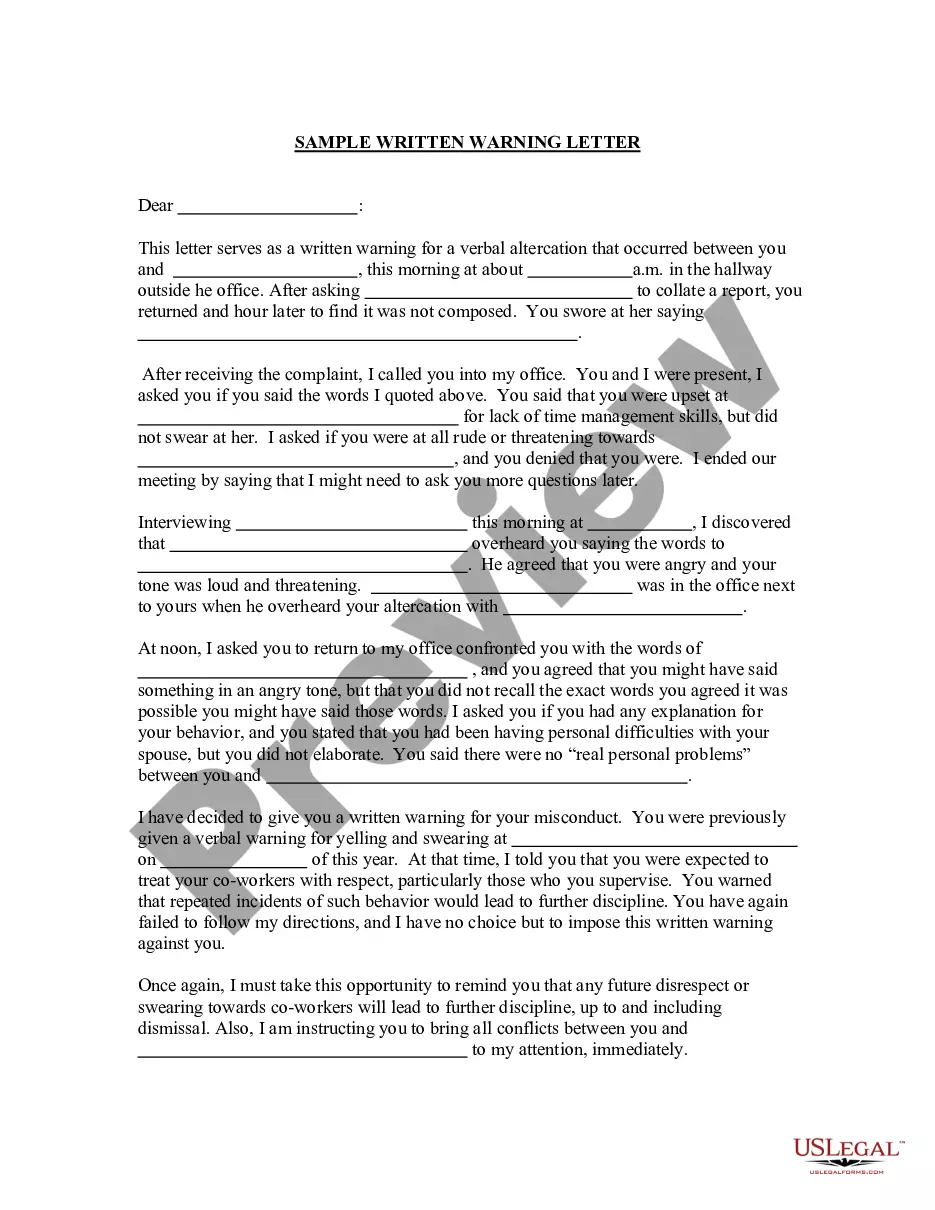
Maricopa Arizona Sample Written Warning Letter
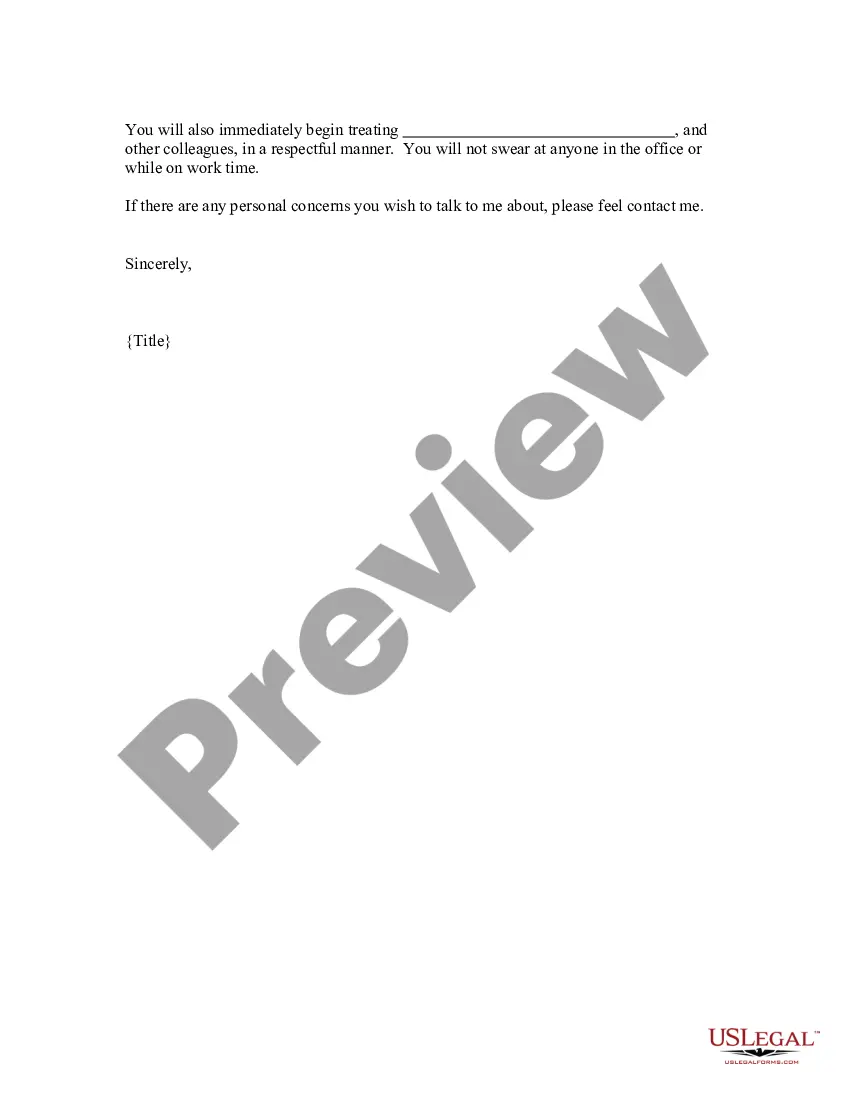
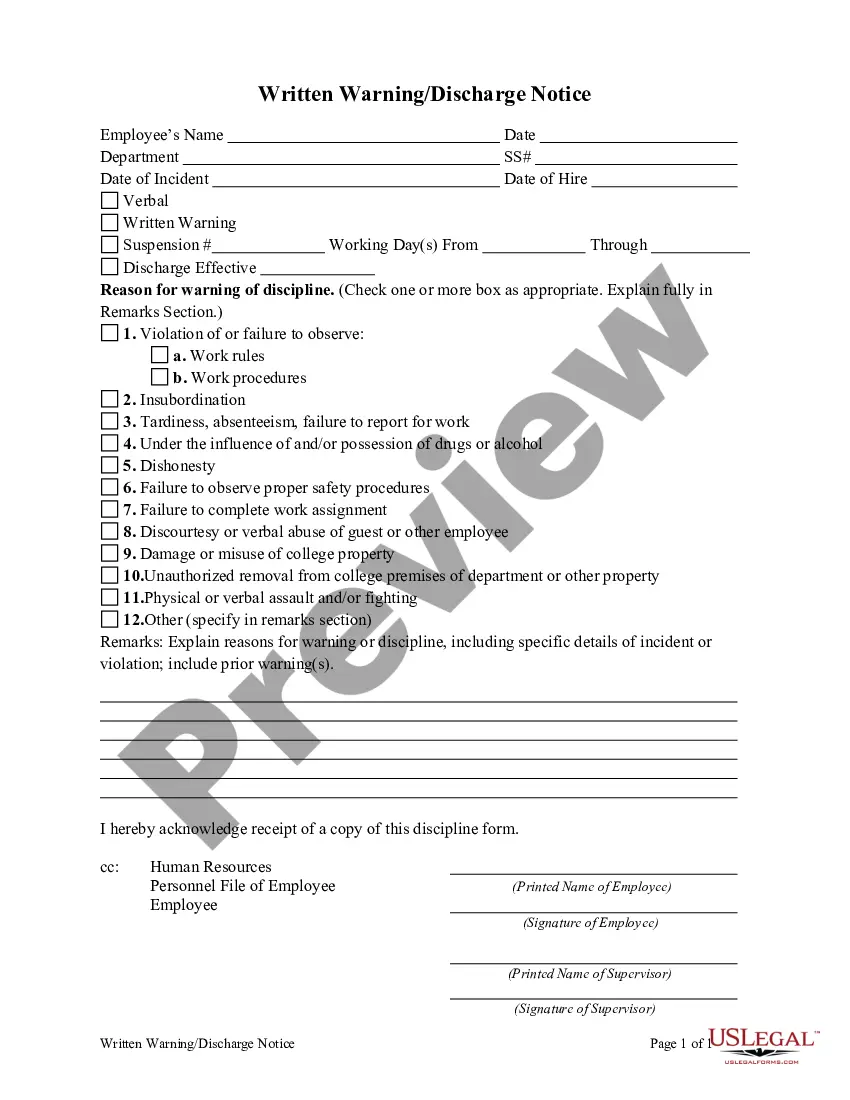
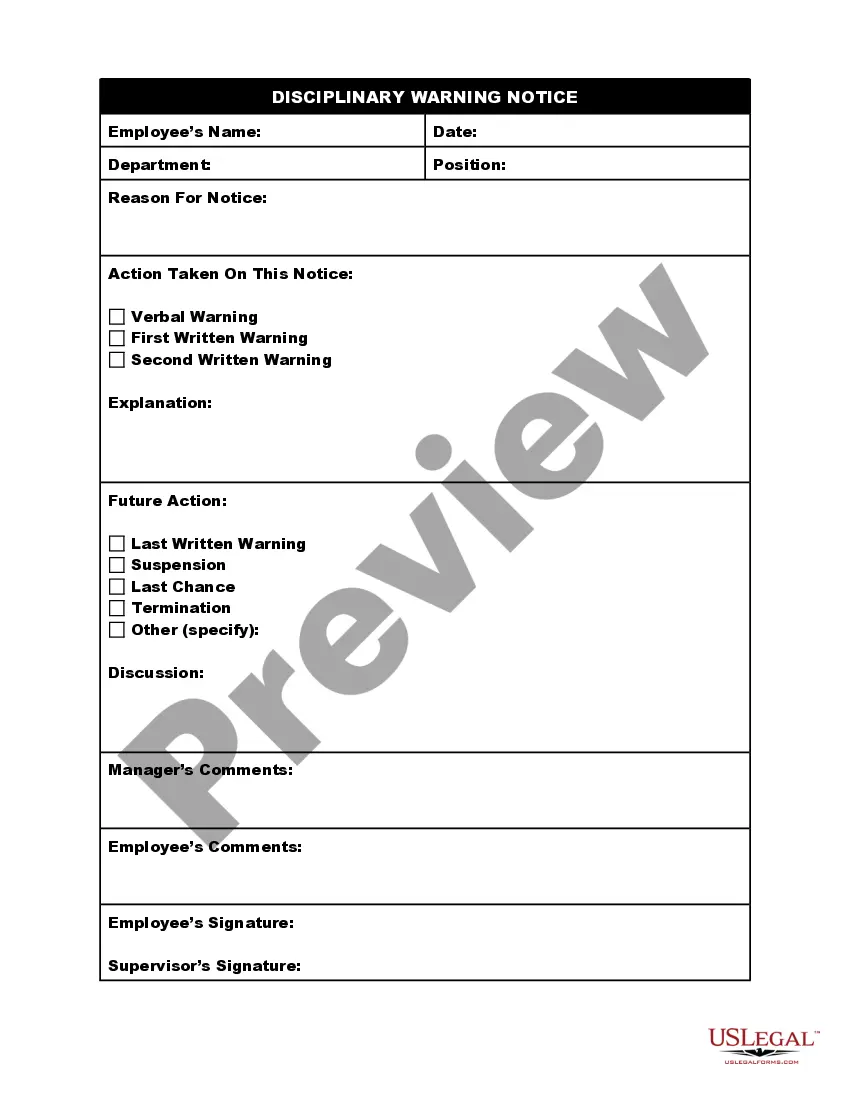
Description
Get your form ready online
Our built-in tools help you complete, sign, share, and store your documents in one place.
Make edits, fill in missing information, and update formatting in US Legal Forms—just like you would in MS Word.
Download a copy, print it, send it by email, or mail it via USPS—whatever works best for your next step.
Sign and collect signatures with our SignNow integration. Send to multiple recipients, set reminders, and more. Go Premium to unlock E-Sign.
If this form requires notarization, complete it online through a secure video call—no need to meet a notary in person or wait for an appointment.
We protect your documents and personal data by following strict security and privacy standards.

Make edits, fill in missing information, and update formatting in US Legal Forms—just like you would in MS Word.

Download a copy, print it, send it by email, or mail it via USPS—whatever works best for your next step.

Sign and collect signatures with our SignNow integration. Send to multiple recipients, set reminders, and more. Go Premium to unlock E-Sign.

If this form requires notarization, complete it online through a secure video call—no need to meet a notary in person or wait for an appointment.

We protect your documents and personal data by following strict security and privacy standards.
Looking for another form?
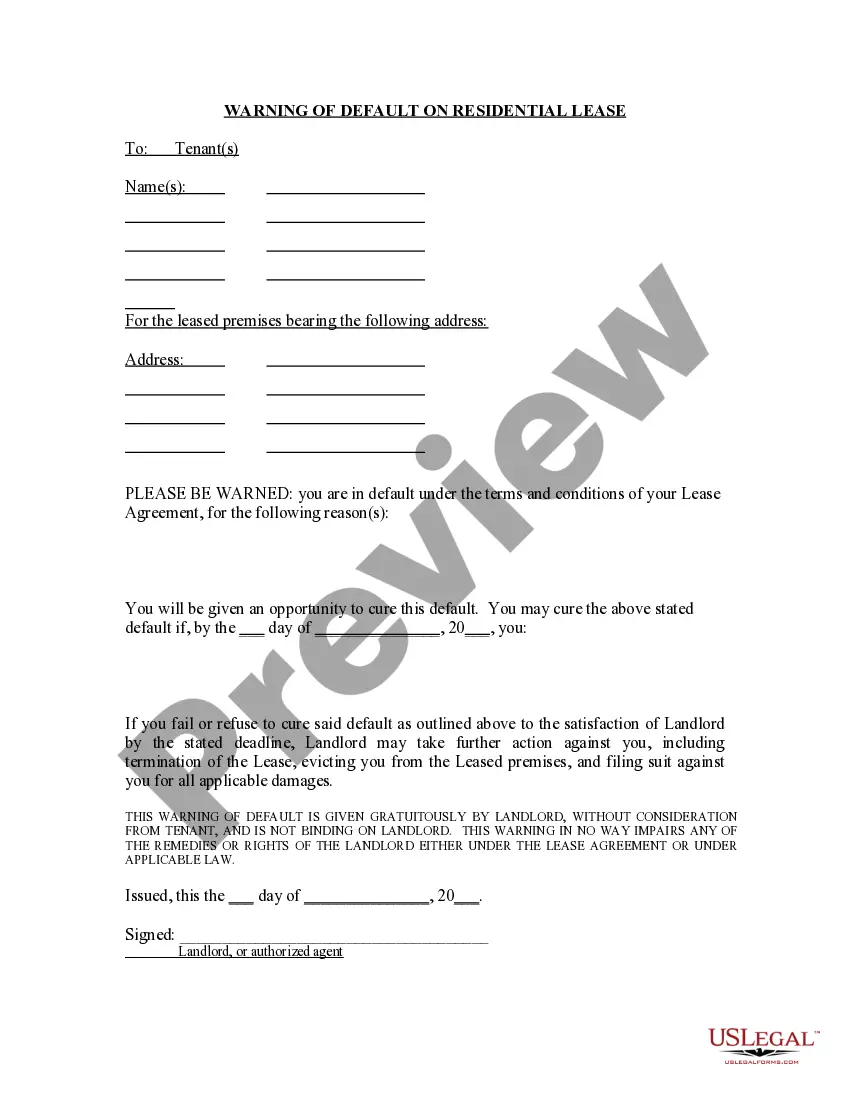
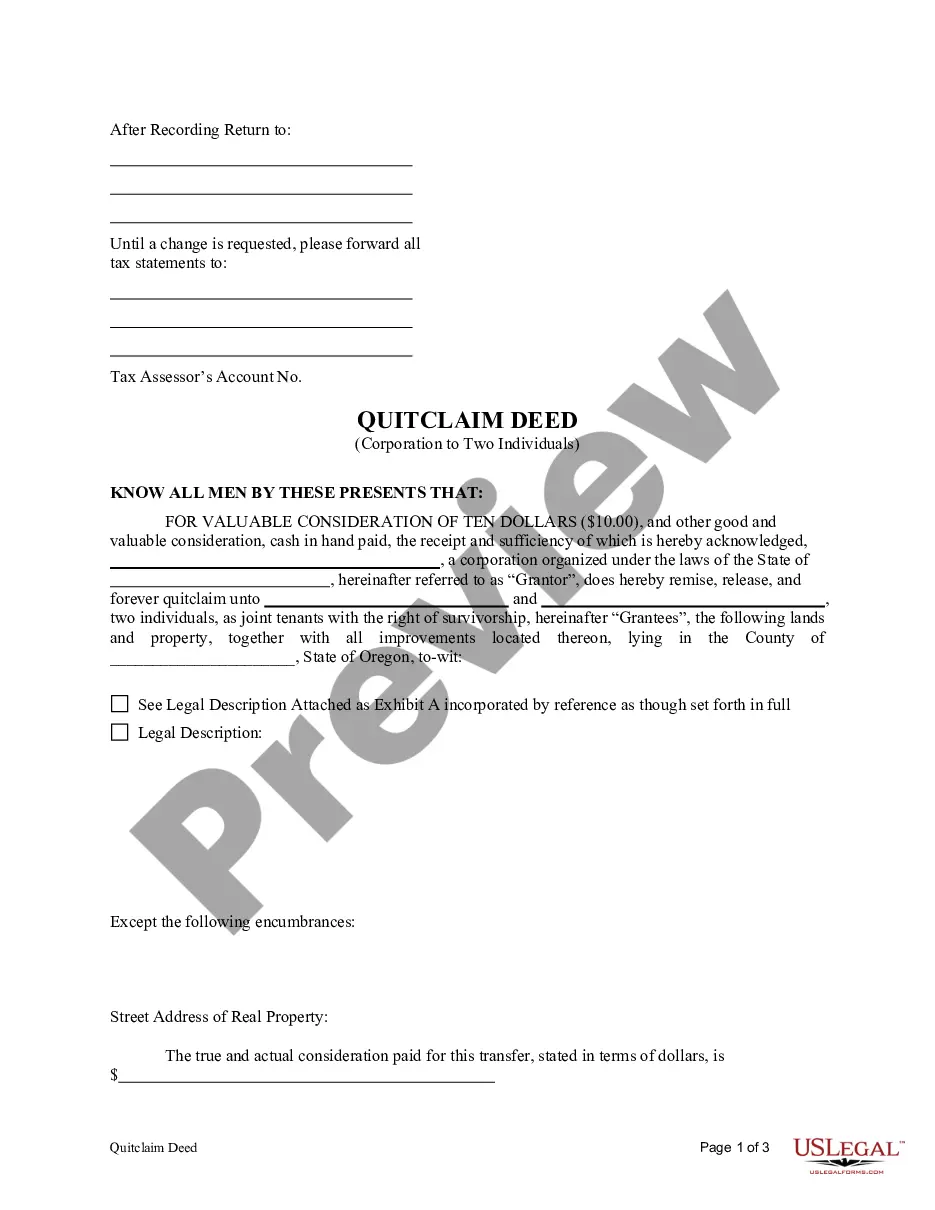
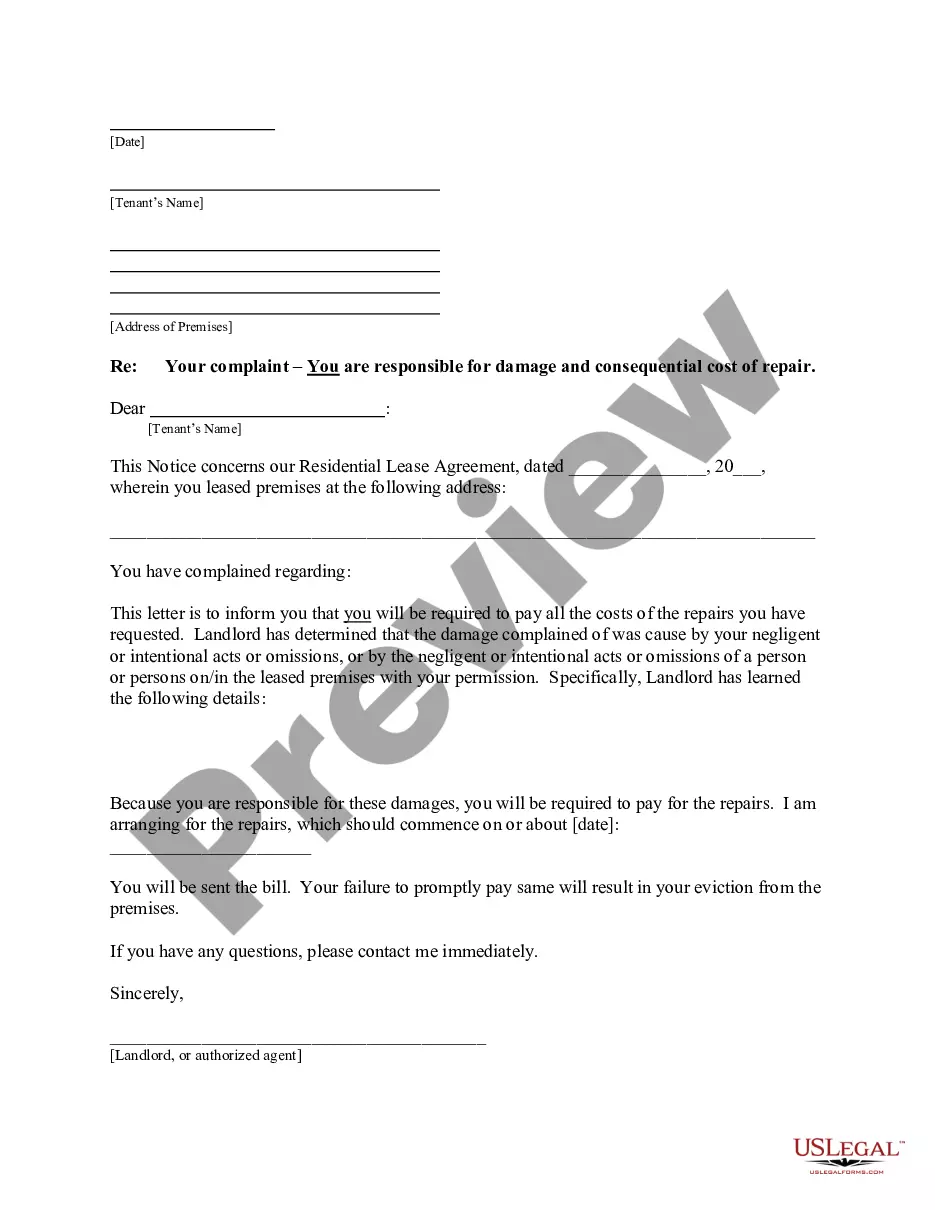
How to fill out Sample Written Warning Letter?
Drafting legal documents is essential in the modern era. Nonetheless, you don't always have to seek professional help to draft certain ones from scratch, including the Maricopa Sample Written Warning Letter, using a service like US Legal Forms.
US Legal Forms offers more than 85,000 templates in multiple categories, ranging from living wills to property documents and divorce papers. All forms are categorized according to their applicable state, simplifying the search process.
You can also access informational resources and guides on the site to streamline any tasks related to paperwork completion.
If you're already a subscriber to US Legal Forms, you can find the relevant Maricopa Sample Written Warning Letter, Log In to your account, and download it. Of course, our platform cannot completely replace a lawyer. If you are facing a particularly complex case, we recommend utilizing the services of an attorney to review your document before signing and submitting it.
With more than 25 years in the industry, US Legal Forms has become a trusted source for numerous legal documents for millions of customers. Join them today and acquire your state-compliant paperwork with ease!
- View the document's preview and outline (if provided) to understand what you’ll receive upon downloading the document.
- Make sure the document you select is tailored to your state/county/region since local laws can impact the legality of certain documents.
- Examine related forms or restart your search to find the correct file.
- Click Buy now and create your account. If you already have one, opt to Log In.
- Select the pricing {plan, followed by your desired payment method, and purchase the Maricopa Sample Written Warning Letter.
- Decide to save the form template in any available file format.
- Navigate to the My documents tab to re-download the document.
Form popularity
FAQ
More than half of the state's population resides in Maricopa County, which includes the cities of Phoenix, Mesa, Glendale, Scottsdale, Tempe, Chandler, Peoria and the town of Gilbert.
COMMON REQUESTS Dog. Licenses. Restaurant. Ratings. Lost/Found. Pet. Immunizations/ Vaccines. STD/HIV. Testing. Elections/ Voting. Permitting. Services. County. Libraries. County. Parks.
Other Helpful Sites Maricopa County. (602) 506-3011. County Assessor. (602) 506-3406. County Recorder. (602) 506-3535. County Sheriff. (602) 876-1000.
Please review all fields before submitting. Complaint Line Phone Number: 602-506-6616. After Hours Non-Emergencies: Please file online complaint using form below or call Complaint Line during normal business hours (Monday - Friday 8 a.m. - 5 p.m.) Walk-in Complaints:Complaint/Violation Information. Name. Address. City.
A plaintiff representing herself may obtain and fill out a prepared Complaint form from the Clerk of the Court at the courthouse or online at each county court website or by visiting . The Complaint must be filed with the Clerk of the appropriate court.
Contact Ombudsman Ombudsman: Lane Organ. Request for Assistance. Phone number: (602) 364-2860. Toll Free: 1 (866) 362-2837. Fax: (602) 364-2848. Address: 1789 W Jefferson Street. Mail Drop 1183. Phoenix, AZ 85007. Office hours: a.m. - p.m. Monday - Friday.
You can file documents with the Clerk of the Superior Court online, by mail or at one of our filing counter locations. Please note: Clerks are committed to assisting you in Superior Court. To ensure fairness, clerks do not give legal advice.
Requesting Copies (Copy Request Form) 50 per page for copy requests. The number of pages of a document may be ascertained by calling the Clerk's Office at (602) 452-6700 or by emailing the court at inform@appeals.az.gov. A certification fee of $17.00 is required if the request is for a Certified Copy of the document.