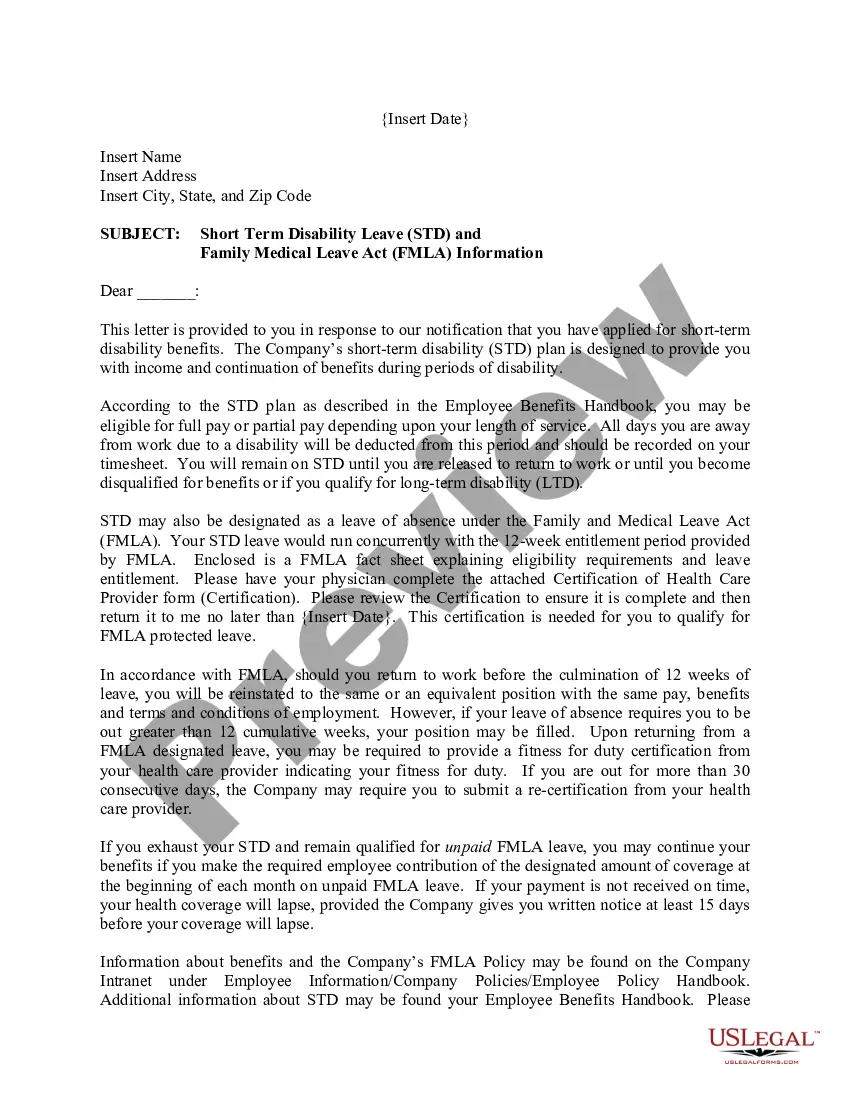
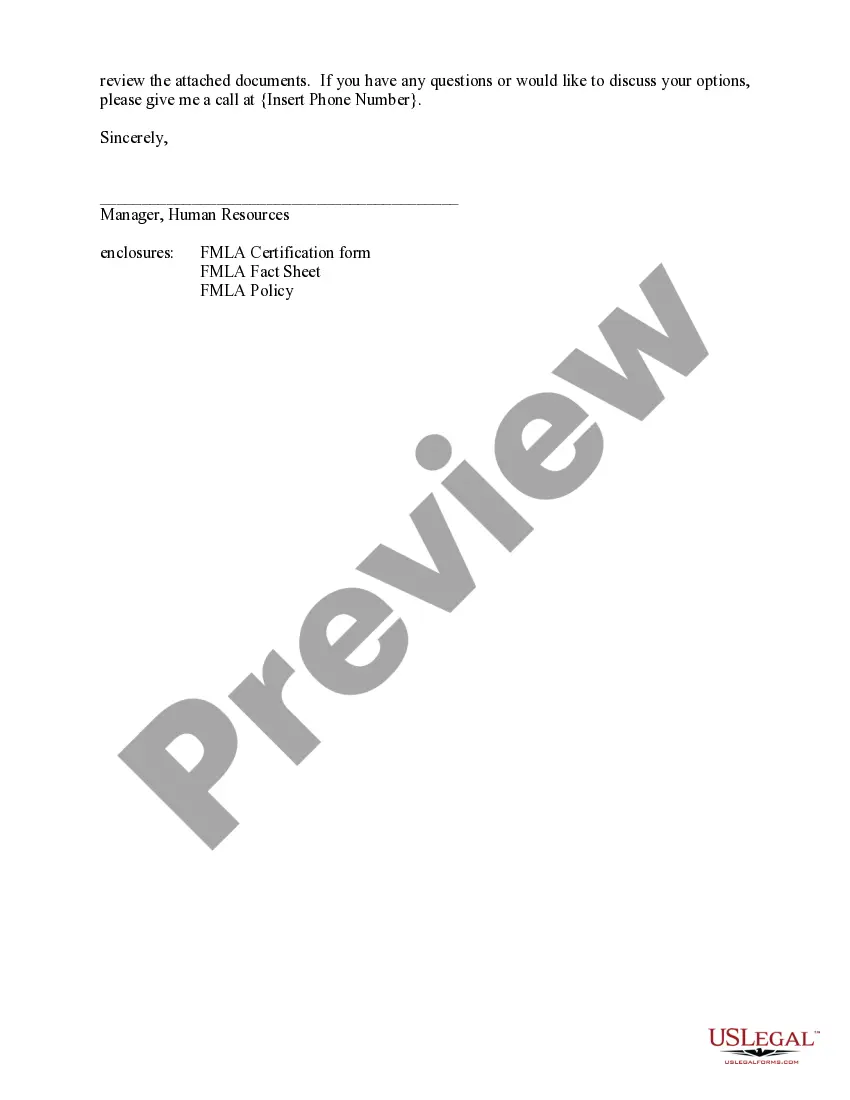
Hennepin Minnesota FMLA Information Letter to Employee
Description
Get your form ready online
Our built-in tools help you complete, sign, share, and store your documents in one place.
Make edits, fill in missing information, and update formatting in US Legal Forms—just like you would in MS Word.
Download a copy, print it, send it by email, or mail it via USPS—whatever works best for your next step.
Sign and collect signatures with our SignNow integration. Send to multiple recipients, set reminders, and more. Go Premium to unlock E-Sign.
If this form requires notarization, complete it online through a secure video call—no need to meet a notary in person or wait for an appointment.
We protect your documents and personal data by following strict security and privacy standards.

Make edits, fill in missing information, and update formatting in US Legal Forms—just like you would in MS Word.

Download a copy, print it, send it by email, or mail it via USPS—whatever works best for your next step.

Sign and collect signatures with our SignNow integration. Send to multiple recipients, set reminders, and more. Go Premium to unlock E-Sign.

If this form requires notarization, complete it online through a secure video call—no need to meet a notary in person or wait for an appointment.

We protect your documents and personal data by following strict security and privacy standards.
Looking for another form?
How to fill out FMLA Information Letter To Employee?
Generating documents, such as the Hennepin FMLA Information Letter to Employee, to manage your legal affairs is a difficult and time-consuming endeavor.
Many situations necessitate the involvement of an attorney, which can also render this process costly.
However, you have the ability to take control of your legal matters and handle them by yourself.
The process for new users to get started is equally straightforward! Here's what you should do before obtaining the Hennepin FMLA Information Letter to Employee.
- US Legal Forms is here to assist you.
- Our platform contains over 85,000 legal forms designed for various situations and life events.
- We ensure each document adheres to the laws of each state, so you won't have to worry about possible legal complications due to compliance.
- If you're already familiar with our services and hold a subscription with US, you know how simple it is to obtain the Hennepin FMLA Information Letter to Employee template.
- Just Log In to your account, download the document, and customize it to your needs.
- Misplaced your document? No problem. You can retrieve it in the My documents section of your account - whether on desktop or mobile.
Form popularity
FAQ
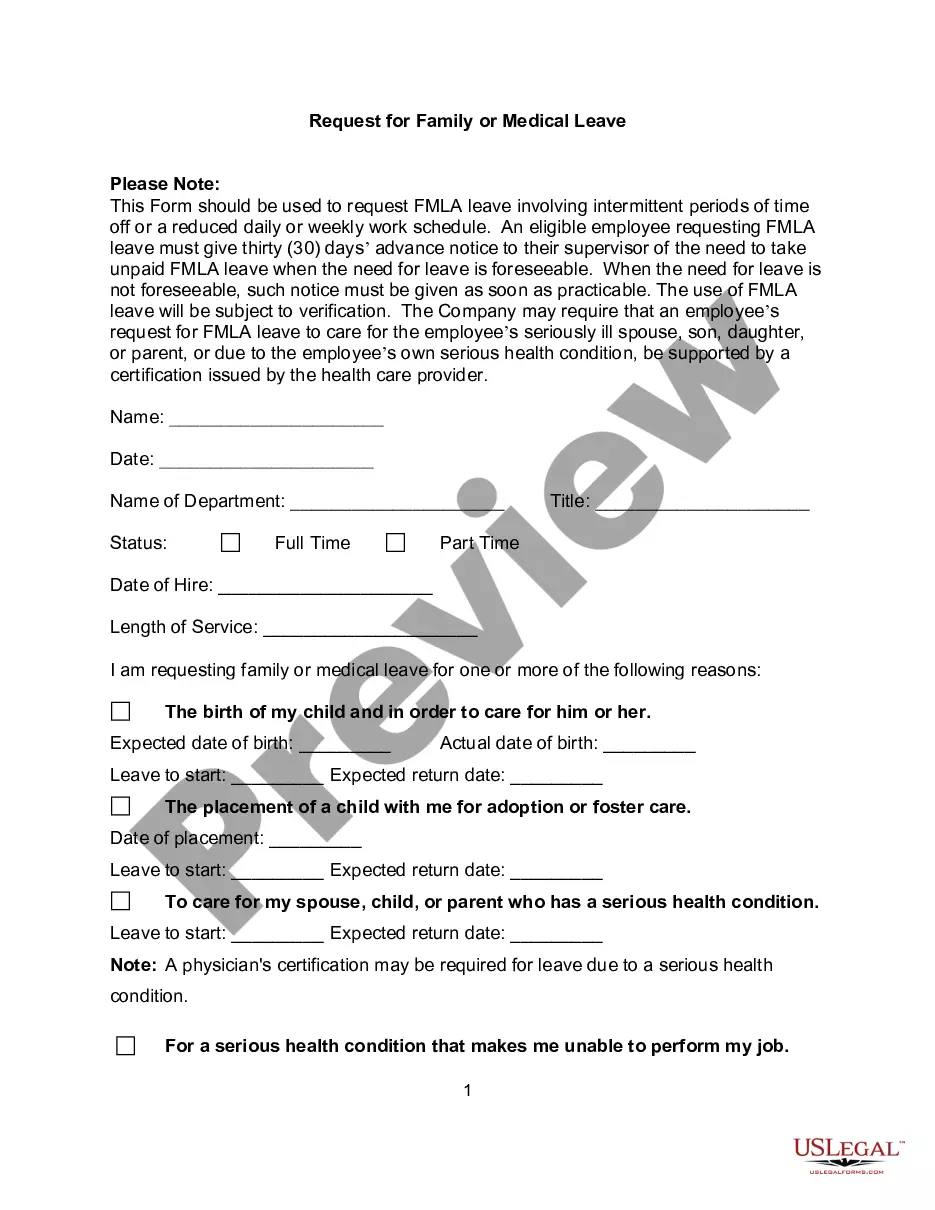
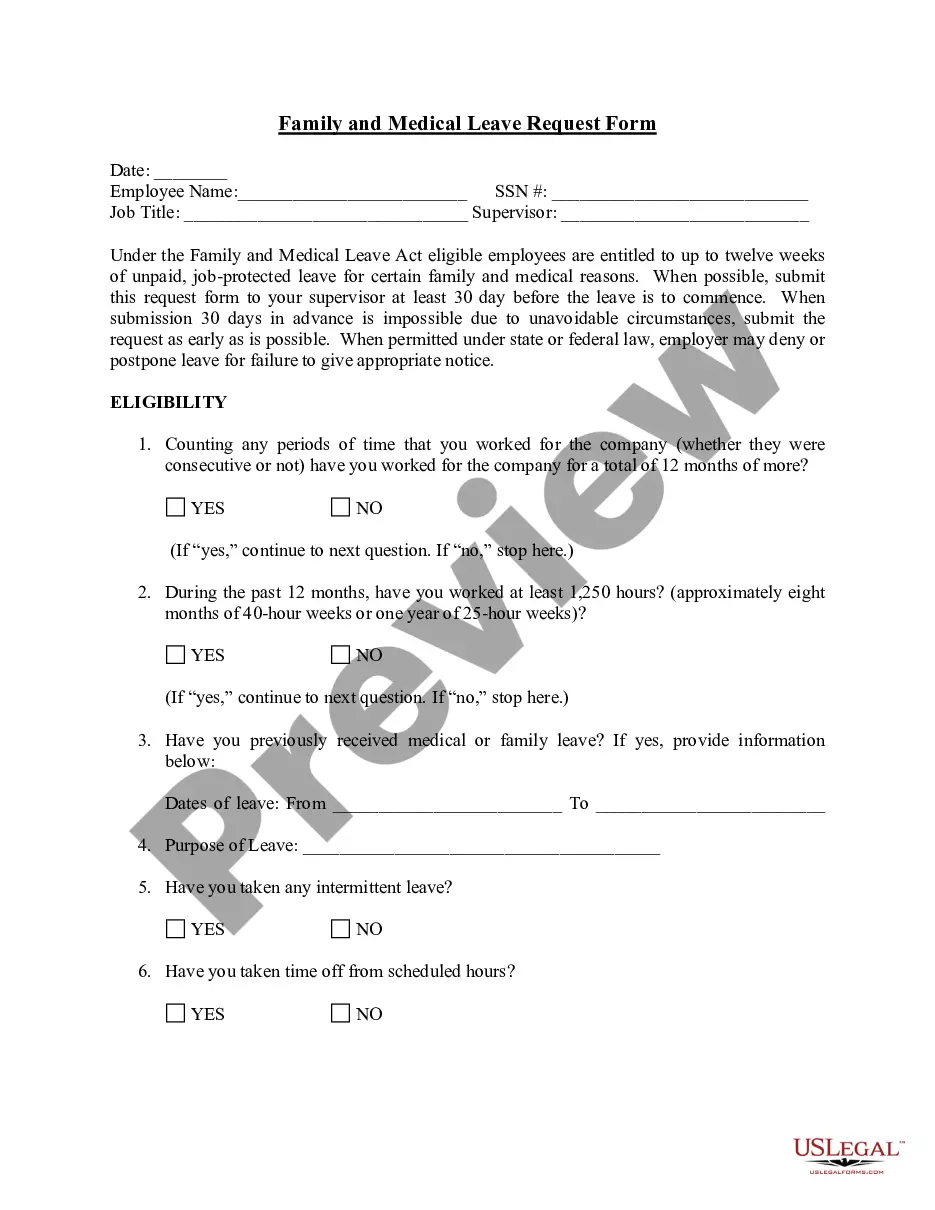
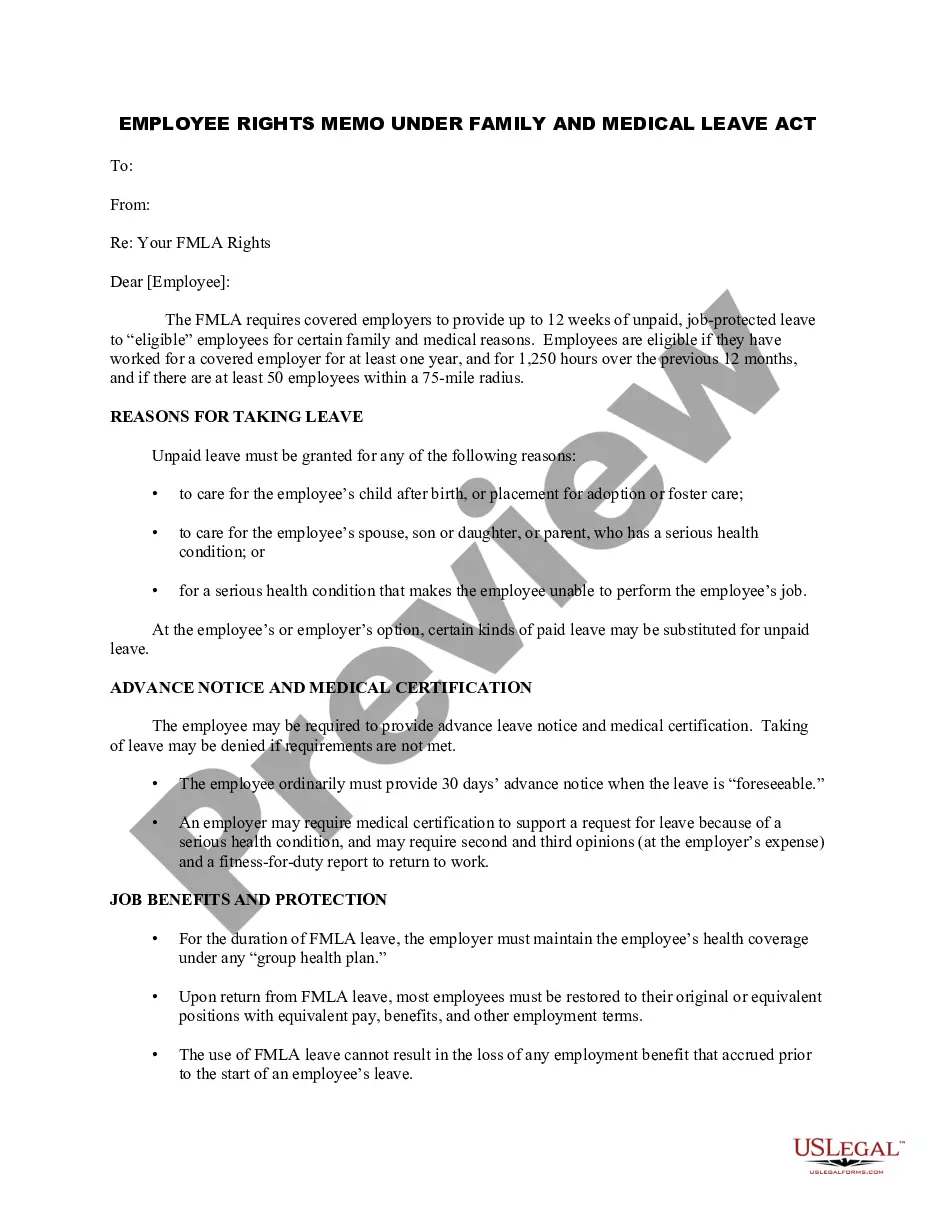
Employees are eligible for FMLA leave if: they have worked for the company for at least a year. they worked at least 1,250 hours during the previous year, and. they work at a location with at least 50 employees within a 75-mile radius.
FMLA leave is unpaid, but employees may be allowed (or required) to use their accrued paid leave during FMLA leave. When an employee's FMLA leave ends, the employee is entitled to be reinstated to the same or an equivalent position, with a few exceptions.
Employees may take up to 12 weeks of unpaid leave upon the birth or adoption of their child when they: work for a company with 21 or more employees at one site; worked at least half time for 12 months; and. have been with the company for at least 12 months (not necessarily consecutive).
Request Sick Time Off - YouTube YouTube Start of suggested clip End of suggested clip I can select dates individually or click and drag to select multiple days if I need to deselectMoreI can select dates individually or click and drag to select multiple days if I need to deselect dates I simply click those days.
Initiating a leave of absence Log in to Workday, select the Time Off icon, or go to Actions in your profile, and find Time and Leave. Select Request Time off, select the Type you need from the list, and fill in the details. Click Submit, and a Workday notification will be sent to your manager for approval.
All leave requests must be submitted through Workday. Log in to Workday, enter Request Leave of Absence or go to Actions in your profile, and find Time and Leave. Enter the dates of your leave of absence. Elect the leave plan. Click Submit, and a notification will be sent to your manager.
Though the FMLA itself is unpaid, it is sometimes possible under certain specific circumstances to use paid leave that you've accrued on the job as a way to get paid during your FMLA leave. The types of paid leave that might be considered include vacation days and sick days, as well as other types of paid leave.
From your Inbox Archive tab, access the absence request and click Cancel to initiate the cancellation. The Archive tab only includes absence requests completed within the last 30 days. For additional support and questions about Workday please contact your agency HR Practitioner.
Unpaid leave that allows an employee to be off work for an extended period of time. A leave of absence (LOA) is unpaid leave that allows an employee to be off work for an extended period of time and return to his/her former position when the leave ends.
Workday Absence Management provides a comprehensive view into a worker's use of various absence plans, from vacation and sick-day plans to defined leaves of absence. Workers submit absence requests via an intuitive calendar and follow a defined path for approval.