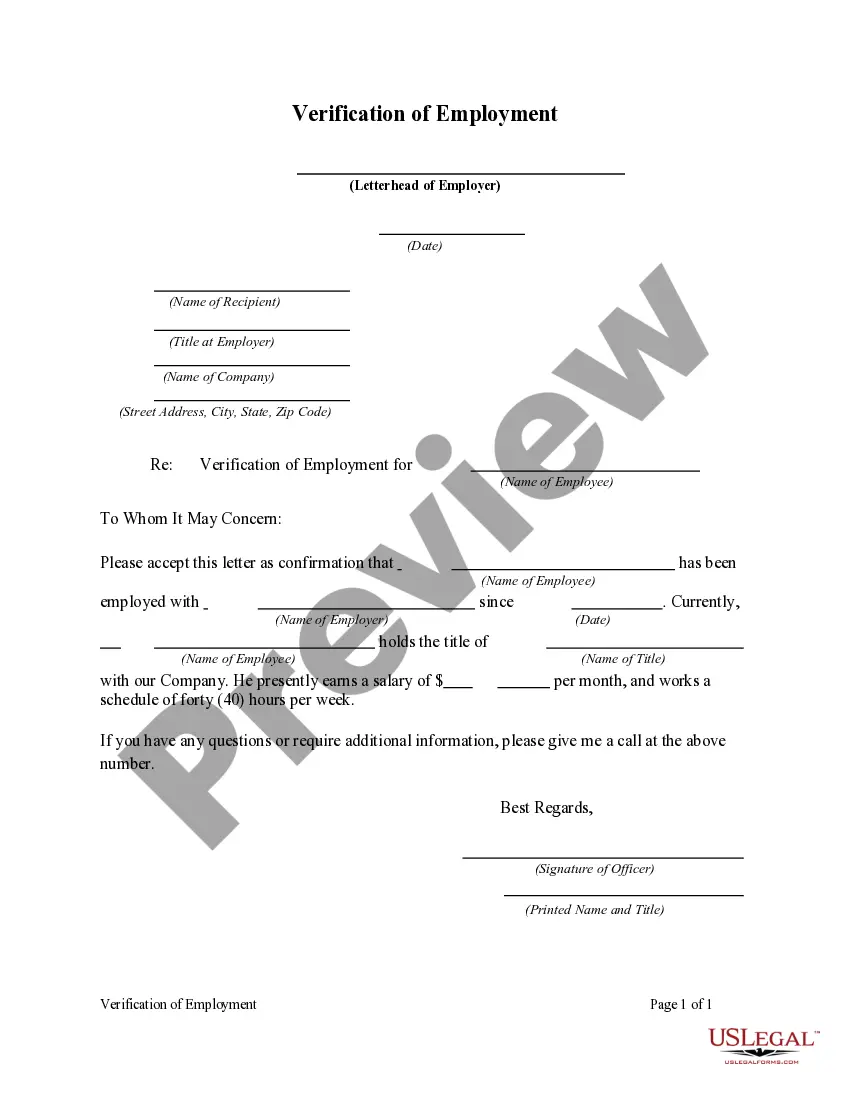
Broward Florida Verification of Employment
Description
Get your form ready online
Our built-in tools help you complete, sign, share, and store your documents in one place.
Make edits, fill in missing information, and update formatting in US Legal Forms—just like you would in MS Word.
Download a copy, print it, send it by email, or mail it via USPS—whatever works best for your next step.
Sign and collect signatures with our SignNow integration. Send to multiple recipients, set reminders, and more. Go Premium to unlock E-Sign.
If this form requires notarization, complete it online through a secure video call—no need to meet a notary in person or wait for an appointment.
We protect your documents and personal data by following strict security and privacy standards.

Make edits, fill in missing information, and update formatting in US Legal Forms—just like you would in MS Word.

Download a copy, print it, send it by email, or mail it via USPS—whatever works best for your next step.

Sign and collect signatures with our SignNow integration. Send to multiple recipients, set reminders, and more. Go Premium to unlock E-Sign.

If this form requires notarization, complete it online through a secure video call—no need to meet a notary in person or wait for an appointment.

We protect your documents and personal data by following strict security and privacy standards.
Looking for another form?
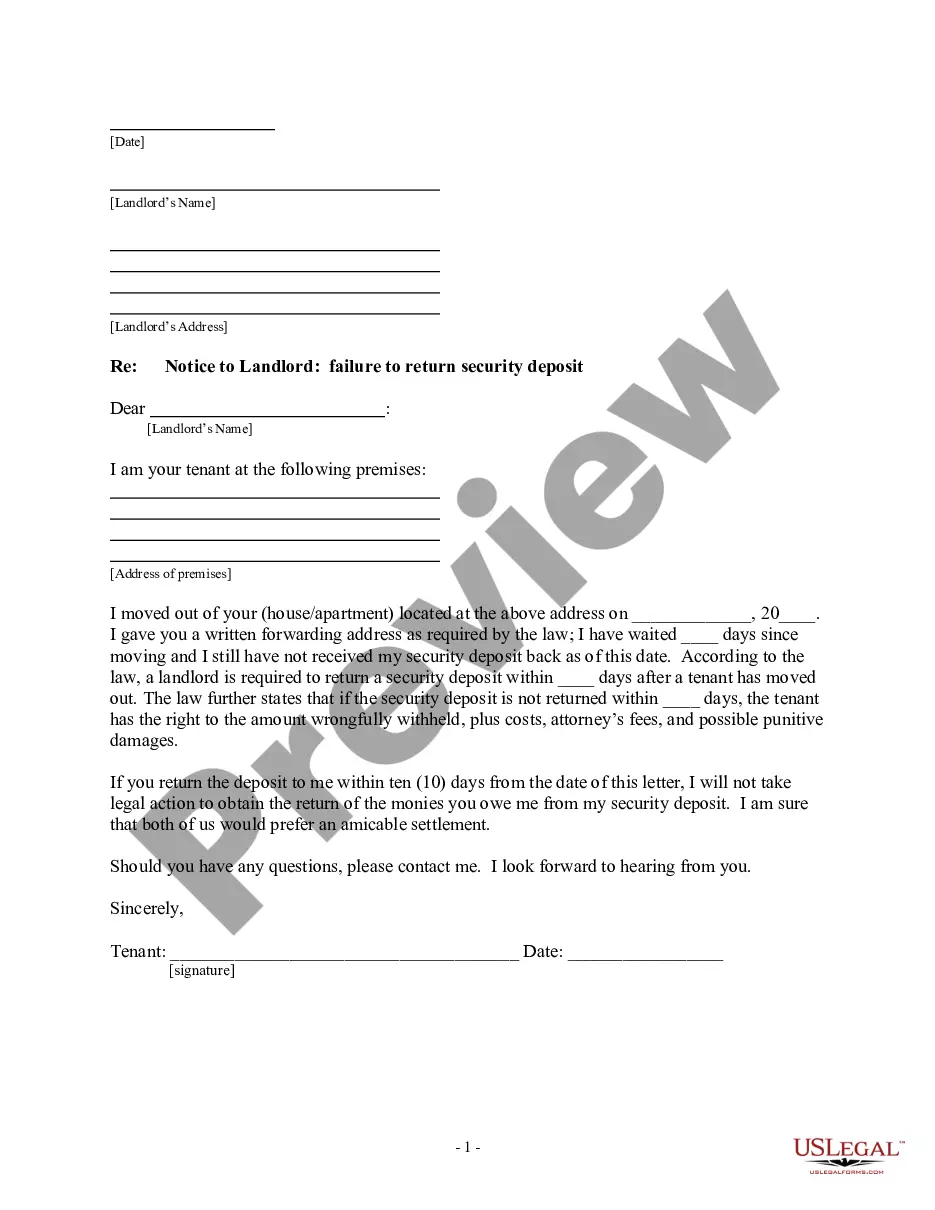
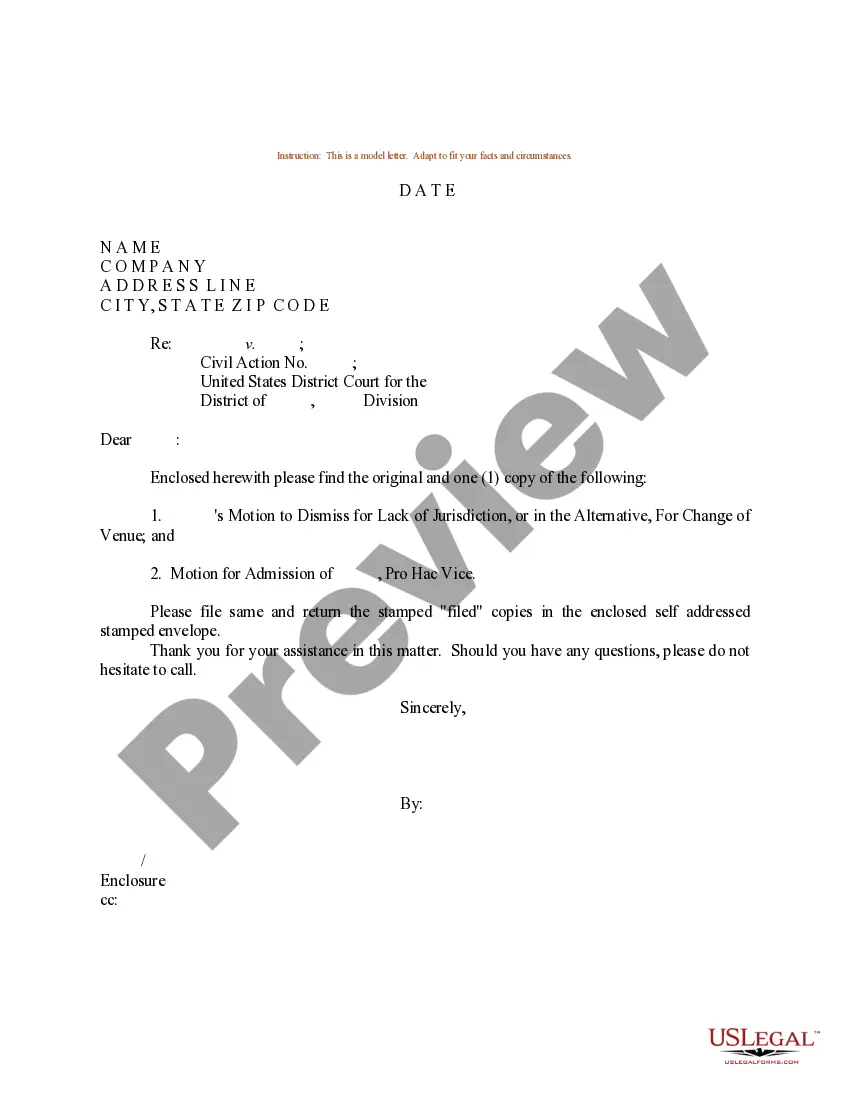
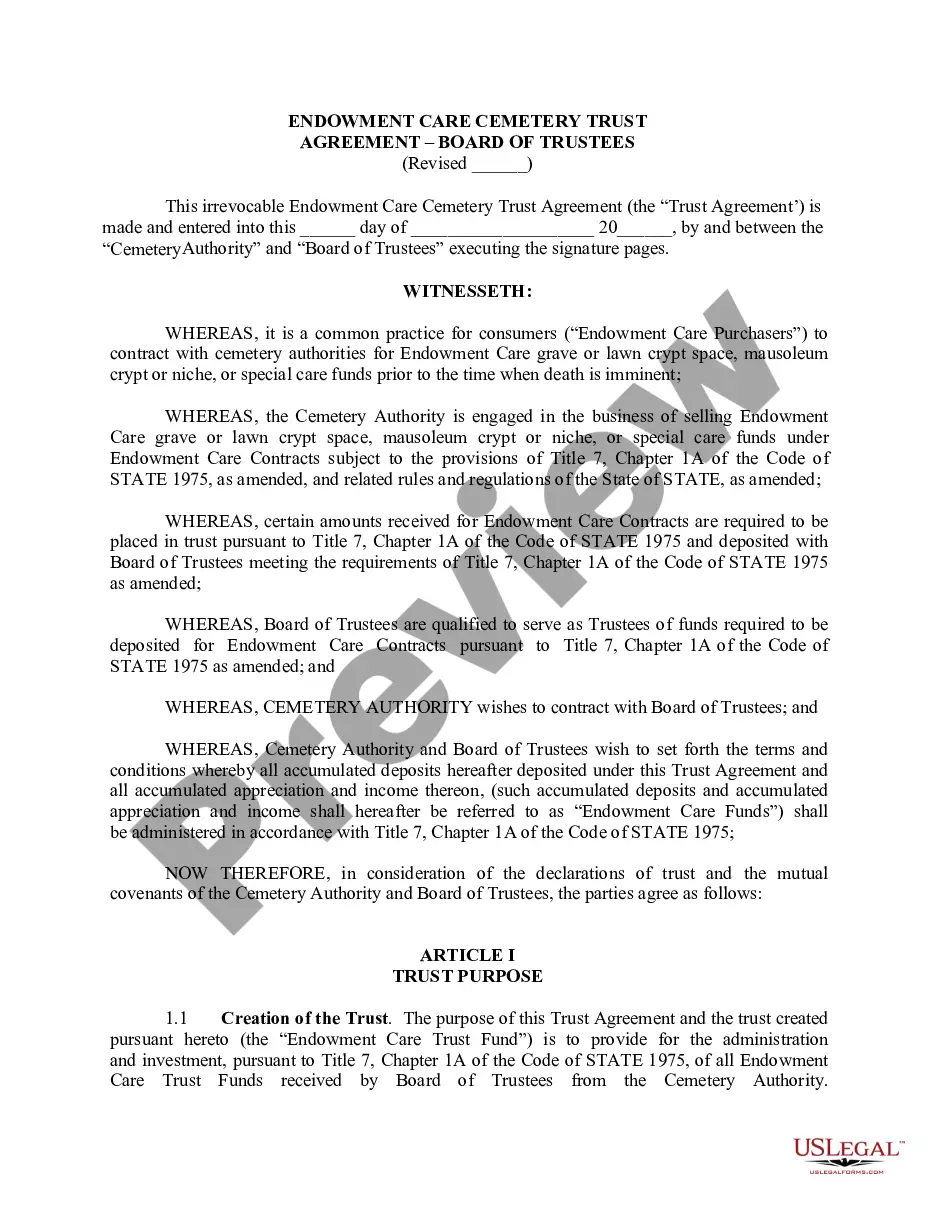

How to fill out Verification Of Employment?
Whether you plan to establish your business, engage in a transaction, request a renewal of your identification, or handle family-related legal matters, you must prepare certain documents that comply with your local statutes and regulations.
Locating the appropriate documents can be time-consuming and labor-intensive unless you utilize the US Legal Forms library.
The platform offers users over 85,000 skillfully drafted and validated legal templates for any personal or commercial situation. All documents are categorized by state and application area, making it quick and easy to select a copy such as Broward Verification of Employment.
Forms offered by our library are reusable. With an active subscription, you can access all your previously obtained documents at any time in the My documents section of your account. Stop squandering time on an endless quest for current official documents. Register for the US Legal Forms platform and maintain your paperwork organized with the most comprehensive online form collection!
- Ensure the template meets your personal requirements and state legal standards.
- Review the form description and check the Preview if available on the page.
- Utilize the search bar indicating your state above to find an alternative template.
- Click Buy Now to acquire the form once you identify the correct one.
- Select the subscription plan that best fits your needs to continue.
- Log in to your account and pay for the service using a credit card or PayPal.
- Download the Broward Verification of Employment in your desired file format.
- Print the document or complete it and sign electronically using an online editor to save time.
Form popularity
FAQ
In order to start using Broward SSO there will be a onetime registration process. Go to: and click the Register Now/Login button to display the Sign In page. Students log in with their login credentials to register their account. Enter the login information and follow the prompts.
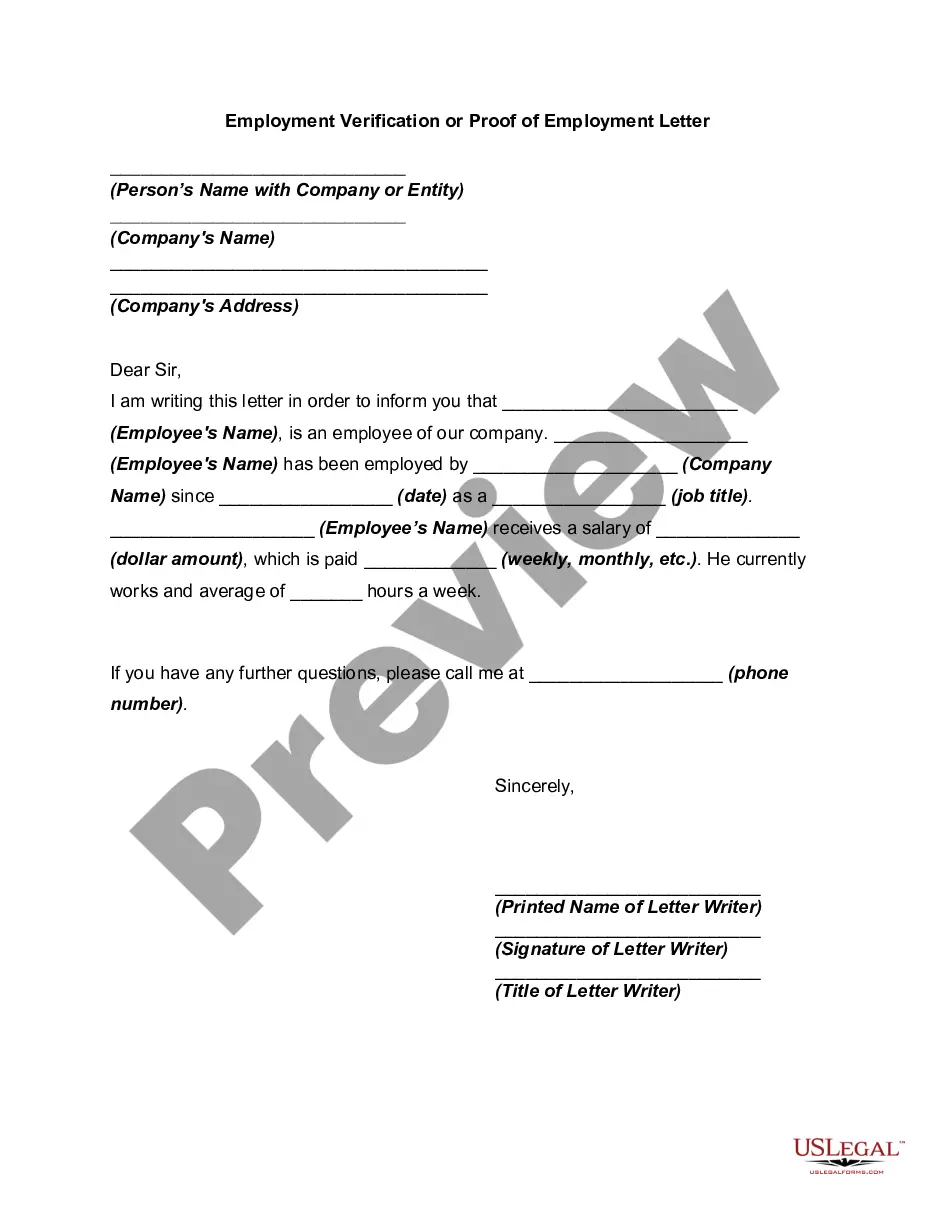
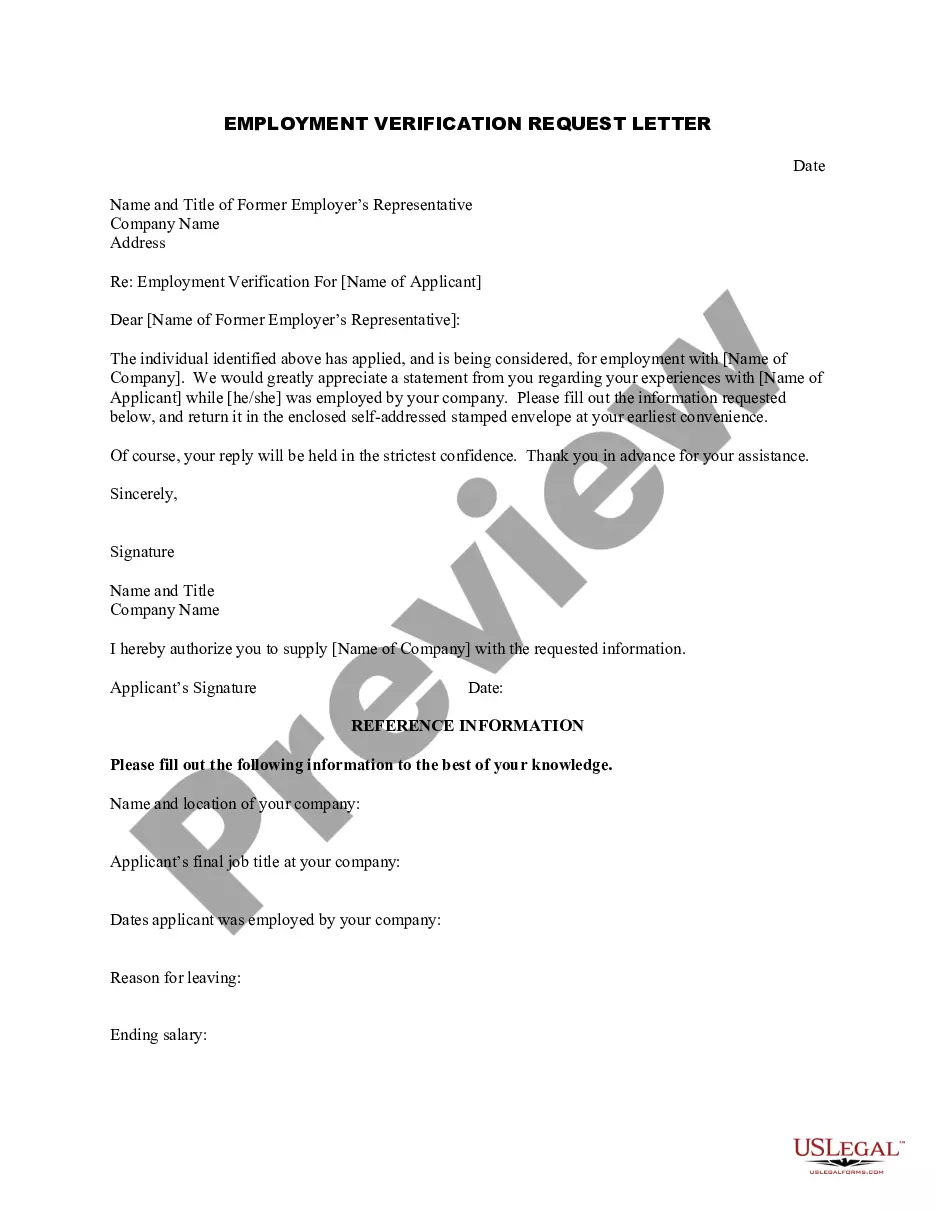
The most common proof of employment is an employment verification letter from an employer that includes the employee's dates of employment, job title, and salary. It's also often called a "letter of employment," a "job verification letter," or a "proof of employment letter."
By calling the People First Service Center (PFSC) at 866-663-4735. This verification can be made by the employee or they can enable a third party (e.g., auto or home loan agents, prospective employers) access to this information by creating a PIN number through the People First Interactive Voice Response (IVR) system.
WELCOME TO BROWARD COUNTY GOVERNMENT! We are a diverse and progressive organization comprised of 6,055 employees and more than 50 different agencies.
Examples of acceptable documents workers may submit to show proof of employment Recent pay stubs or vouchers. Earnings Statements. Recent bank records showing payroll direct deposits. 2019 Federal Income Tax Statement.
They'll check the details you gave them against data from your last company. Then, companies look into public databases (criminal records) for any illegal activity. Next, they dig education records to verify your degrees and certificates. And lastly, companies will verify your address.
How Is Employment Verification Done? First, the job applicant has to sign a waiver for you to legally run an employment verification check on them. Next, the company that you hired to do the background check gets in touch with the former employer of the job applicant to confirm their job history.
Employment Verification Letter Employer business name and address (or use standard company letterhead) The name and address of the company requesting the verification letter. The current or former employee's job title. The dates the current or former staff member was employed.
Go to 2. Enter your BCPS charter school email as the username.
If you already have the Teams app, the meeting will open there automatically. If you don't have a Teams account and the organizer has allowed it, you may have the option to enter your name to join the meeting as a guest. If you do have a Teams account, select Sign in to join with access to the meeting chat and more.