Mecklenburg North Carolina Telecommuting Agreement

State:
Multi-State
County:
Mecklenburg
Control #:
US-0454BG
Format:
Word; 
Rich Text
Instant download

Description

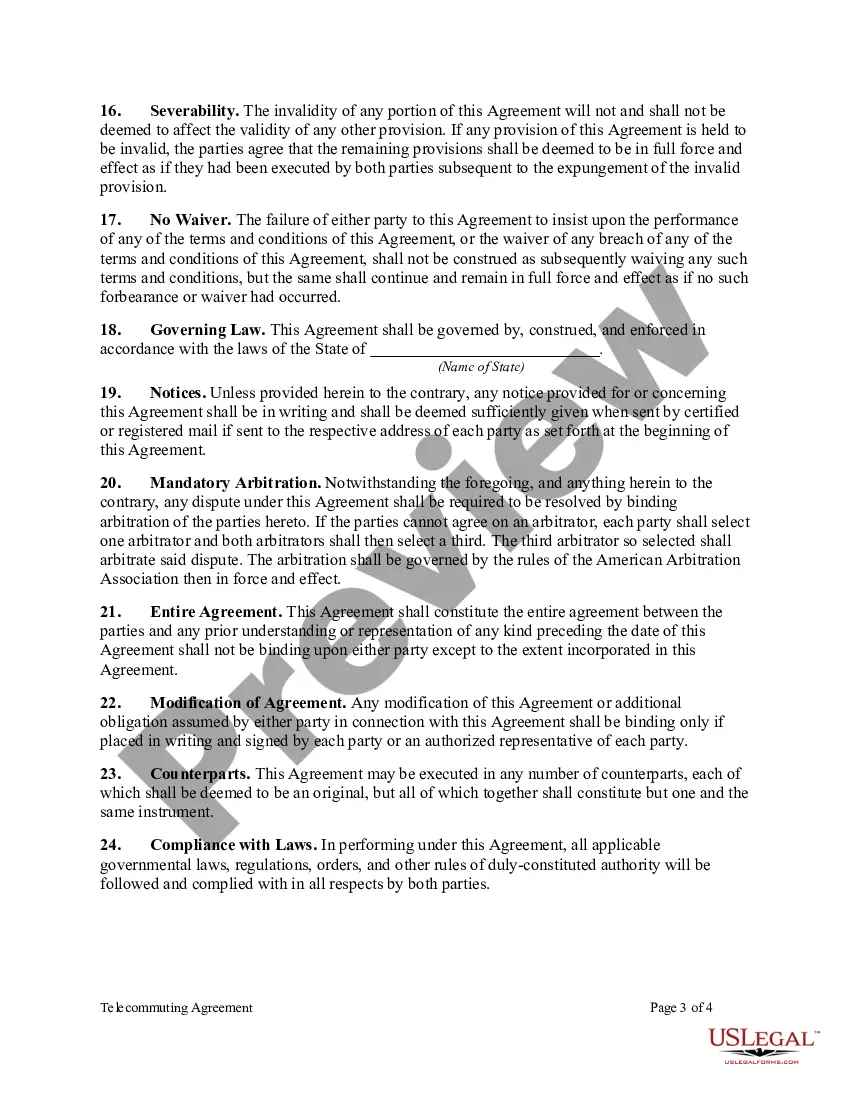
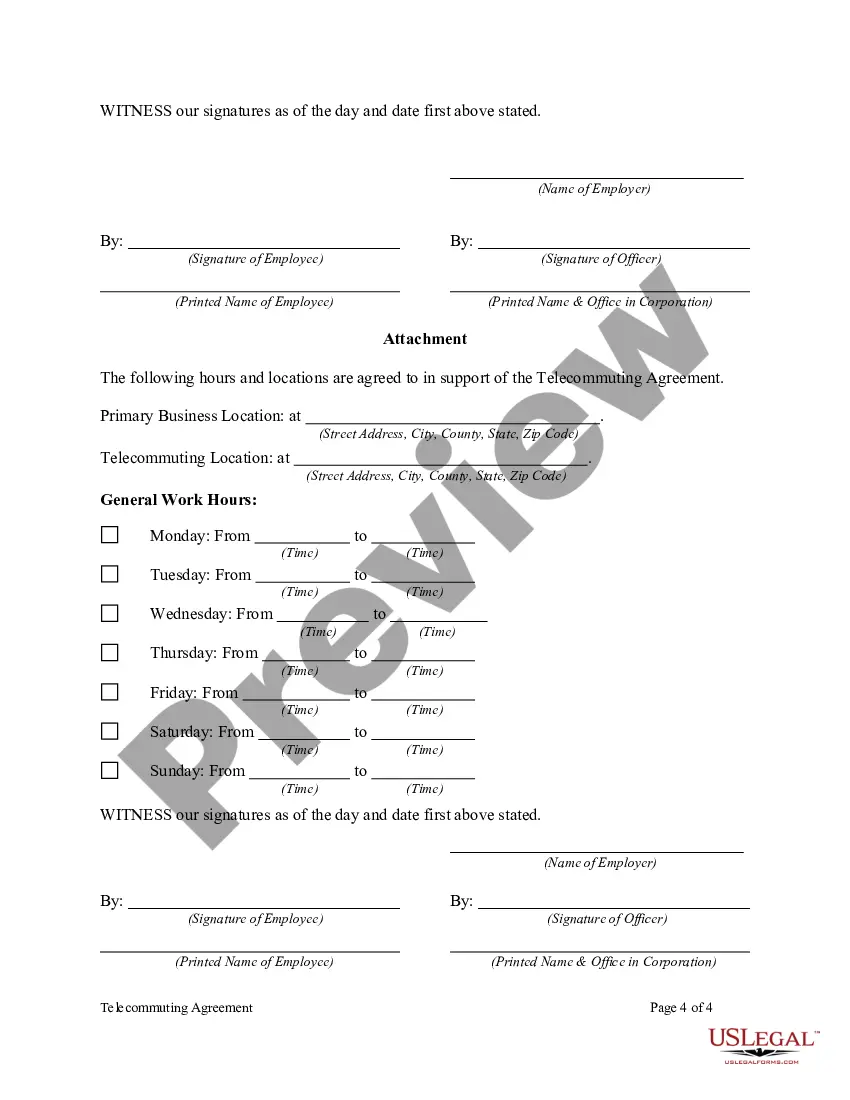
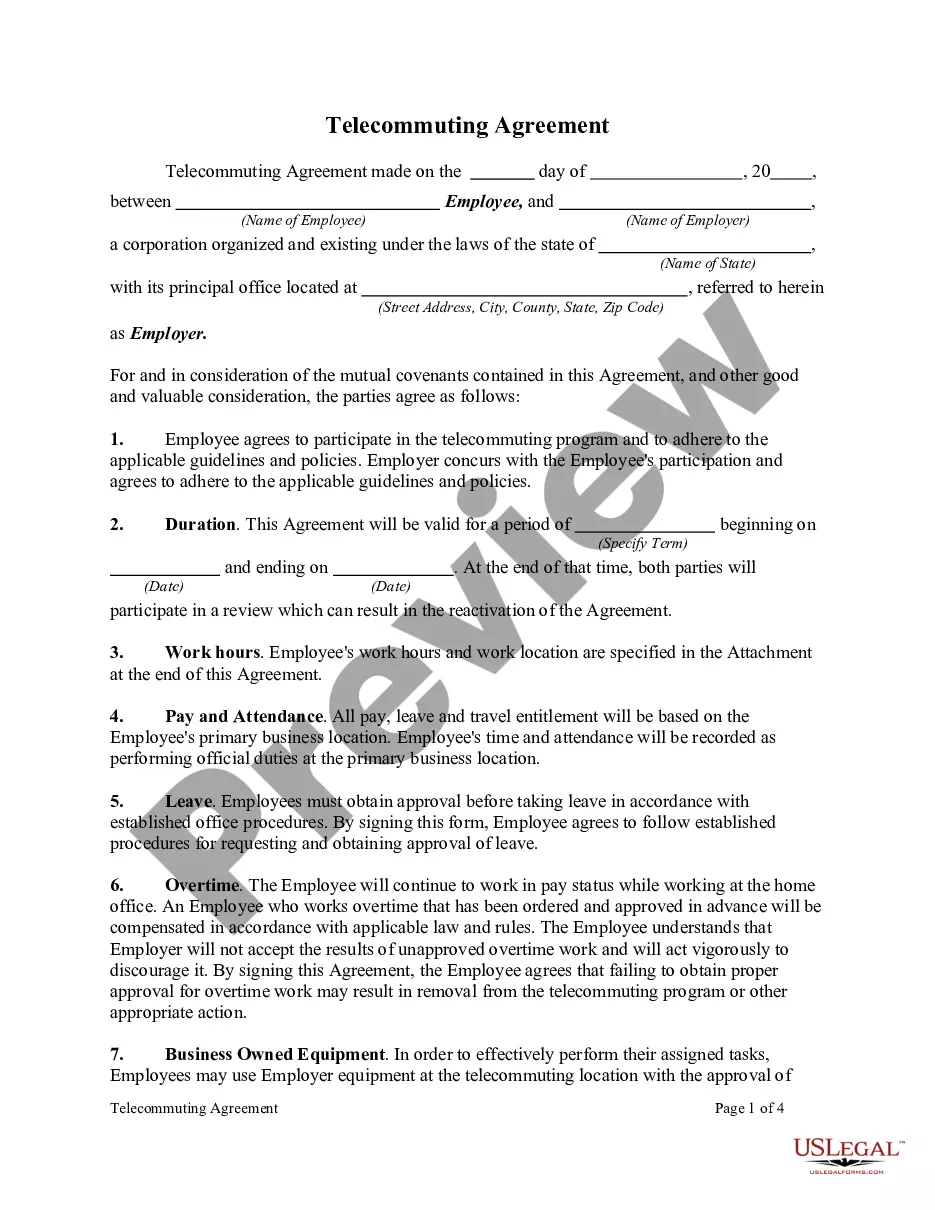
Telecommuting is working from a remote location outside of a traditional office. The remote location can be from home, a coffee shop, or hotel room. The Internet, faxes, phones, webcams, and instant messaging are some of the technological advances that enable this type of work arrangement. Most telecommuters work in the financial, high-tech, and communications industries.


This form is a generic example that may be referred to when preparing such a form for your particular state. It is for illustrative purposes only. Local laws should be consulted to determine any specific requirements for such a form in a particular jurisdiction.
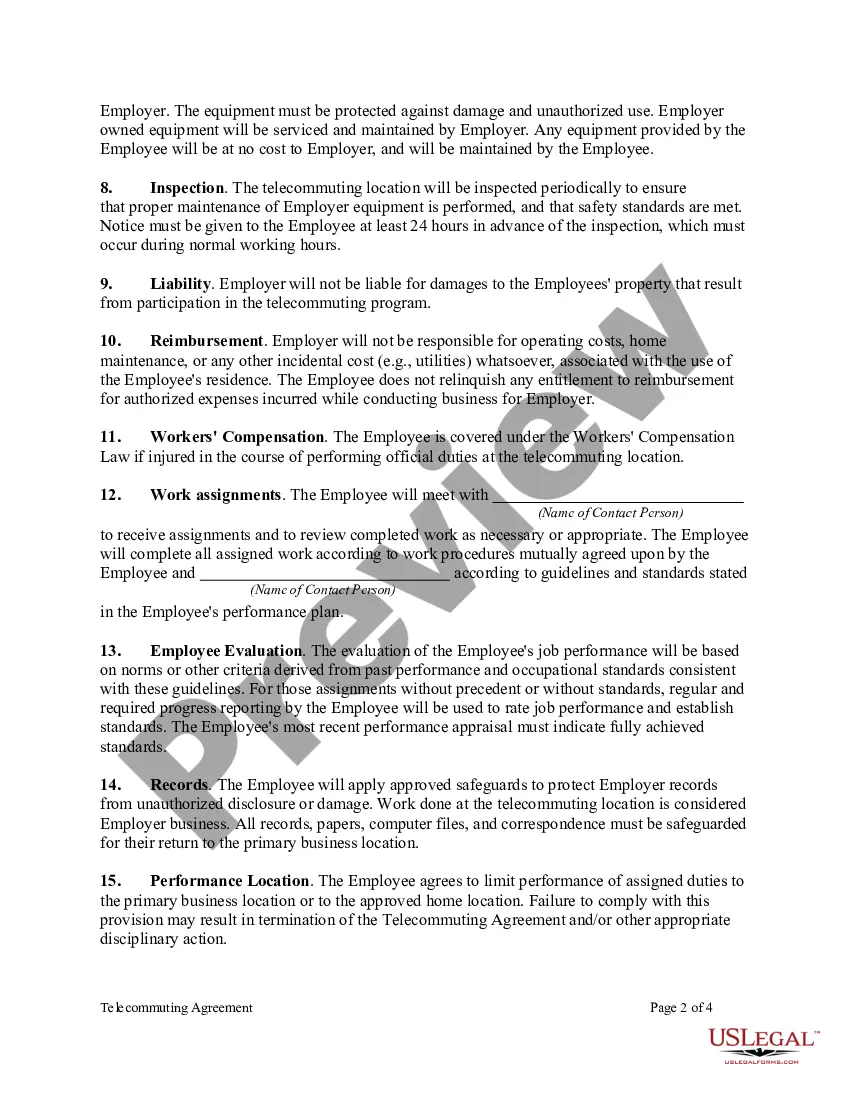
Free preview
  • Preview Telecommuting Agreement
  • Preview Telecommuting Agreement
  • Preview Telecommuting Agreement
  • Preview Telecommuting Agreement

Get your form ready online

Our built-in tools help you complete, sign, share, and store your documents in one place.

Built-in online Word editor

Make edits, fill in missing information, and update formatting in US Legal Forms—just like you would in MS Word.

Export easily

Download a copy, print it, send it by email, or mail it via USPS—whatever works best for your next step.

E-sign your document

Sign and collect signatures with our SignNow integration. Send to multiple recipients, set reminders, and more. Go Premium to unlock E-Sign.

Notarize online 24/7

If this form requires notarization, complete it online through a secure video call—no need to meet a notary in person or wait for an appointment.

Store your document securely

We protect your documents and personal data by following strict security and privacy standards.

Form selector

Make edits, fill in missing information, and update formatting in US Legal Forms—just like you would in MS Word.

Form selector

Download a copy, print it, send it by email, or mail it via USPS—whatever works best for your next step.

Form selector

Sign and collect signatures with our SignNow integration. Send to multiple recipients, set reminders, and more. Go Premium to unlock E-Sign.

Form selector

If this form requires notarization, complete it online through a secure video call—no need to meet a notary in person or wait for an appointment.

Form selector

We protect your documents and personal data by following strict security and privacy standards.

Looking for another form?

This field is required
Ohio
Select state

How to fill out Telecommuting Agreement?

How long does it typically take you to compose a legal document.

As each state has its laws and regulations pertaining to various life circumstances, finding a Mecklenburg Telecommuting Agreement that meets all local stipulations can be exhausting, and acquiring it from a professional attorney can frequently be costly.

Many online platforms provide the most sought-after state-specific templates for download, but utilizing the US Legal Forms database is the most advantageous.

Select the subscription plan that best fits your needs, register for an account on the site or Log In to proceed to payment methods. Payment can be made through PayPal or using a credit card. You may change the file format if necessary. Click Download to save the Mecklenburg Telecommuting Agreement. You can either print the template or employ any preferred online editor to complete it electronically. Regardless of how many times you need to utilize the acquired document, you can locate all the files you have ever downloaded in your account by accessing the My documents section. Give it a try!

  1. US Legal Forms constitutes the largest online repository of templates, categorized by states and areas of utilization.
  2. Alongside the Mecklenburg Telecommuting Agreement, you can discover any particular form to manage your business or personal matters, adhering to your county regulations.
  3. Professionals validate all samples for their legitimacy, ensuring you can prepare your documents accurately.
  4. Using the service is quite straightforward.
  5. If you already possess an account on the site and your subscription is current, you simply need to Log In, select the necessary form, and download it.
  6. You can access the document in your account at any later time.
  7. However, if you are new to the site, there will be a few additional steps to complete before you acquire your Mecklenburg Telecommuting Agreement.
  8. Review the content of the page you are currently on.
  9. Examine the description of the template or Preview it (if accessible).
  10. Look for another form using the corresponding option in the header.
  11. Click Buy Now once you are confident about the selected document.

Form popularity

FAQ

For most telecommuting jobs, you're going to need a well-functioning computer and a high-speed internet connection. While this sounds straightforward, there are a lot of little details that will need to be taken into consideration before you can apply or accept the position.

New to telecommuting? Here are 8 rules you should follow. Use company-issued equipment when possible.Be responsible with your home equipment.Always use the company portal to access the corporate servers.Use a Virtual Private Network (VPN) to log onto the internet.

The implementation of a telecommuting program requires the development of multiple communication channels. Companies must deliberately utilize all forms of communication available to ensure communication between local and remote workers. Stay flexible enough to vary the frequency of telecommuting for each employee.

Telecommuting allows employees to work at home, on the road or in a satellite location for all or part of their workweek. Company Name considers telecommuting to be a viable, flexible work option when both the employee and the job are suited to such an arrangement.

A remote work policy is a document that outlines all of the requirements for allowing employees to work from home. These policies explain who is allowed to work remotely, how they must do their jobs, how the organization is going to evaluate their jobs, and their legal rights as remote workers.

If you're having trouble getting started with your telecommuting policy, here's a list of things to include: Define which positions are eligible to work from home.Be specific about the policy.Create an effective power structure.Outline which tools your employees should use.Be open.

For most telecommuting jobs, you're going to need a well-functioning computer and a high-speed internet connection.

How to Create a Remote Work Policy Determine how employees will be expected to work and communicate at your organization.Provide the right tools for successful and secure work.Establish clear rules about working from home.Plan time for collaborating and socializing.

Tips For Employees Working From Home 1) Maintain your morning routine.2) Repurpose commute time for self-care.3) Dress for success.5) Designate a dedicated workspace.6) Take time to go outside.7) Conduct as many video meetings as possible.8) Set regular work hours.9) Don't watch TV.

Trusted and secure by over 3 million people of the world’s leading companies

Mecklenburg North Carolina Telecommuting Agreement