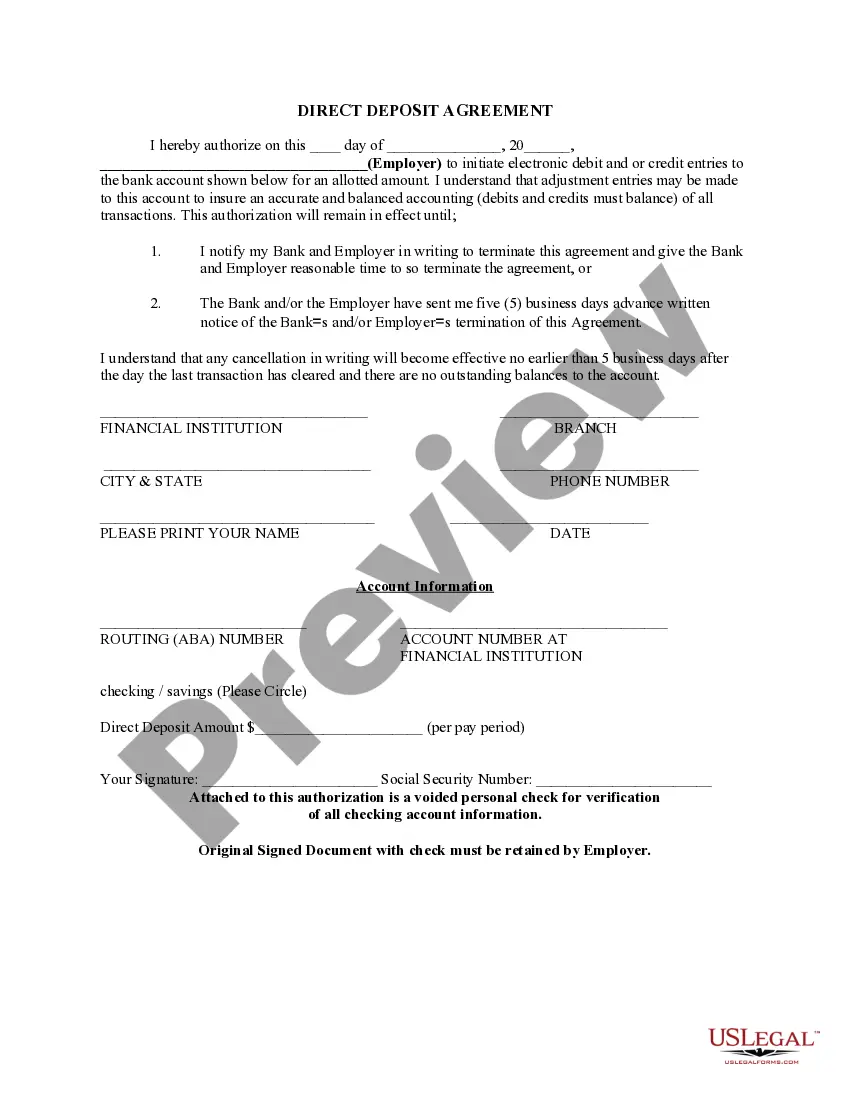
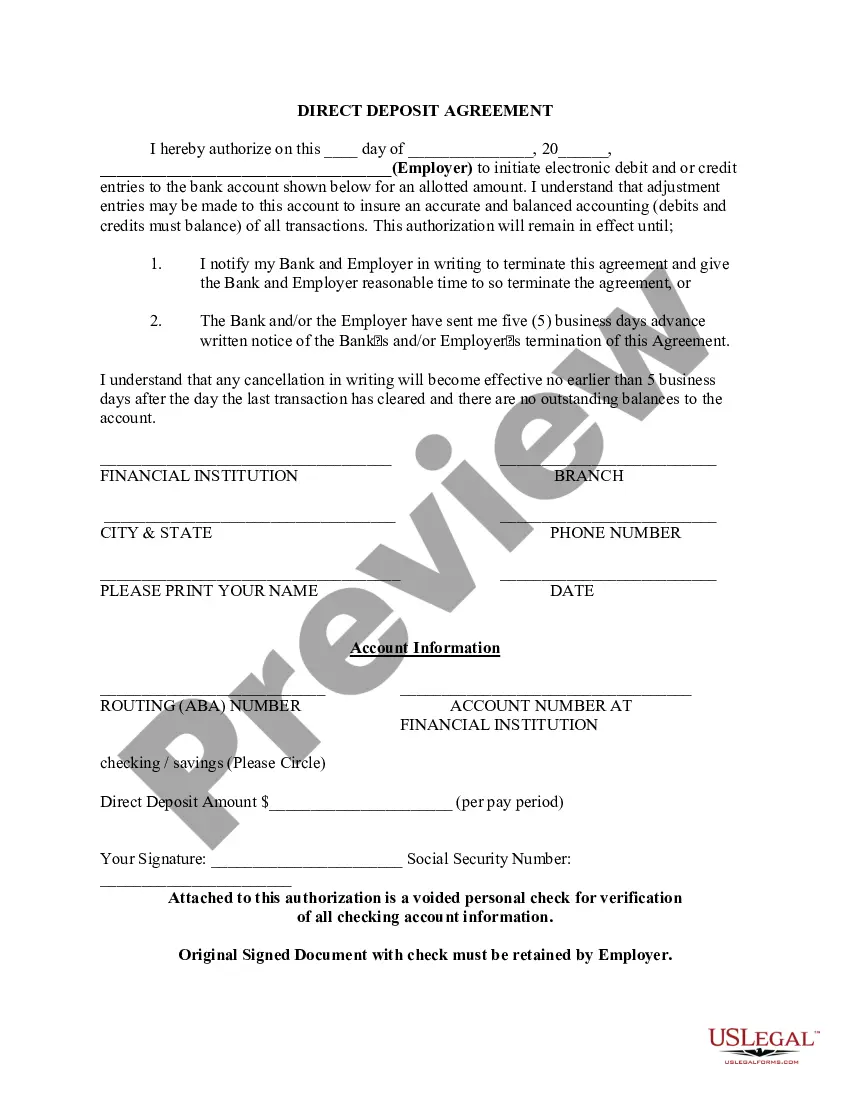
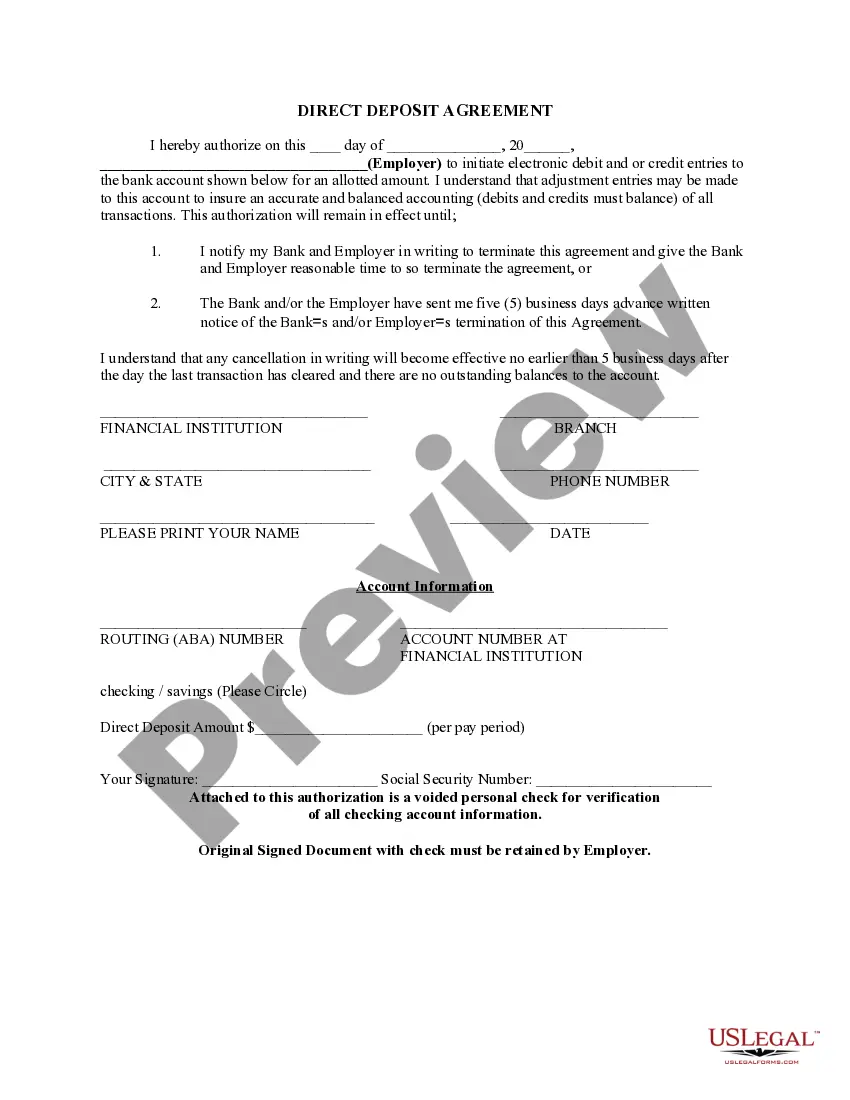
West Virginia Direct Deposit Form for Child Support
Description
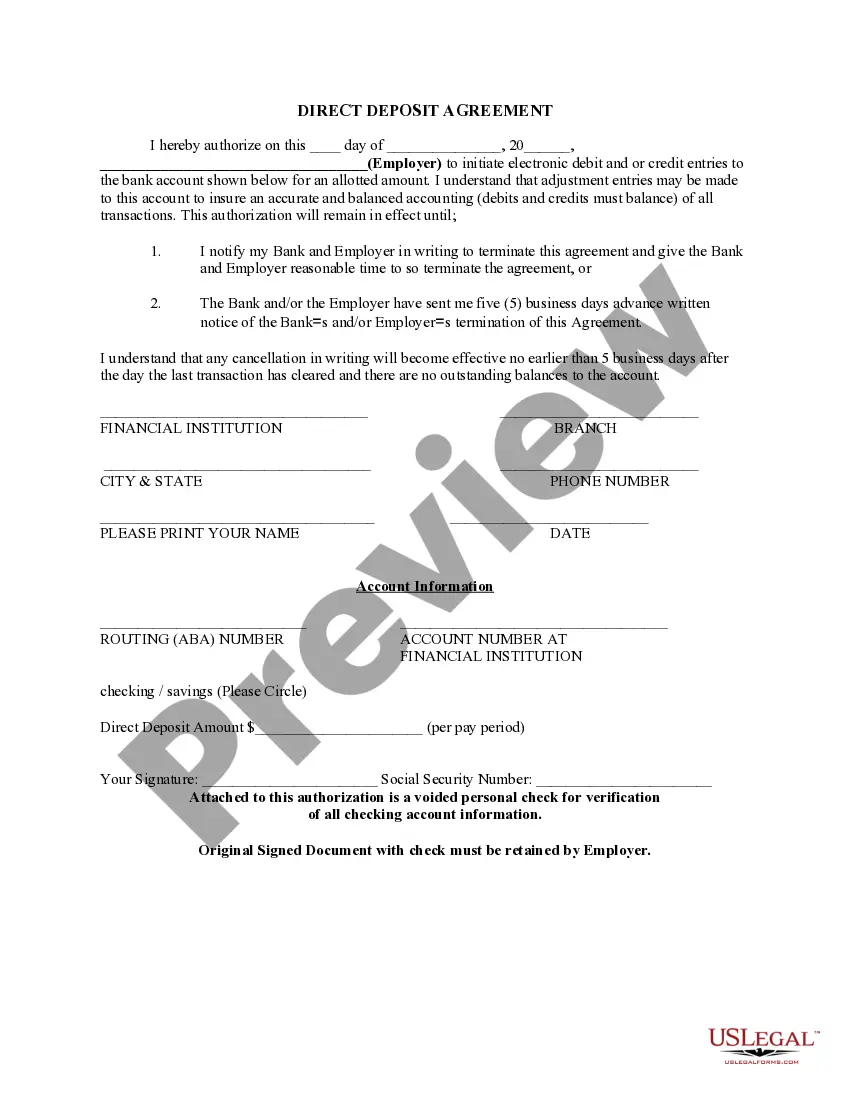


Get your form ready online
Our built-in tools help you complete, sign, share, and store your documents in one place.
Make edits, fill in missing information, and update formatting in US Legal Forms—just like you would in MS Word.
Download a copy, print it, send it by email, or mail it via USPS—whatever works best for your next step.
Sign and collect signatures with our SignNow integration. Send to multiple recipients, set reminders, and more. Go Premium to unlock E-Sign.
If this form requires notarization, complete it online through a secure video call—no need to meet a notary in person or wait for an appointment.
We protect your documents and personal data by following strict security and privacy standards.

Make edits, fill in missing information, and update formatting in US Legal Forms—just like you would in MS Word.

Download a copy, print it, send it by email, or mail it via USPS—whatever works best for your next step.

Sign and collect signatures with our SignNow integration. Send to multiple recipients, set reminders, and more. Go Premium to unlock E-Sign.

If this form requires notarization, complete it online through a secure video call—no need to meet a notary in person or wait for an appointment.

We protect your documents and personal data by following strict security and privacy standards.
Looking for another form?
How to fill out Direct Deposit Form For Child Support?
If you need to finalize, acquire, or print legal document templates, utilize US Legal Forms, the largest collection of legal forms available online.
Employ the site's straightforward and convenient search to locate the documents you require.
Various templates for business and personal purposes are organized by categories and regions, or keywords.
Step 4. Once you find the form you need, click on the Purchase now button. Choose the payment plan you prefer and enter your information to register for an account.
Step 5. Complete the transaction. You can use your Visa, MasterCard, or PayPal account to finalize the purchase.
- Utilize US Legal Forms to obtain the West Virginia Direct Deposit Form for Child Support in just a few clicks.
- If you are already a US Legal Forms user, Log In to your account and click on the Download option to retrieve the West Virginia Direct Deposit Form for Child Support.
- You can also find forms you have previously downloaded in the My documents section of your account.
- If you are using US Legal Forms for the first time, follow these steps.
- Step 1. Ensure you have chosen the form for the correct city/state.
- Step 2. Use the Preview option to review the content of the form. Don't forget to read the overview.
- Step 3. If you are dissatisfied with the form, use the Search field at the top of the page to find alternative versions of the legal form template.
Form popularity
FAQ
Account changes are limited to two changes per month. For questions about direct deposit, call the Child Support Payment Line at 651-431-4340 or 800-657-3512. For TTY service, call the Minnesota Relay Service at 711 or 800-627-3529 and ask them to call the Child Support Payment Line.
Funds will be automatically loaded to your BCSE Debit Card within 48 hours of receipt of the funds at the BCSE.
Failure by the obligor to pay the child support obligation can result in contempt actions and the obligor could be put in jail (depending on the circumstances and amount of arrears). If the child moves, the BCSE will assist with redirecting the child support to the new caretaker/obligee.
If the day of receipt of funds is not a business day for us or if the funds are received after the established cutoff time, funds will be available by the opening of our next business day. For this Card, every day is a business day except Saturdays, Sundays, and federal holidays.
If a custodial party chooses direct deposit, he/she must complete and return the Direct Deposit Authorization Form, State Form 51519, with all necessary documentation to the Indiana State Central Collection Unit (INSCCU).
To update your direct deposit information or the address on your paper checks, you can:Call us at 800-827-1000 (TTY: 711), or.Call us at 918-781-7550 (for international direct deposit updates), or.Go to your nearest VA regional office and change this information in person.
your account.WV BCSE.Direct Deposit will usually start within 20 days after we receive your authorization and voided check or savings withdrawal/deposit forms.You must notify us in writing.You must complete a new authorization form each.More items...
In most instances, the pay- ment will be received within 48 hours after BCSE applies the payment to your case. How do I sign up for Direct Deposit? When will my Direct Deposit start?