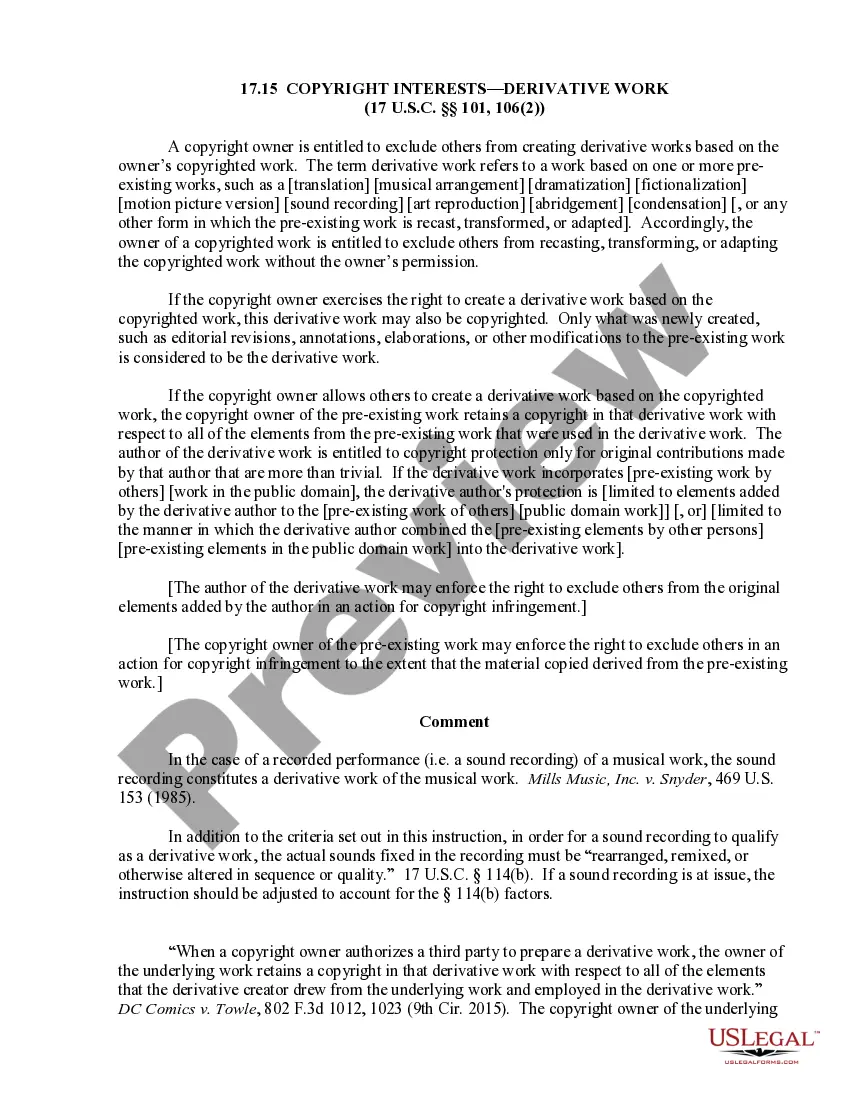
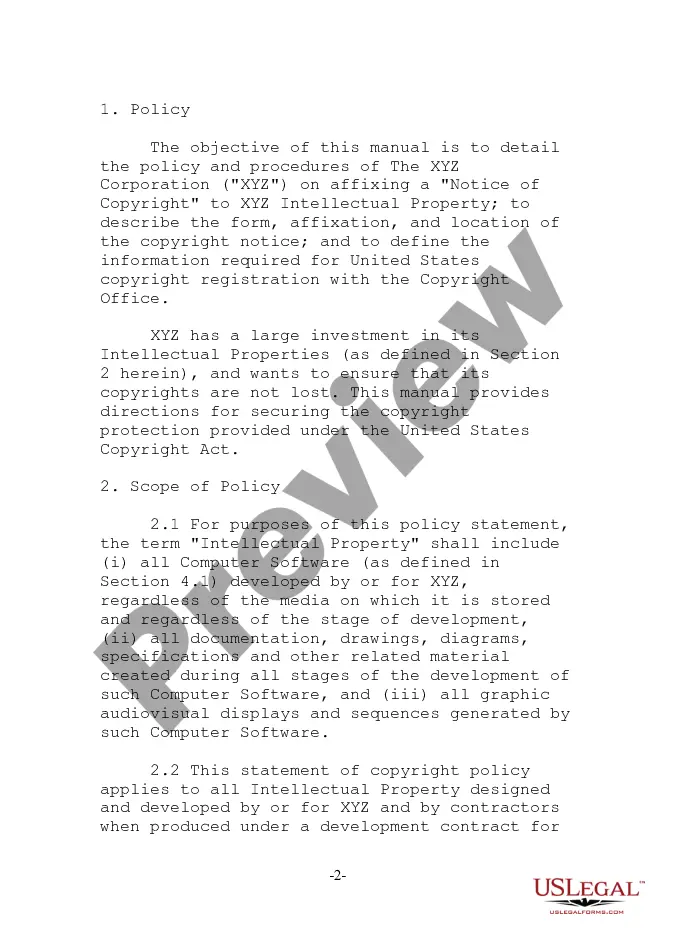
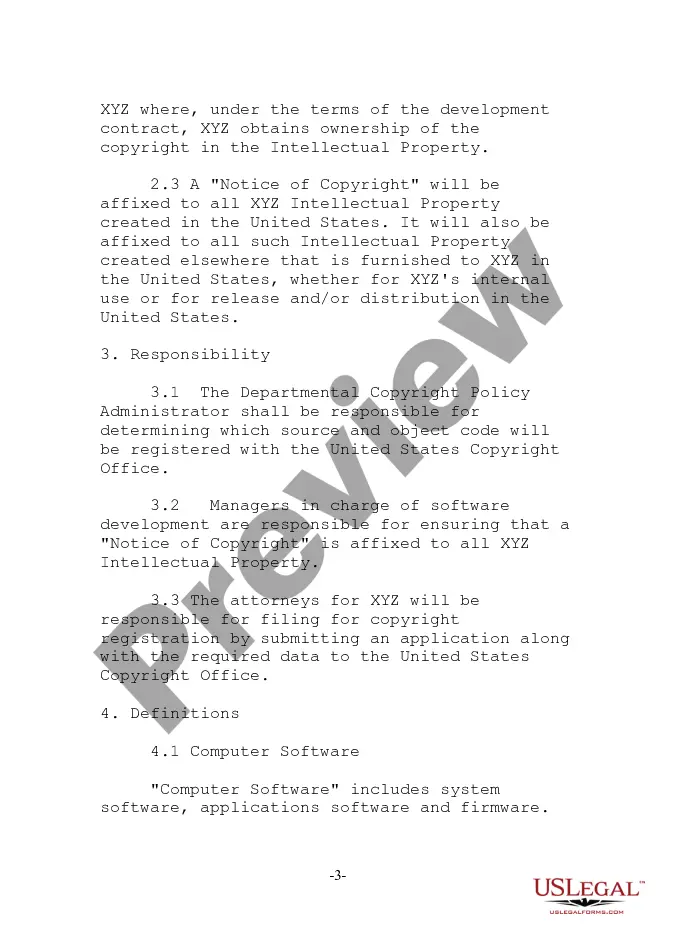
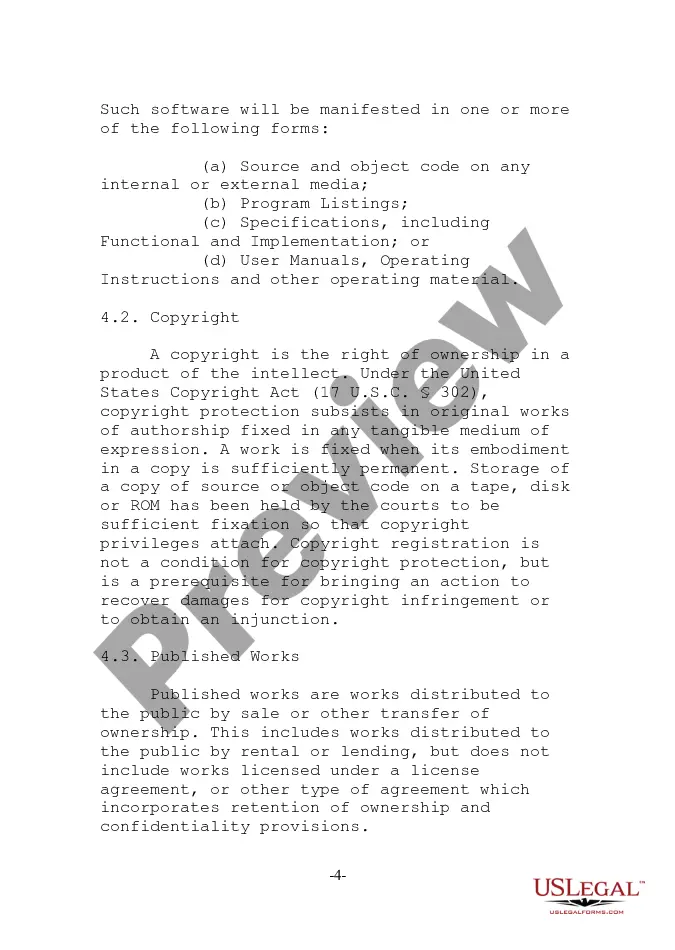
Wisconsin Copyright Policy
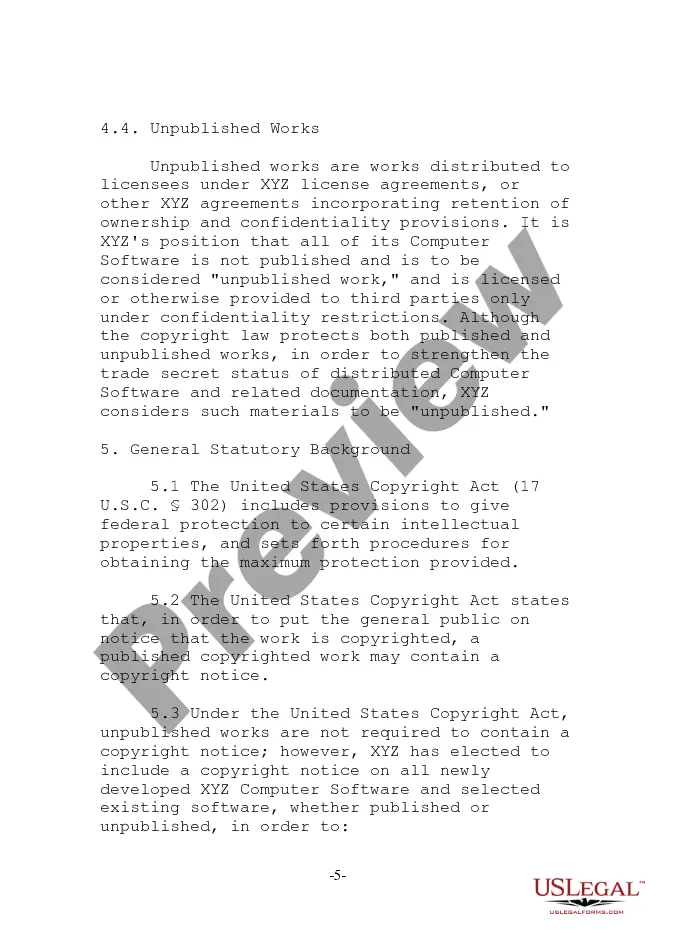
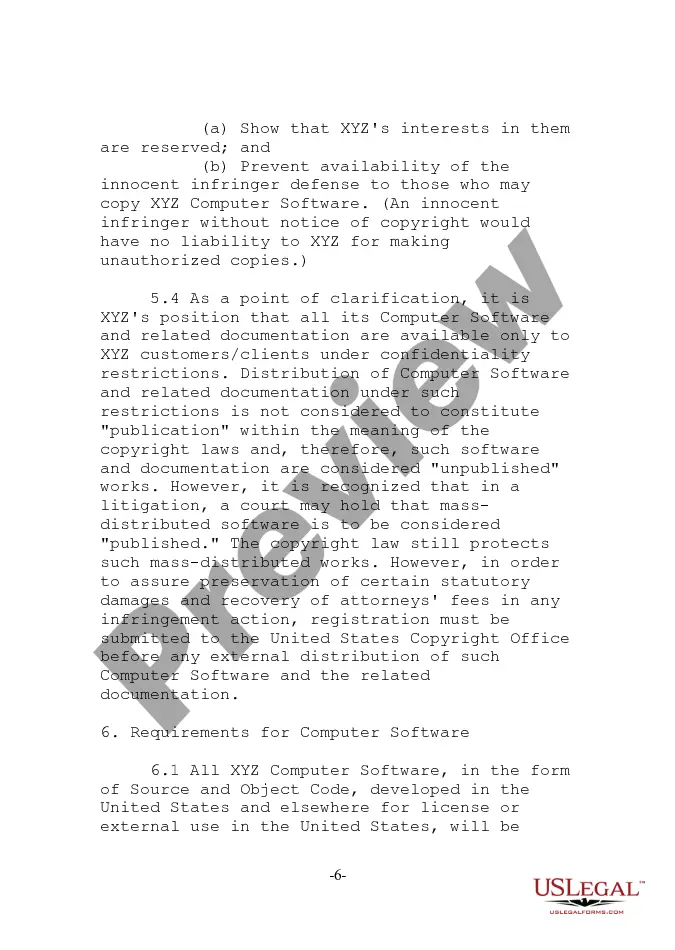
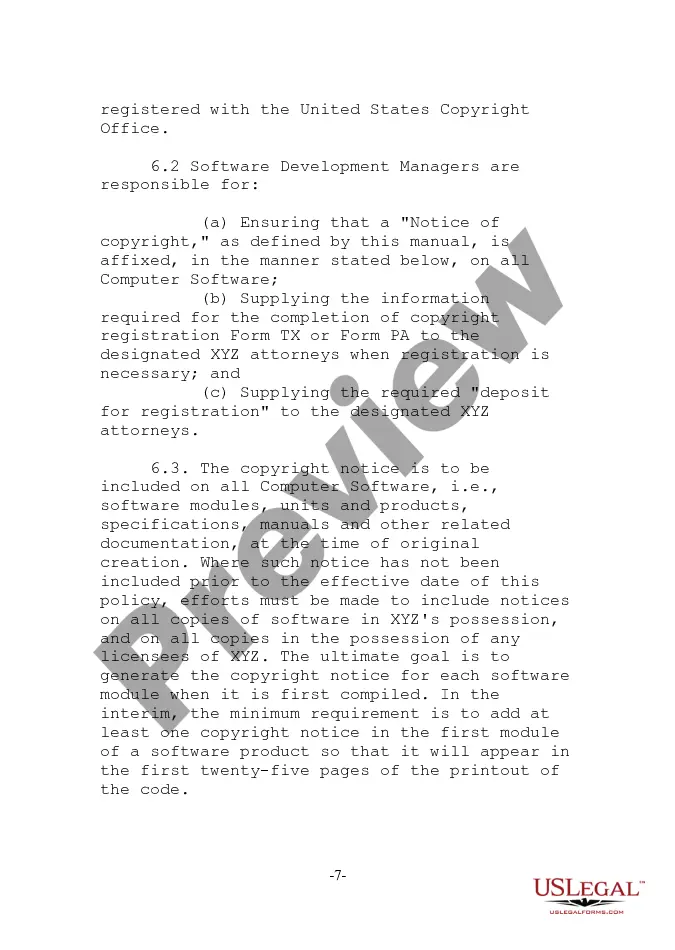
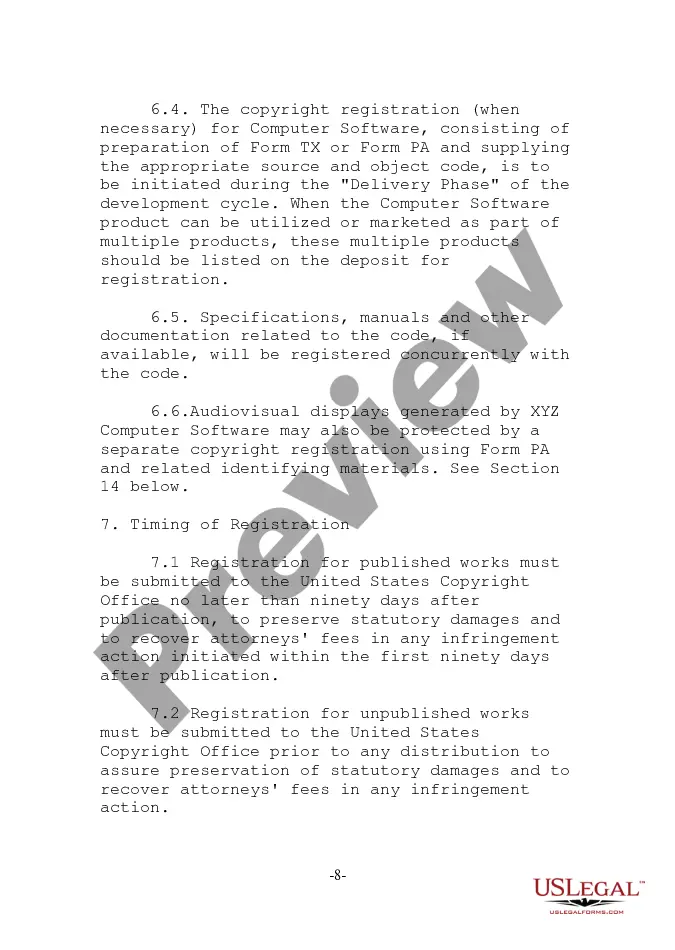
Description


Get your form ready online
Our built-in tools help you complete, sign, share, and store your documents in one place.
Make edits, fill in missing information, and update formatting in US Legal Forms—just like you would in MS Word.
Download a copy, print it, send it by email, or mail it via USPS—whatever works best for your next step.
Sign and collect signatures with our SignNow integration. Send to multiple recipients, set reminders, and more. Go Premium to unlock E-Sign.
If this form requires notarization, complete it online through a secure video call—no need to meet a notary in person or wait for an appointment.
We protect your documents and personal data by following strict security and privacy standards.

Make edits, fill in missing information, and update formatting in US Legal Forms—just like you would in MS Word.

Download a copy, print it, send it by email, or mail it via USPS—whatever works best for your next step.

Sign and collect signatures with our SignNow integration. Send to multiple recipients, set reminders, and more. Go Premium to unlock E-Sign.

If this form requires notarization, complete it online through a secure video call—no need to meet a notary in person or wait for an appointment.

We protect your documents and personal data by following strict security and privacy standards.
Looking for another form?




How to fill out Copyright Policy?
US Legal Forms - one of the largest libraries of legitimate kinds in the USA - offers a wide range of legitimate file themes you are able to down load or produce. While using internet site, you can get a large number of kinds for company and person functions, categorized by categories, suggests, or search phrases.You can find the most recent versions of kinds much like the Wisconsin Copyright Policy in seconds.
If you already have a subscription, log in and down load Wisconsin Copyright Policy from the US Legal Forms catalogue. The Obtain switch will show up on every single form you look at. You have access to all earlier acquired kinds within the My Forms tab of your respective accounts.
If you wish to use US Legal Forms initially, allow me to share basic instructions to help you get started off:
- Ensure you have selected the proper form for your personal city/area. Click the Review switch to check the form`s information. Read the form outline to actually have chosen the right form.
- When the form does not suit your needs, use the Look for discipline on top of the display screen to obtain the one which does.
- In case you are content with the form, confirm your selection by clicking on the Acquire now switch. Then, pick the pricing strategy you favor and offer your accreditations to sign up to have an accounts.
- Method the deal. Make use of your credit card or PayPal accounts to complete the deal.
- Select the file format and down load the form on your gadget.
- Make changes. Fill out, edit and produce and signal the acquired Wisconsin Copyright Policy.
Each and every template you put into your account does not have an expiry time and is yours for a long time. So, if you wish to down load or produce an additional duplicate, just visit the My Forms segment and then click about the form you will need.
Obtain access to the Wisconsin Copyright Policy with US Legal Forms, by far the most substantial catalogue of legitimate file themes. Use a large number of skilled and state-specific themes that meet your business or person requires and needs.
Form popularity
FAQ
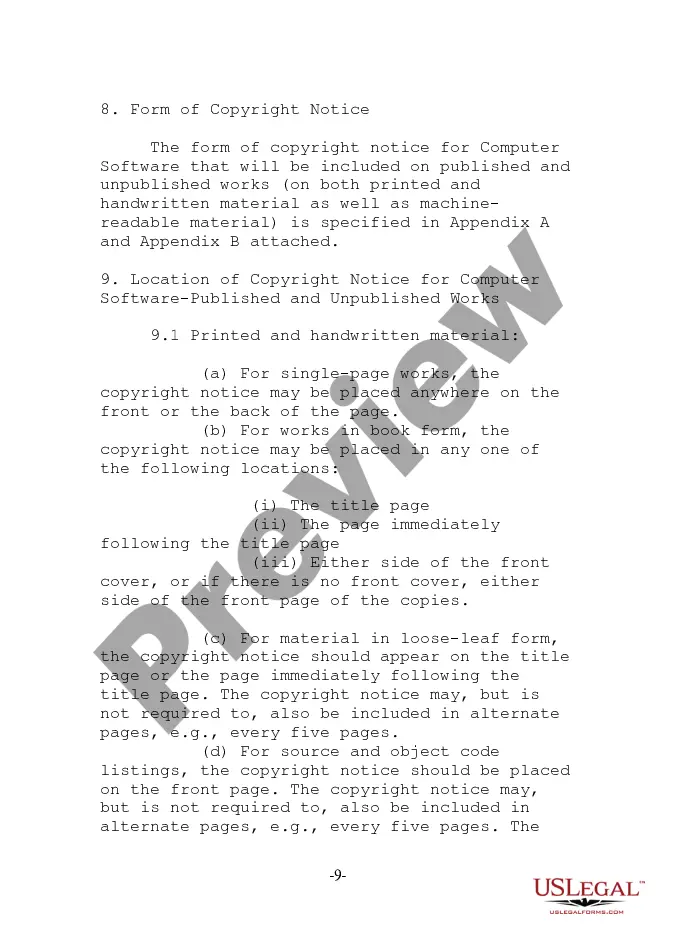
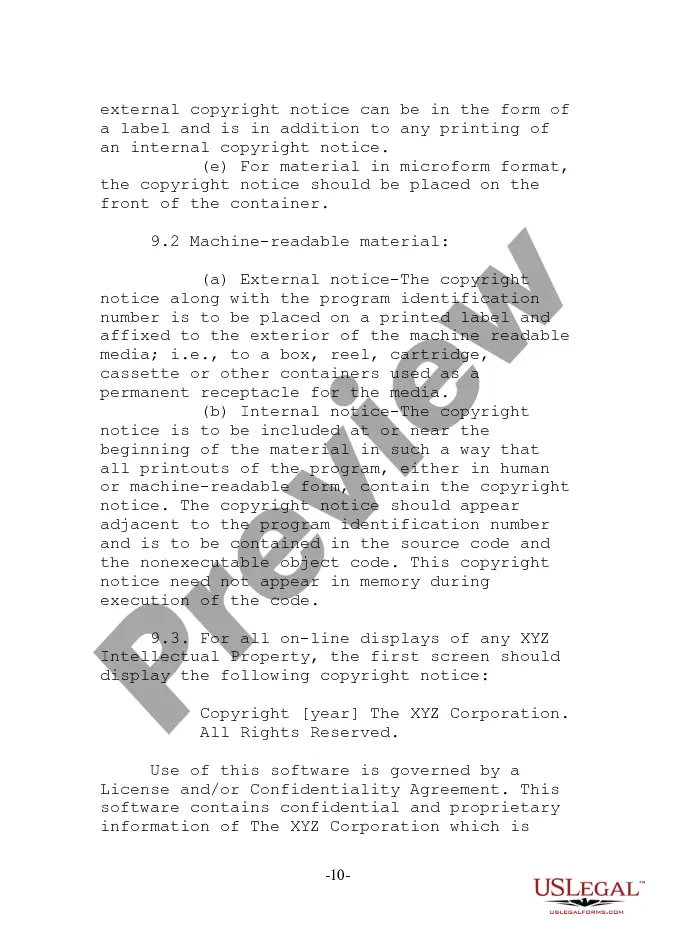
This means that where you should place your copyright notice will change depending on what type of material or format you're putting your notice on. For example, a website should have a notice on the bottom of every page, while a book should have just one notice, most likely at the beginning of the book.
To register a claim to copyright with the U.S. Copyright Office, the claimant must: (1) submit a properly completed application; (2) pay a nonrefundable fee; and (3) deposit the required number of copies of the works to be registered.
You can place the copyright symbol on any original piece of work you have created. However, it is important to note that adding the copyright symbol does not enhance your work's protection in any way. You are merely making a statement that you claim to own the copyright.
In books or multiple pages, copyright notices are usually placed on: The title page. The back of the title page. The first page following the title page. The last page after the main content. The back page.
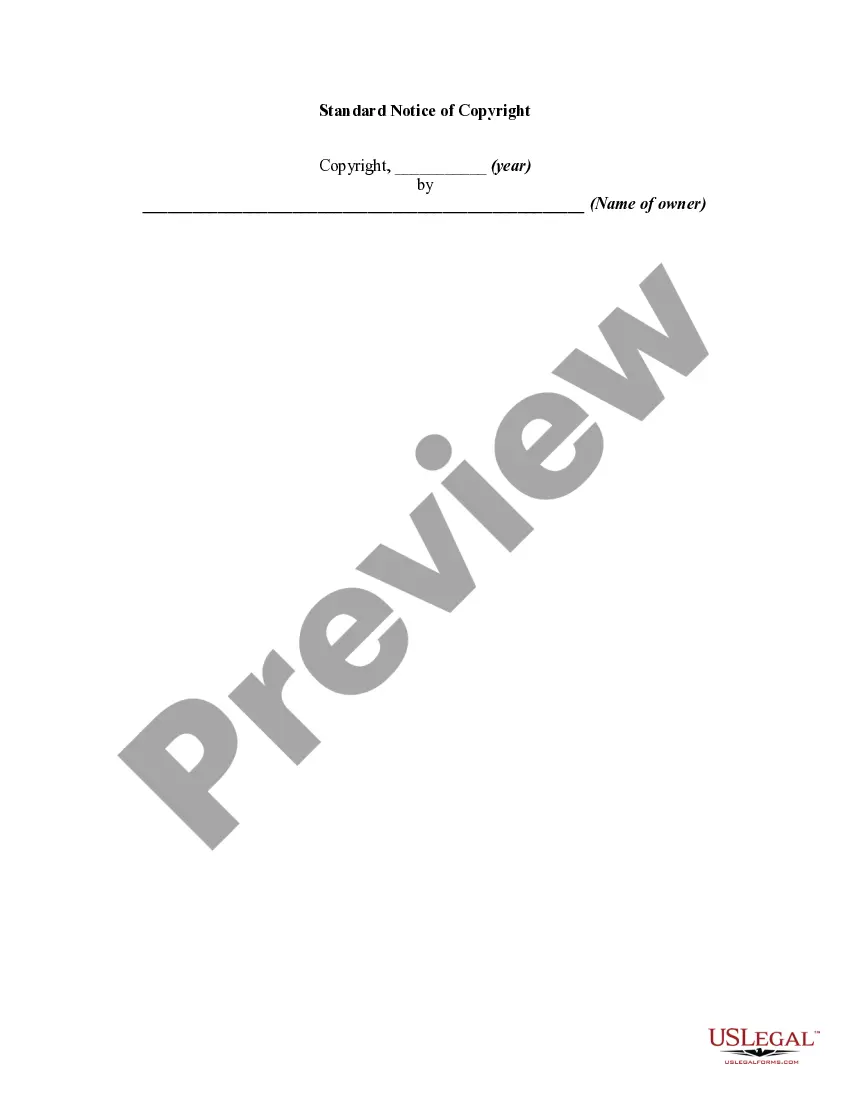
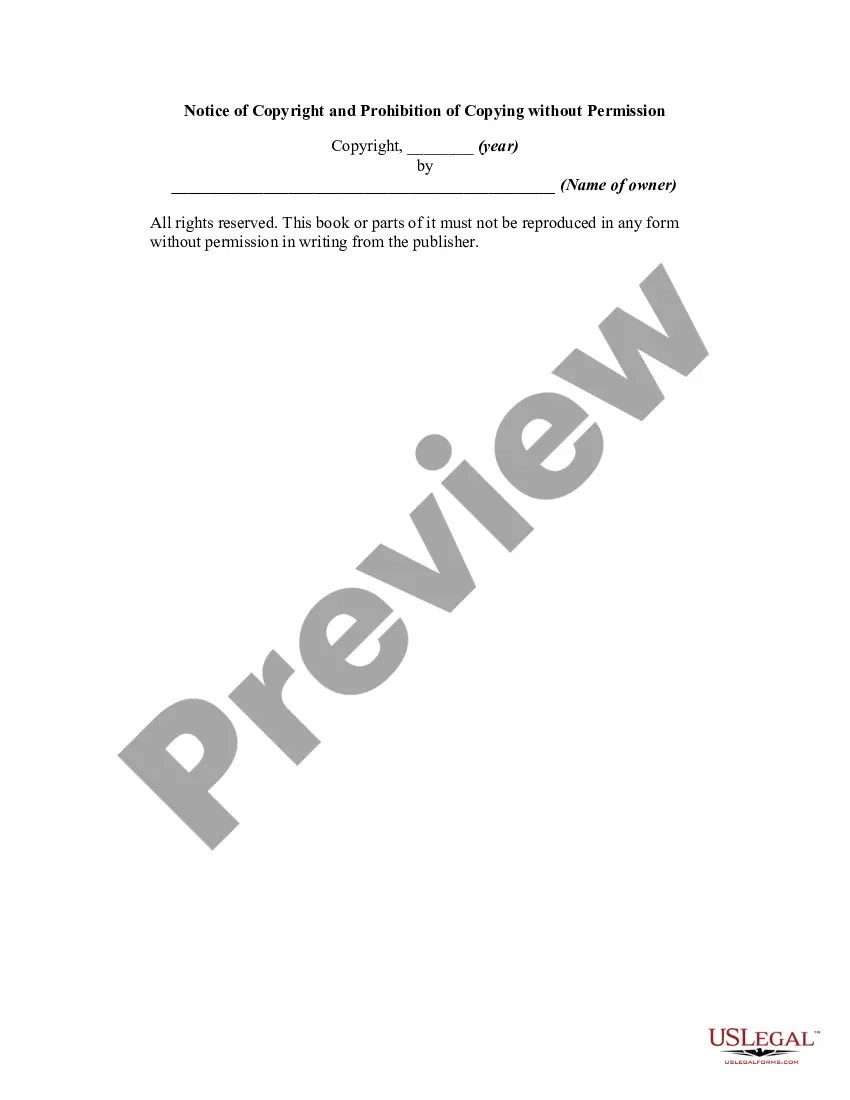
There are only four simple components you need to include: The copyright symbol © or the word ?copyright? The name of the copyright owner or author of the work. The year the content was published, which can be different from the year of creation. Your statement of the rights you're reserving over the materials.
The copyright notice generally consists of three elements: The symbol © (the letter C in a circle), or the word "Copyright" or the abbreviation "Copr."; The year of first publication of the work; and. The name of the owner of copyright in the work.
There are only four simple components you need to include: The copyright symbol © or the word ?copyright? The name of the copyright owner or author of the work. The year the content was published, which can be different from the year of creation.
How do I write a copyright notice for my website? The word 'copyright' or the © symbol. A date e.g. 2020. The author's name (the name of an individual (that could be you), multiple individuals, an organization, business, or corporate name). ... A statement of rights (All Rights Reserved / No Rights Reserved*)