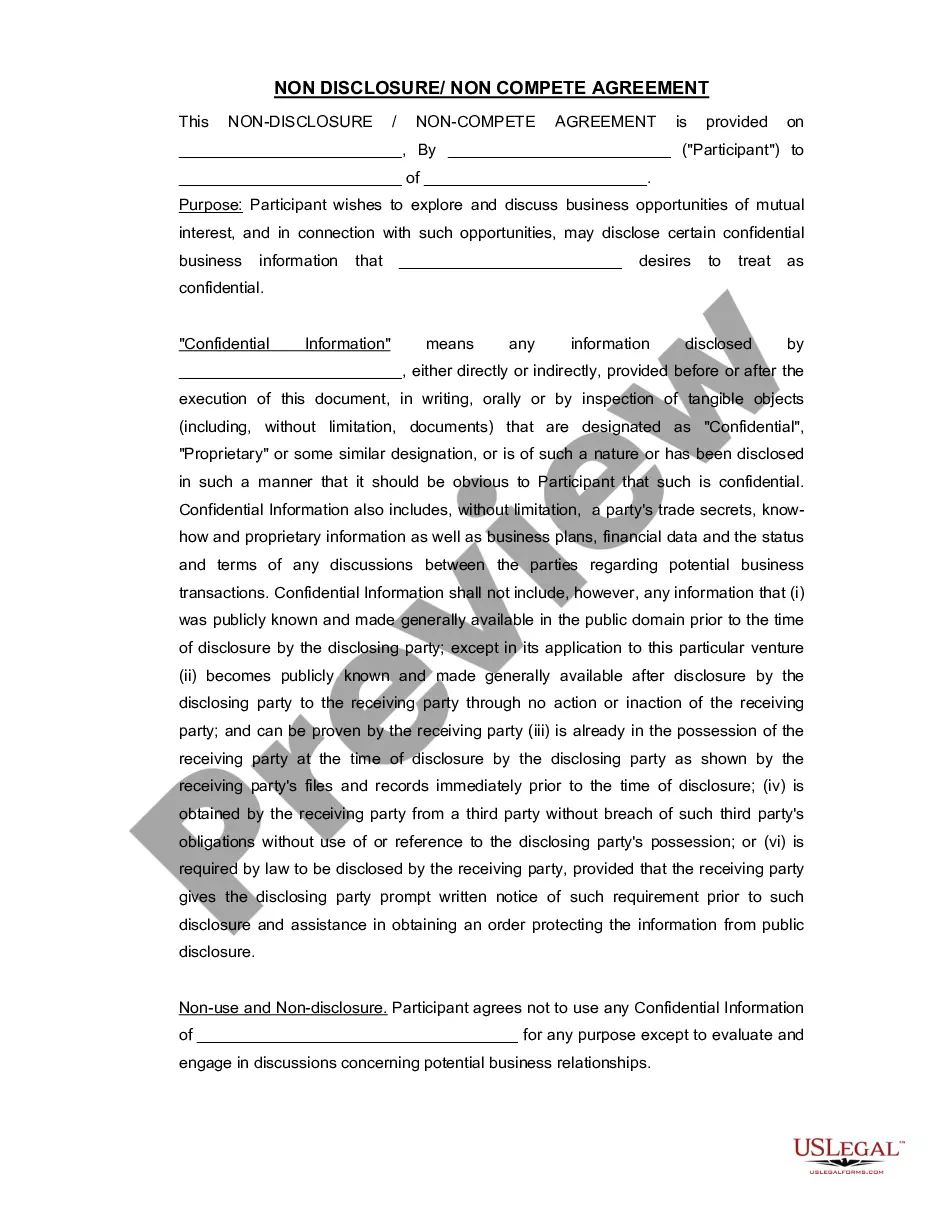
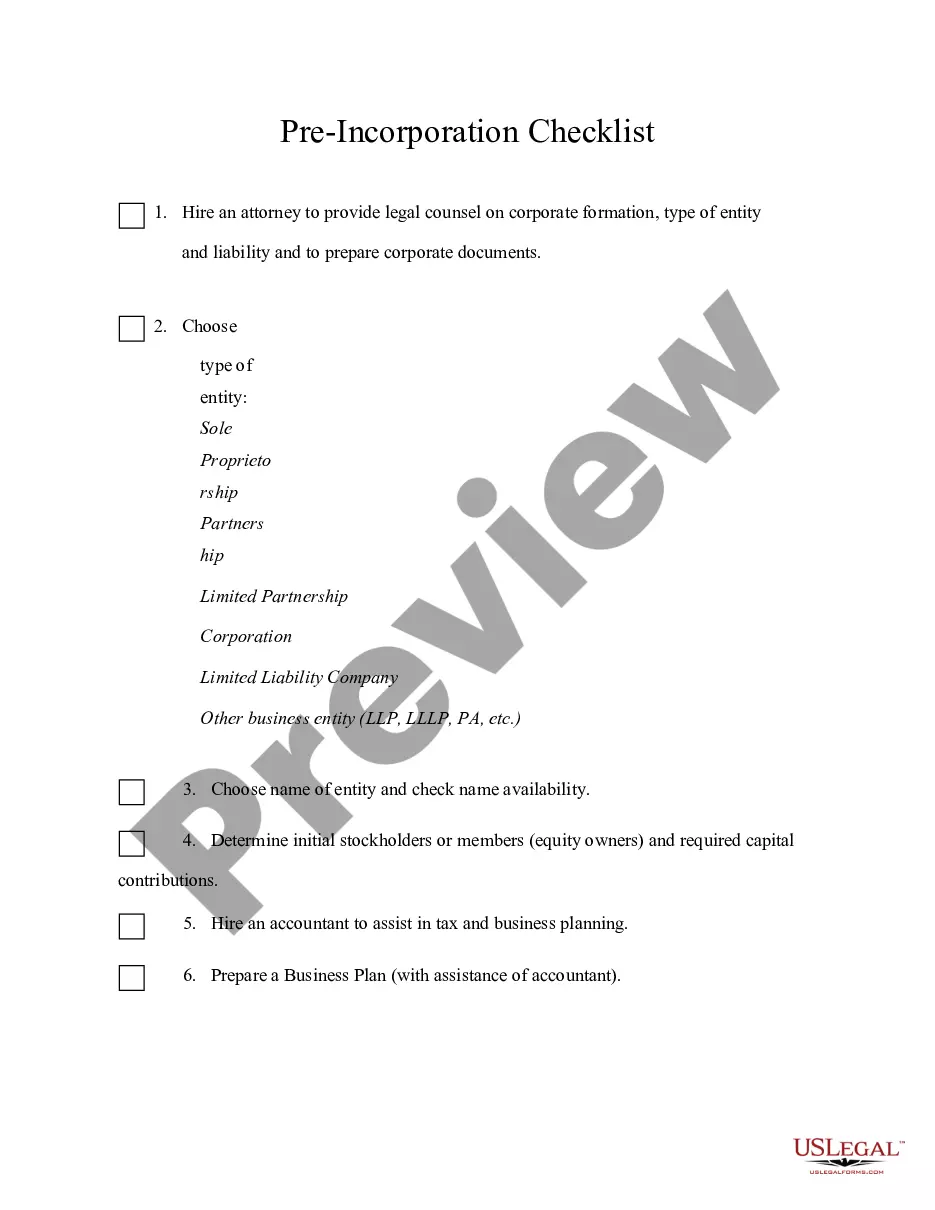
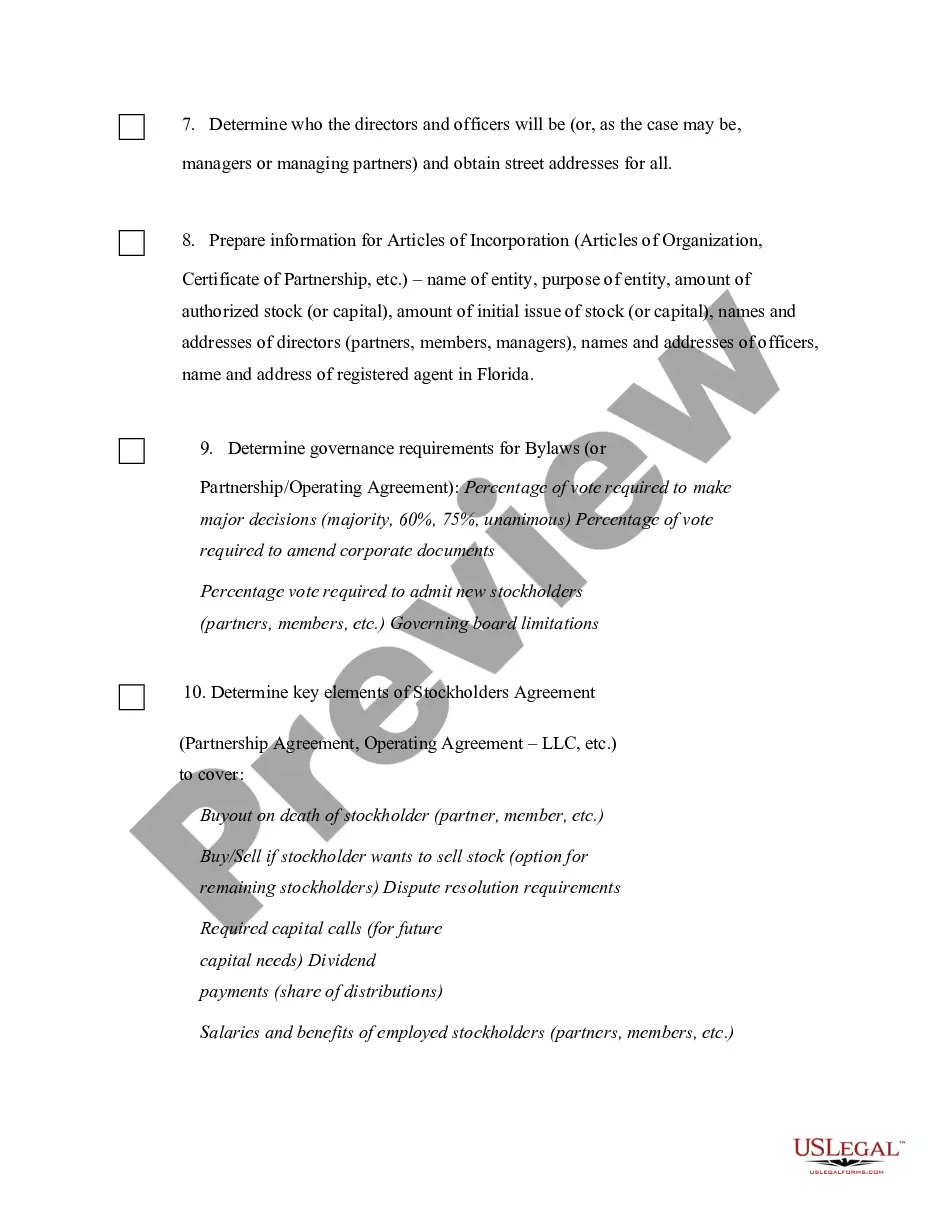
Wisconsin Pre-Incorp Checklist
Description


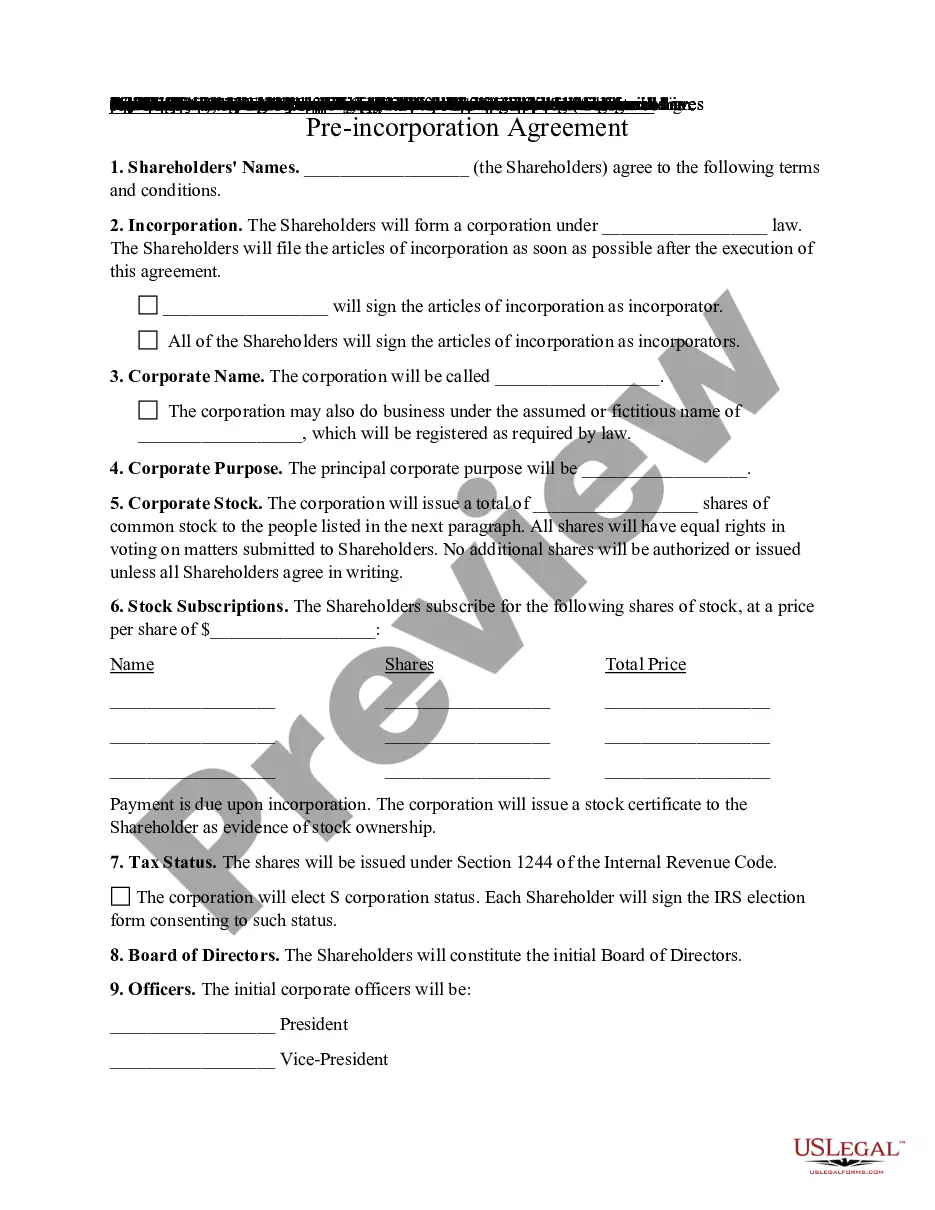

Get your form ready online
Our built-in tools help you complete, sign, share, and store your documents in one place.
Make edits, fill in missing information, and update formatting in US Legal Forms—just like you would in MS Word.
Download a copy, print it, send it by email, or mail it via USPS—whatever works best for your next step.
Sign and collect signatures with our SignNow integration. Send to multiple recipients, set reminders, and more. Go Premium to unlock E-Sign.
If this form requires notarization, complete it online through a secure video call—no need to meet a notary in person or wait for an appointment.
We protect your documents and personal data by following strict security and privacy standards.

Make edits, fill in missing information, and update formatting in US Legal Forms—just like you would in MS Word.

Download a copy, print it, send it by email, or mail it via USPS—whatever works best for your next step.

Sign and collect signatures with our SignNow integration. Send to multiple recipients, set reminders, and more. Go Premium to unlock E-Sign.

If this form requires notarization, complete it online through a secure video call—no need to meet a notary in person or wait for an appointment.

We protect your documents and personal data by following strict security and privacy standards.
Looking for another form?



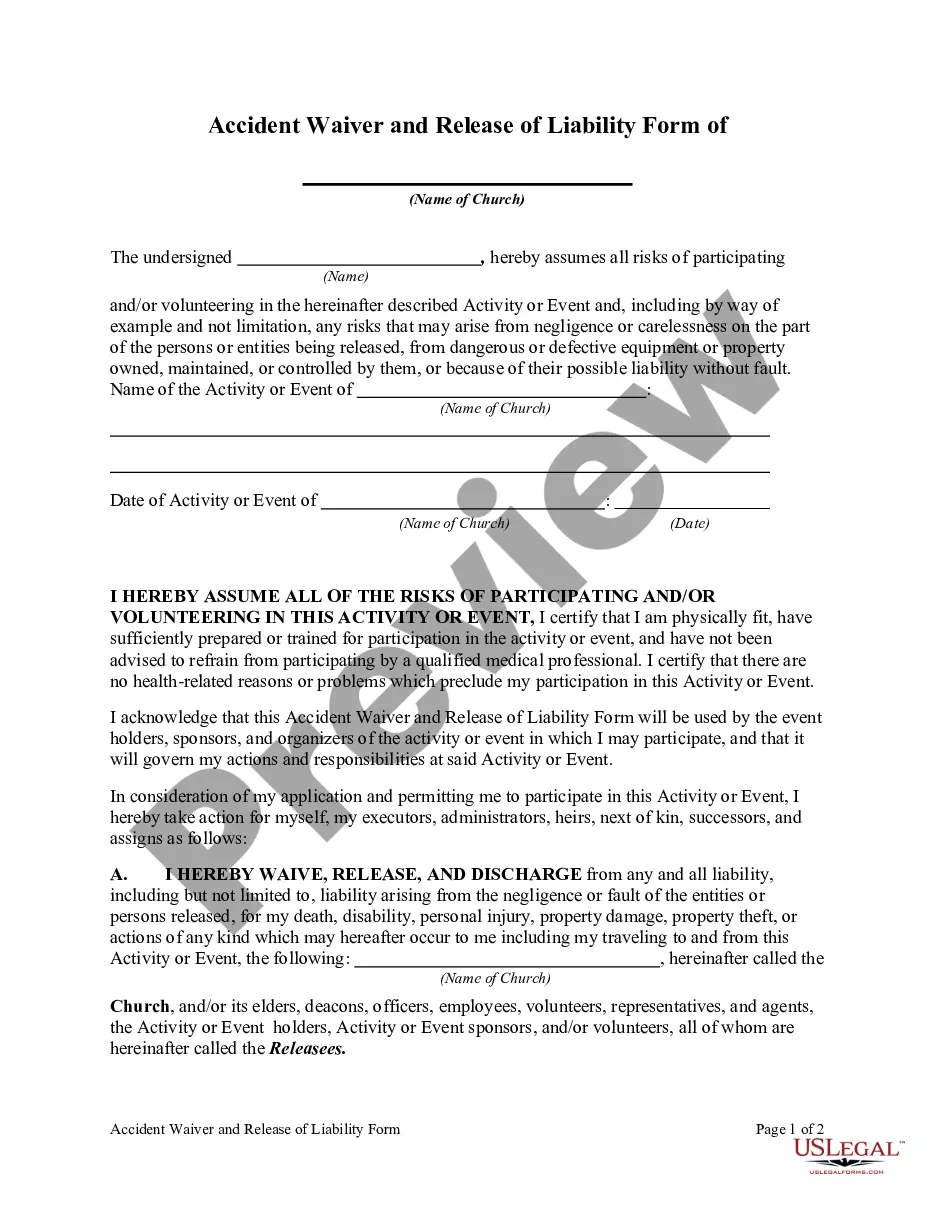





How to fill out Pre-Incorp Checklist?
Choosing the best legitimate file design might be a battle. Of course, there are a lot of web templates available online, but how do you obtain the legitimate develop you will need? Make use of the US Legal Forms website. The services provides a large number of web templates, like the Wisconsin Pre-Incorp Checklist, that you can use for company and private needs. All the forms are checked out by specialists and satisfy state and federal requirements.
If you are presently registered, log in to your accounts and click the Download button to have the Wisconsin Pre-Incorp Checklist. Utilize your accounts to look throughout the legitimate forms you possess ordered formerly. Visit the My Forms tab of the accounts and have yet another backup of the file you will need.
If you are a fresh user of US Legal Forms, listed below are easy recommendations so that you can follow:
- Initially, make certain you have selected the right develop for your personal area/region. You can look over the shape while using Review button and read the shape information to ensure this is basically the best for you.
- In case the develop will not satisfy your requirements, take advantage of the Seach field to find the proper develop.
- When you are sure that the shape is suitable, click the Buy now button to have the develop.
- Select the costs program you desire and type in the essential information and facts. Design your accounts and pay for the order making use of your PayPal accounts or bank card.
- Opt for the file file format and download the legitimate file design to your system.
- Full, revise and print out and sign the acquired Wisconsin Pre-Incorp Checklist.
US Legal Forms is definitely the greatest collection of legitimate forms where you can find a variety of file web templates. Make use of the service to download expertly-created paperwork that follow condition requirements.
Form popularity
FAQ
Form a Wisconsin Corporation: Name Your Corporation. Designate a Registered Agent. Submit Articles of Incorporation. Get an EIN. Write Corporate Bylaws. Hold an Organizational Meeting. Open a Corporate Business Account. File Wisconsin Reports & Taxes.
But for the most part, a company must: File articles of incorporation with the state. Pay a filing fee. Issue stock certificates to the initial shareholders. Elect a board of directors. Institute bylaws.
Every state has slightly different requirements for forming a corporation but, in general, you'll want to follow these steps. Choose a Name for Your Corporation. ... Appoint Initial Directors. ... File Articles of Incorporation. ... Draft Corporate Bylaws. ... Hold the First Board of Directors' Meeting. ... Issue Stock.
Steps to forming a corporation Select a state of incorporation. ... Choose a business name. ... File incorporation paperwork. ... Appoint a registered agent. ... Prepare corporate bylaws. ... Draft a shareholders' agreement. ... Hold the first board meeting. ... Get an EIN.
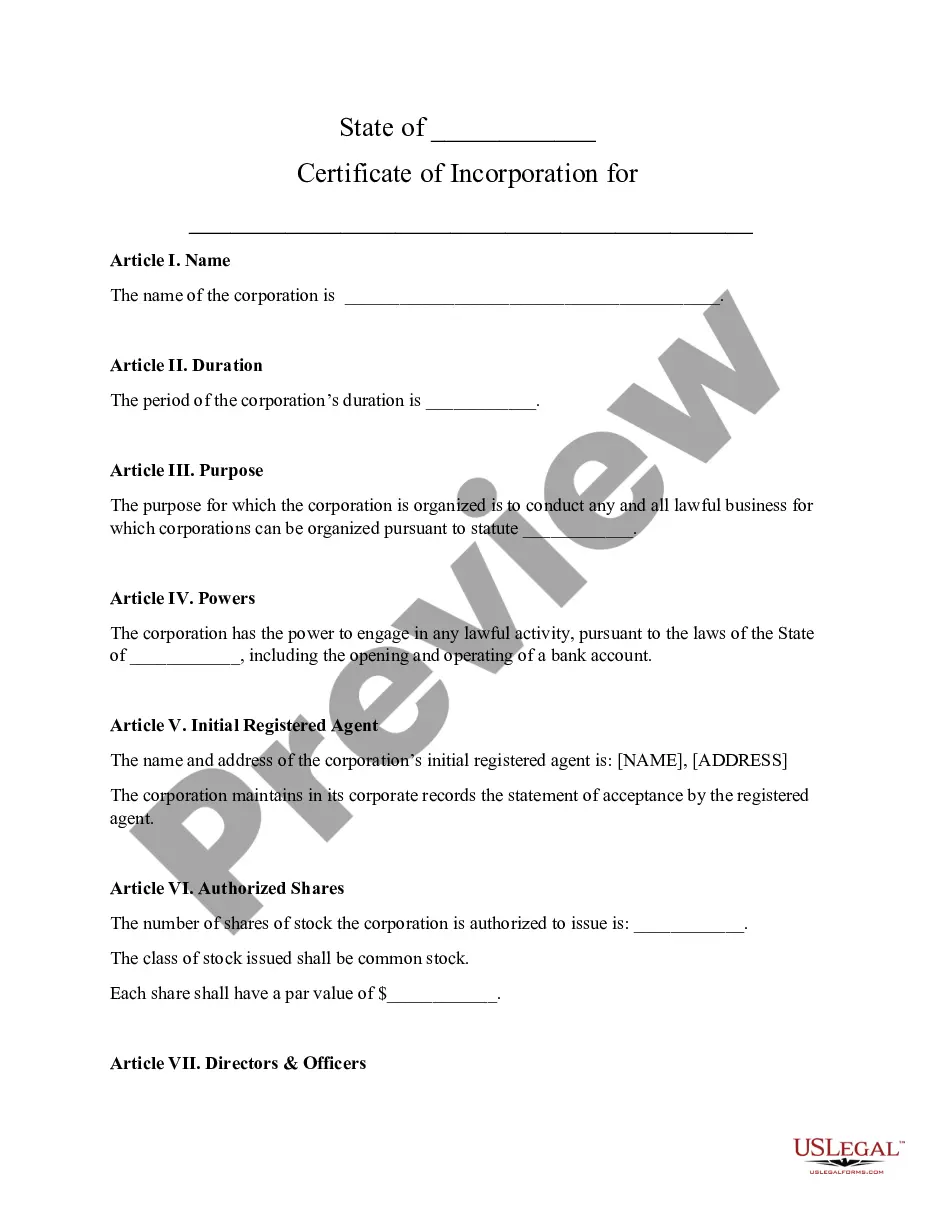
To start a corporation in Wisconsin, you'll need to do three things: choose a name for the business, appoint a registered agent, and file Articles of Incorporation with the Wisconsin Department of Financial Institutions. You can file this document online or by mail. The articles cost of $100 to file.