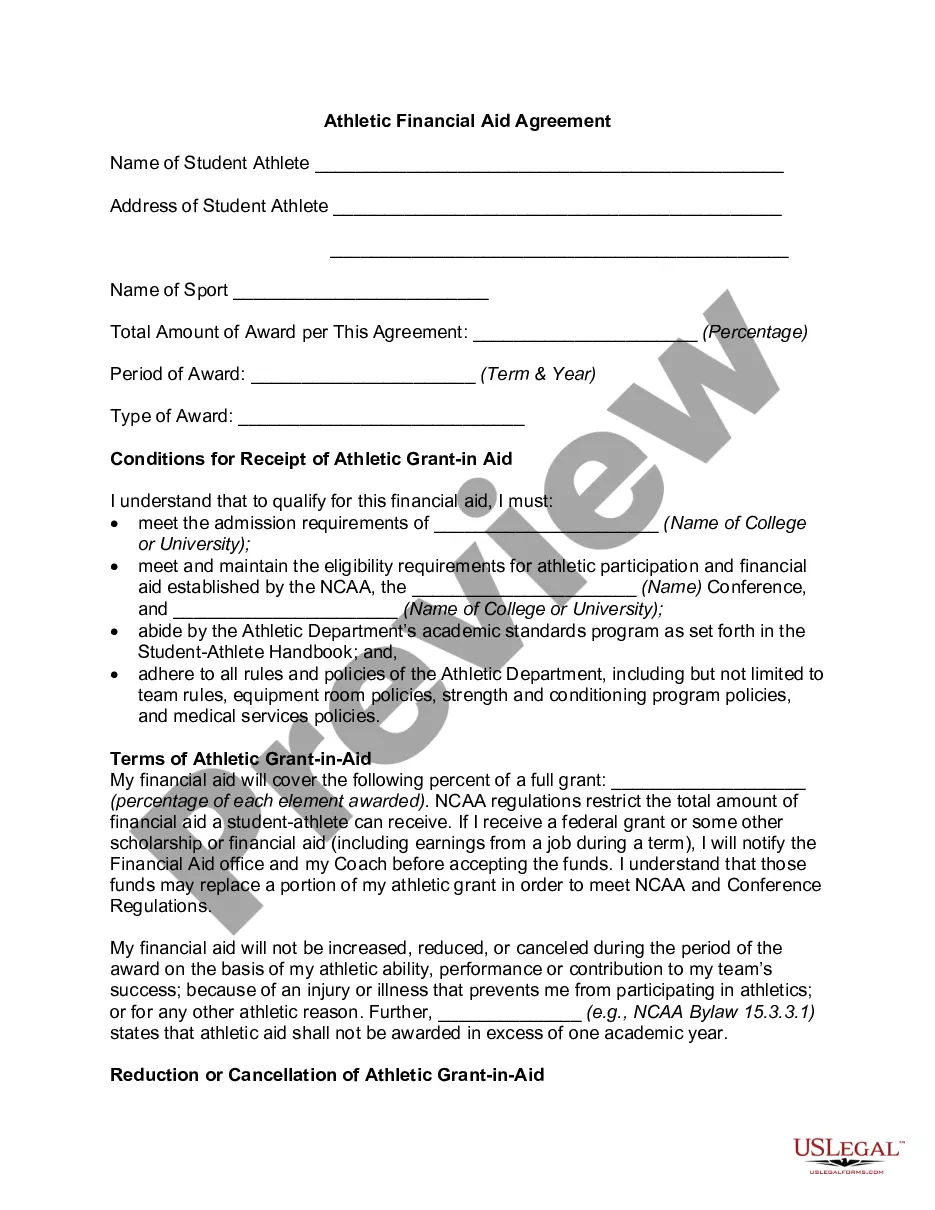
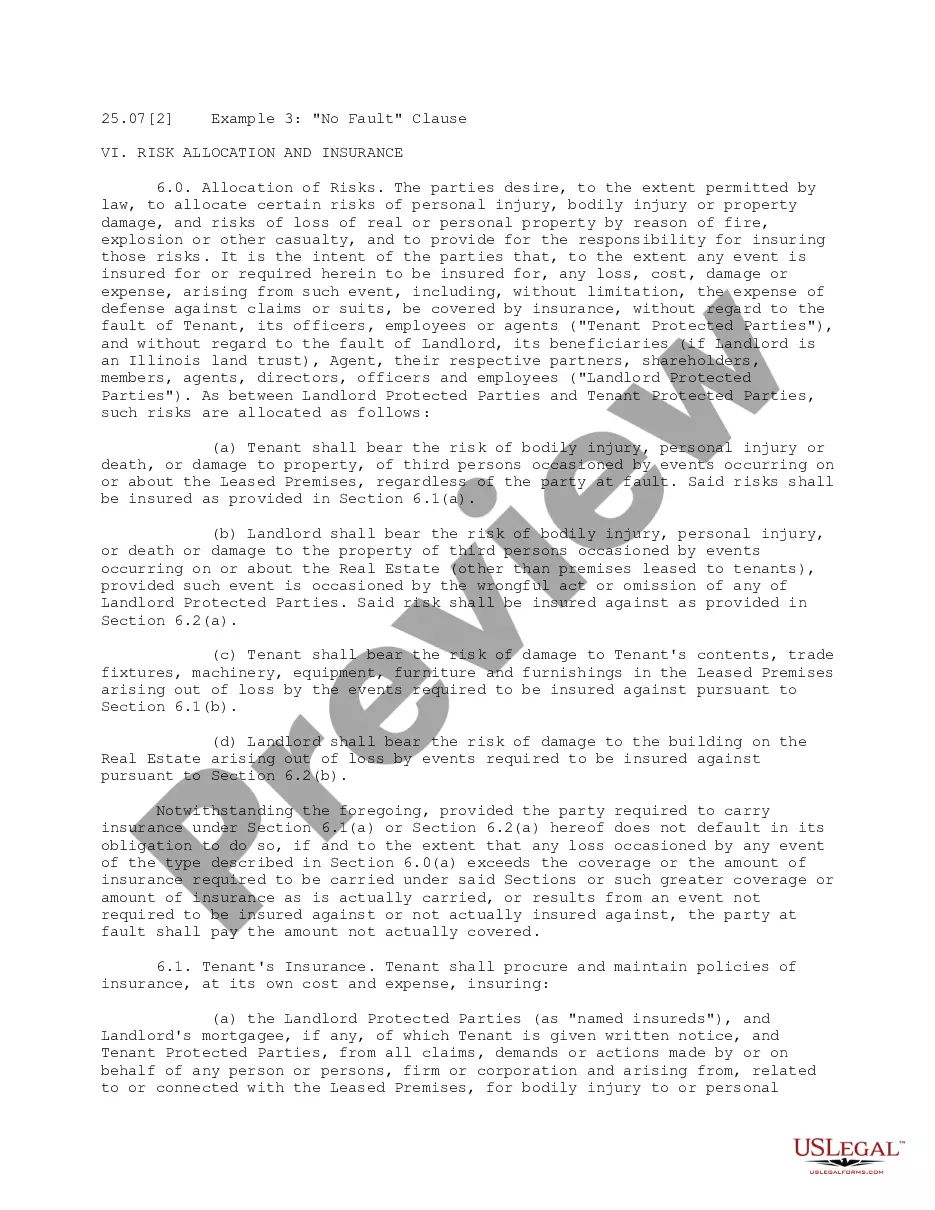
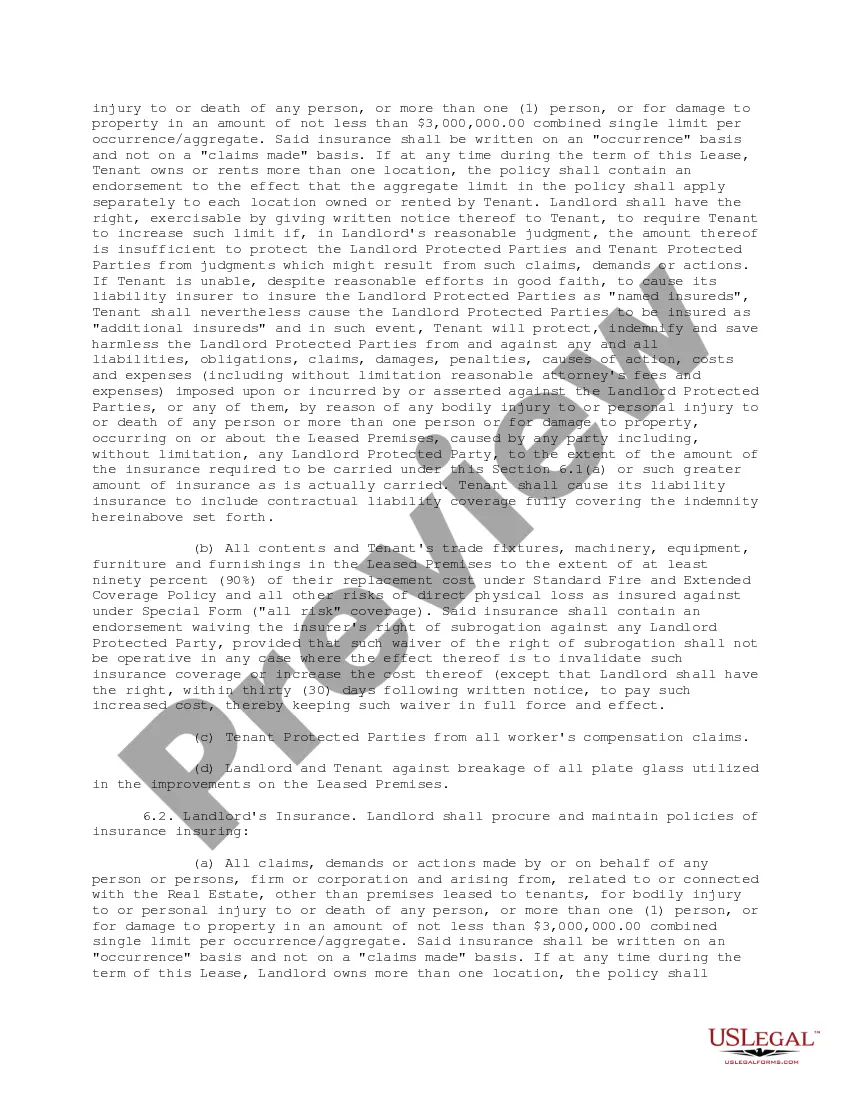
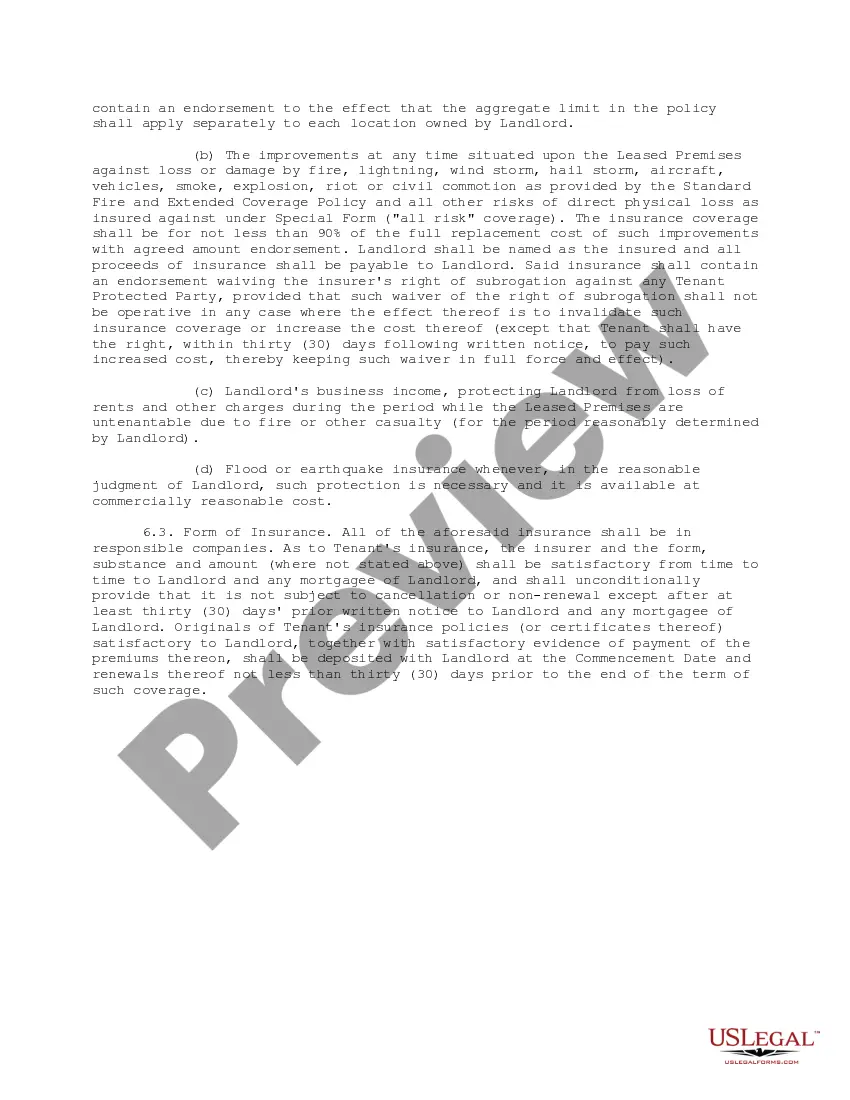
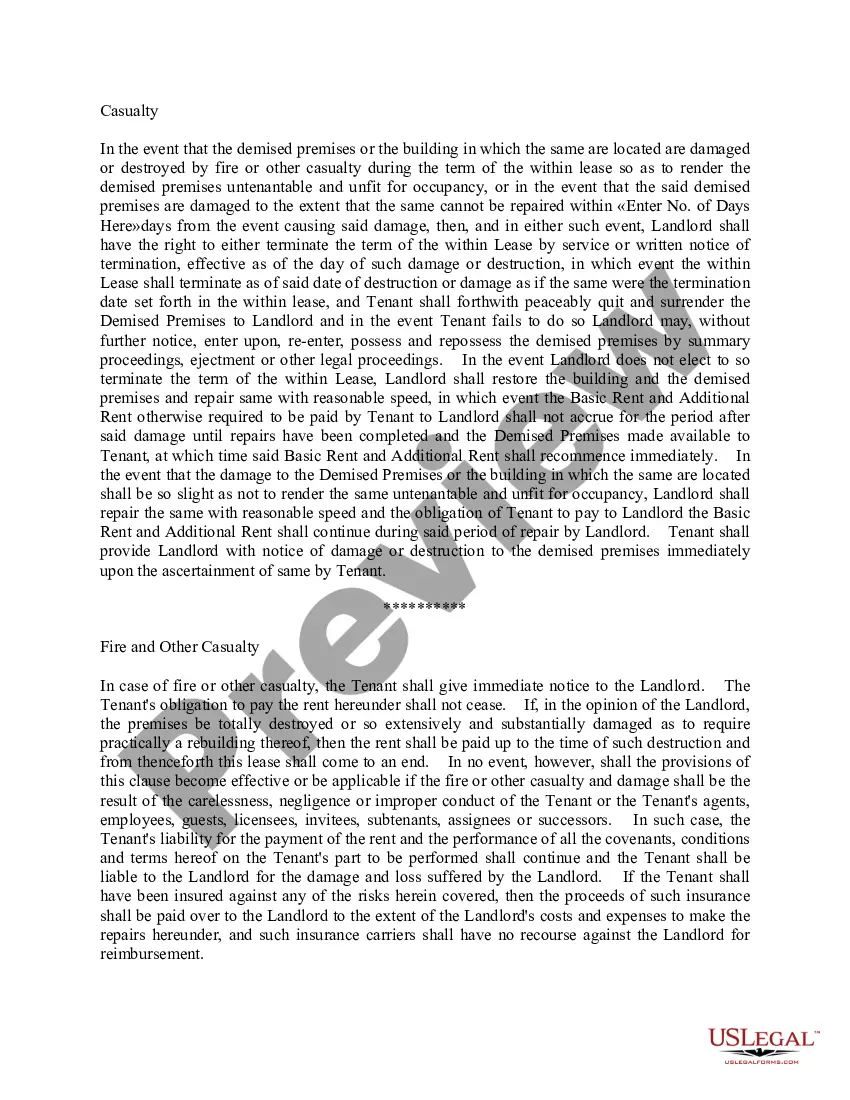
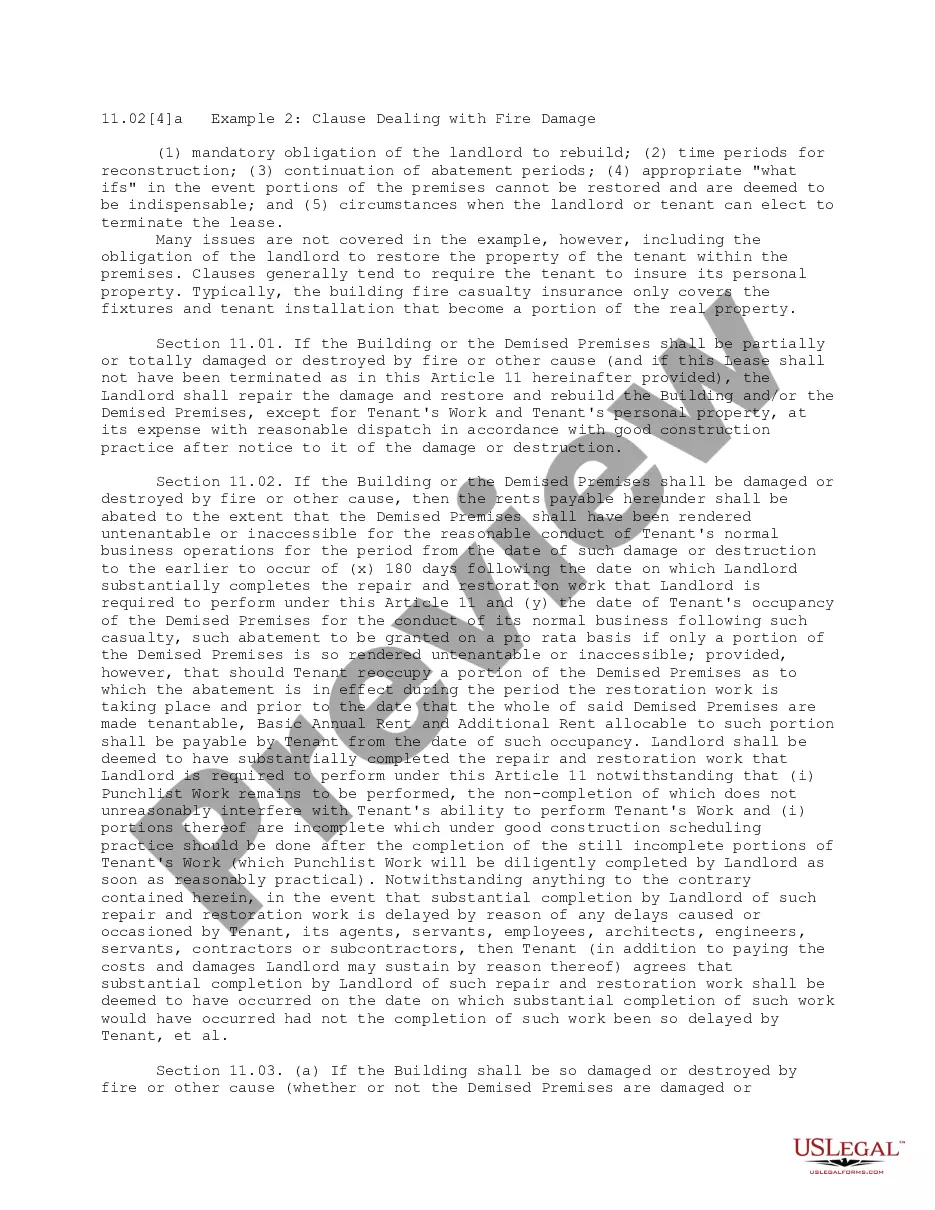
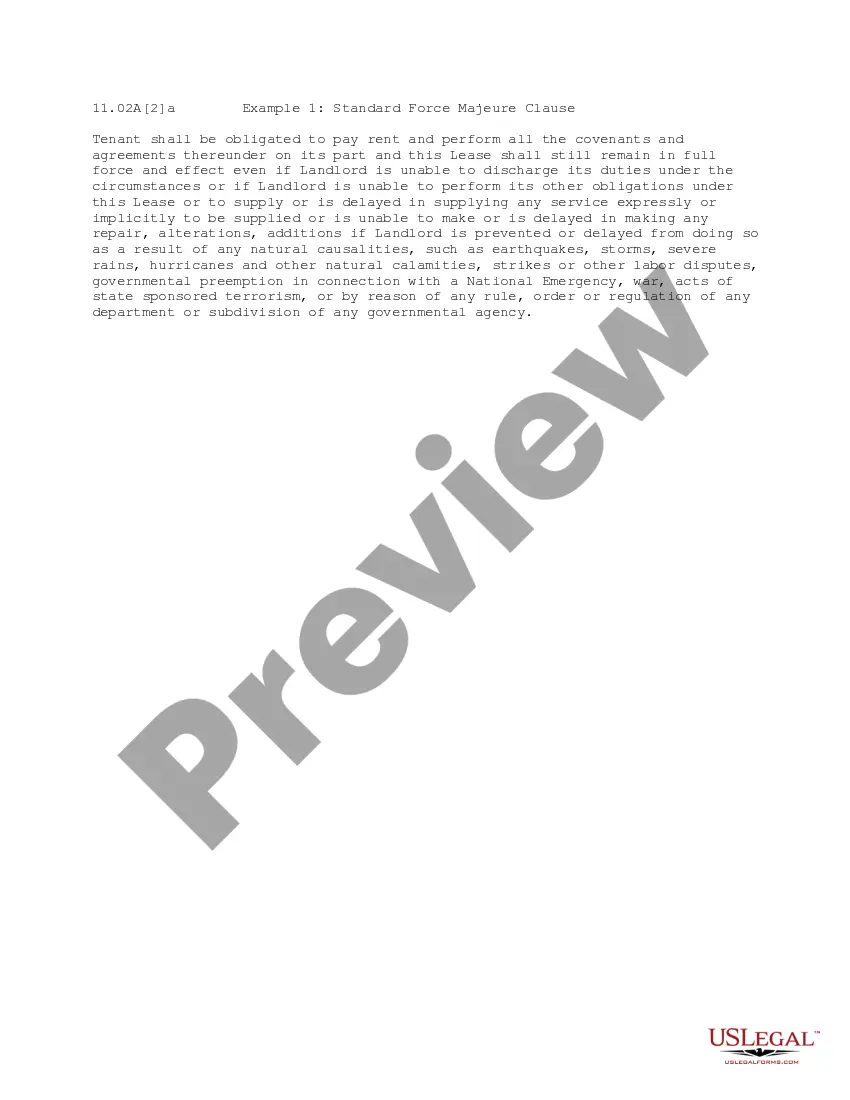
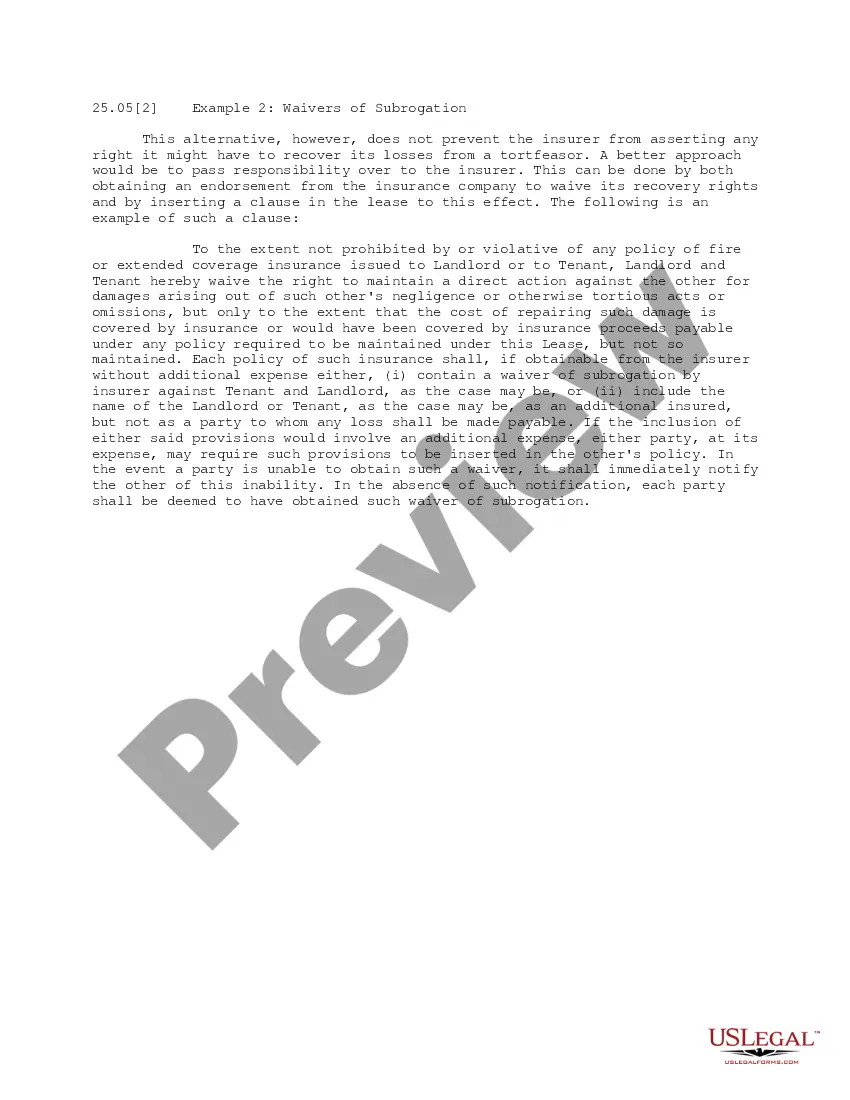
This office lease clause describes the allocation of risks. The parties desire to allocate certain risks of personal injury, bodily injury or property damage, and risks of loss of real or personal property by reason of fire, explosion or other casualty, and to provide for the responsibility for insuring those risks as permitted by law.
Vermont No Fault Clause
Category:
State:
Multi-State
Control #:
US-OL25072
Format:
Word;
PDF
Instant download
Description
Free preview
Get your form ready online
Our built-in tools help you complete, sign, share, and store your documents in one place.
Built-in online Word editor
Make edits, fill in missing information, and update formatting in US Legal Forms—just like you would in MS Word.
Export easily
Download a copy, print it, send it by email, or mail it via USPS—whatever works best for your next step.
E-sign your document
Sign and collect signatures with our SignNow integration. Send to multiple recipients, set reminders, and more. Go Premium to unlock E-Sign.
Notarize online 24/7
If this form requires notarization, complete it online through a secure video call—no need to meet a notary in person or wait for an appointment.
Store your document securely
We protect your documents and personal data by following strict security and privacy standards.

Make edits, fill in missing information, and update formatting in US Legal Forms—just like you would in MS Word.

Download a copy, print it, send it by email, or mail it via USPS—whatever works best for your next step.

Sign and collect signatures with our SignNow integration. Send to multiple recipients, set reminders, and more. Go Premium to unlock E-Sign.

If this form requires notarization, complete it online through a secure video call—no need to meet a notary in person or wait for an appointment.

We protect your documents and personal data by following strict security and privacy standards.
Looking for another form?




How to fill out No Fault Clause?
If you have to comprehensive, download, or printing authorized document themes, use US Legal Forms, the greatest variety of authorized kinds, which can be found on-line. Make use of the site`s easy and handy lookup to get the papers you want. Different themes for company and person reasons are sorted by categories and claims, or keywords. Use US Legal Forms to get the Vermont No Fault Clause within a few click throughs.
In case you are presently a US Legal Forms buyer, log in for your profile and click on the Down load switch to have the Vermont No Fault Clause. You can also entry kinds you formerly acquired inside the My Forms tab of your profile.
Should you use US Legal Forms the very first time, refer to the instructions under:
- Step 1. Make sure you have selected the form for that appropriate area/region.
- Step 2. Take advantage of the Review solution to examine the form`s content material. Don`t forget about to see the description.
- Step 3. In case you are not satisfied using the develop, make use of the Search field at the top of the monitor to discover other types from the authorized develop design.
- Step 4. After you have located the form you want, go through the Purchase now switch. Select the rates strategy you favor and put your credentials to sign up for an profile.
- Step 5. Method the financial transaction. You may use your charge card or PayPal profile to finish the financial transaction.
- Step 6. Select the formatting from the authorized develop and download it on the device.
- Step 7. Full, revise and printing or sign the Vermont No Fault Clause.
Each and every authorized document design you buy is yours permanently. You have acces to every single develop you acquired within your acccount. Click the My Forms segment and decide on a develop to printing or download once more.
Compete and download, and printing the Vermont No Fault Clause with US Legal Forms. There are many skilled and state-specific kinds you can use for the company or person demands.
Form popularity
FAQ
What is a non-fault claim? A non-fault claim is when a third party is involved and has complete liability for the incident. An example is someone pulling out at a junction and hitting your car, or hitting you from behind while your car is waiting at traffic lights.
Vermont is an ?at-fault? state (also called a tort state). The person who is responsible for causing a car accident must pay the costs for other involved people's injuries and property damage.
Overall, while no-fault insurance can provide some benefits, such as quick access to medical care and lost wages, it also has several drawbacks, including higher premiums, limited options for seeking compensation, and potential lack of incentives for safe driving.
No-fault auto insurance laws require every driver to file a claim with their own insurance company after an accident, regardless of who was at fault. In states with no-fault laws, all drivers are required to purchase personal injury protection (PIP), as part of their auto insurance policies.
Property Damage Uninsured Motorist Coverage is required to be part of your auto policy at a limit of $10,000, subject to a $150 deductible. changes to your premium.
Vermont requires that you start a lawsuit within a particular time frame following your accident. This is referred to as the "statute of limitations." Vermont Statutes, Title 12, Section 512 requires that lawsuits relating to injury or damage to personal property be commenced within three years after your accident.
No-fault auto insurance doesn't mean you're not at-fault, just that you'll only deal with your own insurer. In formal terms, no-fault insurance is when a reimbursement from any loss as a result of an insured risk is paid for by your insurer, not someone else's.
In a no-fault claim, the parties are not required to prove any party's blameworthiness to resolve the claim. In contrast, parties to a fault-based claim must prove a party was at fault to prevail on the claim.