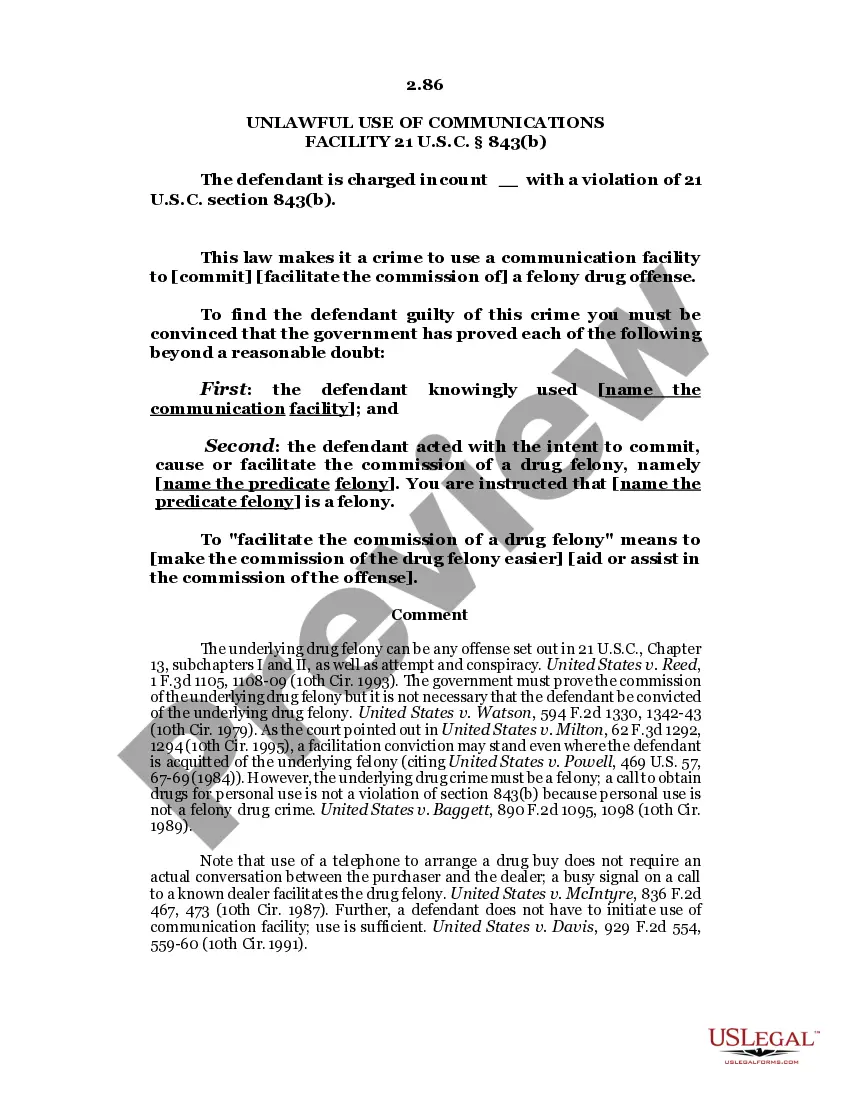
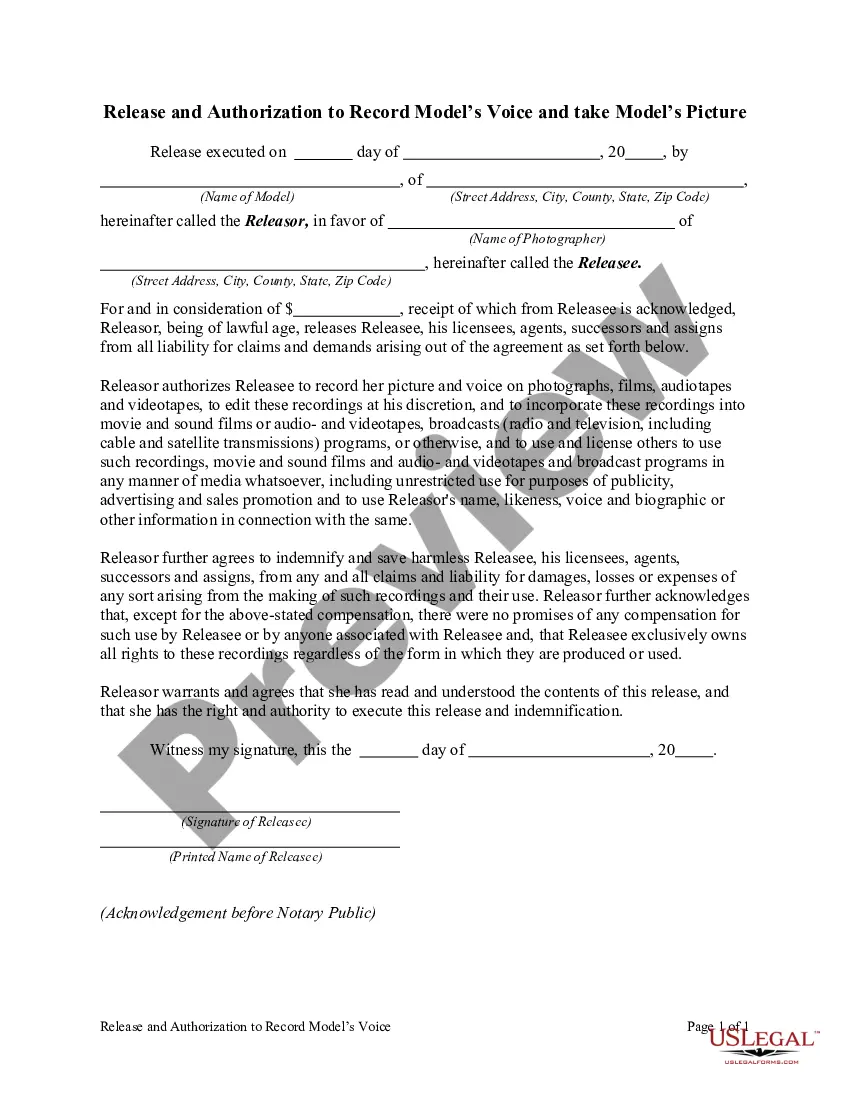
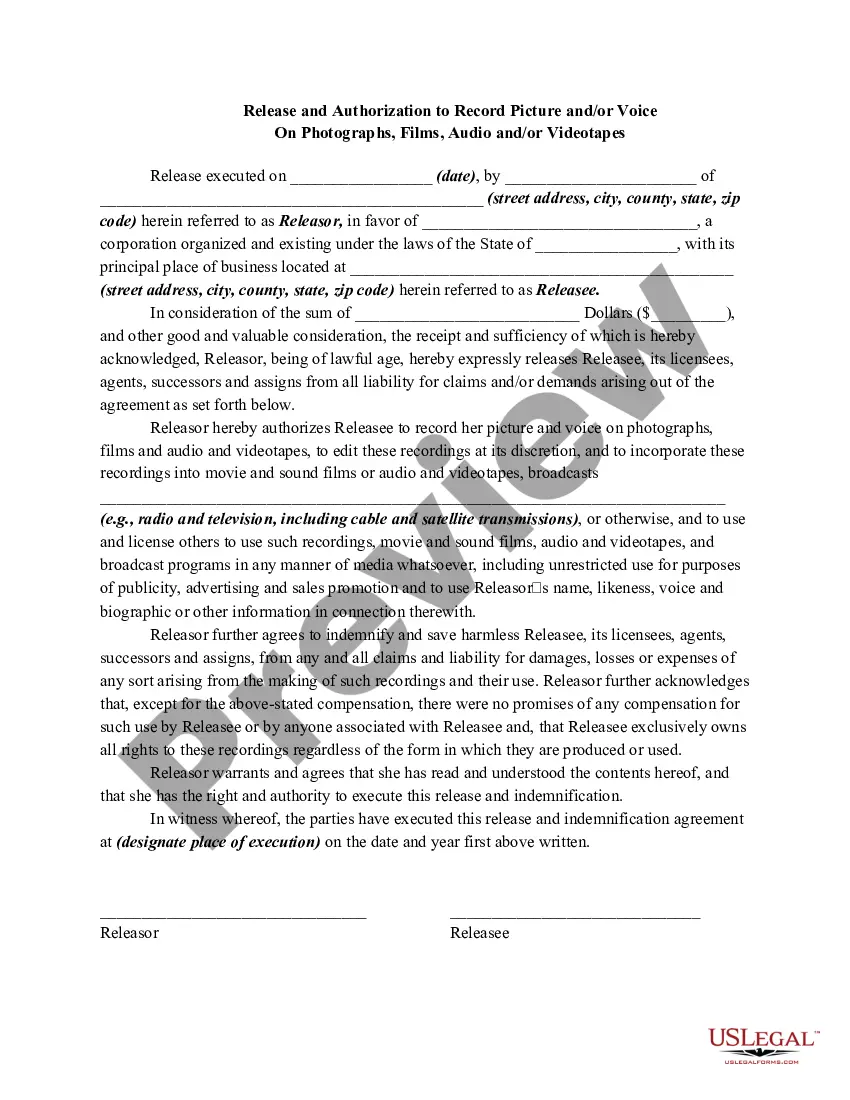
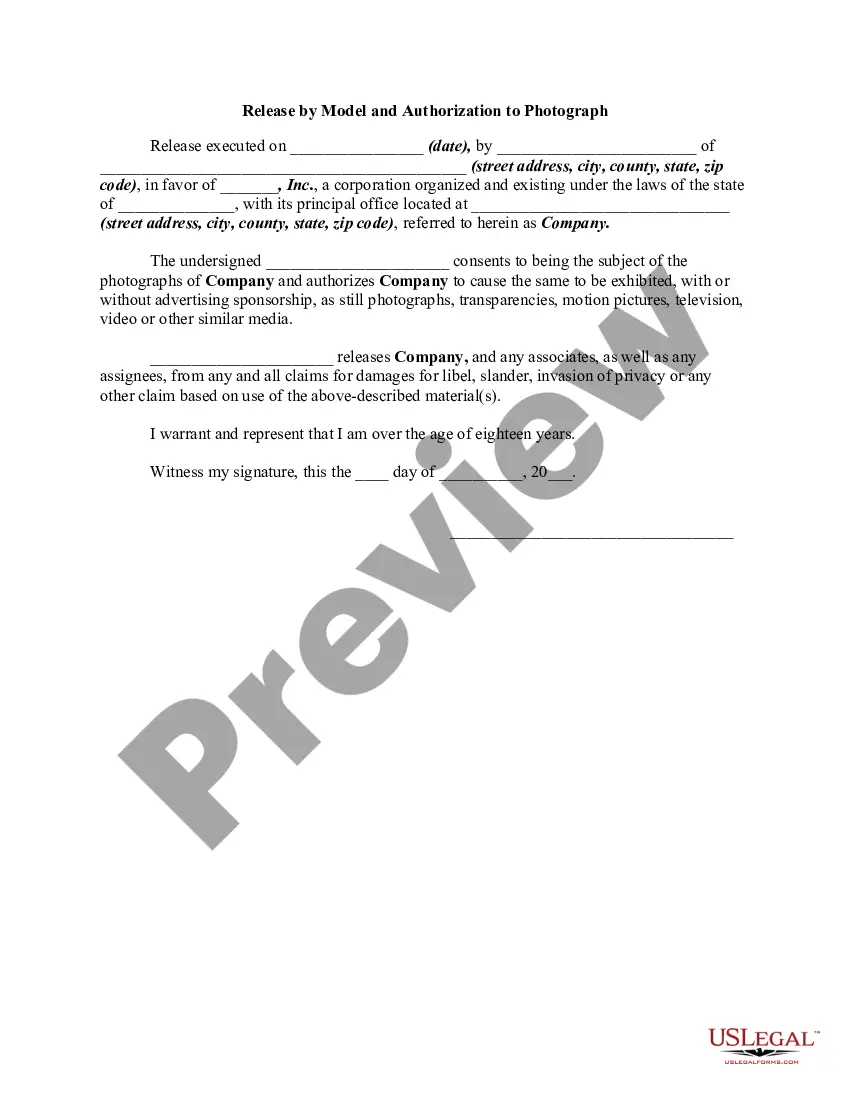
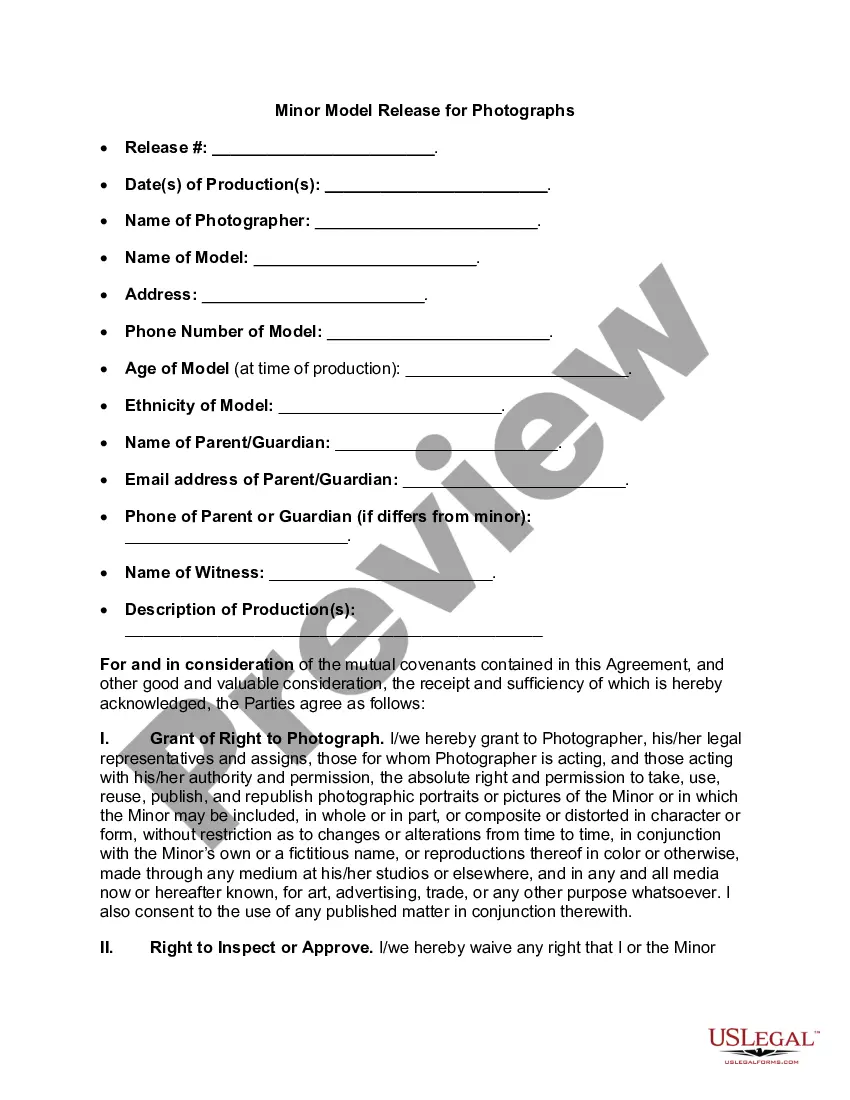
Vermont Release and Authorization to Record Model's Voice and Take Model's Picture
Description
Get your form ready online
Our built-in tools help you complete, sign, share, and store your documents in one place.
Make edits, fill in missing information, and update formatting in US Legal Forms—just like you would in MS Word.
Download a copy, print it, send it by email, or mail it via USPS—whatever works best for your next step.
Sign and collect signatures with our SignNow integration. Send to multiple recipients, set reminders, and more. Go Premium to unlock E-Sign.
If this form requires notarization, complete it online through a secure video call—no need to meet a notary in person or wait for an appointment.
We protect your documents and personal data by following strict security and privacy standards.

Make edits, fill in missing information, and update formatting in US Legal Forms—just like you would in MS Word.

Download a copy, print it, send it by email, or mail it via USPS—whatever works best for your next step.

Sign and collect signatures with our SignNow integration. Send to multiple recipients, set reminders, and more. Go Premium to unlock E-Sign.

If this form requires notarization, complete it online through a secure video call—no need to meet a notary in person or wait for an appointment.

We protect your documents and personal data by following strict security and privacy standards.
Looking for another form?
How to fill out Release And Authorization To Record Model's Voice And Take Model's Picture?
Are you currently in a situation where you need paperwork for either business or personal reasons almost all the time.
There is a myriad of legal document templates accessible online, but finding reliable ones can be challenging.
US Legal Forms provides a vast collection of form templates, including the Vermont Release and Authorization to Record a Person's Voice and Capture a Person's Image, which are crafted to comply with state and federal regulations.
Utilize US Legal Forms, the most extensive collection of legal forms, to save time and avoid errors.
The service offers professionally crafted legal document templates that can be used for a variety of purposes. Create an account on US Legal Forms and start simplifying your life.
- If you are already familiar with the US Legal Forms website and have an account, simply Log In.
- After that, you can download the Vermont Release and Authorization to Record a Person's Voice and Capture a Person's Image template.
- If you do not have an account and wish to start using US Legal Forms, follow these steps.
- Locate the form you need and ensure it is for the correct city/state.
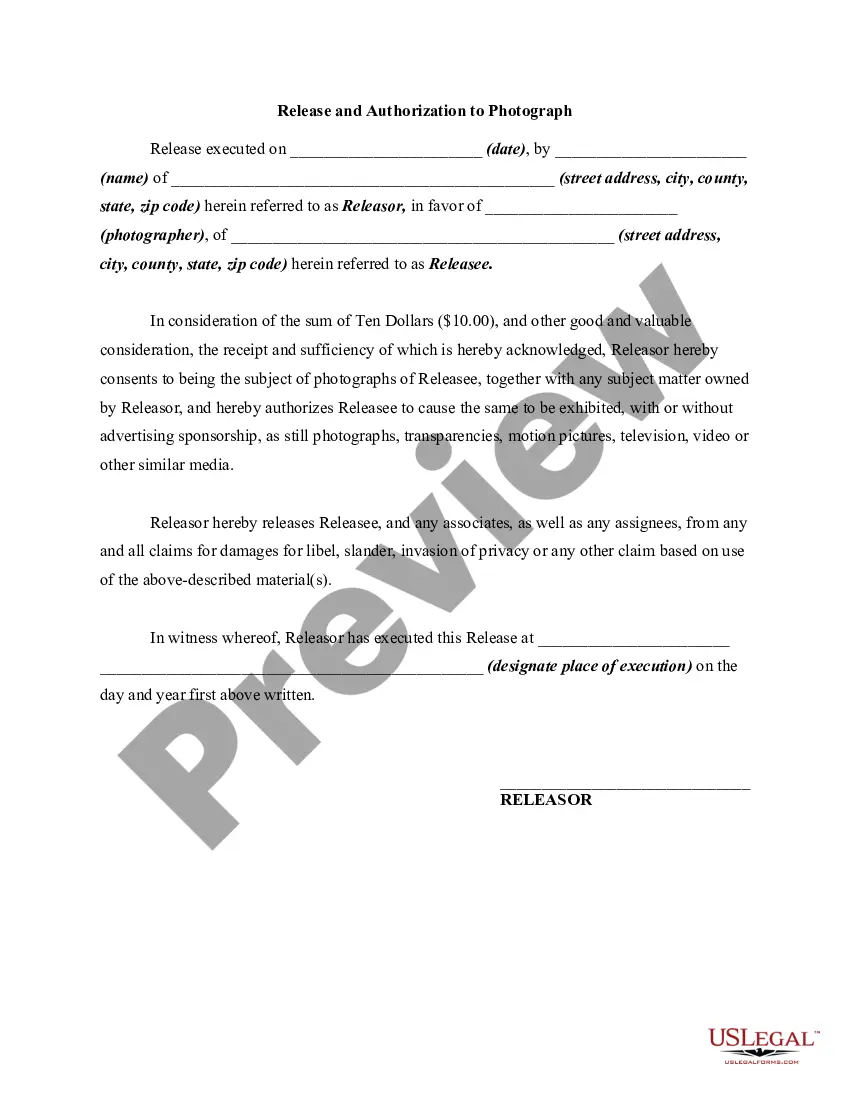
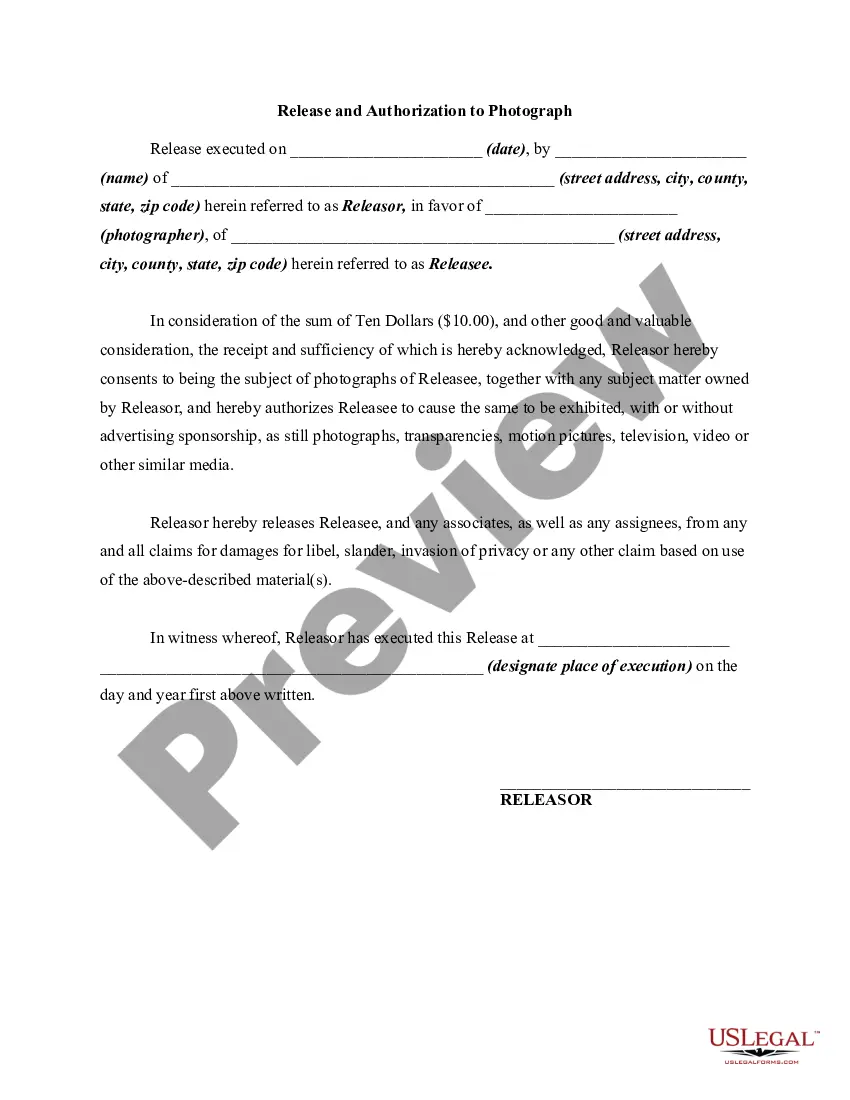
- Use the Preview button to evaluate the form.
- Review the description to confirm you have selected the correct document.
- If the form isn't what you are looking for, use the Search field to find the form that fits your needs and specifications.
- Once you locate the right form, click Buy now.
- Choose the pricing plan you prefer, fill in the required details to create your account, and pay for the order using your PayPal or credit card.
- Select a suitable file format and download your copy.
- Access all the document templates you have purchased in the My documents menu.
- You can obtain an additional copy of the Vermont Release and Authorization to Record a Person's Voice and Capture a Person's Image anytime, if needed. Just click on the desired form to download or print the document template.
Form popularity
FAQ
The essential elements of a model release formYour name and business name.Your business address.A release of all claims against your company.Whether you want to release claims from other companies that buy, use, or obtain the licenses for your photos.More items...?
OnlyFans Requires a Model Release if you want to feature someone: If you're featuring someone else and posting their photos on OnlyFans, you'll need to get a model release before doing so. It's the law, and you should always get a signed release from the person whose photograph you're using.
Most forms include the following general information: Name of Photographer or Releasee. Name of Model or Releasor. Address and phone number.
Parties: The full name and address of each of the photographer and the model should be inserted. If the photographer is employed and is taking the photographs of the model in the course of the photographer's employment, the photographer's employer should be recorded as the Photographer.
The essential elements of a photo release form include:Full name of the subject or model.Statement that expressly gives permission to use their likeness in any digital media format (e.g., photo, video, website and other web-related publications) without payment.Right to digitally alter the image (if applicable)More items...?
A Model Release Form is like a contract. It specifies all the ways the resulting images can or cannot be used. If you are the photographer, you will want to use the broadest language possible about where and in which media formats the image can be used, so you will have great latitude in selling the photo.
How do you attach a model release to content? To upload a model release with your content, attach a JPEG release no more than 20 MB in size using the + button next to Releases on the Submit Content page. Alternatively, you can take advantage of the Shutterstock digital release feature.
The essential elements of a photo release form include:Full name of the subject or model.Statement that expressly gives permission to use their likeness in any digital media format (e.g., photo, video, website and other web-related publications) without payment.Right to digitally alter the image (if applicable)More items...?
How to Write a Photo Release Form:Identify the releasor.Describe the photo, image, likeness, or video.Address any payment the model receives for the release.Address royalties.Address whether the model has the ability to revoke their authorization.The parties sign and date the release.