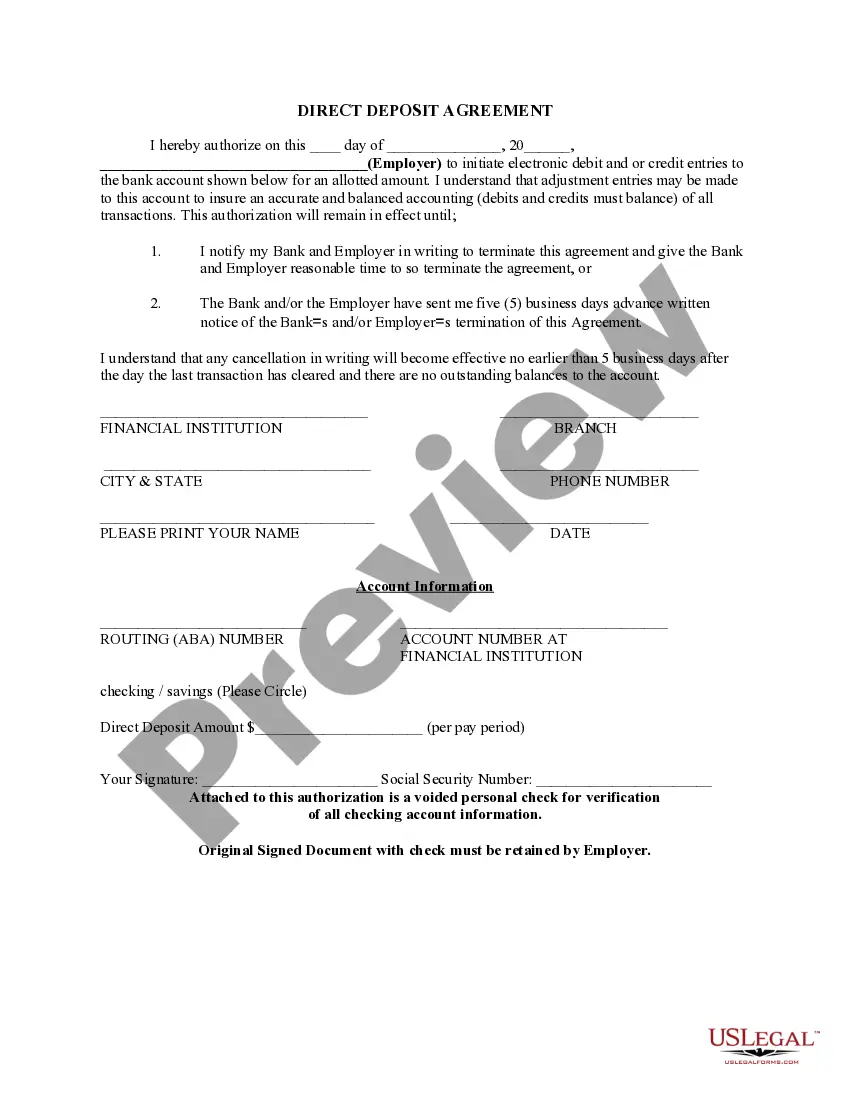
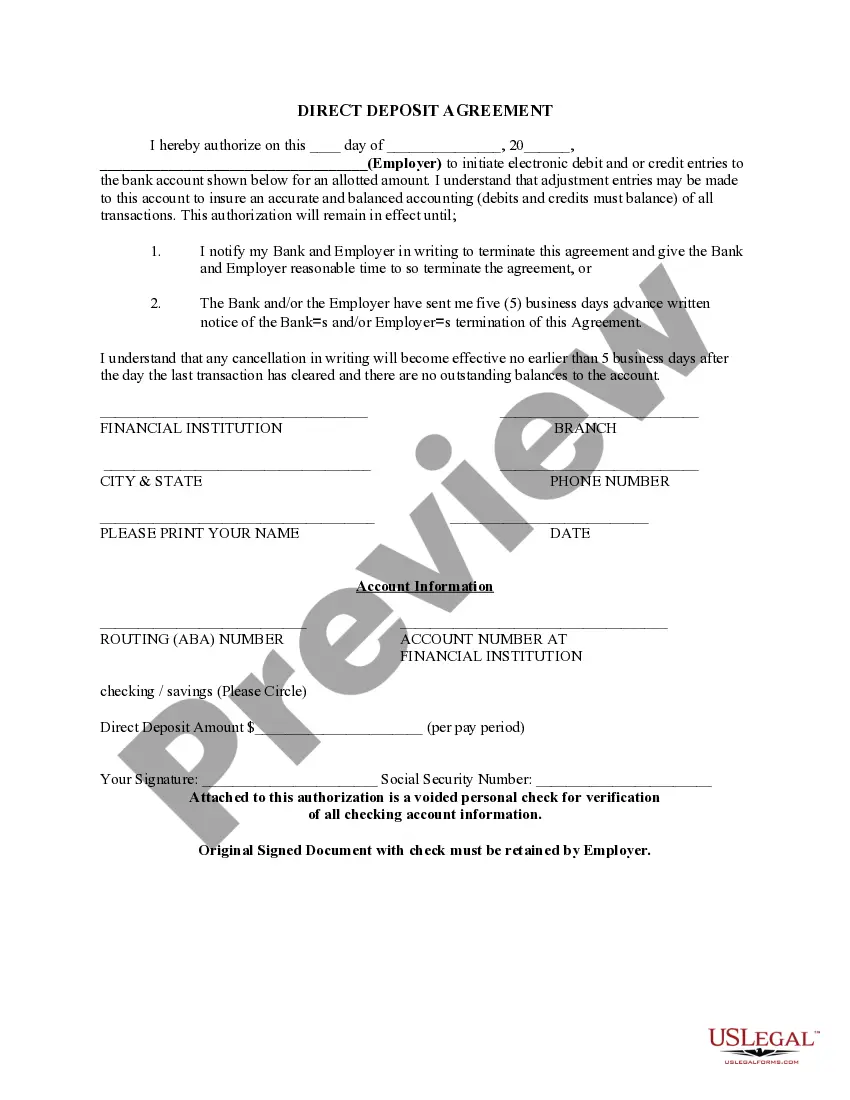
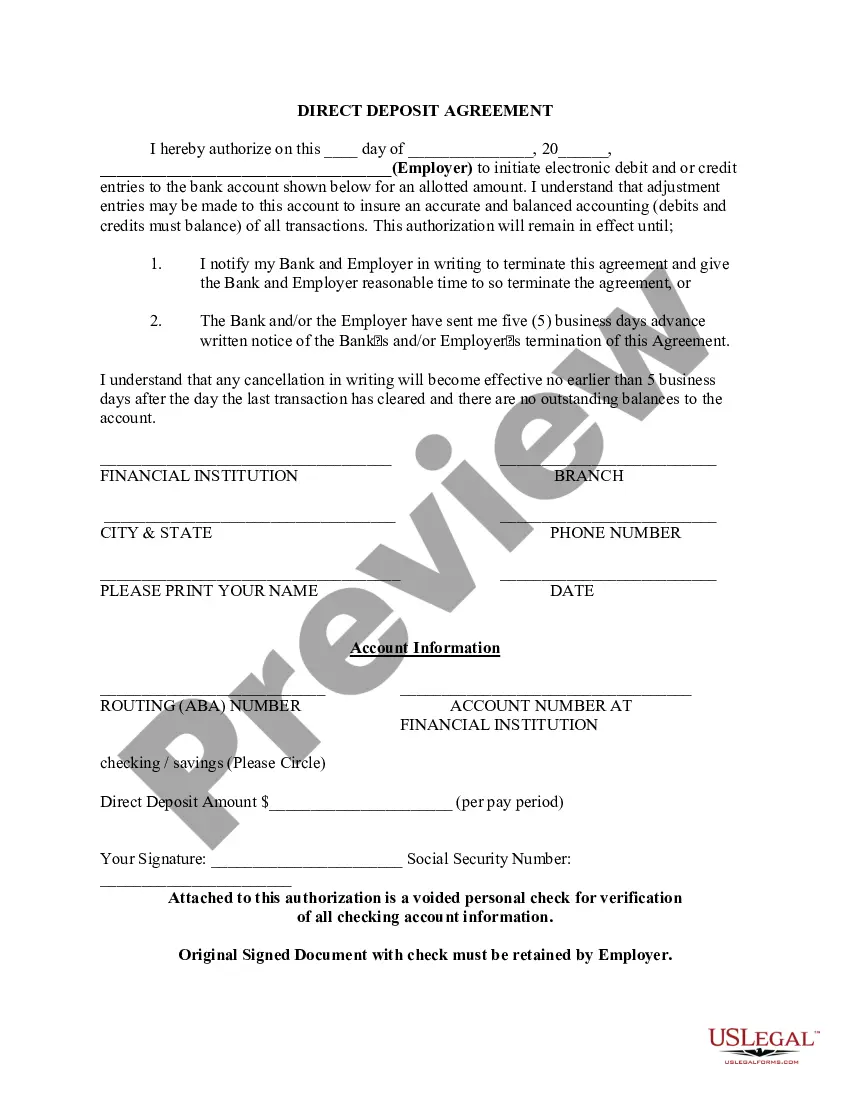
Virgin Islands Direct Deposit Form for Payroll
Description

Get your form ready online
Our built-in tools help you complete, sign, share, and store your documents in one place.
Make edits, fill in missing information, and update formatting in US Legal Forms—just like you would in MS Word.
Download a copy, print it, send it by email, or mail it via USPS—whatever works best for your next step.
Sign and collect signatures with our SignNow integration. Send to multiple recipients, set reminders, and more. Go Premium to unlock E-Sign.
If this form requires notarization, complete it online through a secure video call—no need to meet a notary in person or wait for an appointment.
We protect your documents and personal data by following strict security and privacy standards.

Make edits, fill in missing information, and update formatting in US Legal Forms—just like you would in MS Word.

Download a copy, print it, send it by email, or mail it via USPS—whatever works best for your next step.

Sign and collect signatures with our SignNow integration. Send to multiple recipients, set reminders, and more. Go Premium to unlock E-Sign.

If this form requires notarization, complete it online through a secure video call—no need to meet a notary in person or wait for an appointment.

We protect your documents and personal data by following strict security and privacy standards.
Looking for another form?
How to fill out Direct Deposit Form For Payroll?
Are you presently in a situation where you frequently require documentation for business or personal purposes almost every working day.
There is a wide range of legal document templates accessible online, but locating reliable ones isn't straightforward.
US Legal Forms offers a plethora of form templates, similar to the Virgin Islands Direct Deposit Form for Payroll, which can be tailored to comply with state and federal requirements.
Once you find the appropriate form, simply click Get now.
Select the payment plan you want, complete the necessary information to set up your account, and purchase your order using your PayPal or Visa/Mastercard.
- If you are already familiar with the US Legal Forms website and have an account, simply Log In.
- Then, you can download the Virgin Islands Direct Deposit Form for Payroll template.
- If you do not have an account and wish to start using US Legal Forms, follow these steps.
- Choose the form you need and ensure it is for the correct city/county.
- Utilize the Review button to evaluate the form.
- Check the description to confirm that you have chosen the correct form.
- If the form isn’t what you’re looking for, use the Search section to find the form that suits your needs and specifications.
Form popularity
FAQ
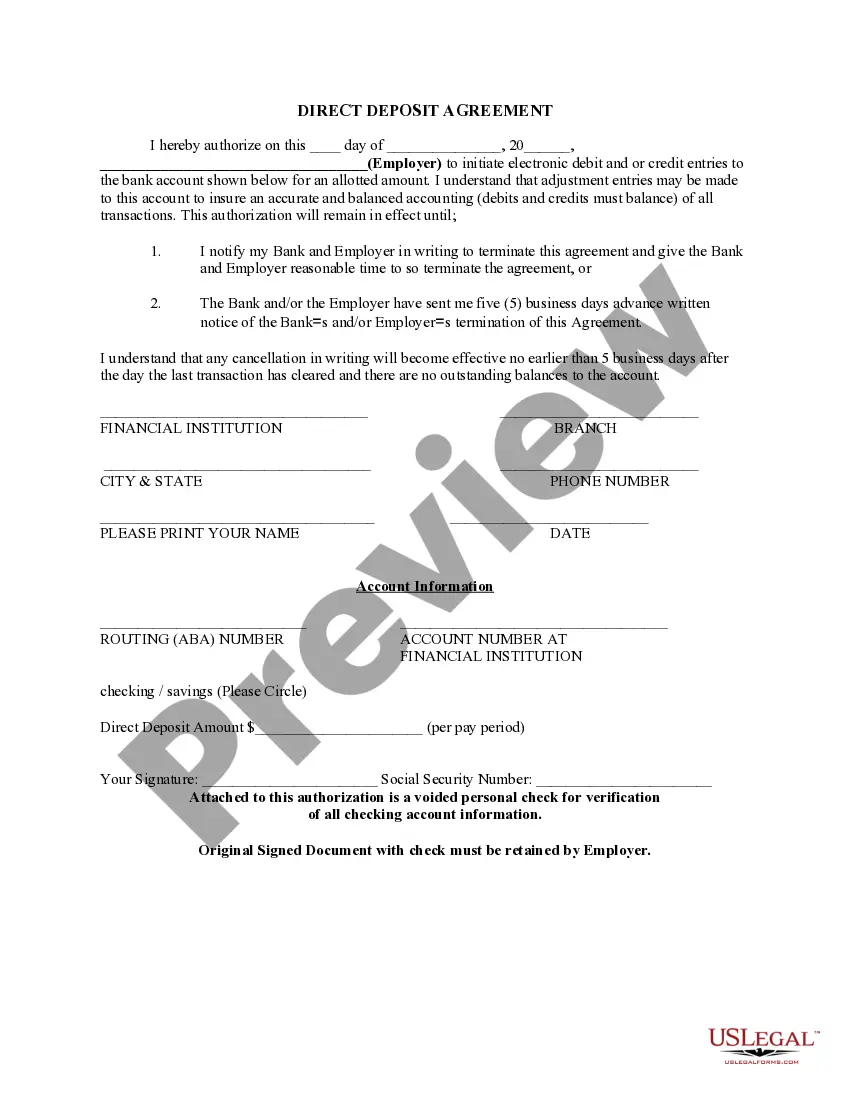
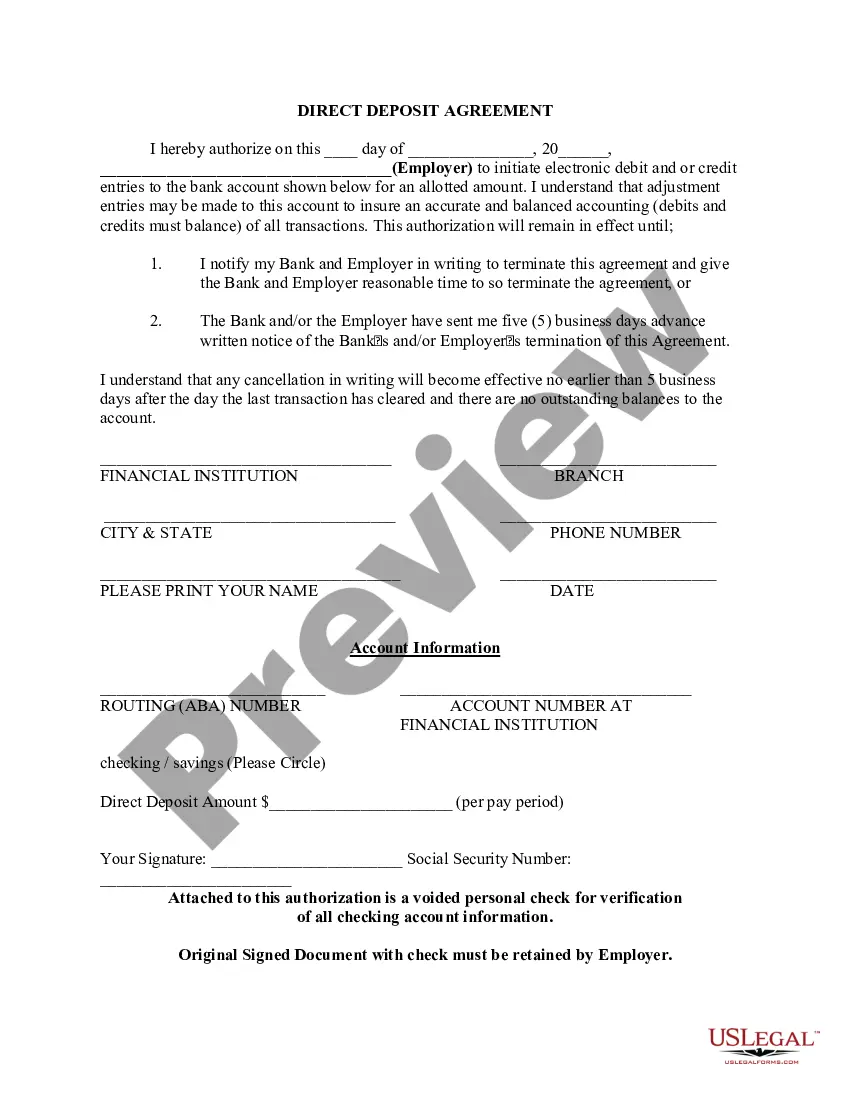
How to Set Up Direct DepositGet a direct deposit form from your employer.Fill in account information.Confirm the deposit amount.Attach a voided check or deposit slip, if required.Submit the form.
What is a Direct Deposit Authorization Form? Direct deposit authorization forms authorize employers to send money directly into an individual's bank account. In times past, employers would print out and distribute physical checks on pay day for each employee to deposit into their bank accounts themselves.
Complete a direct deposit form yourselfDownload the form (PDF)Locate your 9-digit routing and account number - here's how to find them.Fill in your other personal information.Give the completed form to your employer.
Obtain direct deposit forms from your employerYour bank's ABA or routing number. This nine-digit number is found on the bottom left of your checks.Your checking account number.You may need to submit a voided check.Your bank's address.Citizens also provides a pre-filled form through Online Banking.
Setting up direct deposit can take anywhere from one day to a few weeks, depending on the provider.
Your employer (or other payer) will ask you to complete a direct deposit form that will ask for several personal details, including your name, address, Social Security number and signature for authorization of the direct deposit. Include your account information.
Here's the process you will follow to get your own direct deposit payments:Fill out the direct deposit form.Include your account information.Deposit amount.Attach a voided check or deposit slip.Submit the form.
What is a Direct Deposit Authorization Form? Direct deposit authorization forms authorize employers to send money directly into an individual's bank account. In times past, employers would print out and distribute physical checks on pay day for each employee to deposit into their bank accounts themselves.
Direct deposit isn't difficult. If you use payroll software to run payroll, you can deposit wages into employee bank accounts in a few simple steps. Enter and approve payroll before sending it to their financial institution. Then, you're done.
How to set up direct deposit for employees: A step-by-step guideStep 1: Decide on a direct deposit provider.Step 2: Initiate the direct deposit setup process.Step 3: Collect information from your employees.Step 4: Enter the employee information into your system.Step 5: Create a direct deposit and payroll schedule.More items...