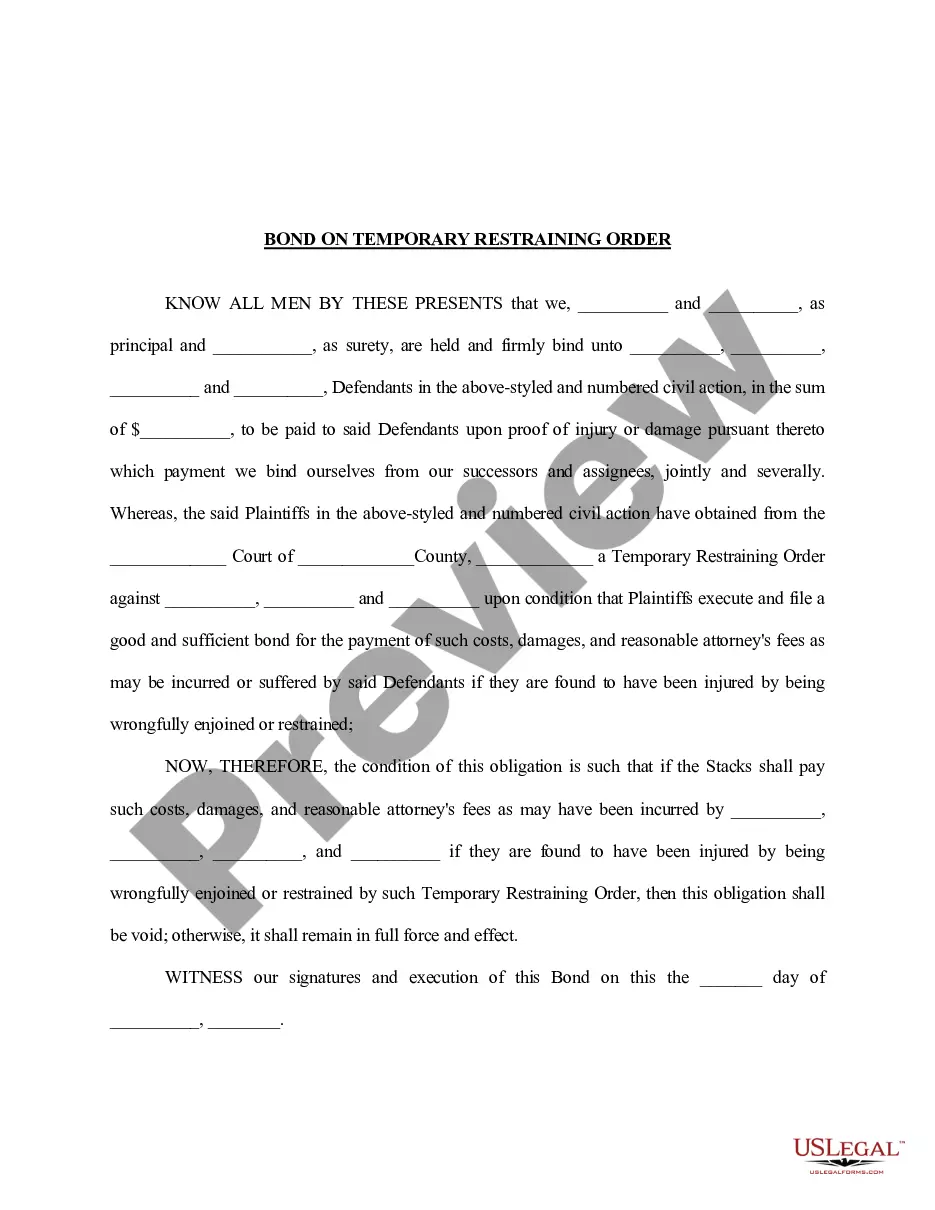
Virginia Authorization for Release of Personal Information
Description
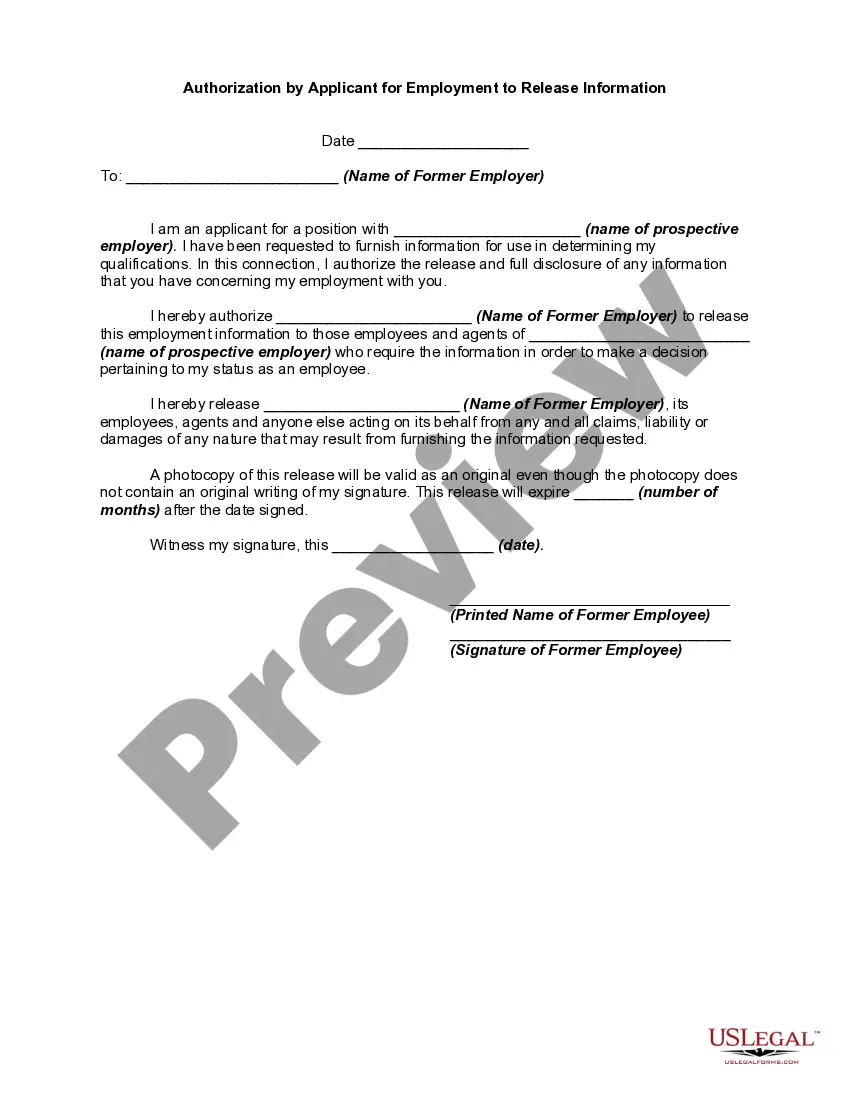
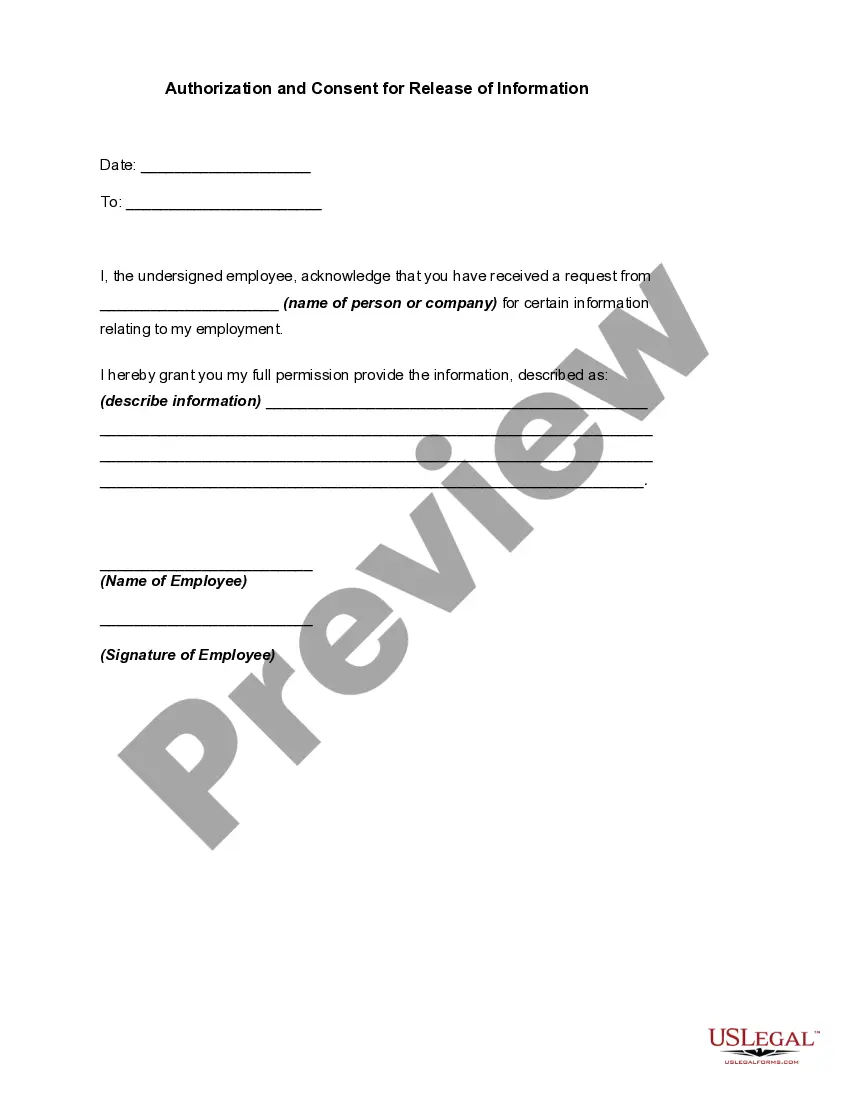
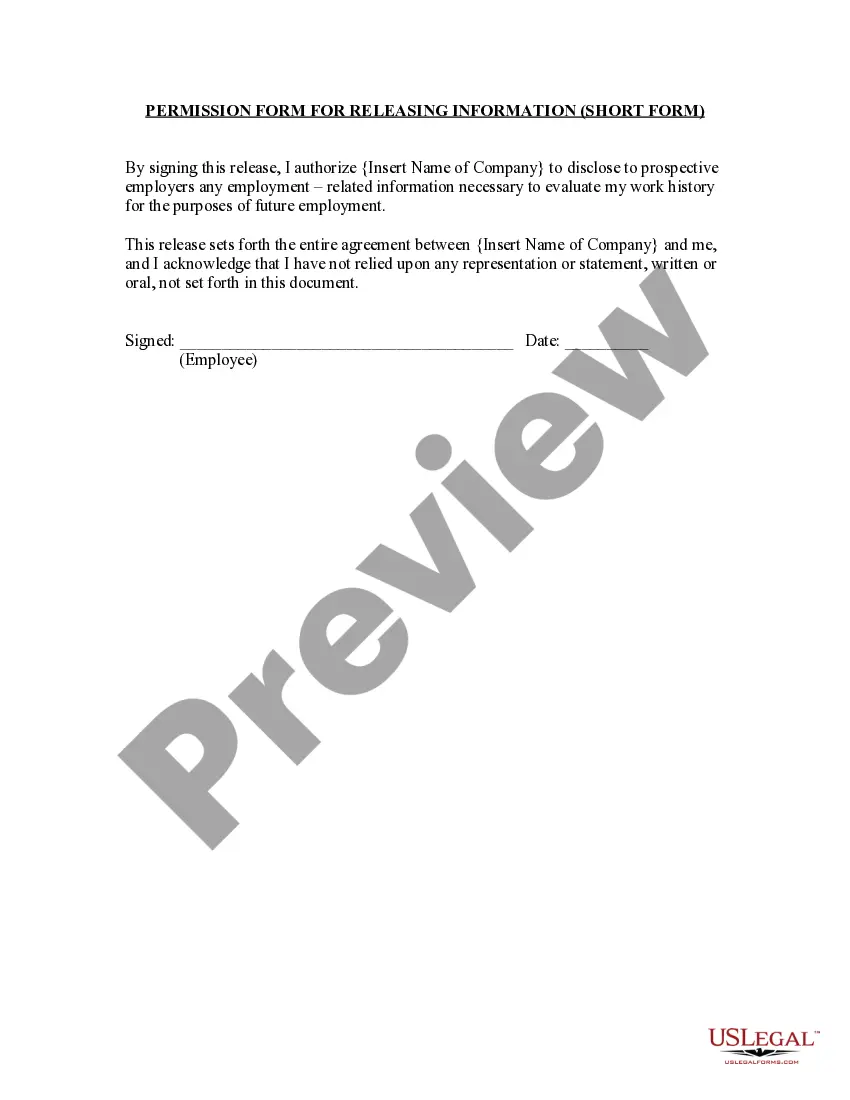
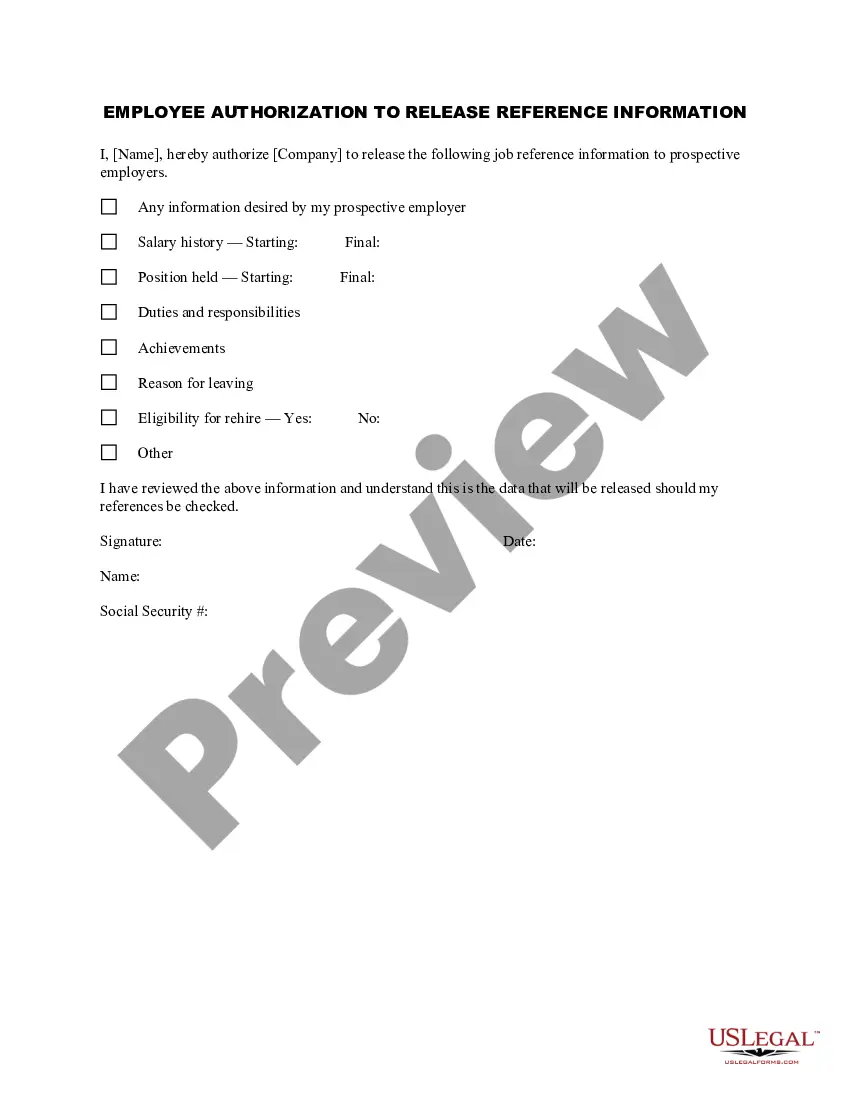

Get your form ready online
Our built-in tools help you complete, sign, share, and store your documents in one place.
Make edits, fill in missing information, and update formatting in US Legal Forms—just like you would in MS Word.
Download a copy, print it, send it by email, or mail it via USPS—whatever works best for your next step.
Sign and collect signatures with our SignNow integration. Send to multiple recipients, set reminders, and more. Go Premium to unlock E-Sign.
If this form requires notarization, complete it online through a secure video call—no need to meet a notary in person or wait for an appointment.
We protect your documents and personal data by following strict security and privacy standards.

Make edits, fill in missing information, and update formatting in US Legal Forms—just like you would in MS Word.

Download a copy, print it, send it by email, or mail it via USPS—whatever works best for your next step.

Sign and collect signatures with our SignNow integration. Send to multiple recipients, set reminders, and more. Go Premium to unlock E-Sign.

If this form requires notarization, complete it online through a secure video call—no need to meet a notary in person or wait for an appointment.

We protect your documents and personal data by following strict security and privacy standards.
Looking for another form?

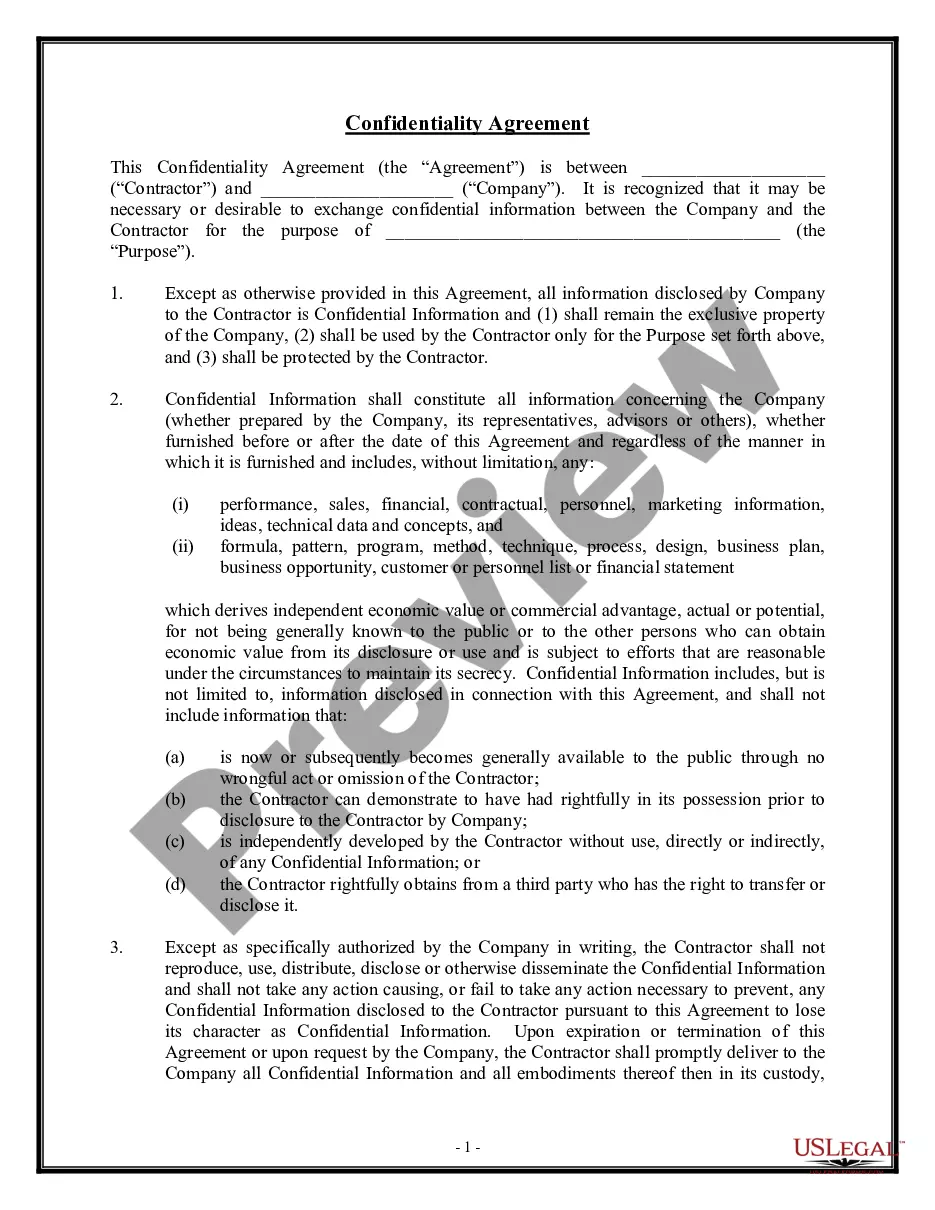
How to fill out Authorization For Release Of Personal Information?
If you intend to compile, obtain, or print official document templates, utilize US Legal Forms, the largest collection of legal documents available on the web.
Leverage the site's straightforward and user-friendly search to find the documents you require.
A variety of templates for commercial and personal purposes are categorized by type and tags, or keywords.
Step 4. Once you have located the form you need, choose the Get now option. Select the pricing plan you prefer and provide your details to register for an account.
Step 5. Complete the payment process. You may pay using your credit card or PayPal account to finalize the transaction.
- Utilize US Legal Forms to obtain the Virginia Authorization for Release of Personal Information with just a few clicks.
- If you are already a US Legal Forms user, sign in to your account and click on the Obtain button to access the Virginia Authorization for Release of Personal Information.
- You can also find documents you have previously downloaded in the My documents section of your account.
- If you are using US Legal Forms for the first time, follow the instructions outlined below.
- Step 1. Ensure you have chosen the form for the correct city/state.
- Step 2. Use the Preview feature to review the form’s content. Be sure to read the description.
- Step 3. If you are not satisfied with the form, utilize the Search area at the top of the screen to find other variations of the legal form type.
Form popularity
FAQ
An authorization is a detailed document that gives covered entities permission to use protected health information for specified purposes, which are generally other than treatment, payment, or health care operations, or to disclose protected health information to a third party specified by the individual.
Your authorization allows the Health Plan (your health insurance carrier or HMO) to release your protected health information to a person or organization that you choose.
A HIPAA authorization form gives covered entities permission to use protected health information for purposes other than treatment, payment, or health care operations.
Release of information (ROI) is the process of providing access to protected health information (PHI) to an individual or entity authorized to receive or review it.
This form is used to release your protected health information as required by federal and state privacy laws. Your authorization allows the Health Plan (your health insurance carrier or HMO) to release your protected health information to a person or organization that you choose.
No. The HIPAA Privacy Rule permits a health care provider to disclose protected health information about an individual, without the individual's authorization, to another health care provider for that provider's treatment of the individual.
Generally, an authorization provides the authority for a doctor's release of PHI for specified purposes, which are generally other than treatment, payment, or healthcare operations, or, to disclose protected health information to a third party specified by the individual.
The core elements of a valid authorization include:A meaningful description of the information to be disclosed.The name of the individual or the name of the person authorized to make the requested disclosure.The name or other identification of the recipient of the information.More items...
You must ensure that release of PHI is only granted with permission from the appropriate individual. Staff should be trained to ask for verification of the identity and the authority of the individual making the request.