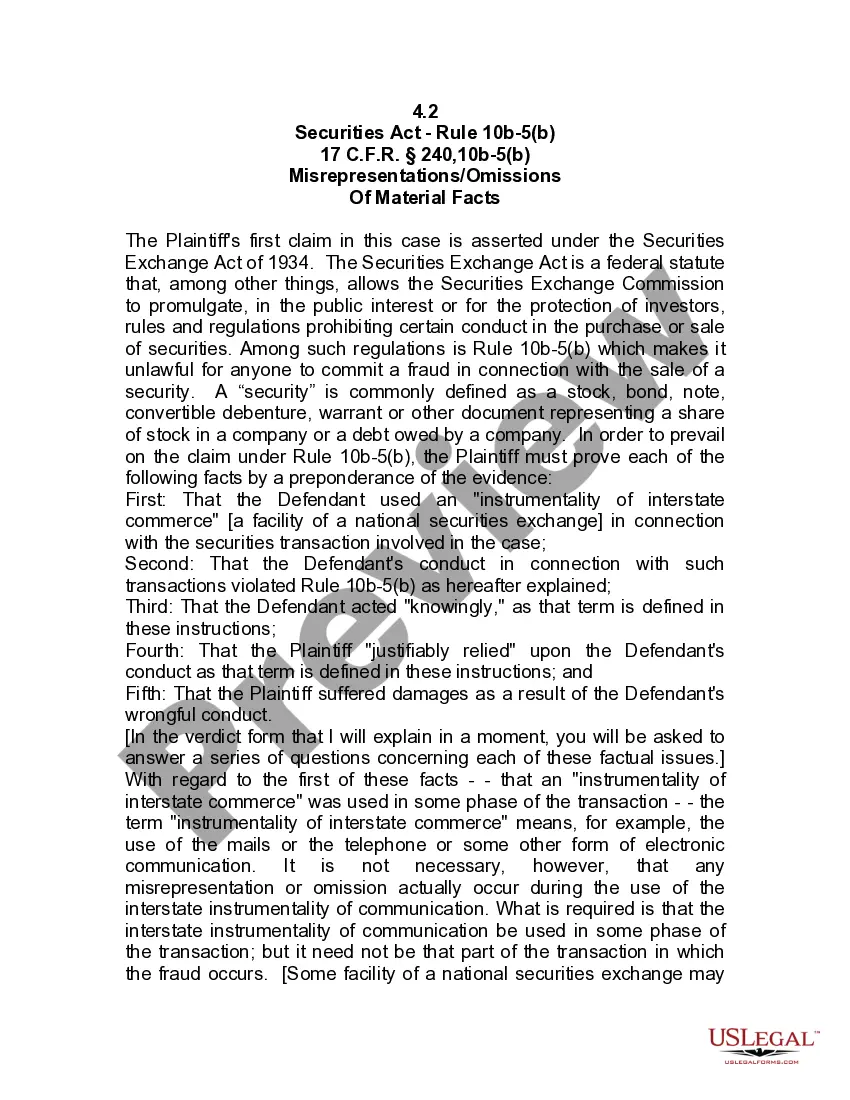
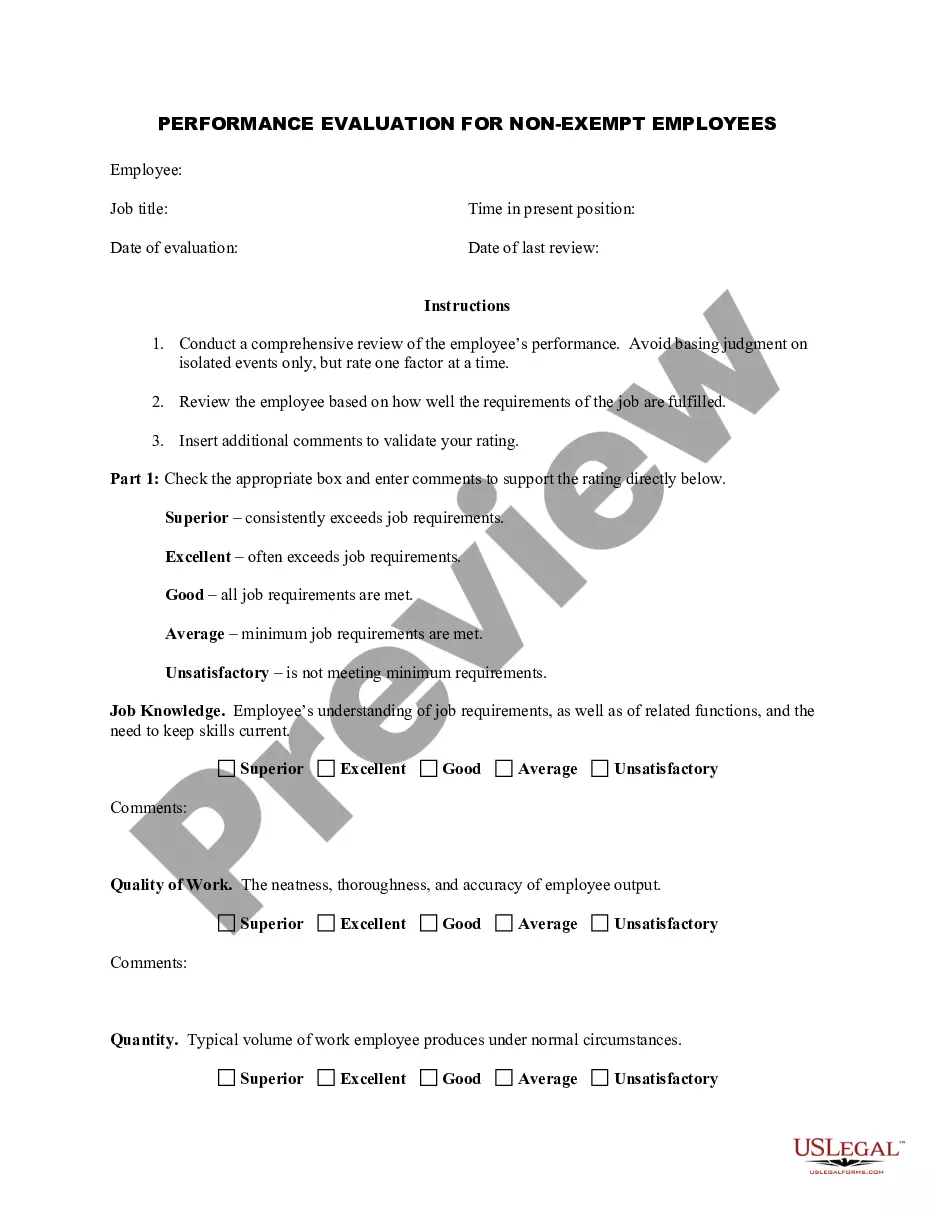
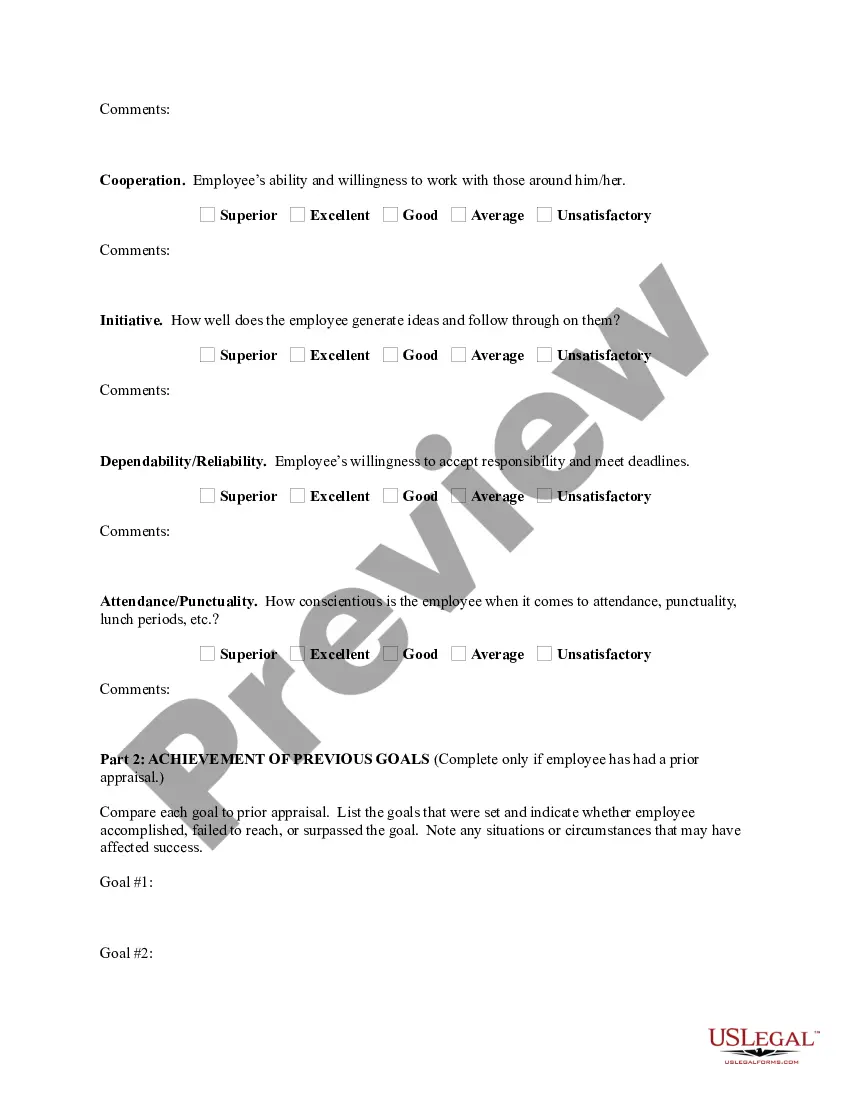
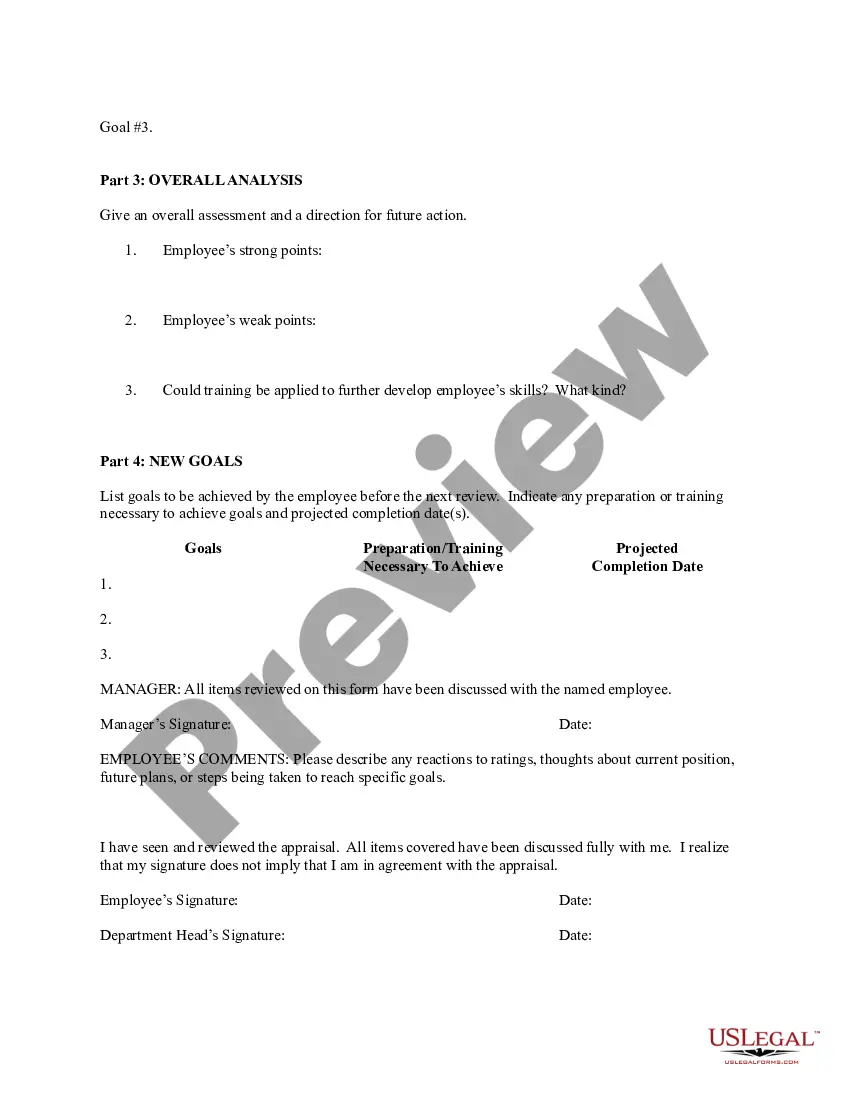
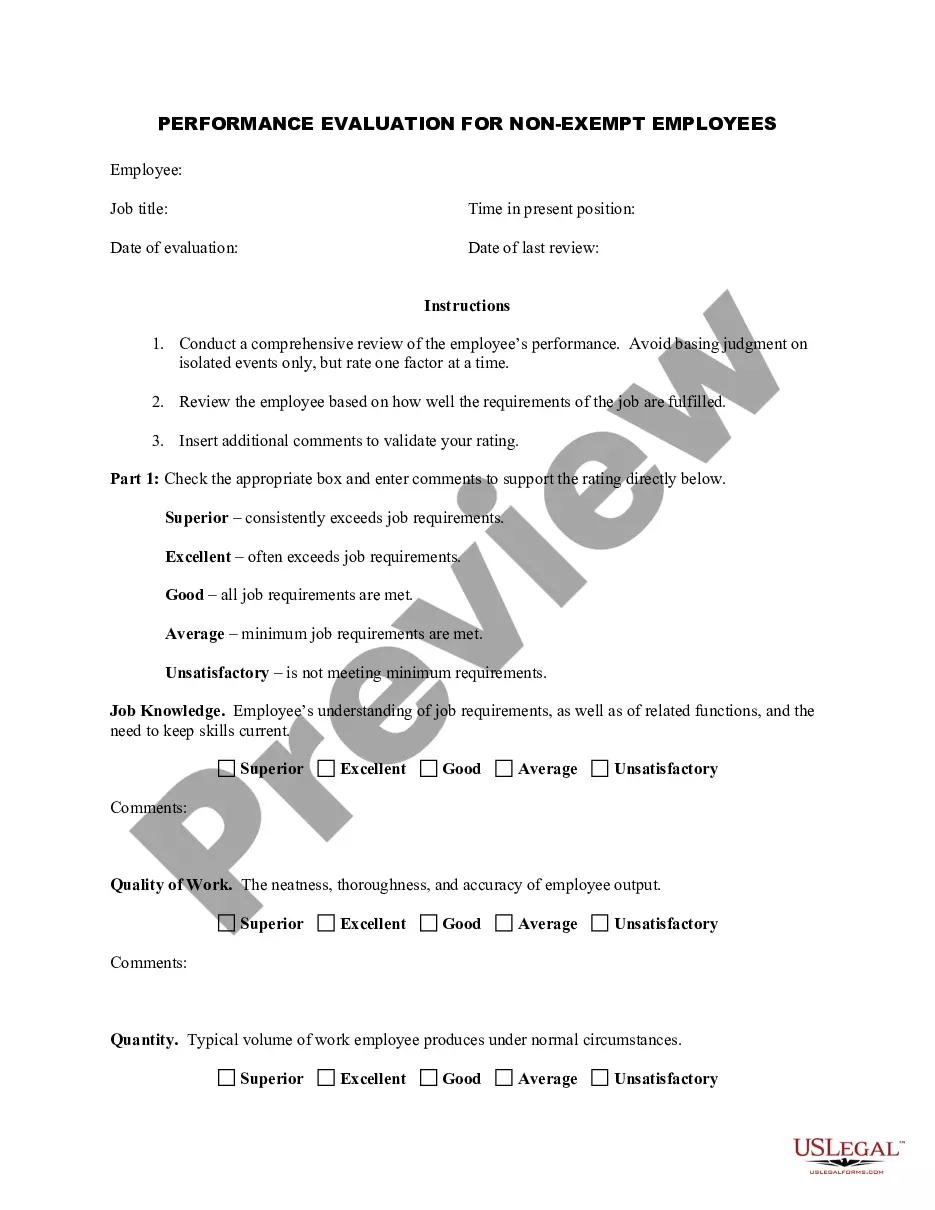
Utah Employee Evaluation Form for Gardener
Description
Get your form ready online
Our built-in tools help you complete, sign, share, and store your documents in one place.
Make edits, fill in missing information, and update formatting in US Legal Forms—just like you would in MS Word.
Download a copy, print it, send it by email, or mail it via USPS—whatever works best for your next step.
Sign and collect signatures with our SignNow integration. Send to multiple recipients, set reminders, and more. Go Premium to unlock E-Sign.
If this form requires notarization, complete it online through a secure video call—no need to meet a notary in person or wait for an appointment.
We protect your documents and personal data by following strict security and privacy standards.

Make edits, fill in missing information, and update formatting in US Legal Forms—just like you would in MS Word.

Download a copy, print it, send it by email, or mail it via USPS—whatever works best for your next step.

Sign and collect signatures with our SignNow integration. Send to multiple recipients, set reminders, and more. Go Premium to unlock E-Sign.

If this form requires notarization, complete it online through a secure video call—no need to meet a notary in person or wait for an appointment.

We protect your documents and personal data by following strict security and privacy standards.
Looking for another form?

How to fill out Employee Evaluation Form For Gardener?
Are you presently in a role where you require documentation for either business or personal use almost every day.
There are numerous legal document templates available online, but finding trustworthy ones can be challenging.
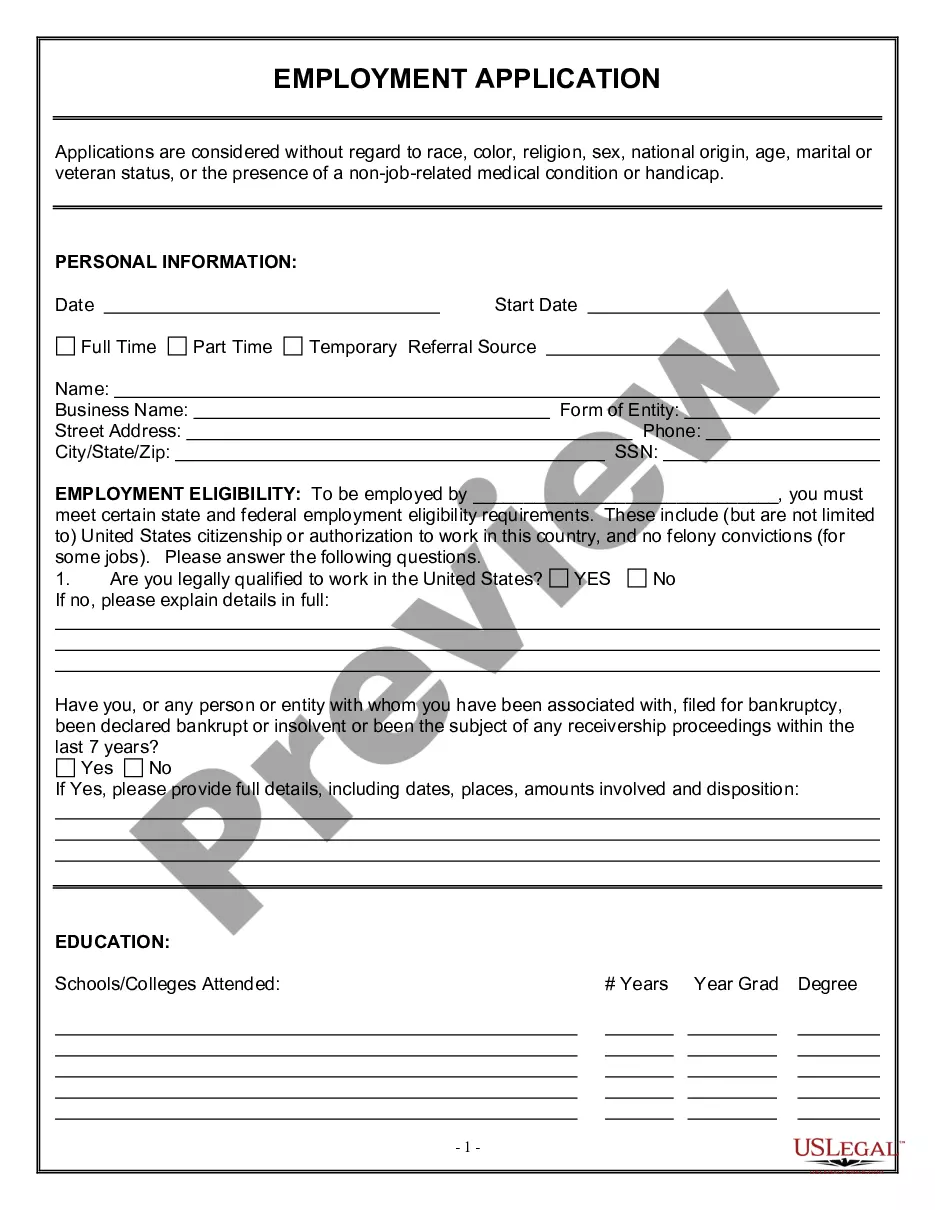
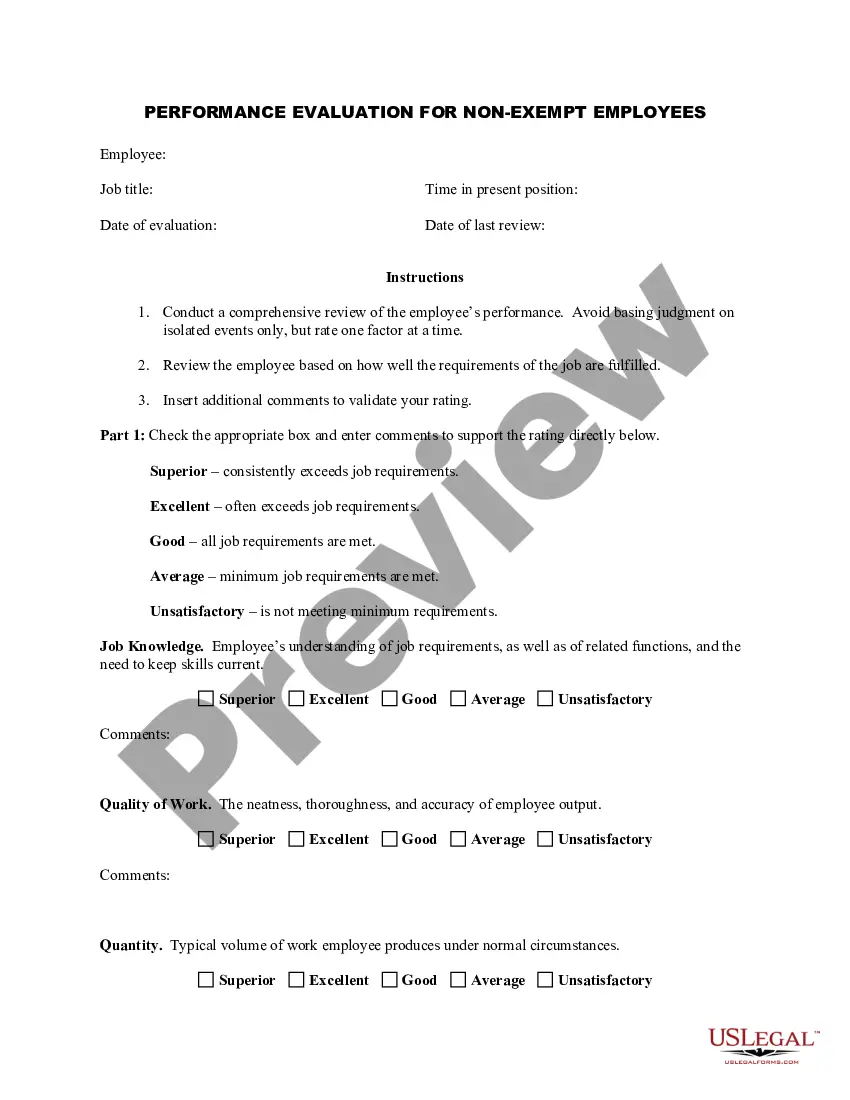
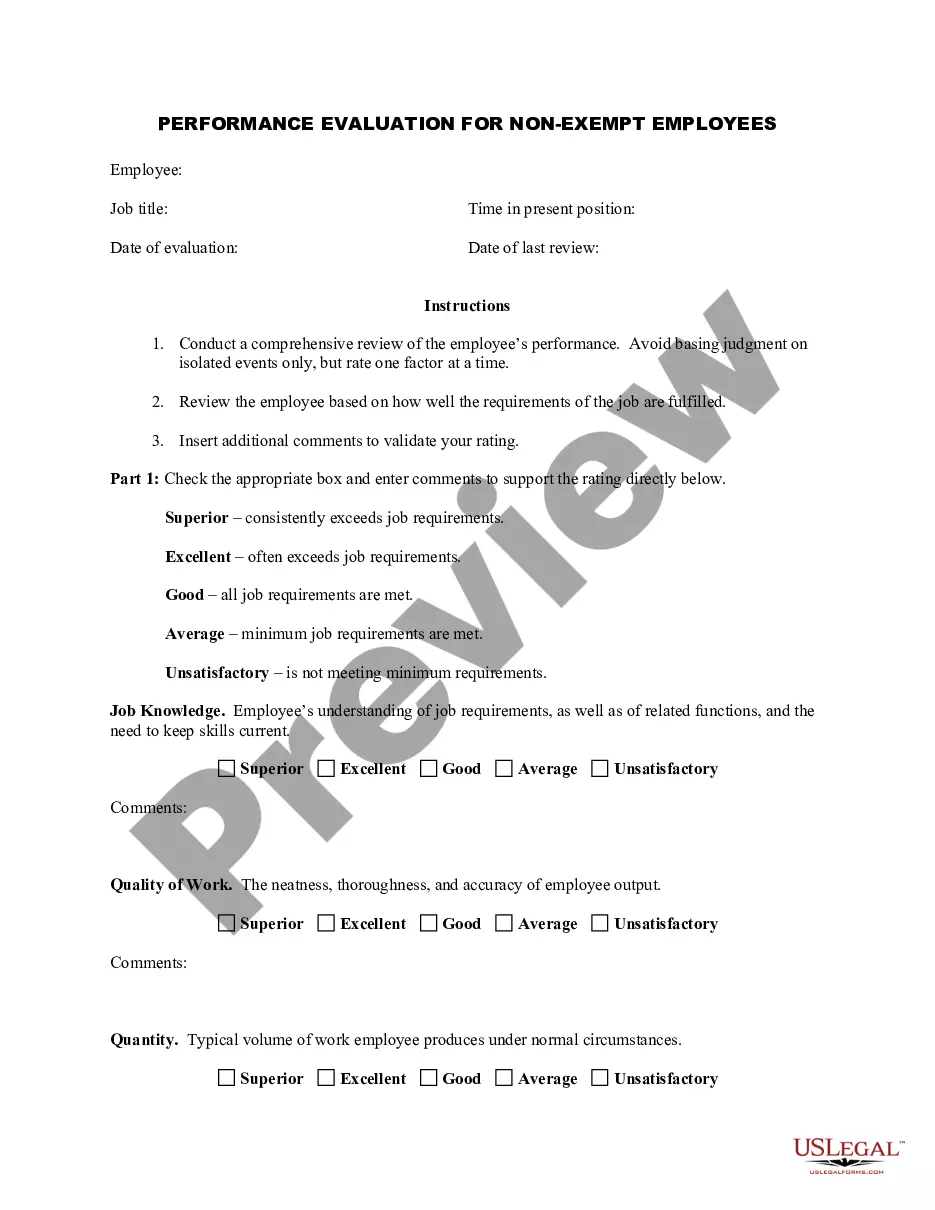
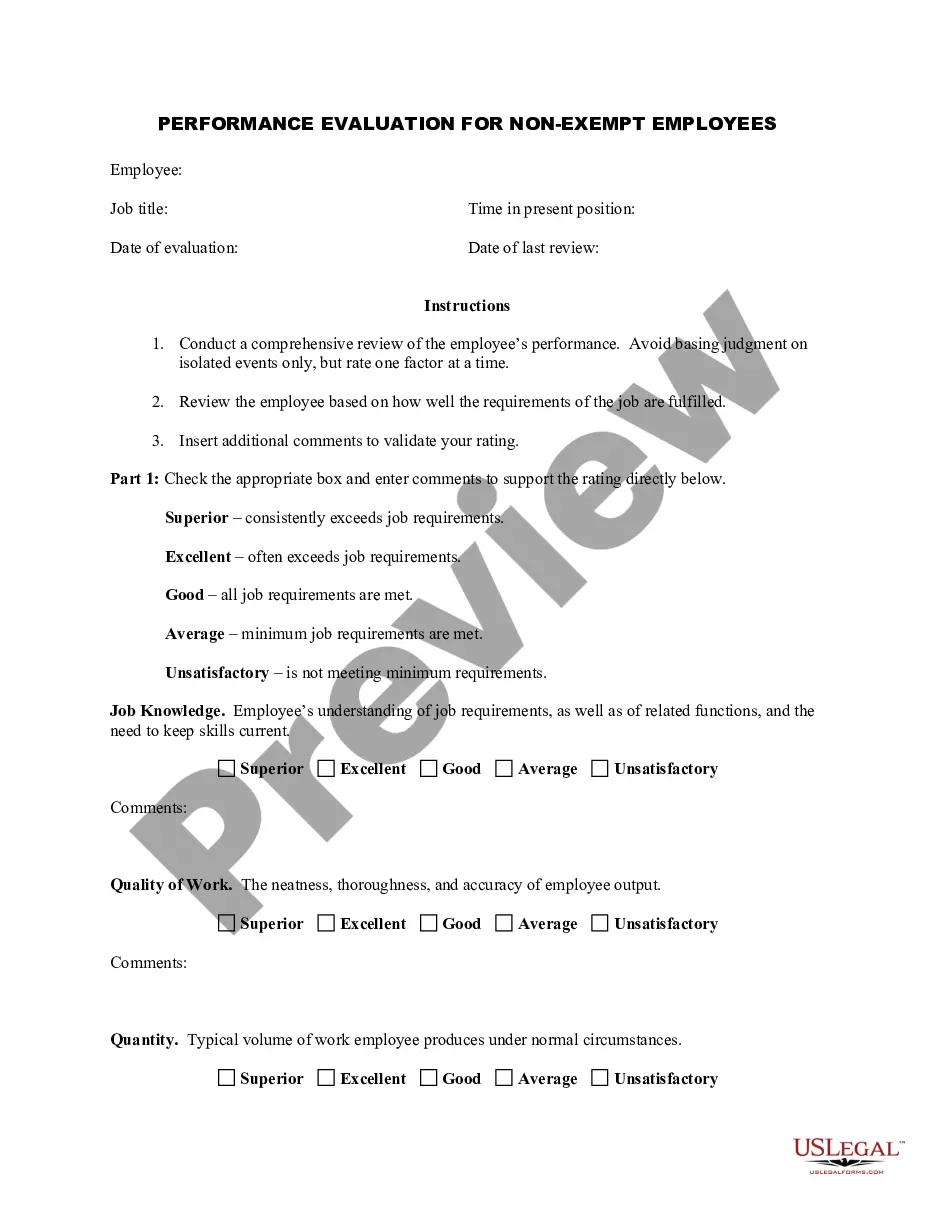
US Legal Forms offers a plethora of form templates, including the Utah Employee Evaluation Form for Gardener, specifically designed to satisfy federal and state requirements.
Once you find the correct form, click Acquire now.
Select the payment plan you prefer, provide the necessary details for invoicing, and complete your purchase using PayPal or a credit card. Choose a suitable file format and download your copy. You can access all the document templates you have purchased in the My documents section. You can download an additional copy of the Utah Employee Evaluation Form for Gardener anytime, if necessary. Just open the required form to obtain or print the template. Utilize US Legal Forms, the most comprehensive collection of legal documents, to save time and minimize mistakes. Create an account on US Legal Forms and start simplifying your life.
- If you are already familiar with the US Legal Forms website and have an account, simply Log In.
- Subsequently, you can download the Utah Employee Evaluation Form for Gardener template.
- If you do not have an account and wish to start using US Legal Forms, follow these steps.
- Obtain the form you require and ensure it is suitable for the correct city/state.
- Utilize the Preview feature to review the form.
- Check the description to confirm that you have selected the proper form.
- If the form is not what you are looking for, use the Lookup section to find the form that meets your needs.
Form popularity
FAQ
To fill out an employee self-evaluation form, start by reflecting on your job performance over the evaluation period. Identify your strengths, achievements, and areas where you can improve. Use clear examples to support your assessments and be honest about your performance. The Utah Employee Evaluation Form for Gardener can guide you in articulating your experiences effectively.
The primary purpose of evaluation form is to provide "useful feedback" to a variety of audiences. Useful feedback usually enables reflection and assists in the identification of future change except for gaining insight into prior or existing initiatives.
What to Include in an Employee Evaluation Form?Employee and reviewer information. The form must have basic information about both parties involved.Review period.An easy-to-understand rating system.Evaluation points.Goals.Extra space for comments.Signatures.Scorecard.More items...?
The form should include clear guidelines and instructions to allow managers and employees to know exactly what information to provide, the meaning of the ratings, and how to get the information they need. When designing your evaluation form, consider your primary purpose for conducting performance reviews.
How to write an employee evaluationGather employee information. Gather required information related to the employee to get the full picture of their value to the company.List employee responsibilities.Use objective language.Use action verbs.Compare performance ratings.Ask open-ended questions.Use a point system.
What to Include in an Employee Evaluation Form?Employee and reviewer information. The form must have basic information about both parties involved.Review period.An easy-to-understand rating system.Evaluation points.Goals.Extra space for comments.Signatures.Scorecard.More items...?
To create a performance evaluation system in your practice, follow these five steps:Develop an evaluation form.Identify performance measures.Set guidelines for feedback.Create disciplinary and termination procedures.Set an evaluation schedule.
Overview of Evaluation Form An evaluation form is a document which sponsors, donors, client-groups, administrators, staff, and other relevant constituencies or supervisors used to measure a subject's merit, worth and significance with a criteria governed by a set of standards.
An employee evaluation form is a performance review tool used to track employee progress by collecting information about employees' skills, goals, and accomplishments.
How to Respond to an Employee EvaluationListen without Defensiveness. Listen carefully to every point of your annual employee evaluation during the meeting with your supervisor.Review Your Job Description.Calmly Rebut Unfair Comments.Acknowledge Positive Feedback.Suggest a Follow Up Meeting.