Invoice Template for Real Estate Agent
What this document covers
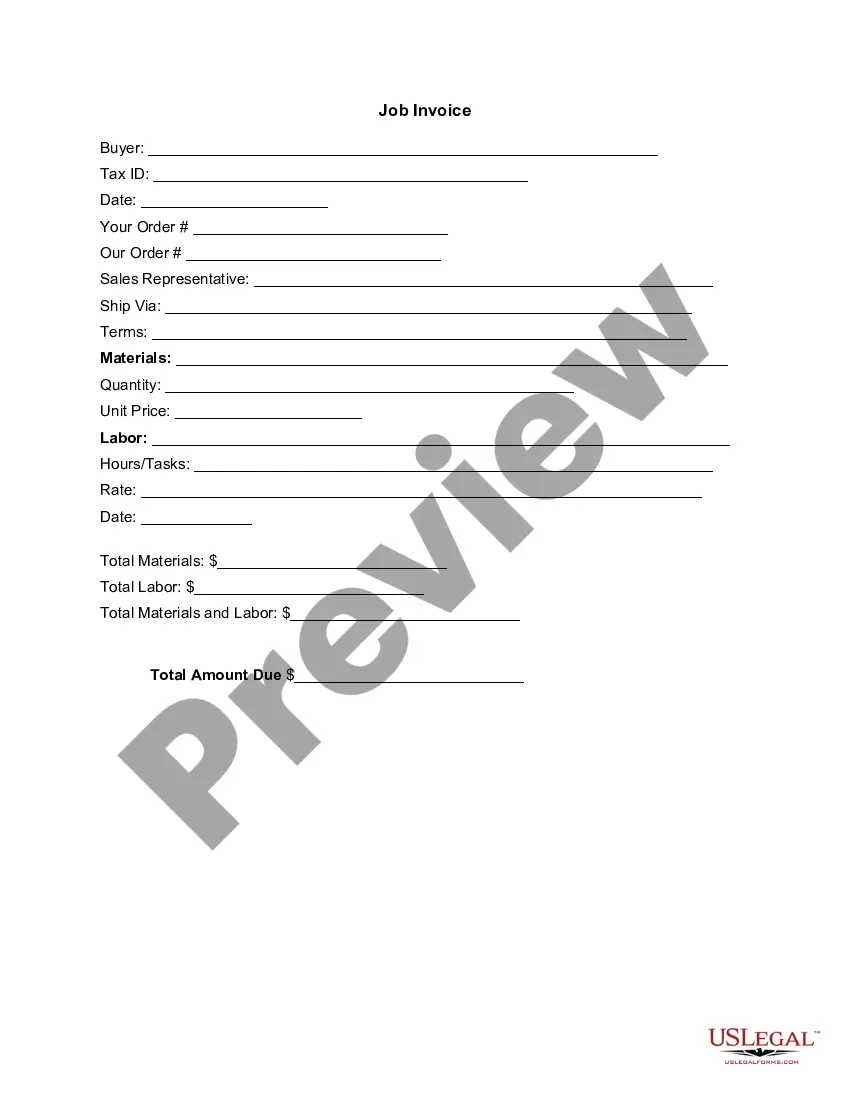
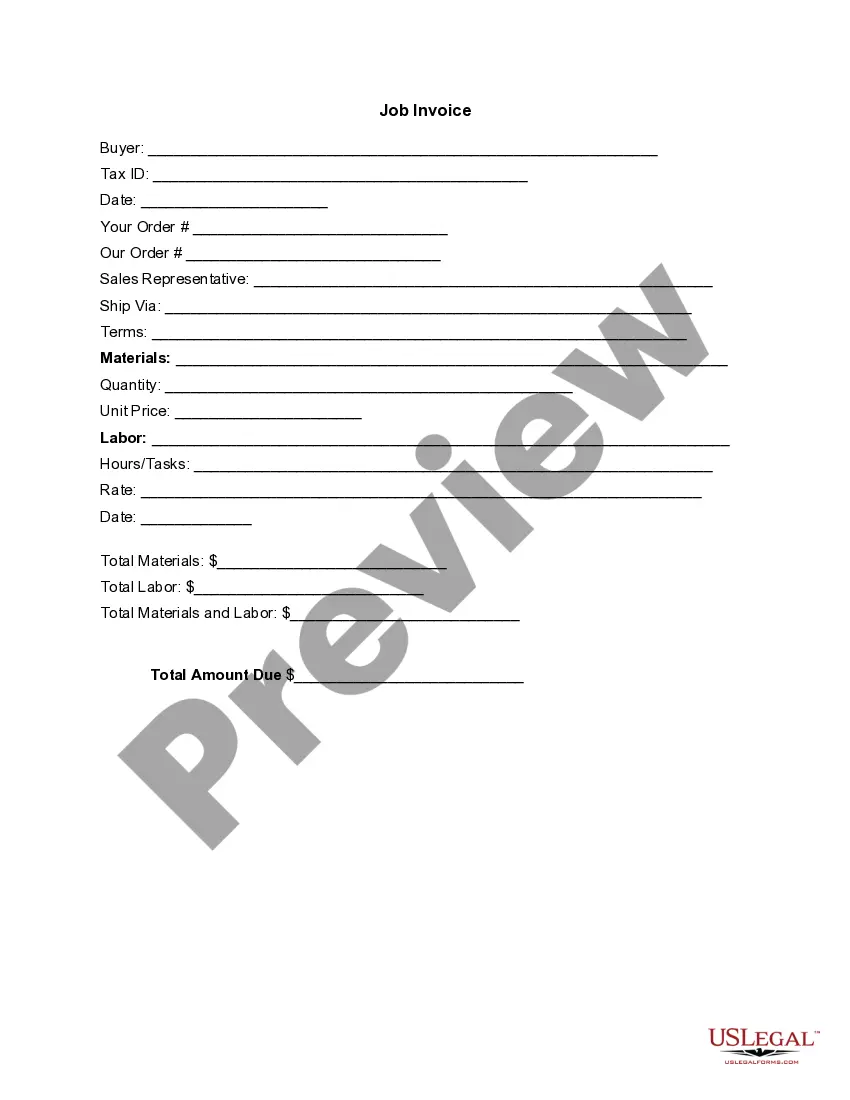
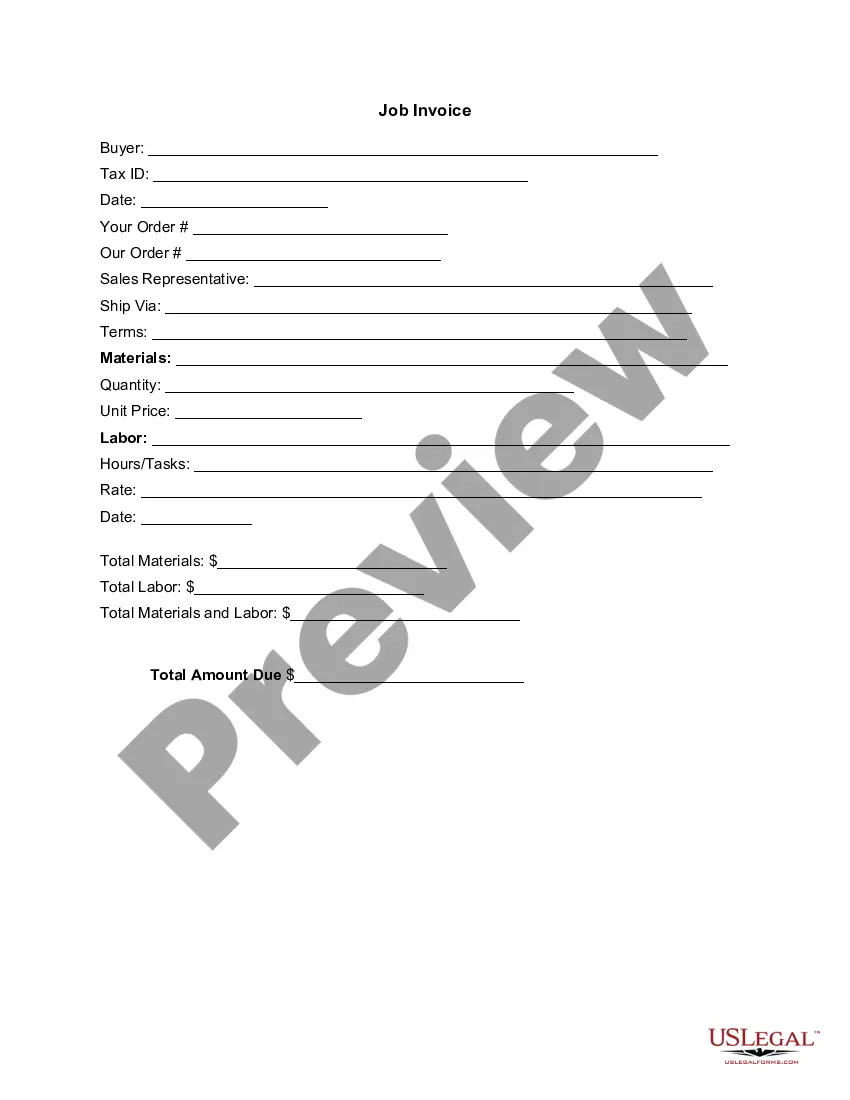
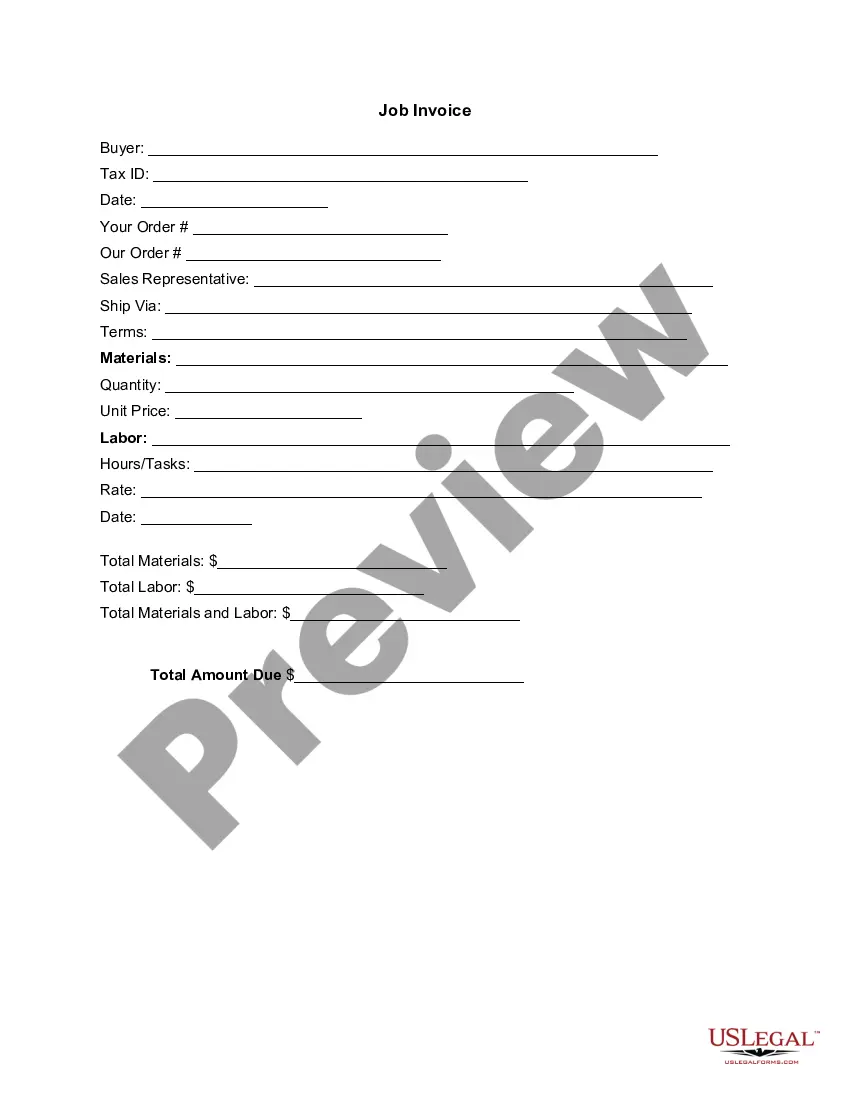
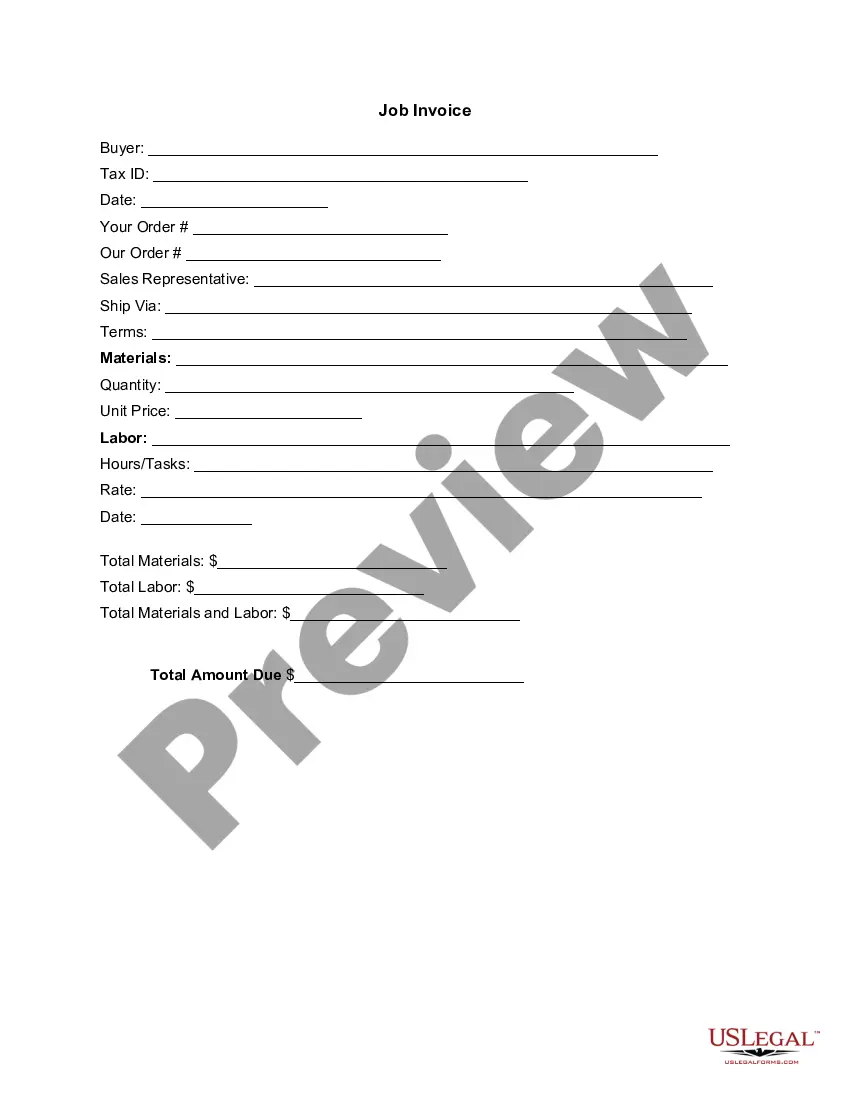
The Invoice Template for Real Estate Agent is a document that provides a detailed itemization of services rendered by a real estate agent, including materials and labor costs. This form is essential for maintaining clear financial records and facilitating prompt payments from clients. Unlike generic invoices, this template is specifically tailored for real estate transactions, ensuring compliance with industry standards and practices.
Key parts of this document
- Buyer information and Tax ID
- Date of service and order details
- Sales representative and shipping instructions
- Terms of service and materials description
- Detailed breakdown of quantity, unit price, labor hours/tasks, and rates
- Total calculation for materials, labor, and the amount due

Situations where this form applies
This invoice template should be used by real estate agents when billing clients for services provided, such as property sales or consultations. It is ideal for situations where an itemized account of services and costs is required to ensure transparency and facilitate payment. Use this form whenever you need to provide a formal request for payment to a buyer.
Intended users of this form
- Real estate agents and brokers providing services to clients
- Property management companies managing transactions
- Freelance real estate consultants assisting clients with purchases or sales
- Any individual or business involved in real estate transactions requiring formal billing
How to complete this form
- Identify the buyer and enter their Tax ID in the designated fields.
- Specify the date and details of the order along with your order number.
- List out all materials and labor services provided, including their respective quantities and unit prices.
- Calculate and fill in the total amounts for materials, labor, and the overall total due.
- Ensure that the invoice is signed and dated by both the agent and the buyer, if required.
Is notarization required?
This form does not typically require notarization unless specified by local law. However, it is advisable to check state-specific requirements to ensure compliance.
Get your form ready online
Our built-in tools help you complete, sign, share, and store your documents in one place.
Make edits, fill in missing information, and update formatting in US Legal Forms—just like you would in MS Word.
Download a copy, print it, send it by email, or mail it via USPS—whatever works best for your next step.
Sign and collect signatures with our SignNow integration. Send to multiple recipients, set reminders, and more. Go Premium to unlock E-Sign.
If this form requires notarization, complete it online through a secure video call—no need to meet a notary in person or wait for an appointment.
We protect your documents and personal data by following strict security and privacy standards.

Make edits, fill in missing information, and update formatting in US Legal Forms—just like you would in MS Word.

Download a copy, print it, send it by email, or mail it via USPS—whatever works best for your next step.

Sign and collect signatures with our SignNow integration. Send to multiple recipients, set reminders, and more. Go Premium to unlock E-Sign.

If this form requires notarization, complete it online through a secure video call—no need to meet a notary in person or wait for an appointment.

We protect your documents and personal data by following strict security and privacy standards.
Avoid these common issues
- Forgetting to include the Tax ID information of the buyer.
- Neglecting to specify payment terms, which can lead to confusion.
- Not providing a detailed itemization of services and materials.
- Errors in the calculations for totals, which can affect payment.
Why use this form online
- Easy to download and customize for your specific needs.
- Increased accuracy with fields clearly defined to avoid errors.
- Time-saving by allowing quick generation of invoices for different clients.
- Reliable format adhering to industry standards, ensuring professional presentation.
Legal use & context
- This invoice serves as a legal record of the services rendered and the amounts due.
- A properly completed invoice can be used in case of disputes regarding payment.
- Maintain a copy of the invoice for your records to support tax obligations and financial tracking.
Looking for another form?
Form popularity
FAQ
Download the Square Invoices app on your iOS or Android device. Create your free Square account or sign in with your existing Square account. Tap the '+' sign on the navigation bar and select 'Invoice'.When your clients receive the invoice in their email, they can pay you securely online.
Open a New Word Document. Choose Your Invoice Template. Download the Invoice Template. Customize Your Invoice Template. Save Your Invoice. Send Your Invoice. Open a New Blank Document. Create an Invoice Header.
Open a New Word Document. Choose Your Invoice Template. Download the Invoice Template. Customize Your Invoice Template. Save Your Invoice. Send Your Invoice. Open a New Blank Document. Create an Invoice Header.
Add your company details in the From section, including the name, phone number, and address. Fill out your client's details in the For section, including name, email, and address.
How do I invoice a client for the commission I have earned for selling their products? You can list the Gross as Rate, and the qty as the Commission as decimal. Then you don't need to add and negative out the same thing. Or, Qty as the Gross and Rate as the decimal.
Download the basic Simple Invoice Template in PDF, Word or Excel format. Open the new invoice doc in Word or Excel. Add your business information and branding, including your business name and logo. Customize the fields in the template to create your invoice. Name your invoice. Save
Invoice Bus. Invoicebus helps you send online invoices to your clients and get paid instantly regardless to wherever you are based in the world. Invoice Generator. FreshBooks. Skynova. Invoiceto.me. Create. Zoho Invoice. Square Invoices.