Texas Acknowledgment of Statement of Appointed Officer
What this document covers
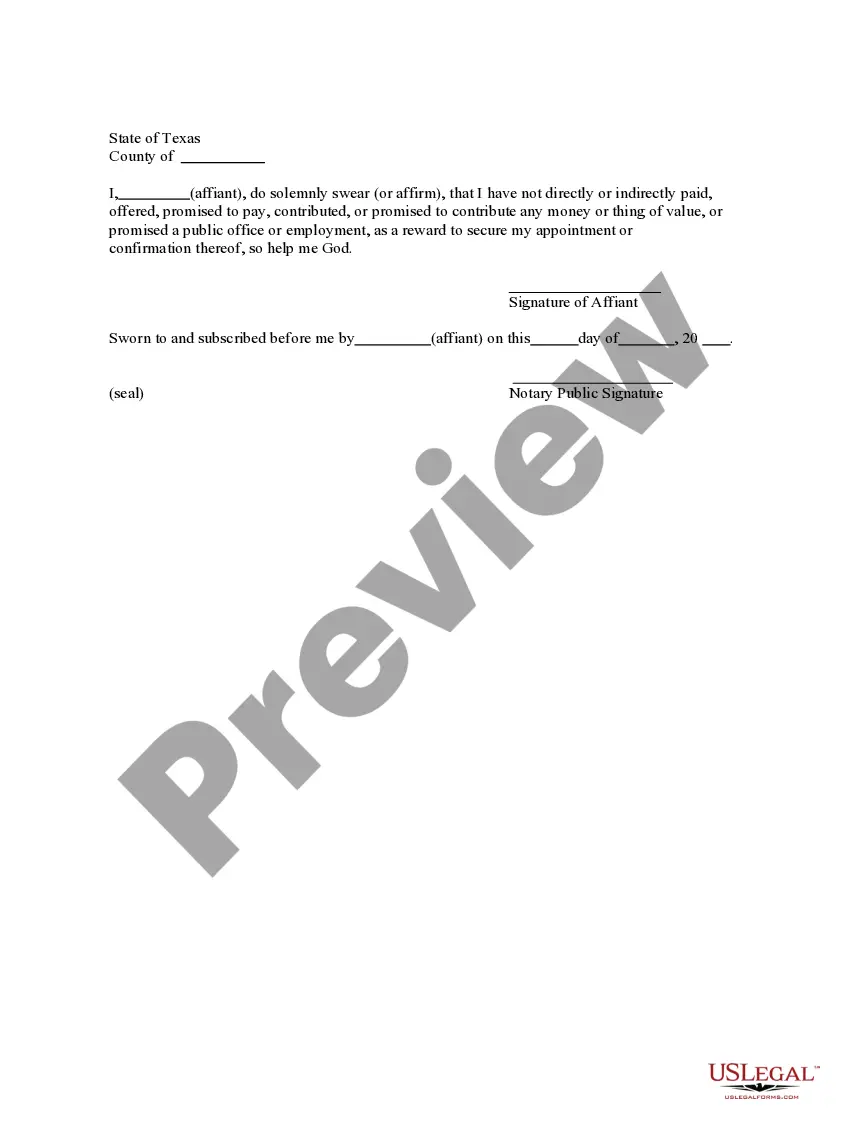
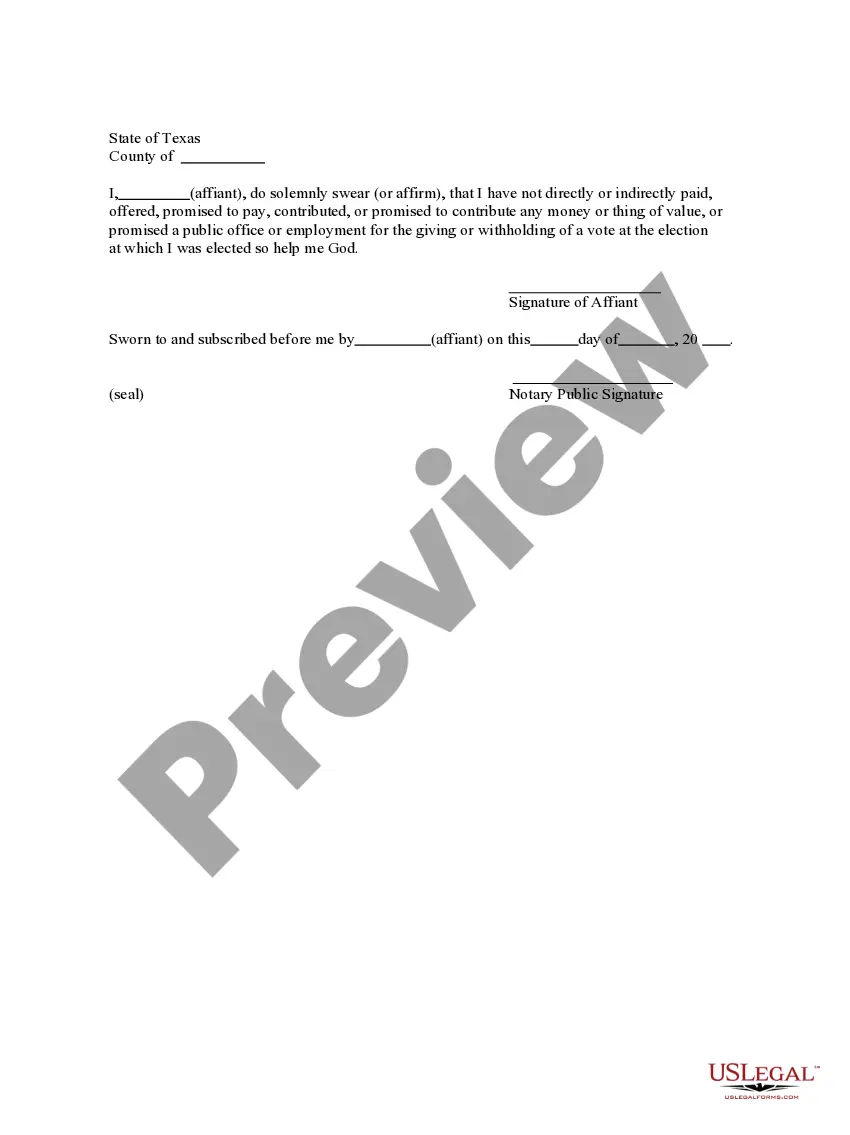
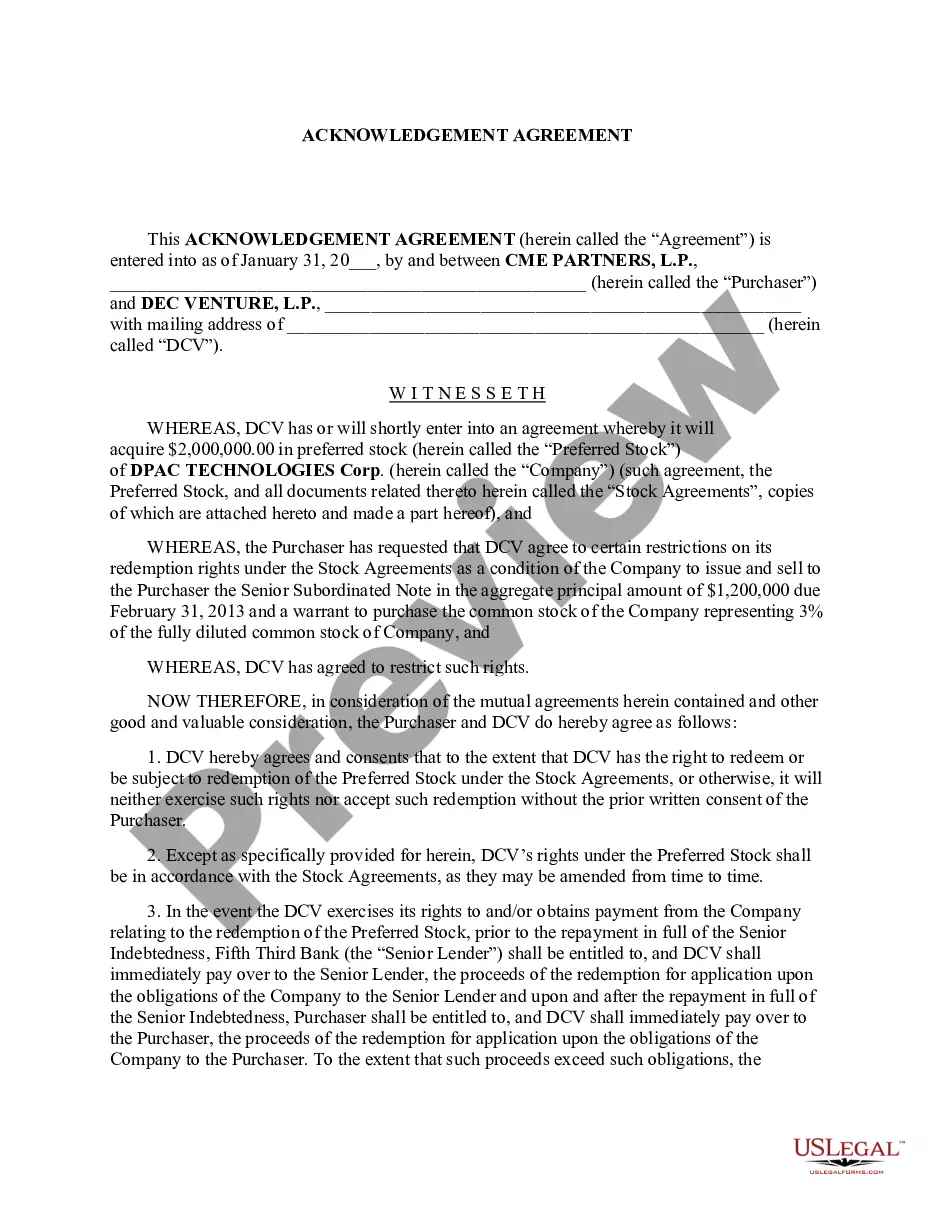
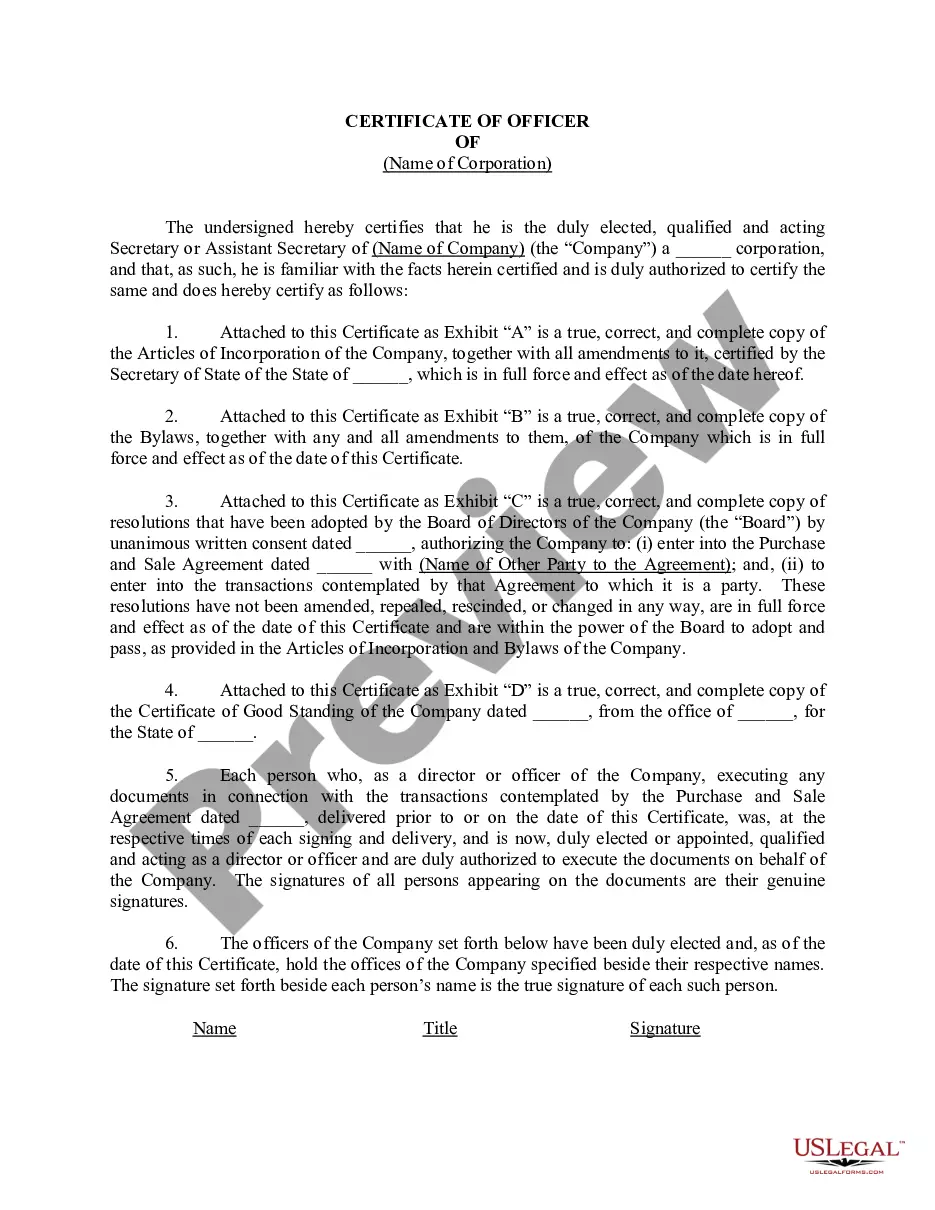
The Acknowledgment of Statement of Appointed Officer is a legal document used to affirm the appointment of an officer for a corporation, partnership, or similar entity. This form serves to declare that the affiant has not offered any form of payment or inducement for their appointment. It is crucial for maintaining transparency and integrity in corporate governance, distinguishing it from other forms related to officer appointments that may not require such an acknowledgment.
Key components of this form
- Affiant's declaration of no inducement for the appointment
- Signature line for the affiant
- Space for notarization and the notary's signature
- Date of affirmation
- Notary public acknowledgment details
When to use this document
This form is typically needed when an individual is appointed as an officer of a business entity and wishes to formally declare that their appointment was made without any improper influences or benefits. It is often used during the filing of corporate documents to ensure compliance with state regulations and to uphold the integrity of the appointment process.
Who this form is for
- Individuals appointed as officers in corporations or partnerships
- Corporations seeking to maintain transparency in governance
- Legal representatives handling corporate filings
How to complete this form
- Enter the name and title of the affiant (the person making the declaration).
- Affirm the statement regarding the lack of payment or promise related to the appointment.
- Include the date of affirmation.
- Sign the document in the designated area as the affiant.
- Have the document notarized by a licensed notary public.
Is notarization required?
This document requires notarization to meet legal standards. US Legal Forms provides secure online notarization powered by Notarize, allowing you to complete the process through a verified video call, available 24/7.
Get your form ready online
Our built-in tools help you complete, sign, share, and store your documents in one place.
Make edits, fill in missing information, and update formatting in US Legal Forms—just like you would in MS Word.
Download a copy, print it, send it by email, or mail it via USPS—whatever works best for your next step.
Sign and collect signatures with our SignNow integration. Send to multiple recipients, set reminders, and more. Go Premium to unlock E-Sign.
If this form requires notarization, complete it online through a secure video call—no need to meet a notary in person or wait for an appointment.
We protect your documents and personal data by following strict security and privacy standards.

Make edits, fill in missing information, and update formatting in US Legal Forms—just like you would in MS Word.

Download a copy, print it, send it by email, or mail it via USPS—whatever works best for your next step.

Sign and collect signatures with our SignNow integration. Send to multiple recipients, set reminders, and more. Go Premium to unlock E-Sign.

If this form requires notarization, complete it online through a secure video call—no need to meet a notary in person or wait for an appointment.

We protect your documents and personal data by following strict security and privacy standards.
Mistakes to watch out for
- Failing to sign the document before a notary.
- Not including the date of affirmation.
- Providing inaccurate information about the appointment or the affiant's status.
Benefits of using this form online
- Convenient access to downloadable forms from your home or office.
- Easily editable to fit specific corporate and legal needs.
- Reliable templates drafted by licensed attorneys to ensure legal compliance.
Looking for another form?
Form popularity
FAQ
They key difference is that for a signature witnessing, the signer must always sign the document in the Notary's presence.An acknowledgment, on the other hand, does not require the Notary to witness the signature in most states (one exception is Maryland).
A notary public who has a direct or indirect financial (or other beneficial) interest in a document may not notarize such a document. The better practice is not to notarize for a spouse or family member in order to preserve the integrity of the notarization and to prevent a challenge to the notarization.
For an acknowledgment, the signer must always: Be positively identified by the Notary. The Notary must always identify the signer for an acknowledgement; whether the signer personally knows the Notary, presents an ID document, or is identified by a credible witness depends on the circumstances.
An acknowledgment is a formal declaration before an authorized official such as a notary, by a person who has signed a document, that the document is his or her act. Acknowledgments are governed by the Uniform Acknowledgment Act. The person acknowledging the document must personally appear before the notary.
Step 1: Require Personal Appearance. Step 2: Check Over The Document. Step 3: Carefully Identify The Signer. Step 4: Record Your Journal Entry. Step 5: Complete The Notarial Certificate. A Last Note: Never Give Advice.
Step 1: Require Personal Appearance. Step 2: Check Over The Document. Step 3: Carefully Identify The Signer. Step 4: Record Your Journal Entry. Step 5: Complete The Notarial Certificate. A Last Note: Never Give Advice.
Documents used for legal purposes in South Africa can often be notarized free of charge at a South African Police Service (SAPS) station. Contact your nearest SAPS station for details. Consular officers perform services customarily provided by Notaries Public in the United States.
The certificate of a notary public, justice of the peace, or other authorized officer, attached to a deed, mortgage, or other instrument, setting forth that the parties thereto personally appeared before him on such a date and acknowledged the instrument to be their free and voluntary act and deed. Read v.
When you see (here insert the name and character of the officer) next to a blank as shown below, it means you should insert Your name, Notary Public in the blank.