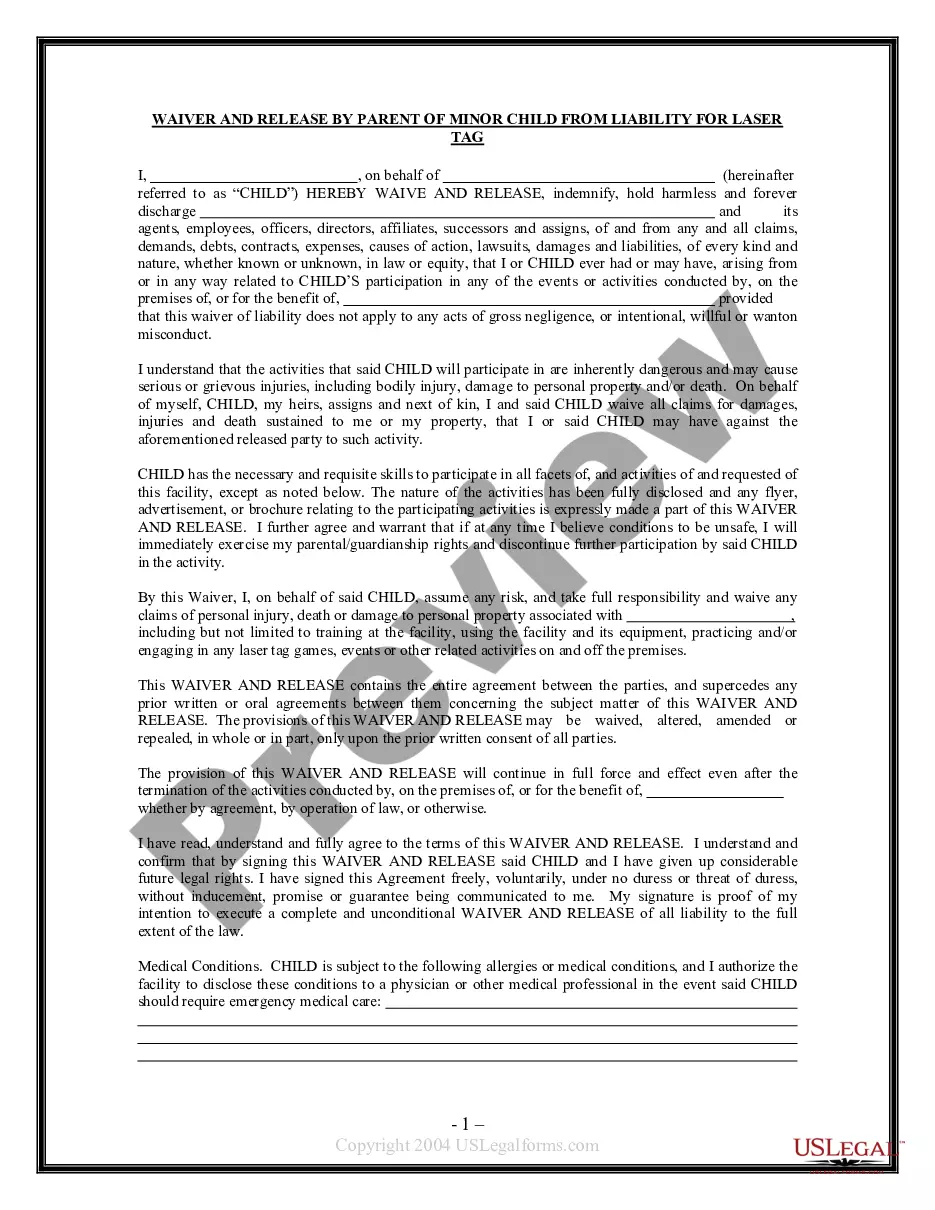
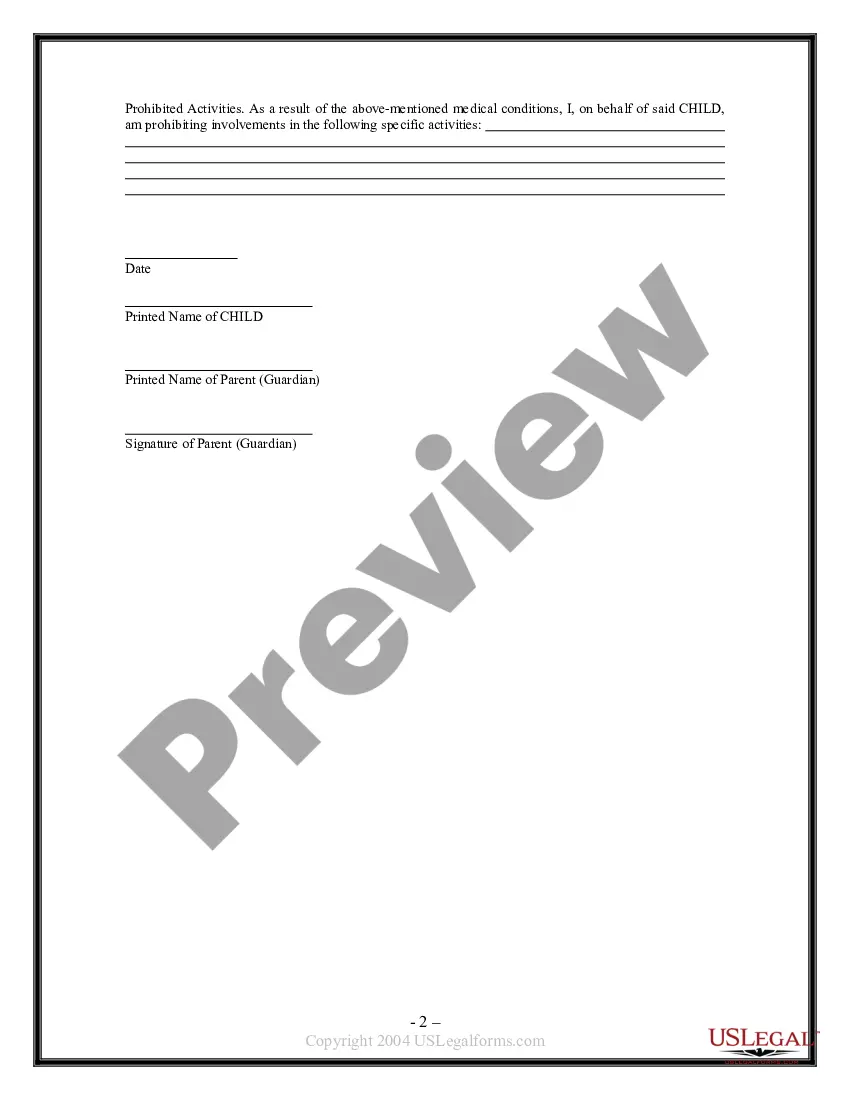
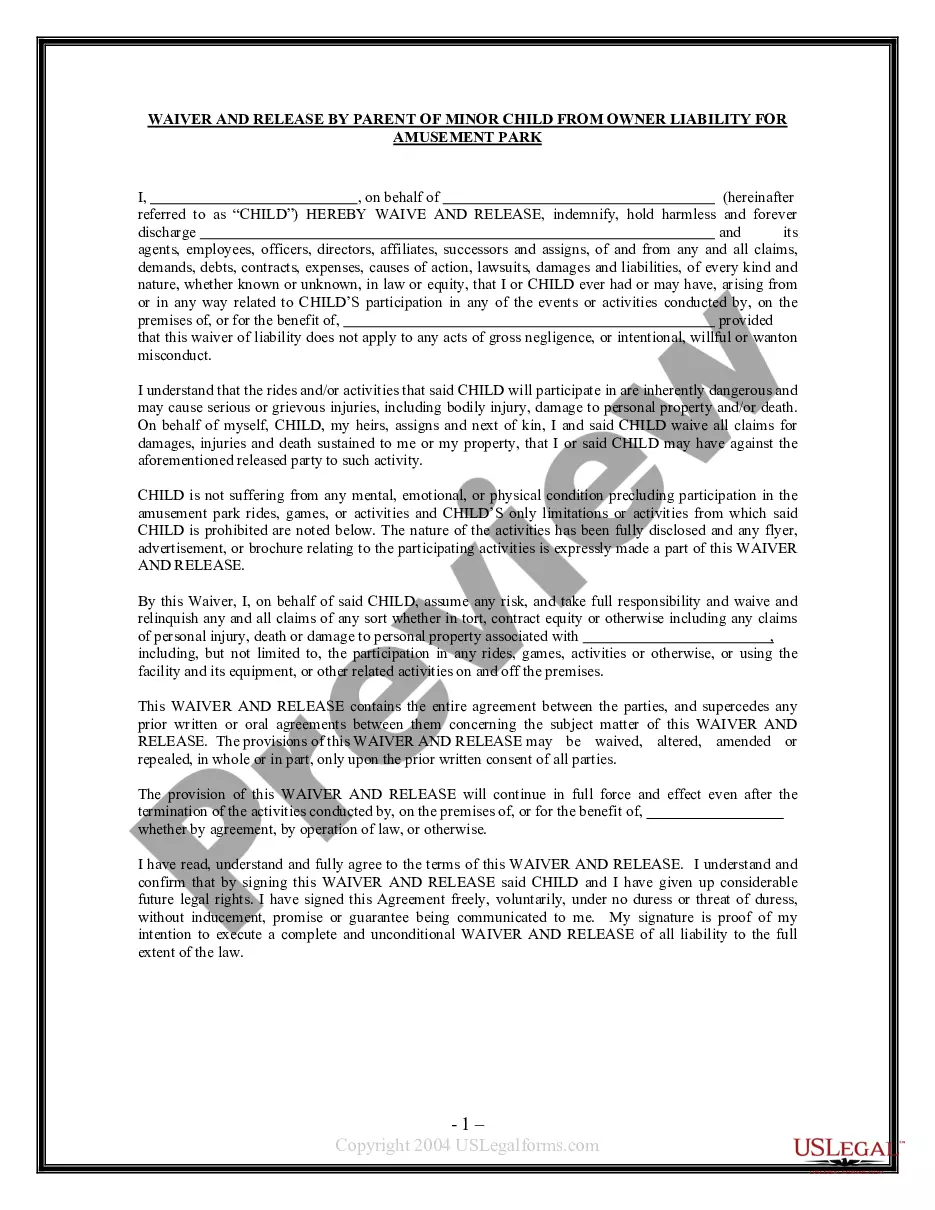
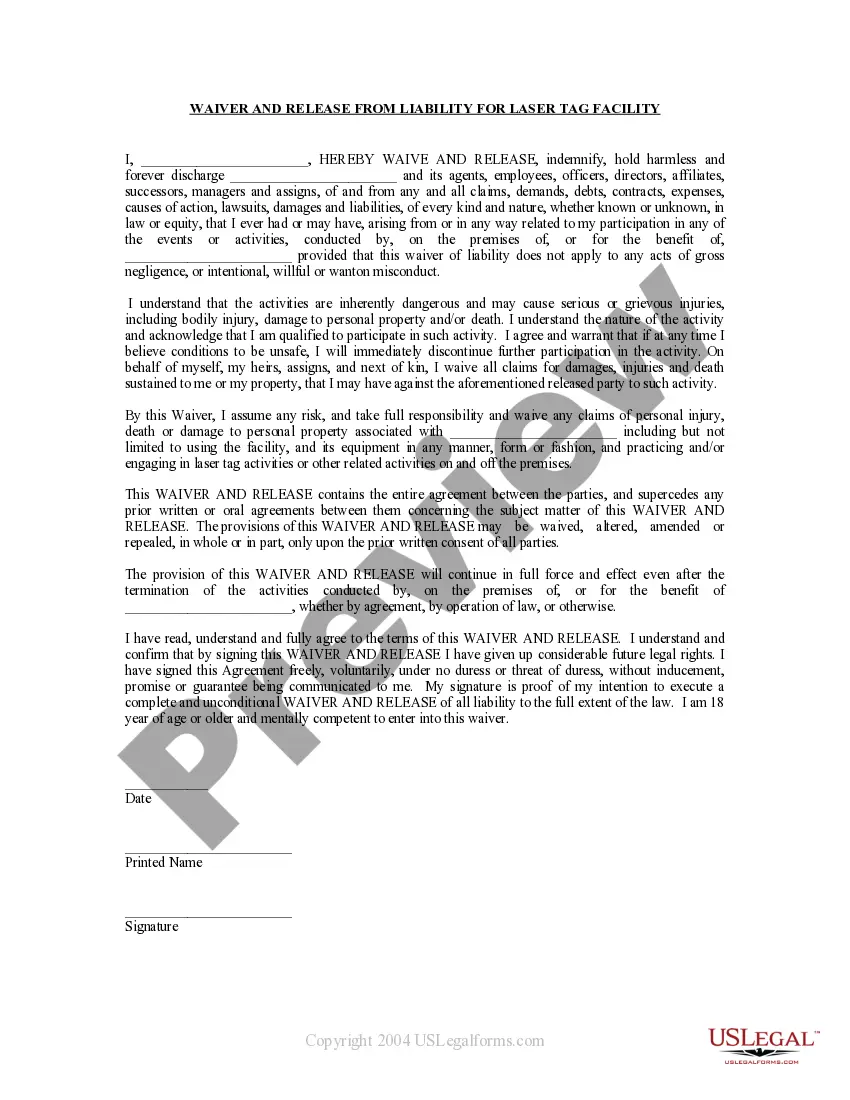
This form allows a parent or guardian to release a laser tag facility from liability for injuries which may be incurred by a minor child while on the premises, taking part in activities, etc.
Texas Waiver and Release From Liability For Minor Child for Laser Tag Facility
State:
Multi-State
Category:
Control #:
US-WAV-44M
Format:
Word;
Rich Text
52 downloads
Description
Free preview
Get your form ready online
Our built-in tools help you complete, sign, share, and store your documents in one place.
Built-in online Word editor
Make edits, fill in missing information, and update formatting in US Legal Forms—just like you would in MS Word.
Export easily
Download a copy, print it, send it by email, or mail it via USPS—whatever works best for your next step.
E-sign your document
Sign and collect signatures with our SignNow integration. Send to multiple recipients, set reminders, and more. Go Premium to unlock E-Sign.
Notarize online 24/7
If this form requires notarization, complete it online through a secure video call—no need to meet a notary in person or wait for an appointment.
Store your document securely
We protect your documents and personal data by following strict security and privacy standards.

Make edits, fill in missing information, and update formatting in US Legal Forms—just like you would in MS Word.

Download a copy, print it, send it by email, or mail it via USPS—whatever works best for your next step.

Sign and collect signatures with our SignNow integration. Send to multiple recipients, set reminders, and more. Go Premium to unlock E-Sign.

If this form requires notarization, complete it online through a secure video call—no need to meet a notary in person or wait for an appointment.

We protect your documents and personal data by following strict security and privacy standards.
Looking for another form?
How to fill out Waiver And Release From Liability For Minor Child For Laser Tag Facility?
If you need to finish, retrieve, or print valid document templates, utilize US Legal Forms, the largest collection of legal forms available online.
Utilize the site’s straightforward and convenient search function to find the documents you require.
Various templates for business and personal purposes are organized by categories and jurisdictions, or keywords.
Step 4. Once you have found the form you need, select the Download now button. Choose the payment plan you prefer and enter your credentials to register for an account.
Step 5. Complete the transaction. You may use your Visa or MasterCard or PayPal account to finalize the purchase. Step 6. Select the format of the legal form and download it to your device. Step 7. Complete, modify, and print or sign the Texas Waiver and Release From Liability For Minor Child for Laser Tag Facility.
Every legal document format you purchase is yours permanently. You will have access to every form you saved in your account. Click on the My documents section and choose a form to print or download again. Be proactive and download, and print the Texas Waiver and Release From Liability For Minor Child for Laser Tag Facility with US Legal Forms. There are numerous professional and jurisdiction-specific forms you can use for your business or personal needs.
- Utilize US Legal Forms to acquire the Texas Waiver and Release From Liability For Minor Child for Laser Tag Facility in just a few clicks.
- If you are already a US Legal Forms user, Log In to your account and click the Download button to obtain the Texas Waiver and Release From Liability For Minor Child for Laser Tag Facility.
- You can also access forms you previously stored in the My documents section of your account.
- If you are using US Legal Forms for the first time, follow the steps below.
- Step 1. Ensure you have selected the form for your correct area/region.
- Step 2. Use the Review option to examine the form’s details. Don’t forget to read the description.
- Step 3. If you are not satisfied with the form, use the Search box at the top of the screen to find other forms in the legal document format.
Form popularity
FAQ
An effective waiver of liability, such as a Texas Waiver and Release From Liability For Minor Child for Laser Tag Facility, must meet three key requirements. First, it should clearly state the risks involved in the activity. Second, it must be written in clear and understandable language. Lastly, it should be signed voluntarily by a parent or guardian. Meeting these criteria can help ensure the waiver holds up in court, protecting your business from potential liability.
While you can write your own liability waiver, it is advisable to use a professionally drafted Texas Waiver and Release From Liability For Minor Child for Laser Tag Facility instead. A professionally created waiver will ensure that all legal requirements are met and that the language is clear and enforceable. Custom waivers may miss important legal language, which can lead to complications in case of an incident. Using platforms like USLegalForms can provide you with the necessary templates to create an effective waiver.
Yes, liability waivers are generally enforceable in Texas, provided they meet certain legal criteria. A Texas Waiver and Release From Liability For Minor Child for Laser Tag Facility must clearly outline the risks involved and be signed by a parent or guardian. However, courts may not enforce waivers that are overly broad or vague. It is important to use a well-drafted waiver from a reputable source to ensure its effectiveness.
A liability waiver, or release waiver, is a legal document that a company or organization requires members of the public to sign in order to protect their organization from being sued if you sustain an injury.
Here is all that pertains writing an effective liability waiver:Get help. Writing a waiver should not be complicated.Use the correct structure.Proper formatting.Include a subject line.Include a caution!Talk about the activity risks.Do not forget an assumption of risk.Hold harmless.More items...?
A liability waiver, or release of liability, is a legal document that a company or organization has you sign in order to protect them from being sued in the event that you are injured.
Releases of liabilitysometimes called waiversare legal agreements designed to transfer responsibility for injuries and property damage from one party to another.
To sum it up, customers can still sue business owners even when they've signed a waiver to use the business.
So, if an accident happens and injury occurs, is a Waiver effective in protecting the institution from liability and preventing a lawsuit from the injured party? The answer is that, if properly worded and signed, the Waiver is likely valid and will preclude legal claims for injuries.
Liability waivers are enforceable in California solely to the extent they shift to the customer the risk of ordinary negligence. Under California law, a liability waiver cannot excuse an injury caused by a defendant's gross negligence, recklessness or intentionally wrongful act.