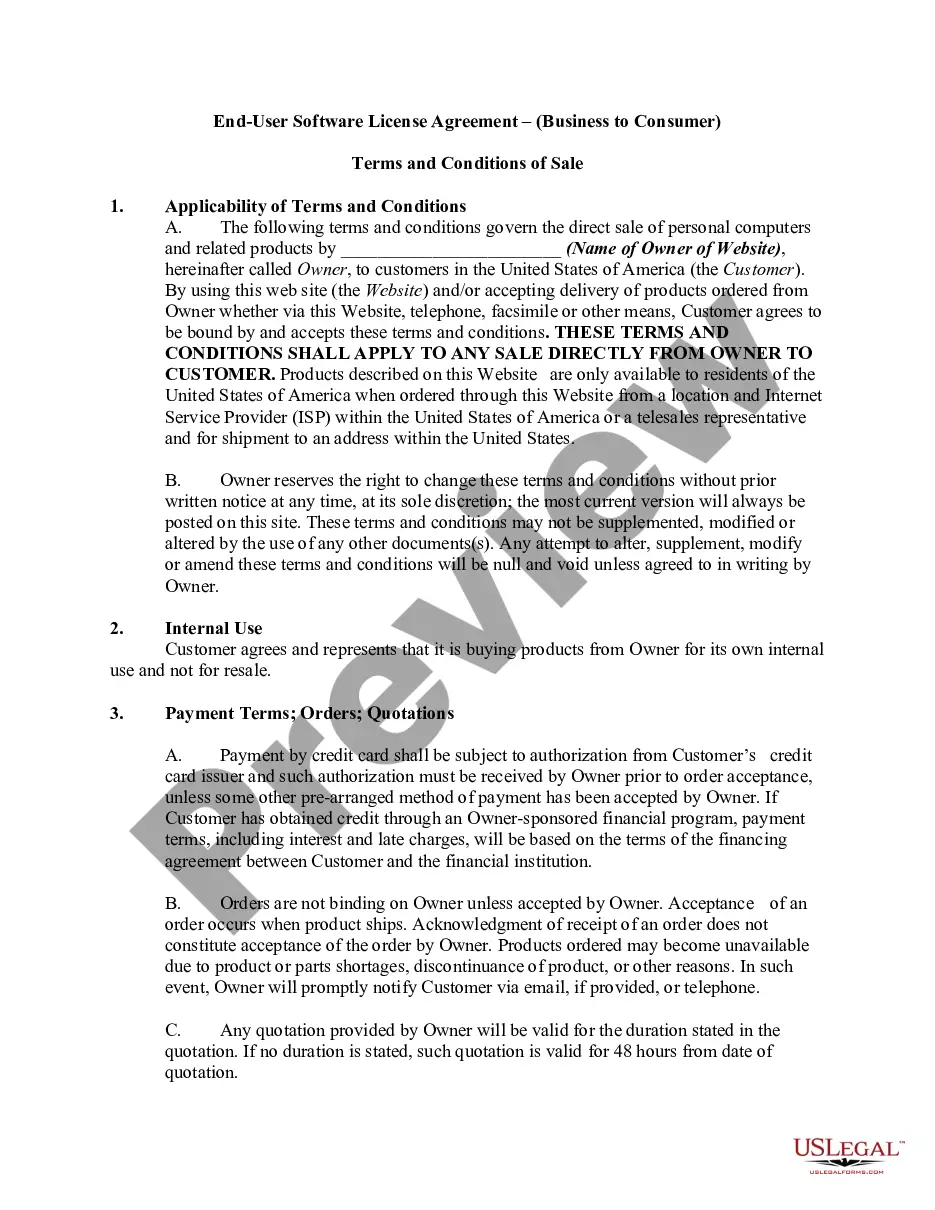
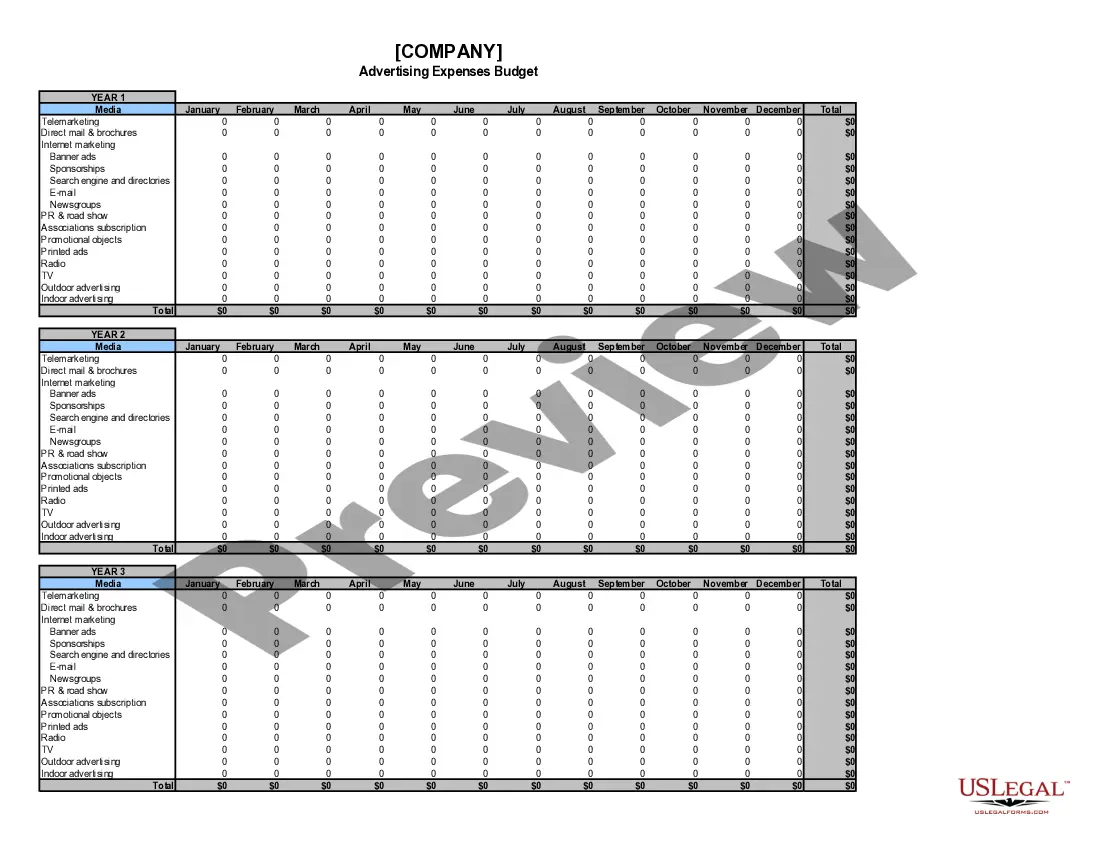
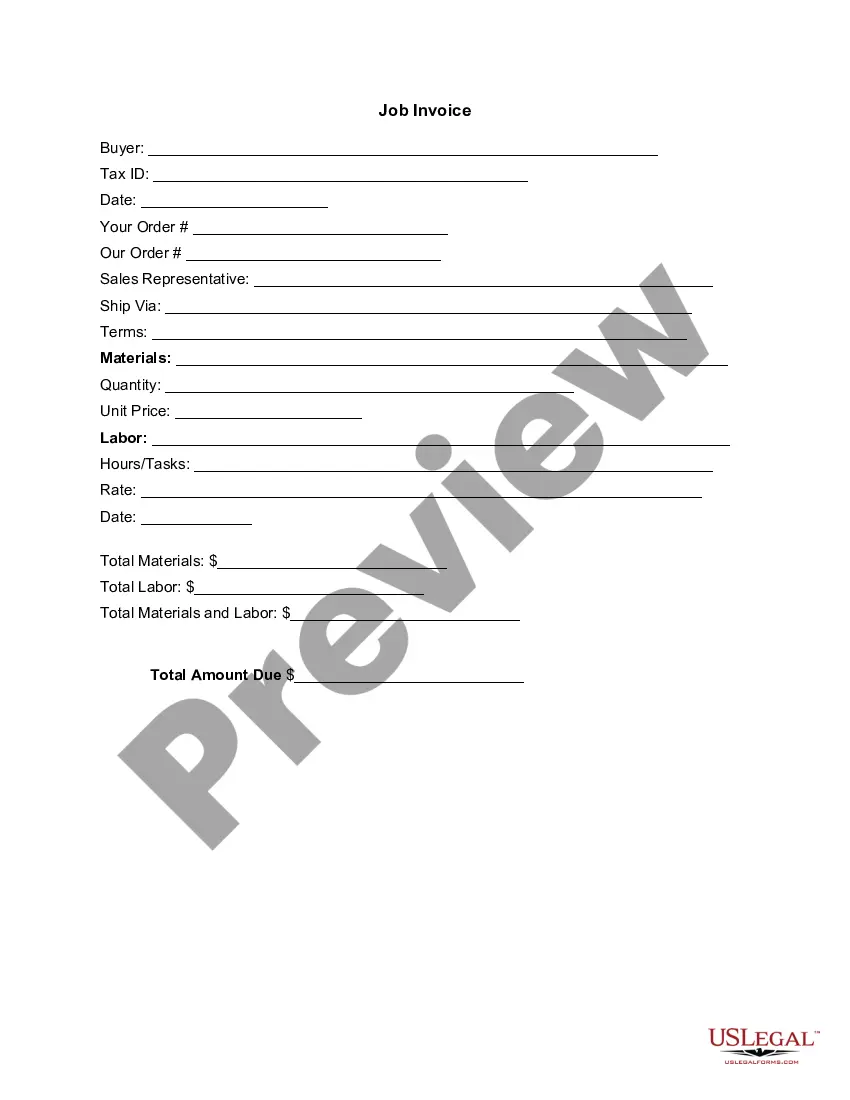
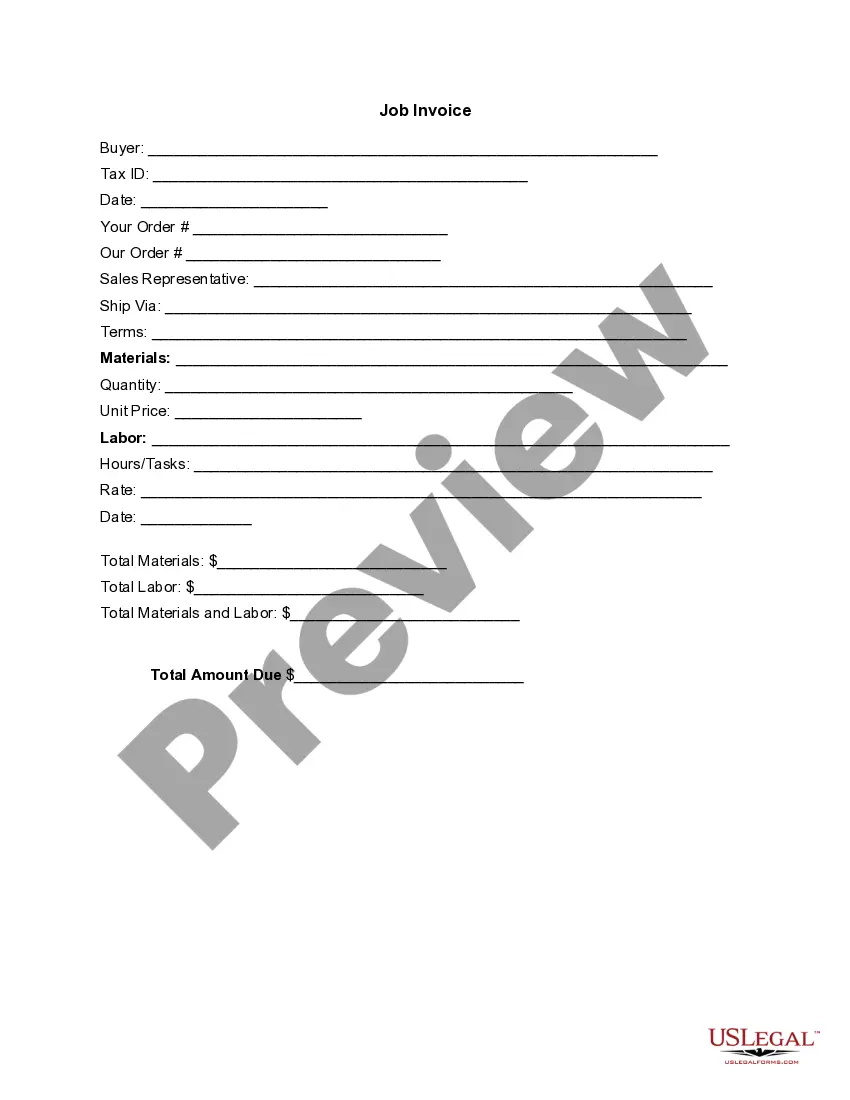
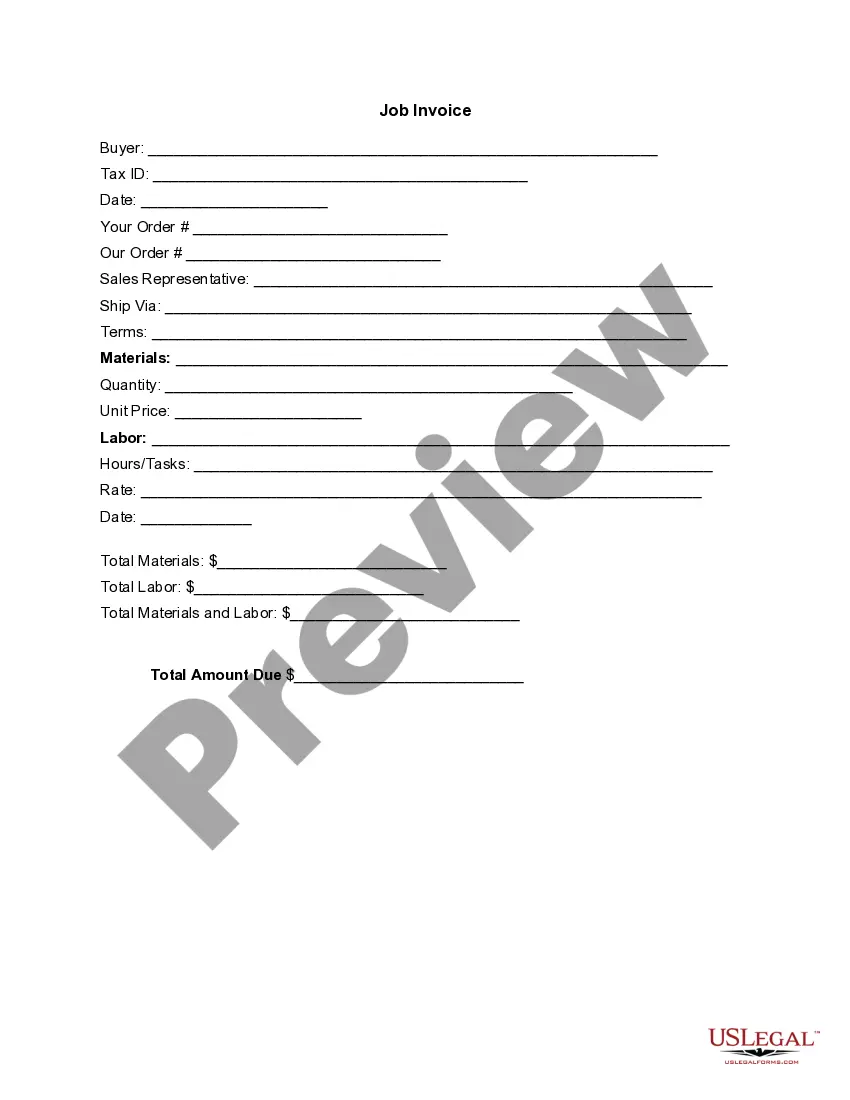
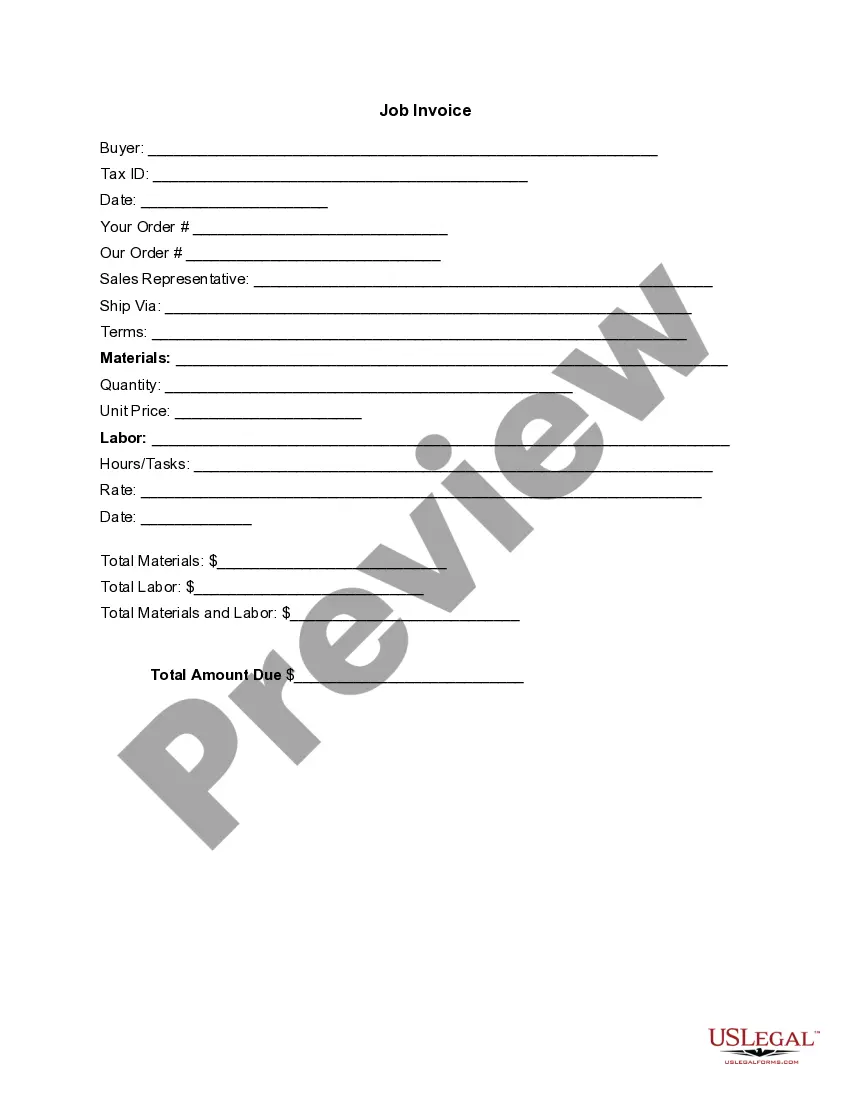
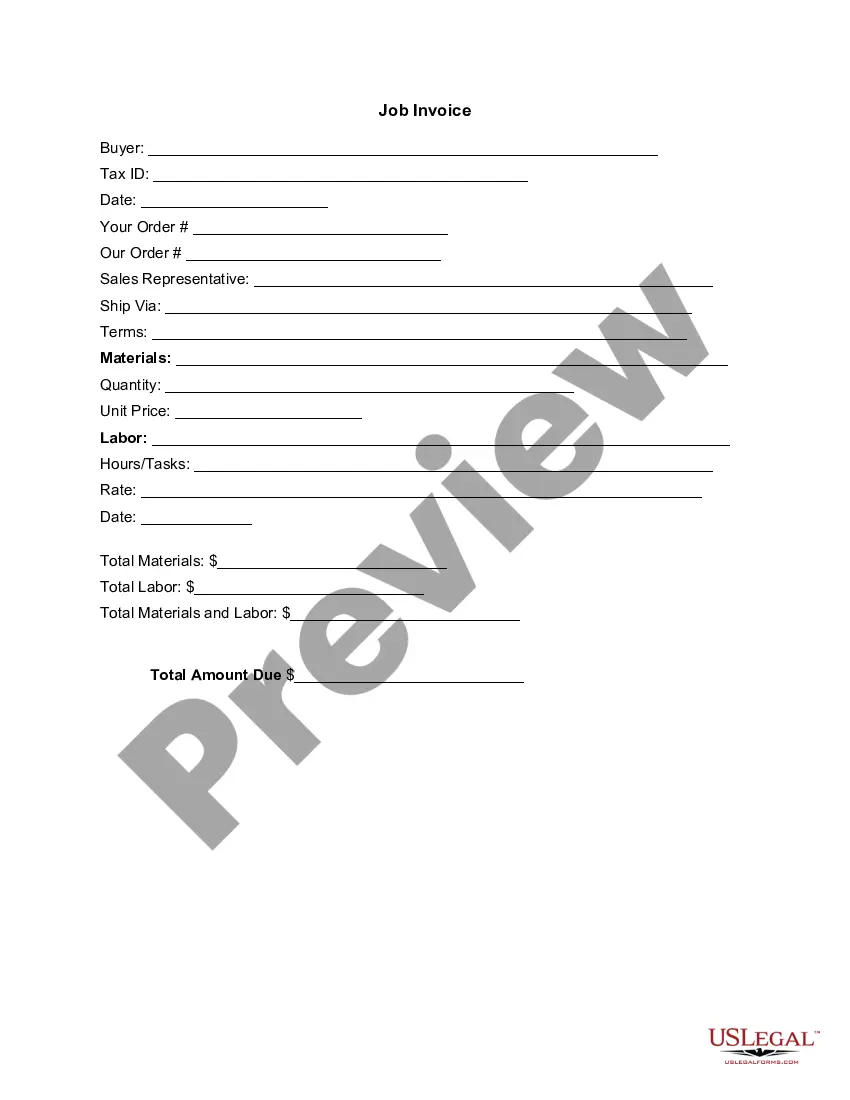
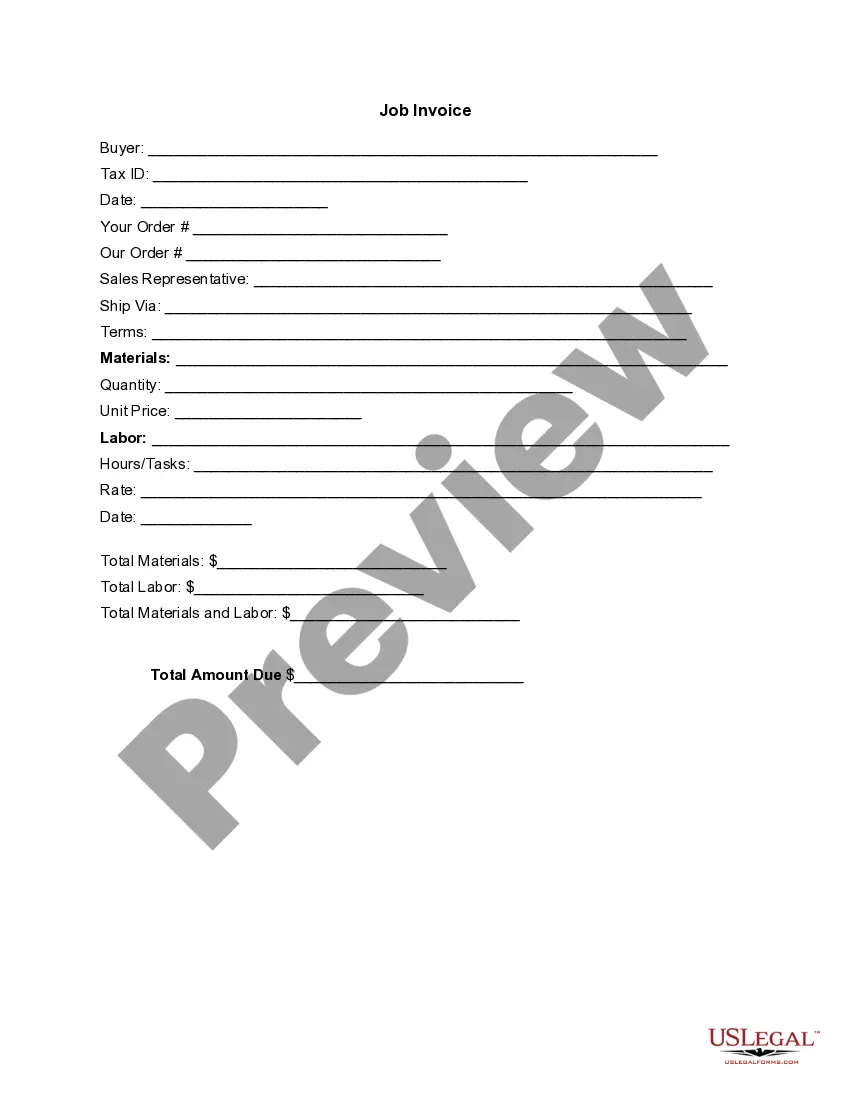
Texas Invoice Template for Florist
Description

Get your form ready online
Our built-in tools help you complete, sign, share, and store your documents in one place.
Make edits, fill in missing information, and update formatting in US Legal Forms—just like you would in MS Word.
Download a copy, print it, send it by email, or mail it via USPS—whatever works best for your next step.
Sign and collect signatures with our SignNow integration. Send to multiple recipients, set reminders, and more. Go Premium to unlock E-Sign.
If this form requires notarization, complete it online through a secure video call—no need to meet a notary in person or wait for an appointment.
We protect your documents and personal data by following strict security and privacy standards.

Make edits, fill in missing information, and update formatting in US Legal Forms—just like you would in MS Word.

Download a copy, print it, send it by email, or mail it via USPS—whatever works best for your next step.

Sign and collect signatures with our SignNow integration. Send to multiple recipients, set reminders, and more. Go Premium to unlock E-Sign.

If this form requires notarization, complete it online through a secure video call—no need to meet a notary in person or wait for an appointment.

We protect your documents and personal data by following strict security and privacy standards.
Looking for another form?







How to fill out Invoice Template For Florist?
You might spend numerous hours online attempting to locate the sanctioned document template that meets the state and federal requirements you necessitate.
US Legal Forms offers a wide array of legal forms that are vetted by specialists.
You can easily download or print the Texas Invoice Template for Florist from the service.
If available, use the Preview option to view the document template as well. To find another version of the form, utilize the Search box to locate the template that suits your needs.
- If you already have a US Legal Forms account, you can Log In and select the Acquire option.
- After that, you can complete, modify, print, or sign the Texas Invoice Template for Florist.
- Each legal document template you obtain belongs to you permanently.
- To obtain another copy of the acquired form, navigate to the My documents tab and select the relevant option.
- If you are visiting the US Legal Forms site for the first time, follow the simple instructions below.
- First, ensure that you have chosen the correct document template for the state/town of your choice.
- Review the form description to confirm that you have selected the right form.
Form popularity
FAQ
To create a PDF invoice template, first design your invoice using software like Word or Excel. Use a Texas Invoice Template for Florist to streamline this process. After completing your design, save it as a PDF to maintain formatting. This ensures your clients receive a professional invoice that they can view on any device.
Creating your own invoice requires attention to detail. Start with a reliable Texas Invoice Template for Florist, or build one from scratch. Include your business information, client details, itemized services, and total amount due. Lastly, ensure you add payment terms so your clients know how to settle their bills efficiently.
Yes, both Word and Excel offer various invoice templates that you can customize. However, for specialized needs, consider using a Texas Invoice Template for Florist. These templates often contain specific fields suited for florists, making it easier to manage your invoicing process. Simply search within the application or on the web for pre-designed options.
Setting up an invoices template is simple. Use software like Word or Excel, or find a dedicated Texas Invoice Template for Florist that suits your style. Start by defining sections for your business name, customer information, item descriptions, and totals. Customize it with your branding, so each invoice reflects your business identity.
Invoicing for beginners involves a few straightforward steps. Begin by choosing a Texas Invoice Template for Florist that fits your needs, as it provides a pre-structured format. Fill in your information, the customer’s details, and the services or products rendered, along with their costs. Don’t forget to set clear payment terms to help manage customer expectations.
The correct format for a Texas Invoice Template for Florist should include key sections like your business name and contact information, the customer's details, the invoice date, and a unique invoice number. Clearly organize the list of services or products, detailing descriptions and prices. Include a subtotal, any taxes, and the final amount due, ensuring that all components are easy to read. An organized layout not only enhances understanding but also promotes timely payments.
To fill out a Texas Invoice Template for Florist, start by entering your business details at the top. Next, include the customer's information, the date, and a unique invoice number. Make sure to list the products or services provided, along with their prices. Finally, add any applicable taxes and calculate the total amount due, ensuring that your invoice is clear and professional.
When filling out a service invoice sample, begin with your information and the client's details. List the services rendered with a brief description, along with the rates and total fees. The Texas Invoice Template for Florist can serve as a perfect foundation, making it easier to provide all necessary information, while also maintaining a professional appearance.
The format of an invoice generally consists of a header with your business name and logo, followed by contact information. The body contains a description of services or products provided, quantities, rates, and total costs. The Texas Invoice Template for Florist provides an organized layout that helps you create invoices that are easy to read and understand.
To fill out a tax invoice statement, begin by entering your business details, including name, address, and tax ID. Next, include the buyer's information, the date of the transaction, and the tax amount applicable. Using the Texas Invoice Template for Florist streamlines this process, allowing you to ensure you comply with tax regulations while maintaining clarity.