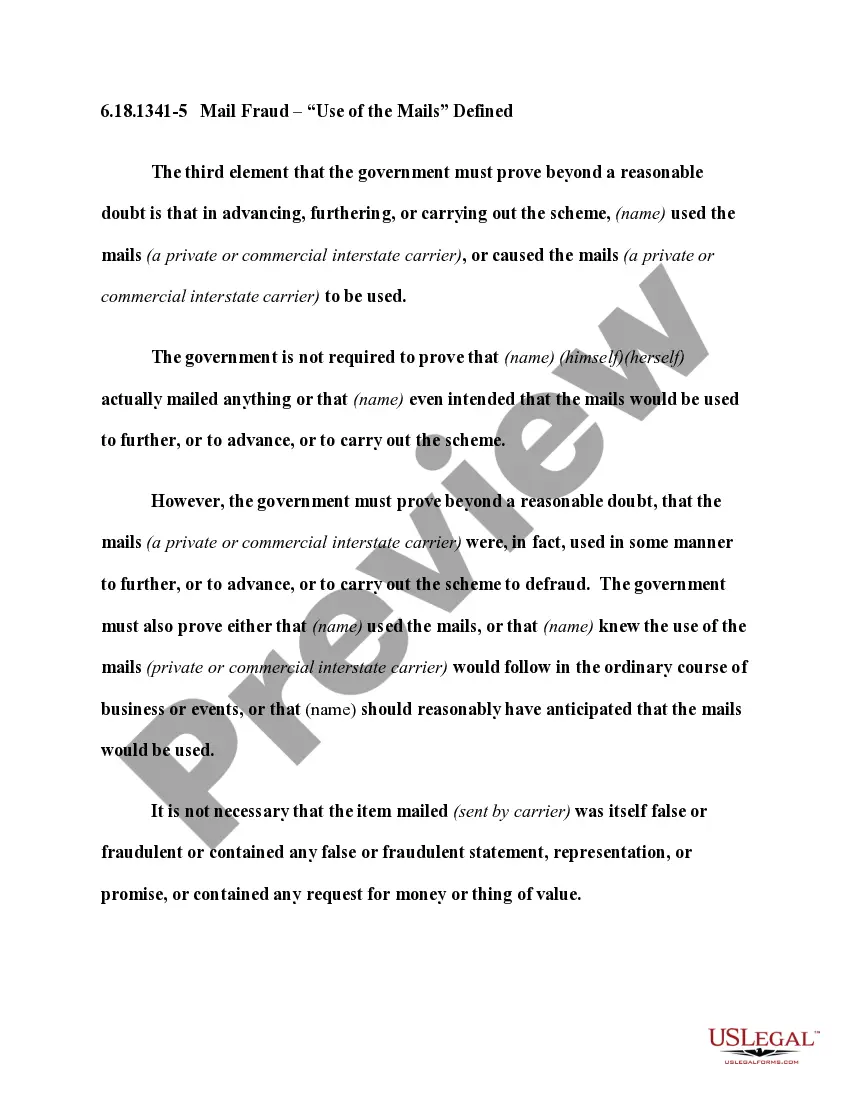
Personal jurisdiction is invoked by the party's appearance before the court, or by the lawful service of process upon the party. The existence of personal jurisdiction depends upon the presence of reasonable notice to the defendant that an action has been brought, and a sufficient connection between the defendant and the forum state as to make it fair to require the defendant to defend in that forum.
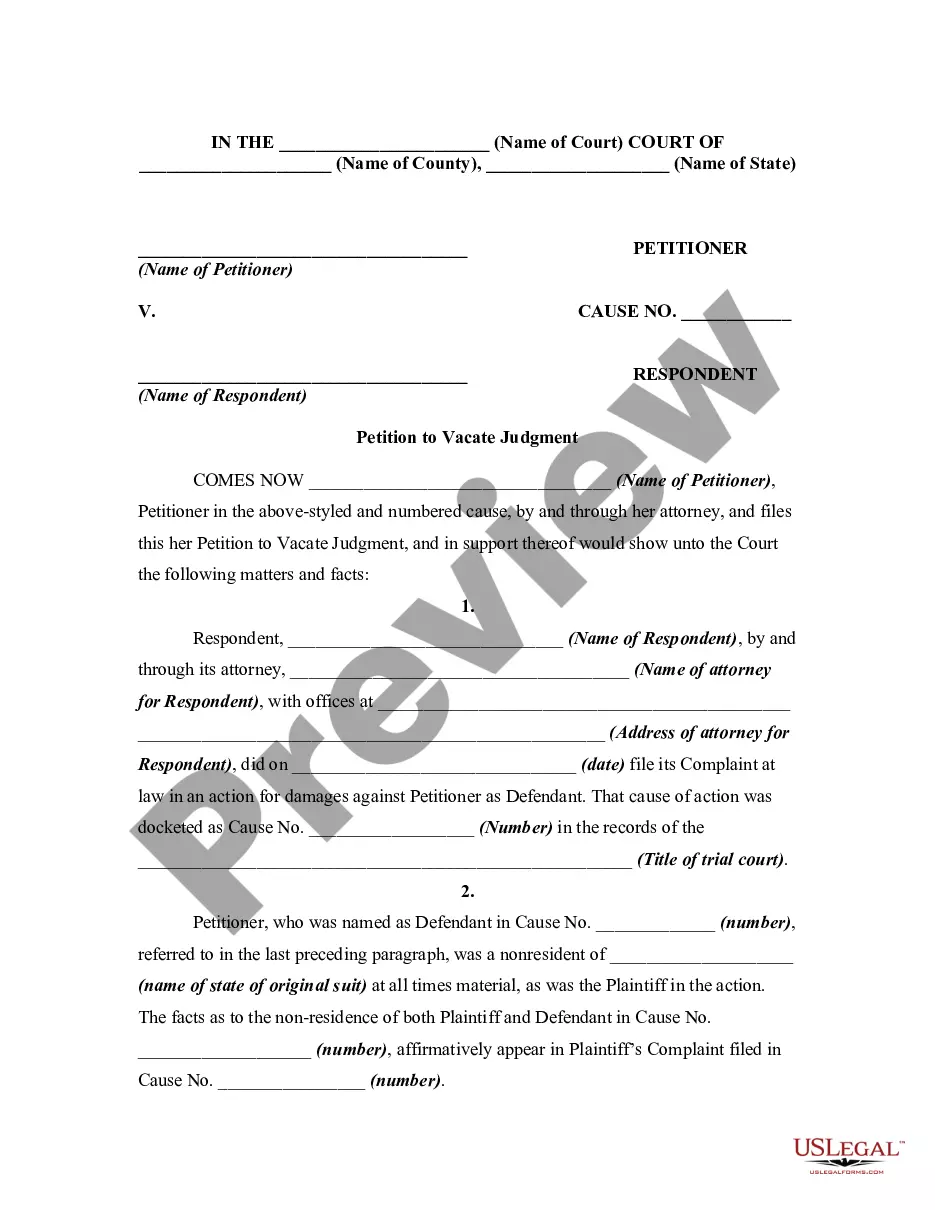
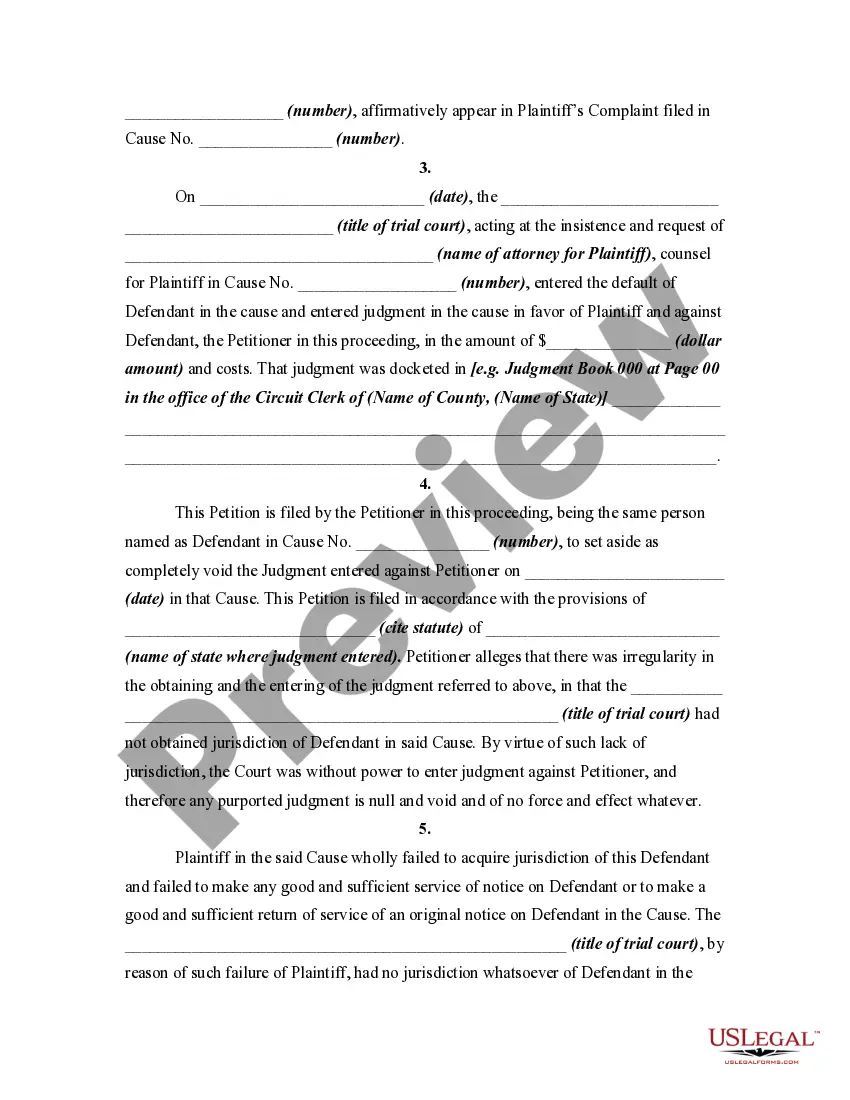
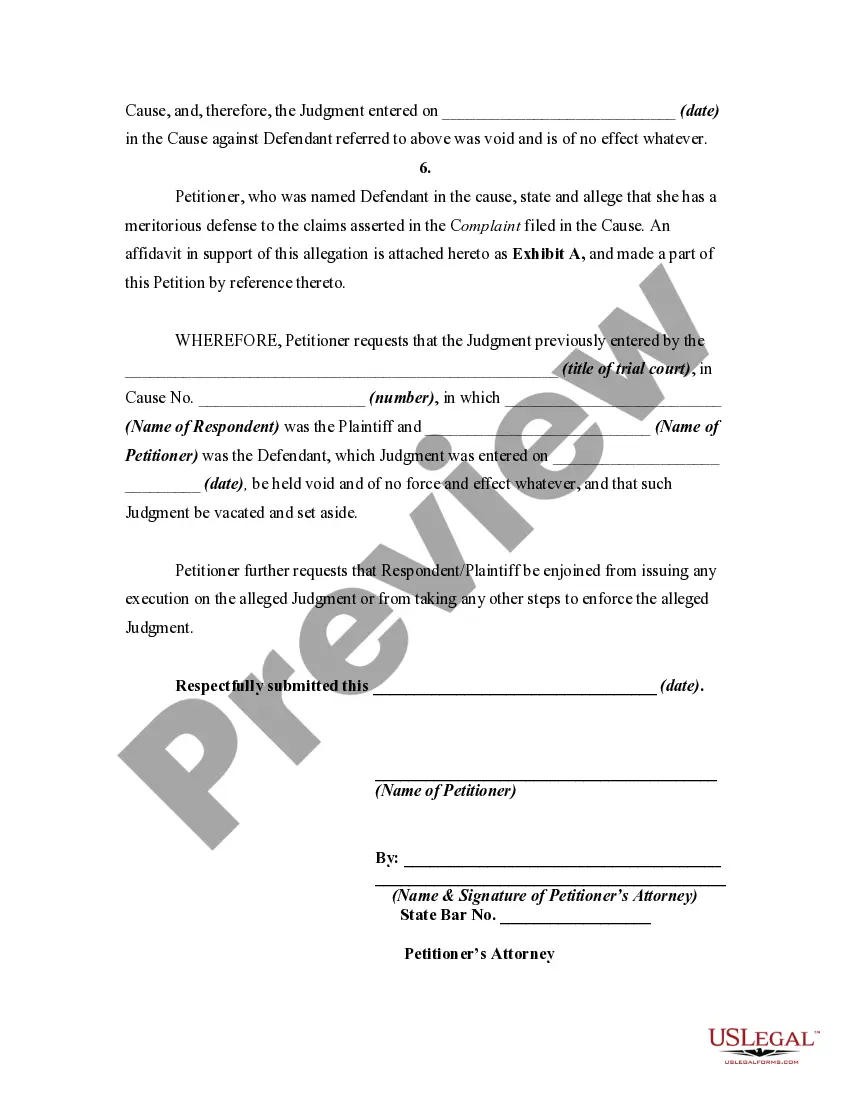
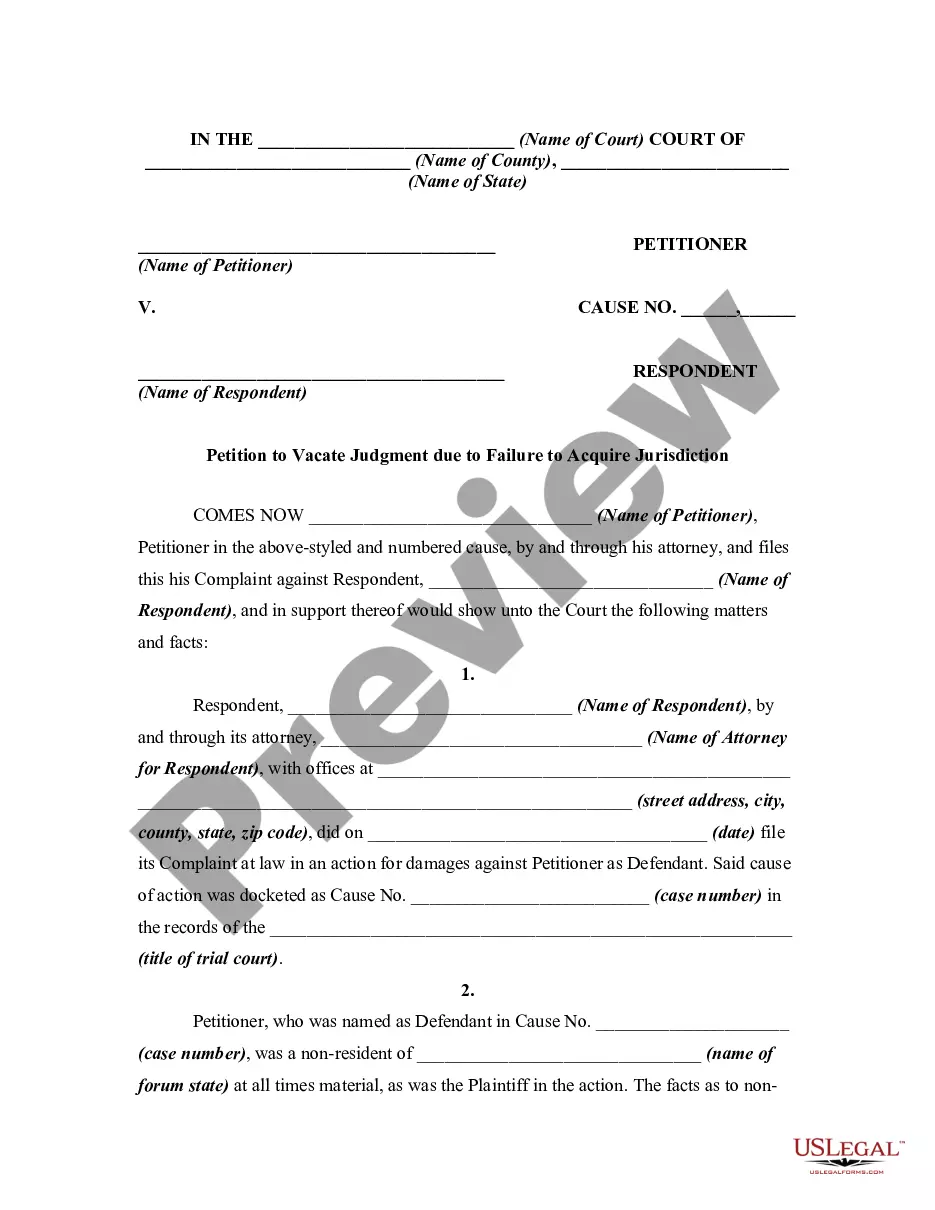
Texas Petition to Vacate Default Judgment for Failure to Acquire Jurisdiction over Defendants due to Defective Service of Process
Category:
State:
Multi-State
Control #:
US-01528BG
Format:
Word;
Rich Text
Instant download
Description
Free preview
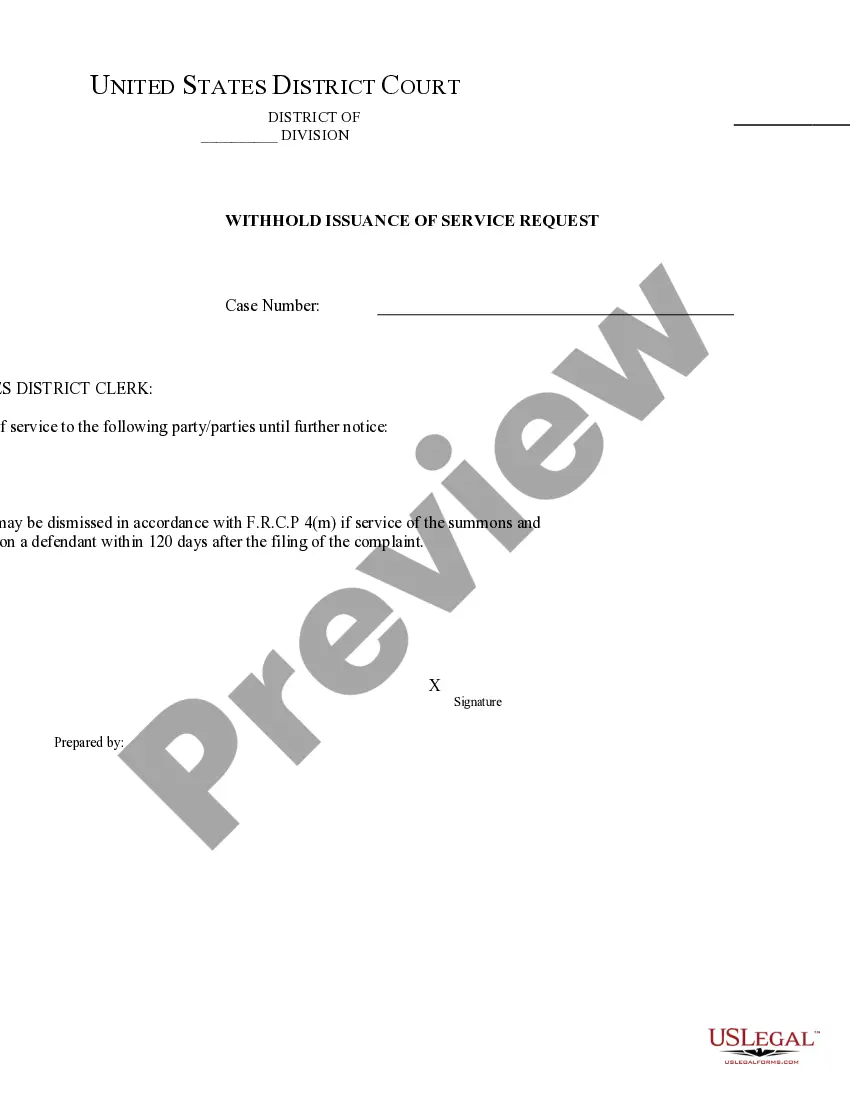

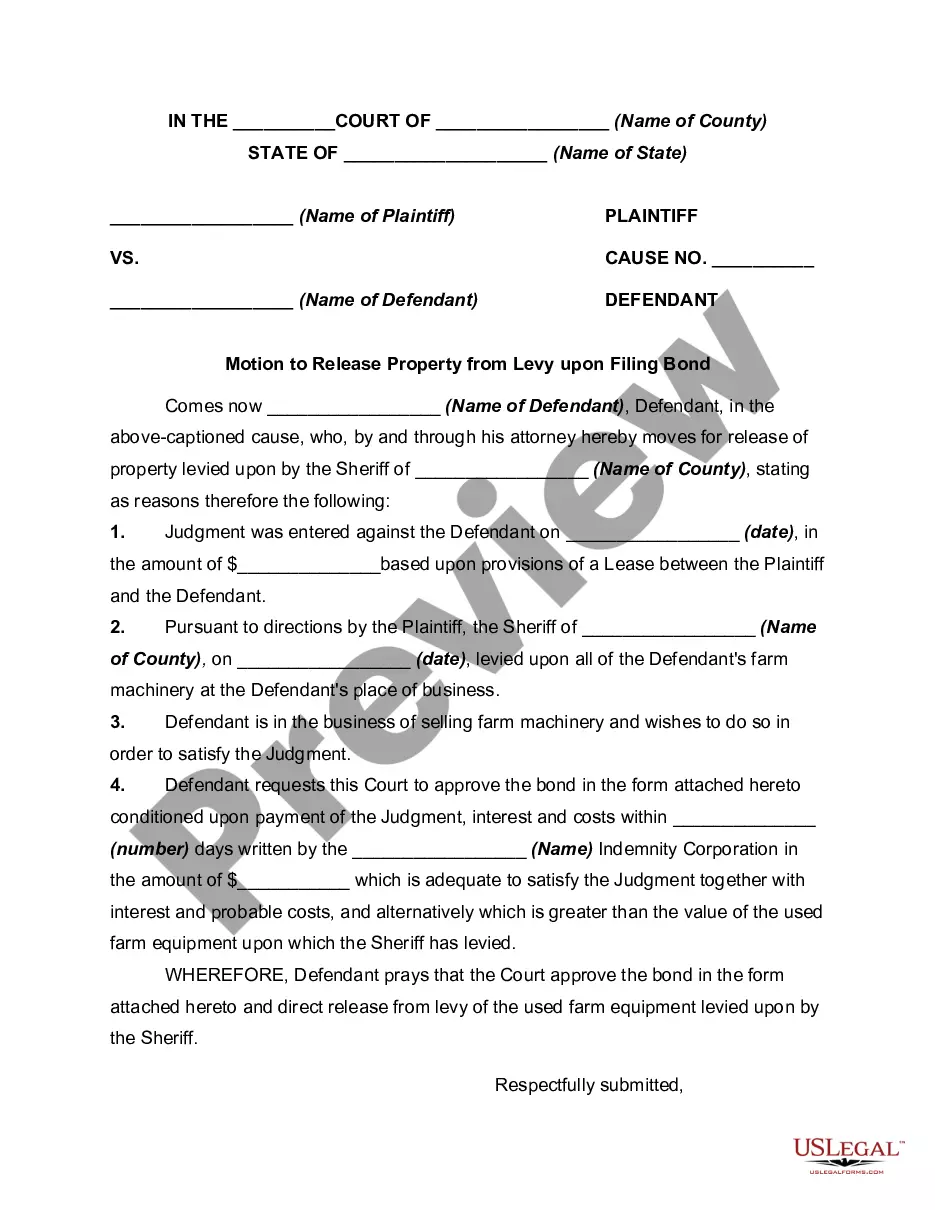
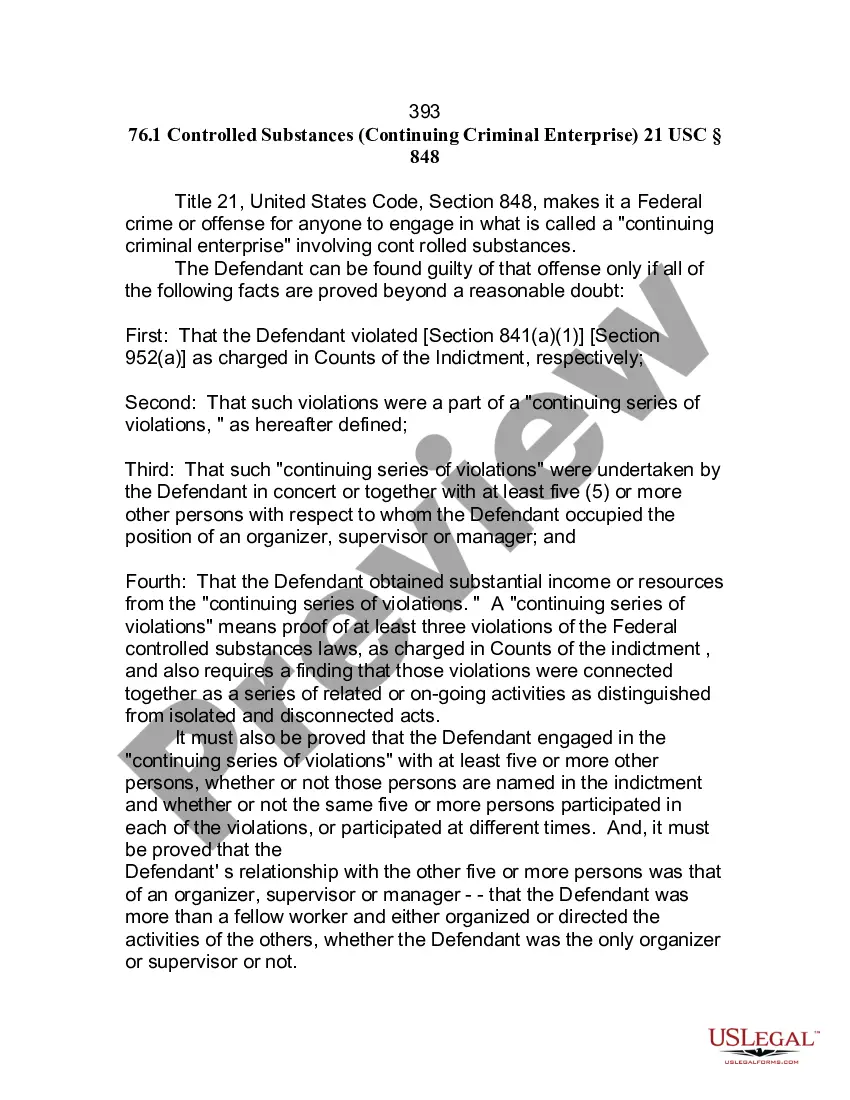
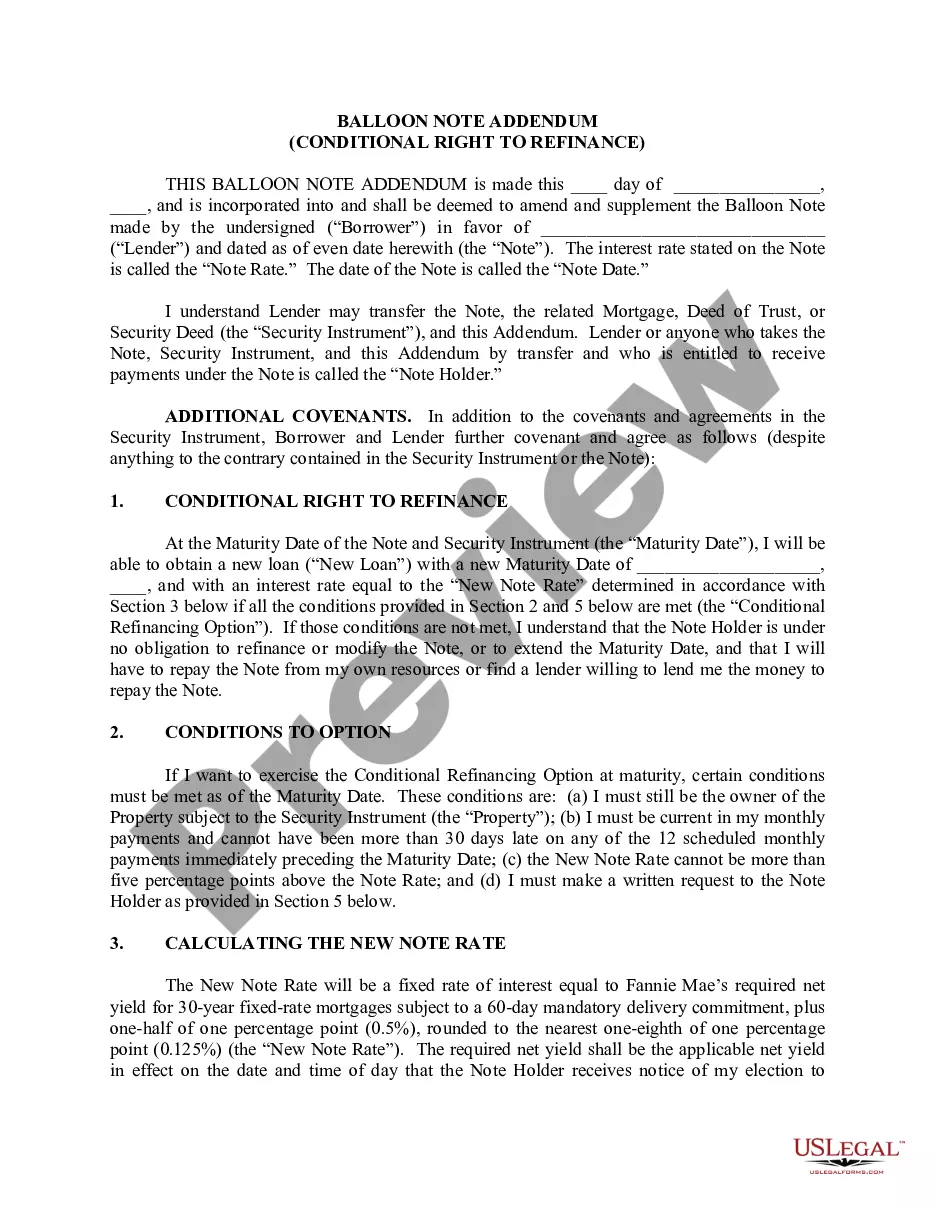
How to fill out Petition To Vacate Default Judgment For Failure To Acquire Jurisdiction Over Defendants Due To Defective Service Of Process?
US Legal Forms - one of the largest collections of certified documents in the States - provides a vast array of legal document templates that you can access or create.
By using the website, you will find a wide selection of forms for business and personal use, categorized by type, state, or keywords. You can obtain the latest forms including the Texas Petition to Vacate Default Judgment for Failure to Acquire Jurisdiction over Defendants due to Defective Service of Process within minutes.
If you currently hold a monthly subscription, Log In and retrieve the Texas Petition to Vacate Default Judgment for Failure to Acquire Jurisdiction over Defendants due to Defective Service of Process from the US Legal Forms library. The Obtain button will appear on every form you view. You can access all previously acquired forms in the My documents section of your account.
Process the transaction. Use your credit card or PayPal account to finalize the transaction.
Select the format and download the form to your device. Edit. Fill out, modify, print, and sign the downloaded Texas Petition to Vacate Default Judgment for Failure to Acquire Jurisdiction over Defendants due to Defective Service of Process. Each template you add to your account has no expiration date and is yours permanently. Therefore, to download or print another copy, simply navigate to the My documents section and click on the form you desire. Access the Texas Petition to Vacate Default Judgment for Failure to Acquire Jurisdiction over Defendants due to Defective Service of Process with US Legal Forms, one of the most extensive collections of legal document templates. Utilize a multitude of professional and state-specific templates to meet your business or personal needs.
- Ensure you have selected the correct form for your city/county.
- Click the Review button to examine the form’s content.
- Read the form details to confirm that you have selected the right one.
- If the form doesn’t meet your requirements, utilize the Search field at the top of the page to find one that does.
- If you are satisfied with the form, confirm your choice by clicking the Purchase now button.
- Then, select your preferred payment plan and provide your information to register for the account.
Form popularity
FAQ
Rule 191.2 expressly states the obligation of parties and their attorneys to cooperate in conducting discovery. 3. The requirement that discovery requests, notices, responses, and objections be signed also applies to documents used to satisfy the purposes of such instruments.
Although most defenses to a complaint must be asserted in the answer, a defendant has the option of asserting certain defenses in the form of a motion to dismiss the complaint before filing an answer. (A motion is an application to the Court asking that the Court take some particular action in the case.)
Rule 120a, TRCP, the procedure under which a nonresident defendant may appear in a Texas court for the sole purpose of contesting personal jurisdiction, authorizes a trial court to order a continuance to allow an opposing party to obtain jurisdictional discovery if it does not appear that the party has insufficient ...
A special appearance in court is distinct from general appearances in that it is made solely to challenge jurisdiction. A special appearance must be filed prior to a motion to transfer venue or any other general appearance (such as a plea, hearing, or motion).
At any time in its discretion and upon such notice and on such terms as it deems just, the court may allow any process or proof of service thereof to be amended, unless it clearly appears that material prejudice would result to the substantial rights of the party against whom the process issued.
You must file a Motion to Set Aside Default Judgment and Notice of Hearing within 30 days of the date the default judgment was signed by the judge. See Texas Rule of Civil Procedure 329(b). In Justice Court, the deadline is 14 days.
Rule 117a of the TEXAS RULES OF CIVIL PROCEDURE relates to citations in delinquent tax suits. It states, among other things, that a copy of a petition does not need to be served with the citation.
The defendant may accept service of process, or waive the issuance or service thereof by a written memorandum signed by him, or by his duly authorized agent or attorney, after suit is brought, sworn to before a proper officer other than an attorney in the case, and filed among the papers of the cause, and such waiver ...