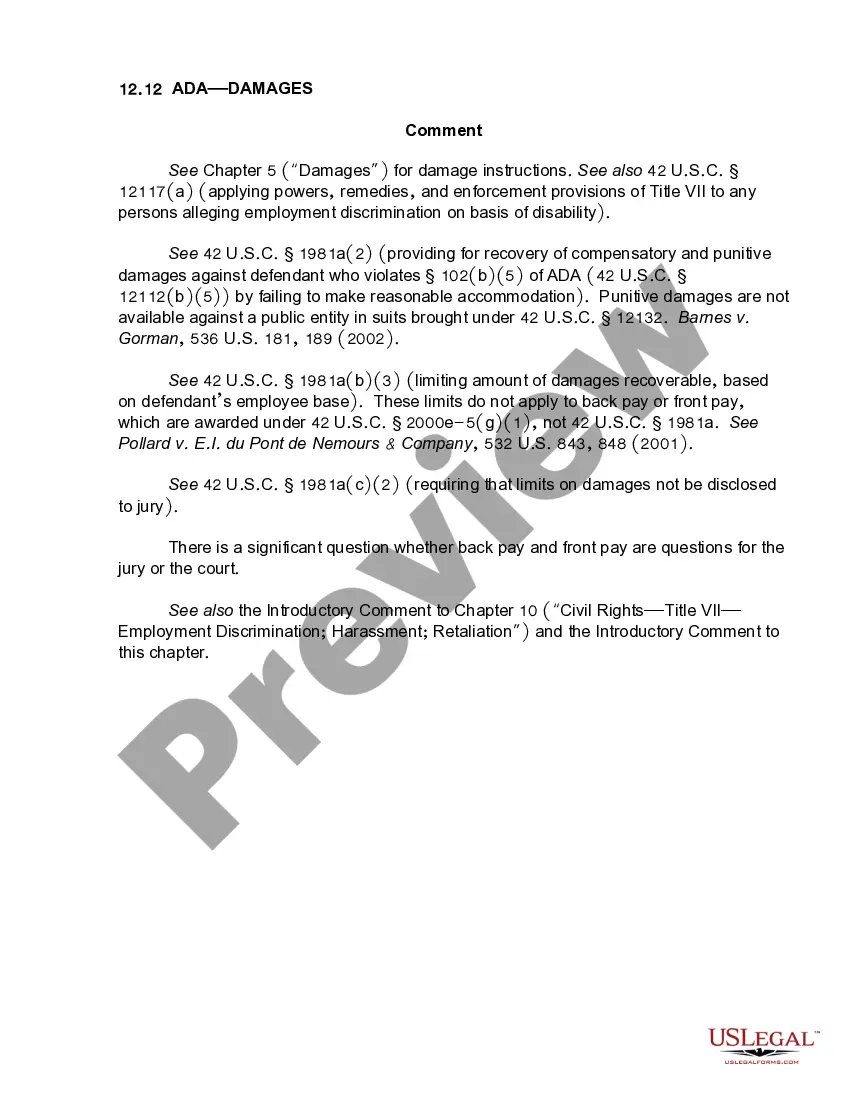
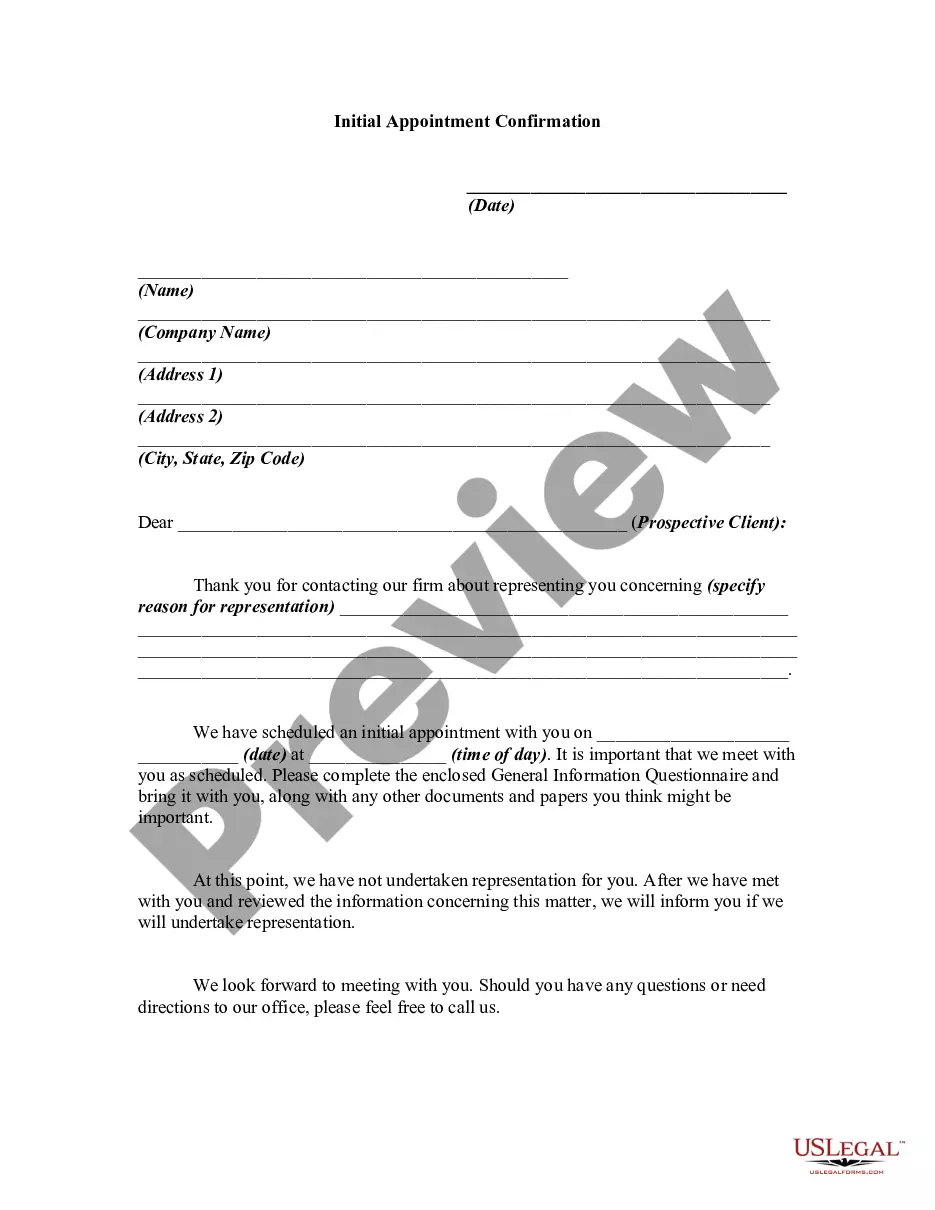
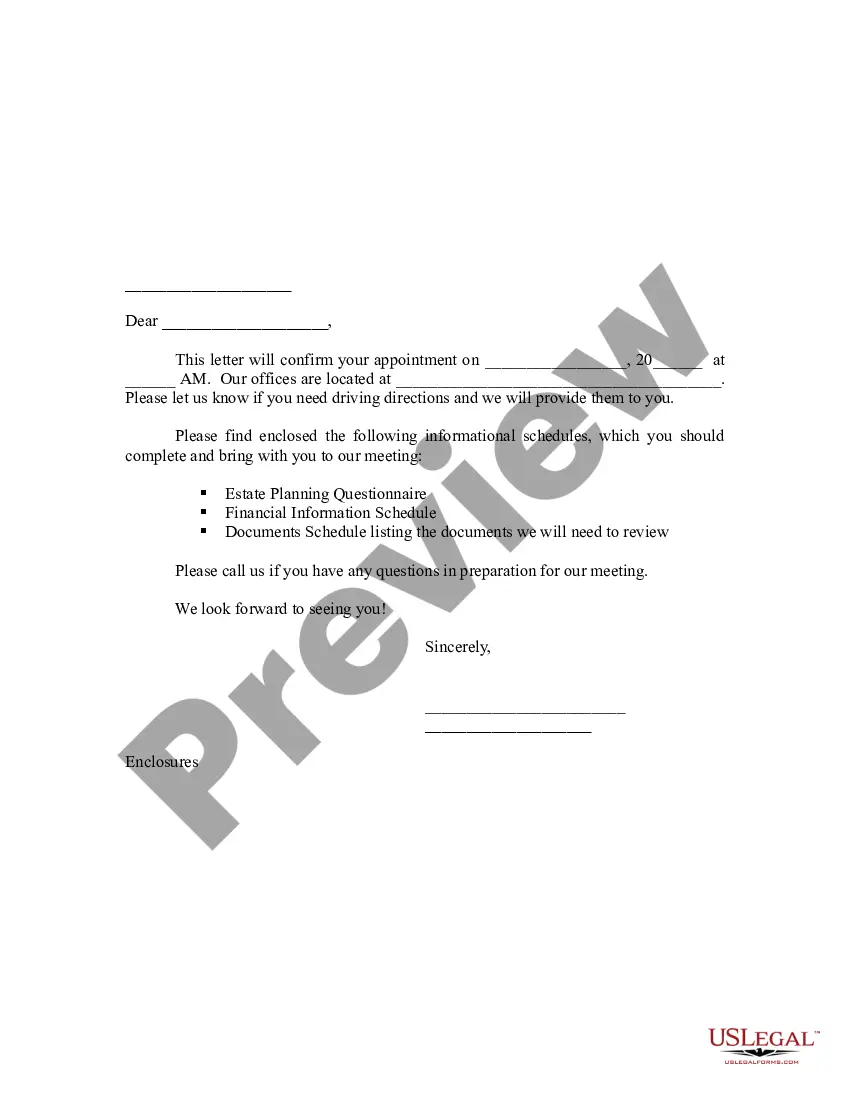
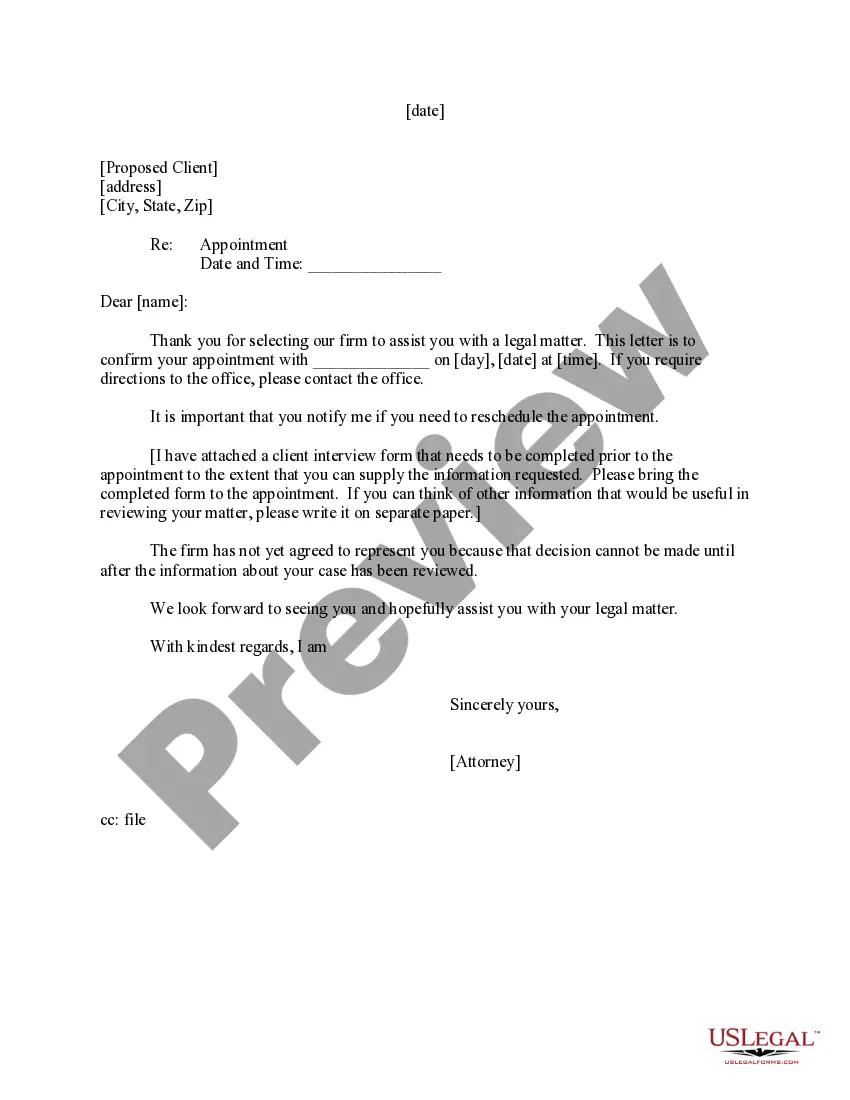
This letter may be used after a contact is made with a potential client who asks your firm to represent him/her.
Texas Initial Appointment Confirmation
Instant download
Description
Free preview

Get your form ready online
Our built-in tools help you complete, sign, share, and store your documents in one place.
Built-in online Word editor
Make edits, fill in missing information, and update formatting in US Legal Forms—just like you would in MS Word.
Export easily
Download a copy, print it, send it by email, or mail it via USPS—whatever works best for your next step.
E-sign your document
Sign and collect signatures with our SignNow integration. Send to multiple recipients, set reminders, and more. Go Premium to unlock E-Sign.
Notarize online 24/7
If this form requires notarization, complete it online through a secure video call—no need to meet a notary in person or wait for an appointment.
Store your document securely
We protect your documents and personal data by following strict security and privacy standards.

Make edits, fill in missing information, and update formatting in US Legal Forms—just like you would in MS Word.

Download a copy, print it, send it by email, or mail it via USPS—whatever works best for your next step.

Sign and collect signatures with our SignNow integration. Send to multiple recipients, set reminders, and more. Go Premium to unlock E-Sign.

If this form requires notarization, complete it online through a secure video call—no need to meet a notary in person or wait for an appointment.

We protect your documents and personal data by following strict security and privacy standards.
Looking for another form?

How to fill out Initial Appointment Confirmation?
It is feasible to utilize the internet seeking the valid document format that satisfies the federal and state requirements you require. US Legal Forms provides a vast array of valid templates that are evaluated by experts.
You can effortlessly acquire or create the Texas Initial Appointment Confirmation from our service. If you already possess a US Legal Forms account, you can Log In and click on the Obtain button. Subsequently, you can complete, modify, print, or sign the Texas Initial Appointment Confirmation. Every valid document format you purchase is yours permanently.
To obtain another copy of a purchased form, navigate to the My documents section and click on the corresponding button. If you are using the US Legal Forms website for the first time, follow the simple instructions below: First, ensure that you have chosen the correct document format for the state/region that you select. Review the form description to confirm you have selected the accurate form. If available, use the Examine button to look through the document format as well.
- To find another version of the form, utilize the Search field to locate the format that fulfills your needs and requirements.
- Once you have identified the format you wish, click on Buy now to proceed.
- Choose the pricing plan you desire, enter your details, and register for an account on US Legal Forms.
- Complete the transaction. You can use your credit card or PayPal account to pay for the valid form.
- Select the format of the document and download it to your device.
- Make modifications to your document if necessary. You can complete, modify, sign, and print Texas Initial Appointment Confirmation.
- Obtain and print a vast number of document templates using the US Legal Forms website, which offers the largest selection of valid forms. Utilize professional and state-specific templates to address your business or personal needs.
Form popularity
FAQ
Hi (Recipient's name), I'm contacting you from (company name) to confirm your appointment. Your appointment is currently booked at (time) on (date). I've attached some information you may find helpful, including (add details).
How to Write a Booking Confirmation Email Write a relevant subject line and a preheader. Personalize. Give thanks. Include all the booking details in the email. Allow users to manage their booking. Add links to your social media profiles. Incorporate a clear CTA. Explain the booking cancellation policy.
Eliminate confusion by including your business name in every text you send. Hi [Customer Name], this message is to confirm your appt. with [Name] from [Business] at [Time] on [Date]. If you have any questions or would like to reschedule, please call [Phone Number].
I trust this message finds you well. I am writing to confirm our scheduled appointment on [Date] at [Time]. Our meeting will take place at [Location]. If you need any additional information or wish to make adjustments, please feel free to reach out to me at [Your Phone Number] or [Your Email Address].
Dear [Name], This is an appointment confirmation of our scheduled meeting with [Company Name] on [Date] at [Time] in [Location]. I wanted to ensure that we are still on track for this meeting. Please let me know if you need to make any schedule changes or have any questions or concerns.
Kick things off with an enthusiastic subject line like ?You're in, [Attendee's Name]! Your registration for [Event Name] is confirmed!? Then, dive into the details: date, time, venue (or the link for virtual events), what they can expect, and any preparations they need to do. It's a great idea to include a CTA as well.
Always try and be clear and concise, acknowledge the request, and confirm immediately. Thank you for inviting me to interview for the (job name) position on (date). ... I can confirm that I have received your meeting request. ... We've processed your order and can confirm that it's been dispatched.
An appointment confirmation text is sent by SMS before an appointment is due. Recipients can respond or click a link to confirm or reschedule their appointment. These texts are often used by dentists, doctors, veterinarians, salons, and other businesses that provide appointment-based services.