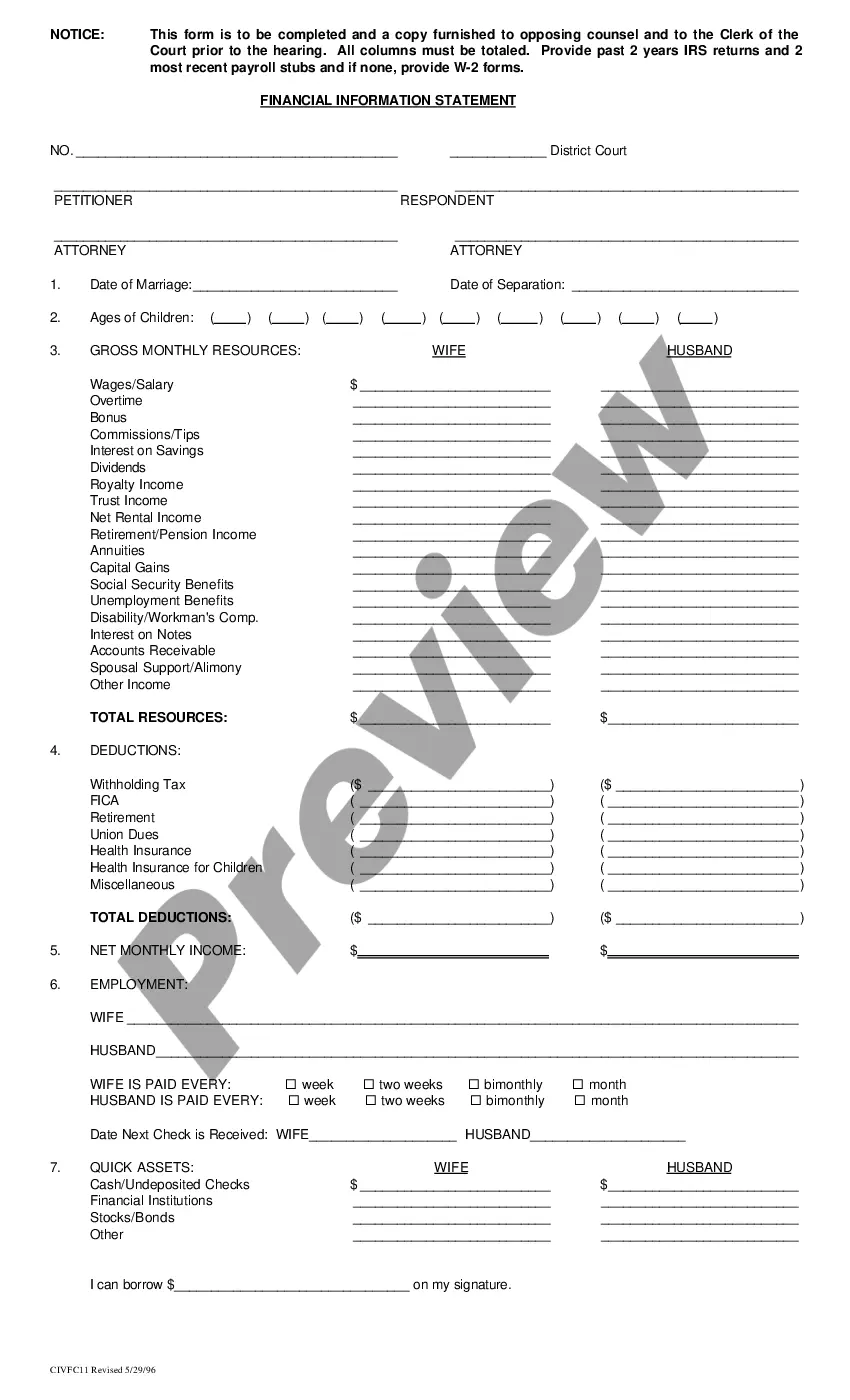
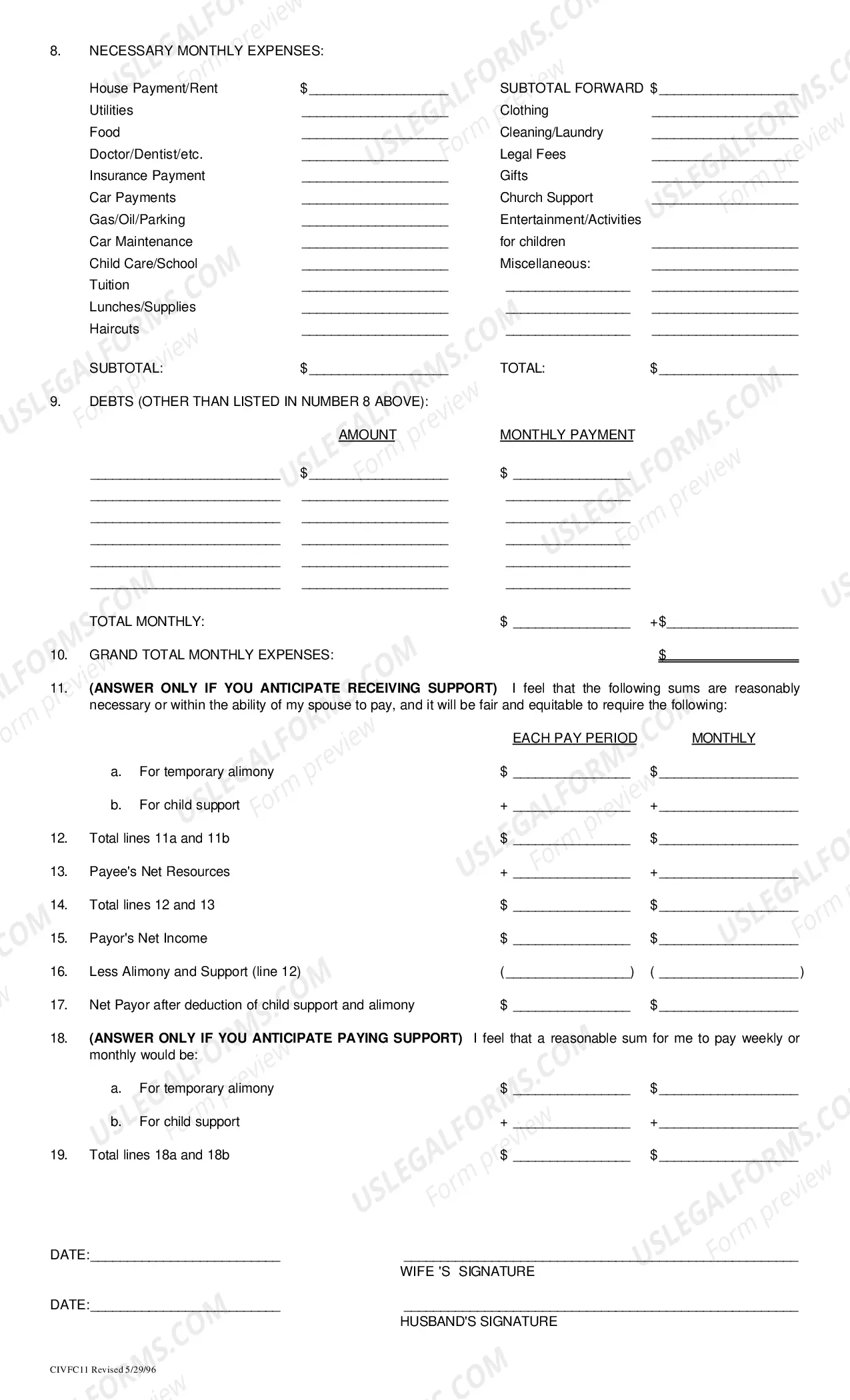
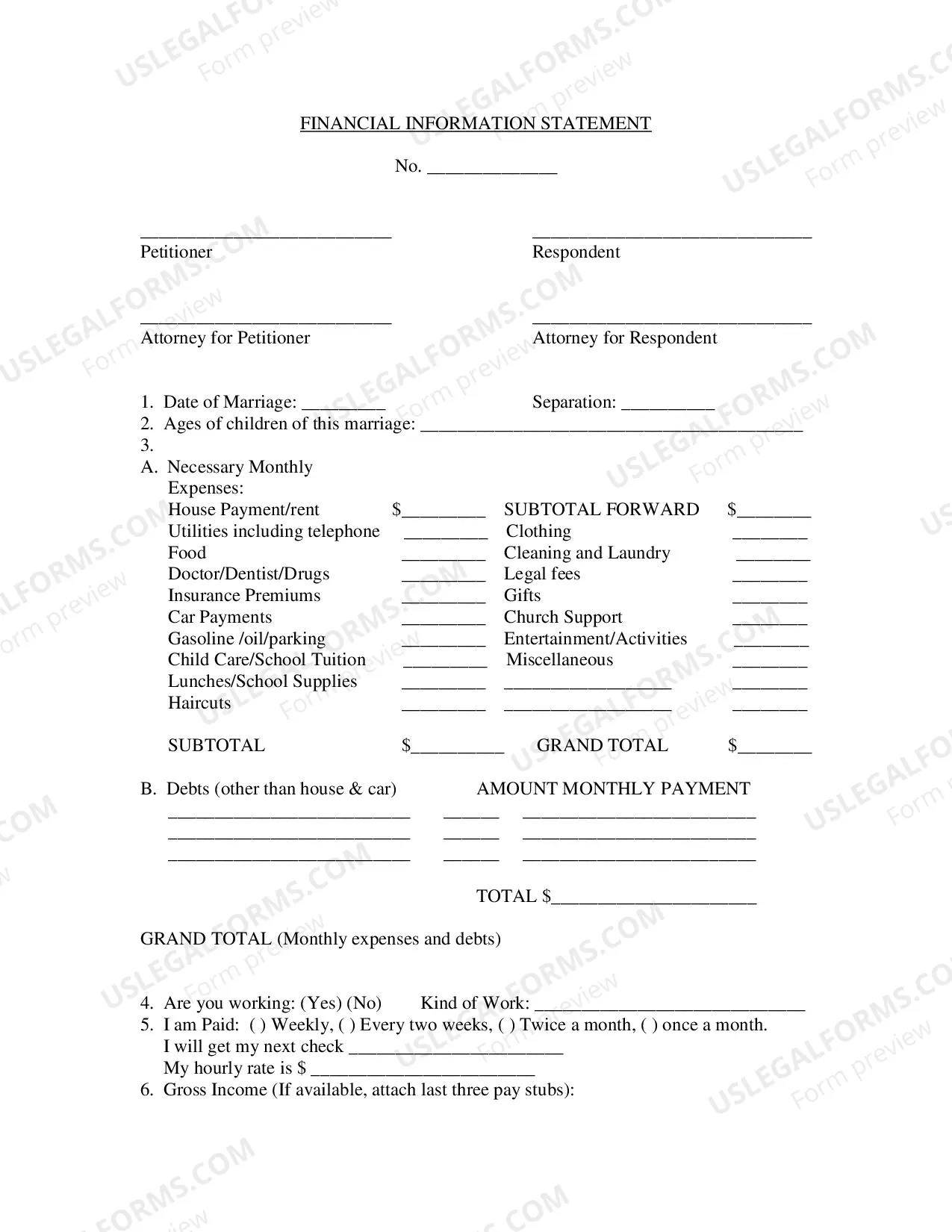
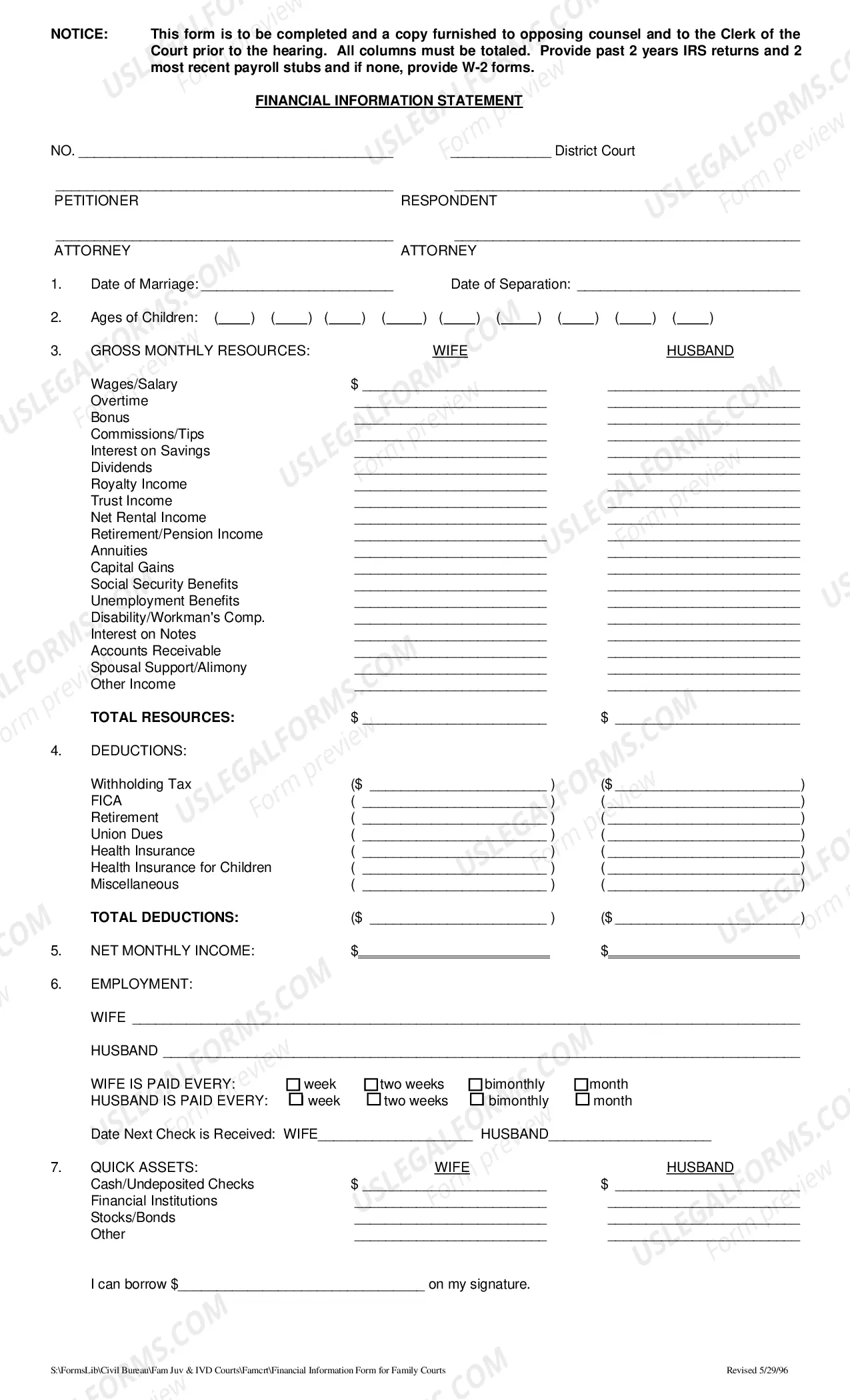
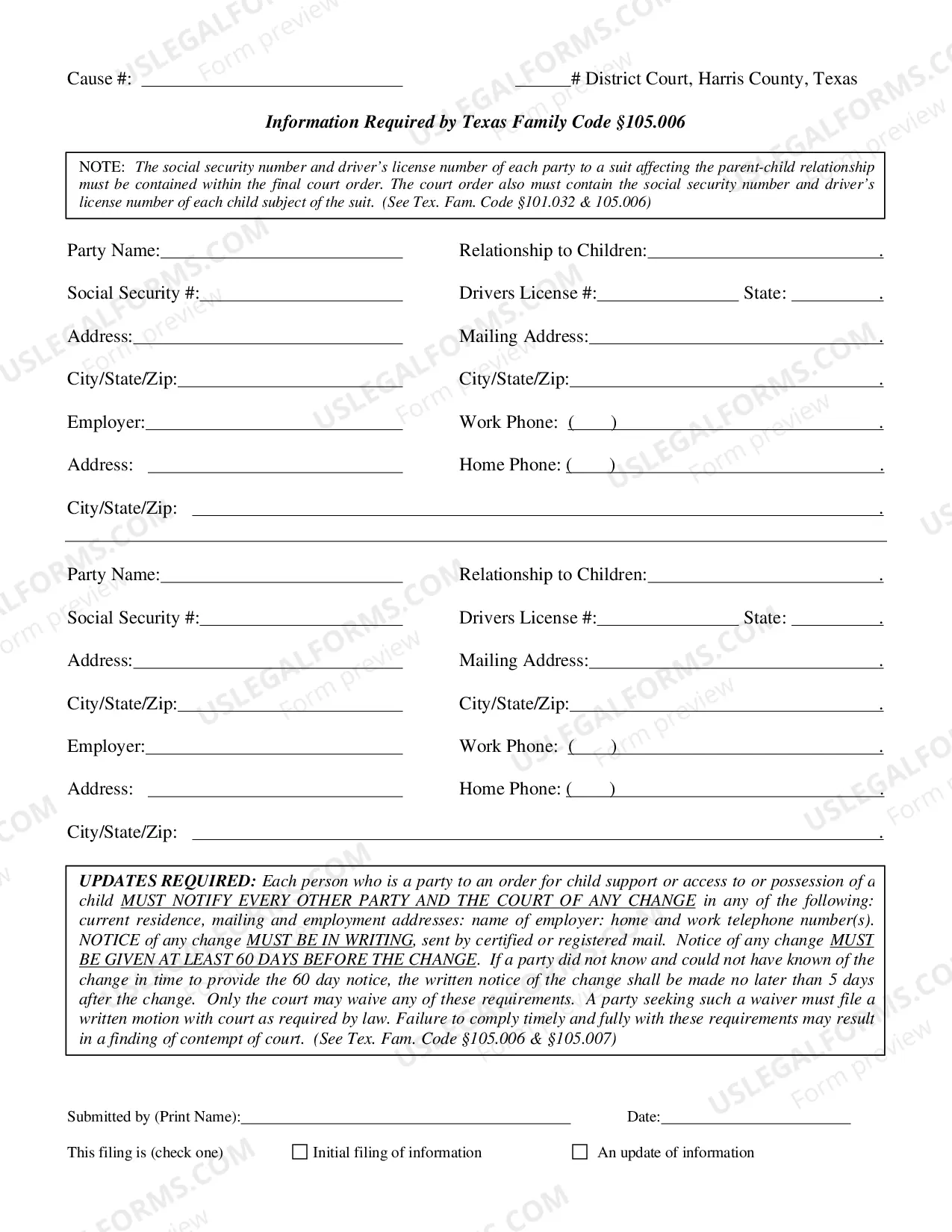
This is an official form from the Harris County, Texas District Clerk’s Office, which complies with all applicable laws and statutes. USLF amends and updates the forms as is required by Texas statutes and law.
This is an official form from the Harris County, Texas District Clerk’s Office, which complies with all applicable laws and statutes. USLF amends and updates the forms as is required by Texas statutes and law.
Our built-in tools help you complete, sign, share, and store your documents in one place.
Make edits, fill in missing information, and update formatting in US Legal Forms—just like you would in MS Word.
Download a copy, print it, send it by email, or mail it via USPS—whatever works best for your next step.
Sign and collect signatures with our SignNow integration. Send to multiple recipients, set reminders, and more. Go Premium to unlock E-Sign.
If this form requires notarization, complete it online through a secure video call—no need to meet a notary in person or wait for an appointment.
We protect your documents and personal data by following strict security and privacy standards.

Make edits, fill in missing information, and update formatting in US Legal Forms—just like you would in MS Word.

Download a copy, print it, send it by email, or mail it via USPS—whatever works best for your next step.

Sign and collect signatures with our SignNow integration. Send to multiple recipients, set reminders, and more. Go Premium to unlock E-Sign.

If this form requires notarization, complete it online through a secure video call—no need to meet a notary in person or wait for an appointment.

We protect your documents and personal data by following strict security and privacy standards.
Access to quality Texas Financial Information Form for Family Courts forms online with US Legal Forms. Avoid days of misused time searching the internet and dropped money on files that aren’t updated. US Legal Forms gives you a solution to exactly that. Find above 85,000 state-specific legal and tax samples you can save and fill out in clicks within the Forms library.
To get the sample, log in to your account and click on Download button. The document will be saved in two places: on your device and in the My Forms folder.
For those who don’t have a subscription yet, check out our how-guide listed below to make getting started easier:
You can now open the Texas Financial Information Form for Family Courts template and fill it out online or print it out and get it done by hand. Consider sending the file to your legal counsel to make certain things are completed properly. If you make a mistake, print out and fill application once again (once you’ve created an account every document you save is reusable). Make your US Legal Forms account now and access a lot more samples.
Go to the clerk's office at the court that made the orders. Give the clerk your completed Motion for Contempt and Appearance forms. The clerk will write a hearing date and time on the motion, sign it, and give it back to you. The hearing date is when you and the other person must go to court.
(j) Laundry and cleaning = laundromat costs, detergent, cleaning supplies. (o) Incidentals and toiletries = toothpaste, makeup.
Create a spreadsheet that has a section for assets and one for liabilities. List your assets and their worth. List every liability as well as its worth. Determine the total of both assets and liabilities. Determine your net worth.
The basic format for an income statement states revenues first, followed by expenses. The expenses are subtracted from the revenue to calculate the net income of the business.
Do not estimate your monthly expenses. Make sure you account for all income. Report assets at their proper fair market value. Make sure all the assets and liabilities are accounted for. Update your financial statement.
Complete the identifying information at the top of the personal financial statement. List each asset in the section provided. List each liability in the section provided. Calculate the net worth by subtracting the total liabilities from the total assets.
Complete the identifying information at the top of the personal financial statement. List each asset in the section provided. List each liability in the section provided. Calculate the net worth by subtracting the total liabilities from the total assets.
There are four main financial statements. They are: (1) balance sheets; (2) income statements; (3) cash flow statements; and (4) statements of shareholders' equity. Balance sheets show what a company owns and what it owes at a fixed point in time.