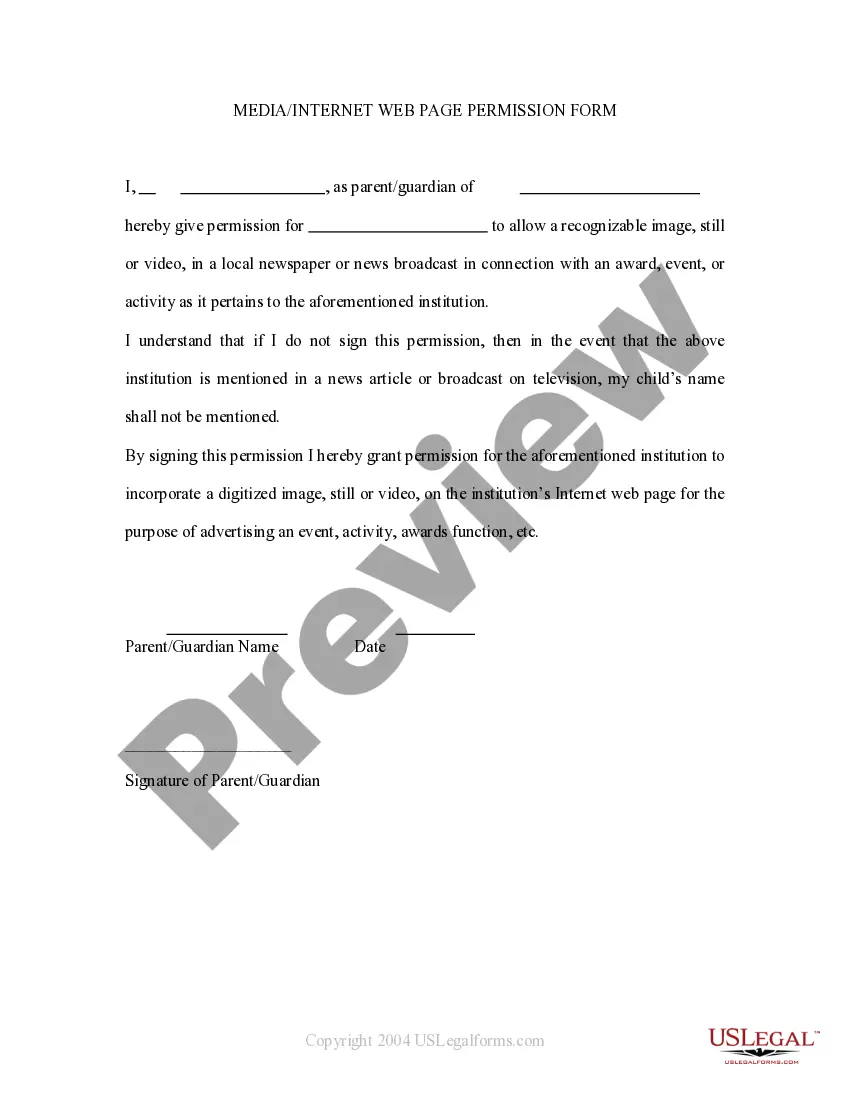
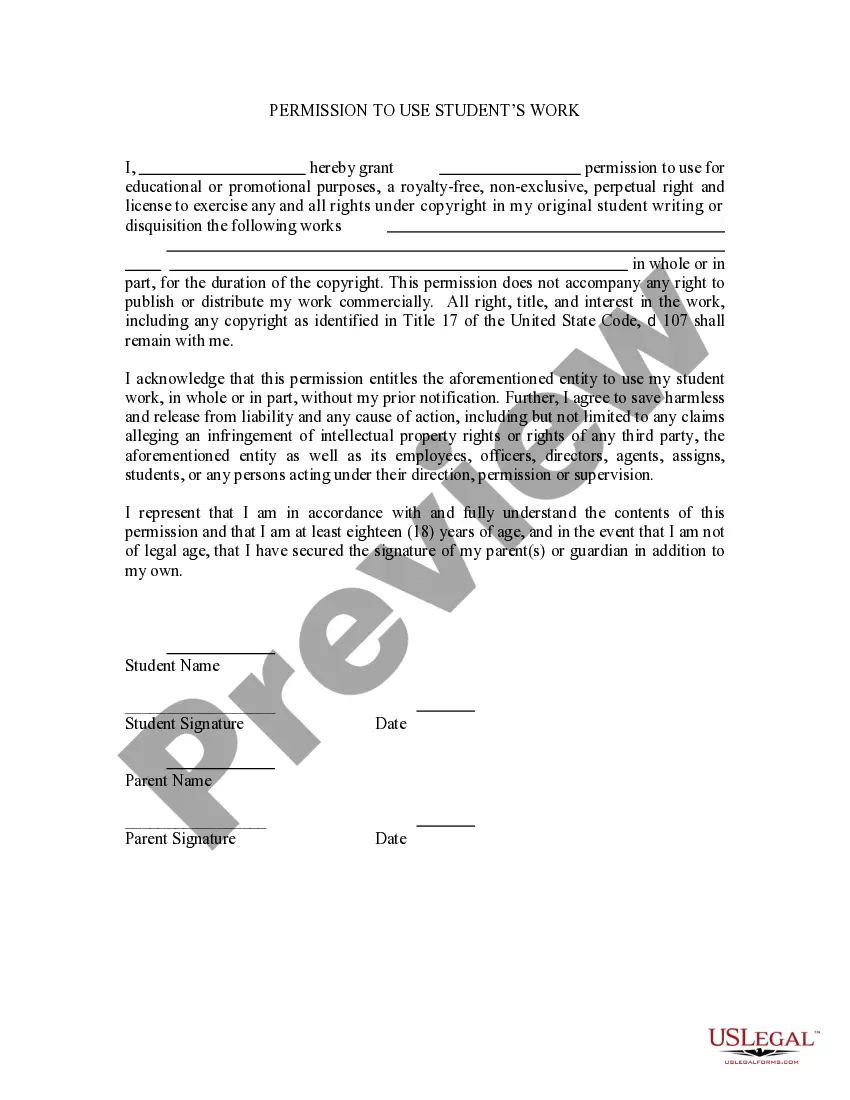
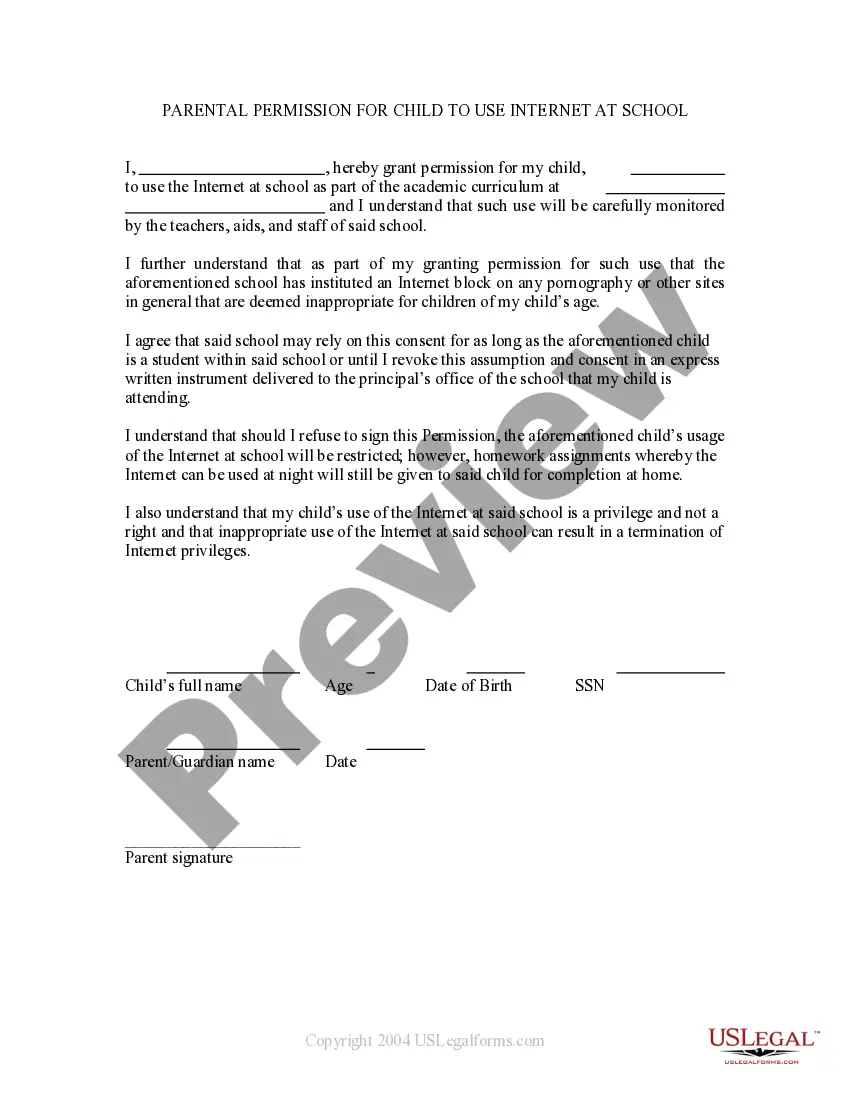
This is a permission form signed by parents allowing a child's name to be mentioned in broadcast form. If the child wins an award then permission is thereby granted to mention the child in a newspaper or on televised news. It also grants permission for the child's name to be mentioned on the school's web site.
Tennessee Media - Internet Web Page Permission Form
Category:
State:
Multi-State
Control #:
US-PRM-22
Format:
Word;
Rich Text
Instant download
Description
How to fill out Media - Internet Web Page Permission Form?
Selecting the optimal authentic document template can be a challenge. Naturally, there are numerous designs accessible online, but how can you obtain the genuine version you need.
Make use of the US Legal Forms website. The platform offers a multitude of designs, including the Tennessee Media - Internet Web Page Permission Form, which you can utilize for business and personal purposes. All the documents are vetted by professionals and comply with state and federal regulations.
If you are already registered, Log In to your account and click on the Download option to retrieve the Tennessee Media - Internet Web Page Permission Form. Use your account to browse through the legitimate forms you have previously acquired. Navigate to the My documents tab in your account and obtain another copy of the document you need.
US Legal Forms is the largest repository of legitimate forms where you can find various document templates. Utilize the service to download properly crafted paperwork that adhere to state standards.
- Firstly, ensure you have selected the correct form for your city/region.
- You can examine the form using the Preview option and review the form details to confirm this is the right one for you.
- If the form does not meet your requirements, utilize the Search field to find the appropriate form.
- Once you are confident that the form is suitable, choose the Get now option to obtain the form.
- Select the pricing plan you prefer and enter the necessary information.
- Create your account and complete the purchase using your PayPal account or Visa or Mastercard.
- Choose the file format and download the authentic document template to your device.
- Finally, complete, modify, print, and sign the acquired Tennessee Media - Internet Web Page Permission Form.
Form popularity
FAQ
In Tennessee, you can request public records by submitting a formal request to the appropriate government agency. It's important to specify the records you want and include your contact information. The Tennessee Media - Internet Web Page Permission Form can also assist you in understanding the process and what to include in your request. Remember, public records are generally accessible, so don't hesitate to take this step to obtain the information you need.
The Protecting Children from Social Media Act in Tennessee aims to safeguard minors from harmful online content and interactions. This legislation requires social media platforms to implement age verification measures and parental consent protocols. It ensures that children engage with age-appropriate content while using services like the Tennessee Media - Internet Web Page Permission Form. By fostering a safer online environment, this act supports responsible media usage among young users.
Tennessee operates under a one-party consent law, meaning only one person involved in a conversation needs to consent to the recording. This law applies to both in-person conversations and electronic communications. However, it is best practice to obtain consent from all parties to avoid legal complications. For clear documentation and to ensure compliance, utilize a Tennessee Media - Internet Web Page Permission Form through platforms like uslegalforms.
In Tennessee, it is illegal for someone to record you without your consent in most situations. The law requires that at least one party involved in a conversation must give permission for it to be recorded. This means that if you are part of the conversation, you have the right to know if it is being recorded. To protect your rights and ensure proper use of recorded media, consider using a Tennessee Media - Internet Web Page Permission Form.
Change settings for a specific siteOn your computer, open Chrome.Go to a website.To the left of the web address, click the icon you want: Lock. Info. Dangerous.Click Site settings.Change a permission setting.
This is due to an issue with security certificates, and many times is not the fault of your computer or your web browser at all. These certificates are what websites use to prove they are who they say they are on the internet, and if your browser detects an issue with a certificate, it will issue a warning.
In many cases, rebooting your router and modem might solve the problem. To do so, unplug your modem and router, wait for 10 seconds, plug it back in, and then try the website again. If the problem persists, you can connect to your local network hardware to get more information.
Change settings for a specific siteOn your computer, open Chrome.Go to a website.To the left of the web address, click the icon you want: Lock. Info. Dangerous.Click Site settings.Change a permission setting.
In many cases, rebooting your router and modem might solve the problem. To do so, unplug your modem and router, wait for 10 seconds, plug it back in, and then try the website again. If the problem persists, you can connect to your local network hardware to get more information.
It's located in the upper right corner of the browser. Select Settings > Advanced > Privacy and security > Site Settings > Location. Move the Ask before accessing (recommended) slider to toggle it on or off. Turn it on if you want websites to request your permission before accessing your location.