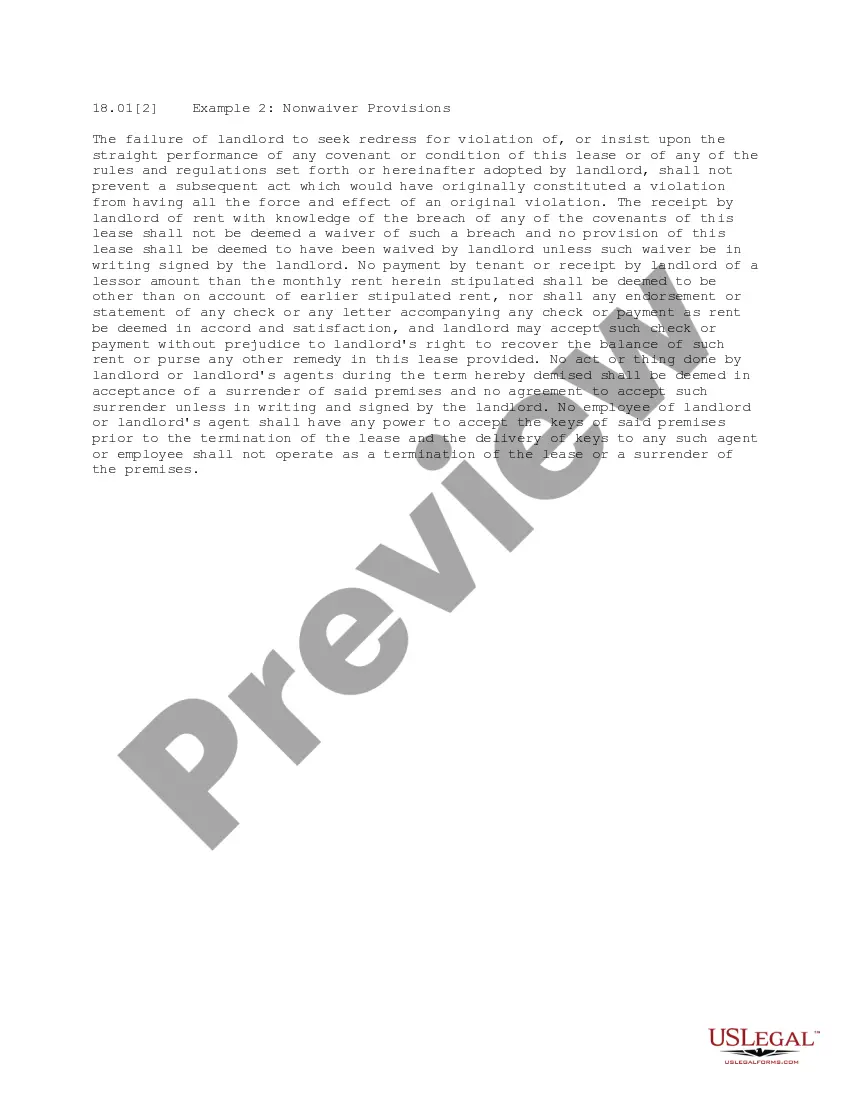
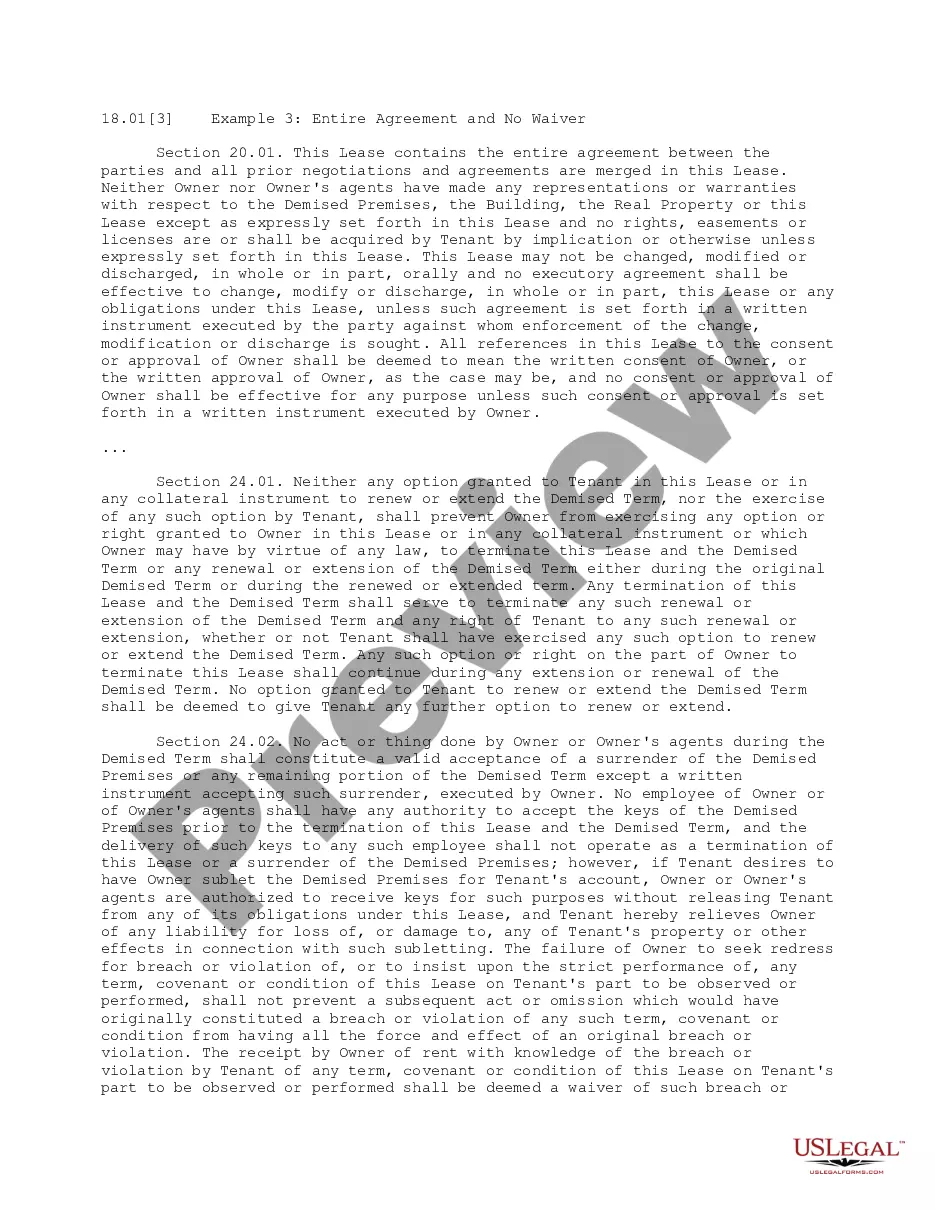
This office lease provision describes the failure of the landlord to seek redress for violation of any covenant or condition of the lease or of any of the rules and regulations set forth, does not prevent a subsequent act which would have originally constituted a violation from having all the force and effect of an original violation.
Tennessee Nonwaiver Provisions
Category:
State:
Multi-State
Control #:
US-OL18012
Format:
Word;
PDF
Instant download
Description
How to fill out Nonwaiver Provisions?
If you wish to comprehensive, obtain, or produce legal file web templates, use US Legal Forms, the greatest assortment of legal varieties, that can be found on the Internet. Use the site`s easy and practical lookup to find the paperwork you need. Various web templates for business and person purposes are categorized by groups and states, or keywords and phrases. Use US Legal Forms to find the Tennessee Nonwaiver Provisions with a handful of clicks.
If you are already a US Legal Forms consumer, log in for your bank account and click on the Obtain option to obtain the Tennessee Nonwaiver Provisions. You can also entry varieties you previously downloaded inside the My Forms tab of the bank account.
If you use US Legal Forms the first time, follow the instructions listed below:
- Step 1. Ensure you have selected the form for the proper area/region.
- Step 2. Make use of the Preview method to check out the form`s information. Do not overlook to see the outline.
- Step 3. If you are not happy with the develop, use the Lookup industry on top of the monitor to locate other models of your legal develop design.
- Step 4. Upon having identified the form you need, select the Acquire now option. Select the prices strategy you choose and add your credentials to sign up for an bank account.
- Step 5. Method the transaction. You can utilize your credit card or PayPal bank account to perform the transaction.
- Step 6. Find the structure of your legal develop and obtain it on your system.
- Step 7. Total, change and produce or indication the Tennessee Nonwaiver Provisions.
Every legal file design you purchase is yours permanently. You have acces to every develop you downloaded in your acccount. Go through the My Forms segment and decide on a develop to produce or obtain yet again.
Contend and obtain, and produce the Tennessee Nonwaiver Provisions with US Legal Forms. There are many specialist and condition-distinct varieties you can use for your personal business or person demands.
Form popularity
FAQ
Despite being considerably harder to verify and prove, some verbal agreements can hold the same legal weight as written ones. Like written ones, verbal contracts must include the elements of a valid contract to be enforceable and legally binding.
While verbal contracts can be legally binding in certain situations, written ones are more reliable and enforceable. Relying solely on verbal agreements can lead to misunderstandings, disagreements, and legal disputes, which can be costly and time-consuming.
In Tennessee, any contract for the sale of goods valued over $500 must be in writing to be legally binding (the Statute of Frauds). If the sale is for a good that has a price tag of less than $500, there does not need to be a written contract for the transaction to be legally valid.
The only fiduciary duties a member owes to a member-managed LLC and the LLC's other members and holders are the duty of loyalty and the duty of care imposed by subsections (b) and (c).
Last week, the Tennessee Court of Appeals issued an opinion that suggests that text messages could work, provided that all elements of a binding, enforceable contract otherwise exist. This case is Gatlin v. Scott, M201802293COAR3CV, 2019 WL 4567497, at *3 (Tenn. App.
In Tennessee, any contract for the sale of goods valued over $500 must be in writing to be legally binding (the Statute of Frauds). If the sale is for a good that has a price tag of less than $500, there does not need to be a written contract for the transaction to be legally valid.
In Tennessee, both written and oral contracts are generally enforceable. And because contracts often contain clauses with vague or ambiguous language that are difficult to interpret, it's important to understand any contract before you enter into a legally binding agreement and risk facing a costly lawsuit.
Choice of law clause, also known as a governing law clause, that allows the contract parties to choose the substantive law of Tennessee to apply to the contract.