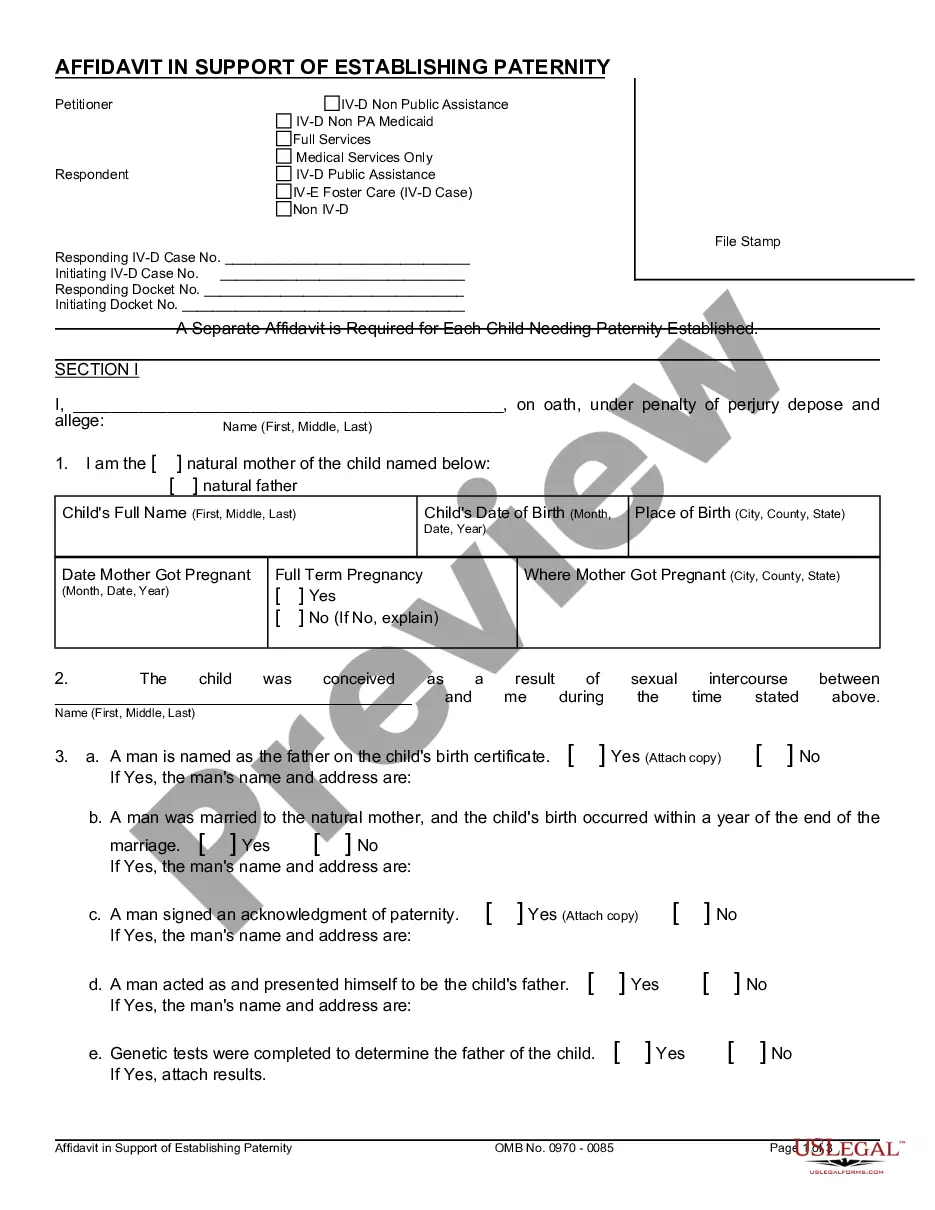
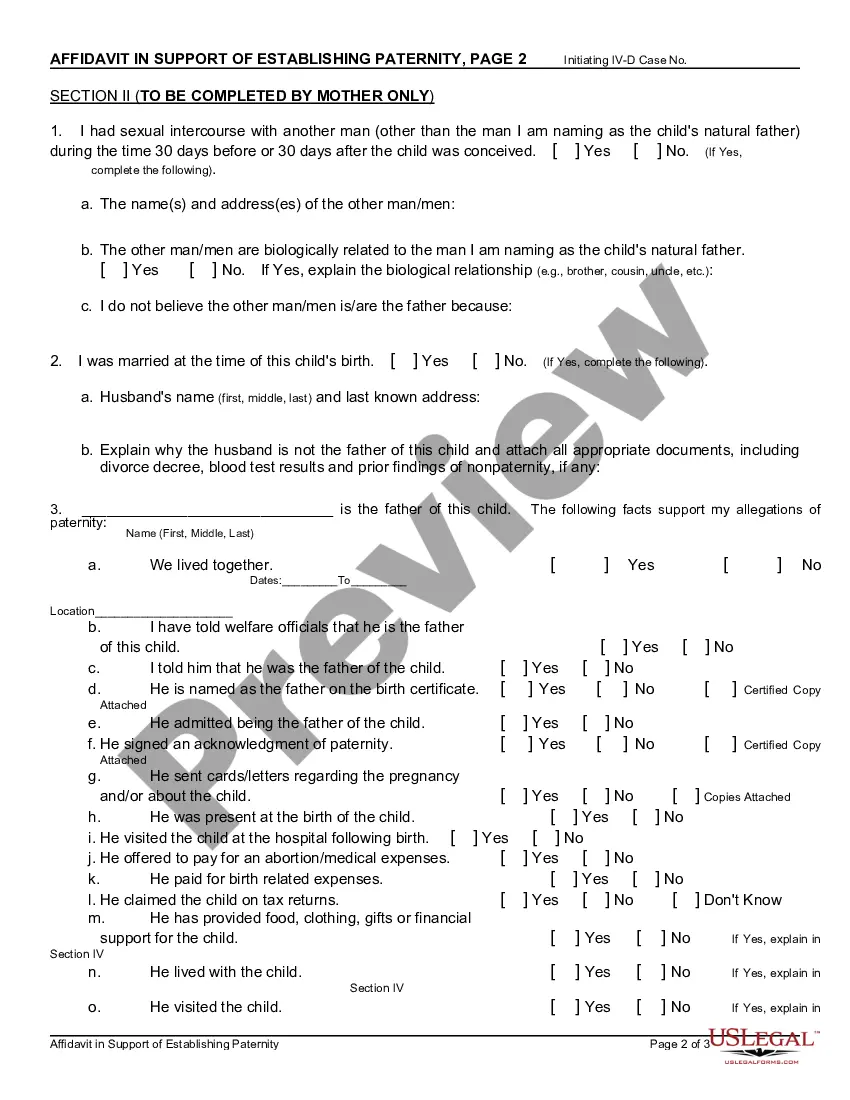
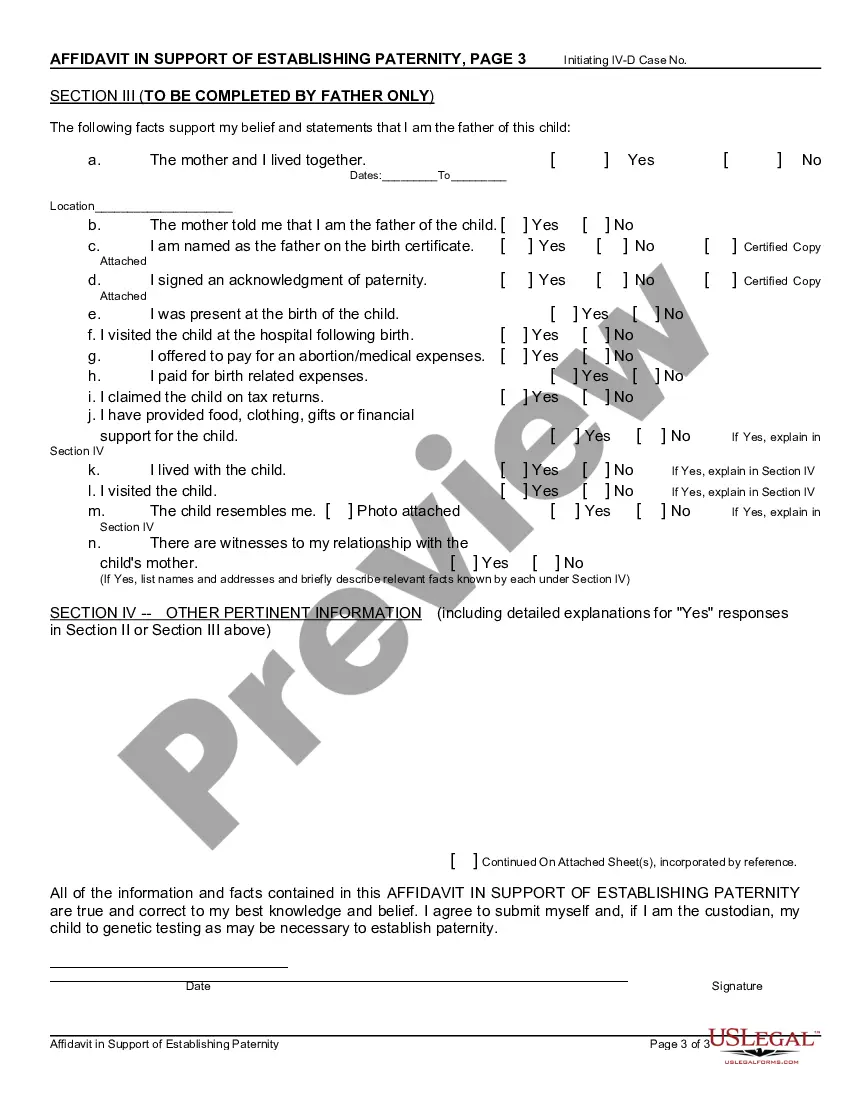
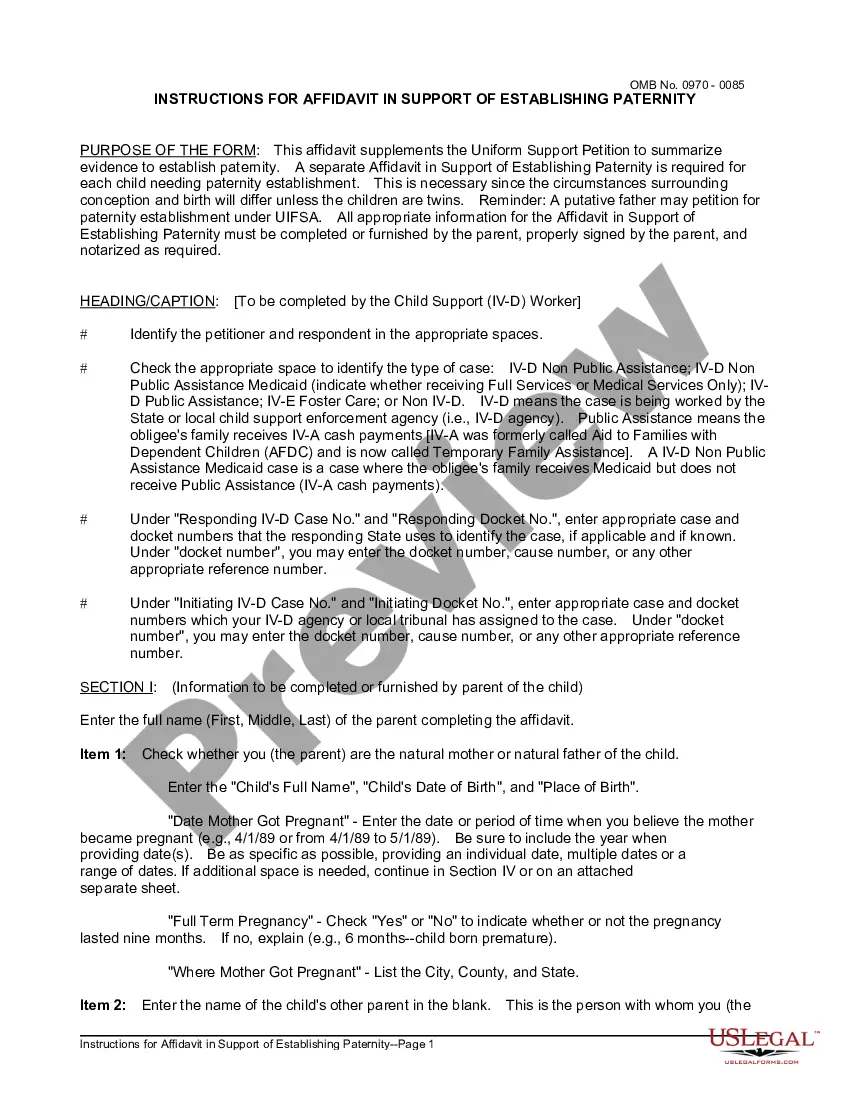
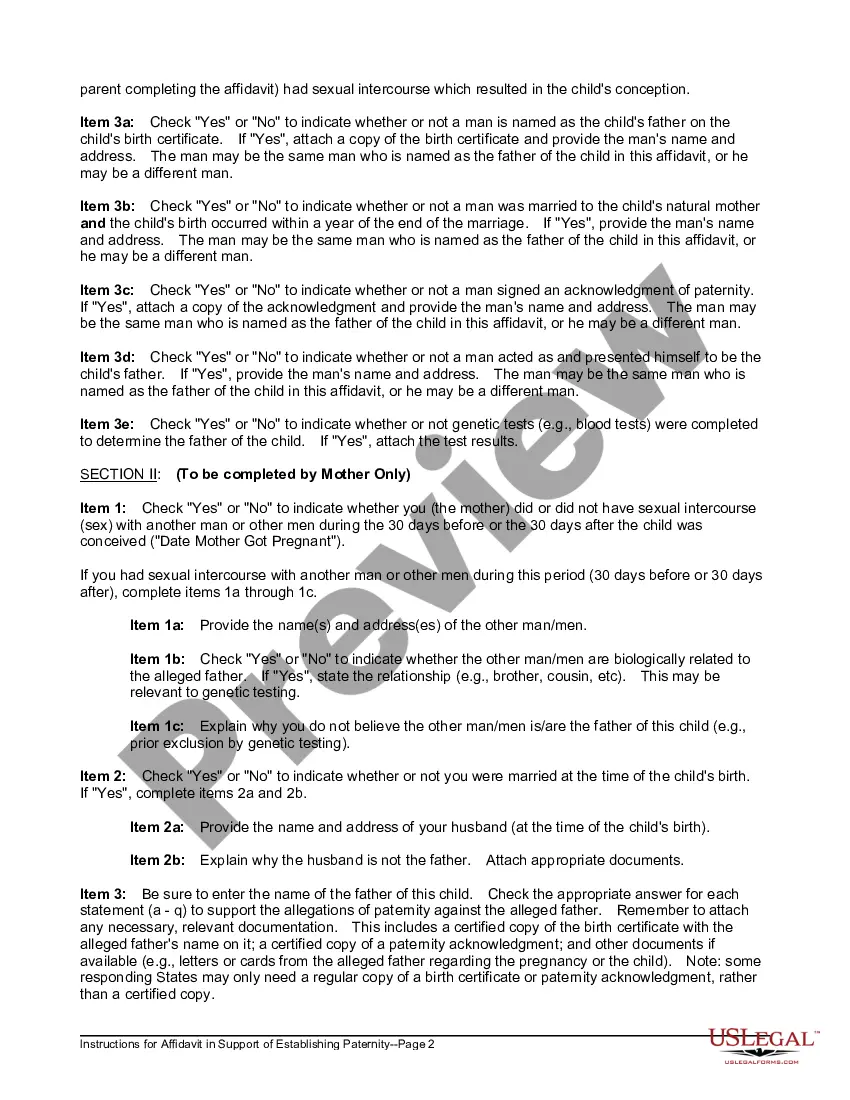
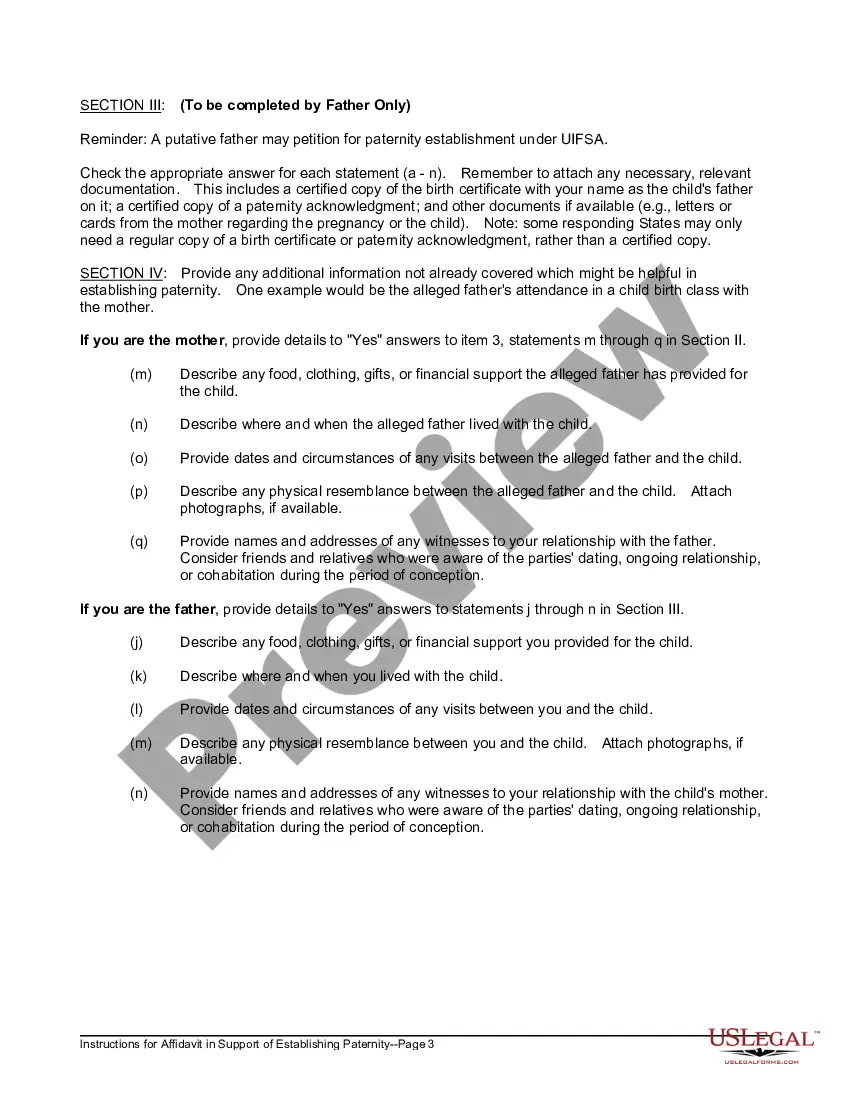
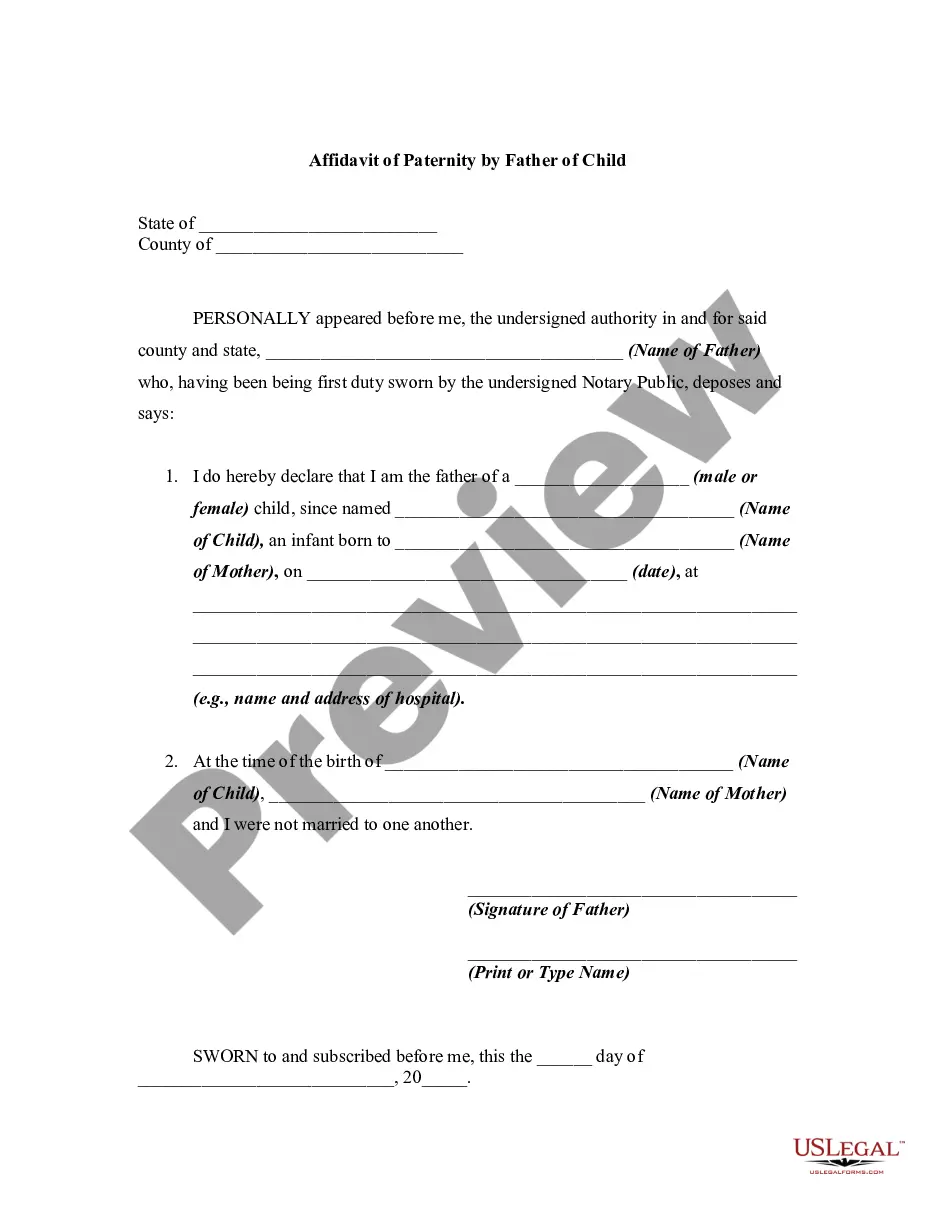
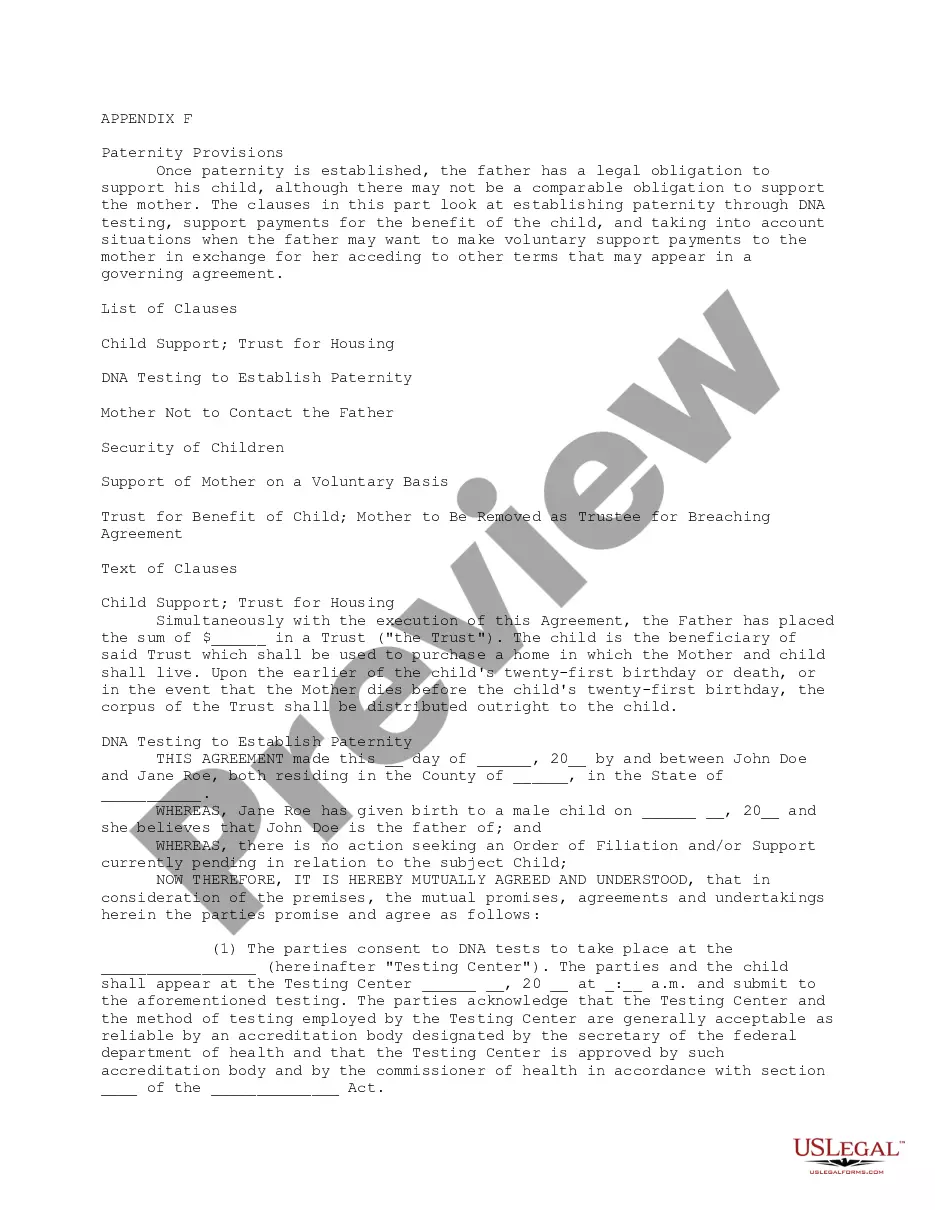
This form is an Affidavit in Support of Establishing Paternity. This affidavit should be used in providing proof of the paternity of a child. The mother and alleged father are responsible for answering a series of questions listed on the affidavit.
Tennessee Affidavit in Support of Establishing Paternity
State:
Multi-State
Control #:
US-01600C
Format:
Word;
PDF;
Rich Text
317 downloads
Description
Free preview


Get your form ready online
Our built-in tools help you complete, sign, share, and store your documents in one place.
Built-in online Word editor
Make edits, fill in missing information, and update formatting in US Legal Forms—just like you would in MS Word.
Export easily
Download a copy, print it, send it by email, or mail it via USPS—whatever works best for your next step.
E-sign your document
Sign and collect signatures with our SignNow integration. Send to multiple recipients, set reminders, and more. Go Premium to unlock E-Sign.
Notarize online 24/7
If this form requires notarization, complete it online through a secure video call—no need to meet a notary in person or wait for an appointment.
Store your document securely
We protect your documents and personal data by following strict security and privacy standards.

Make edits, fill in missing information, and update formatting in US Legal Forms—just like you would in MS Word.

Download a copy, print it, send it by email, or mail it via USPS—whatever works best for your next step.

Sign and collect signatures with our SignNow integration. Send to multiple recipients, set reminders, and more. Go Premium to unlock E-Sign.

If this form requires notarization, complete it online through a secure video call—no need to meet a notary in person or wait for an appointment.

We protect your documents and personal data by following strict security and privacy standards.
Looking for another form?
How to fill out Affidavit In Support Of Establishing Paternity?
Selecting the optimal legitimate document format can be quite a challenge.
Of course, there are numerous templates available online, but how do you find the legitimate form you need.
Use the US Legal Forms website.
First, ensure you have selected the correct form for your city/state. You can view the form using the Review button and read the form description to confirm it's the right one for you. If the form does not meet your needs, use the Search field to find the appropriate form. Once you are convinced that the form is suitable, click the Acquire now button to obtain the form. Choose the pricing plan you want and enter the required information. Create your account and complete the purchase using your PayPal account or credit card. Select the format and download the legitimate document format to your device. Complete, edit, print, and sign the acquired Tennessee Affidavit in Support of Establishing Paternity. US Legal Forms is the largest repository of legitimate forms where you can find a variety of document templates. Use the service to download professionally crafted paperwork that adheres to state regulations.
- The service provides a multitude of templates, such as the Tennessee Affidavit in Support of Establishing Paternity, suitable for both business and personal use.
- All forms are reviewed by professionals and comply with state and federal regulations.
- If you are already registered, Log In to your account and click on the Obtain button to access the Tennessee Affidavit in Support of Establishing Paternity.
- Utilize your account to browse the legitimate forms you may have previously purchased.
- Visit the My documents section of your account to obtain another copy of the document you require.
- If you are a new user of US Legal Forms, here are simple steps you can follow.
Form popularity
FAQ
Tennessee law states that the husband is presumed the legal father of the child and his name must go on the child's birth certificate. contact a private attorney to pursue the matter through court. What if I'm not sure I'm the father? If either of you are unsure, you should not sign the VAoP form.
Parents can establish paternity in Tennessee until the child reaches age 21; however, the VAoP process is available only until the child reaches age 19. It is in the best interest of the child to establish paternity right away, preferably at the time of birth.
What is the VAoP? A simple legal process for an unmarried mother to establish paternity with the biological father. This process will allow the father's name to be added to the birth certificate and if the parents choose, for the child to have his last name.
Traditionally, legitimation of a child was established by a father who filed a petition to legally establish himself as the child's father. In Tennessee, that particular legal action was abolished in favor of a petition to establish ?parentage? filed by the mother, child, father, putative father, or government.
To voluntarily establish paternity, both the father and mother must sign what's called a Voluntary Acknowledgment of Paternity (?VAP?). This is often done at the hospital when the child is born.
However, even if your name is on a child's birth certificate, it is not safe to assume that paternity has legally been established. How do you establish paternity in Tennessee? In Tennessee, paternity can be established either voluntarily or involuntarily until the child turns 21 years old.
With the local Child Support Office, the local Child Support Office can file all the necessary papers to get a Court Order, which may include DNA testing.)
Your name must go on the child's birth certificate. Unless you have a divorce decree that specifically states that you are not the biological father of the child in question. The DNA test results must be attached to the decree.