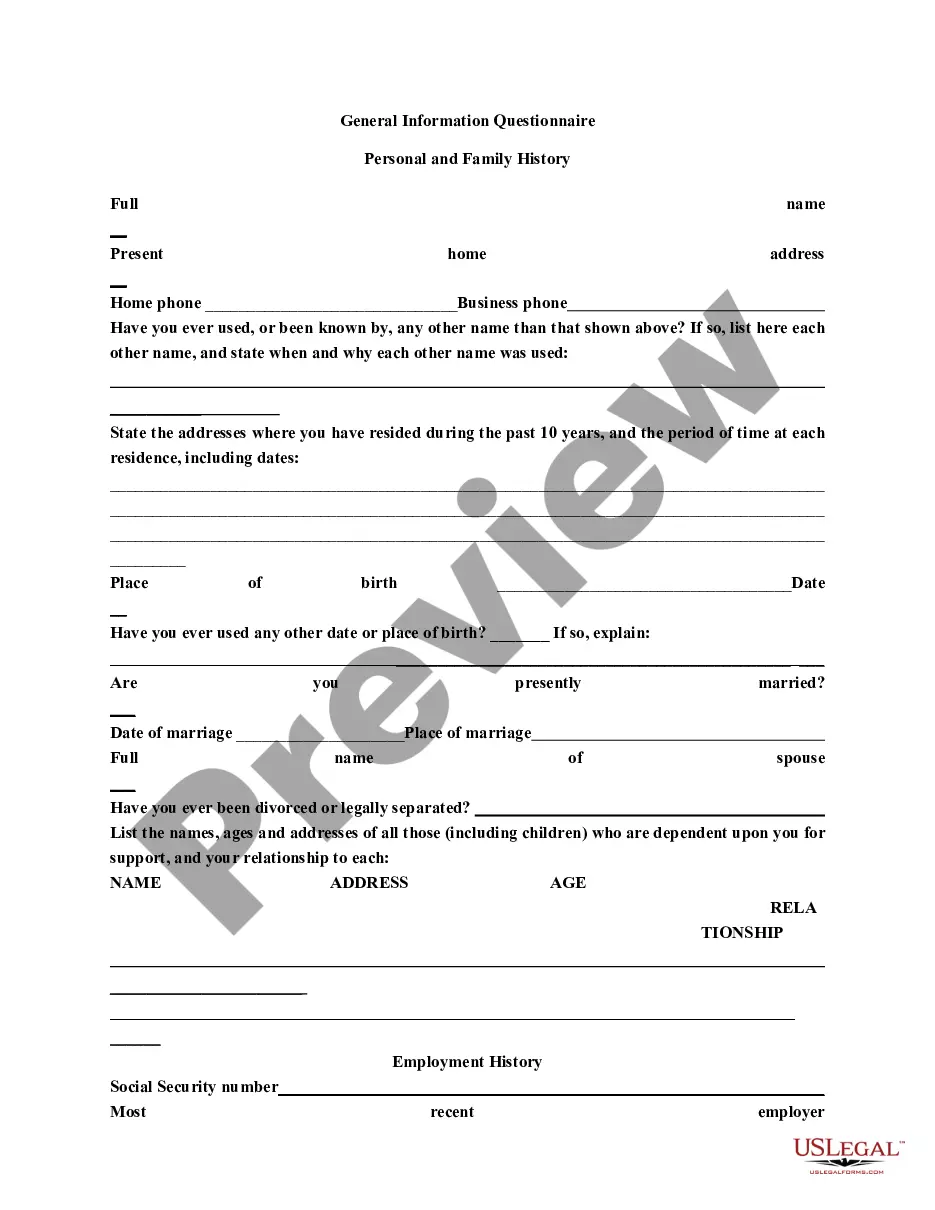
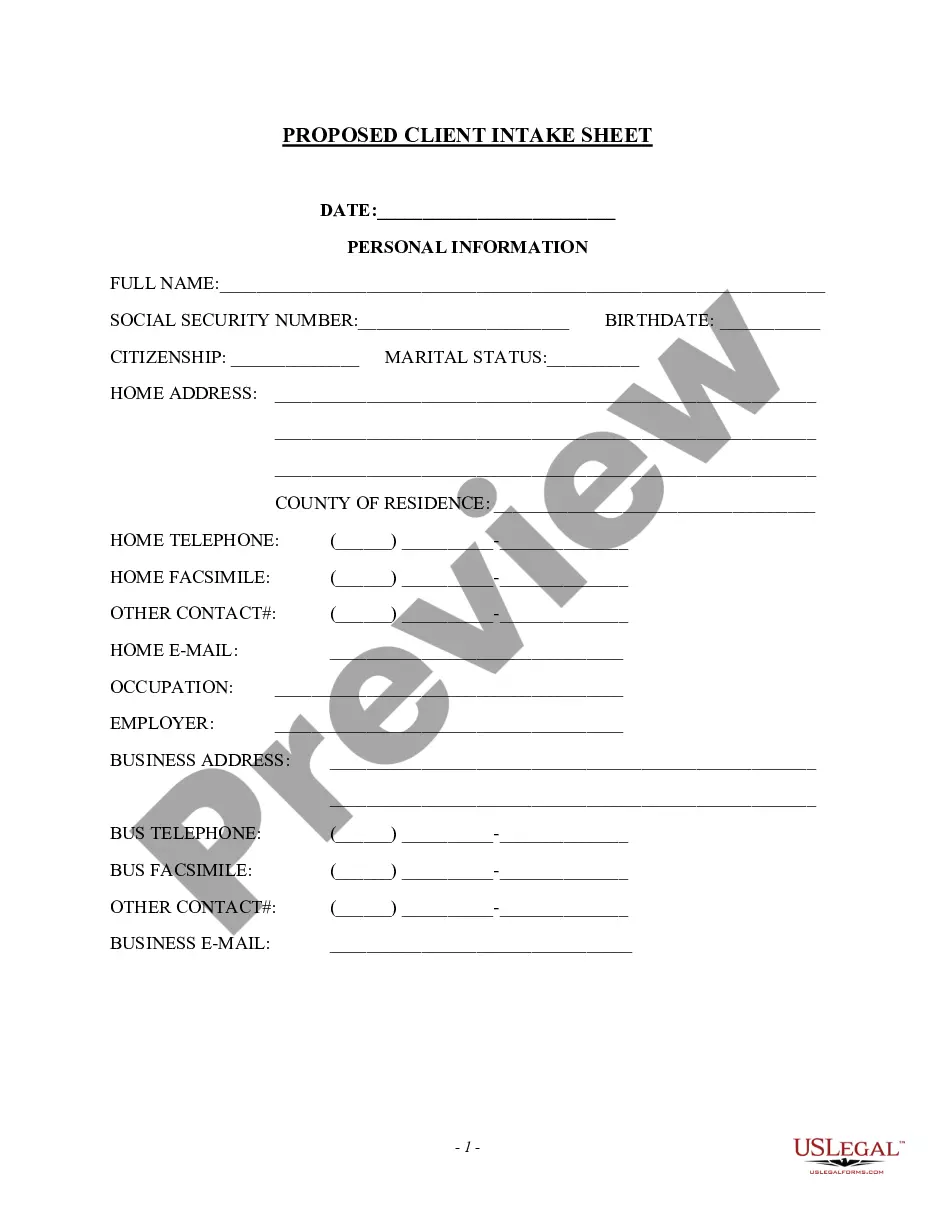
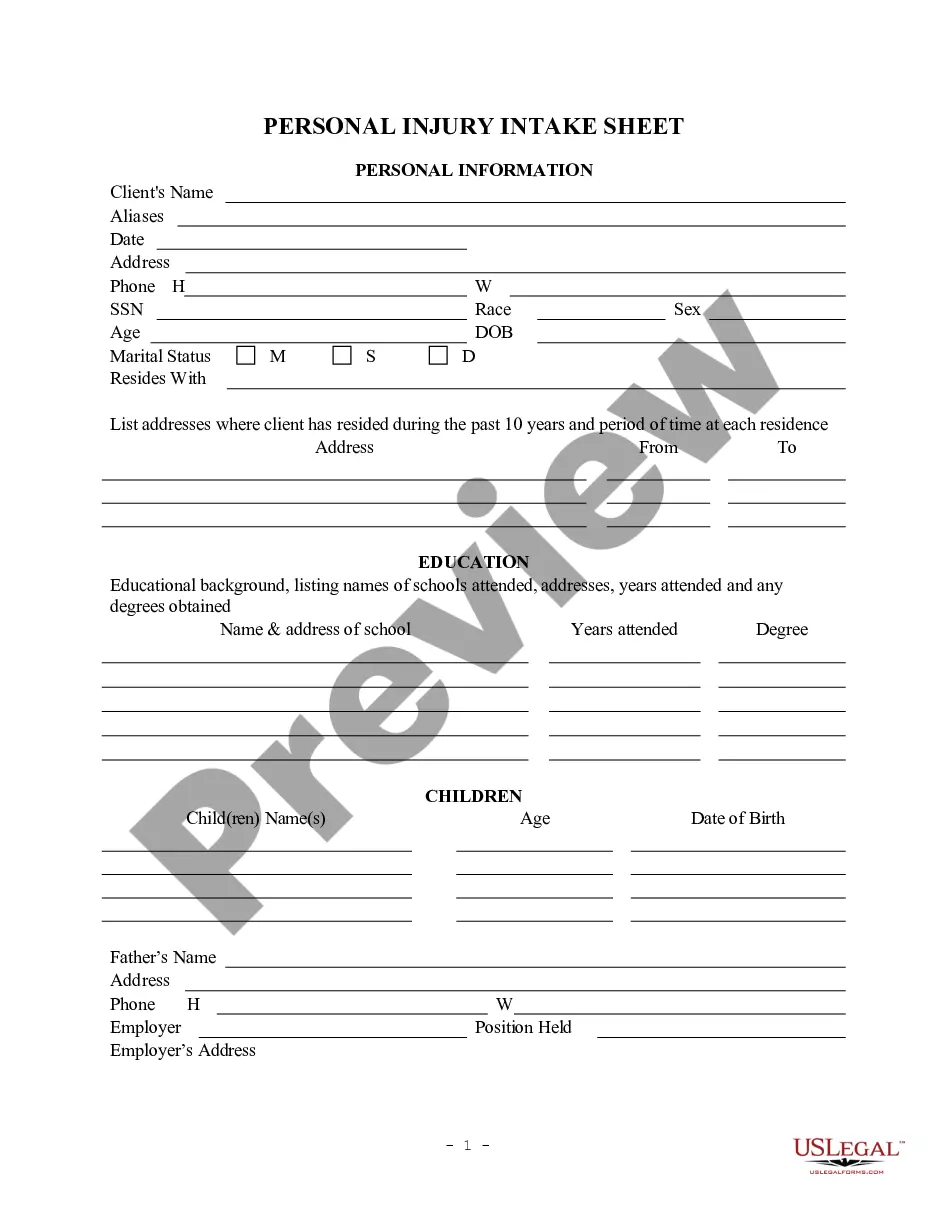
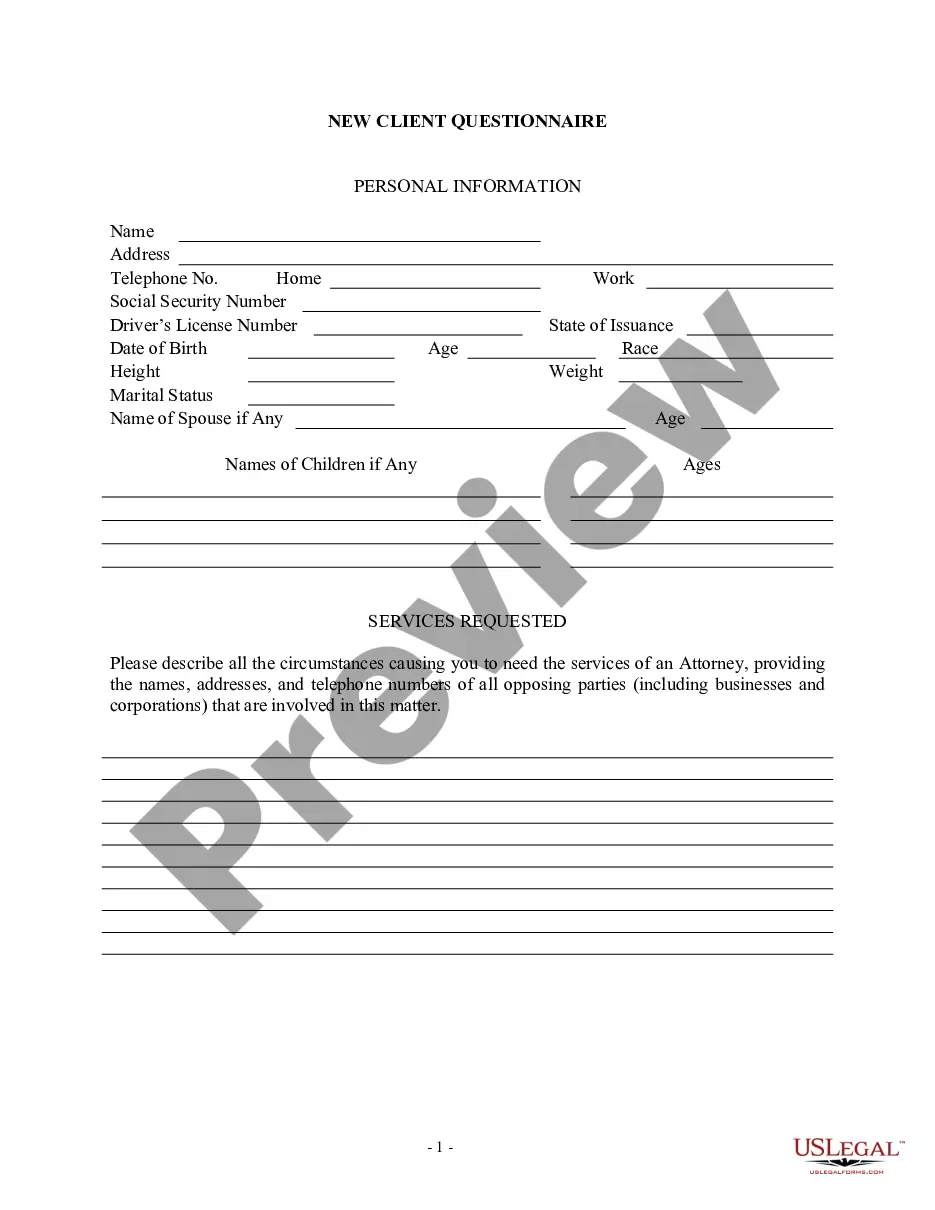
This information should be filled in at and/or immediately after the initial client interview. There can be numerous variations of this form to fit an individual attorney's needs.
Tennessee Client Intake Sheet
Instant download
Description
Get your form ready online
Our built-in tools help you complete, sign, share, and store your documents in one place.
Built-in online Word editor
Make edits, fill in missing information, and update formatting in US Legal Forms—just like you would in MS Word.
Export easily
Download a copy, print it, send it by email, or mail it via USPS—whatever works best for your next step.
E-sign your document
Sign and collect signatures with our SignNow integration. Send to multiple recipients, set reminders, and more. Go Premium to unlock E-Sign.
Notarize online 24/7
If this form requires notarization, complete it online through a secure video call—no need to meet a notary in person or wait for an appointment.
Store your document securely
We protect your documents and personal data by following strict security and privacy standards.

Make edits, fill in missing information, and update formatting in US Legal Forms—just like you would in MS Word.

Download a copy, print it, send it by email, or mail it via USPS—whatever works best for your next step.

Sign and collect signatures with our SignNow integration. Send to multiple recipients, set reminders, and more. Go Premium to unlock E-Sign.

If this form requires notarization, complete it online through a secure video call—no need to meet a notary in person or wait for an appointment.

We protect your documents and personal data by following strict security and privacy standards.
Looking for another form?


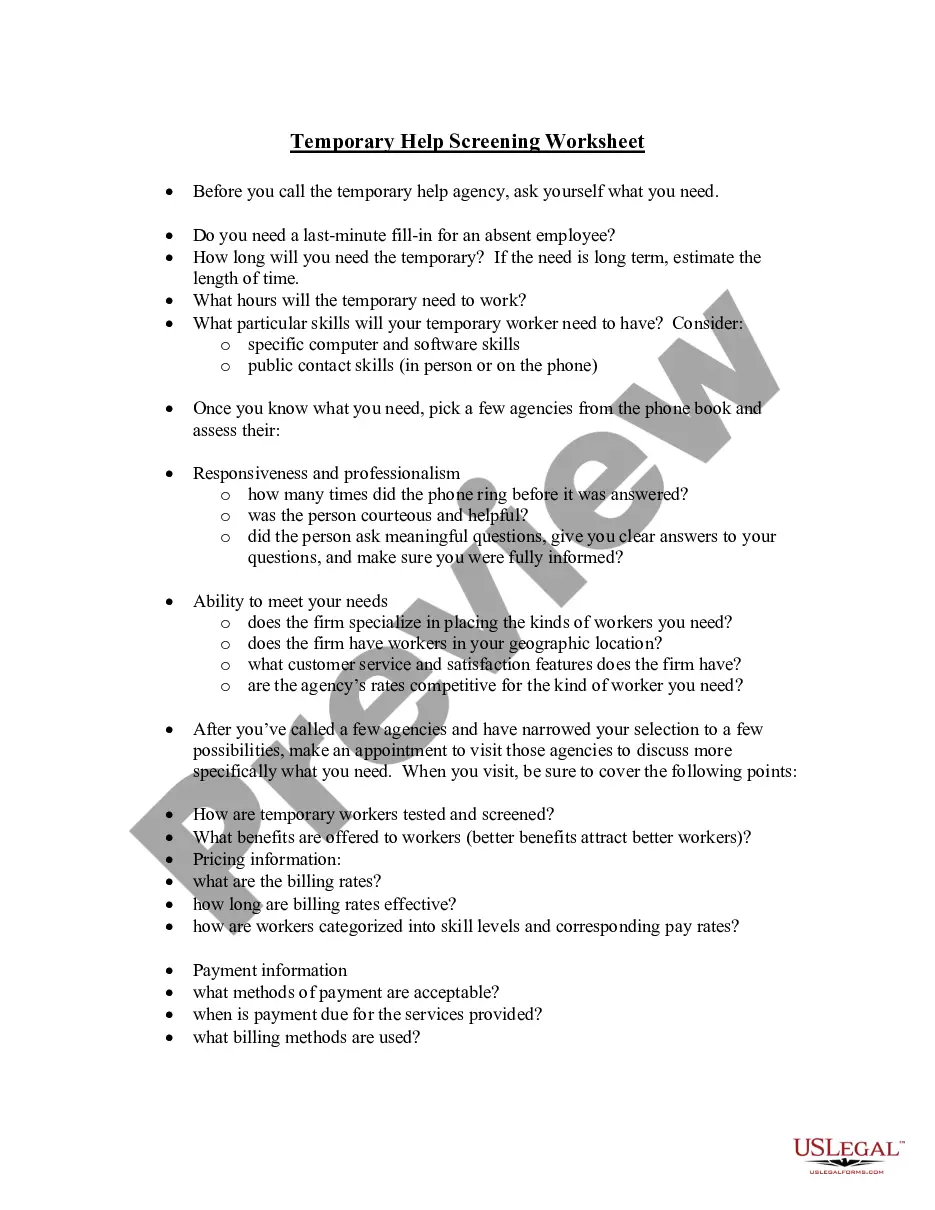

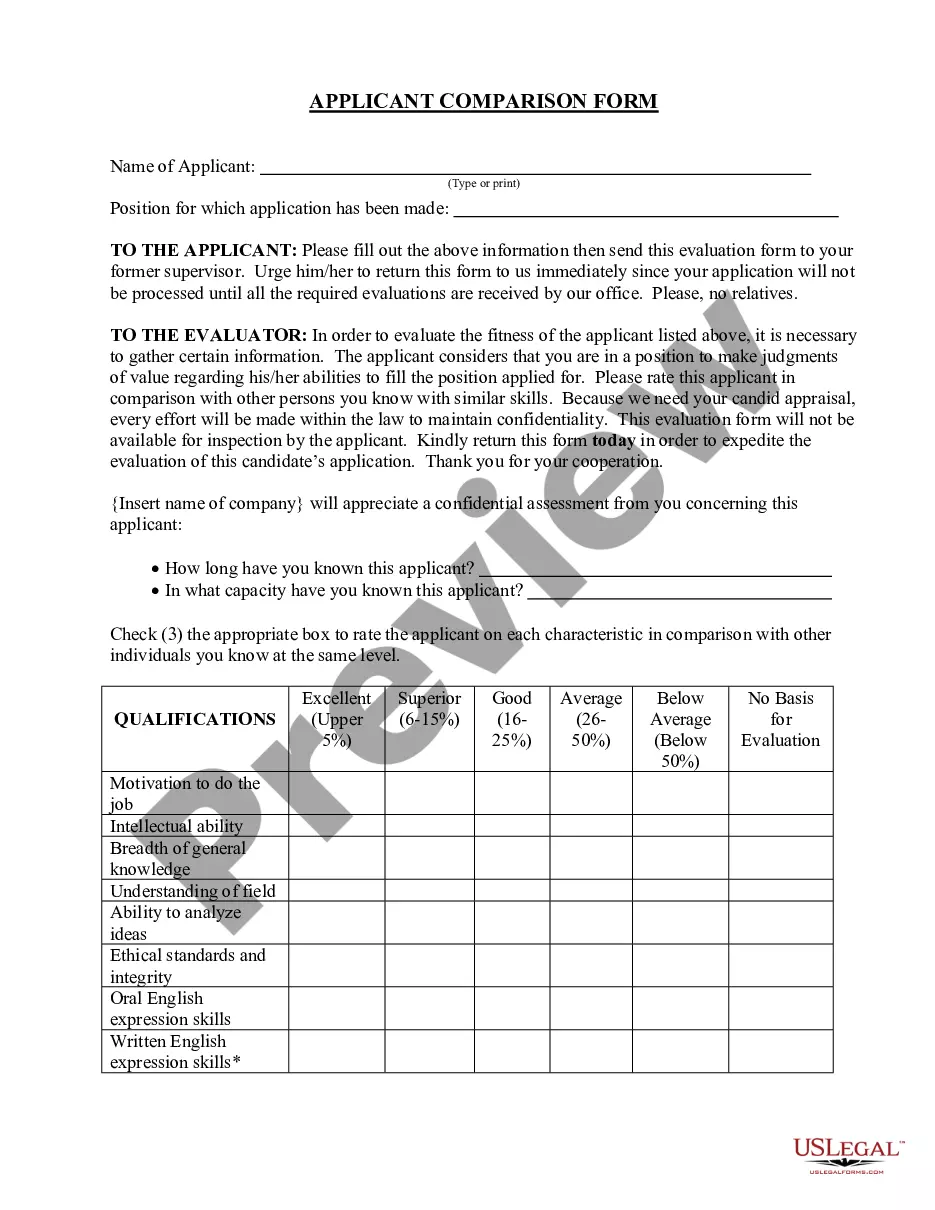
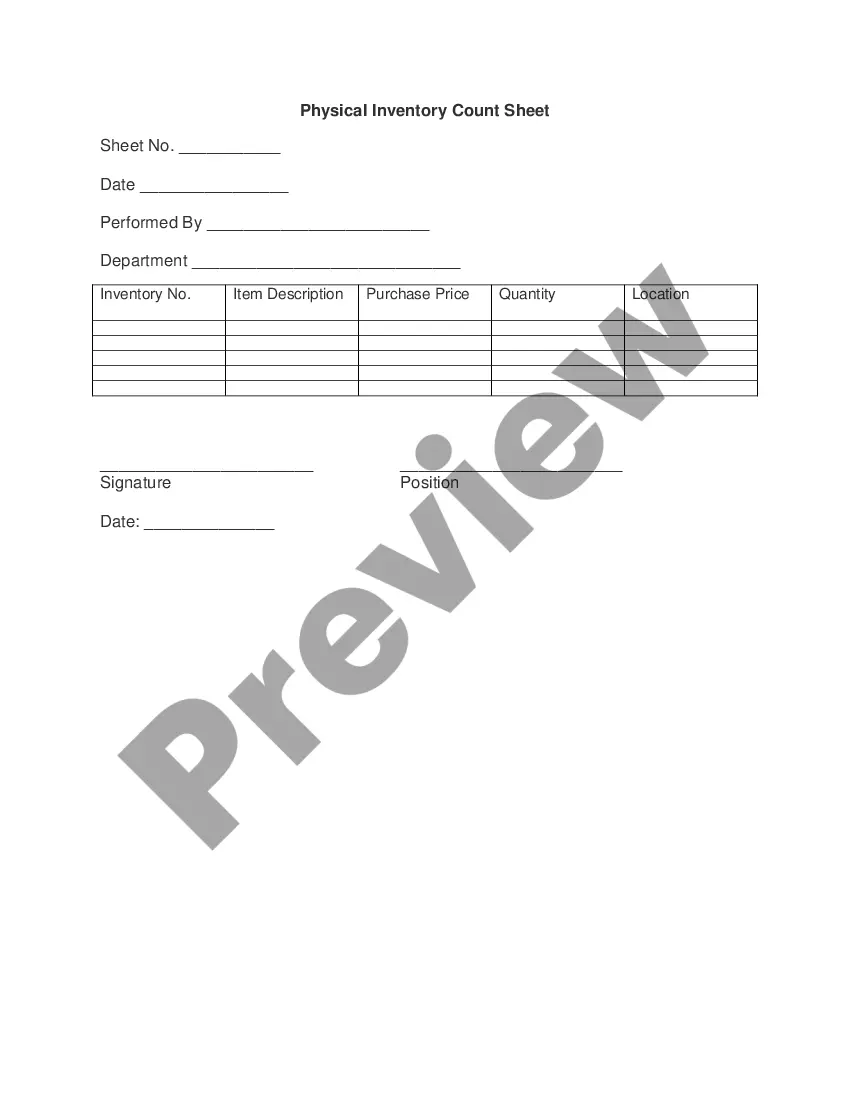
How to fill out Client Intake Sheet?
US Legal Forms - one of the most important collections of legal documents in the United States - offers a range of legal document templates you can download or print. By using the site, you can find thousands of forms for business and personal purposes, organized by categories, states, or keywords. You can access the latest versions of forms like the Tennessee Client Intake Sheet in just moments.
If you already have a monthly subscription, Log In and obtain the Tennessee Client Intake Sheet from the US Legal Forms library. The Download button will appear on every form you view. You can find all previously downloaded forms in the My documents tab of your account.
If you are using US Legal Forms for the first time, here are simple steps to help you get started: Make sure you have selected the correct form for your city/state. Click the Review button to check the details of the form. Review the form information to ensure you have chosen the right form. If the form does not meet your requirements, use the Search field at the top of the page to find one that does. If you are satisfied with the form, confirm your selection by clicking the Purchase now button. Then, select the pricing plan you want and provide your details to register for the account. Process the transaction. Use your credit card or PayPal account to complete the purchase. Choose the file format and download the form to your device. Make edits. Fill out, modify, and print and sign the downloaded Tennessee Client Intake Sheet. Every document you added to your account does not expire and belongs to you forever. Therefore, if you wish to download or print another copy, simply go to the My documents section and click on the form you need.
- Access the Tennessee Client Intake Sheet with US Legal Forms, the most extensive collection of legal document templates.
- Utilize thousands of professional and state-specific templates that fulfill your business or personal needs and requirements.
Form popularity
FAQ
There are several options when completing an Intake Form within MyCase: you can email the form to your potential client/ client directly from the Intake Forms tab in your Settings or you can choose to email it to them after applying the Intake Form to a potential case/ case.
Create a client intake form using Google Forms. In Google Forms, click the plus sign. Click the ?Untitled form? header box. Enter a name and description for the form. Click the Untitled Question box. Type ?What is your name?? Click the dropdown menu to choose the type of answer field.
Intake forms are more than a simple contact form because they are designed to let you know what your client needs are and if your business is capable of attending to them. With an intake form, you can gather information from your clients before your first meeting.
An intake form is a document used to gather important information from clients, customers, or patients when they first interact with a service or organization. It typically includes basic details like contact information, purpose of seeking services, and other relevant data.
The exact questions you ask in your client intake form will depend on your industry and on the type of your business. If you run a medical practice or a law firm, for example, you'll need your client's personal and contact details. You might also need to ask for some confidential or health-related information.
Intake documents are documents prepared at the beginning of a job, usually based on the requests of a customer. You might write an intake document if: A customer is placing an order for something to be manufactured. A customer is placing an order for repairs to be completed.
Client intake in law firms is the process of onboarding new clients and acquiring the personal information that is needed to open their cases.
How to Create and Send a Digital Intake Form in MyCase - YouTube YouTube Start of suggested clip End of suggested clip Details click the intake forms sub tab. Then click the add intake. Form. Select the intake form youMoreDetails click the intake forms sub tab. Then click the add intake. Form. Select the intake form you want to send to the lead. And as you can see this lead already has an email. So it automatically