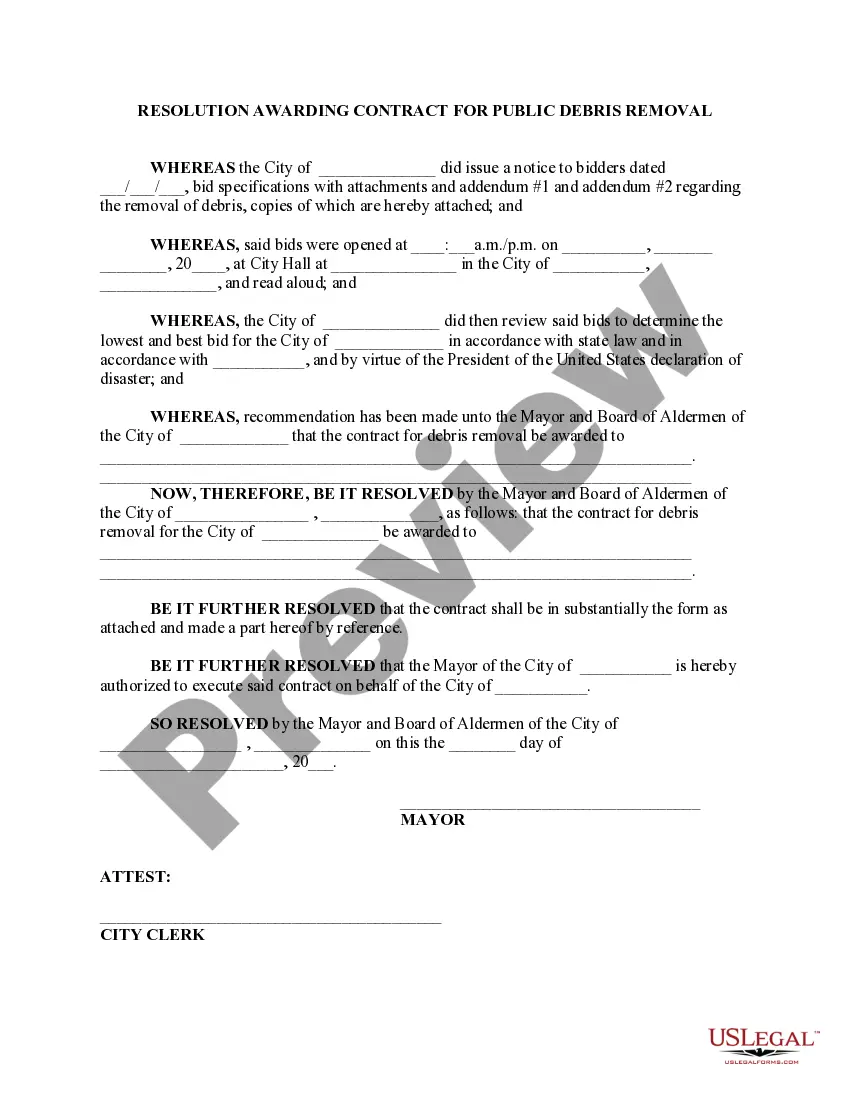
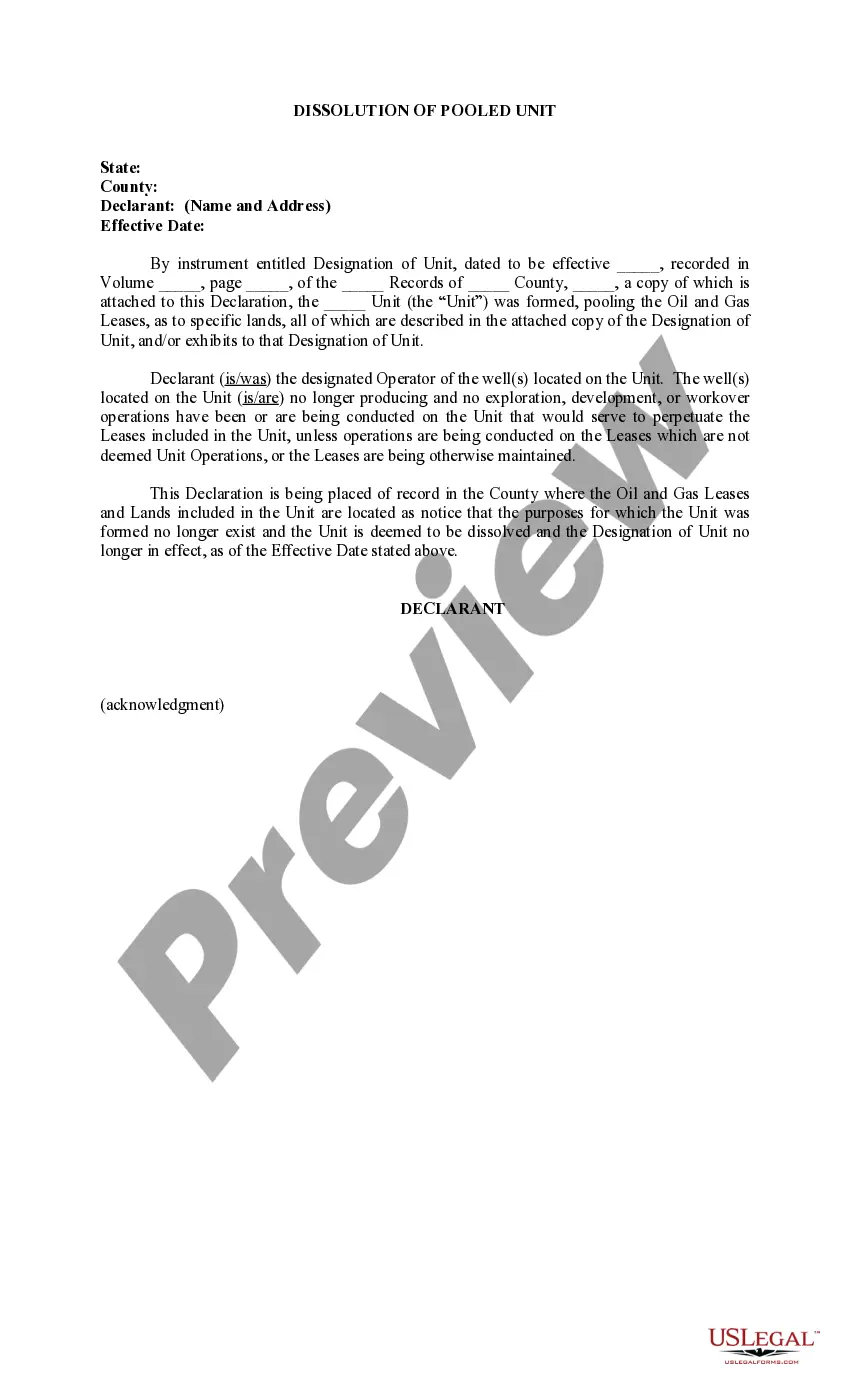
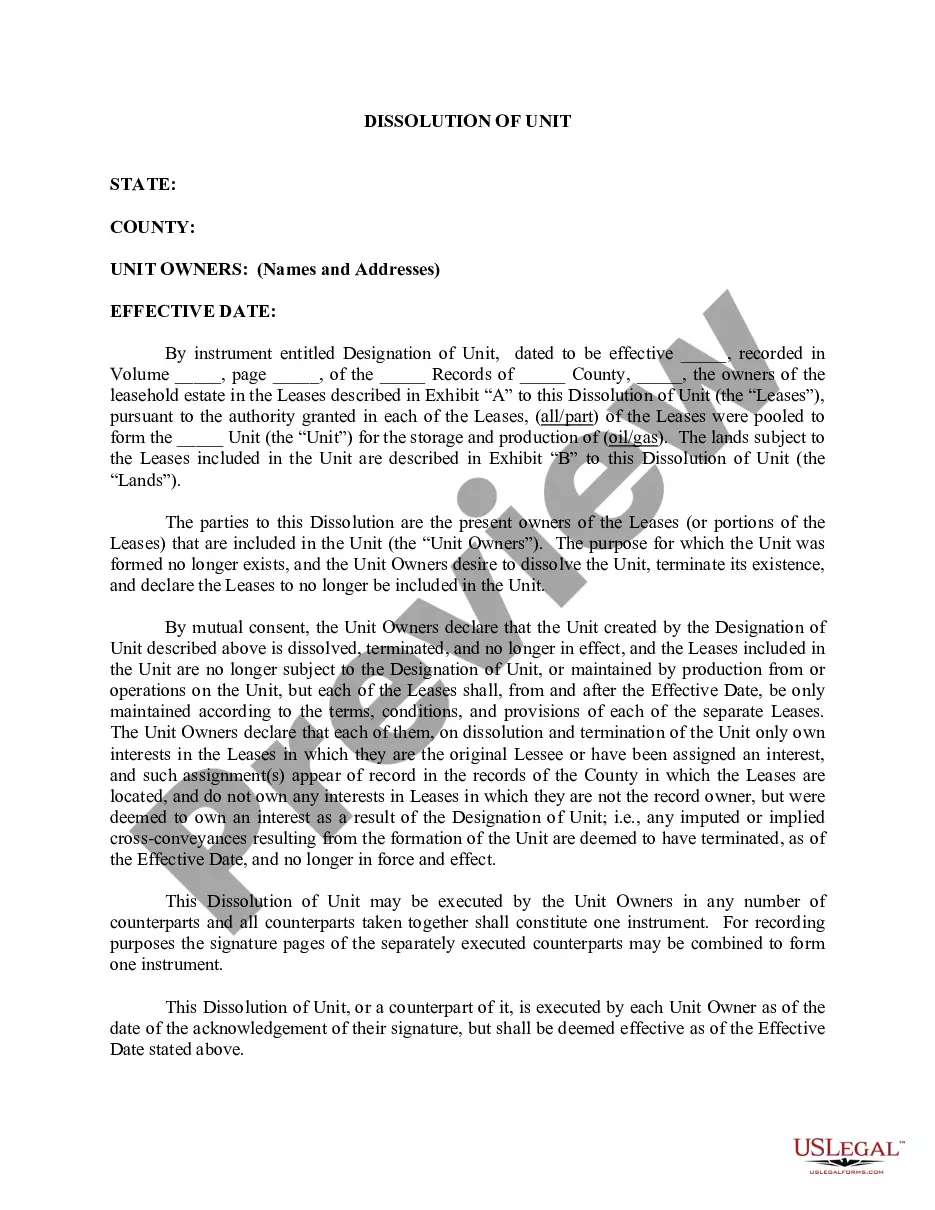
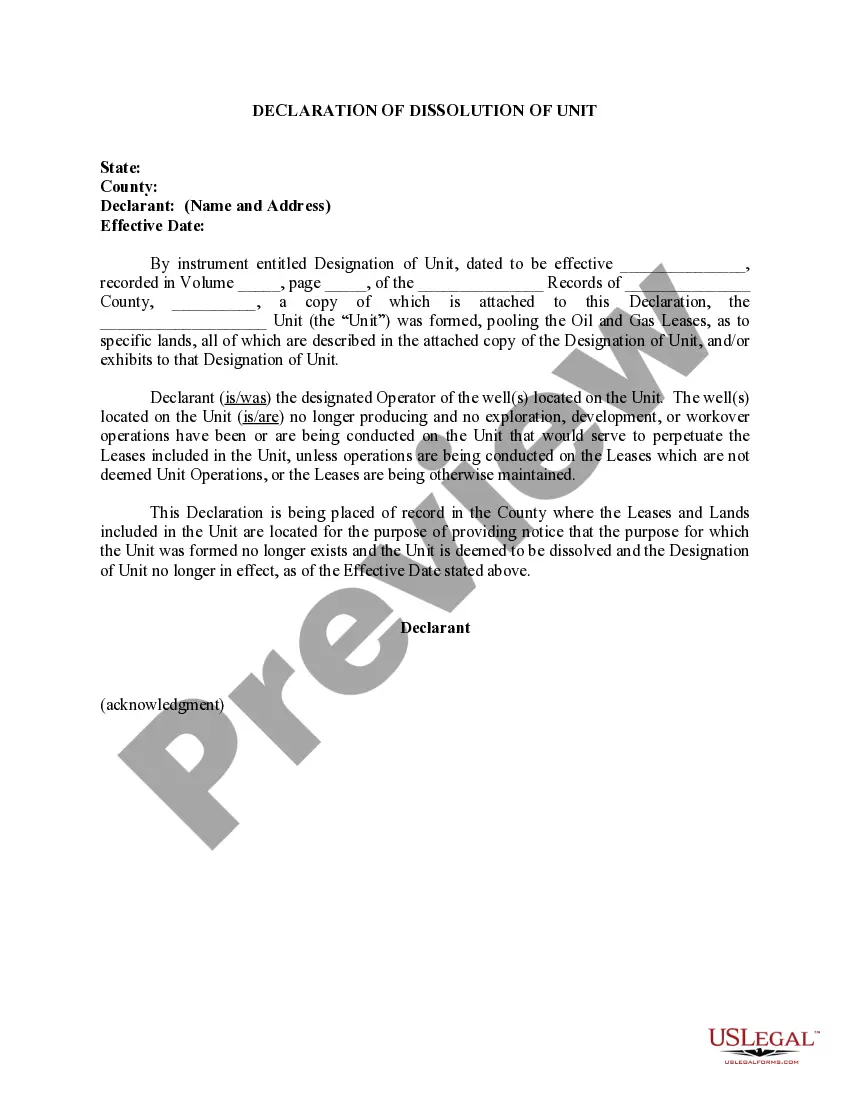
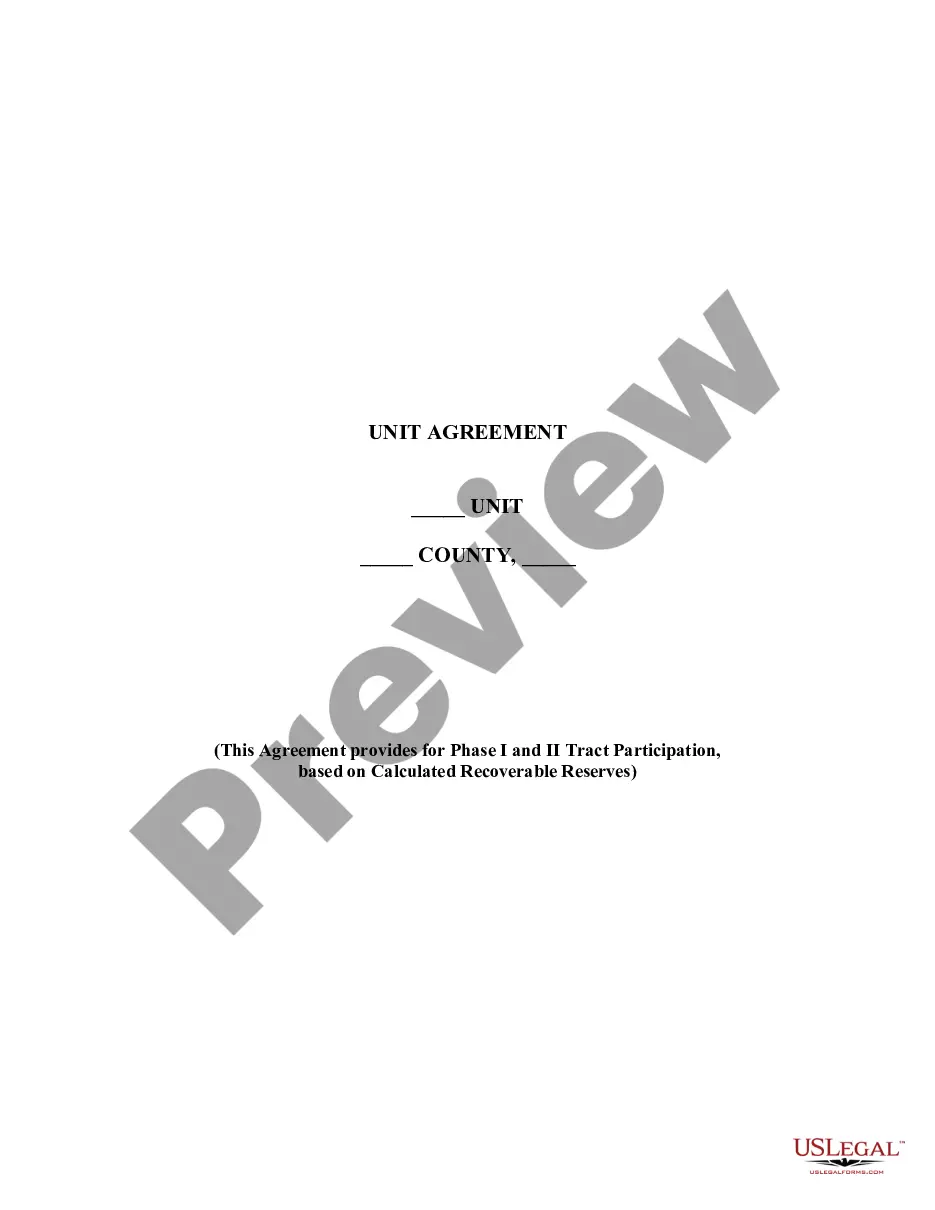
South Carolina Dissolution of Pooled Unit (By Unit Owners)
Description
Get your form ready online
Our built-in tools help you complete, sign, share, and store your documents in one place.
Make edits, fill in missing information, and update formatting in US Legal Forms—just like you would in MS Word.
Download a copy, print it, send it by email, or mail it via USPS—whatever works best for your next step.
Sign and collect signatures with our SignNow integration. Send to multiple recipients, set reminders, and more. Go Premium to unlock E-Sign.
If this form requires notarization, complete it online through a secure video call—no need to meet a notary in person or wait for an appointment.
We protect your documents and personal data by following strict security and privacy standards.

Make edits, fill in missing information, and update formatting in US Legal Forms—just like you would in MS Word.

Download a copy, print it, send it by email, or mail it via USPS—whatever works best for your next step.

Sign and collect signatures with our SignNow integration. Send to multiple recipients, set reminders, and more. Go Premium to unlock E-Sign.

If this form requires notarization, complete it online through a secure video call—no need to meet a notary in person or wait for an appointment.

We protect your documents and personal data by following strict security and privacy standards.
Looking for another form?






How to fill out Dissolution Of Pooled Unit (By Unit Owners)?
It is possible to spend hrs on the Internet trying to find the lawful document web template that fits the federal and state requirements you want. US Legal Forms provides a huge number of lawful kinds that happen to be examined by specialists. It is possible to obtain or print the South Carolina Dissolution of Pooled Unit (By Unit Owners) from the assistance.
If you have a US Legal Forms bank account, you can log in and then click the Acquire button. After that, you can total, edit, print, or indication the South Carolina Dissolution of Pooled Unit (By Unit Owners). Every single lawful document web template you buy is your own eternally. To obtain another duplicate associated with a bought form, proceed to the My Forms tab and then click the related button.
If you use the US Legal Forms site the very first time, adhere to the straightforward guidelines under:
- First, make certain you have selected the correct document web template for that state/area of your liking. Read the form explanation to make sure you have chosen the right form. If accessible, use the Review button to appear throughout the document web template also.
- If you want to locate another edition of the form, use the Look for area to discover the web template that fits your needs and requirements.
- After you have located the web template you would like, click Get now to move forward.
- Choose the pricing strategy you would like, type in your qualifications, and register for a merchant account on US Legal Forms.
- Total the purchase. You may use your bank card or PayPal bank account to pay for the lawful form.
- Choose the structure of the document and obtain it to the product.
- Make changes to the document if necessary. It is possible to total, edit and indication and print South Carolina Dissolution of Pooled Unit (By Unit Owners).
Acquire and print a huge number of document layouts while using US Legal Forms Internet site, that provides the greatest collection of lawful kinds. Use professional and condition-particular layouts to deal with your small business or person needs.
Form popularity
FAQ
If you're a sole proprietor or single-member LLC, all final funds will go to you. If you have multiple owners for your business, you'll need to distribute the remaining funds of the business to each member or stakeholder. For corporations, shareholders are paid based on their ownership percentages.
There are 6 major steps with voluntary dissolution: (1) the board approves a plan of dissolution and proposes dissolution the shareholders; (2) the board notifies and proposes to the shareholders the plan of dissolution and requests a shareholder vote on the plan and the dissolution; (3) the corporation obtains a ...
How do you dissolve a South Carolina Corporation? To dissolve a South Carolina corporation, file Articles of Dissolution with the South Carolina Secretary of State, Division of Business Filings (SOS). Submit the form in duplicate, with a self-addressed stamped envelope, so the SOS can return a copy to you.
Once a business entity is administratively dissolved, it is prohibited by statute from engaging in any activities other than those necessary to liquidate its assets and wind up its affairs.
6 Steps to Dissolve a Corporation #1 ? Seek Approval from the Board of Directors and Shareholders. First, hold a meeting with the board of directors. ... #2 ? File Articles of Dissolution. ... #3 ? Finalize Taxes. ... #4 ? Notify Creditors. ... #5 ? Liquidate and Distribute Assets. ... #6 ? Wrap Up Operations.