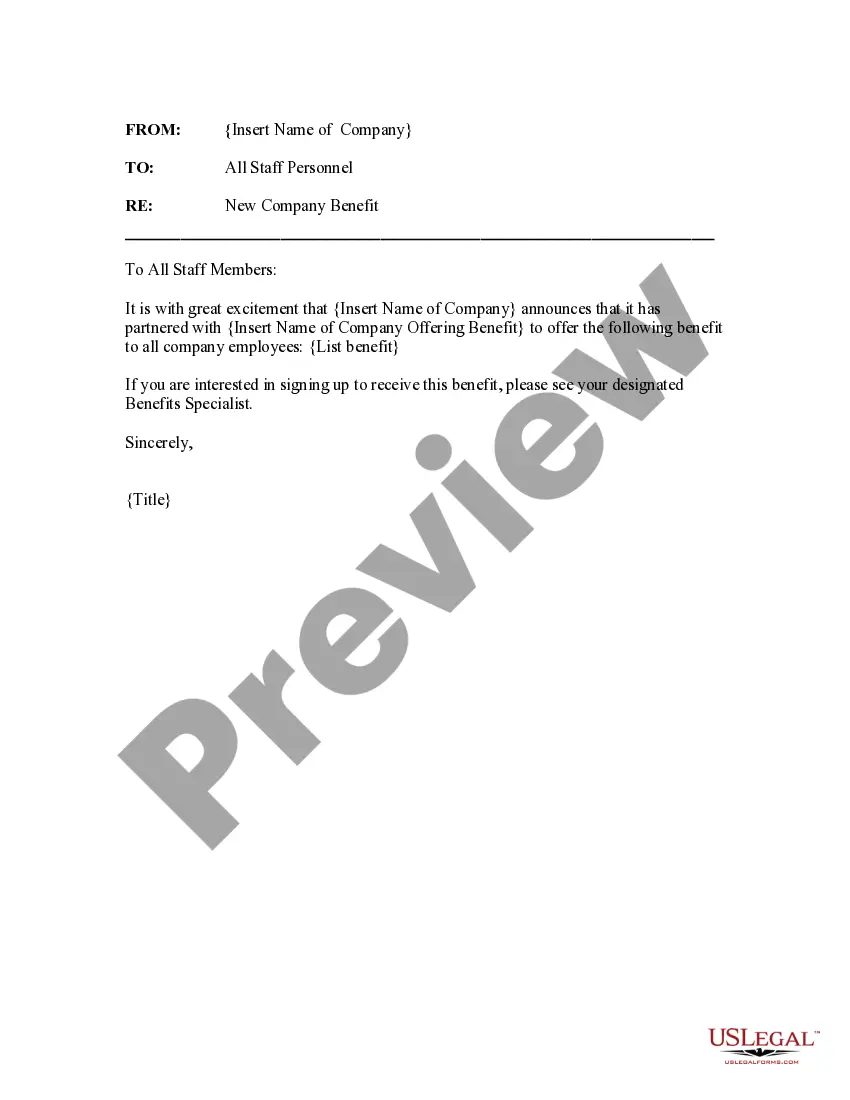
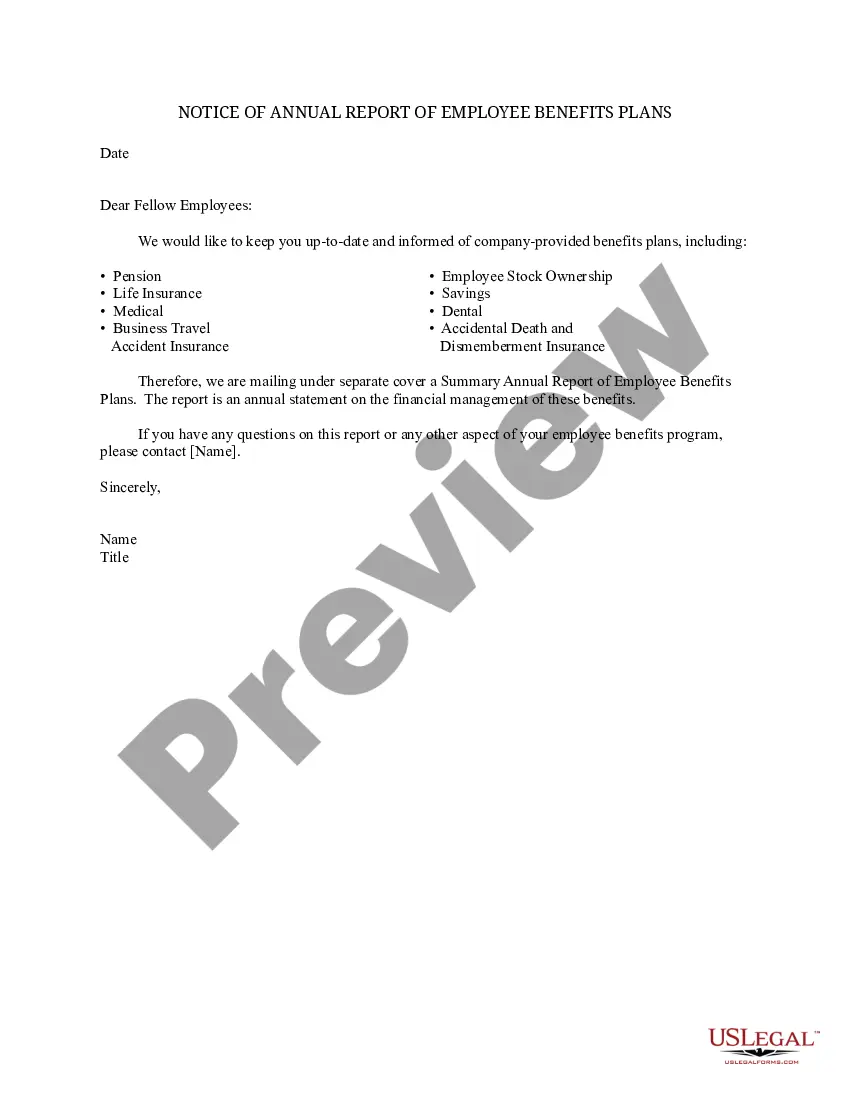
South Carolina New Company Benefit Notice
Description
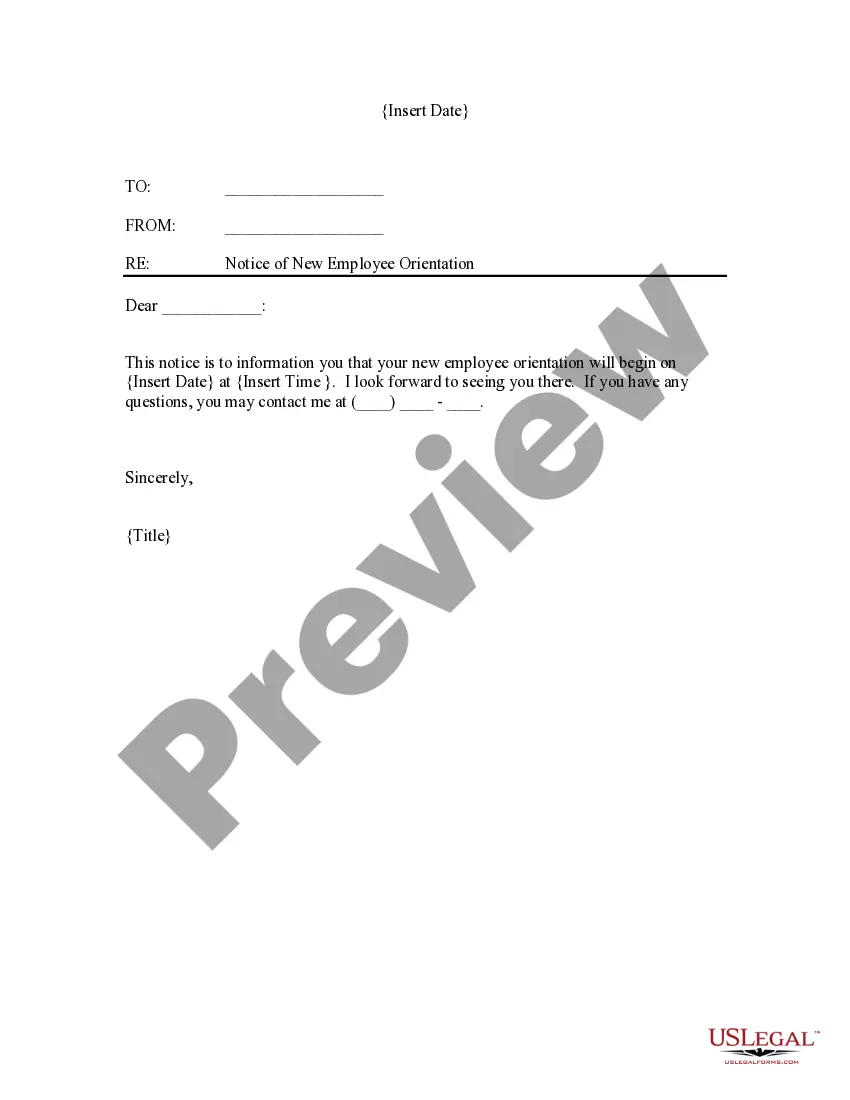

Get your form ready online
Our built-in tools help you complete, sign, share, and store your documents in one place.
Make edits, fill in missing information, and update formatting in US Legal Forms—just like you would in MS Word.
Download a copy, print it, send it by email, or mail it via USPS—whatever works best for your next step.
Sign and collect signatures with our SignNow integration. Send to multiple recipients, set reminders, and more. Go Premium to unlock E-Sign.
If this form requires notarization, complete it online through a secure video call—no need to meet a notary in person or wait for an appointment.
We protect your documents and personal data by following strict security and privacy standards.

Make edits, fill in missing information, and update formatting in US Legal Forms—just like you would in MS Word.

Download a copy, print it, send it by email, or mail it via USPS—whatever works best for your next step.

Sign and collect signatures with our SignNow integration. Send to multiple recipients, set reminders, and more. Go Premium to unlock E-Sign.

If this form requires notarization, complete it online through a secure video call—no need to meet a notary in person or wait for an appointment.

We protect your documents and personal data by following strict security and privacy standards.
Looking for another form?
How to fill out New Company Benefit Notice?
If you require to complete, obtain, or generate valid document templates, utilize US Legal Forms, the premier selection of legal forms, which are accessible online.
Utilize the site's straightforward and hassle-free search to locate the documents you need.
A variety of templates for business and personal purposes are organized by categories and states, or keywords.
Step 3. If you are not satisfied with the form, use the Search field at the top of the screen to find other variations of the legal form template.
Step 4. Once you have identified the form you require, click on the Download now option. Choose the pricing plan you prefer and provide your details to register for an account.
- Use US Legal Forms to find the South Carolina New Company Benefit Notice with just a few clicks.
- If you are already a US Legal Forms customer, Log In to your account and click on the Download option to obtain the South Carolina New Company Benefit Notice.
- You can also access forms you previously saved from the My documents tab in your account.
- If you are using US Legal Forms for the first time, follow these instructions below.
- Step 1. Ensure you have selected the form for the appropriate city/state.
- Step 2. Utilize the Preview option to review the form’s contents. Remember to read the description.
Form popularity
FAQ
INSTRUCTIONS FOR EMPLOYER QUARTERLY WAGE REPORT (Form UCE-120) Every employer must file this report for each calendar quarter showing each employee who was in employment at any time during the quarter.
Have at least $1,092 in covered employment (with an employer who paid UI taxes) during the base period's highest quarter. Have earned at least $4,455 from covered employment during the base period. Have total base period wages that are equal to, or exceed, 1.5 times the high quarter wages' total.
SC residents who were unemployed in 2020 may be eligible for new state tax relief. SOUTH CAROLINA (WCIV) South Carolina residents who were unemployed in 2020 may be eligible to exclude from state taxes up to $10,200 of unemployment benefits received last year. The bill allowing this was signed into law May 18.
The rates include base rates ranging from zero to 2.031% and an administrative assessment of 0.06%. The maximum tax rate for experienced employers is to be 5.46% in 2021. The unemployment tax rate for new employers is the rate for experienced employers assigned to Rate Class 12, which is
In addition to the contribution rate there is also an assessment, known as the Contingency Assessment, of . 06% on the taxable wages reported each quarter. In some cases, it may be possible to report wages and pay compensation in a companies' home state.
Click on the MyBenefits button. Enter your username and password in the appropriate fields to login to your MyBenefits Portal account. The Quick Links section will now be listed on the far left side of your MyBenefits Portal Dashboard. Click on the View my 1099G for 2021 link to view and download your 1099G.
South Carolina's Department of Employment and Workforce (DEW) issued a notice effective April 16, 2020, requiring all employers to provide employees with a Notification of the Availability of Unemployment Insurance Benefits upon separation of employment.
Form UCE-120 "Employer Quarterly Contribution and Wage Reports" - South Carolina.
How long does the appeals process take? It could take 60-120 days from the date you send in your appeal request to receive a decision on your appeal.
The UI benefits program is funded by taxes on employers, including state taxes (which vary by state) and the Federal Unemployment Tax Act (FUTA) tax, which is 6 percent of the first $7,000 of each employee's wages.