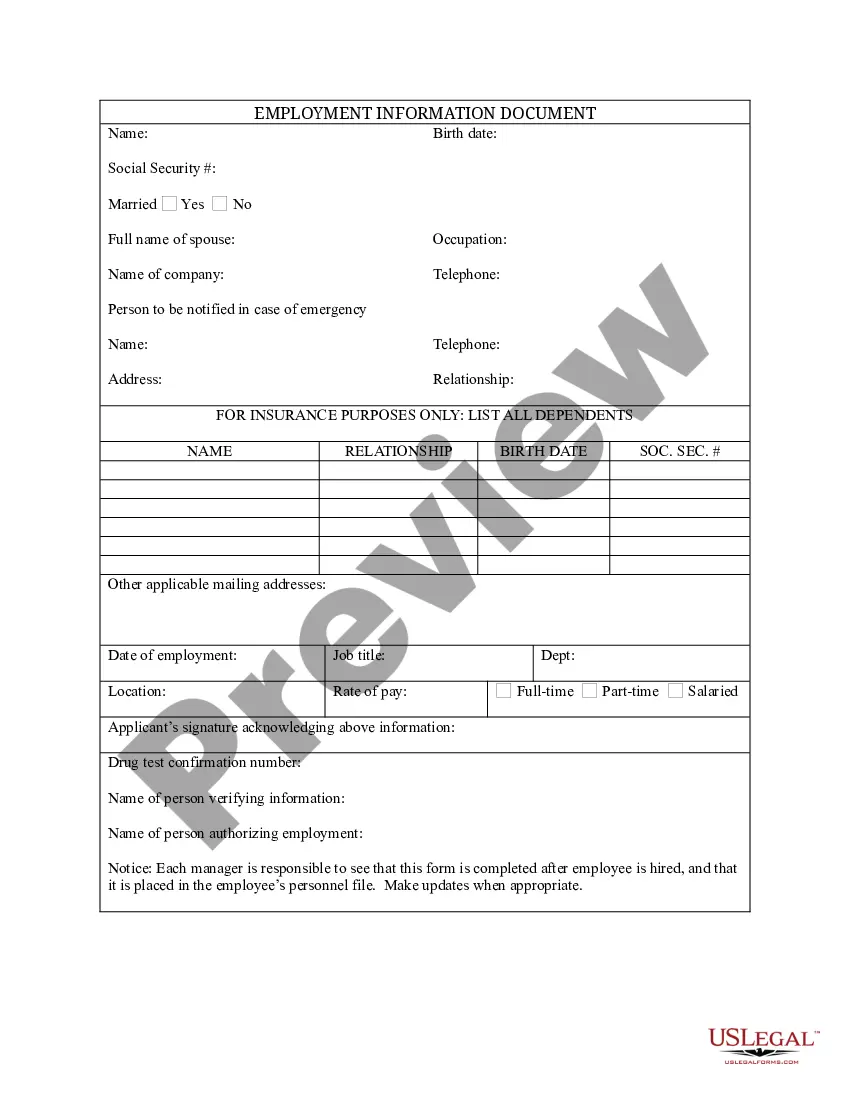
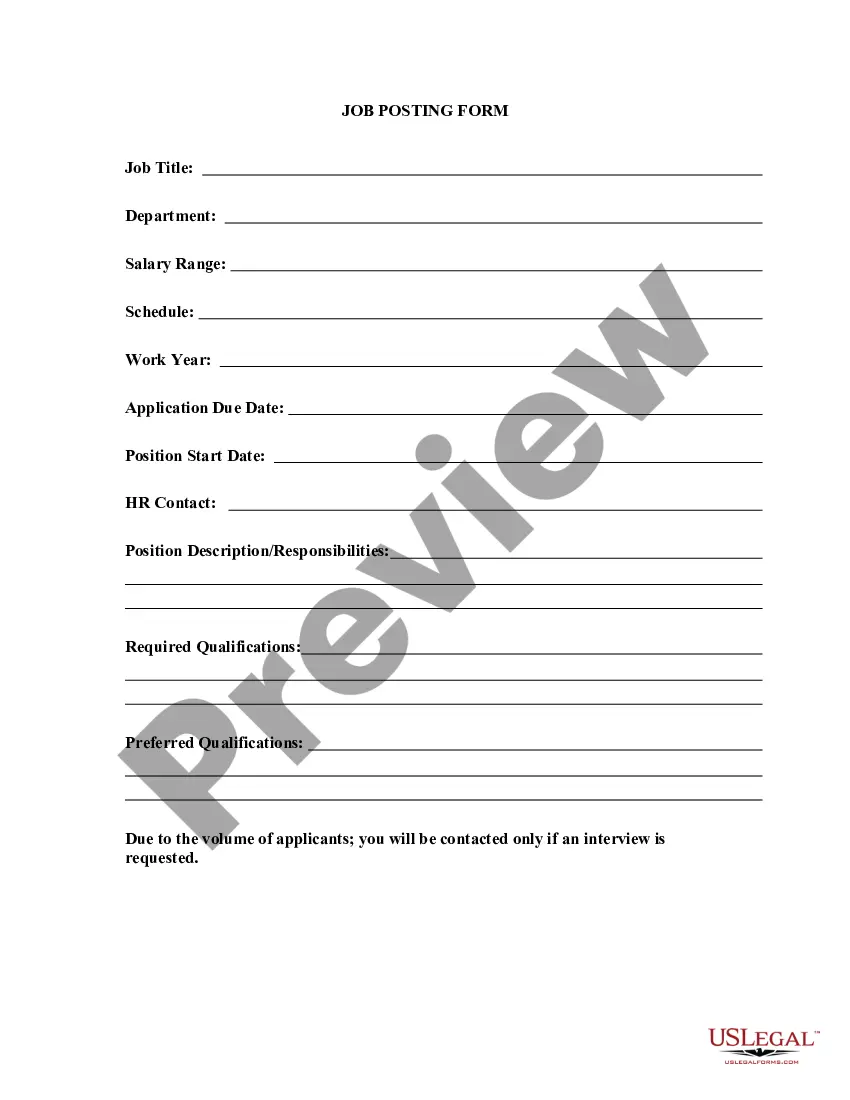
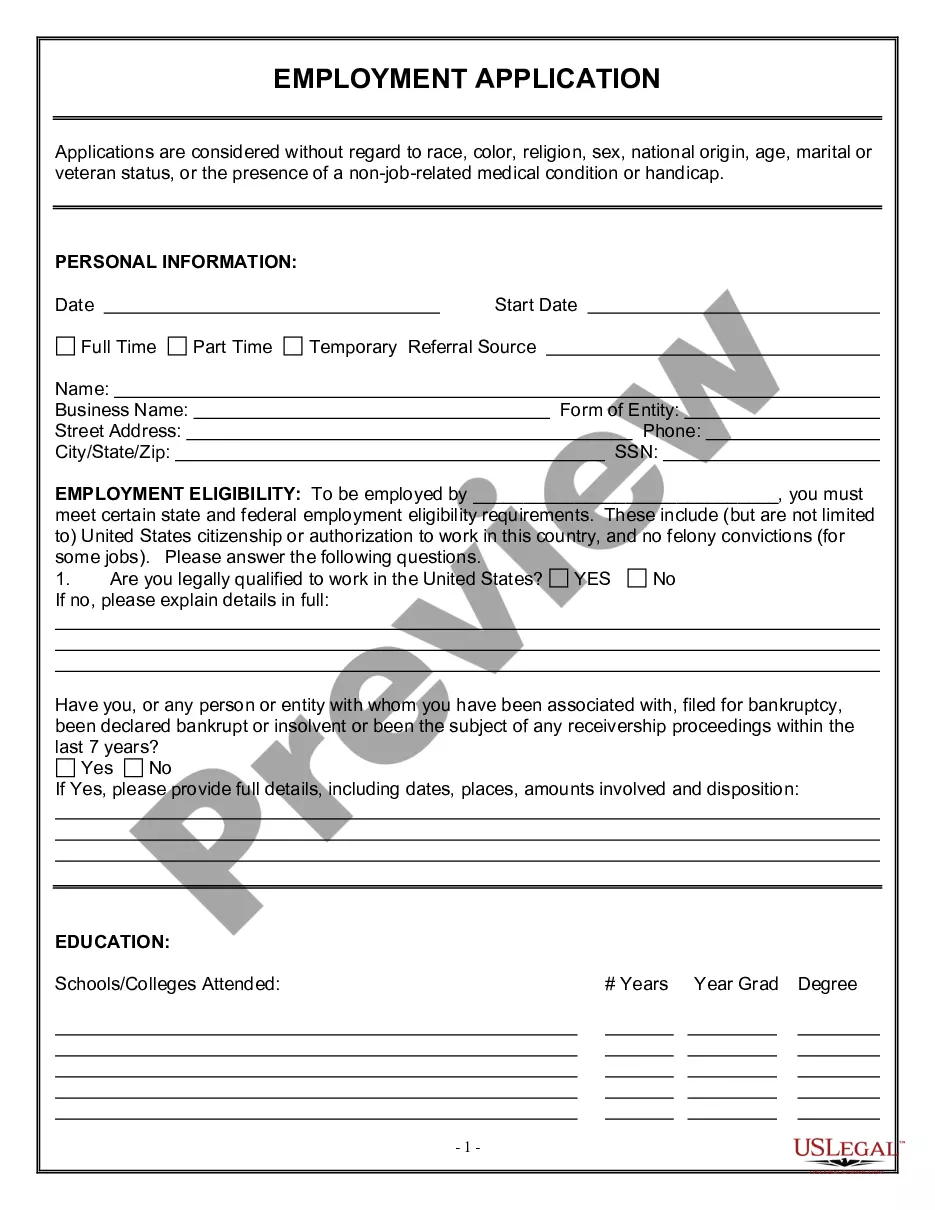
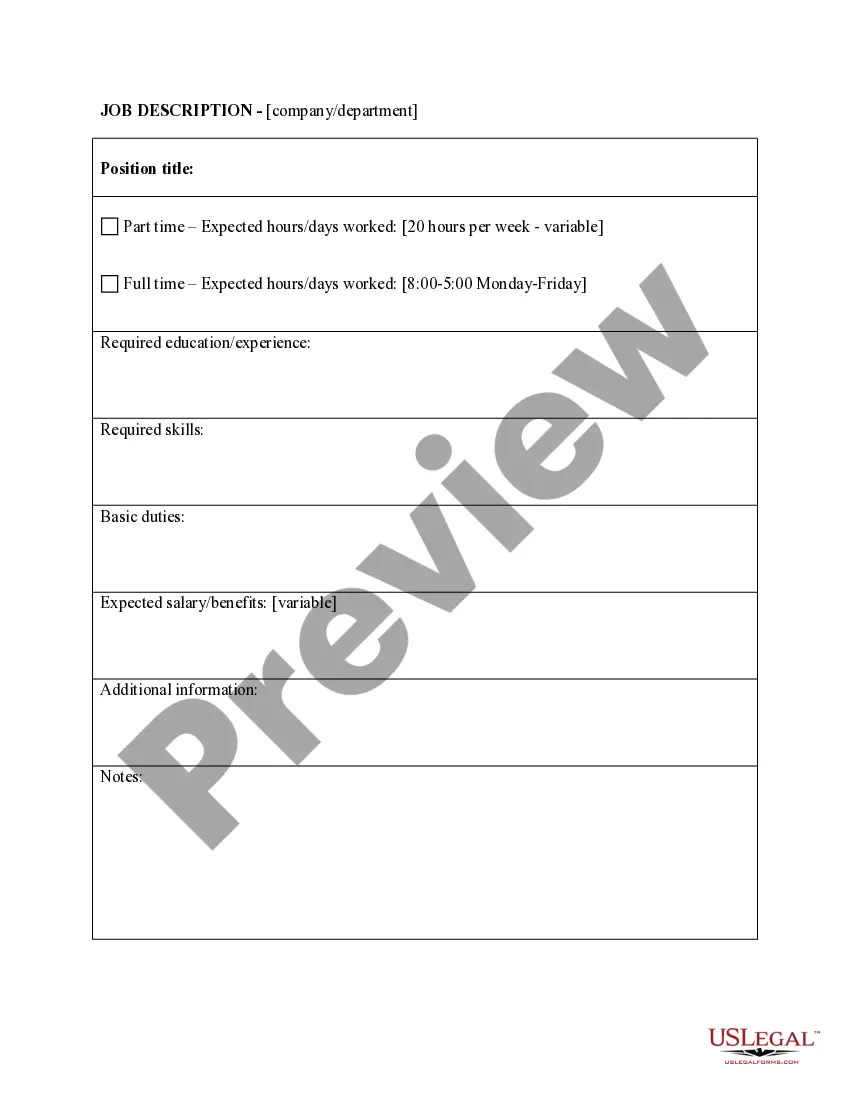
South Carolina Job Posting Form
Description
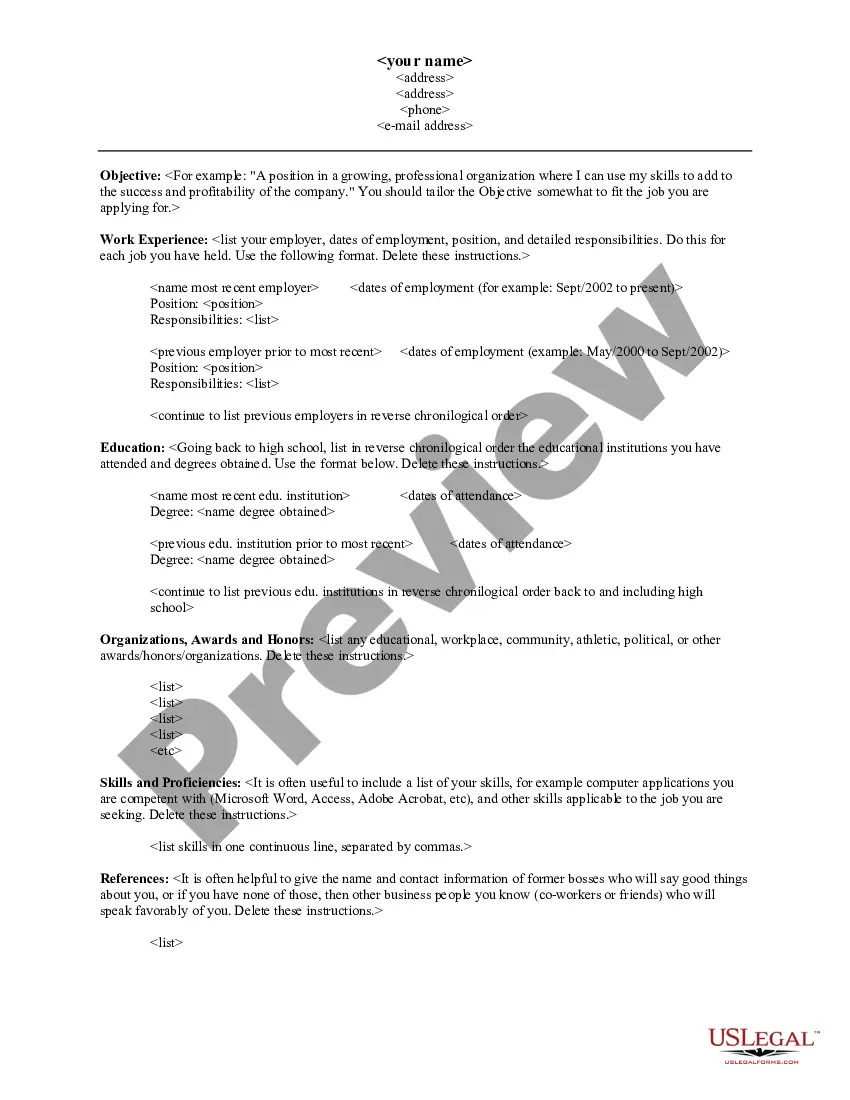
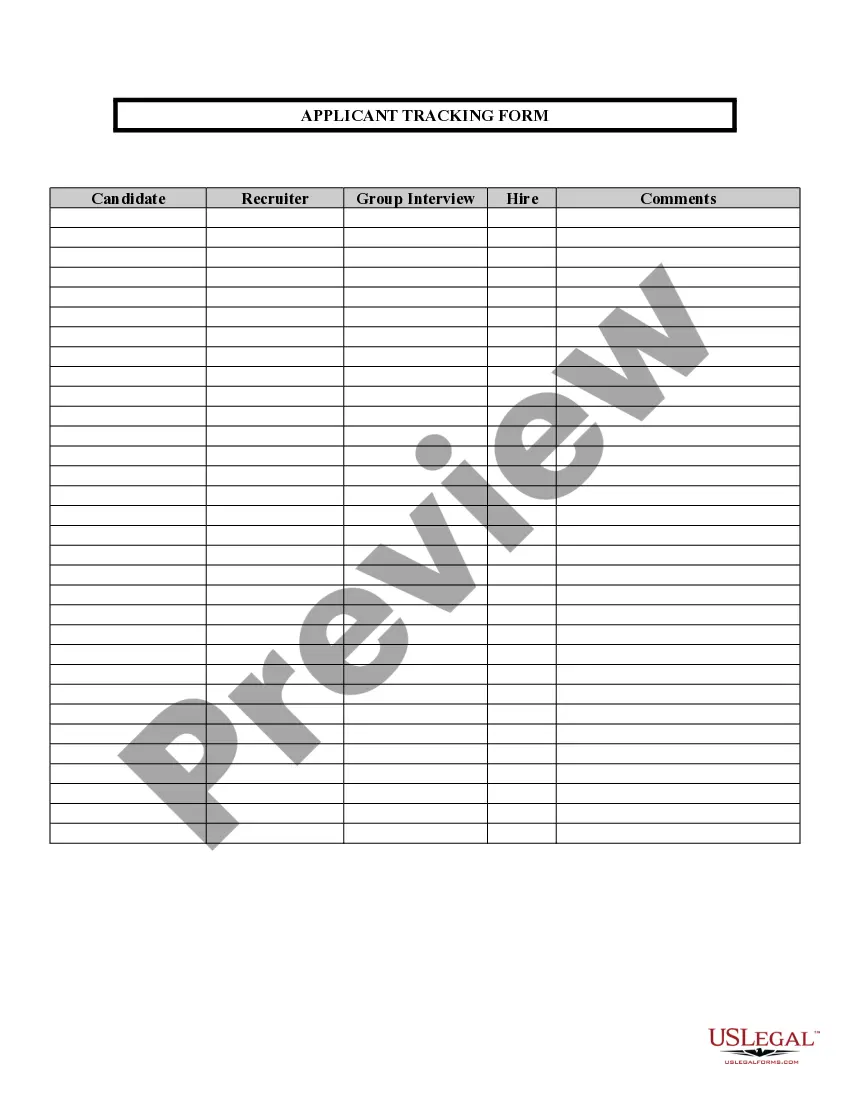
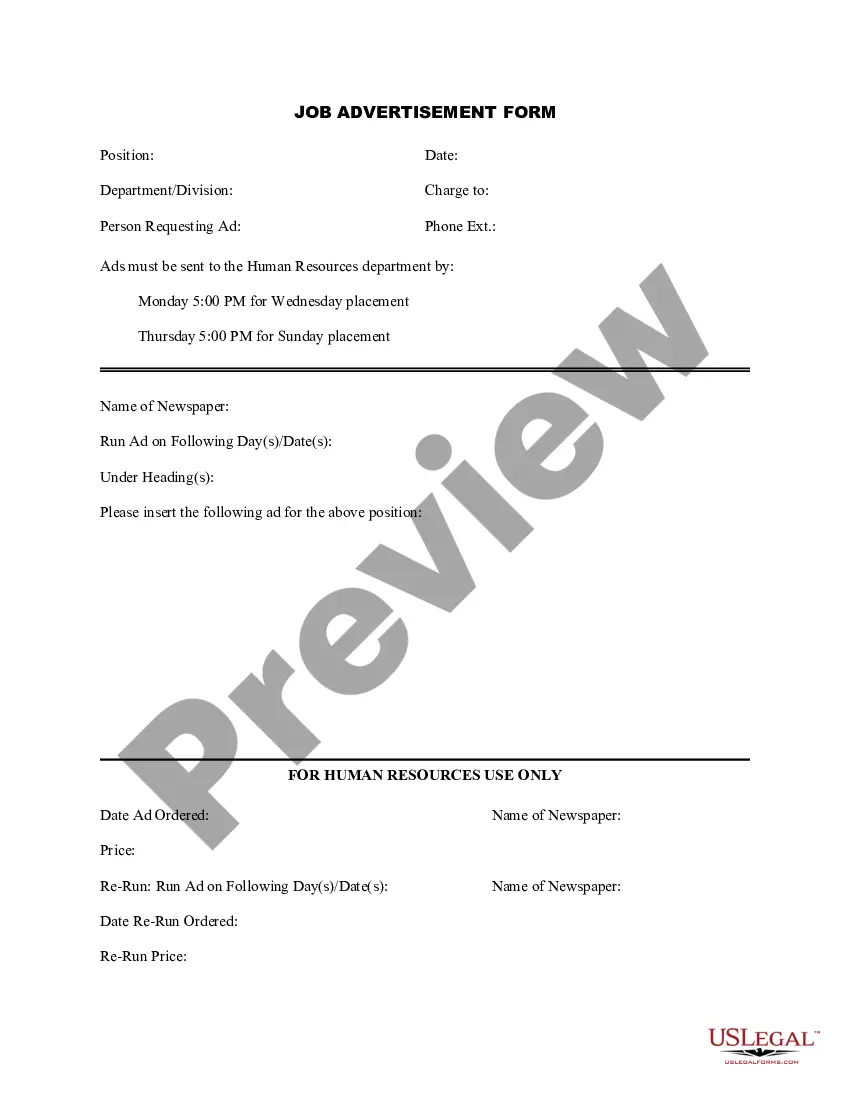
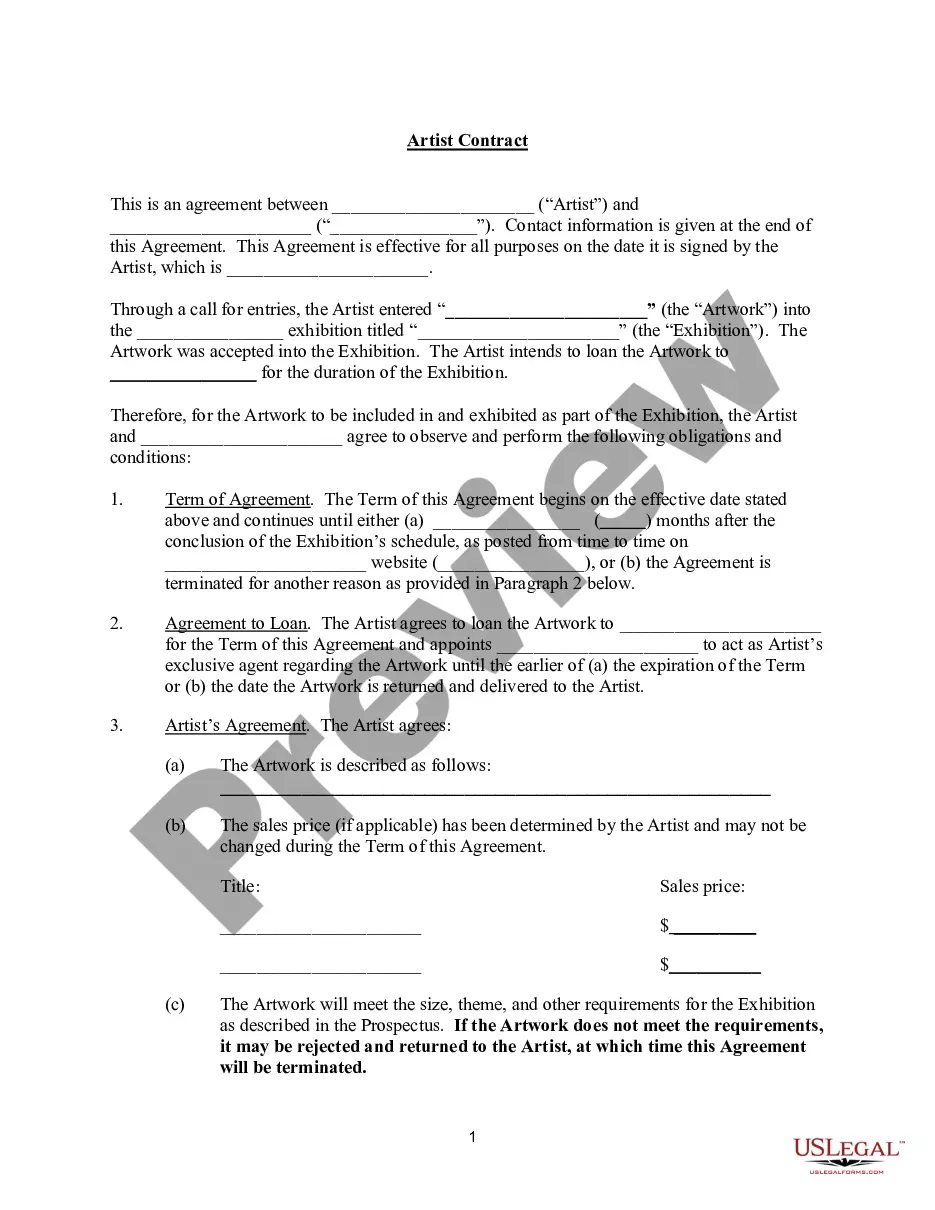
Get your form ready online
Our built-in tools help you complete, sign, share, and store your documents in one place.
Make edits, fill in missing information, and update formatting in US Legal Forms—just like you would in MS Word.
Download a copy, print it, send it by email, or mail it via USPS—whatever works best for your next step.
Sign and collect signatures with our SignNow integration. Send to multiple recipients, set reminders, and more. Go Premium to unlock E-Sign.
If this form requires notarization, complete it online through a secure video call—no need to meet a notary in person or wait for an appointment.
We protect your documents and personal data by following strict security and privacy standards.

Make edits, fill in missing information, and update formatting in US Legal Forms—just like you would in MS Word.

Download a copy, print it, send it by email, or mail it via USPS—whatever works best for your next step.

Sign and collect signatures with our SignNow integration. Send to multiple recipients, set reminders, and more. Go Premium to unlock E-Sign.

If this form requires notarization, complete it online through a secure video call—no need to meet a notary in person or wait for an appointment.

We protect your documents and personal data by following strict security and privacy standards.
Looking for another form?






How to fill out Job Posting Form?
If you desire to finalize, obtain, or print official document templates, utilize US Legal Forms, the largest collection of legal templates available online.
Employ the site's simple and user-friendly search function to find the documents you require. Various templates for business and personal purposes are organized by categories and states, or keywords.
Use US Legal Forms to discover the South Carolina Job Posting Form in just a few clicks.
Every legal document template you purchase is yours forever. You will have access to every form you acquired within your account. Click the My documents section and choose a form to print or download again.
Compete and acquire, and print the South Carolina Job Posting Form with US Legal Forms. There are thousands of professional and state-specific templates available for your business or personal needs.
- If you are already a US Legal Forms user, Log In to your account and click on the Acquire button to obtain the South Carolina Job Posting Form.
- You can also access forms you previously acquired from the My documents section of your account.
- If this is your first time using US Legal Forms, follow the steps outlined below.
- Step 1. Ensure you have selected the form for the correct city/state.
- Step 2. Utilize the Review option to examine the form's content. Do not forget to read the description.
- Step 3. If you are not satisfied with the form, use the Search area at the top of the screen to find other versions of the legal form template.
- Step 4. Once you have identified the form you need, click the Purchase now button. Choose your preferred pricing plan and enter your credentials to sign up for an account.
- Step 5. Complete the payment. You can utilize your credit card or PayPal account to finalize the transaction.
- Step 6. Select the format of the legal form and download it to your device.
- Step 7. Complete, edit, and print or sign the South Carolina Job Posting Form.
Form popularity
FAQ
What to include in your job postingsA relevant job title. In other words, a job title that job seekers actually search for.Keywords.The About Us section.Specific job responsibilities.Pay info.Benefits.Location, location, location.Information overload.More items...
Claimants are required to complete two weekly job searches to remain eligible for Unemployment Insurance benefits.
Dear Name, While I recognize that you may not be hiring at the moment, I'm writing to submit my resume for a potential position role with your company. I believe I would be an asset to your team based on my relevant experience with companies. Would you be open to a quick call to discuss?
Job application letter tipsEmphasize your skills and abilities.Stay concise.Proofread the letter.Review the job listing keywords.Send a letter for every position to which you apply.Use a professional format.Create the heading.Address the letter to the hiring manager.More items...?
If you have not completed your work searches through SCWOS for the upcoming week, the system will show an indicator of N in the SC Work Search Confirmation field on the Claimant Confirmation History screen in the CSS Portal. This indicator will update once the upcoming benefit week becomes available to file.
When is the best time to apply to a job posting? It's best to apply for a job within a week or two of the job being posted to increase your chances of getting the job. The quicker you apply, the easier it is for the hiring manager to see your application and get in contact with you if they're interested.
You may receive a waiver from the requirement to perform at least two (2) weekly job searches through SCWOS for good cause. Good cause includes, but is not limited to, verifiable electronic access and/or language barriers, and is determined by the S.C. Department of Employment and Workforce on a case-by-case basis.
LinkedIn, Facebook and Twitter are the best places if you want to share your job posting on social media....Also, here are some general tips to keep in mind when you're posting a job on social media:Keep your post short.Make it clear it's a job ad.Include important information.Play up your company culture.
South Carolina Work Search Requirements To remain eligible for benefits, you must actively search for work each week that you file a weekly certification for unemployment insurance benefits. State regulation requires you to perform at least two (2) job searches each week through SC Works Online Services (SCWOS).
How to apply for a jobSearch for jobs in your field.Research companies with openings.Prepare your resume.Decide if you need a cover letter.Submit your resume and online application.Follow-up if needed.Connect with current employees.Review your social media.More items...?24 July 2021