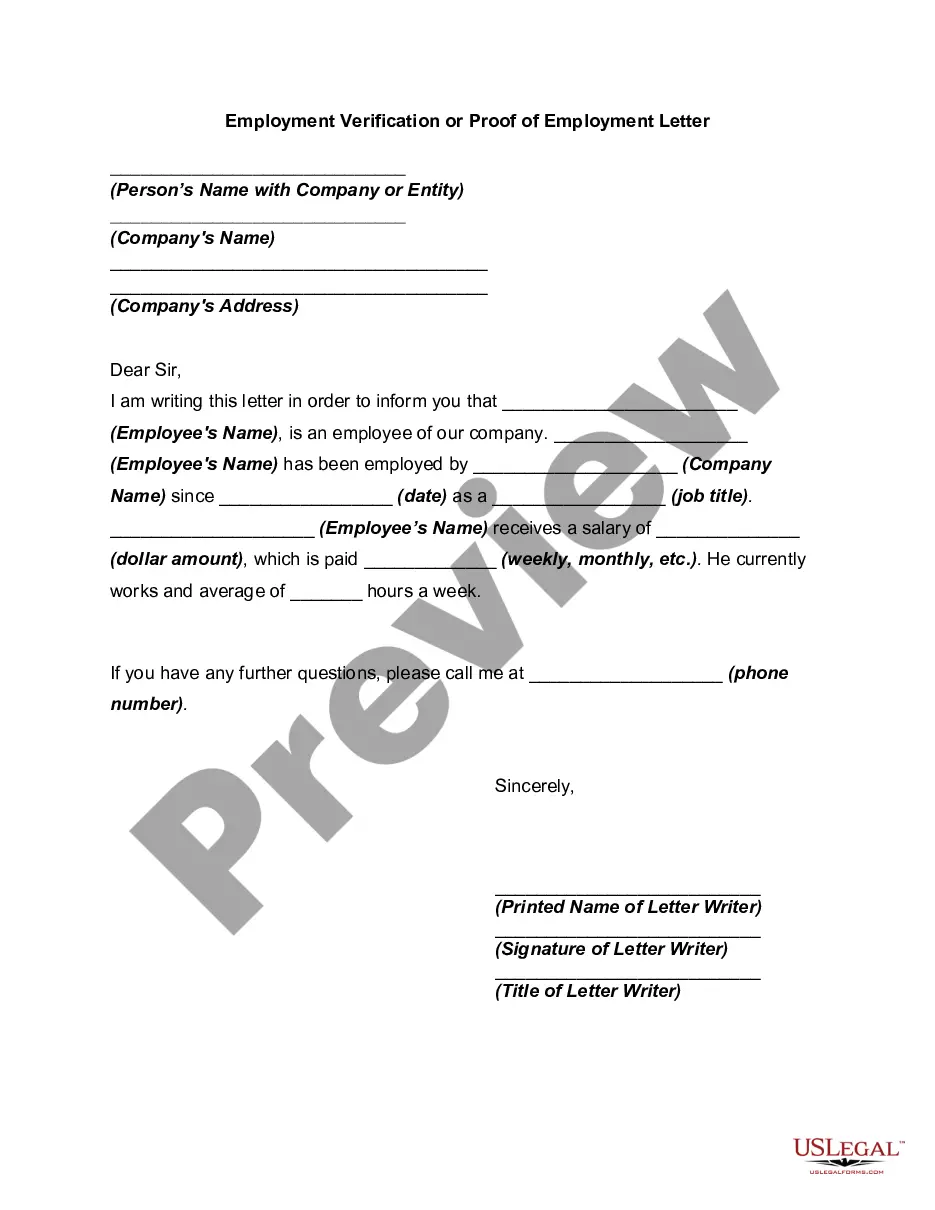
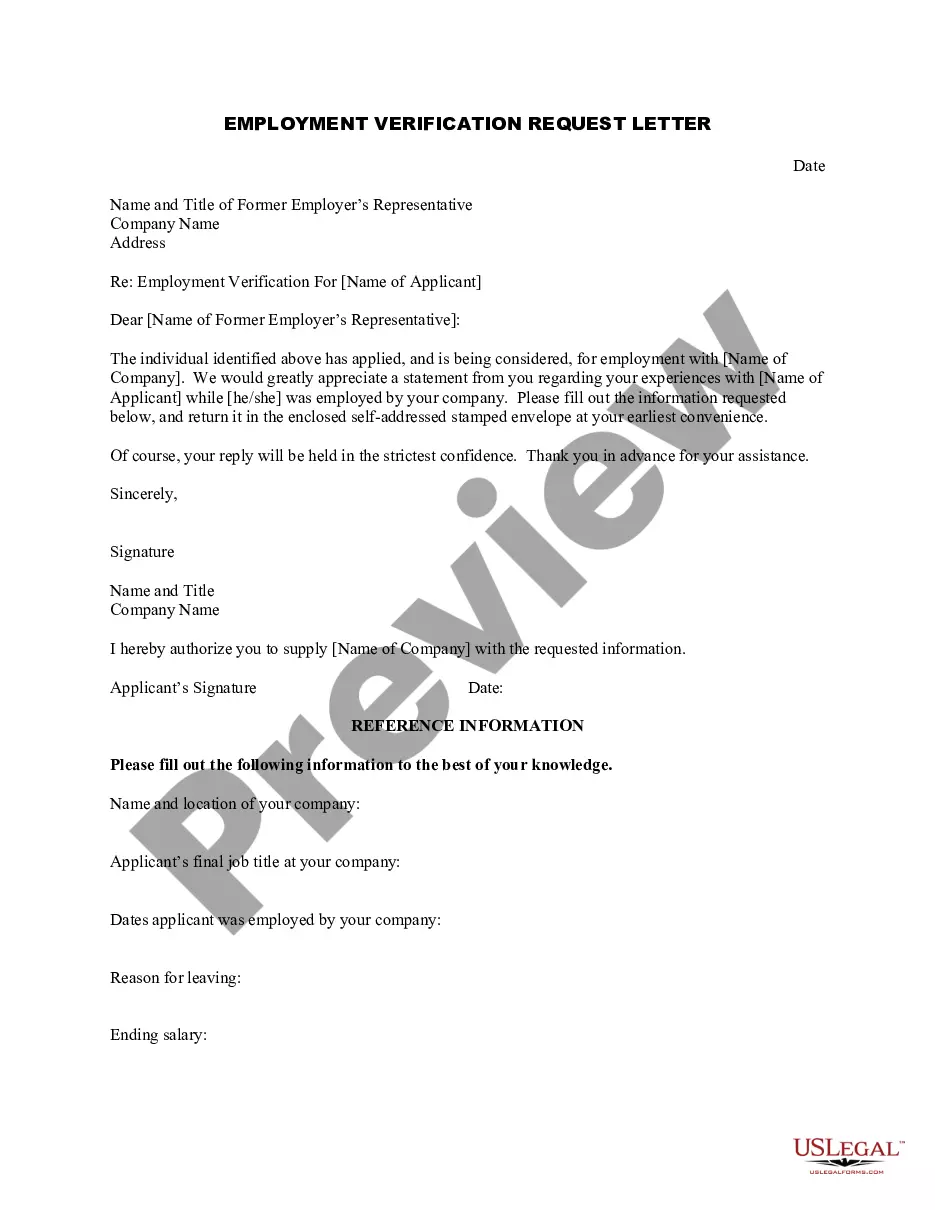
South Carolina Employment Verification Letter
Description
Get your form ready online
Our built-in tools help you complete, sign, share, and store your documents in one place.
Make edits, fill in missing information, and update formatting in US Legal Forms—just like you would in MS Word.
Download a copy, print it, send it by email, or mail it via USPS—whatever works best for your next step.
Sign and collect signatures with our SignNow integration. Send to multiple recipients, set reminders, and more. Go Premium to unlock E-Sign.
If this form requires notarization, complete it online through a secure video call—no need to meet a notary in person or wait for an appointment.
We protect your documents and personal data by following strict security and privacy standards.

Make edits, fill in missing information, and update formatting in US Legal Forms—just like you would in MS Word.

Download a copy, print it, send it by email, or mail it via USPS—whatever works best for your next step.

Sign and collect signatures with our SignNow integration. Send to multiple recipients, set reminders, and more. Go Premium to unlock E-Sign.

If this form requires notarization, complete it online through a secure video call—no need to meet a notary in person or wait for an appointment.

We protect your documents and personal data by following strict security and privacy standards.
Looking for another form?
How to fill out Employment Verification Letter?
Selecting the optimal legal document format can be challenging. Obviously, there are numerous templates accessible online, but how do you acquire the legal form you require? Utilize the US Legal Forms website. This service offers thousands of templates, such as the South Carolina Employment Verification Letter, suitable for both business and personal needs. All forms are reviewed by experts and comply with federal and state regulations.
If you are already registered, Log In to your account and click the Obtain button to retrieve the South Carolina Employment Verification Letter. Use your account to explore the legal forms you have purchased previously. Navigate to the My documents tab of your account to acquire another copy of the document you need.
If you are a new user of US Legal Forms, here are simple steps you can follow.
Select the document format and download the legal document format to your device. Complete, modify, print, and sign the acquired South Carolina Employment Verification Letter. US Legal Forms is the largest repository of legal forms where you can find a variety of document templates. Take advantage of the service to download professionally crafted documents that adhere to state regulations.
- First, confirm you have selected the correct form for your region/county.
- You can preview the form using the Review button and read the form description to ensure it is the right one for you.
- If the form does not meet your requirements, use the Search field to find the appropriate form.
- Once you are confident that the form is correct, click the Get now button to obtain the form.
- Choose the pricing plan you prefer and enter the necessary details.
- Create your account and pay for the transaction using your PayPal account or Visa or Mastercard.
Form popularity
FAQ
Conducting an official self-verification is not possible, as it requires employer input. Instead, you can request a South Carolina Employment Verification Letter from your employer, which confirms your employment status. This letter can then be used for job applications, loans, or any other situation needing proof of employment.
To obtain an employment verification letter, you should ask your current or former employer directly. Make your request clear, specifying that you need a South Carolina Employment Verification Letter. If your employer uses a platform like uslegalforms, they can quickly generate the proper documentation for you.
You cannot officially verify your employment on your own; this must be done by your employer or a designated third-party service. If you are looking for proof, your employer can provide an official South Carolina Employment Verification Letter, which carries more credibility and acceptance for various situations.
An employment verification letter serves as official proof of employment, detailing your job title, dates of employment, and salary. In contrast, a confirmation letter typically acknowledges receipt of specific information, but it does not verify employment details. When you need a formal statement, a South Carolina Employment Verification Letter is your best option.
While you can draft your own proof of employment, it may not be sufficient for all situations. Letters need to be official to meet certain requirements. Consider requesting a South Carolina Employment Verification Letter from your employer for an accurate and accepted document.
You cannot perform E-Verify independently without being an employer or a designated agent. However, you can request your employer to utilize the system for your employment verification. If you need a South Carolina Employment Verification Letter, your employer can provide it through E-Verify, ensuring an official record of your employment status.
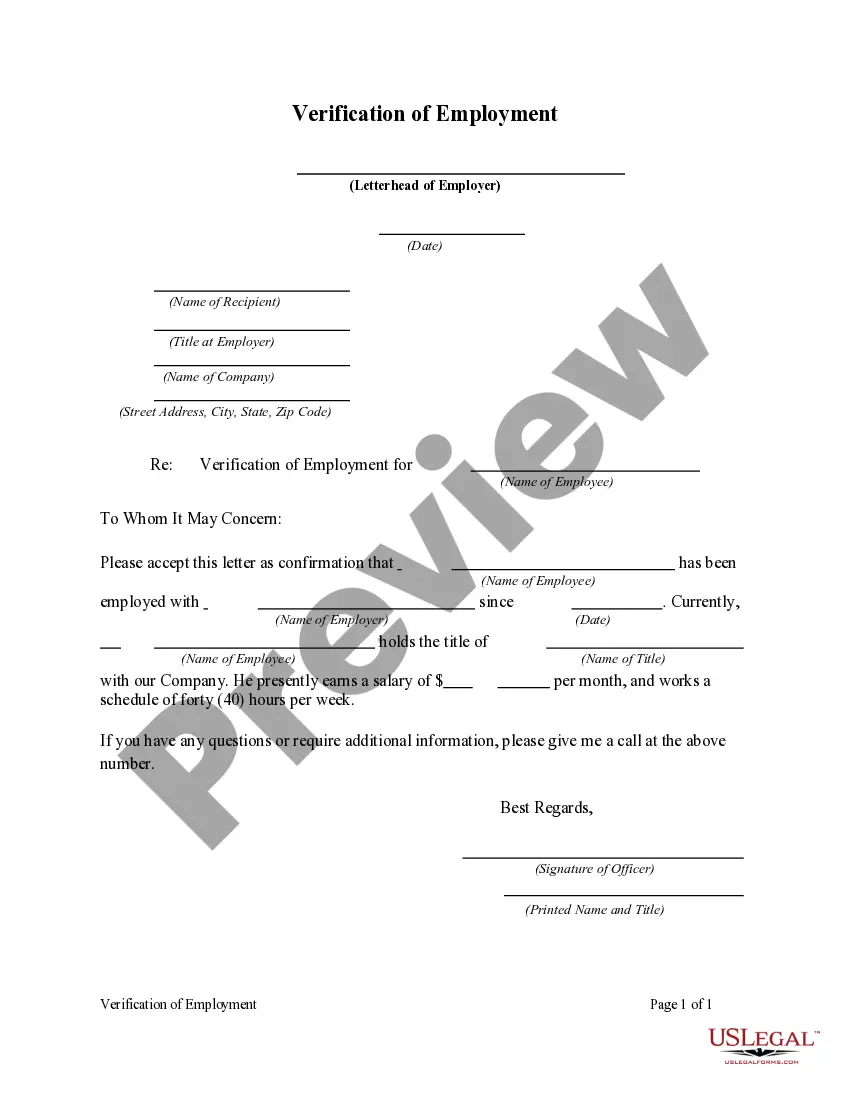
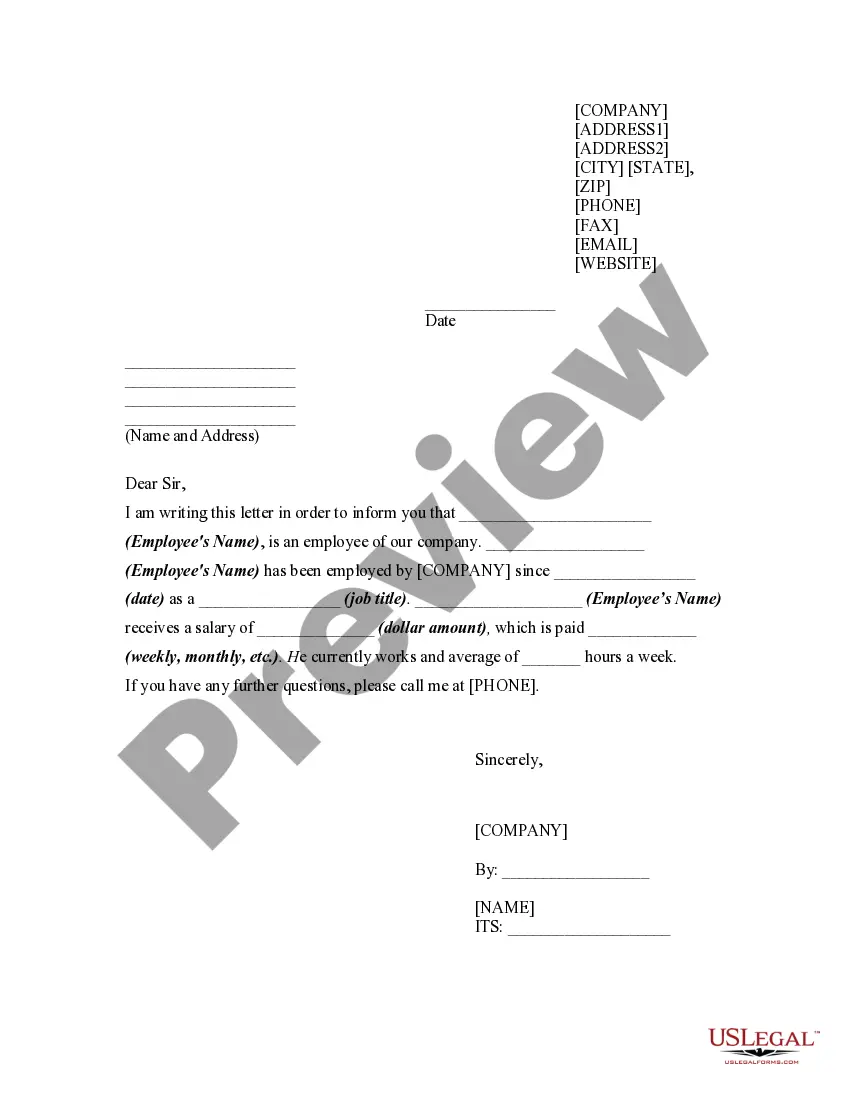
Filling out an employment verification letter involves entering the necessary information in a structured format. Start with your company's information, followed by the date and recipient's details. Provide the employee’s name, position, employment dates, and sign off appropriately. For assistance, consider using the South Carolina Employment Verification Letter template offered by uslegalforms to ensure accuracy and professionalism.
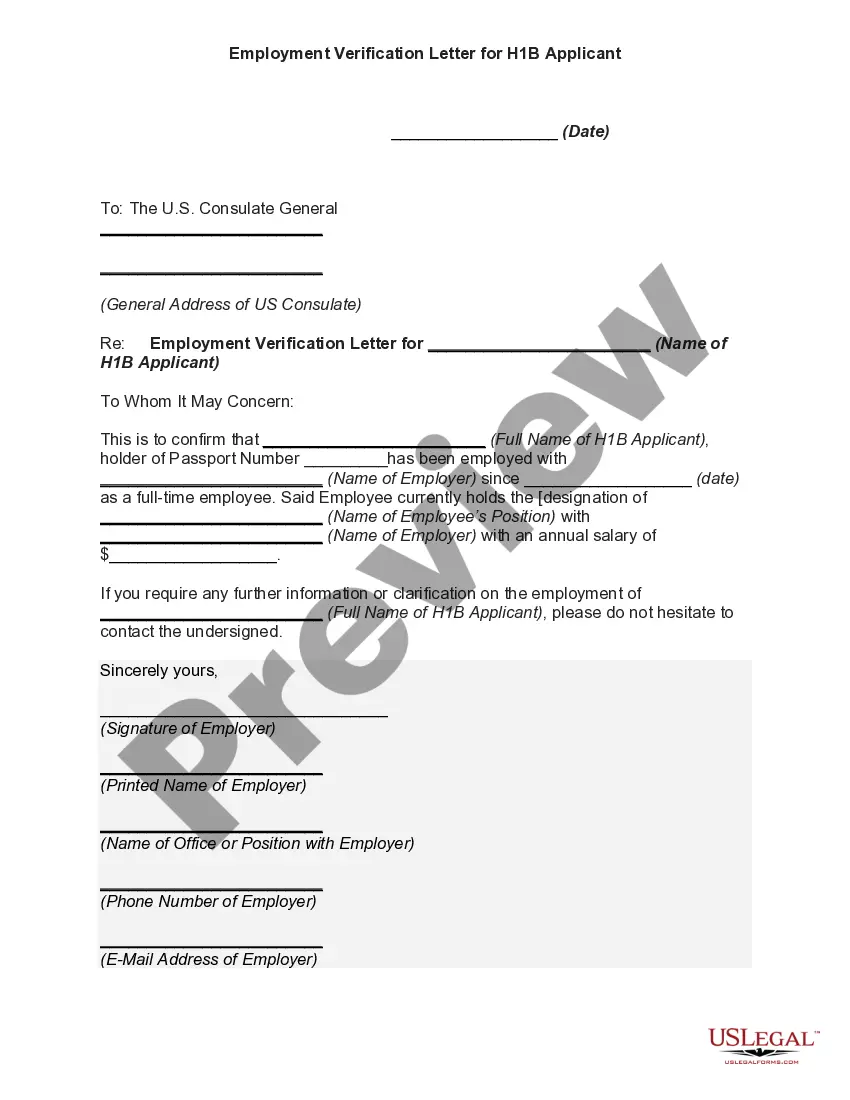
When responding to an employment verification request, maintain a professional tone and ensure you provide accurate information. Include the employee's name, their position, and the duration of their employment. It’s beneficial to refer to the South Carolina Employment Verification Letter to guide your response and ensure you meet all requirements.
To write a verification of employment letter, start with a professional format that includes your company's letterhead, the date, and the recipient's information. Clearly outline the employee's name, position, employment dates, and any relevant details about their job performance if required. Crafting this letter using the South Carolina Employment Verification Letter template from uslegalforms can provide clarity and save you time.
When writing a letter of verification for unemployment, begin by stating your purpose clearly and providing your contact information. Include the employee's name, dates of employment, and reason for termination if appropriate. Utilizing a template for the South Carolina Employment Verification Letter can streamline this process, ensuring all necessary information is captured.